
Field Staff Tracking and Daily Records for Farms and Greenhouses
The land is wide — what got done today, and who worked?
Milking, feed and irrigation happen every day, but the record stays in someone's head, and the seasonal worker's hours go on paper. FinalWork moves both onto the phone — in the evening you can see the whole day from home.
The hard parts of staff and record tracking out on the land
The land is wide, the crew is spread out, and the work ends when the light goes. Most farm owners live with the following — on the right is what each one looks like in FinalWork.
Seasonal and permanent workers' hours go on paper — in the busy season not at all — and pay day turns into an argument.
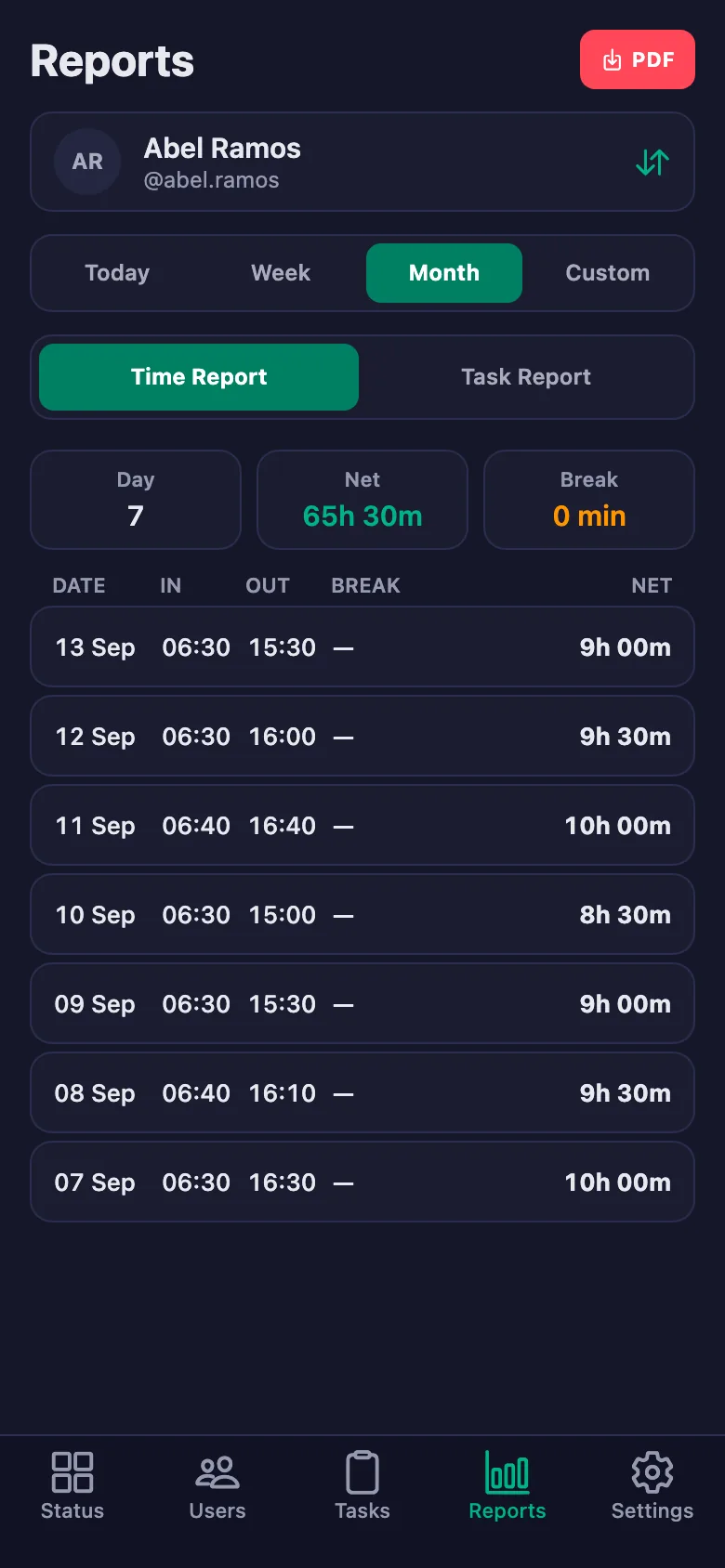
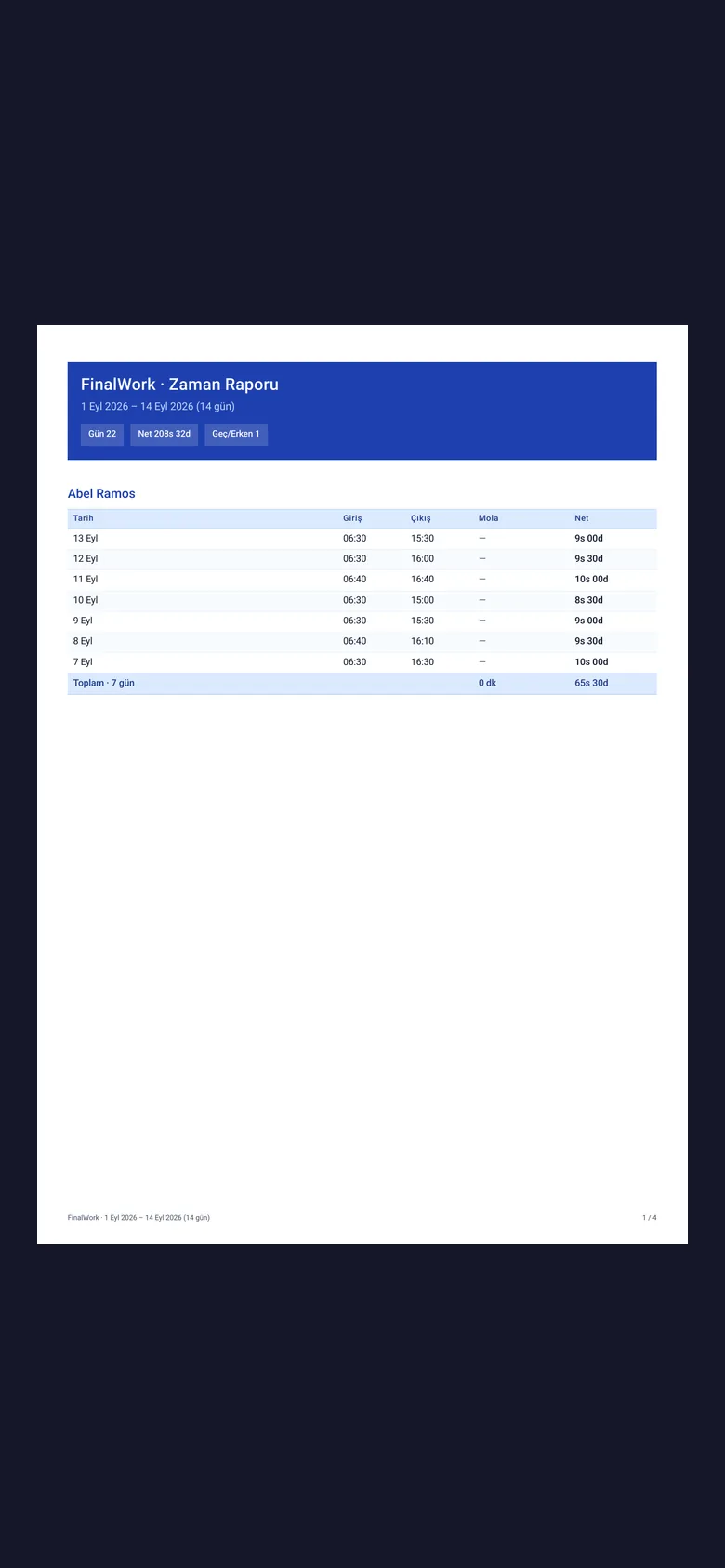
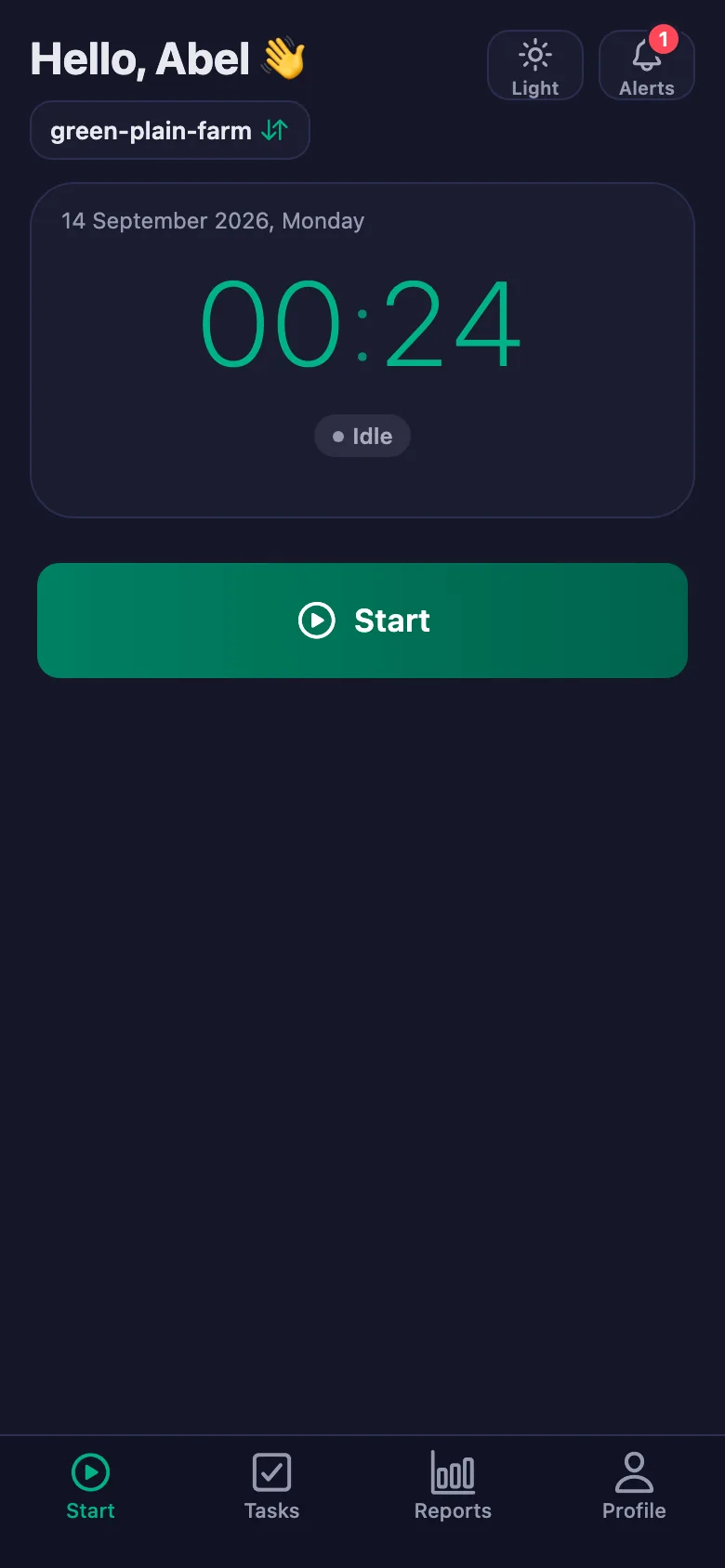
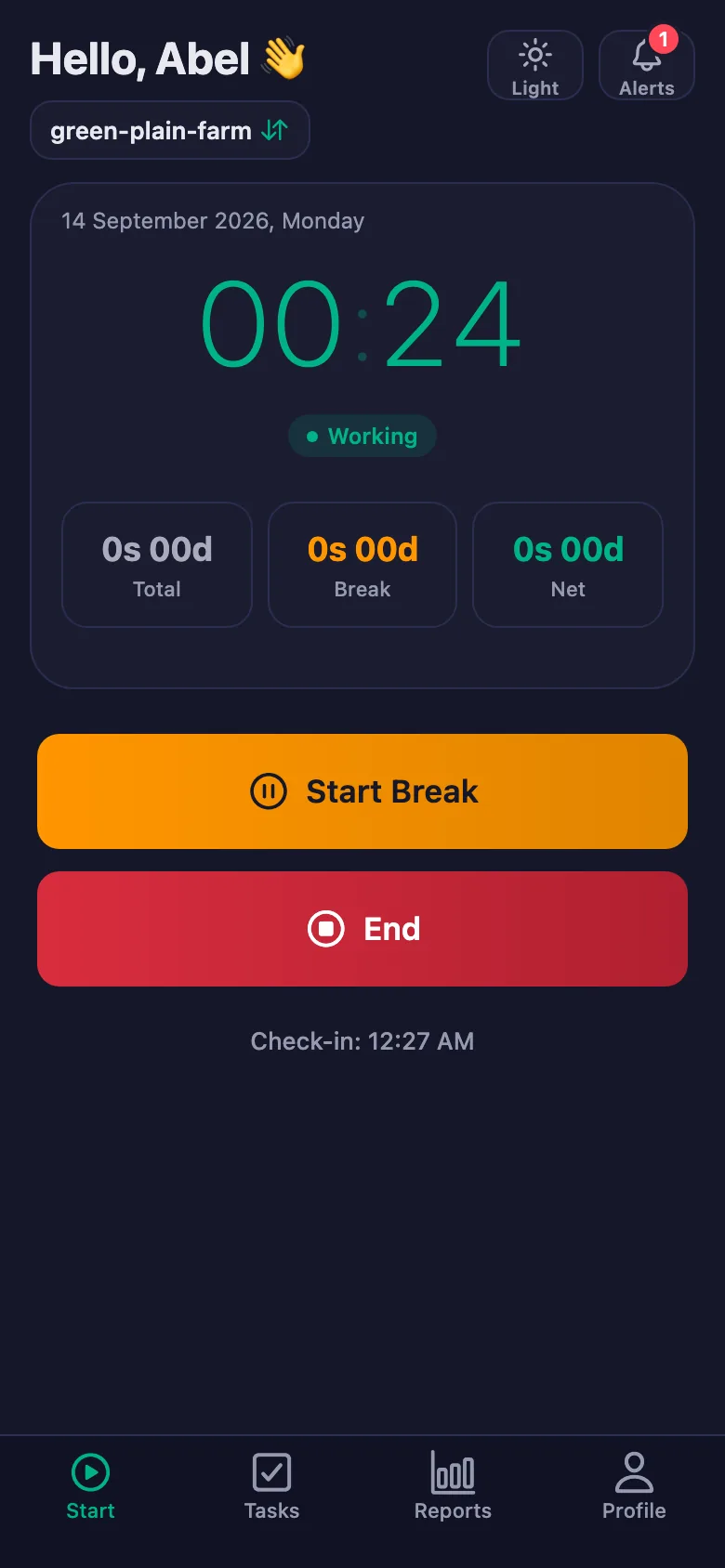
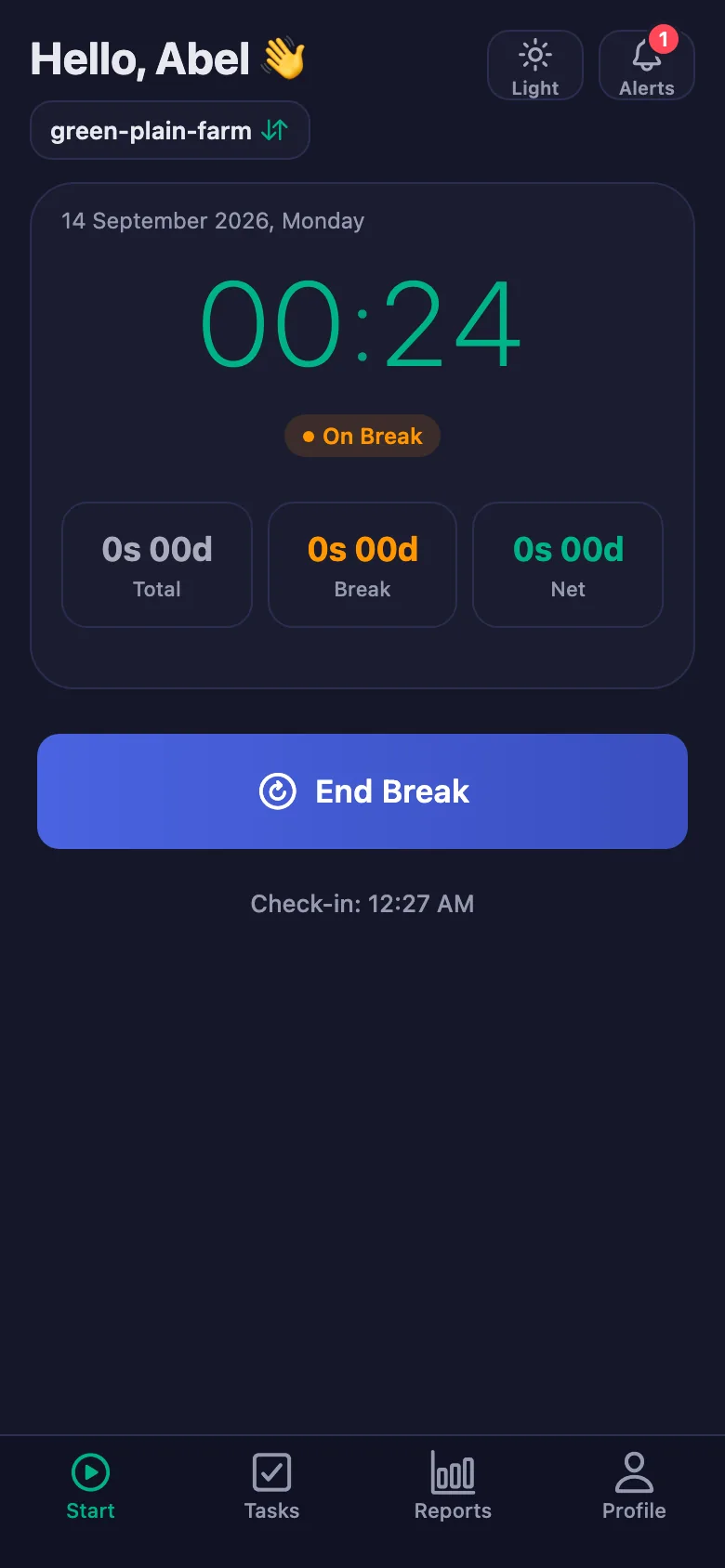
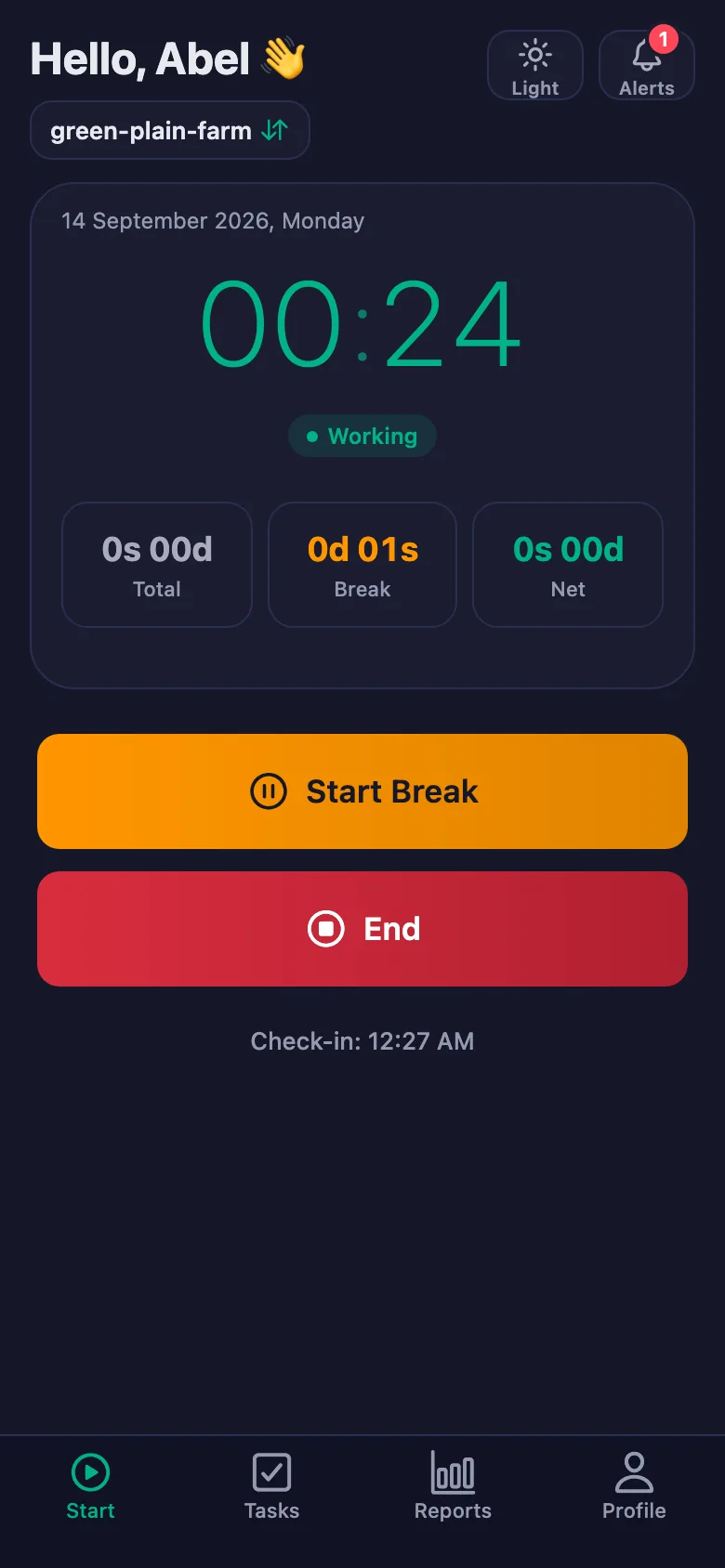
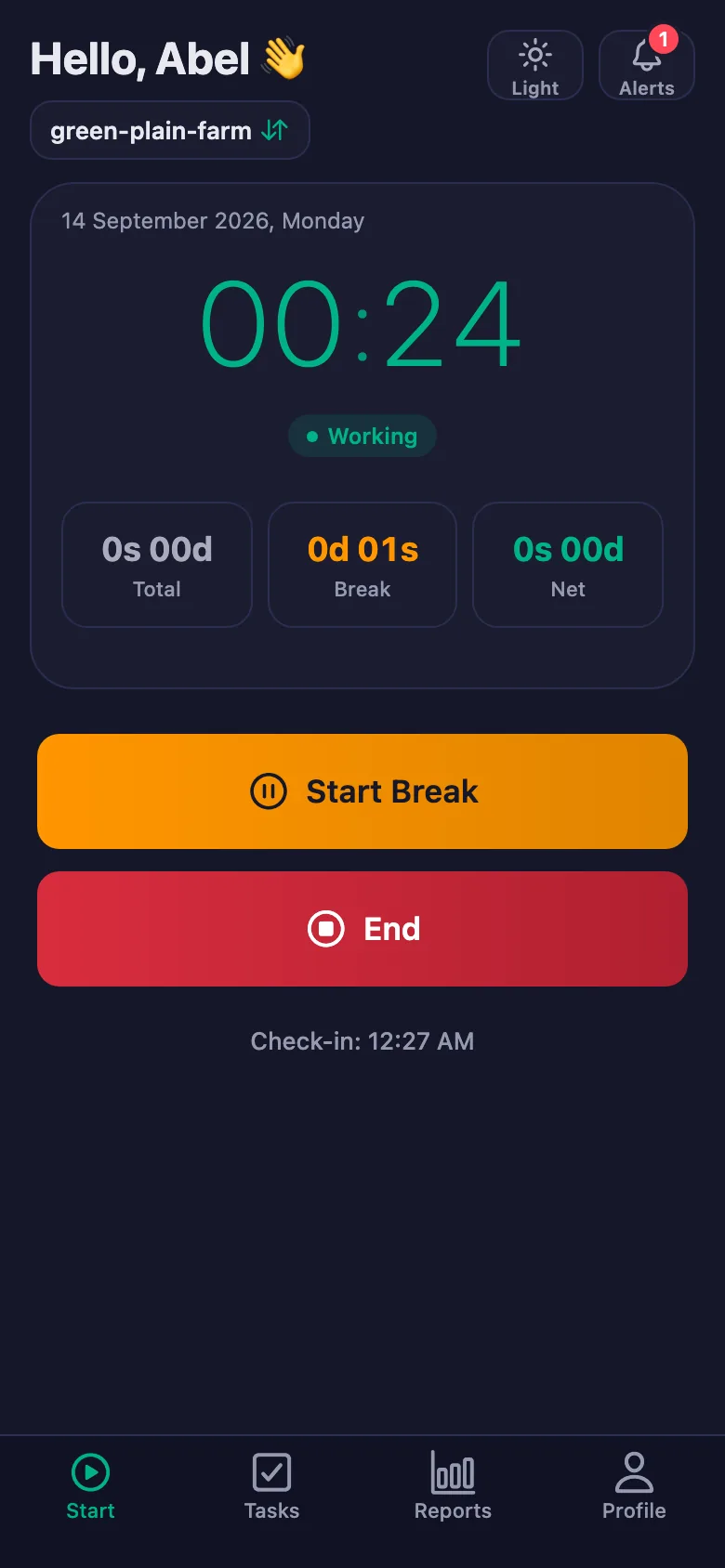
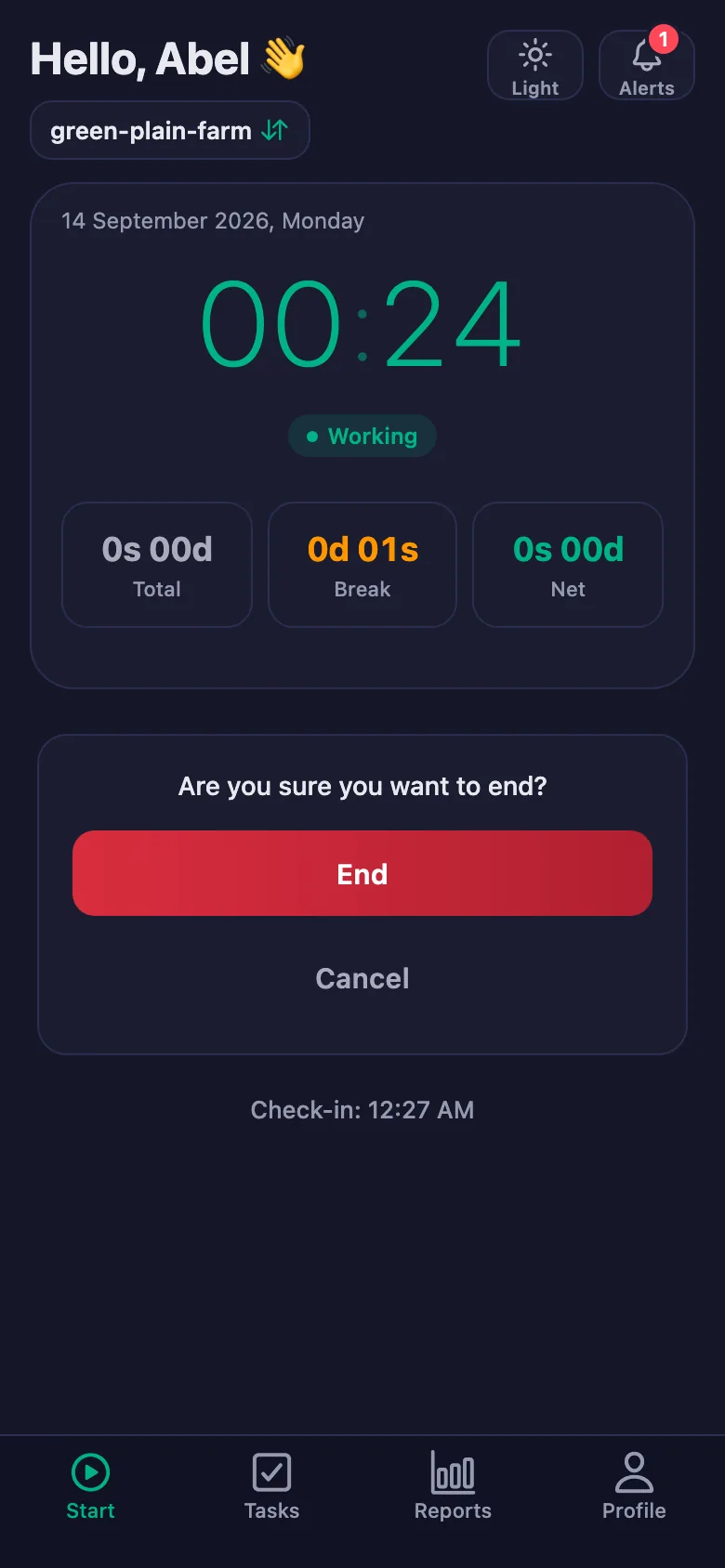
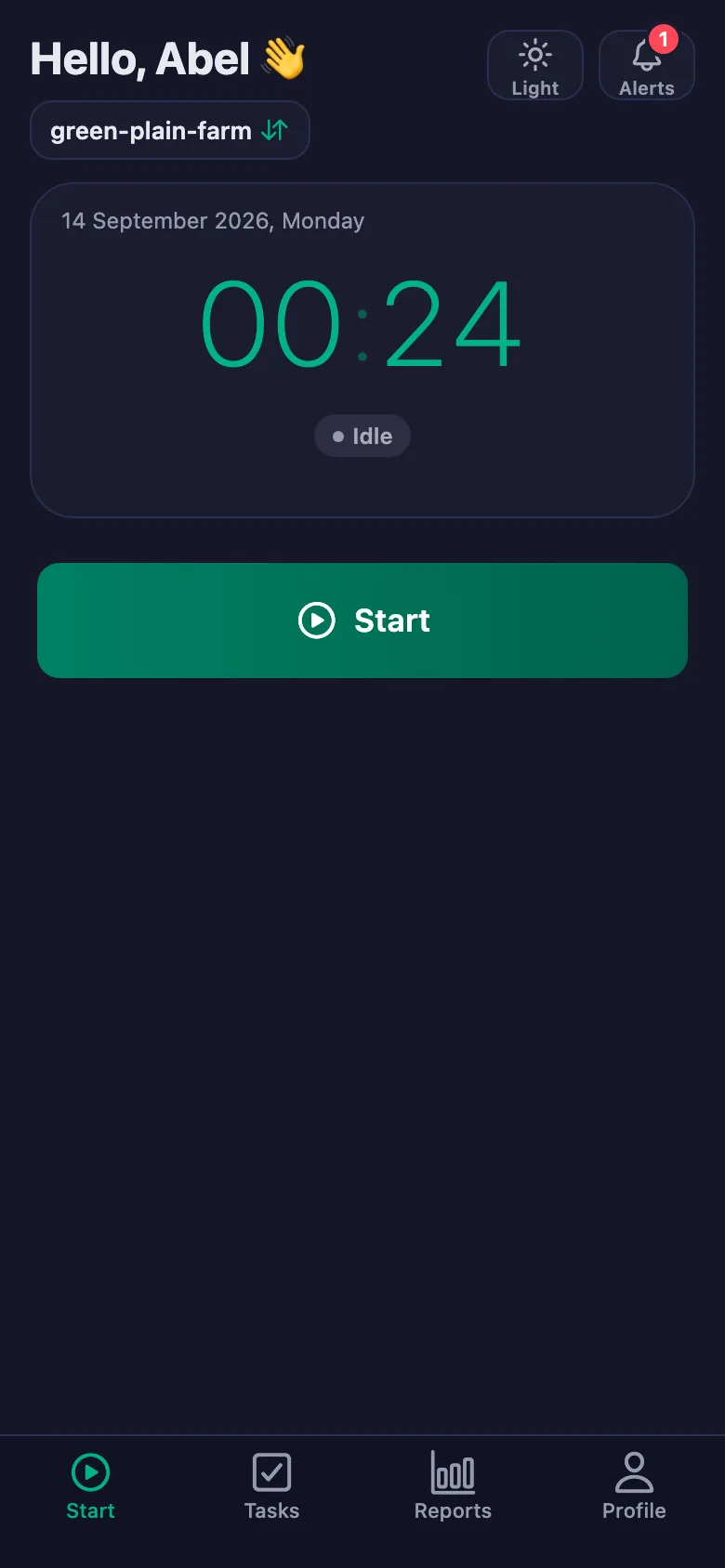
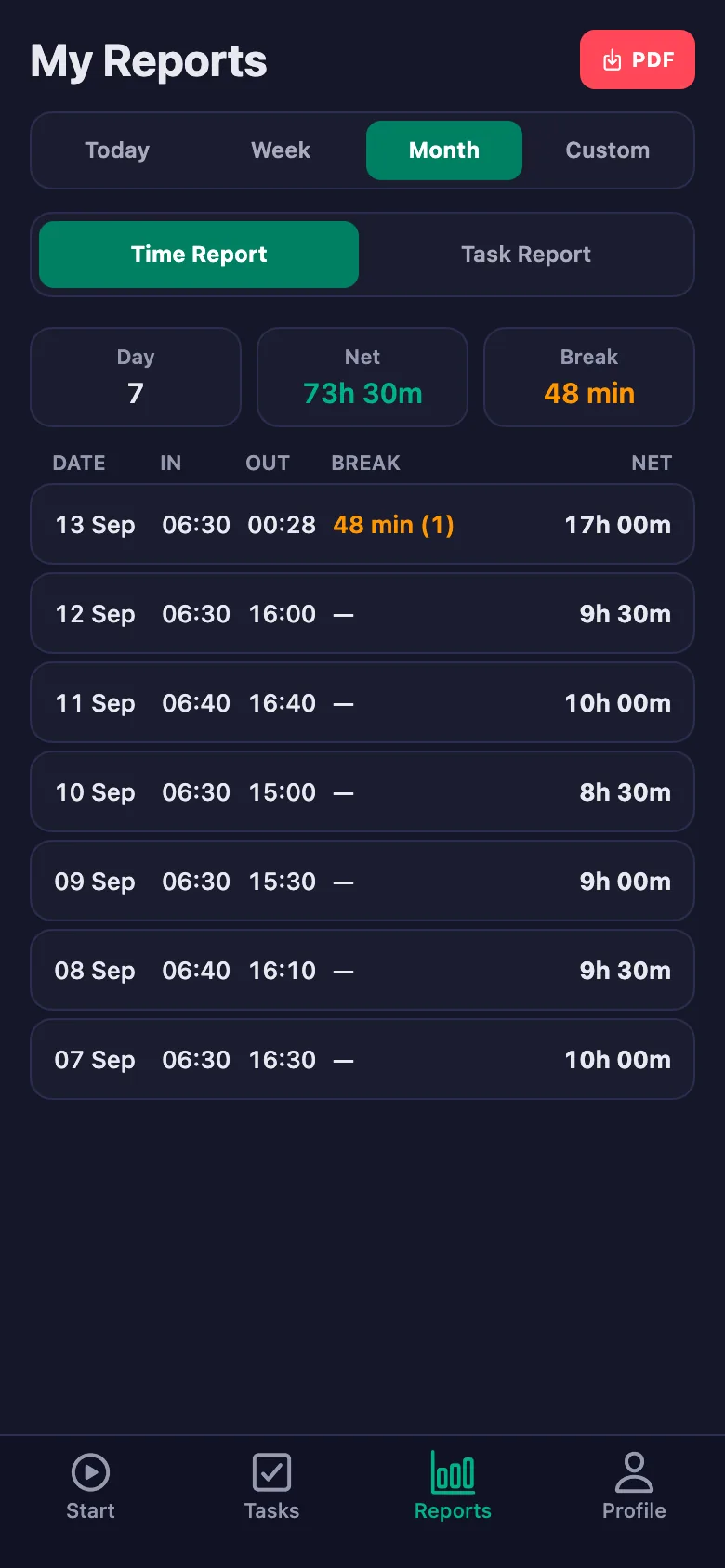
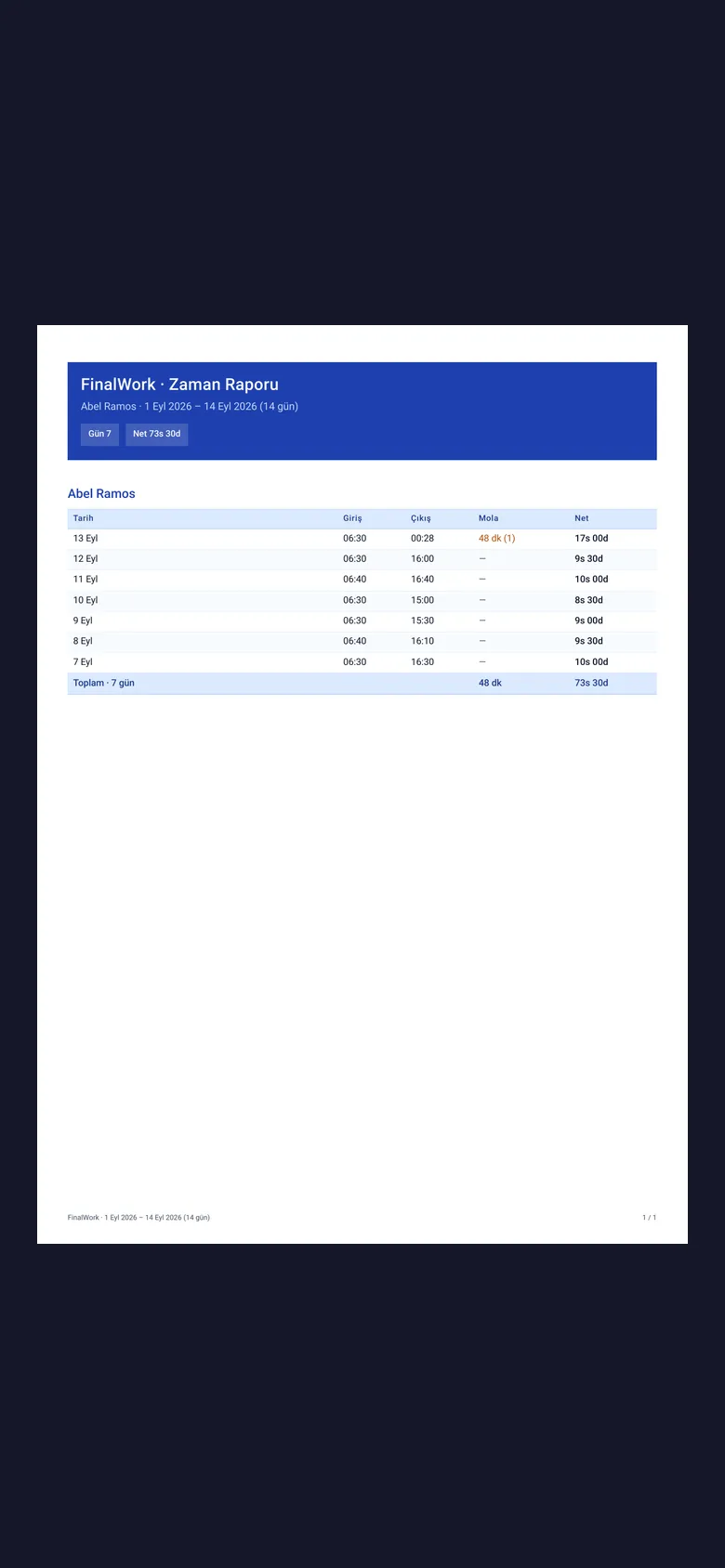
The crew start the timer when they begin and stop it at the end. Start time, breaks and net time appear separately in the report.
The land is wide; finding out who is on which plot, or whether they turned up, means picking up the phone.
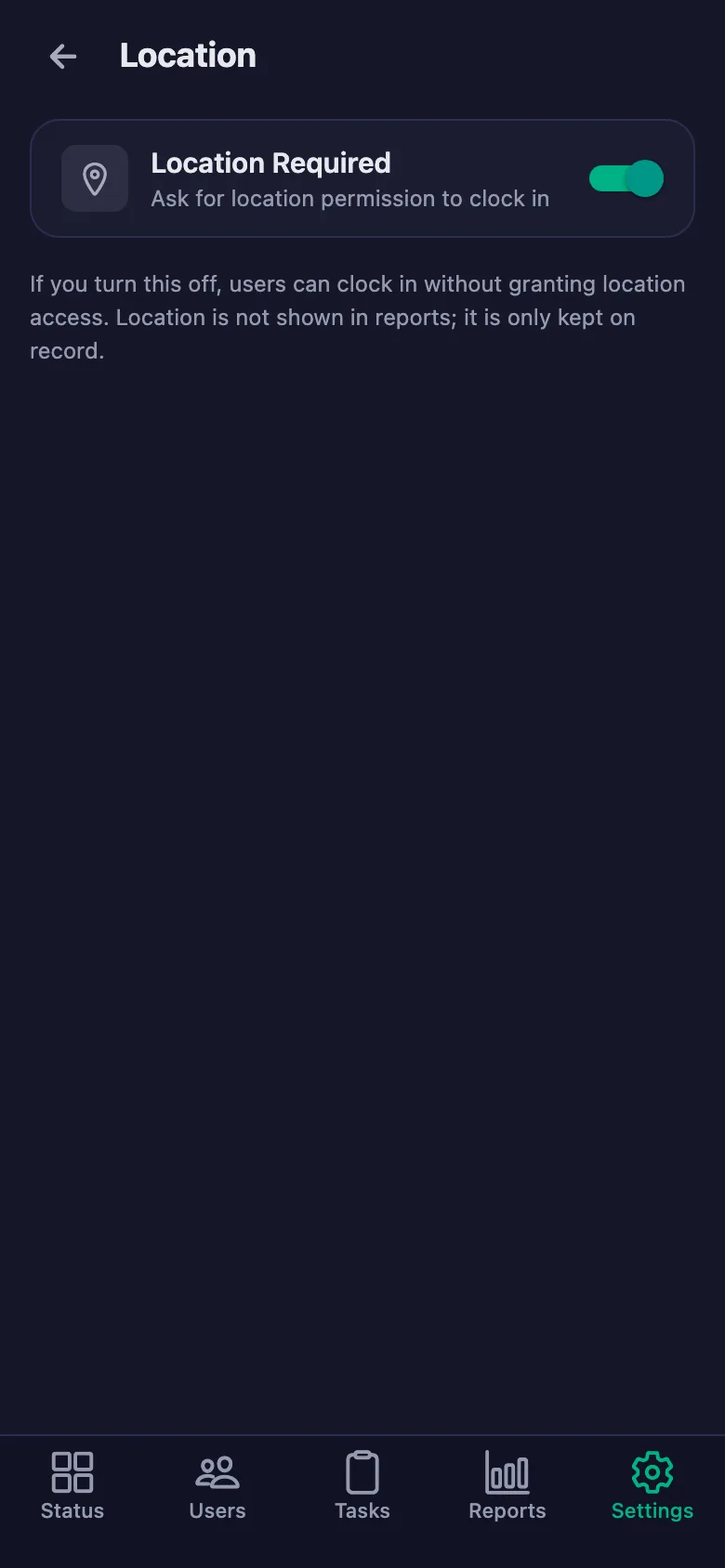
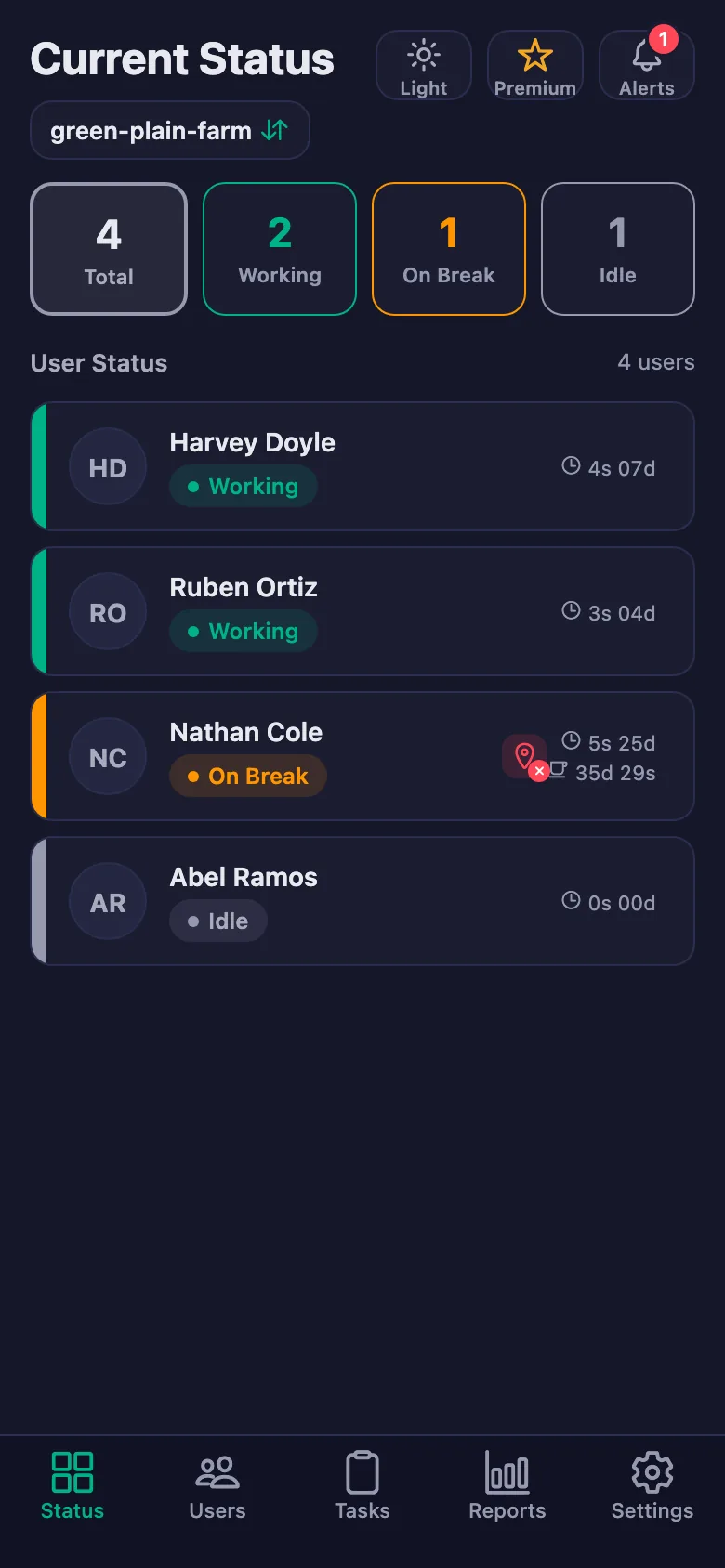
The live status screen shows whose timer is running and who is on a break. With the location rule on, work can only be started on the farm.
Milking, feed, greenhouse temperature and irrigation records stay in someone's head, and days later nobody remembers what was done.
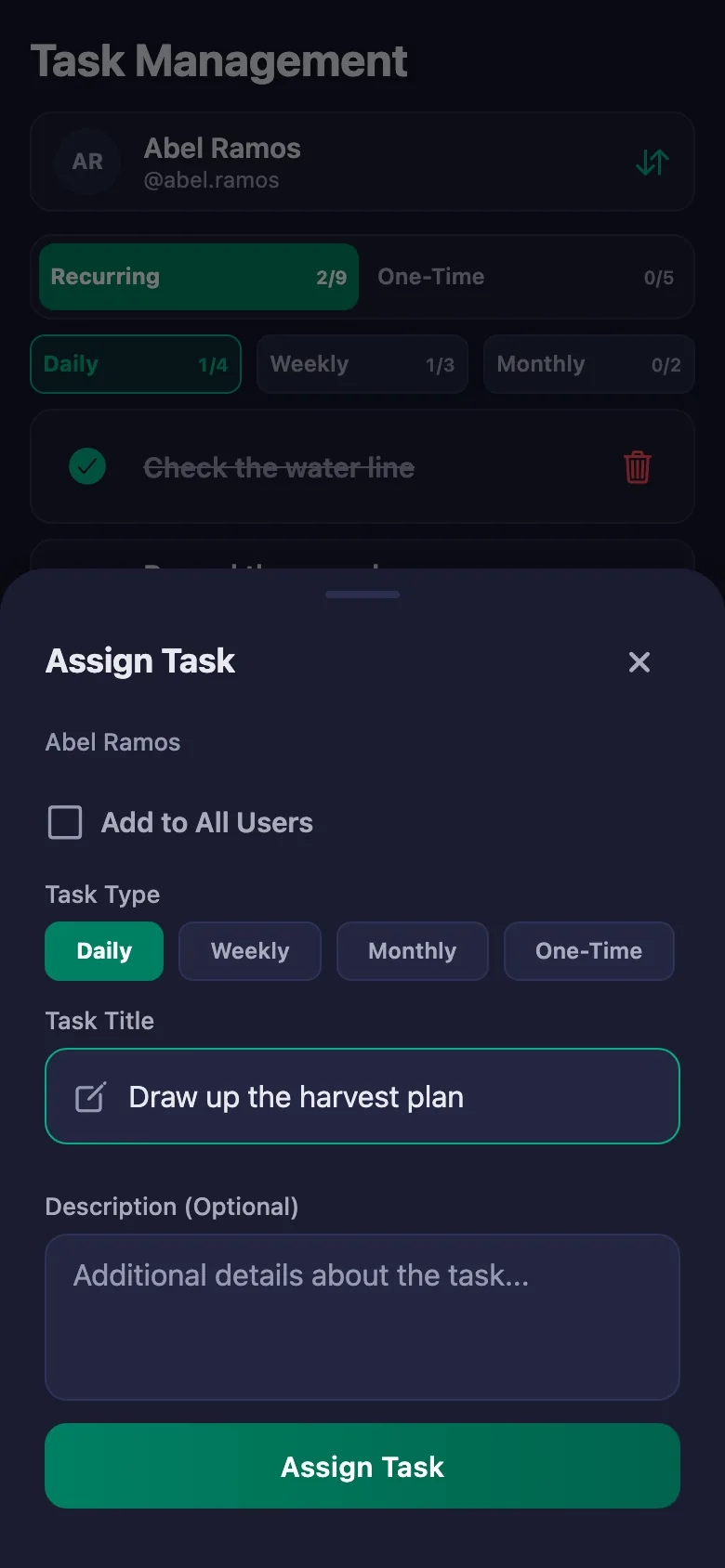
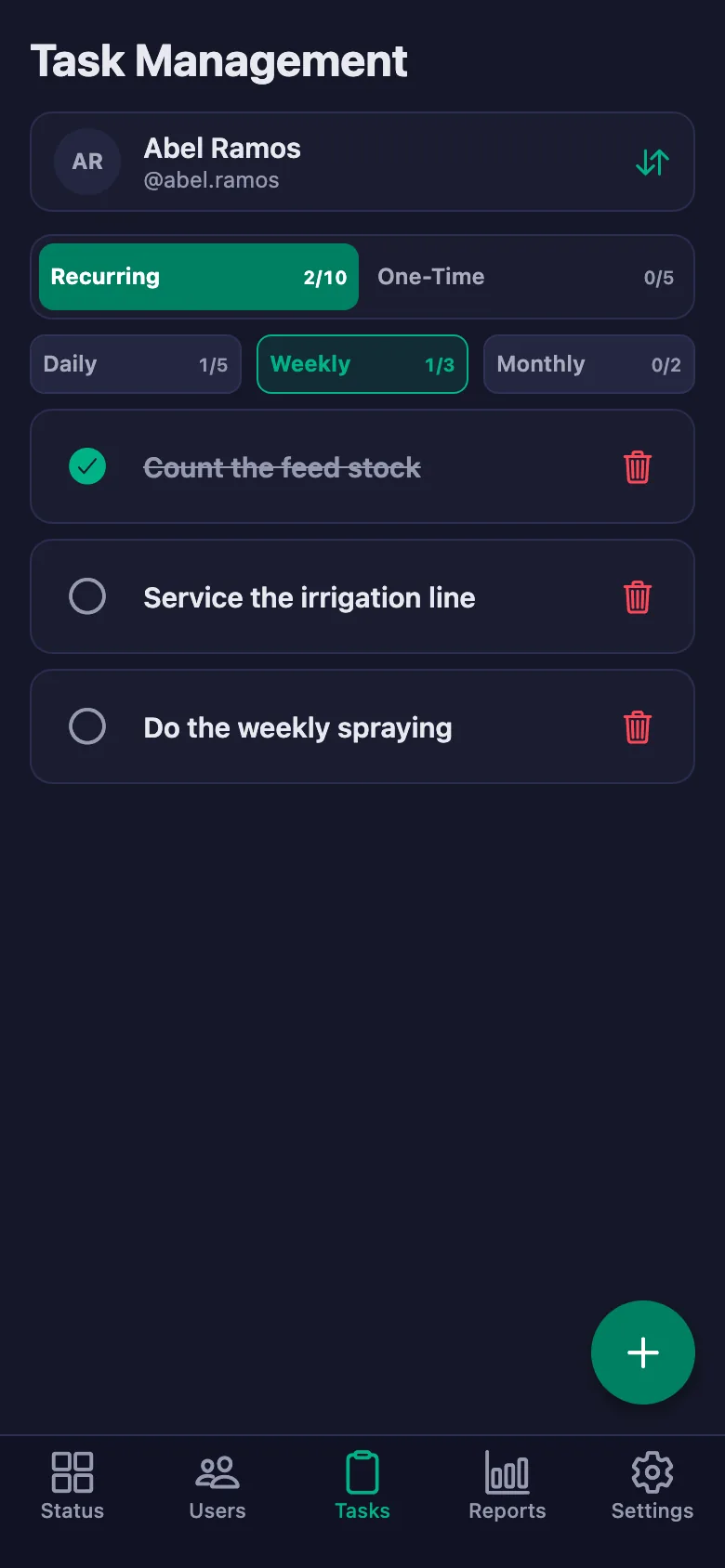
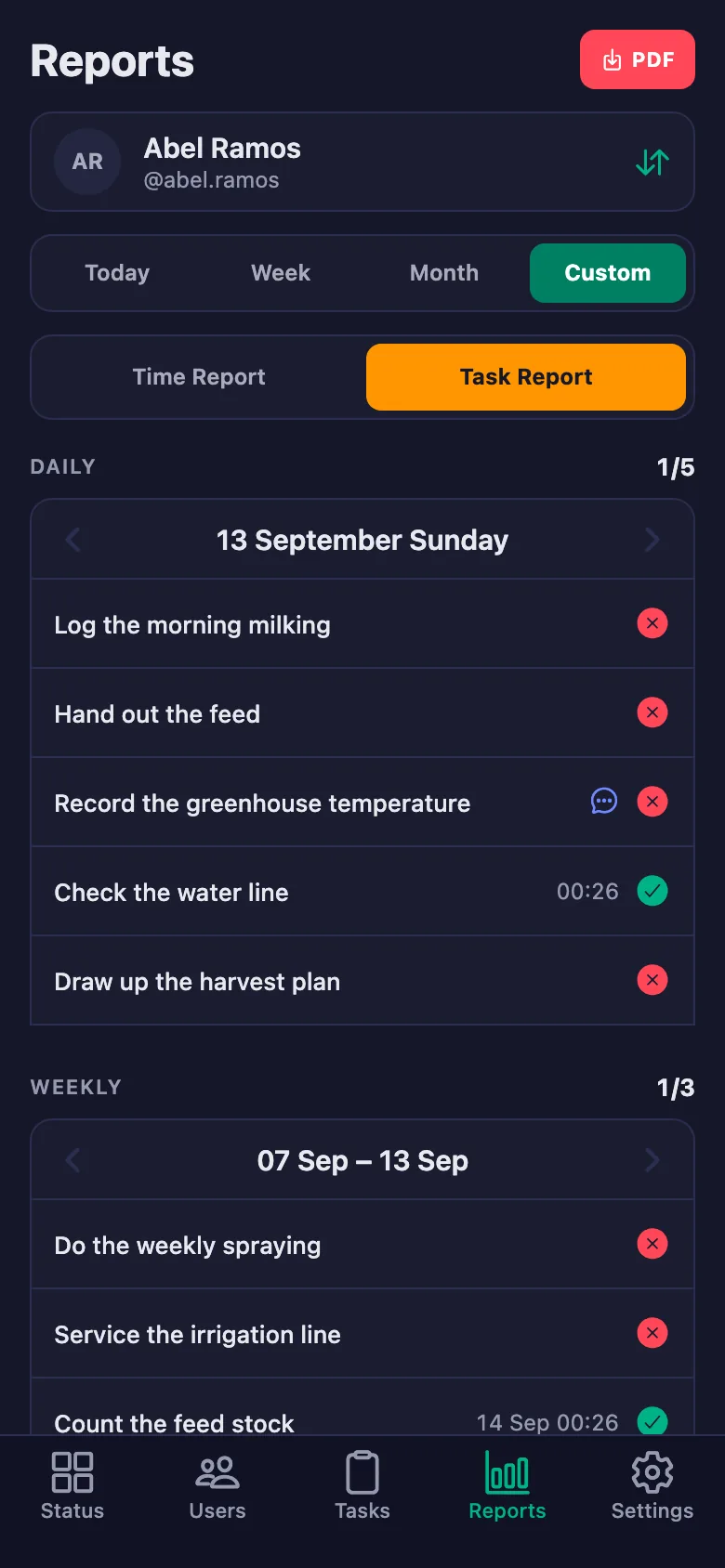
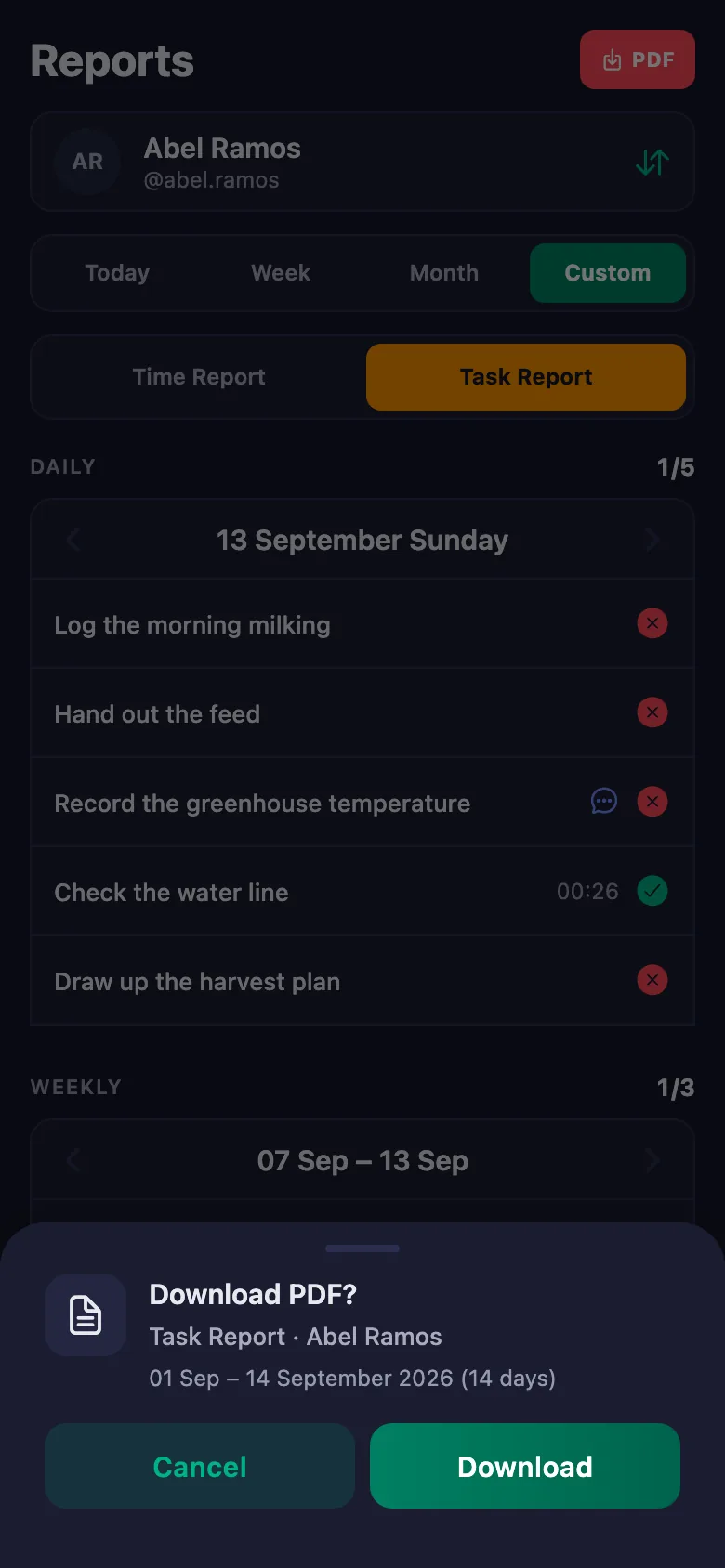
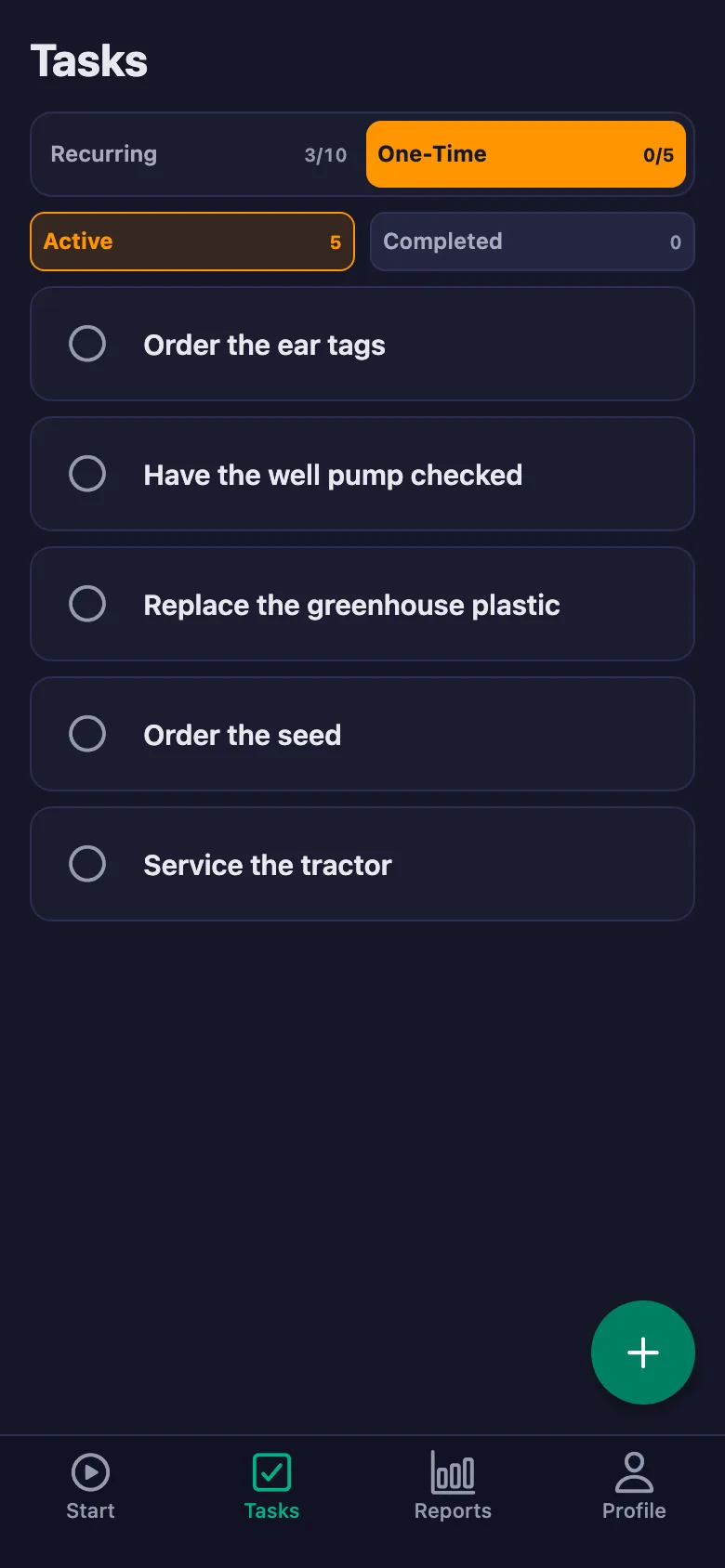
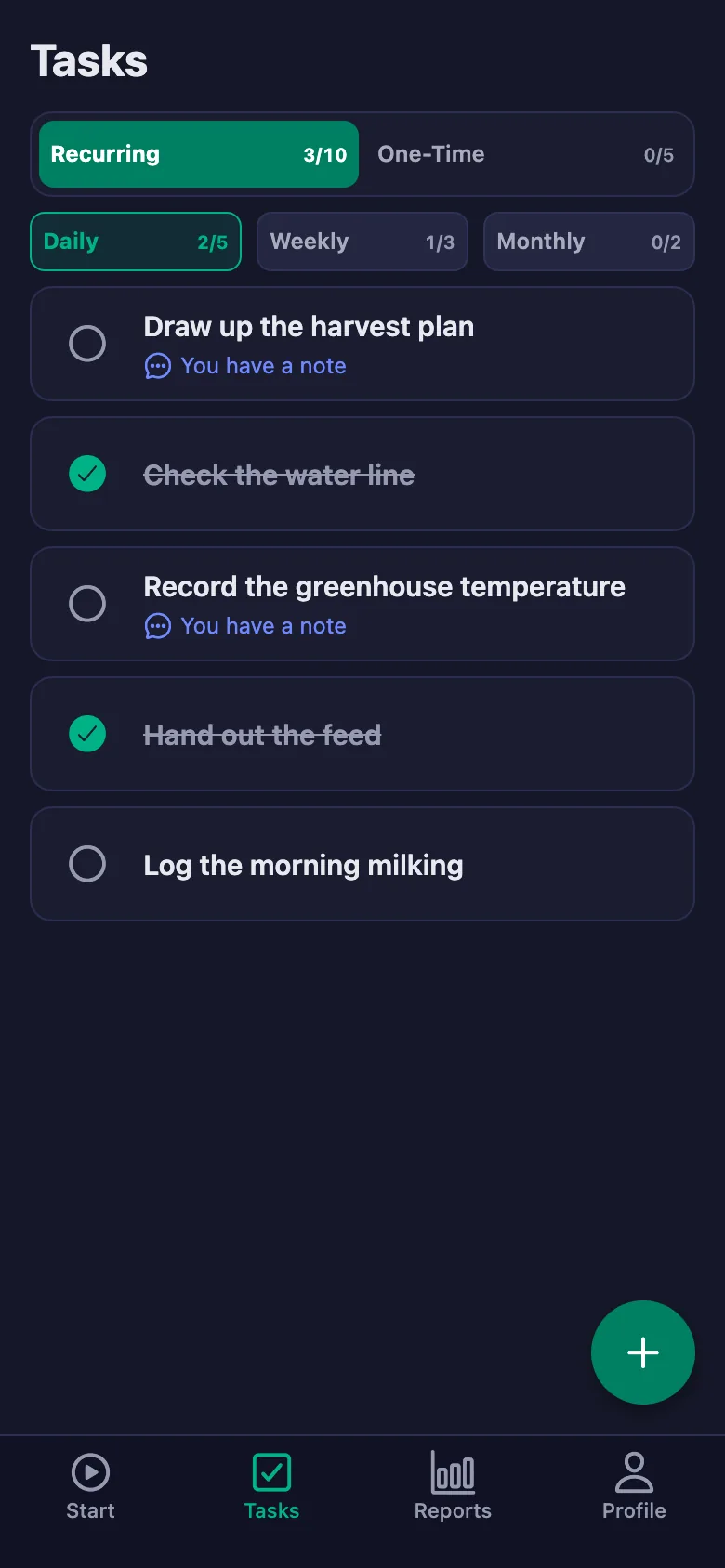
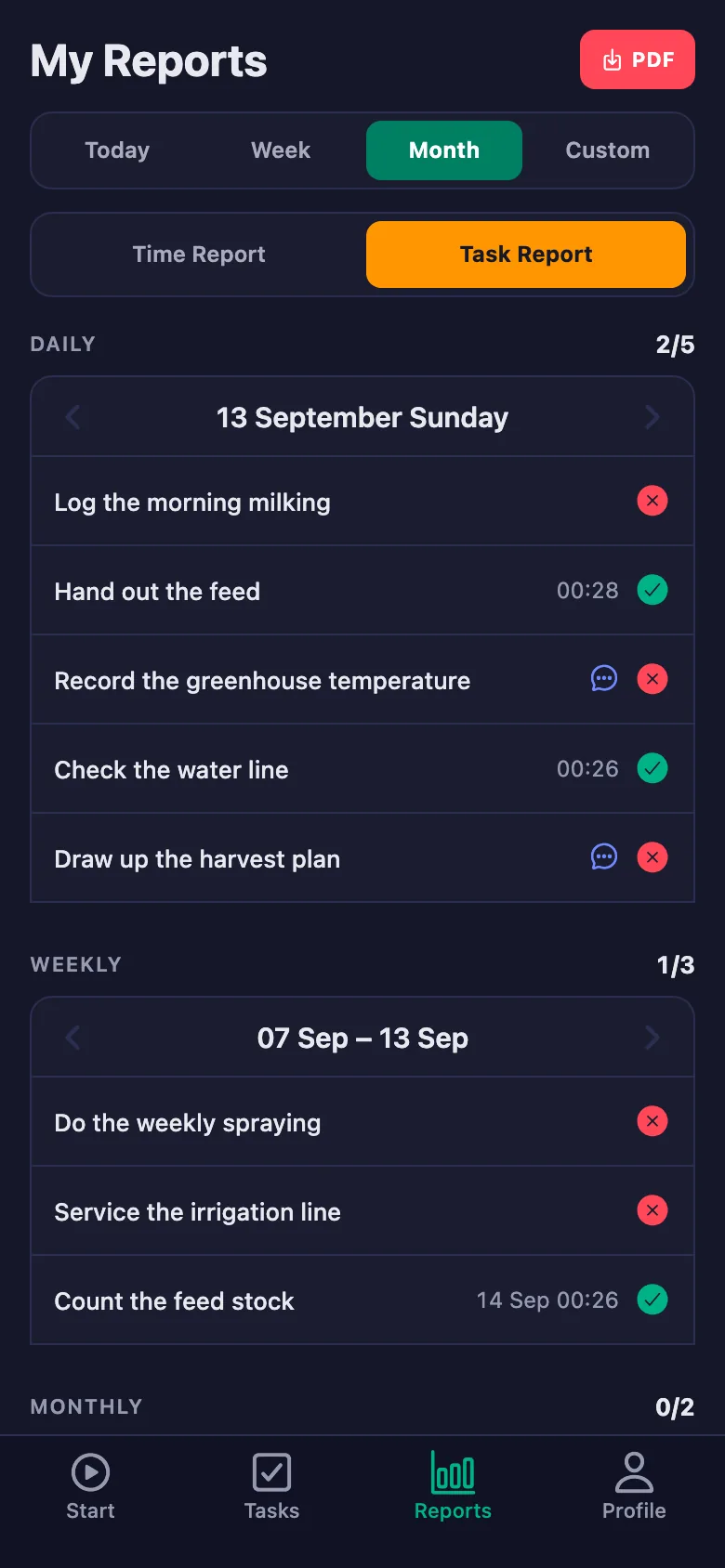
Every record sits there as a daily task; anything unticked stays on screen, and who did it — and when — goes on the record.
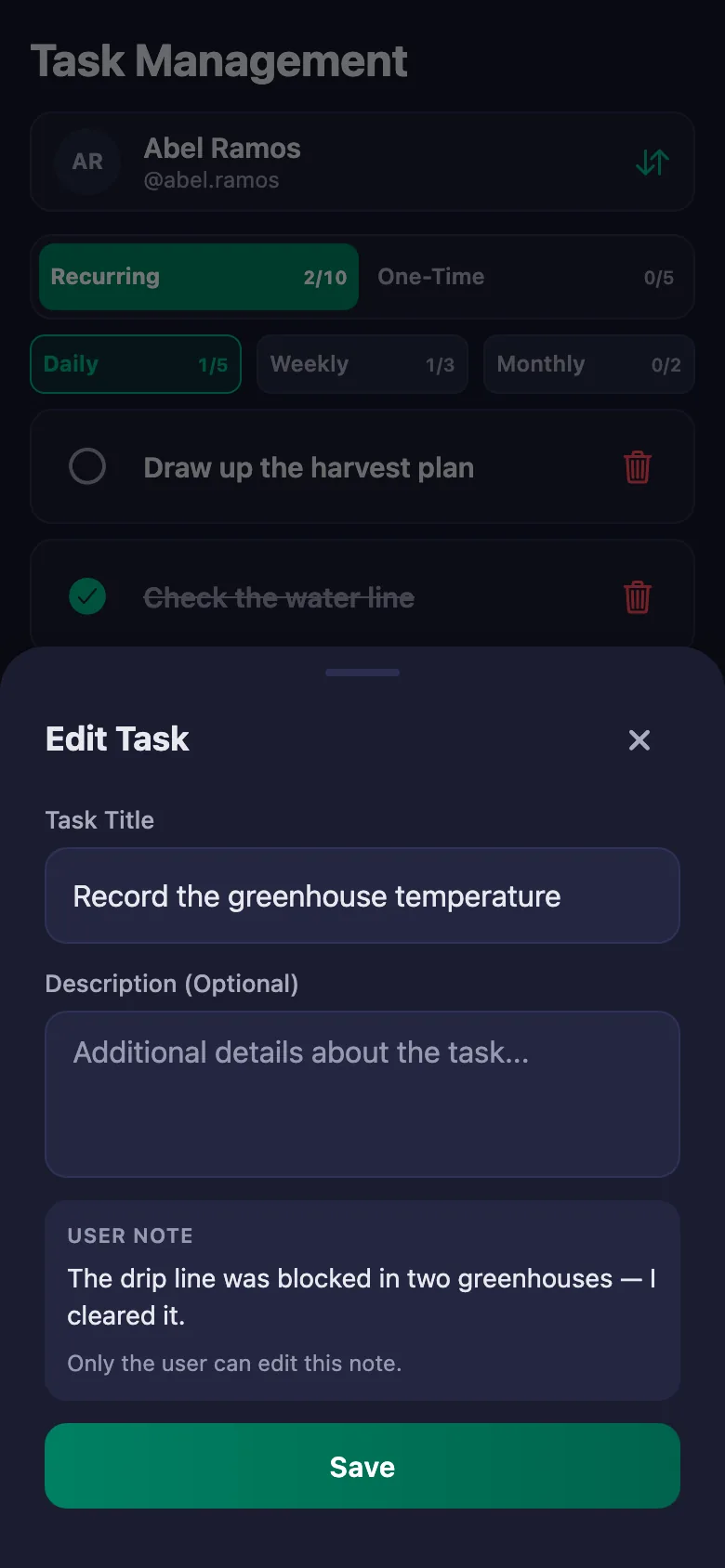
Findings like a blocked drip line or a sick animal get described in the evening and don't survive to the next day.
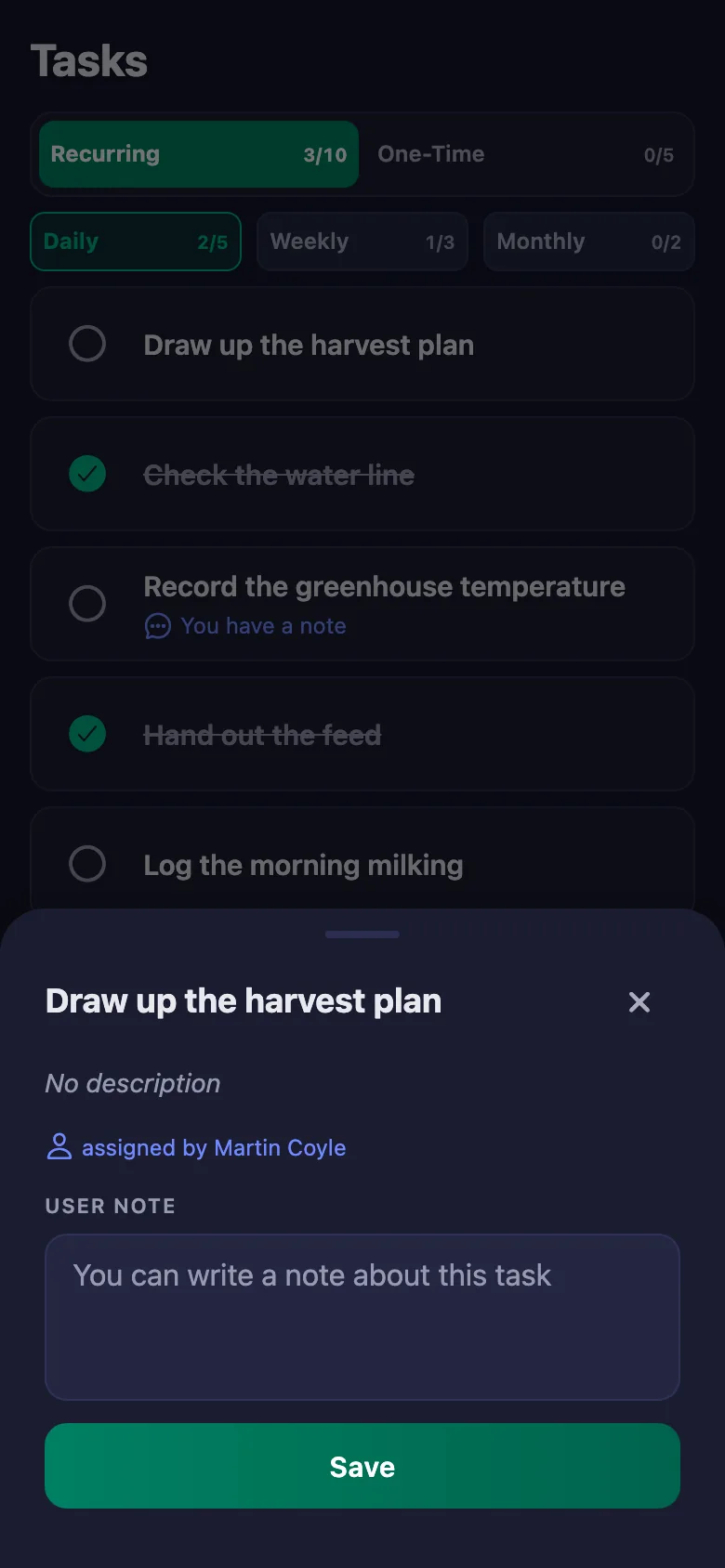
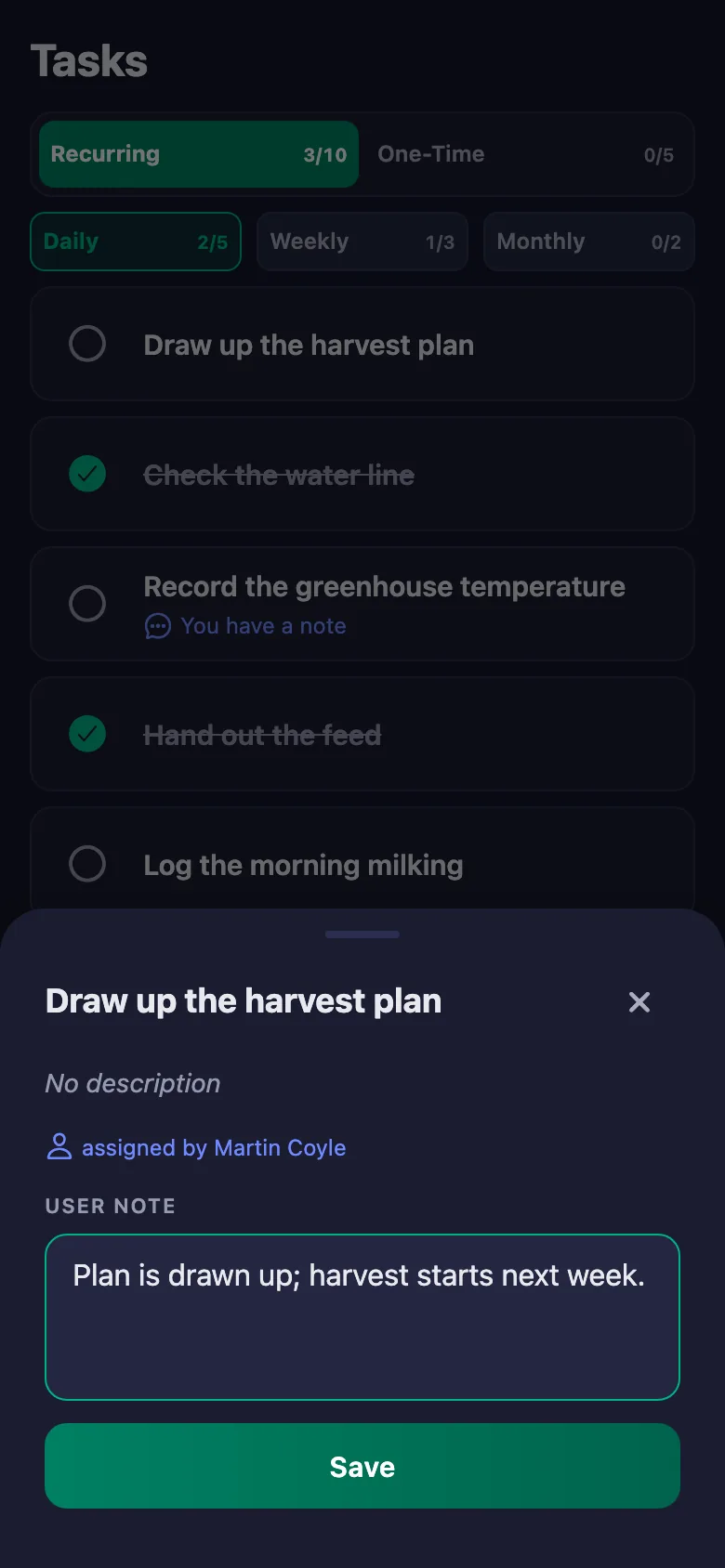
The crew write a note under the task: which greenhouse, what happened. The note sits on your screen, and only the person who wrote it can change it.
Weekly jobs like spraying and irrigation maintenance get skipped when it's busy, and the crop pays for it.
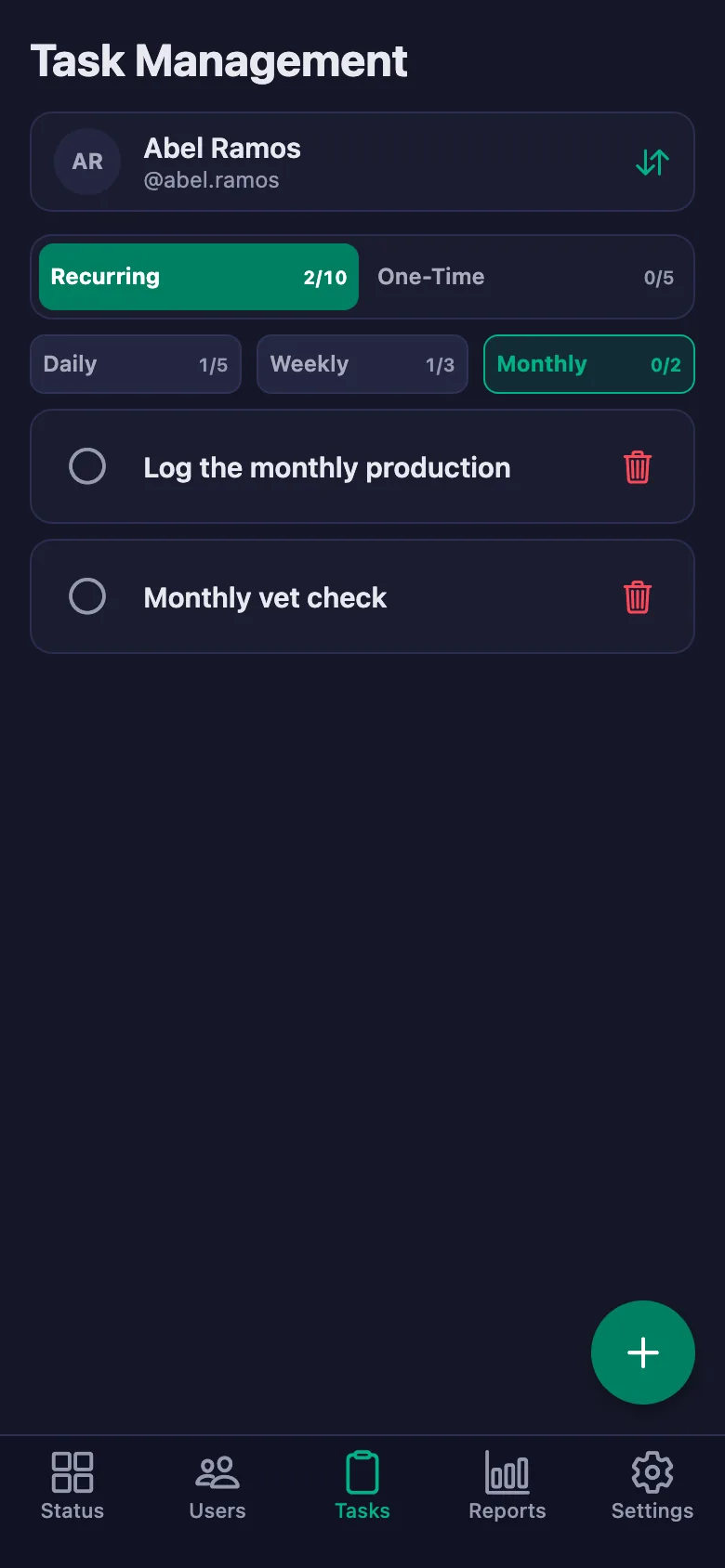
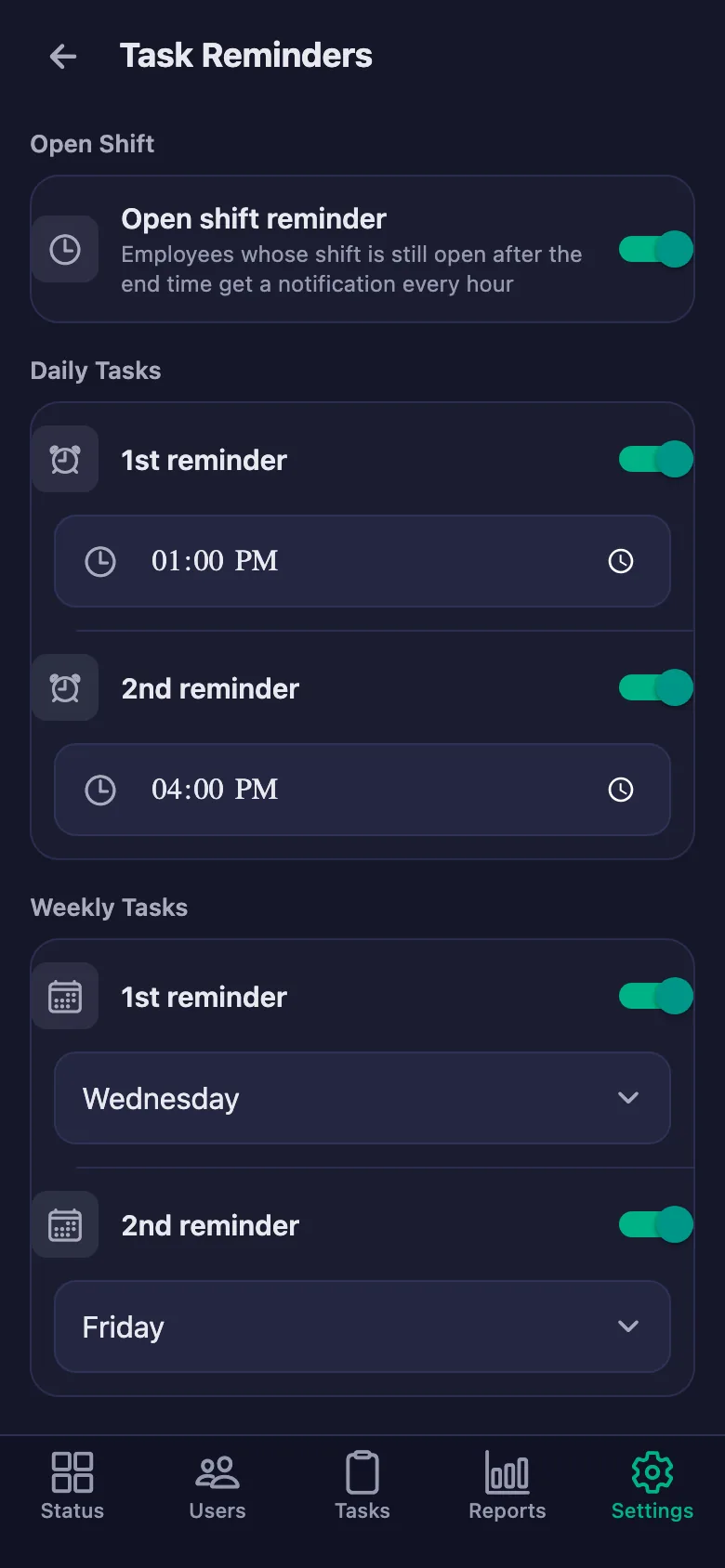
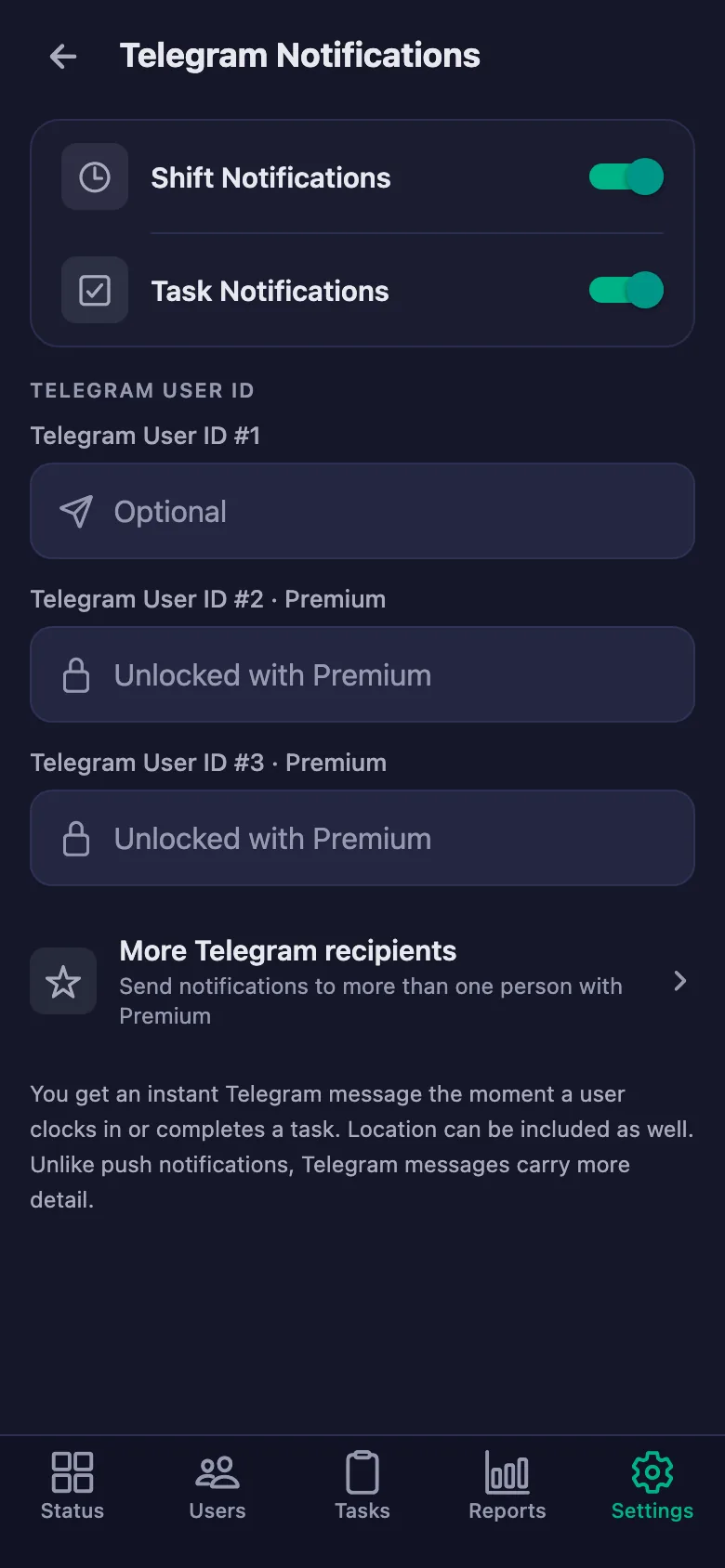
Weekly and monthly jobs reopen on their own; if one is still undone at the reminder hour, a notification lands on the crew's phones.
At the end of a season, pulling together who worked how many days and what was done takes days.
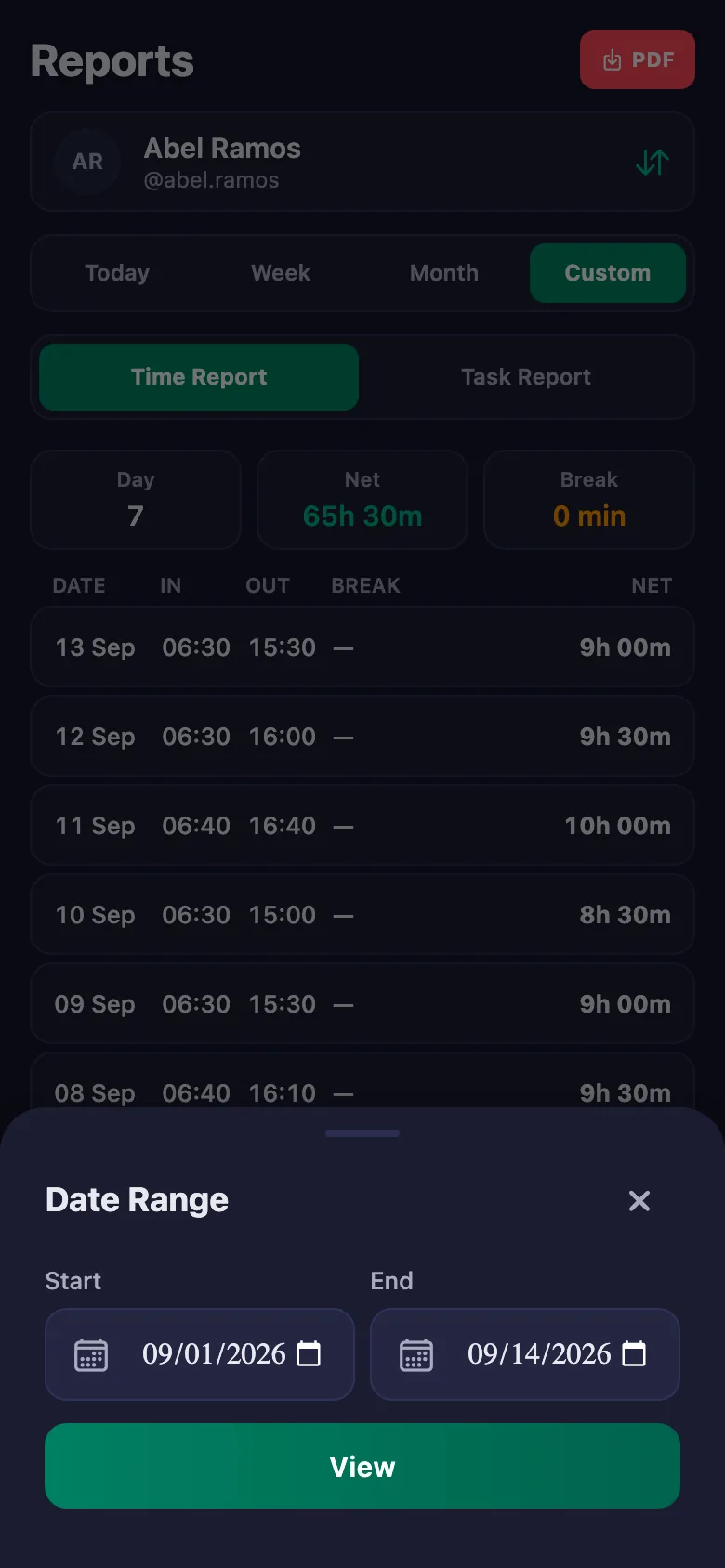
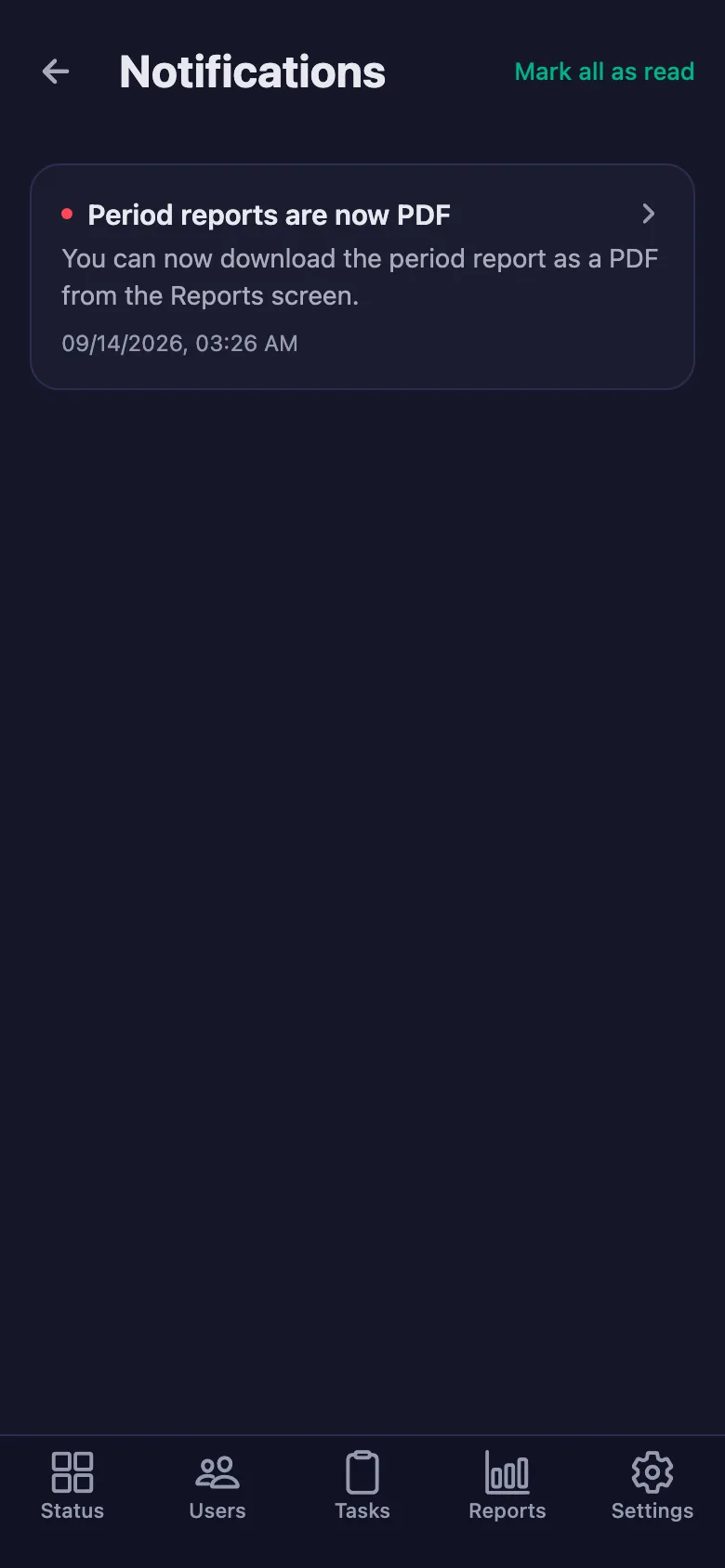
You pick a date range and the report appears on screen. You download the same report as a PDF and use it for pay and for the record.
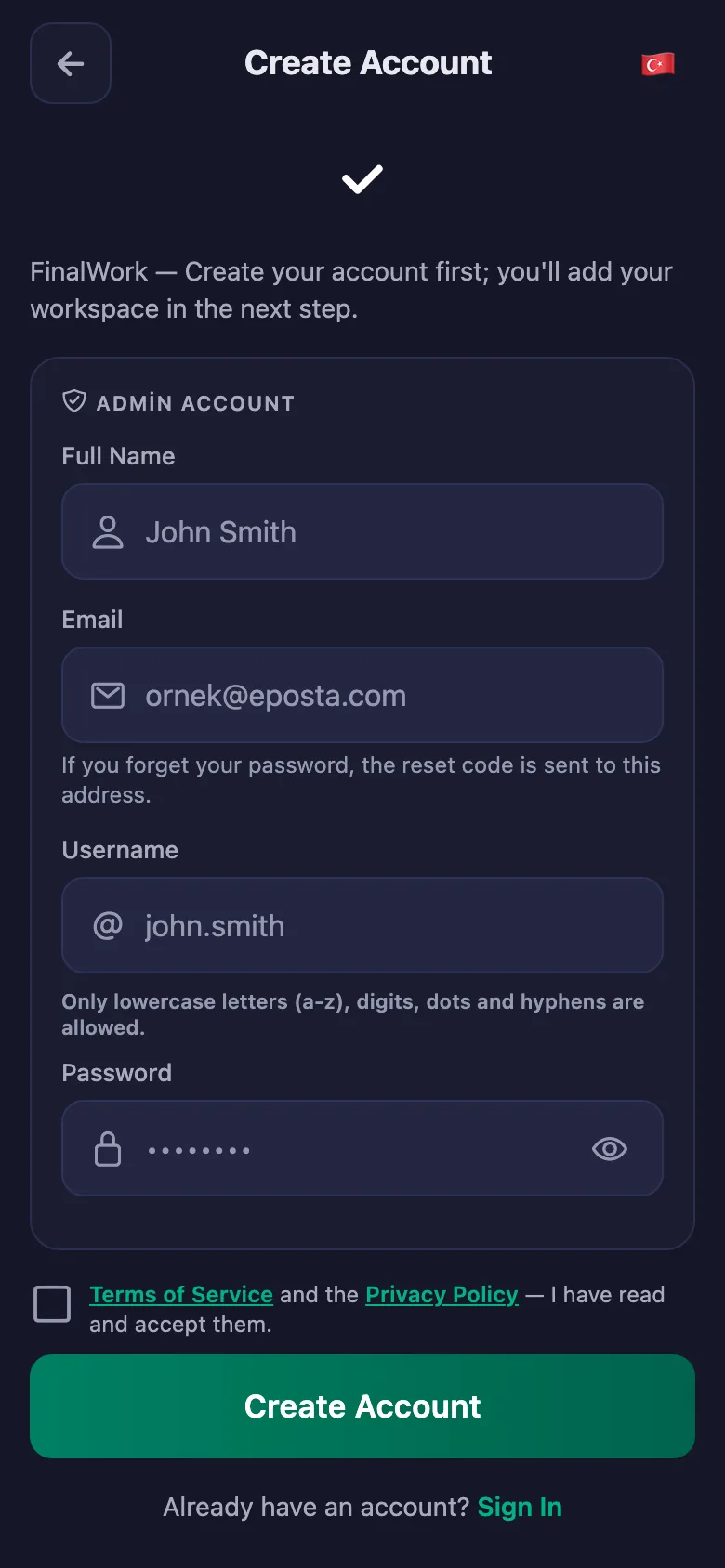
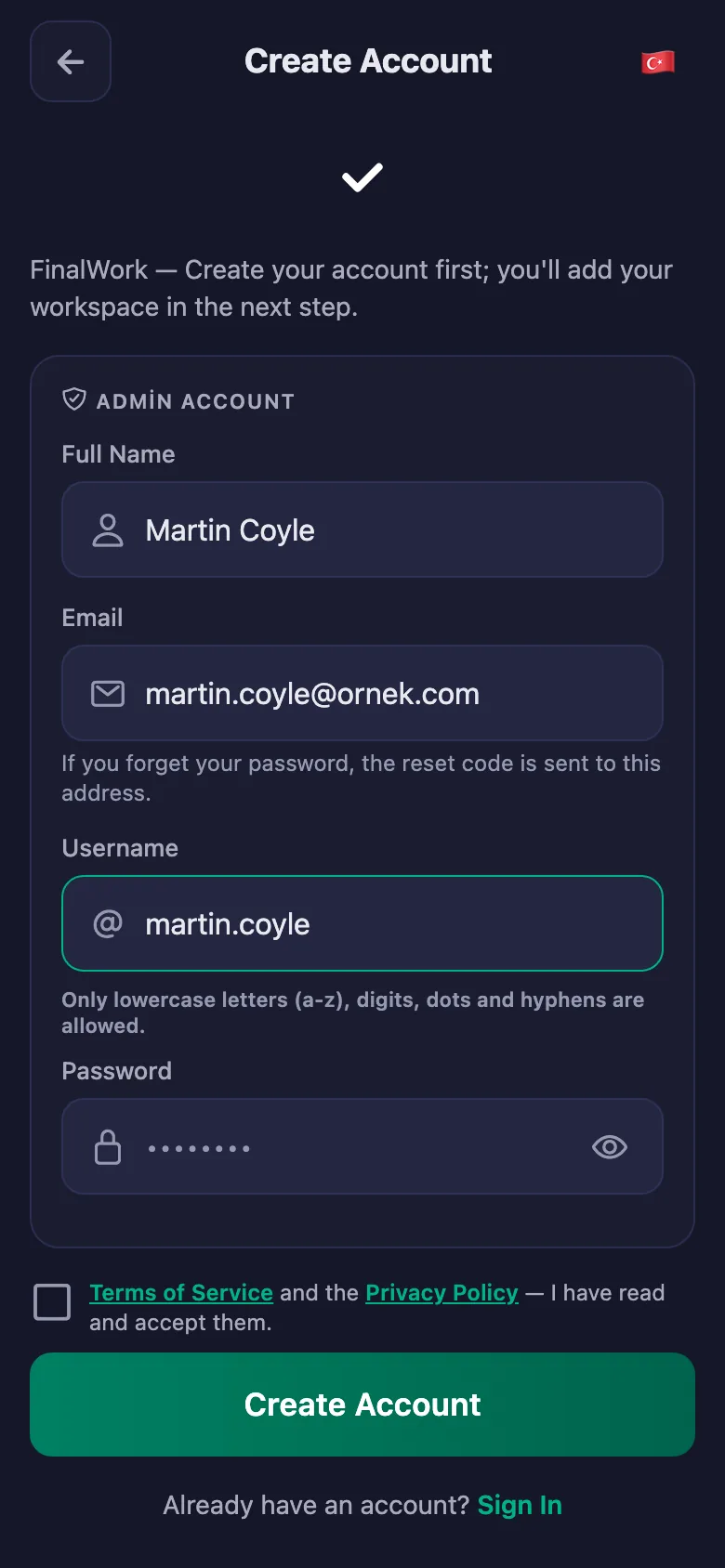
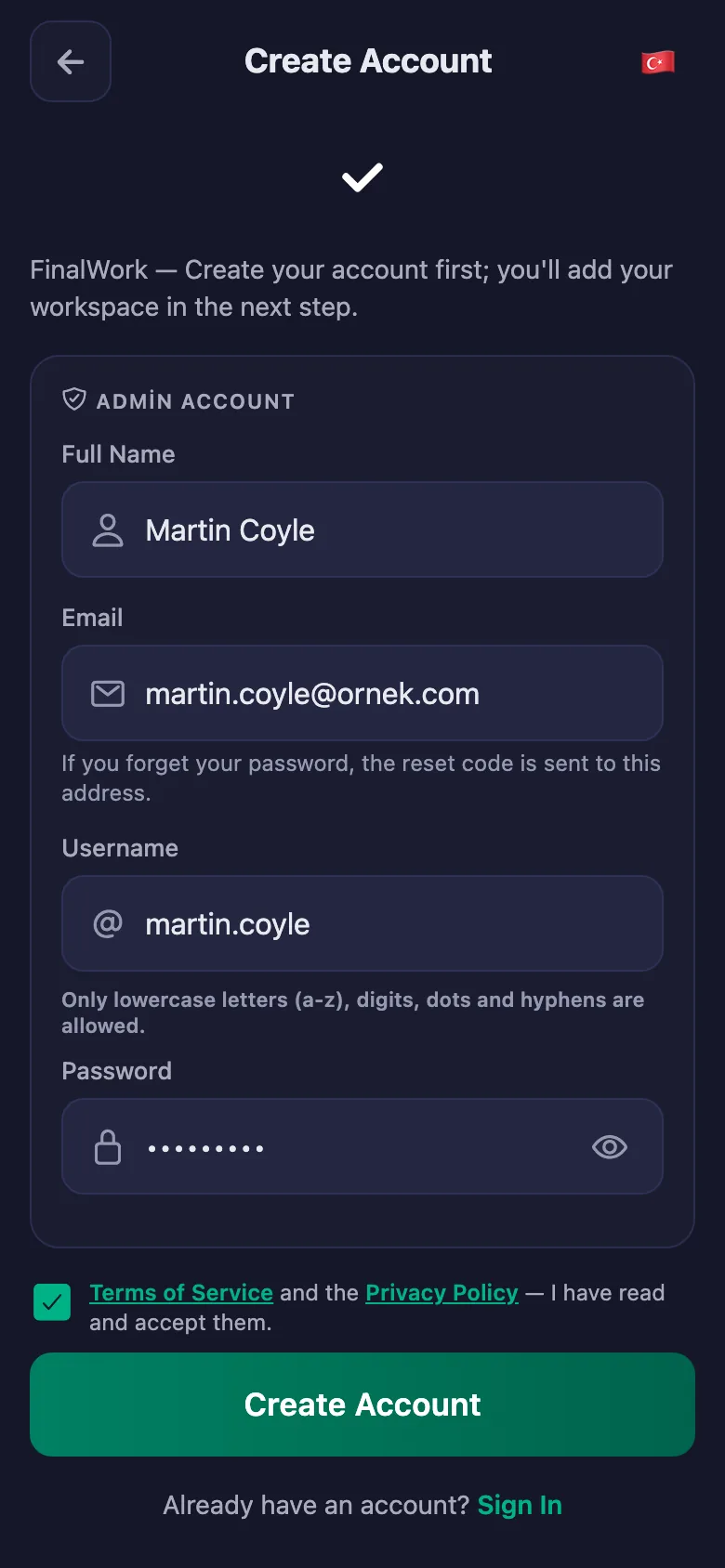
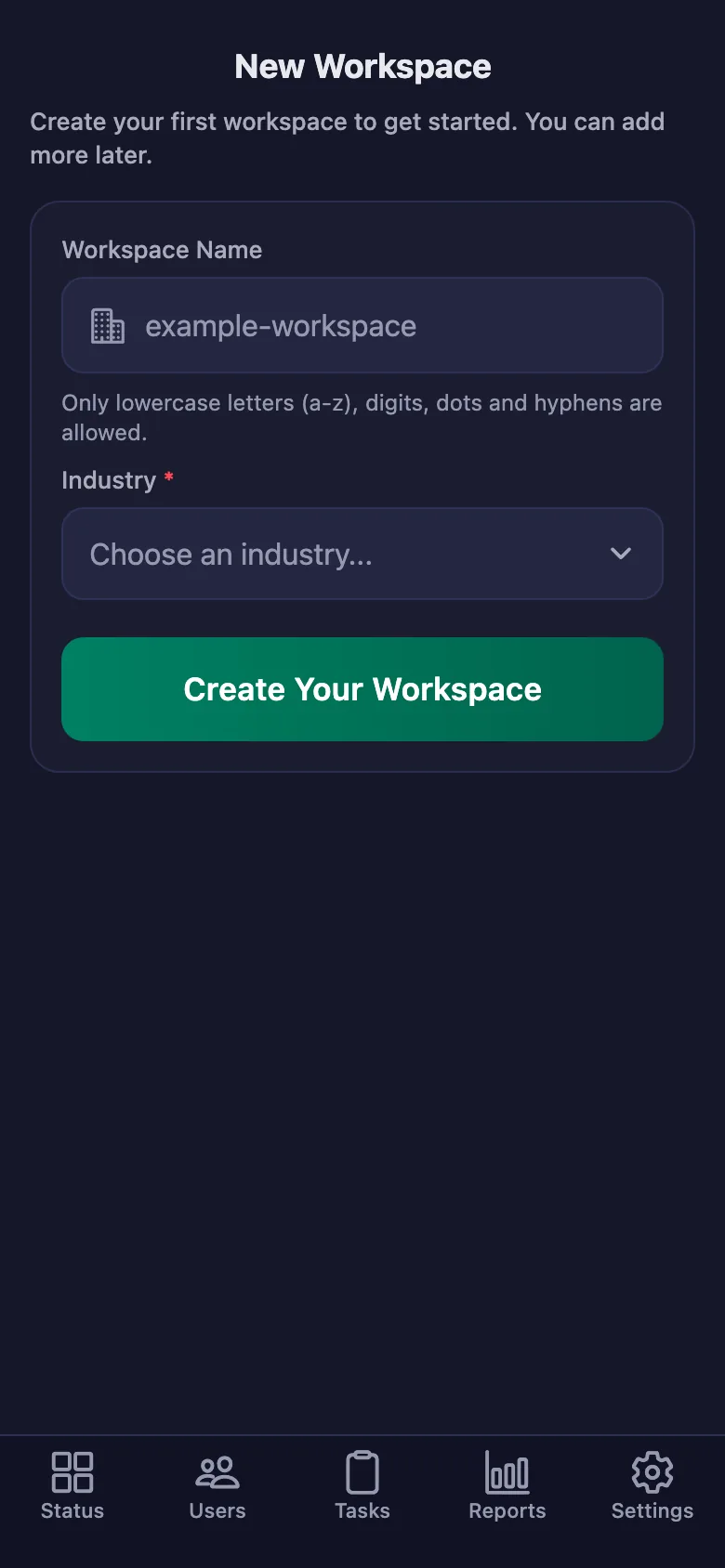
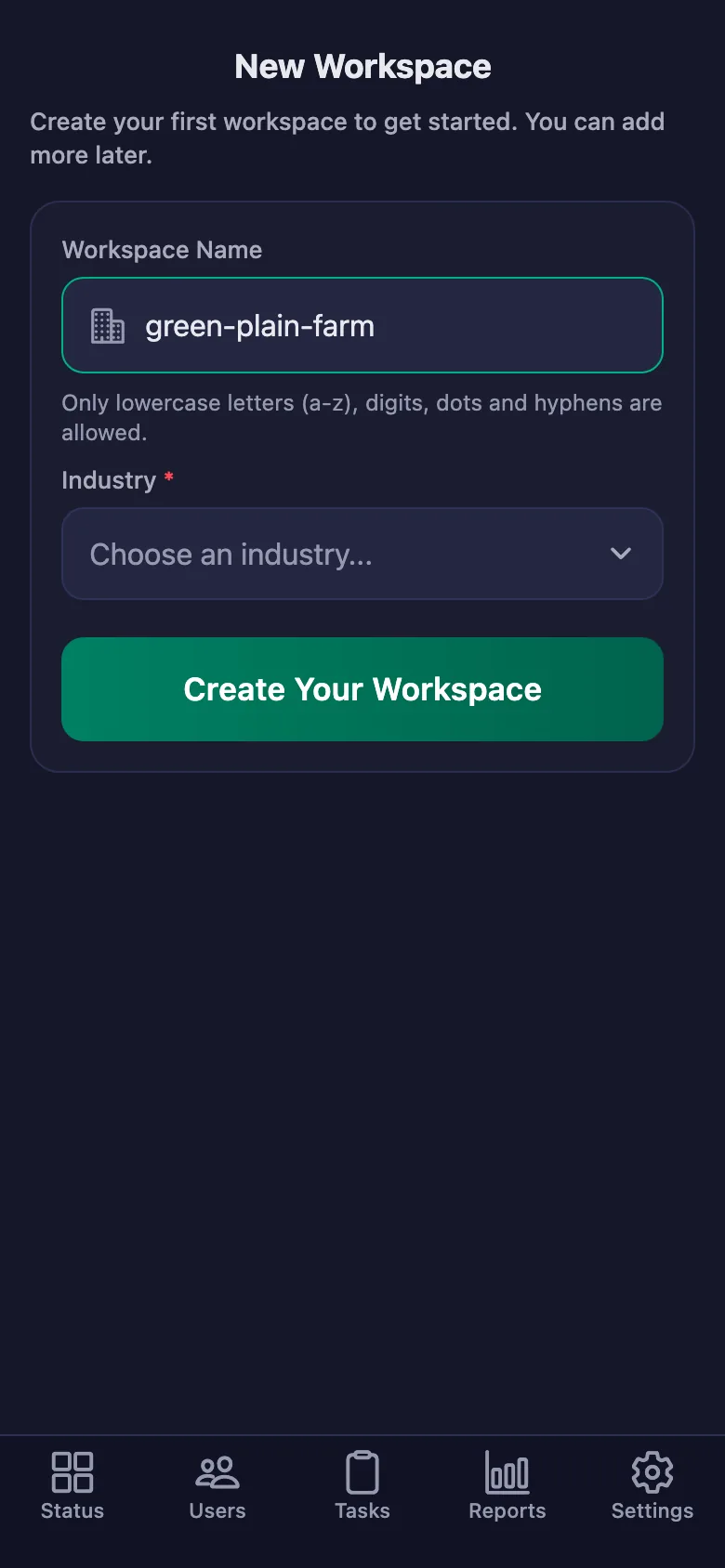
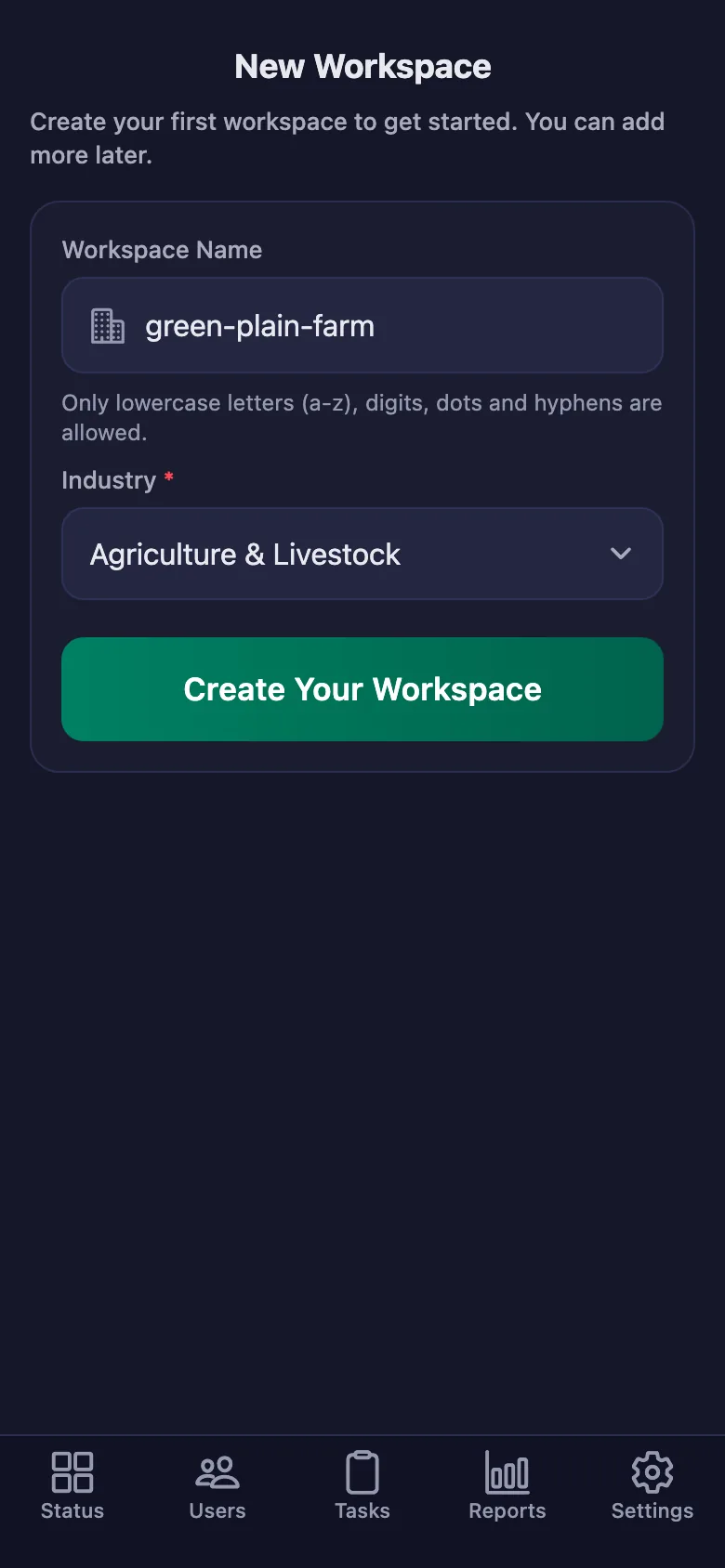
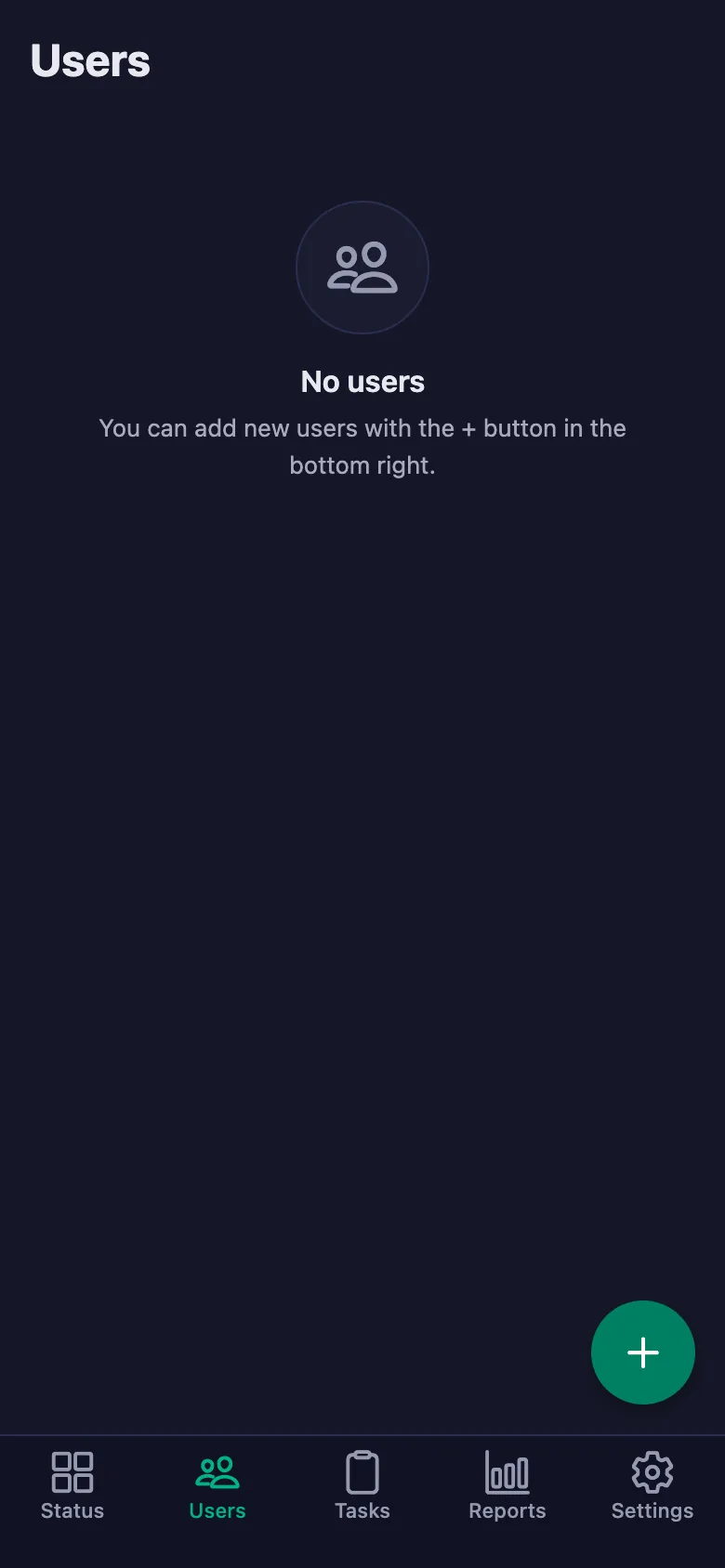
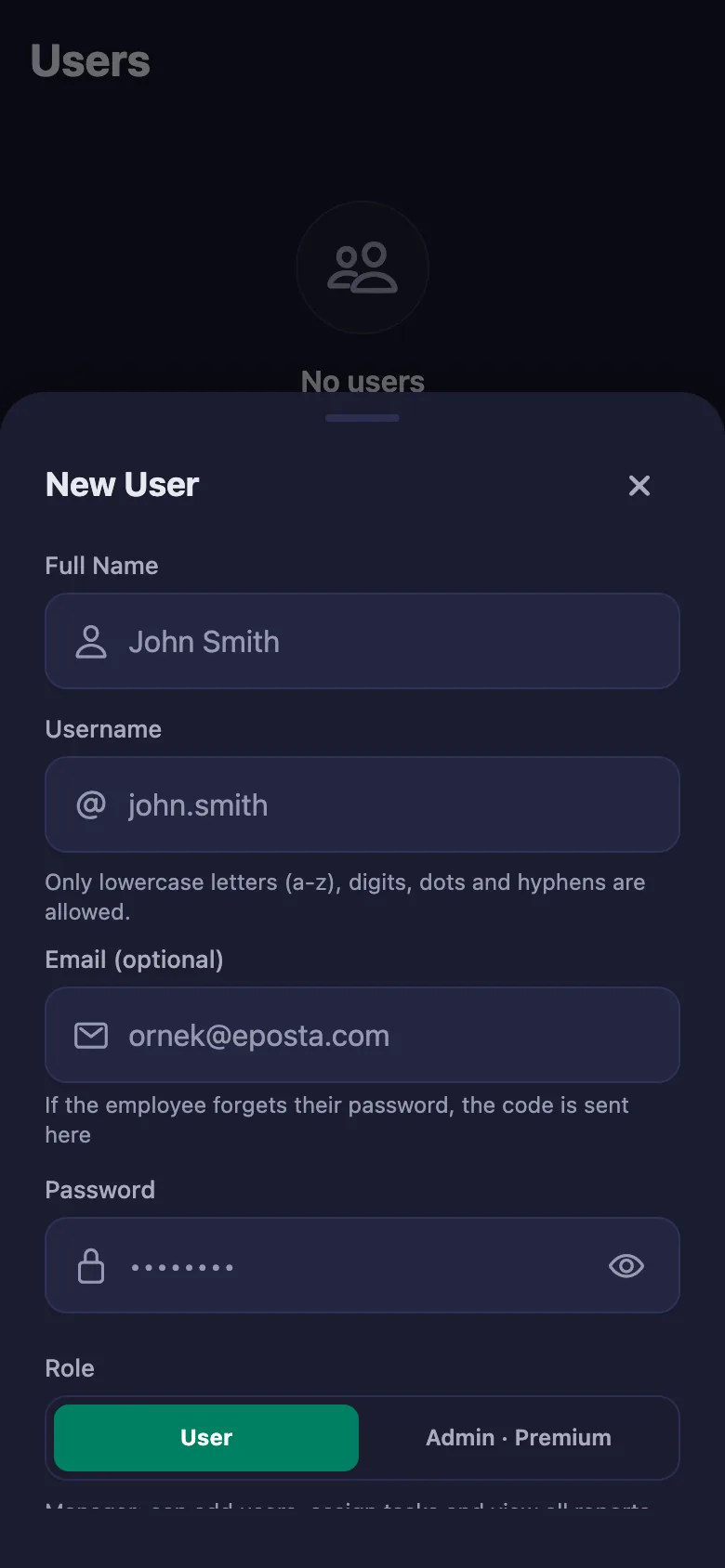
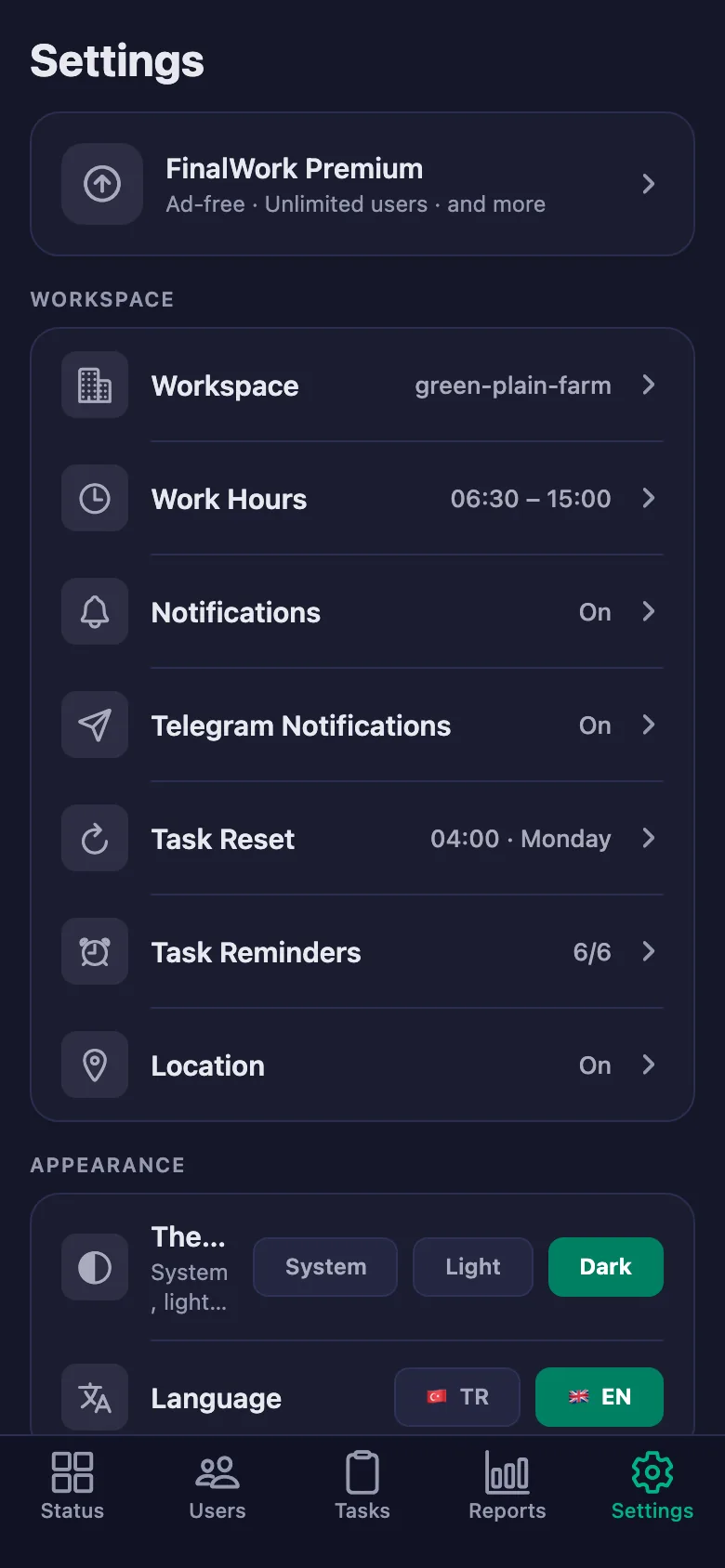
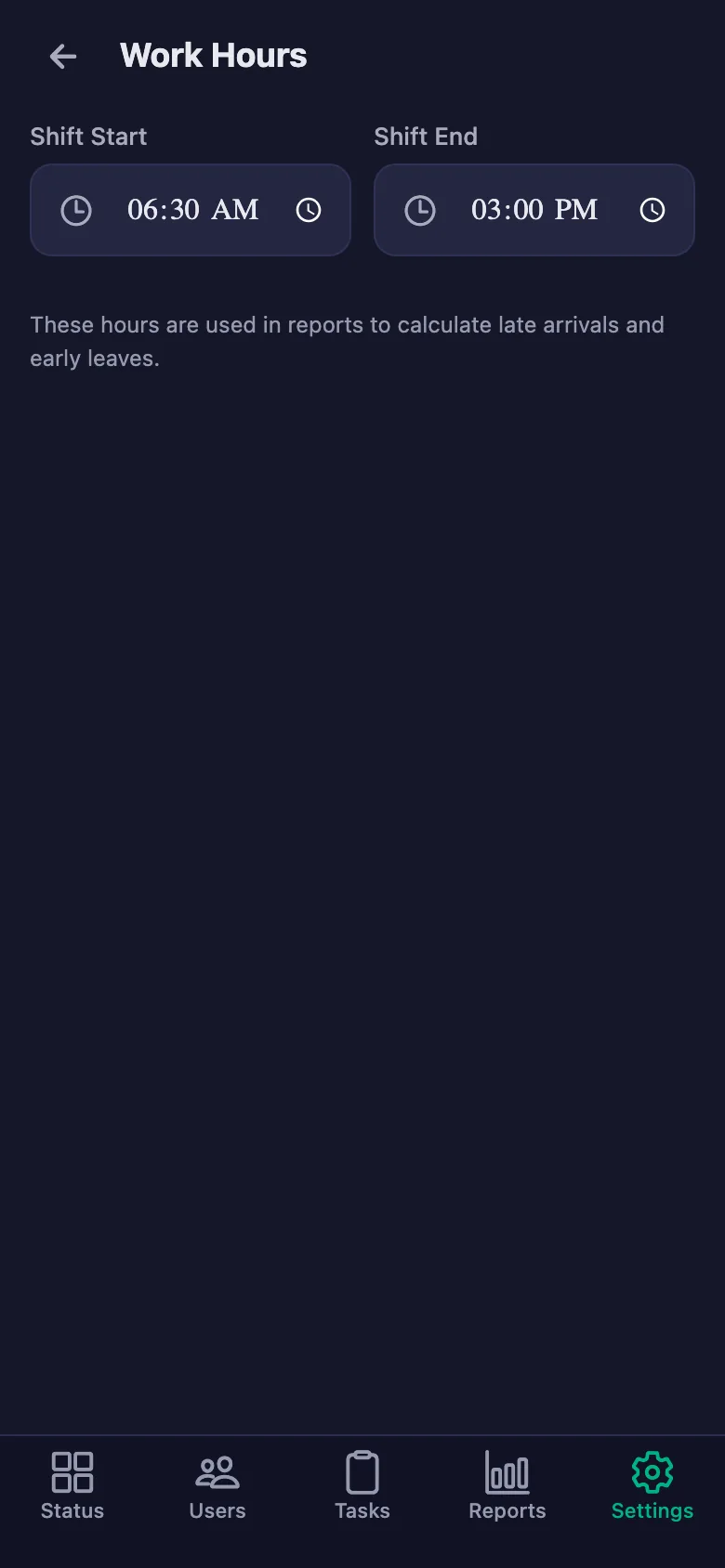
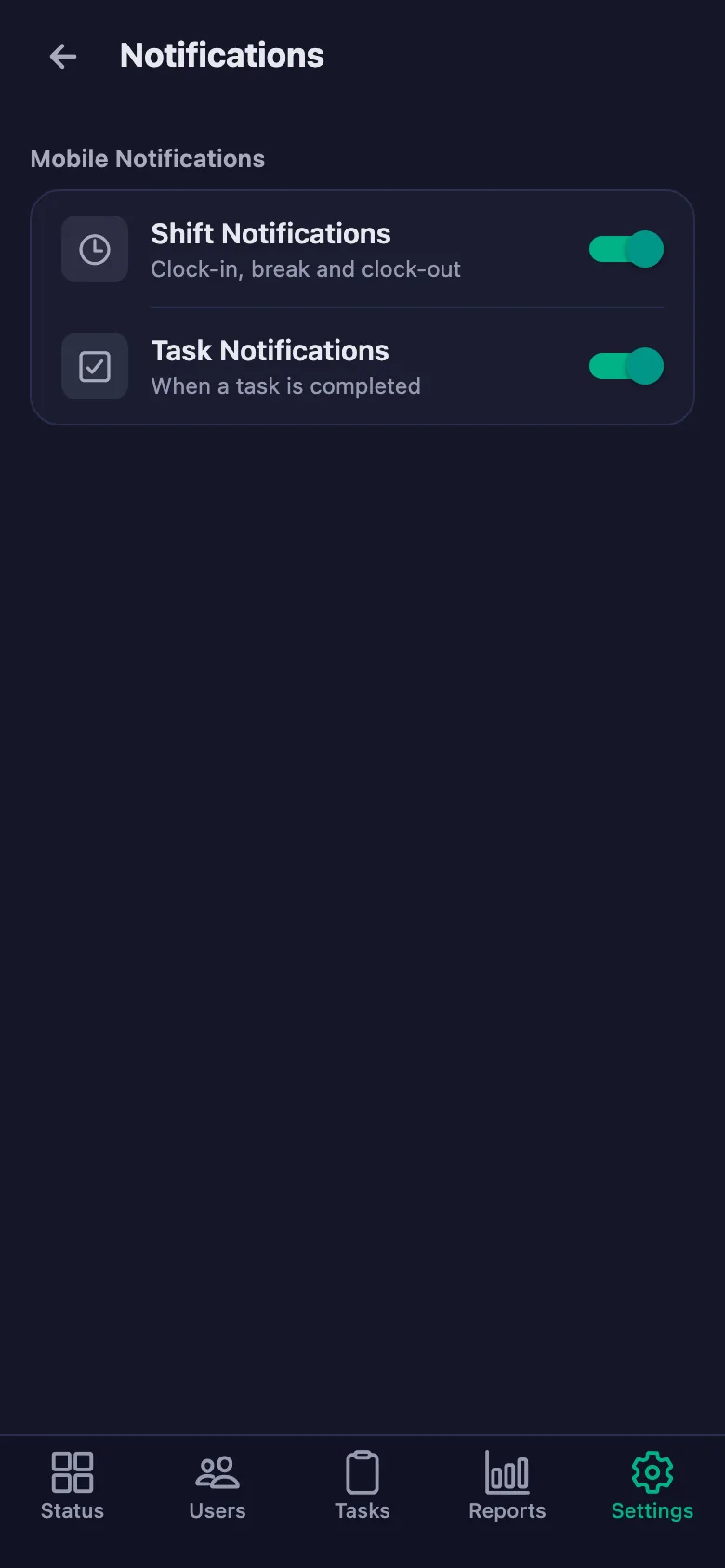
Setup and activation take just one minute — you can start free. Below you can watch the whole flow on the app's real screens.
Farm Owner – Field Crew App Demo
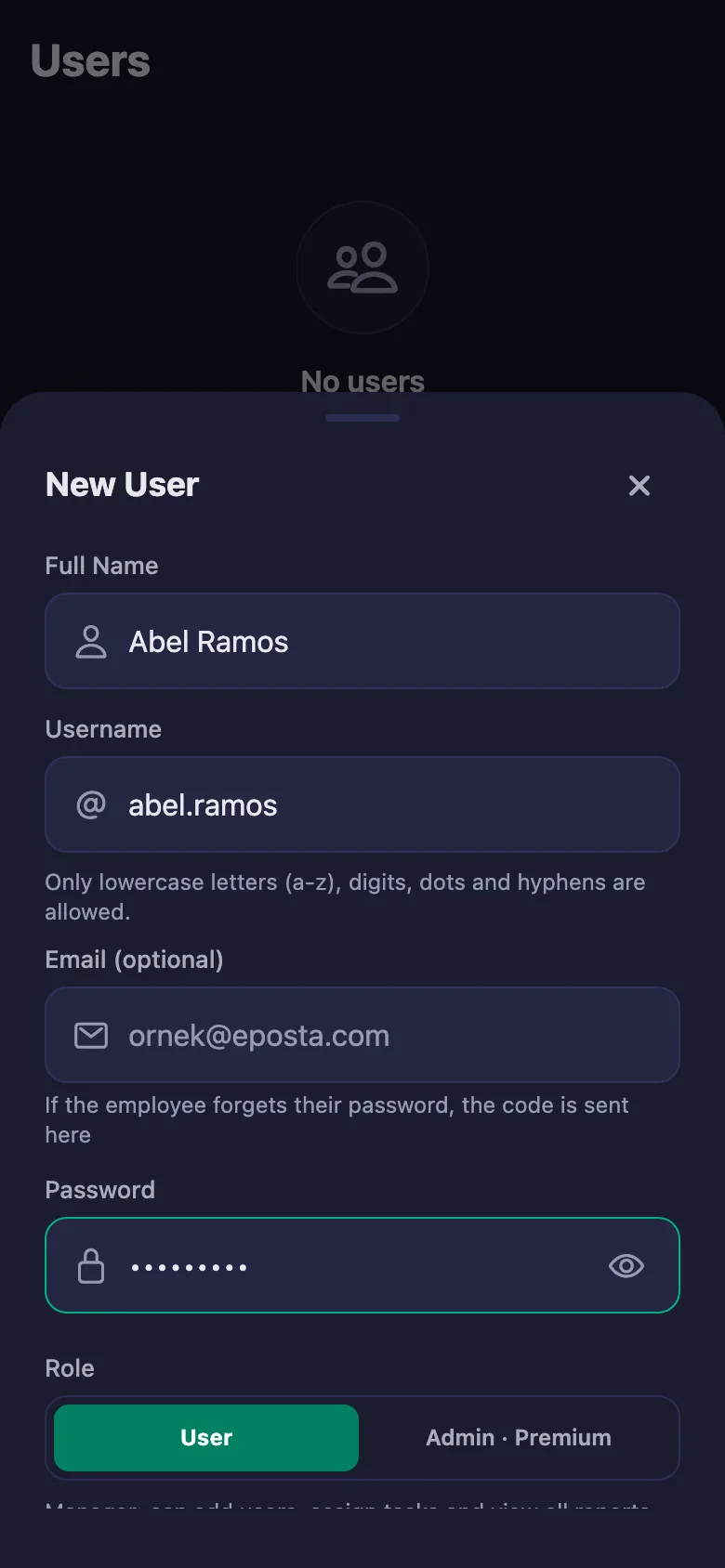
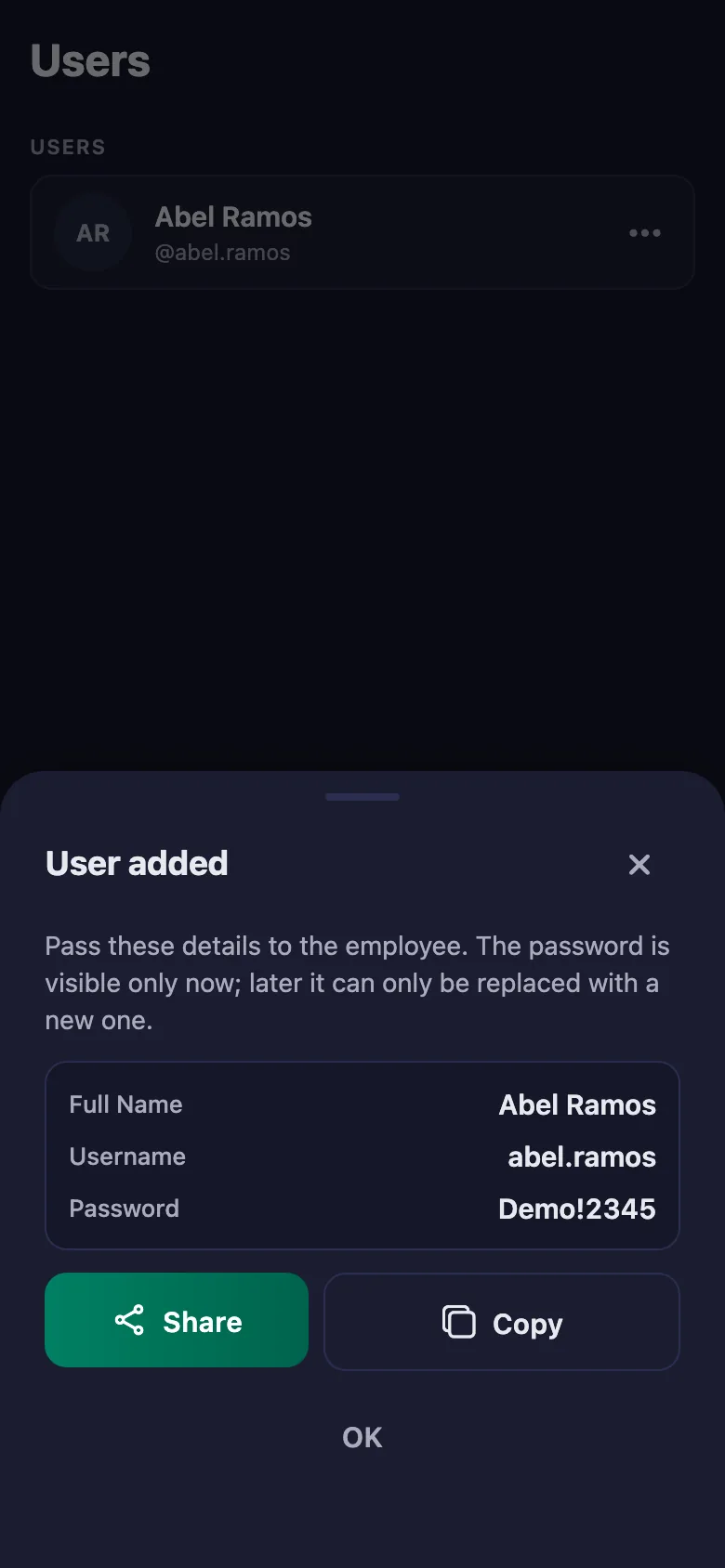
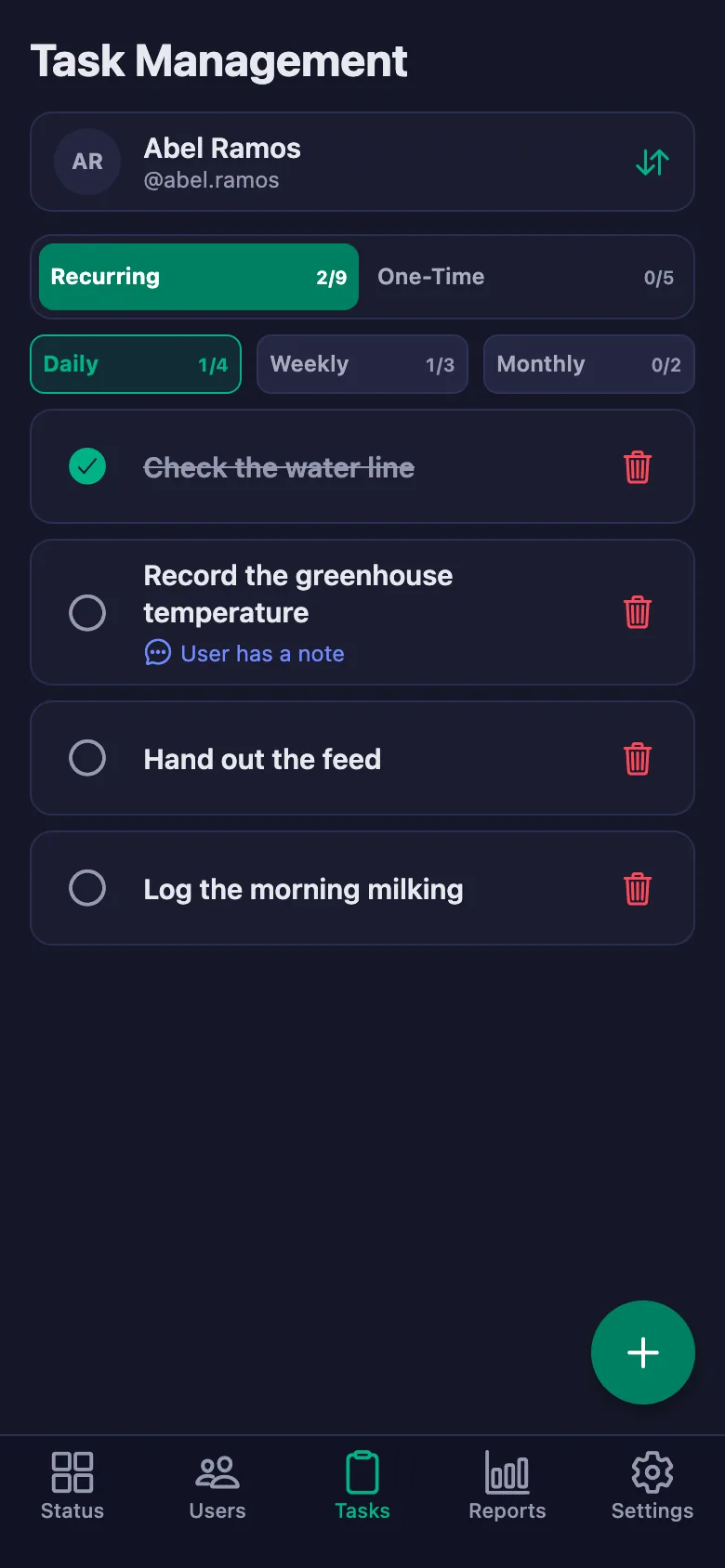
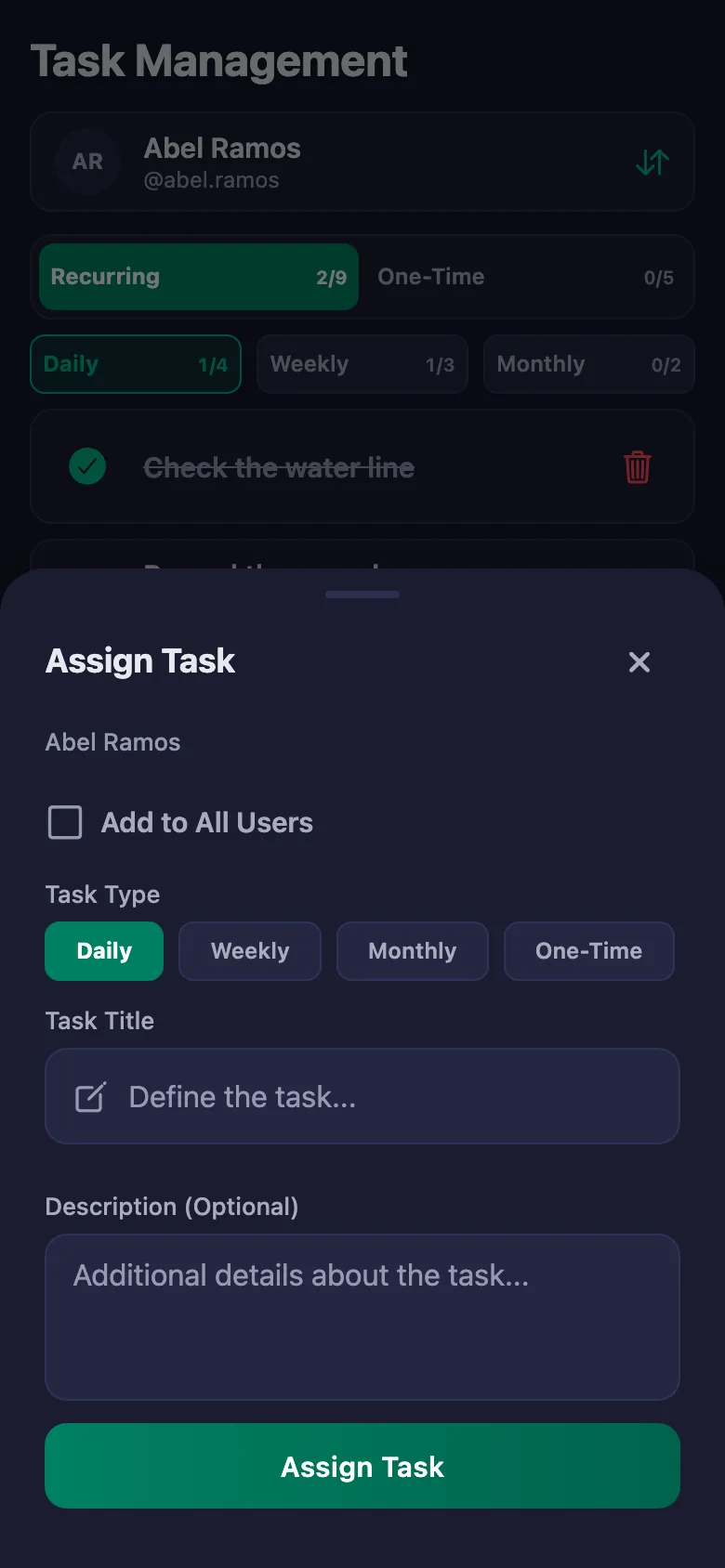
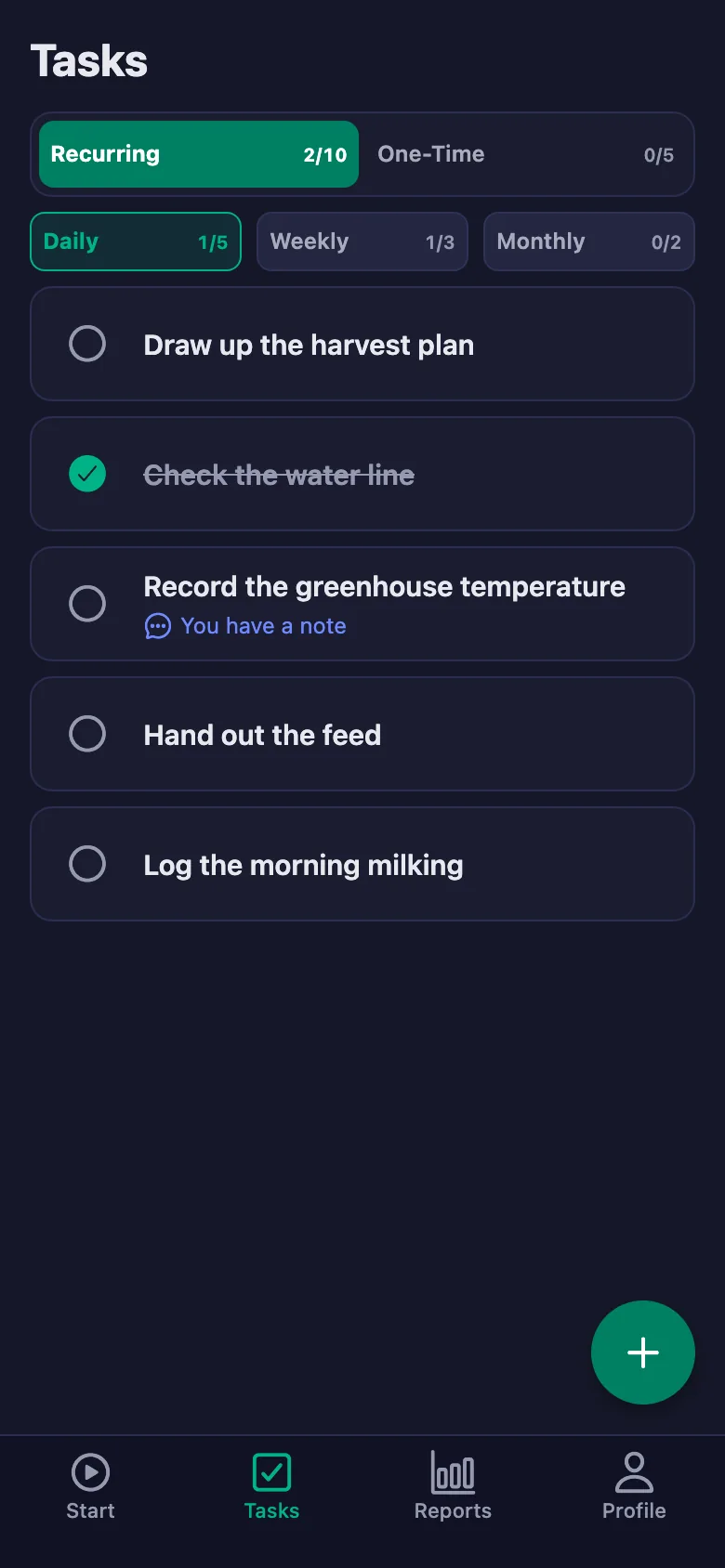
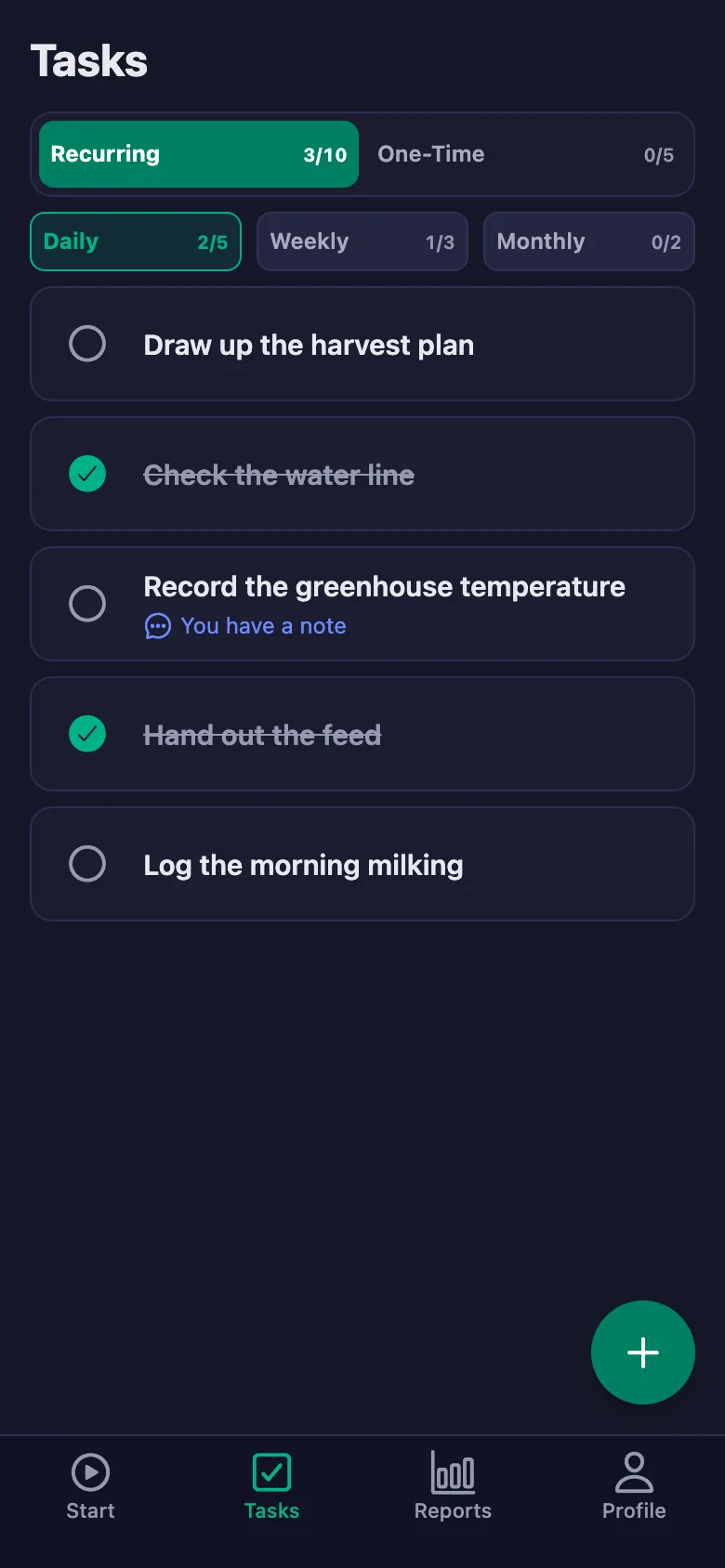
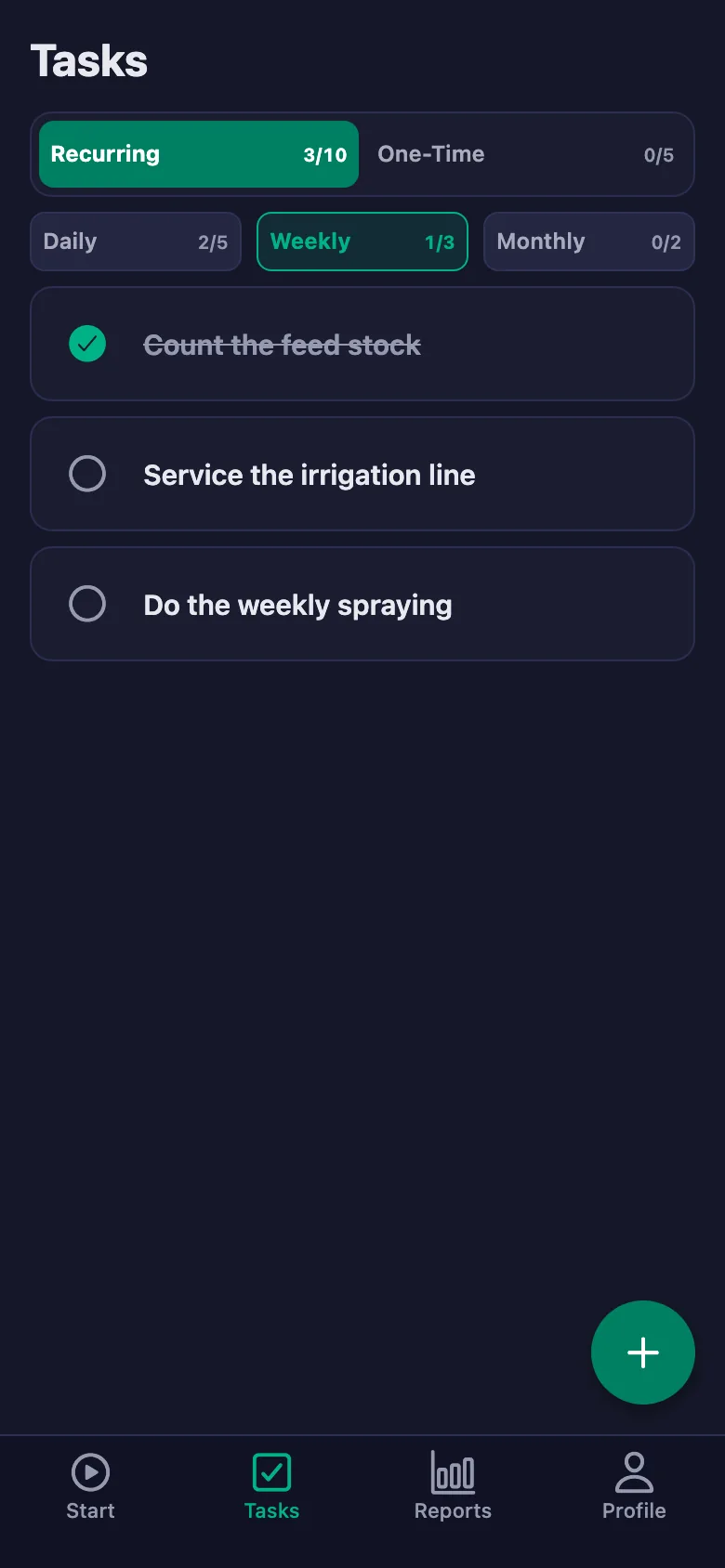
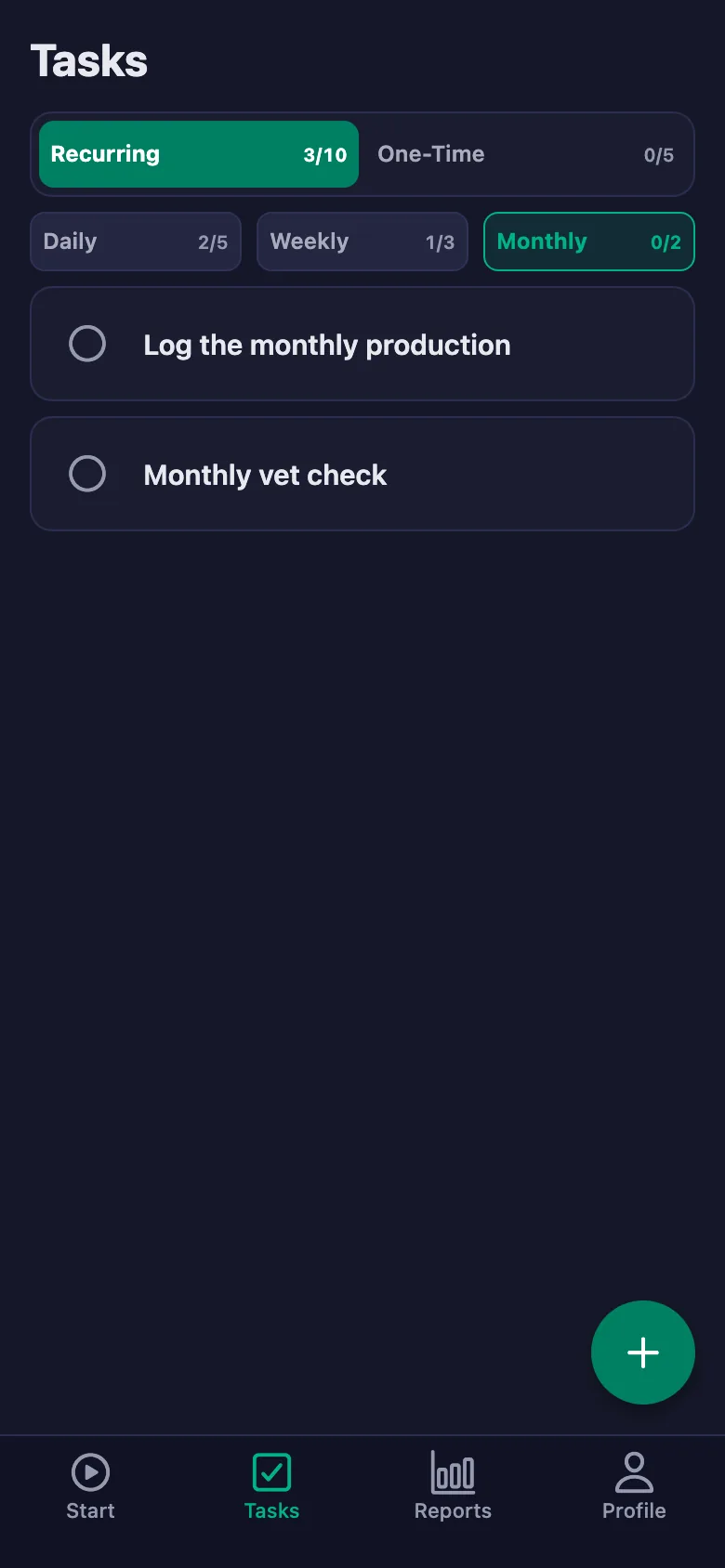
 FinalWork — Task reminder
2 daily tasks are waiting for you.
FinalWork — Task reminder
2 daily tasks are waiting for you.
Farm staff and record tracking software — frequently asked questions
Does it work on land with a weak signal?
Starting work and ticking tasks need a connection. If the signal is weak, the action completes once the connection comes back; nothing is lost.
Does it suit seasonal workers?
Yes. You can add a seasonal worker as a user and remove them at the end of the season. Because the timer measures the hours itself, how many days and hours they worked stays in the report.
Can the crew write notes, and can I see them?
Yes. The crew can write a note under each record — which greenhouse, which animal, what happened. You can see the note but you cannot change it; only the person who wrote it can edit it.
How many people can I add?
The free plan has a limit on users; when you reach it the app warns you and no new user is added. The limit is lifted on Premium.
Can I be sure the crew are really out on the land?
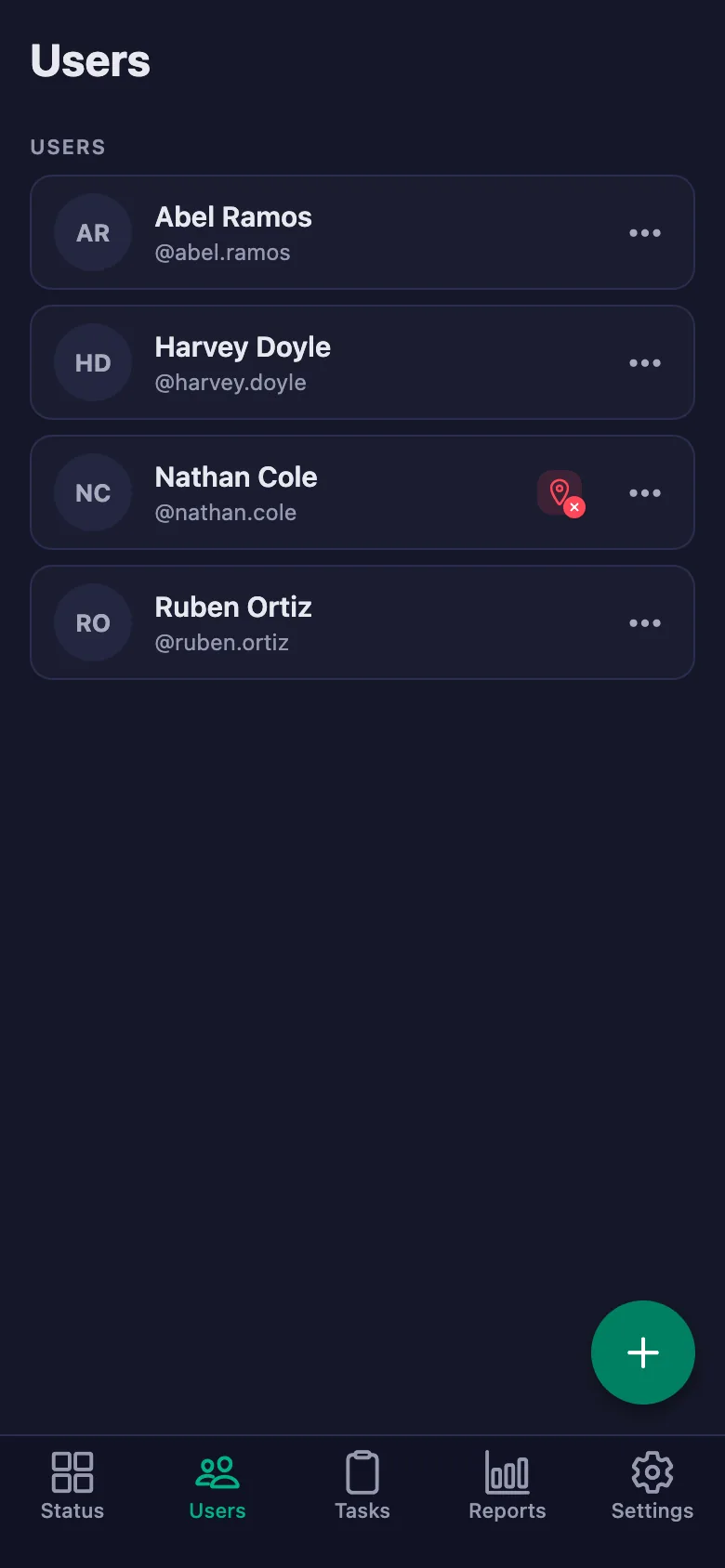
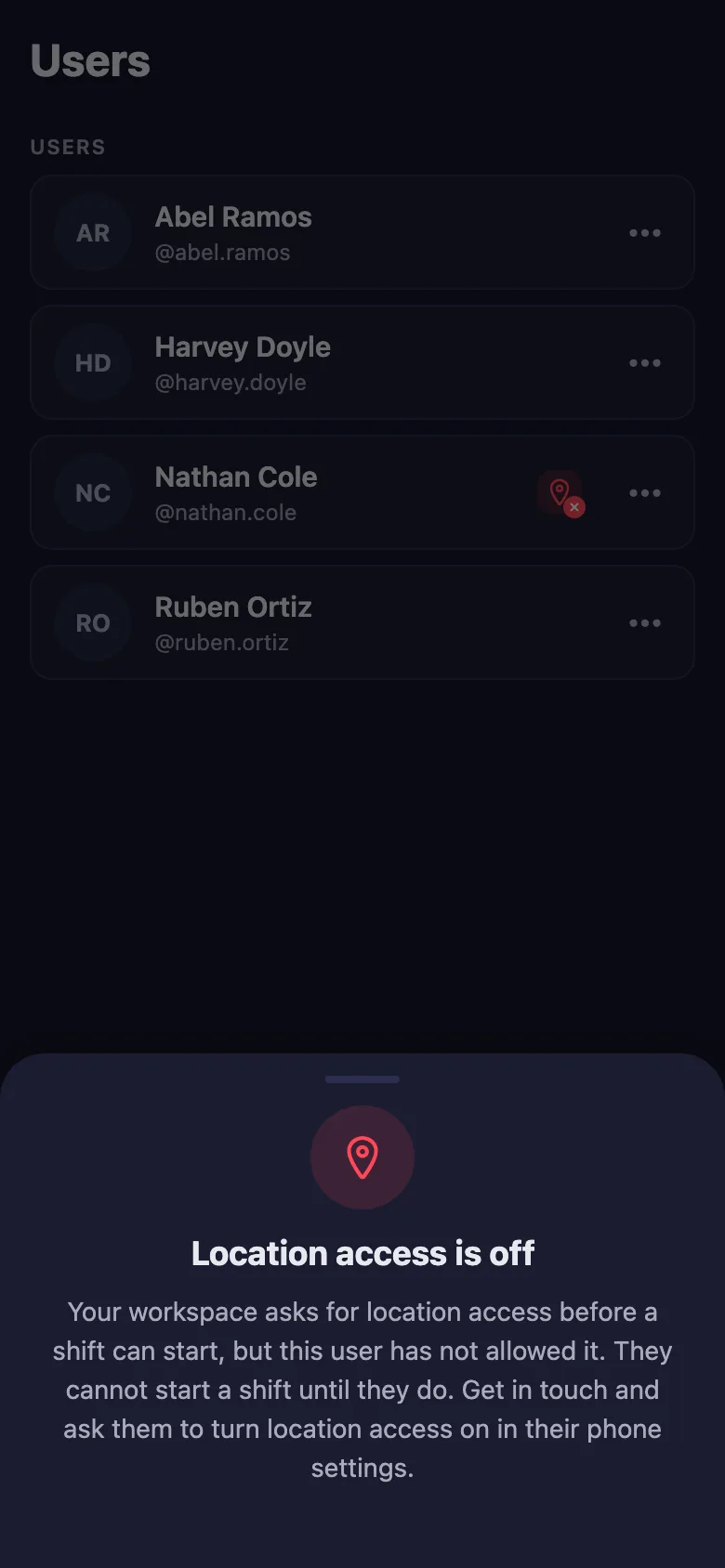
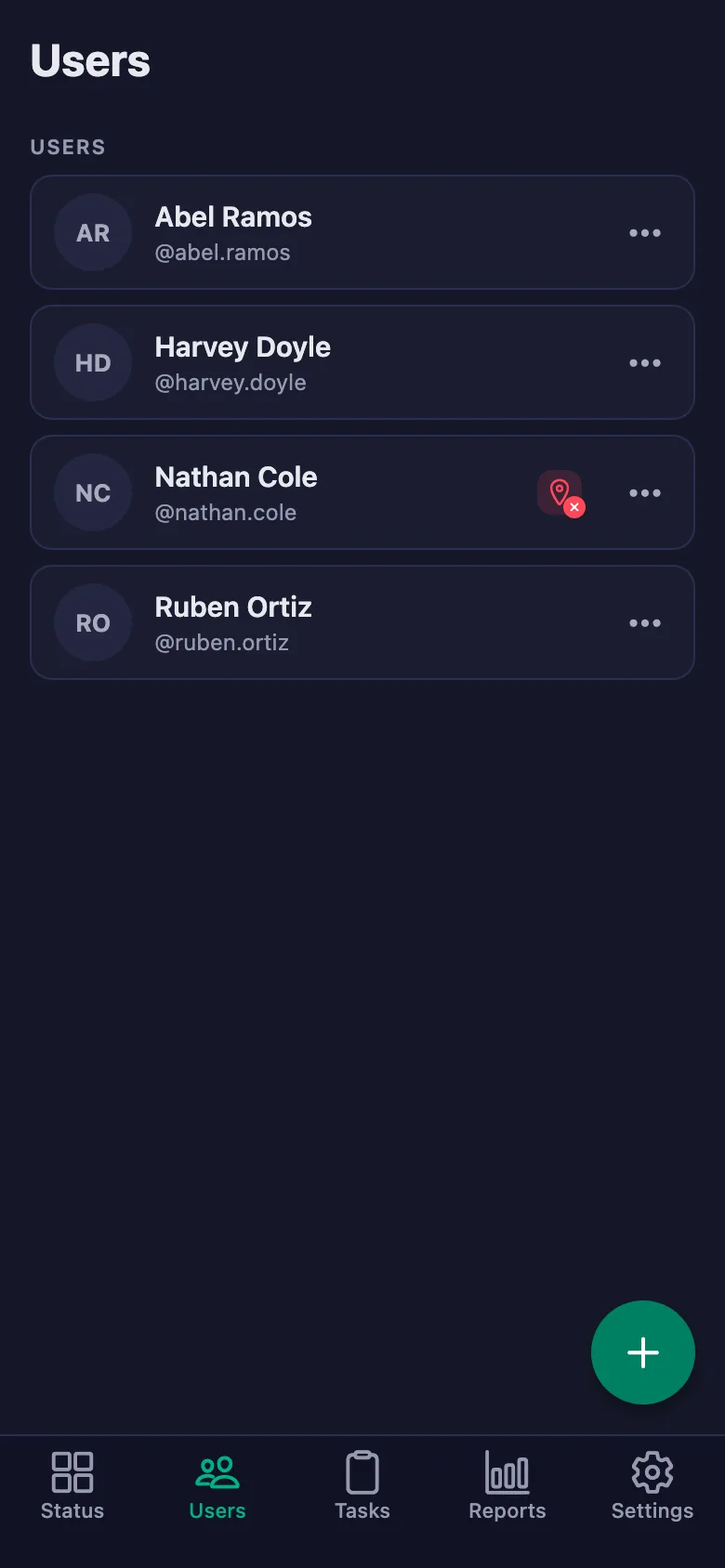
With the location rule switched on, the timer can only be started at the location you set. Anyone who hasn't given location permission shows up in the list with a warning badge.
I farm more than one plot — can I track them separately?
You can open a separate workspace for each plot or business and switch between them with the same account. Reports are kept separately for each workspace.
Can I keep production records too?
You write repeating jobs like milking, feed and greenhouse records as tasks, and the date they are ticked goes on the record. For detailed production data you carry on using your existing book.
Set up your farm today
Setup and activation take just one minute — you can start free. Open the account, add your first crew member, and let today's records be kept.