
Staff Tracking, Shifts and On-Call Management for Clinics
Where do the records an inspector asks for actually live?
Sterilisation, waste hand-over, device checks — they all happen every day, but the record goes into a paper form. FinalWork keeps those checks and the shift hours in one place, so the report is ready when an inspection arrives.
The most common problems in clinic staff tracking
Most of the work in a clinic is repeating checks, and every one of them has to be recorded. Most clinic managers live with the following — on the right is what each one looks like in FinalWork.
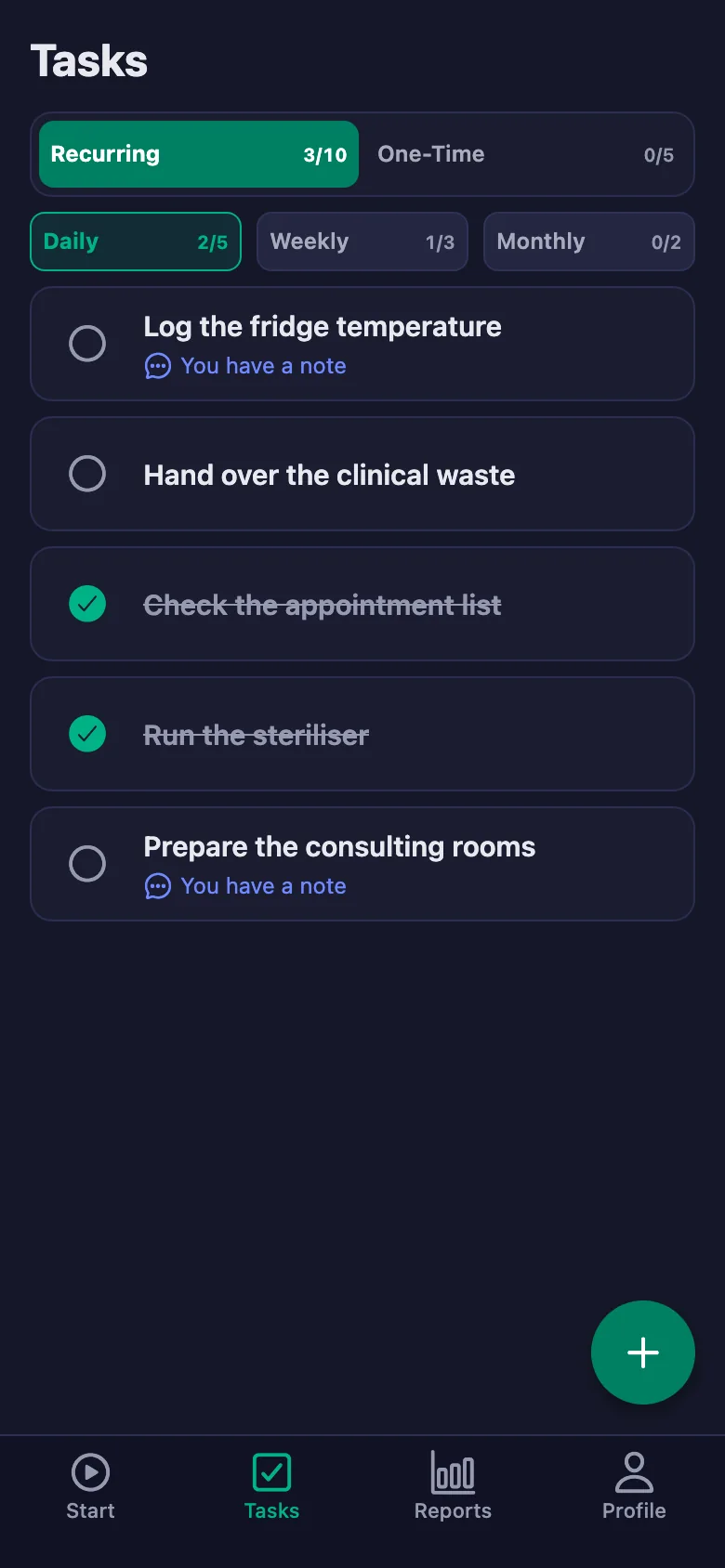
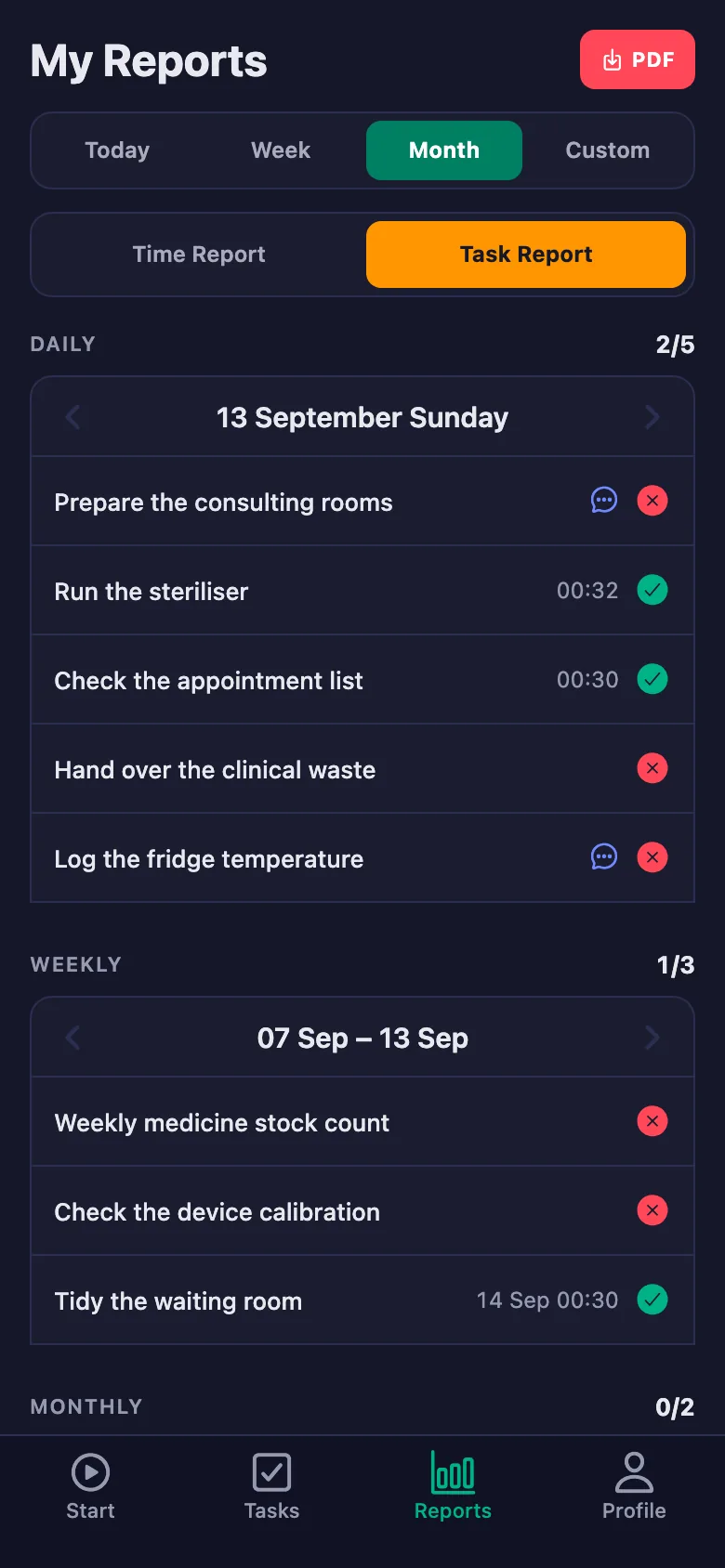
Sterilisation, fridge temperature and waste hand-over go onto the form on the wall. Once it is full it goes into a folder, and then it cannot be found.
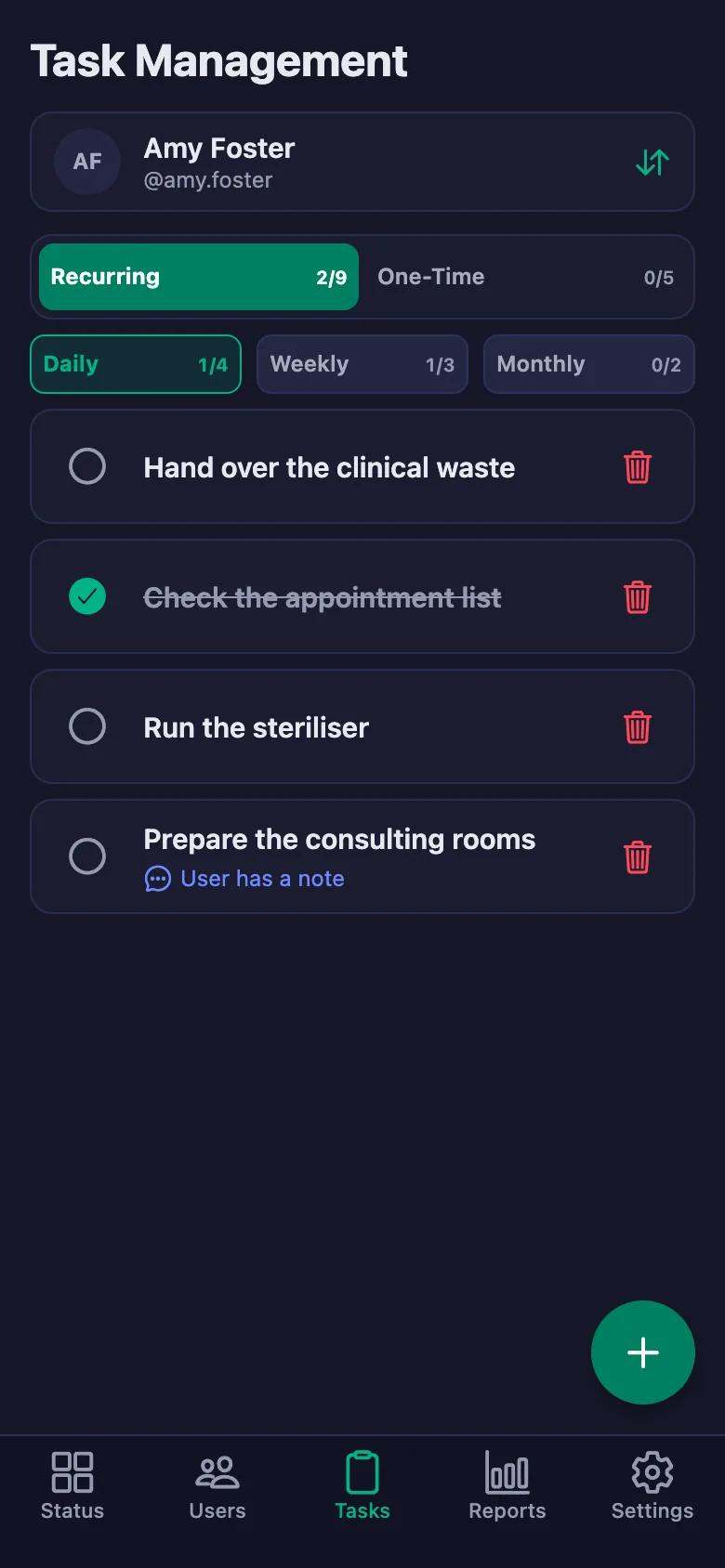
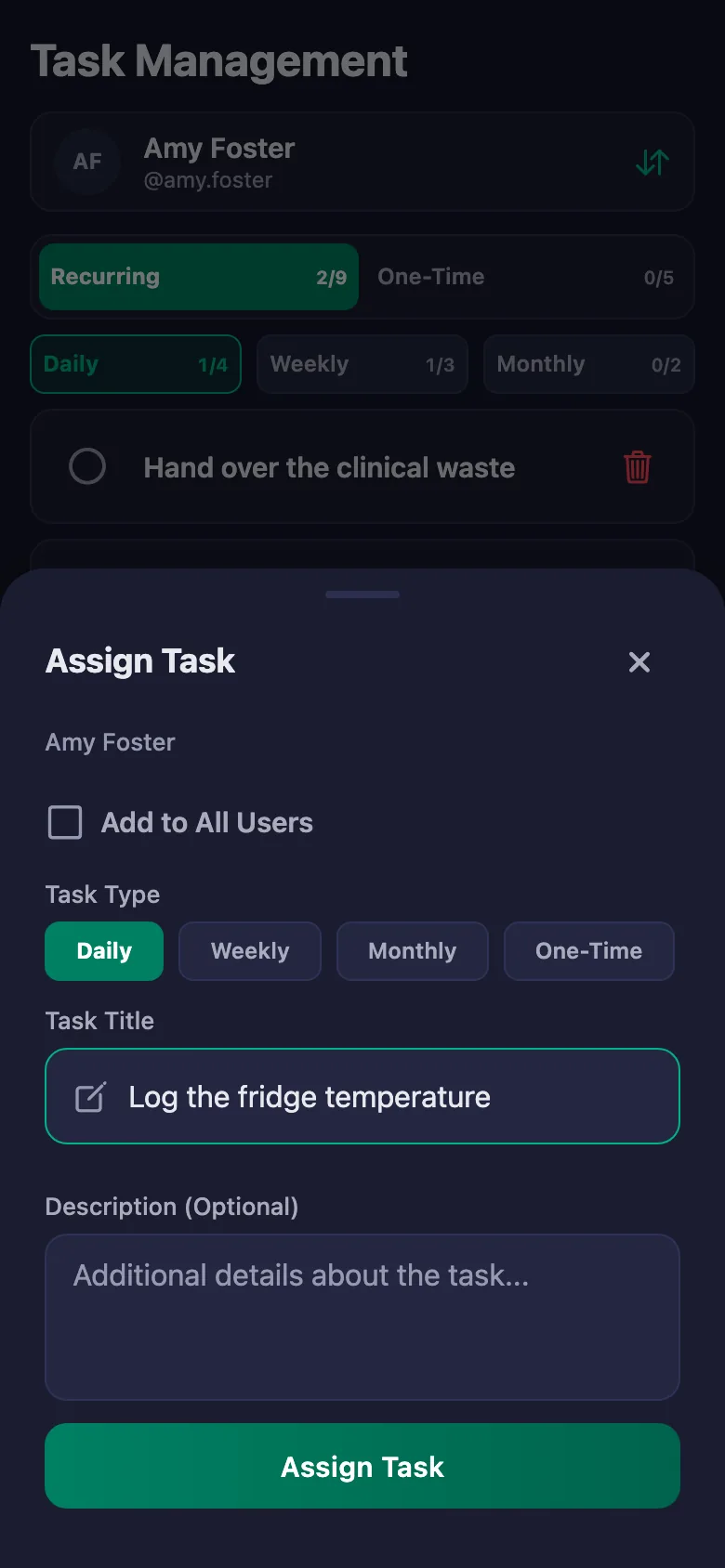
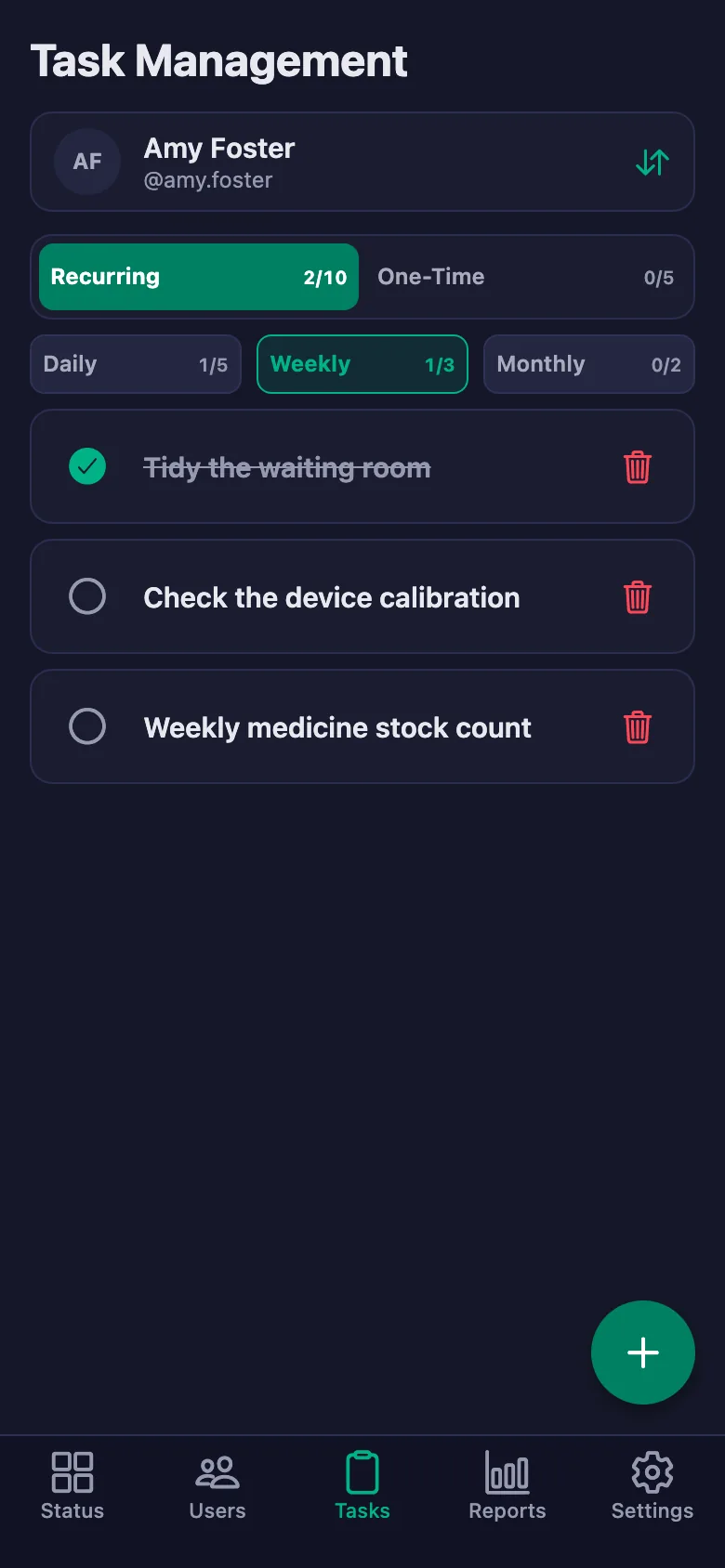
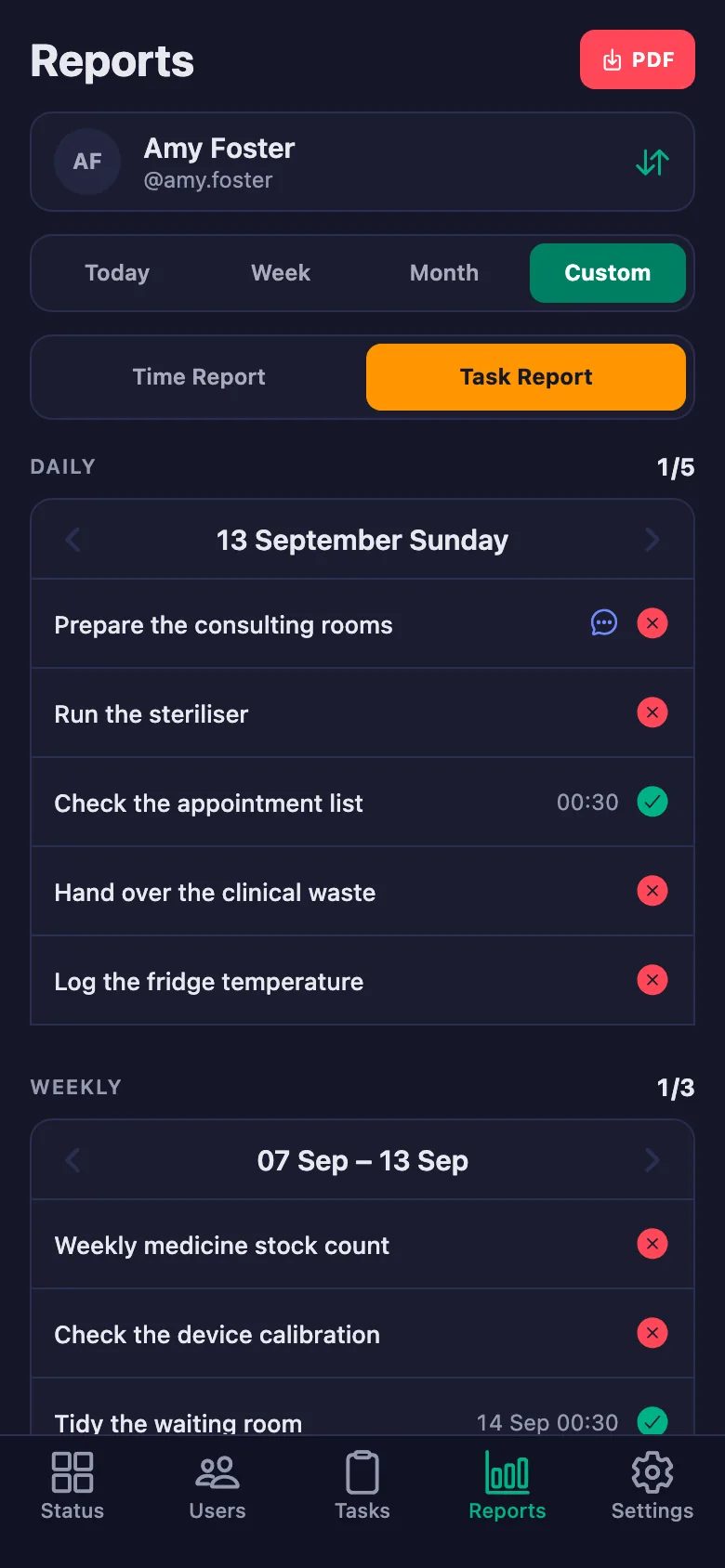
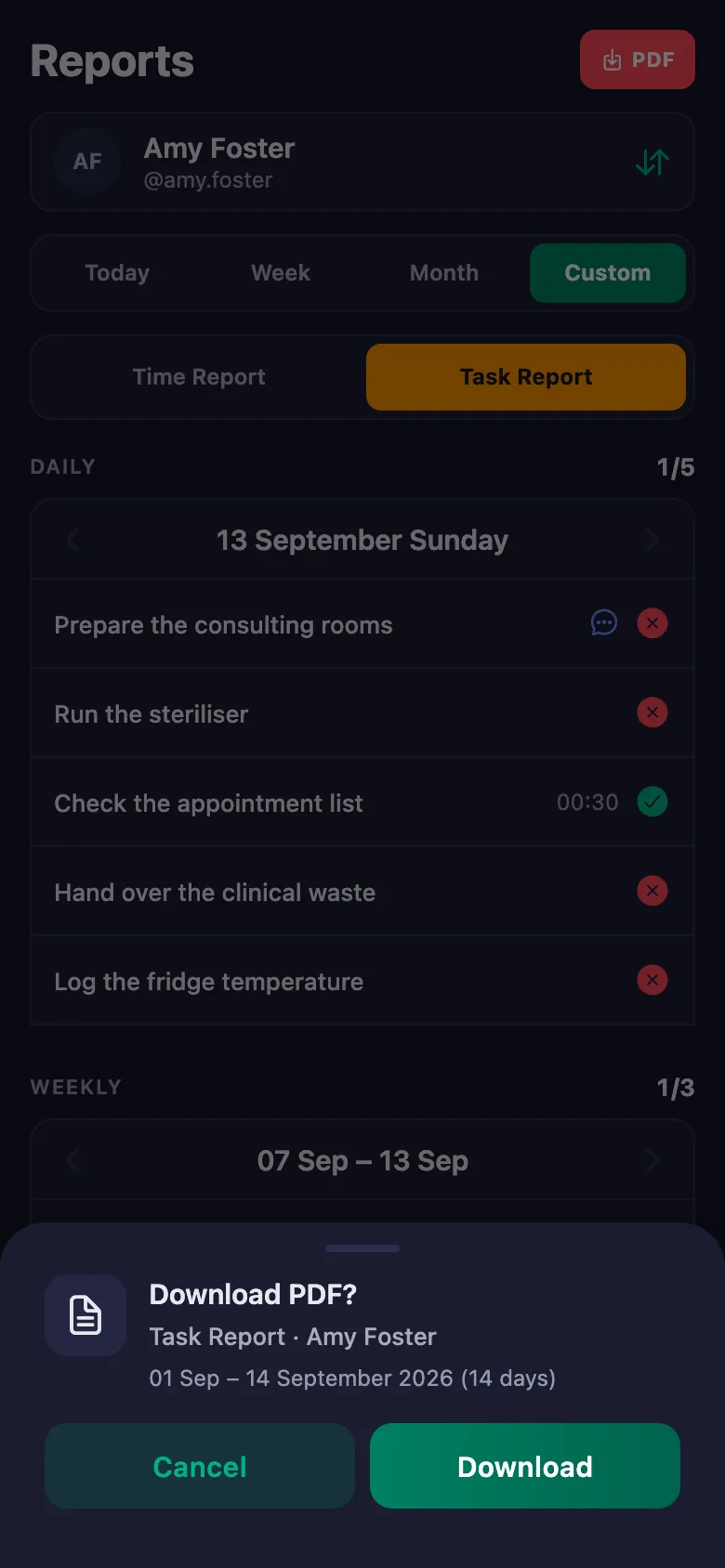
Every check sits there as a daily task. Who ticked it, and when, stays on the record; pick a date range and the report comes up on screen.
Shifts and on-call are written on a rota, but who actually arrived at what time turns into an argument at the end of the month.
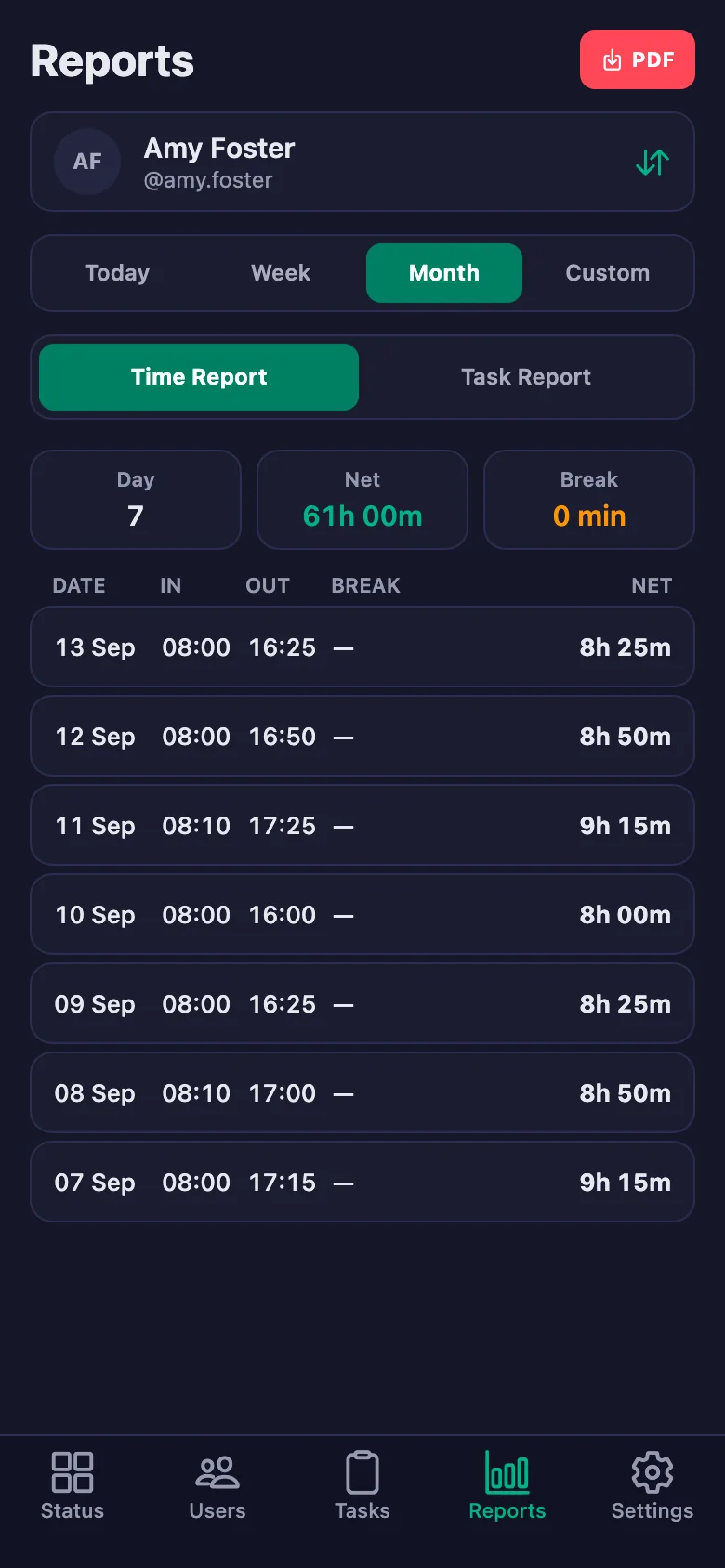
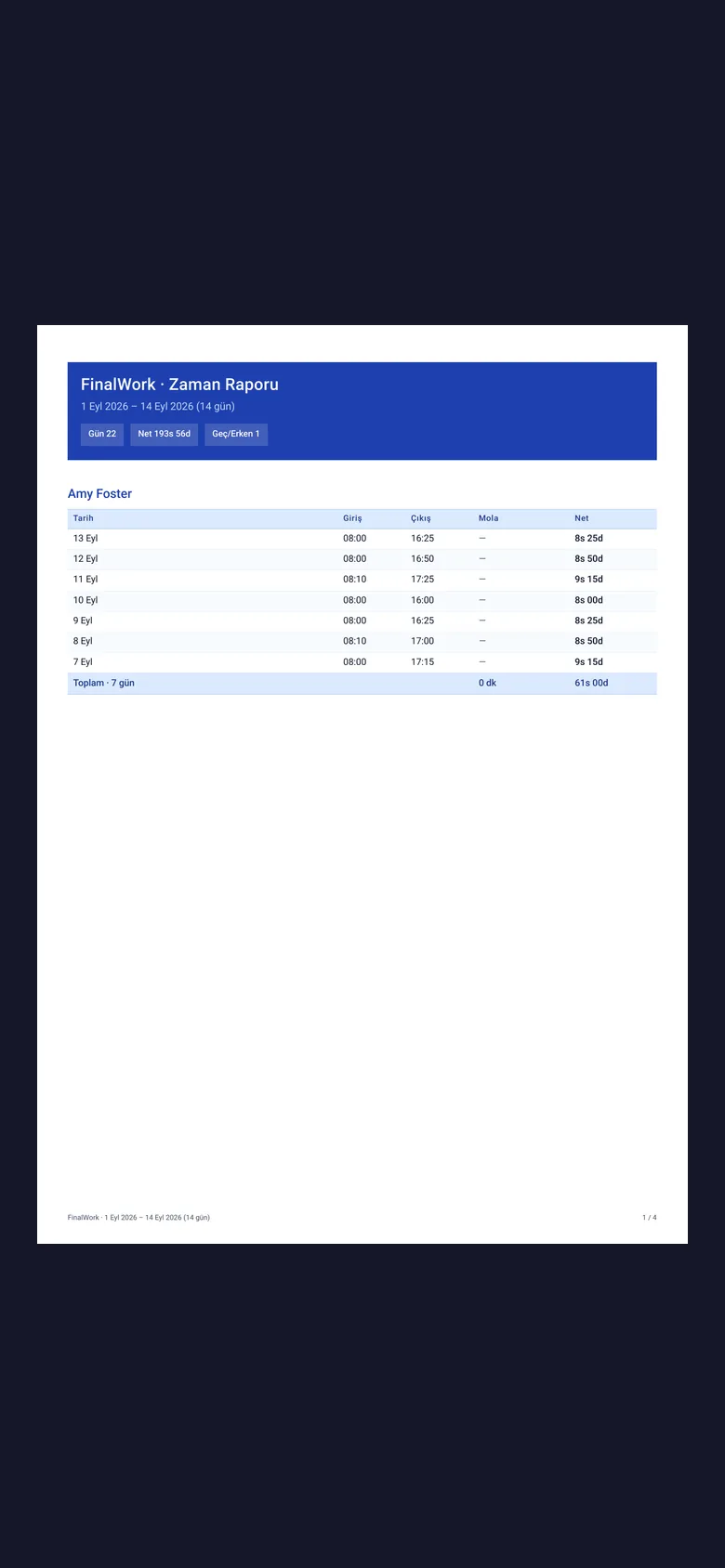
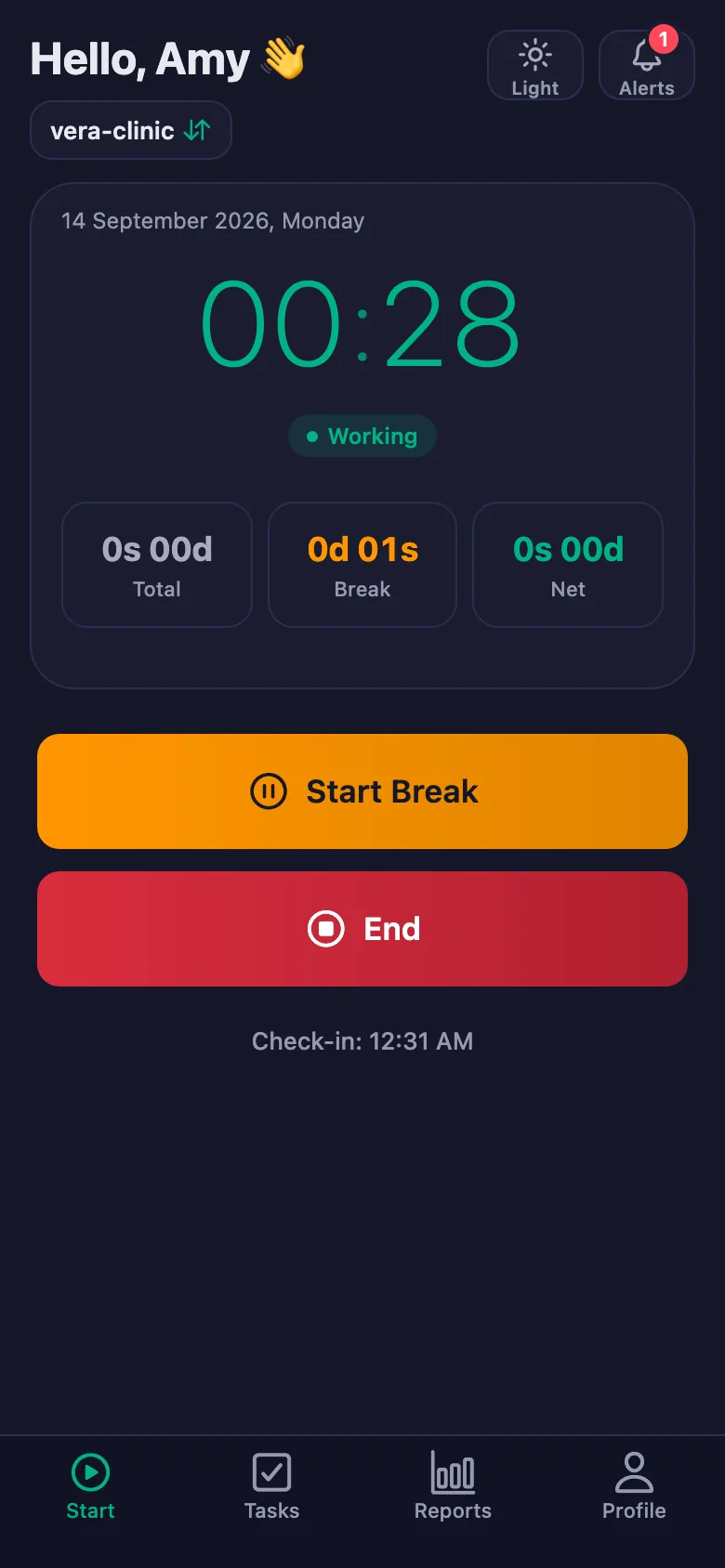
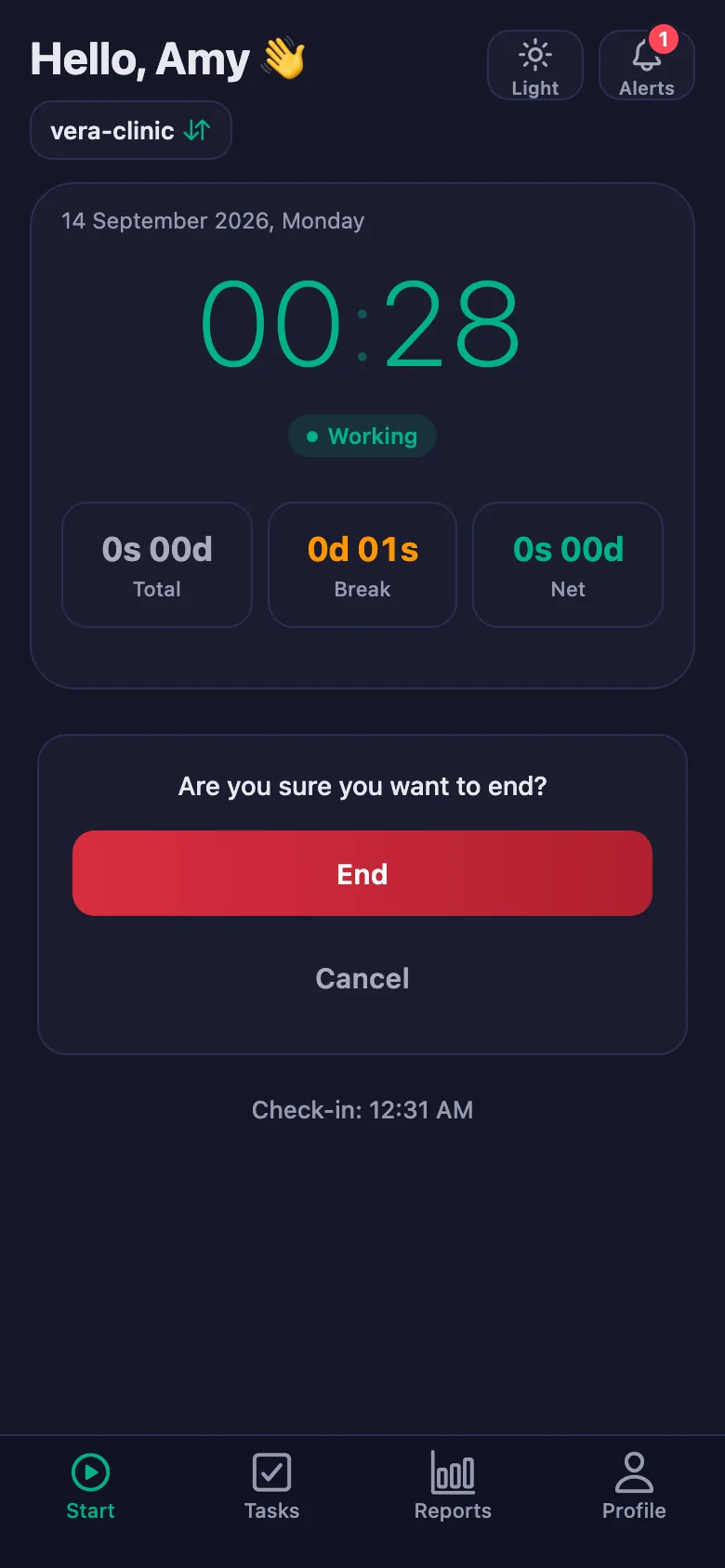
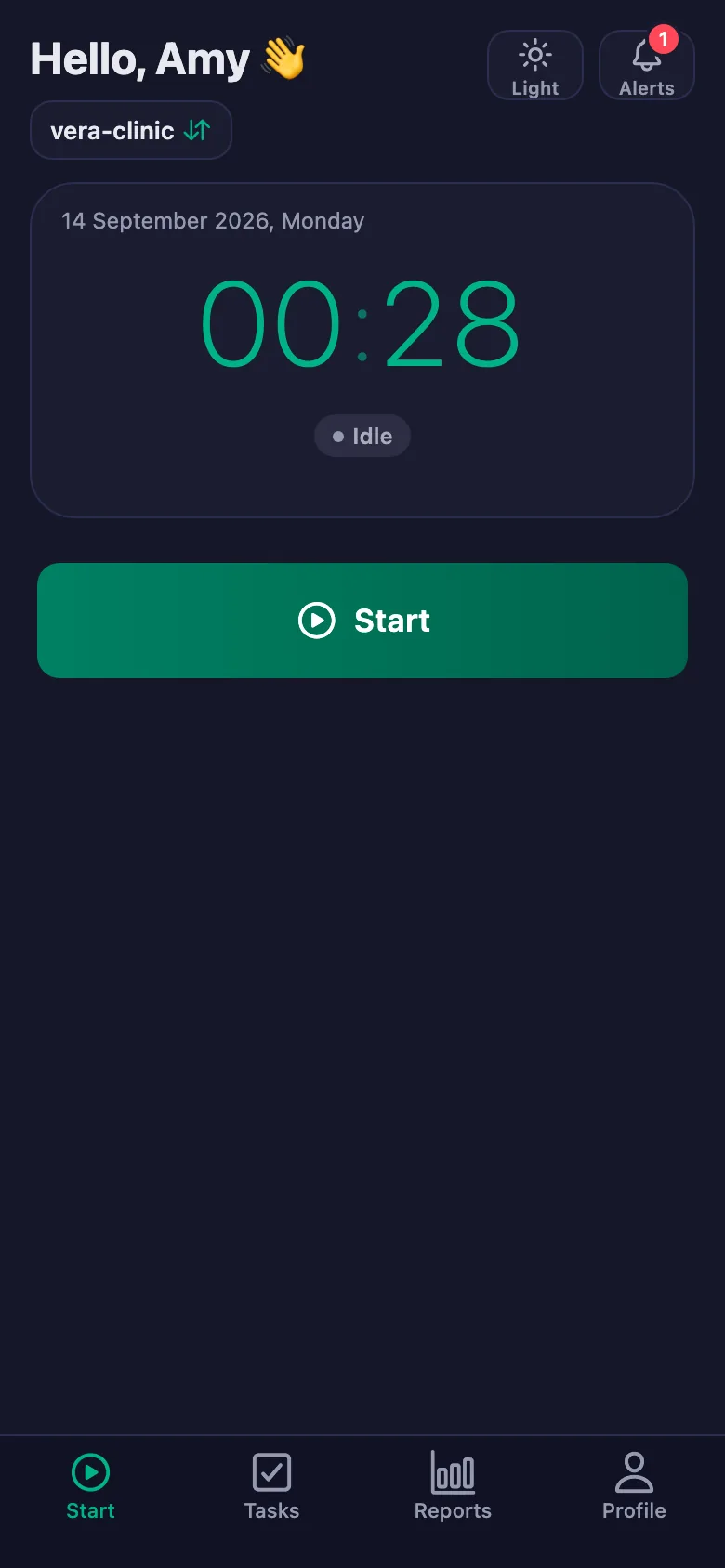
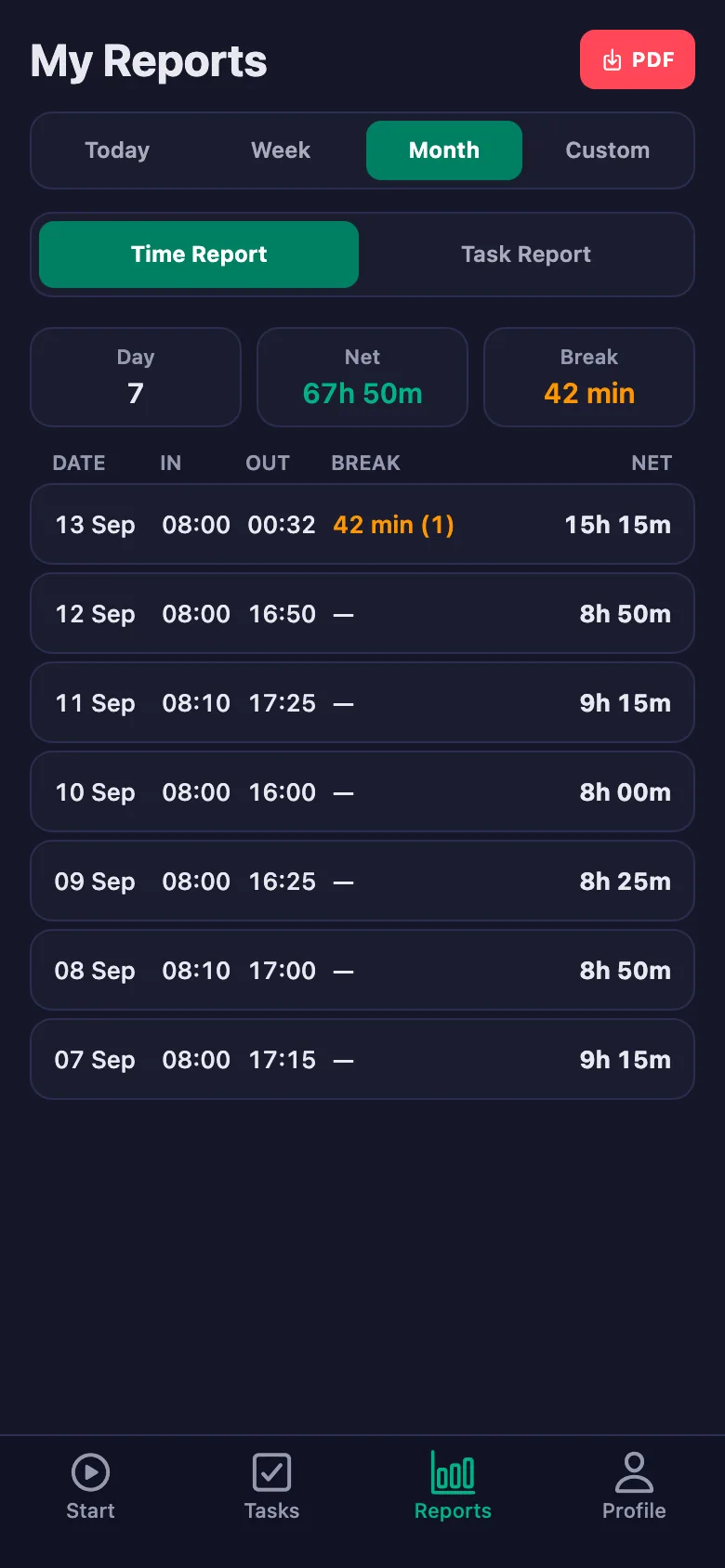
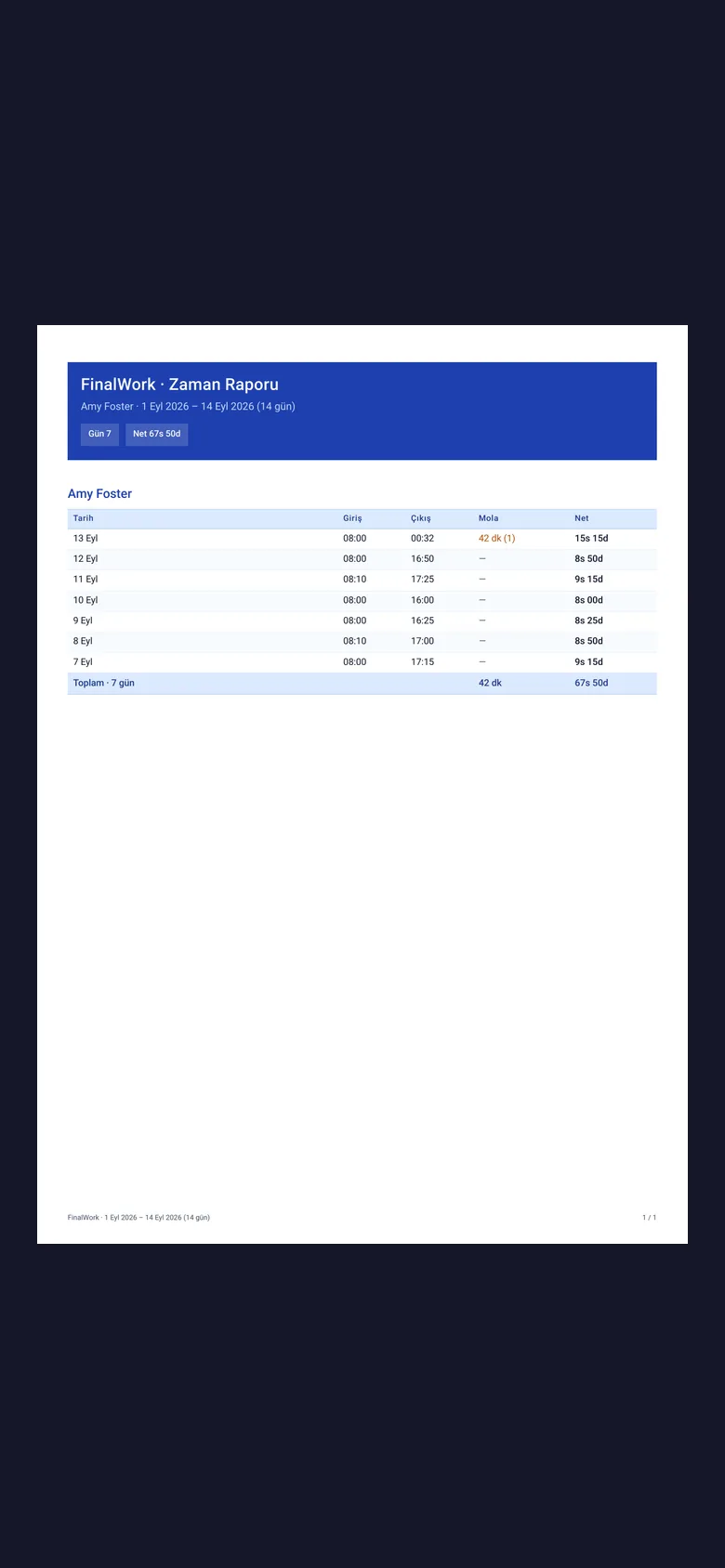
Staff start the timer when they come on shift and stop it when they leave. On-call hours build up in the same place; lateness, breaks and net time appear separately in the report.
A broken device or a supply that has run out gets mentioned in the corridor and does not survive to the next day.
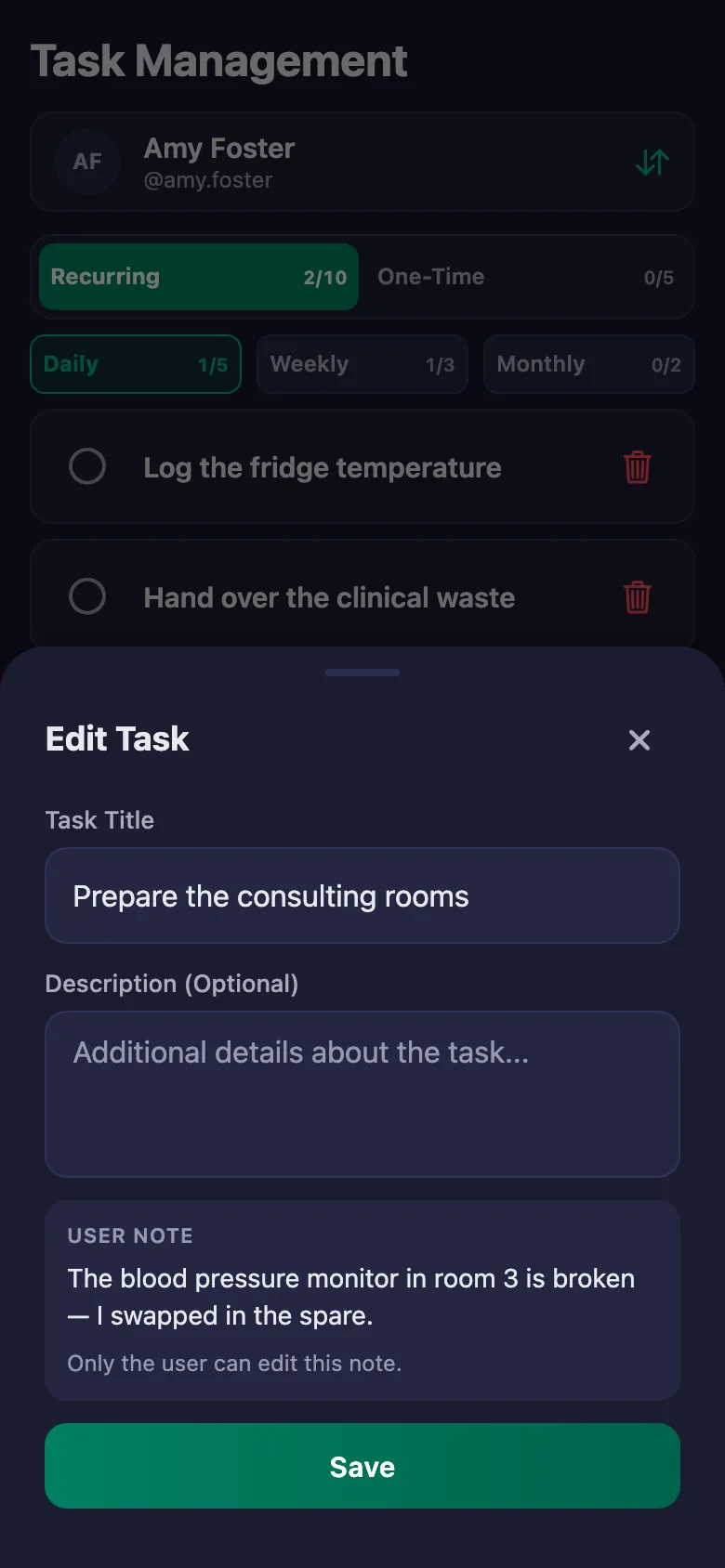
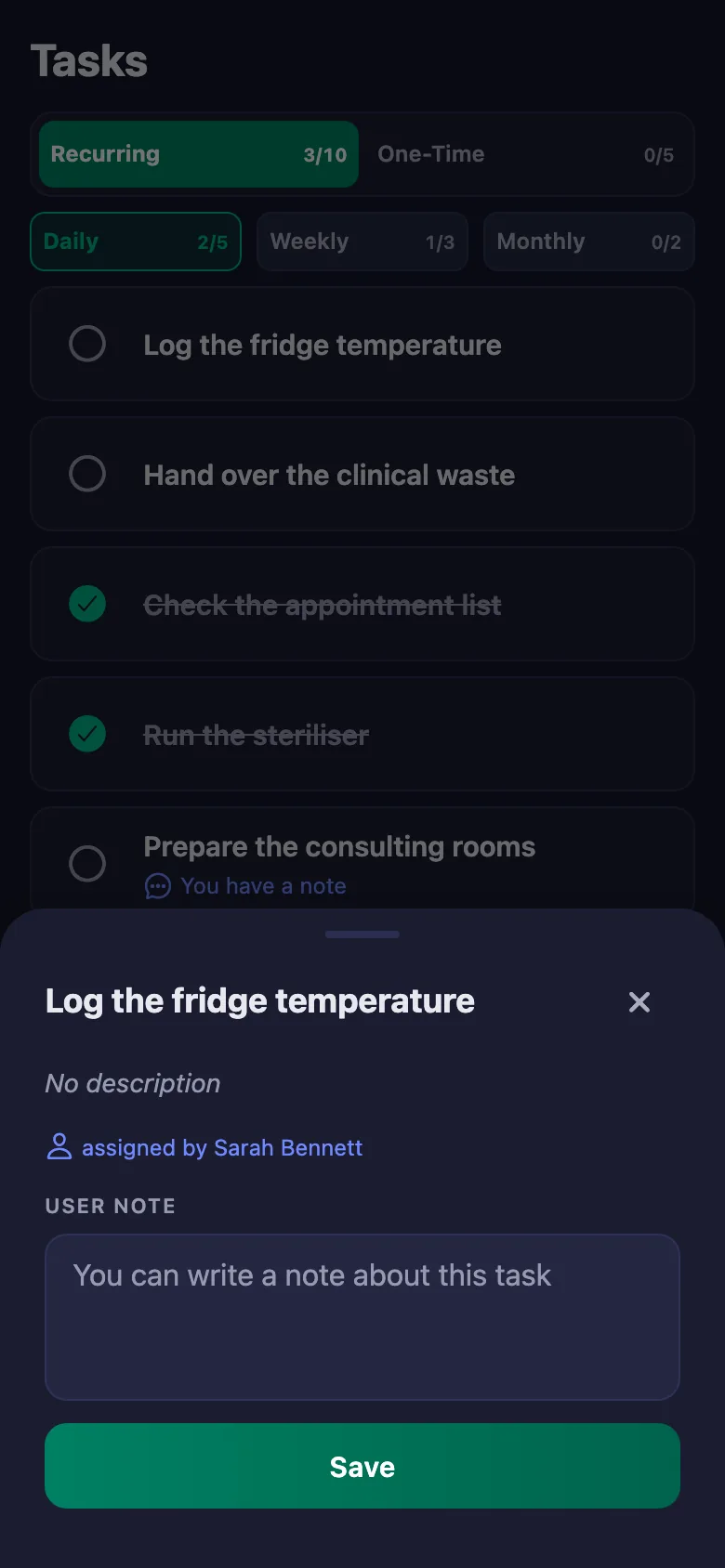
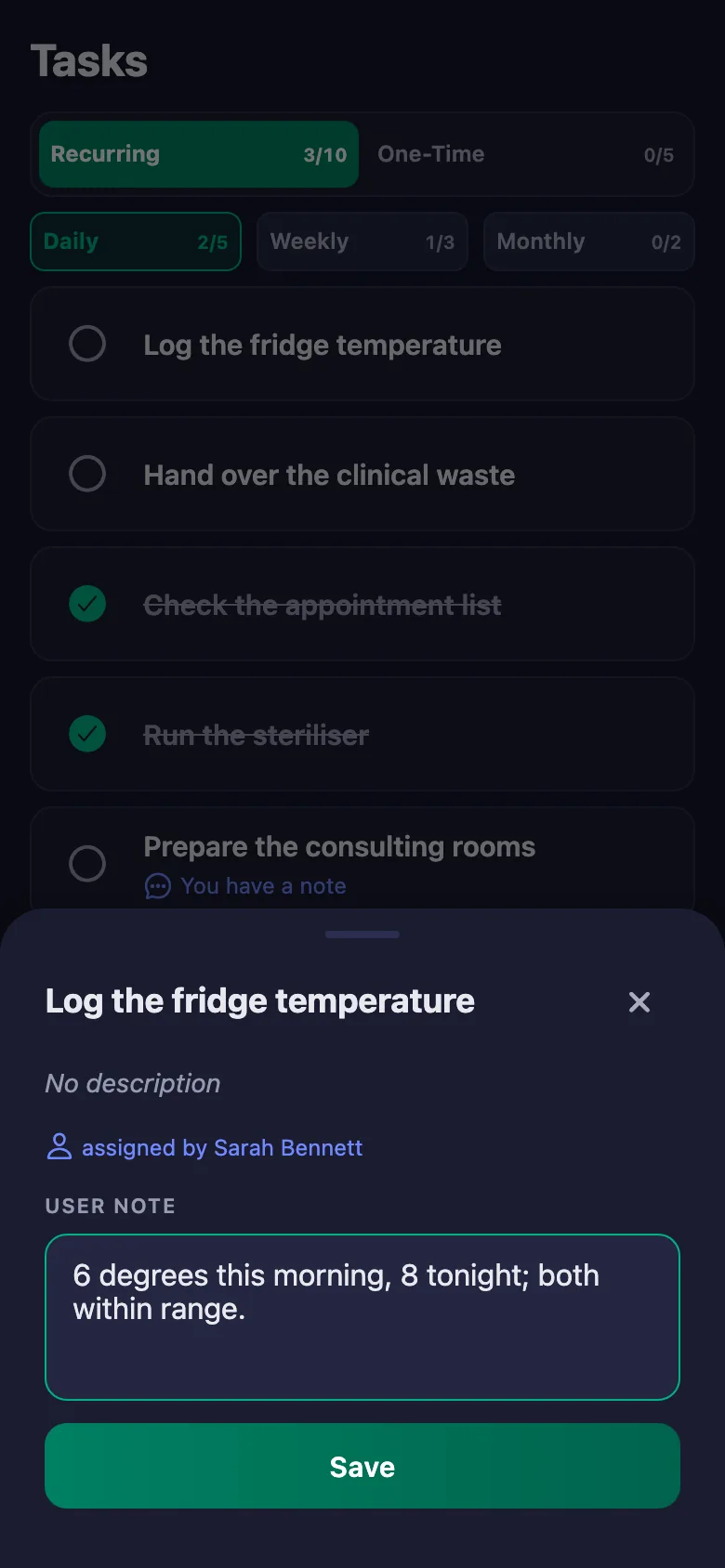
Staff write a note under the task: which room, which device, what was done. The note sits on your screen, and only the person who wrote it can change it.
On a day you don't come in, you have no idea who is there and who is on a break.
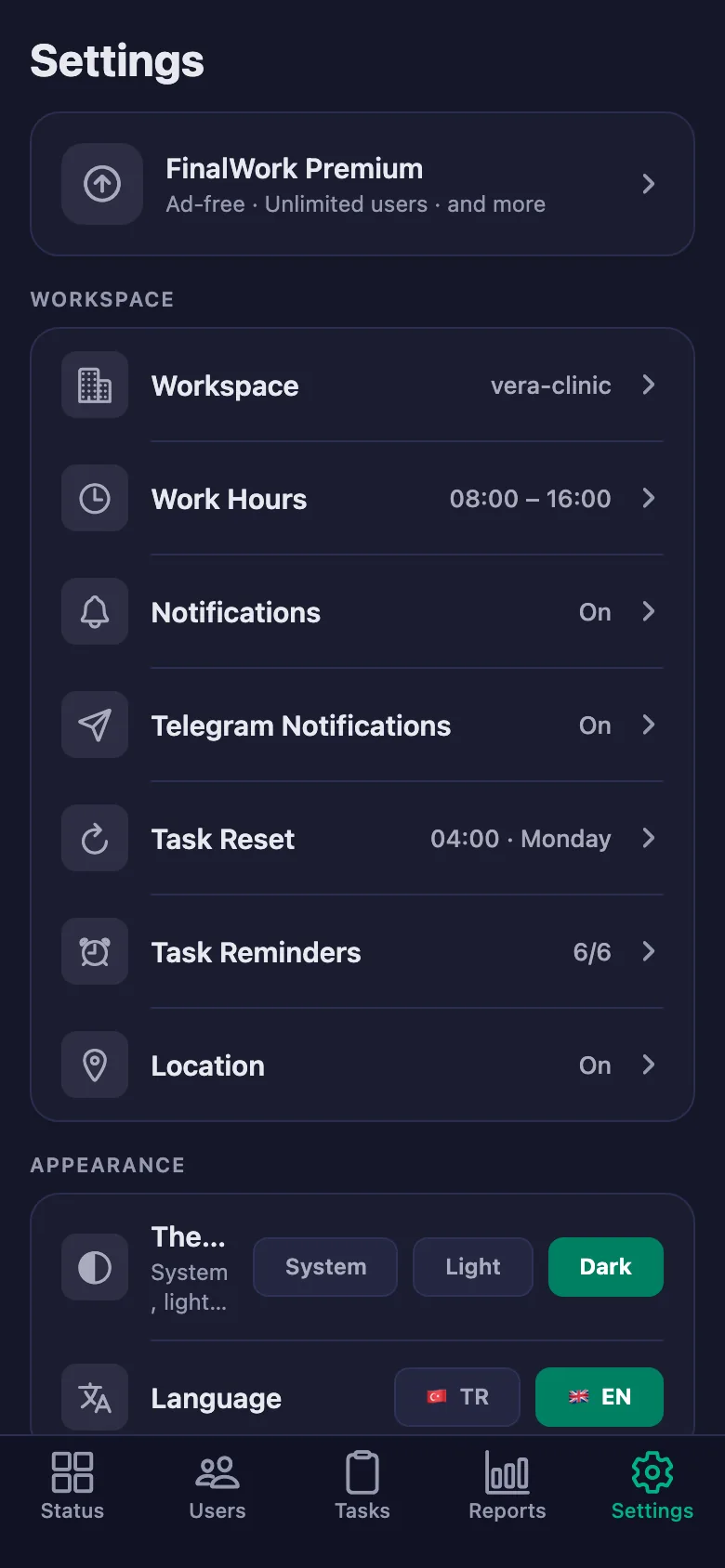
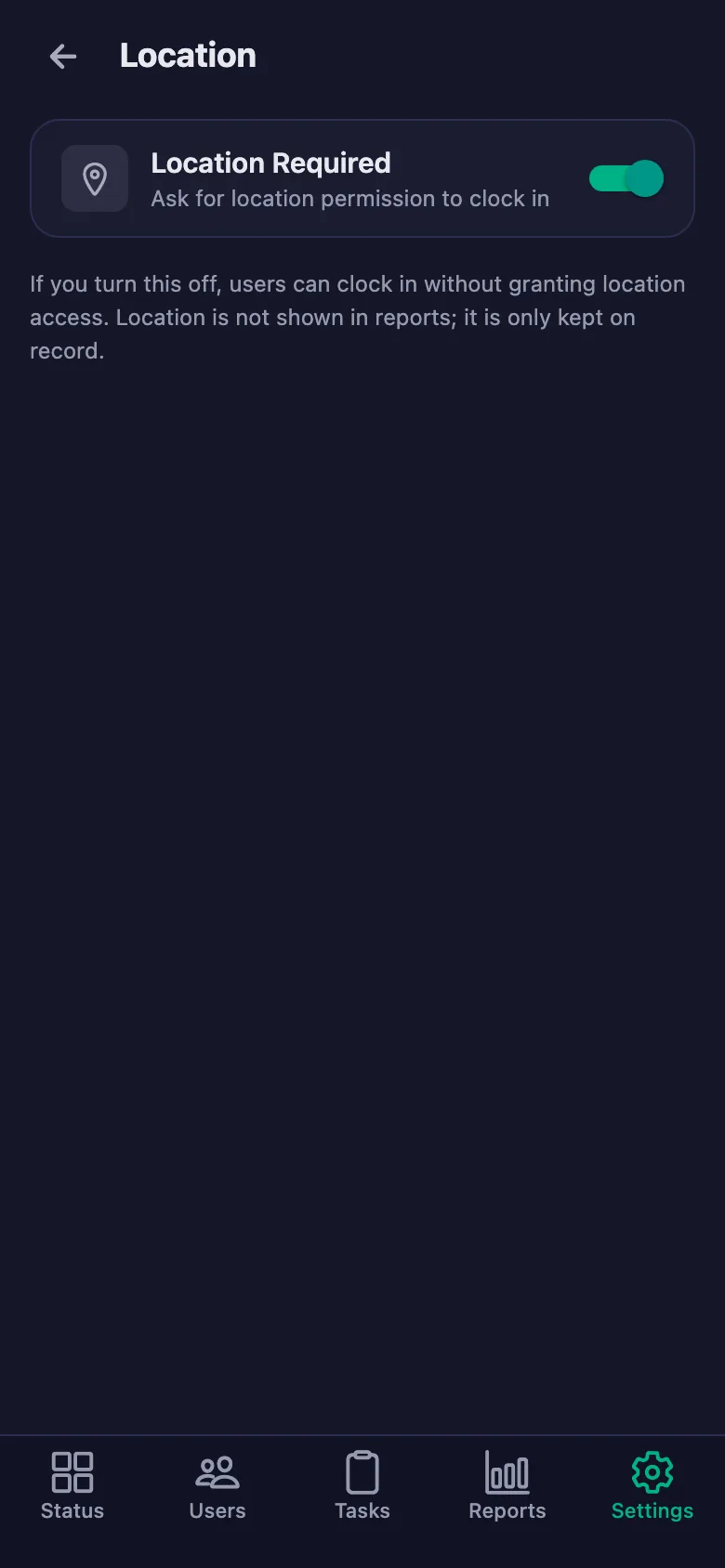
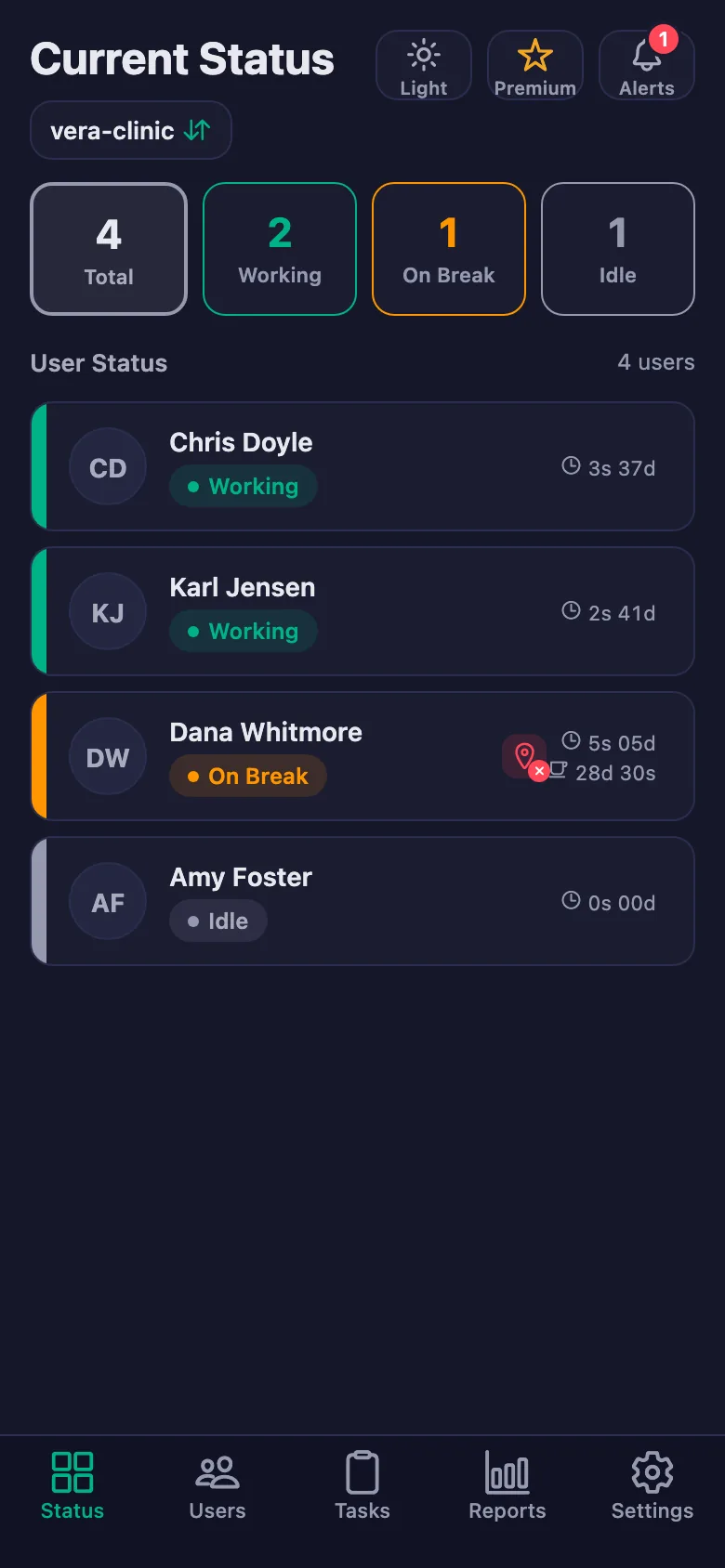
The live status screen shows whose timer is running and who is on a break. With the location rule on, the timer can only be started at the clinic.
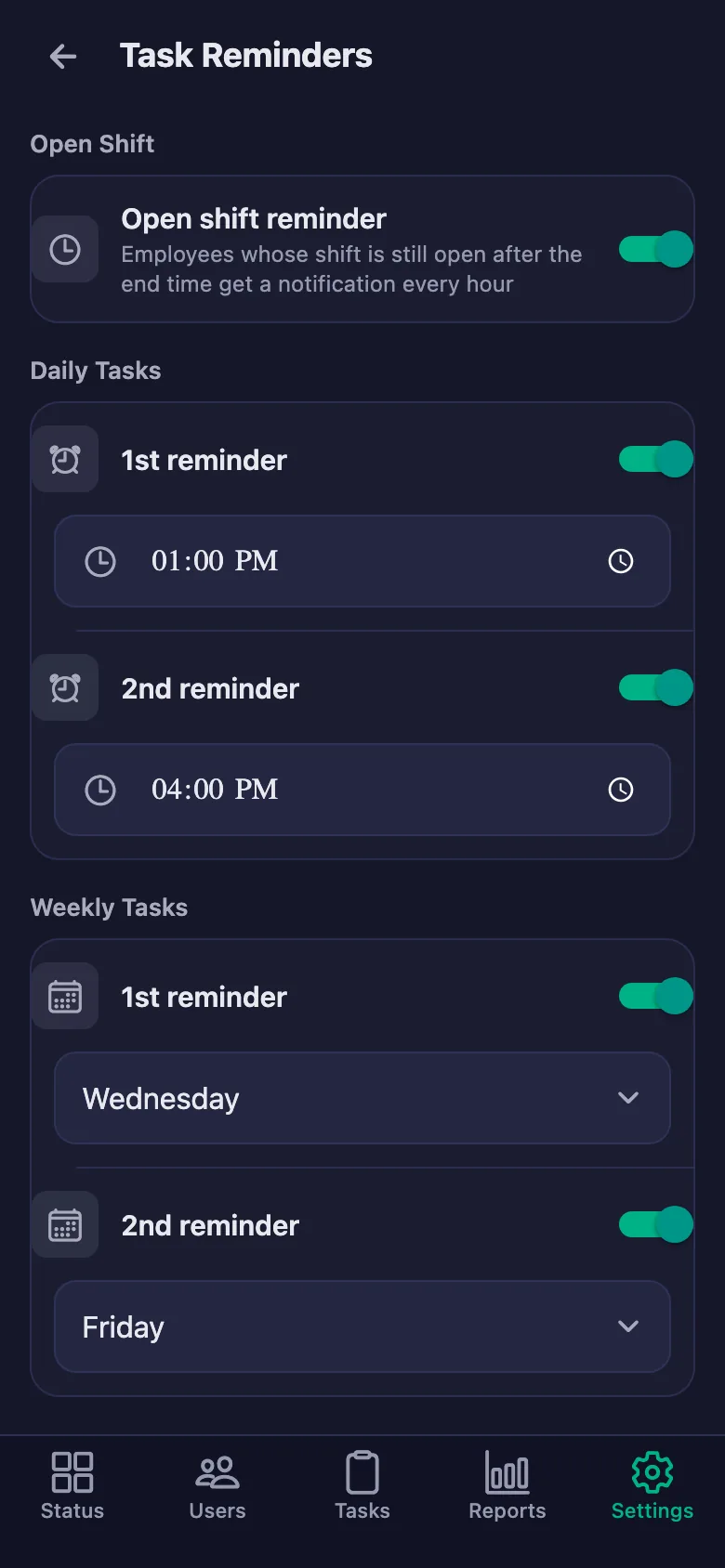
End-of-day checks get skipped when it is busy, and reminding means you have to ring round.
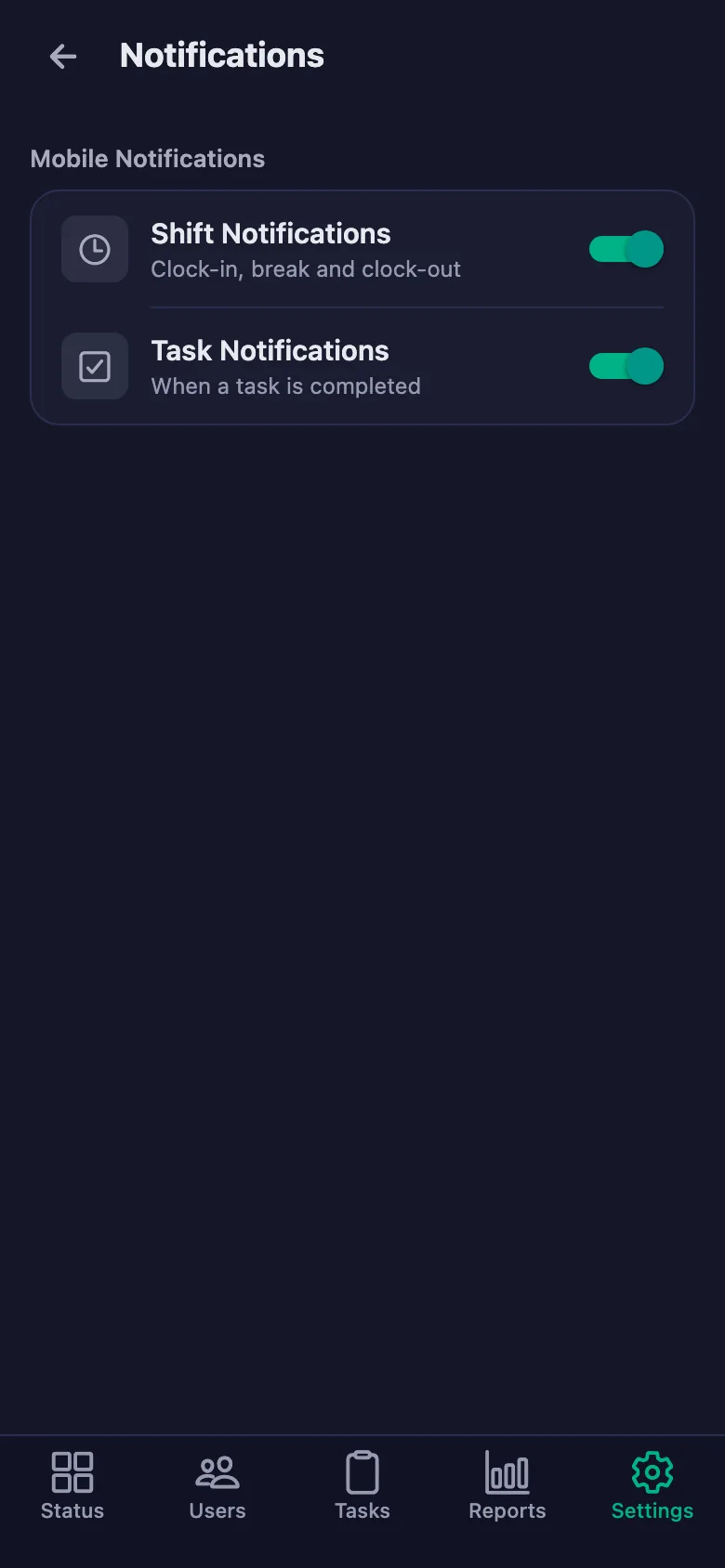
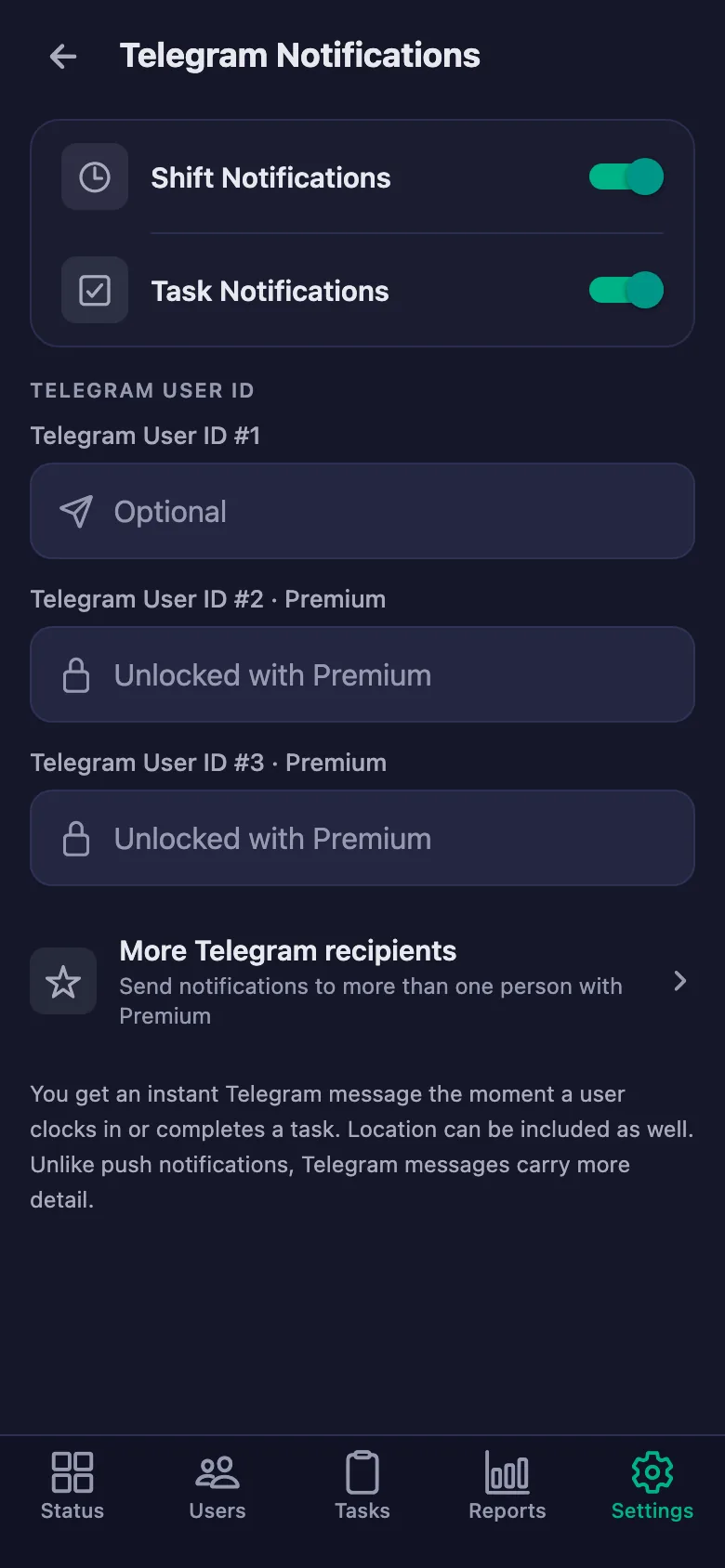
You set the reminder times. If a check is still undone at that hour, a notification lands on the staff member's phone.
Putting together the monthly staff and activity summary means collecting rotas and forms one by one.
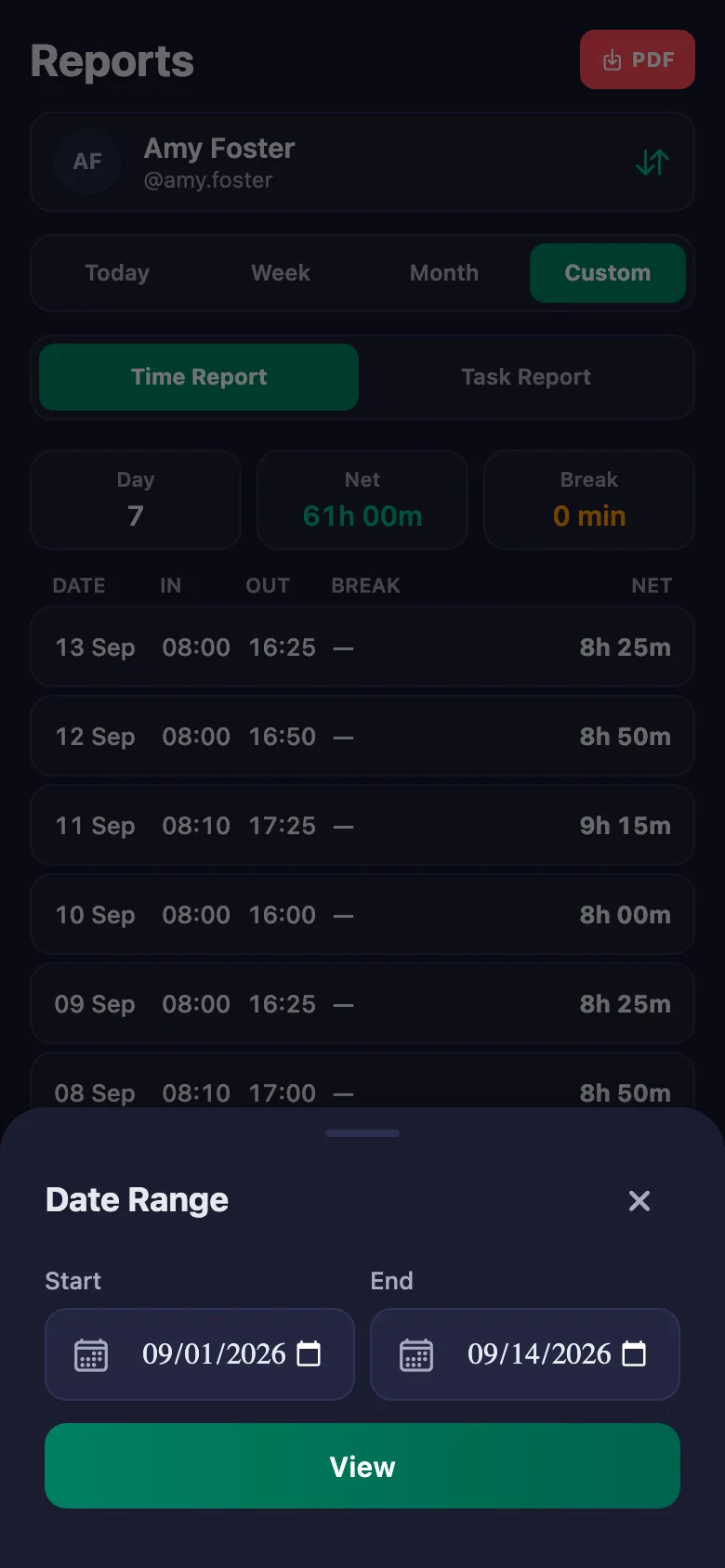
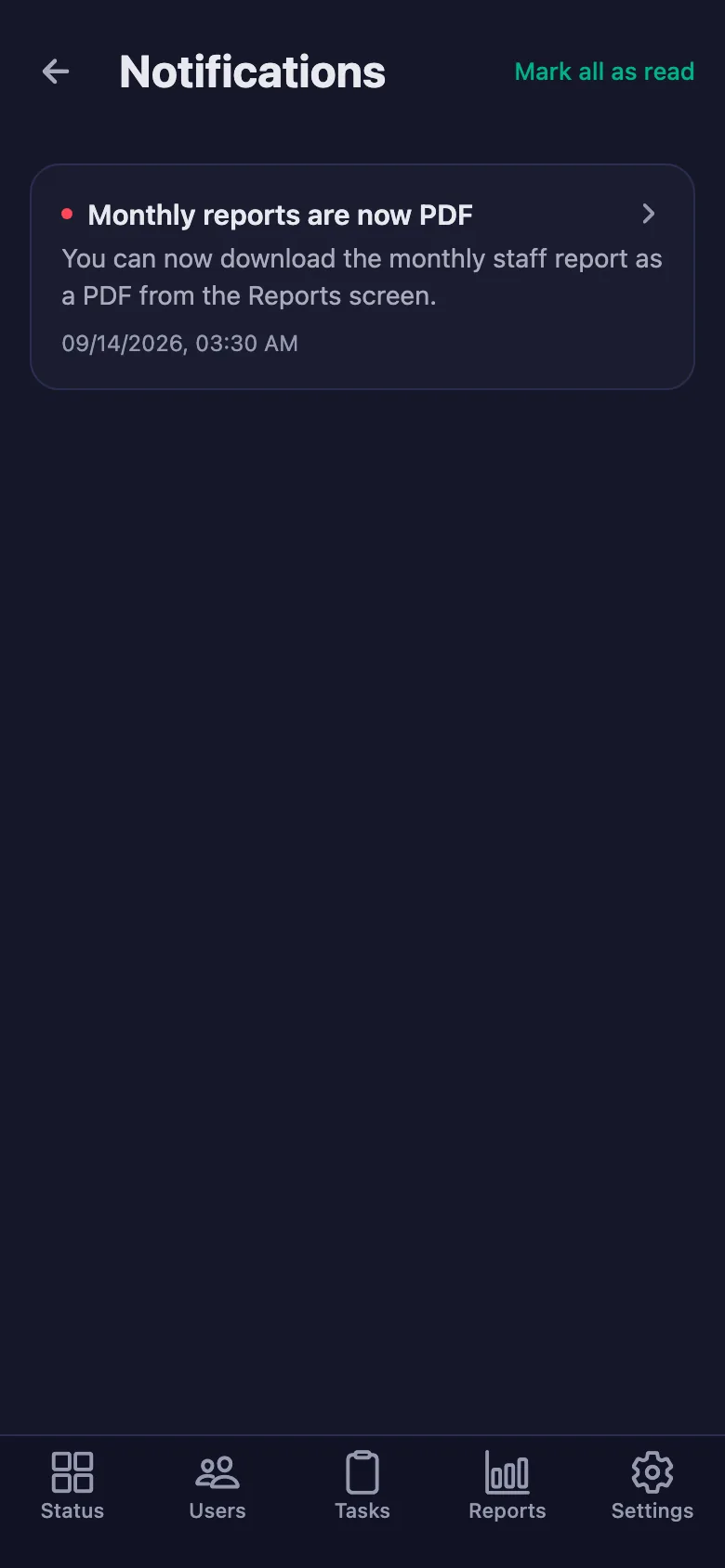
You pick a date range and the report appears on screen. You download the same report as a PDF and file it.
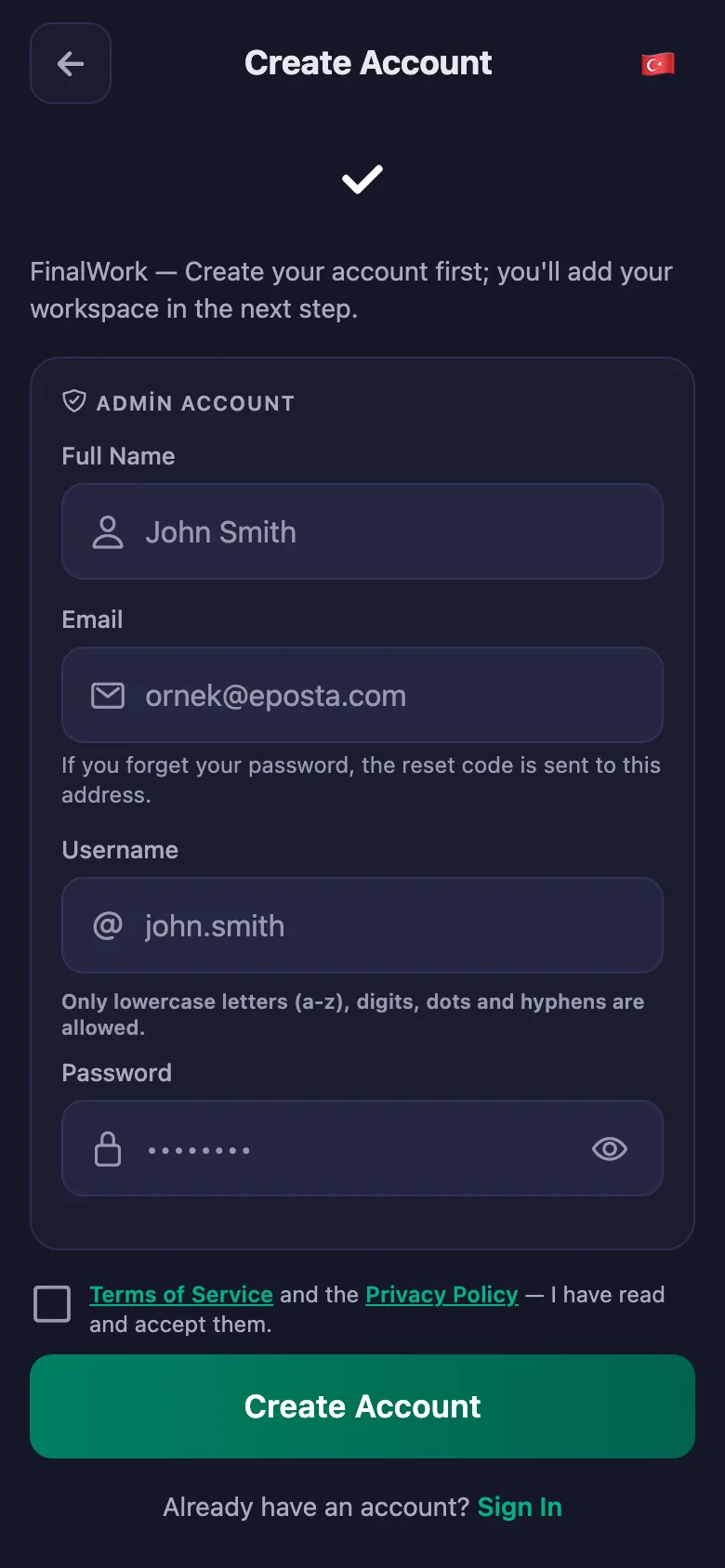
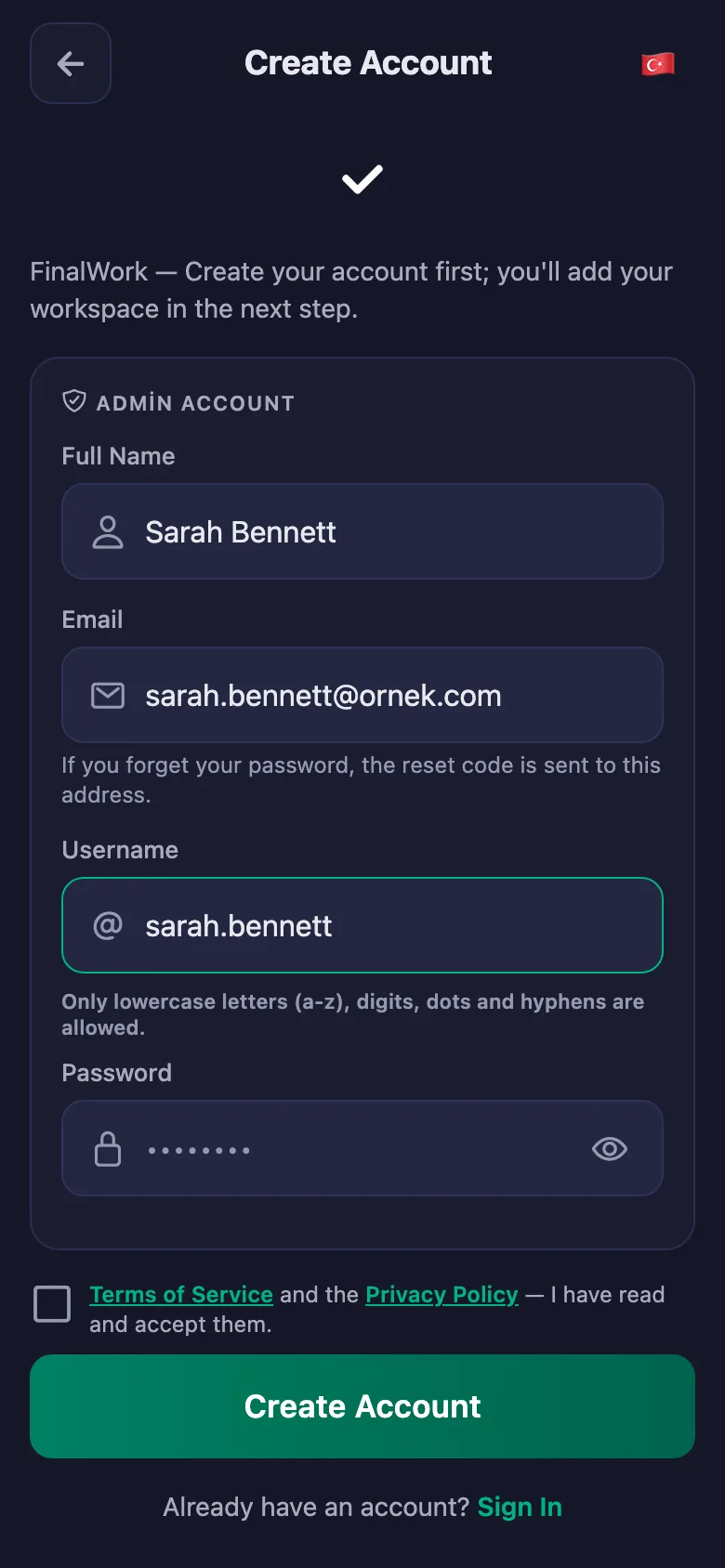
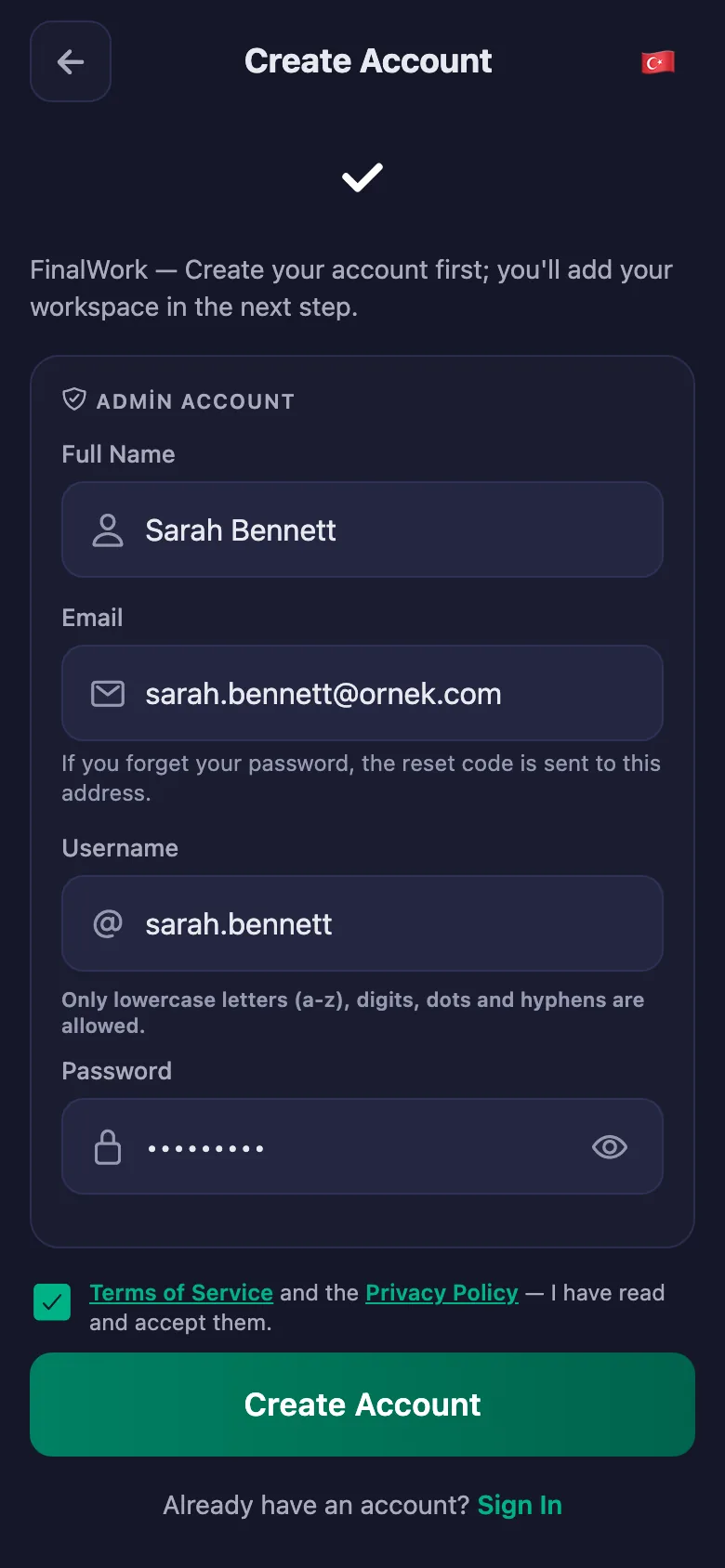
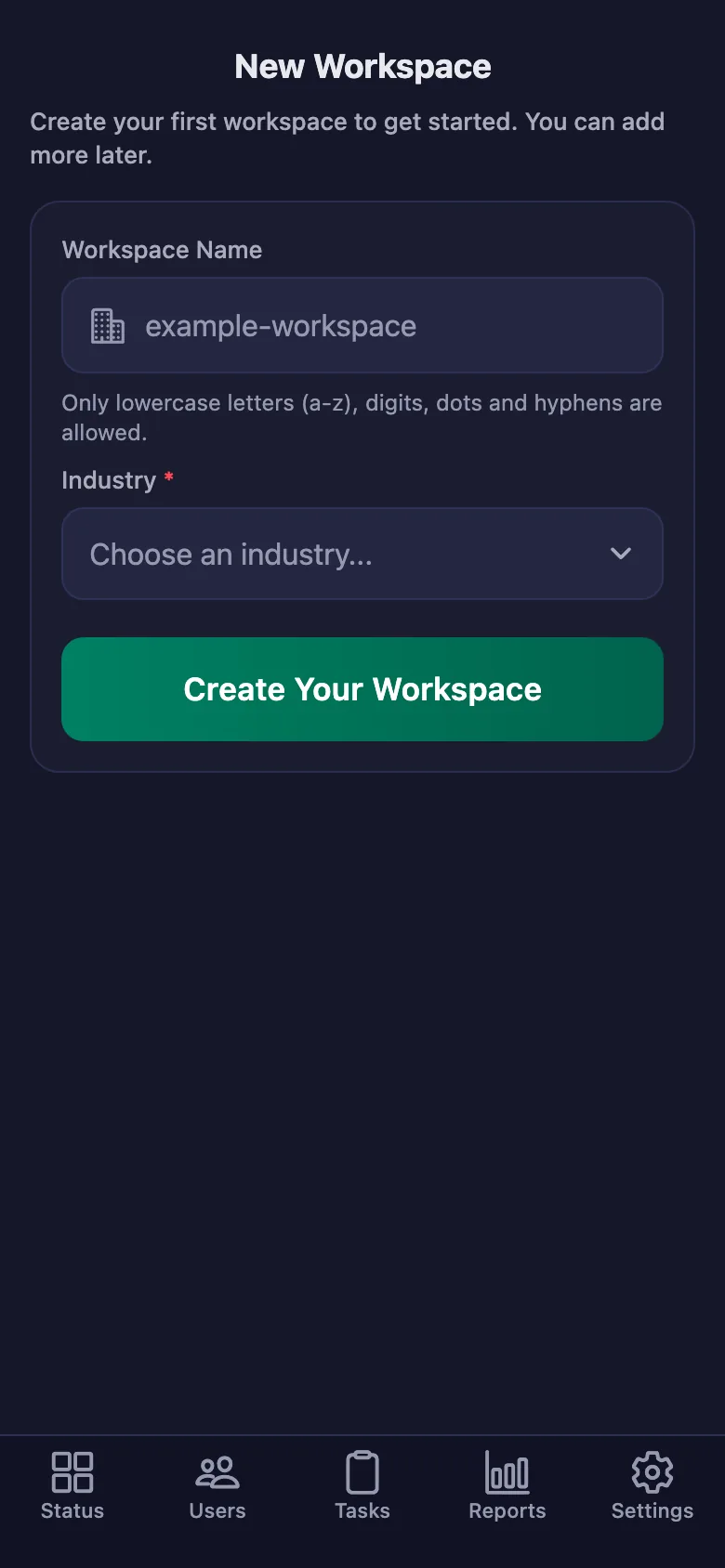
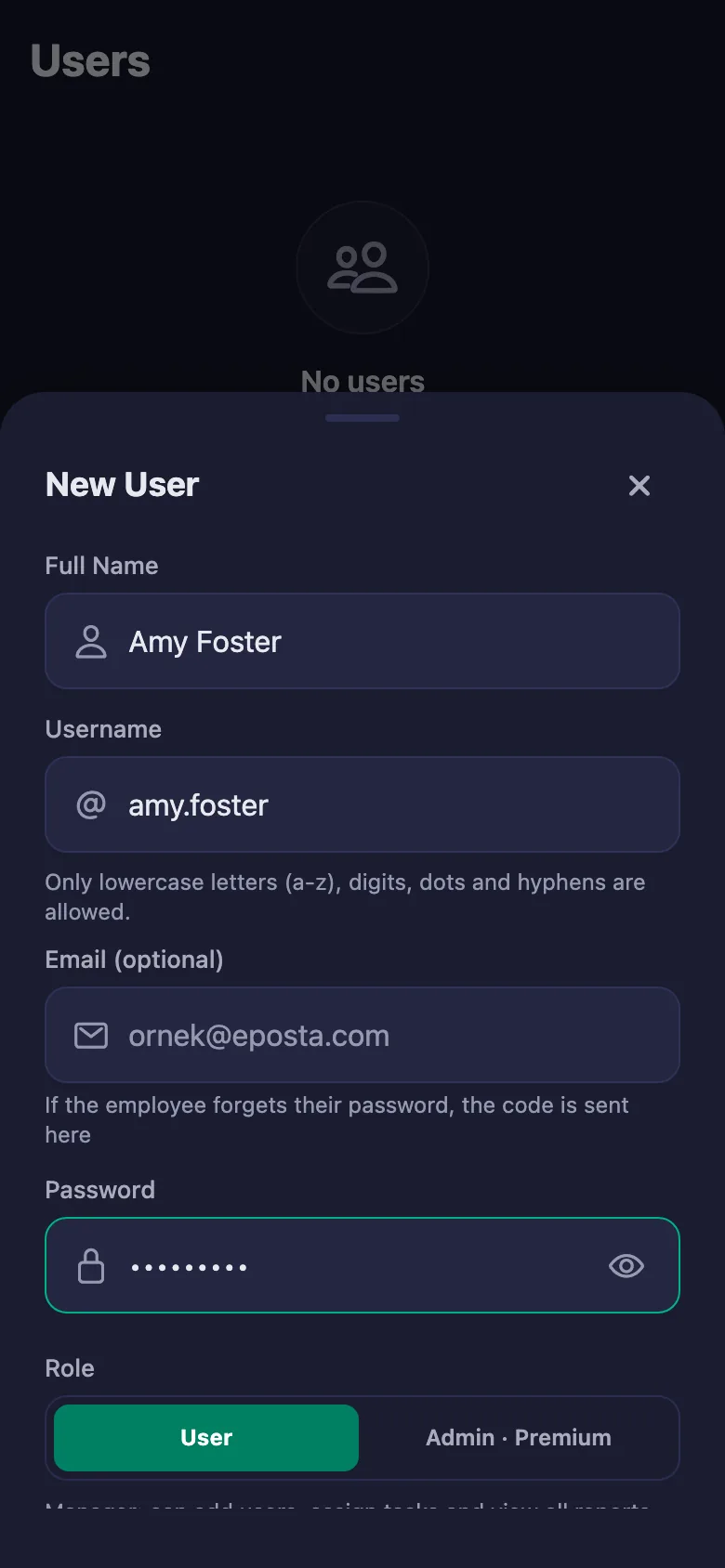
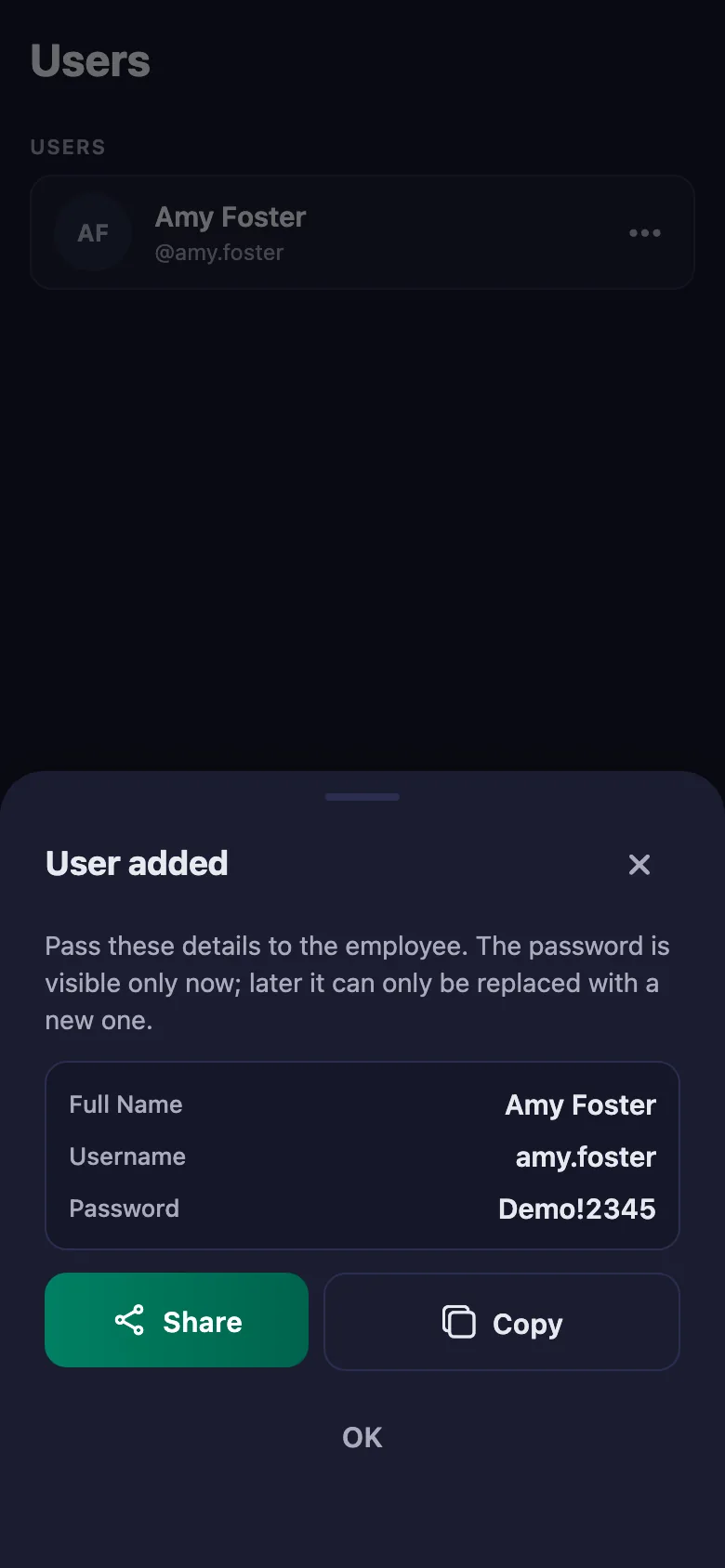
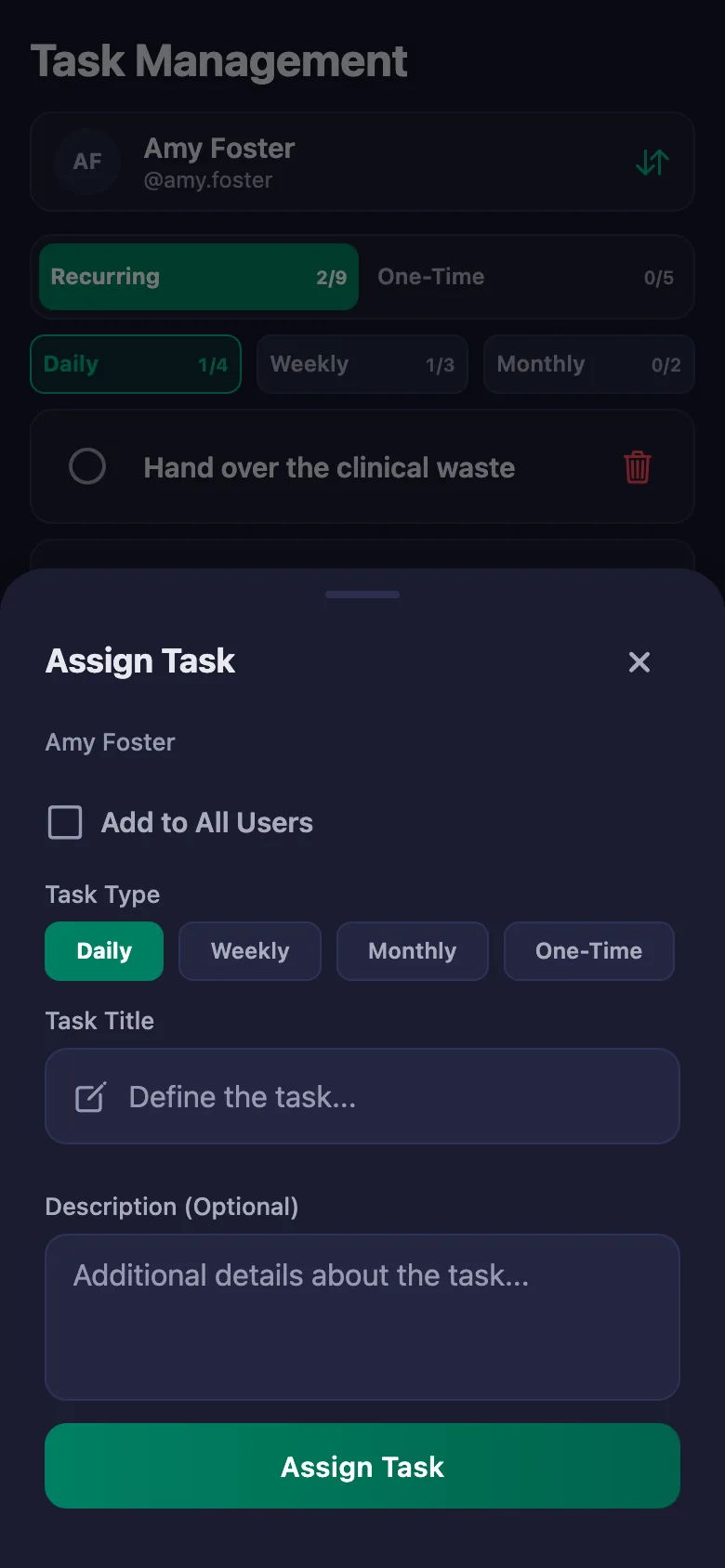
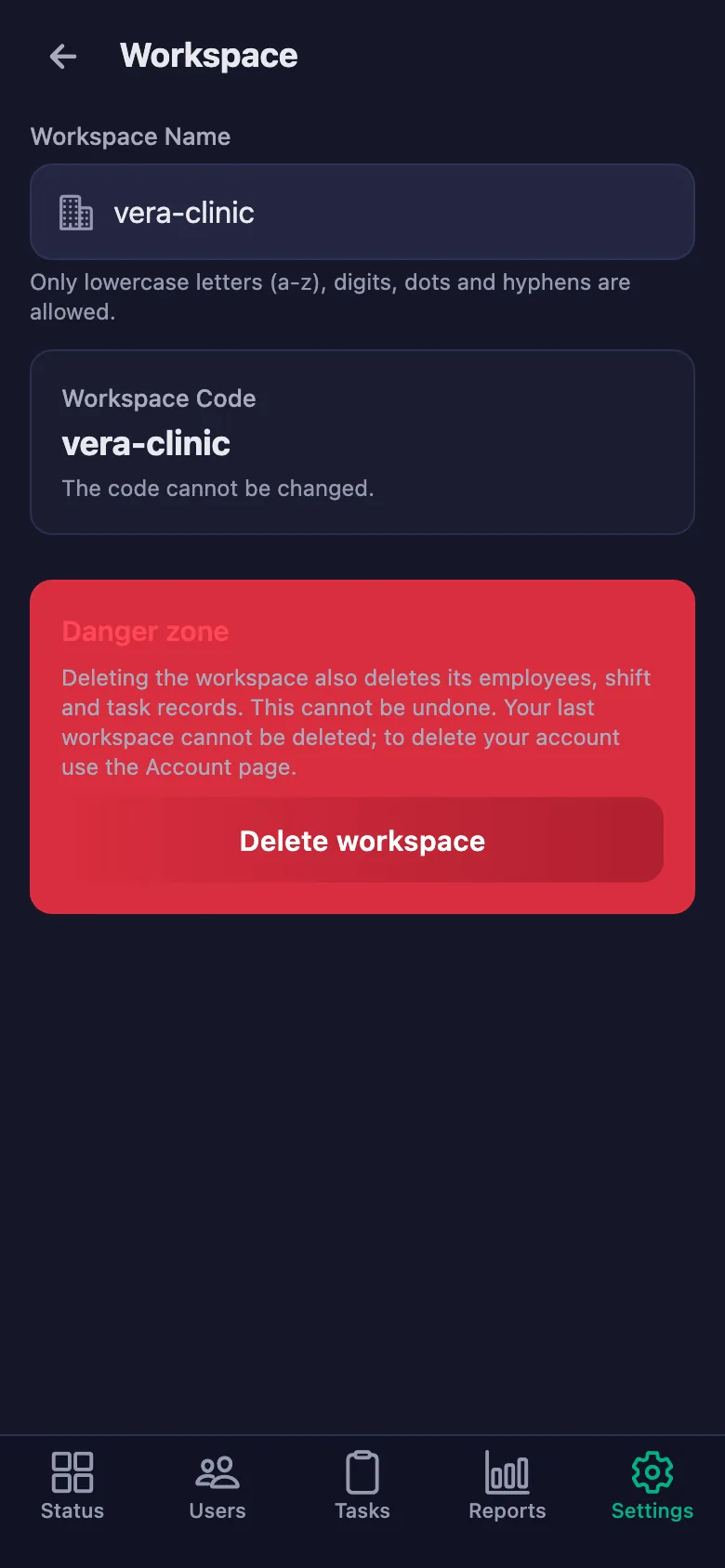
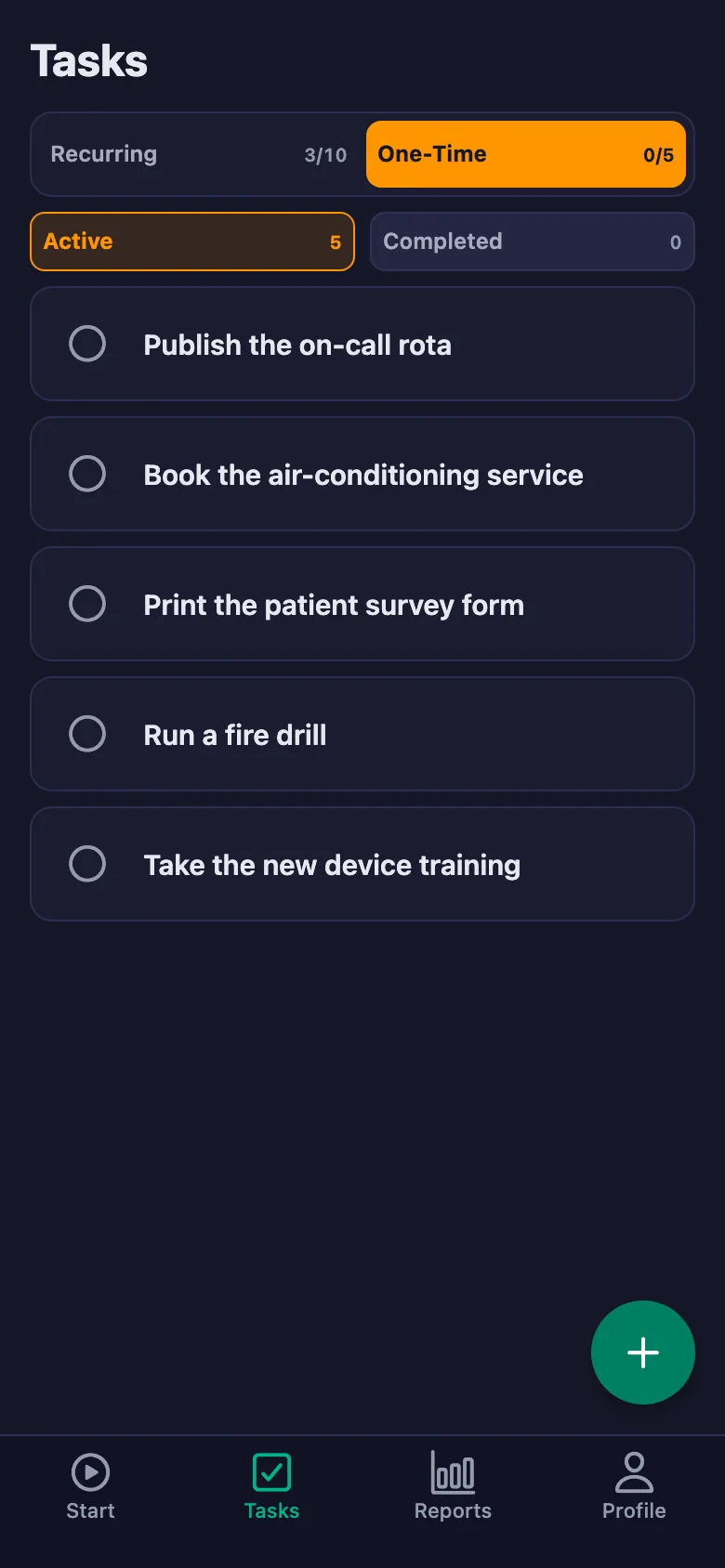
Setup and activation take just one minute — you can start free. Below you can watch the whole flow on the app's real screens.
Clinic Manager – Health Staff App Demo
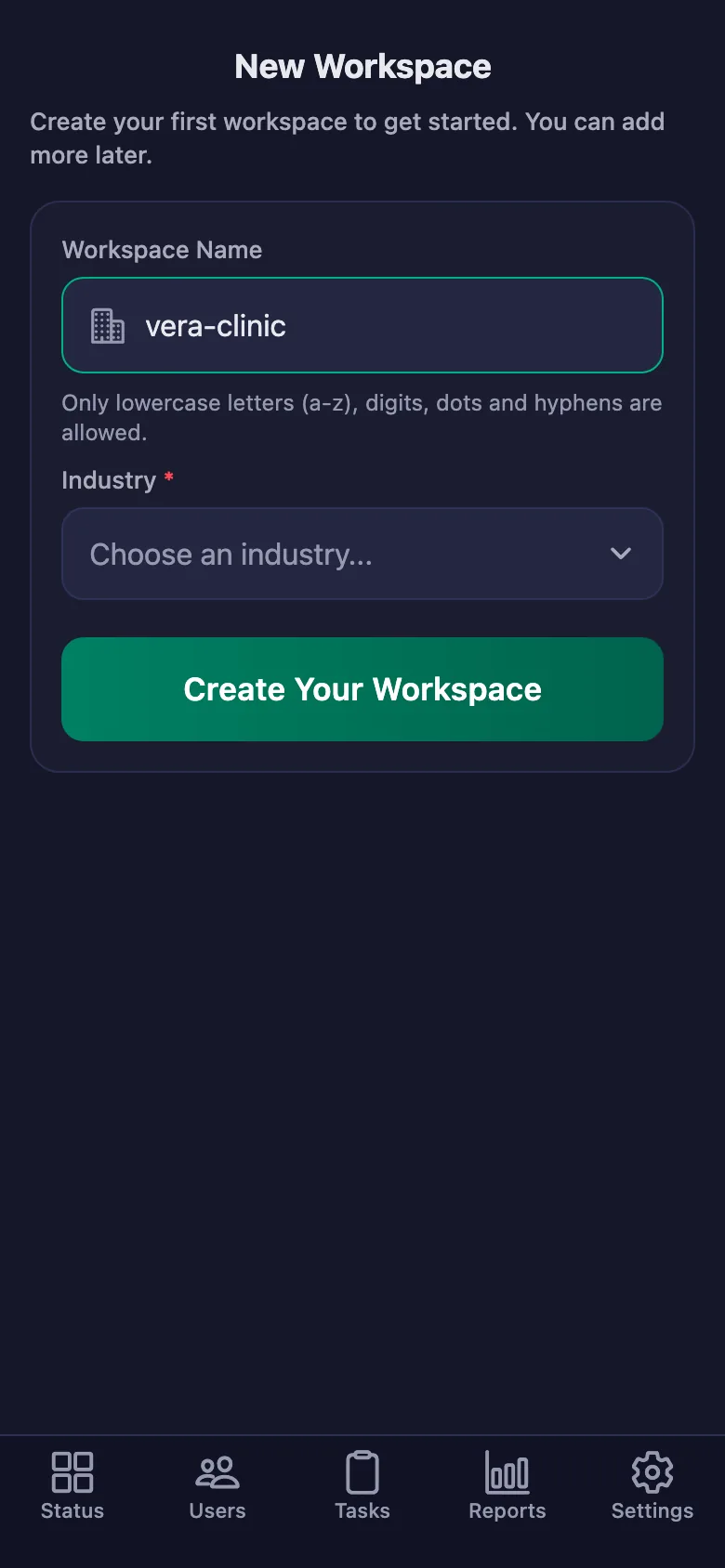
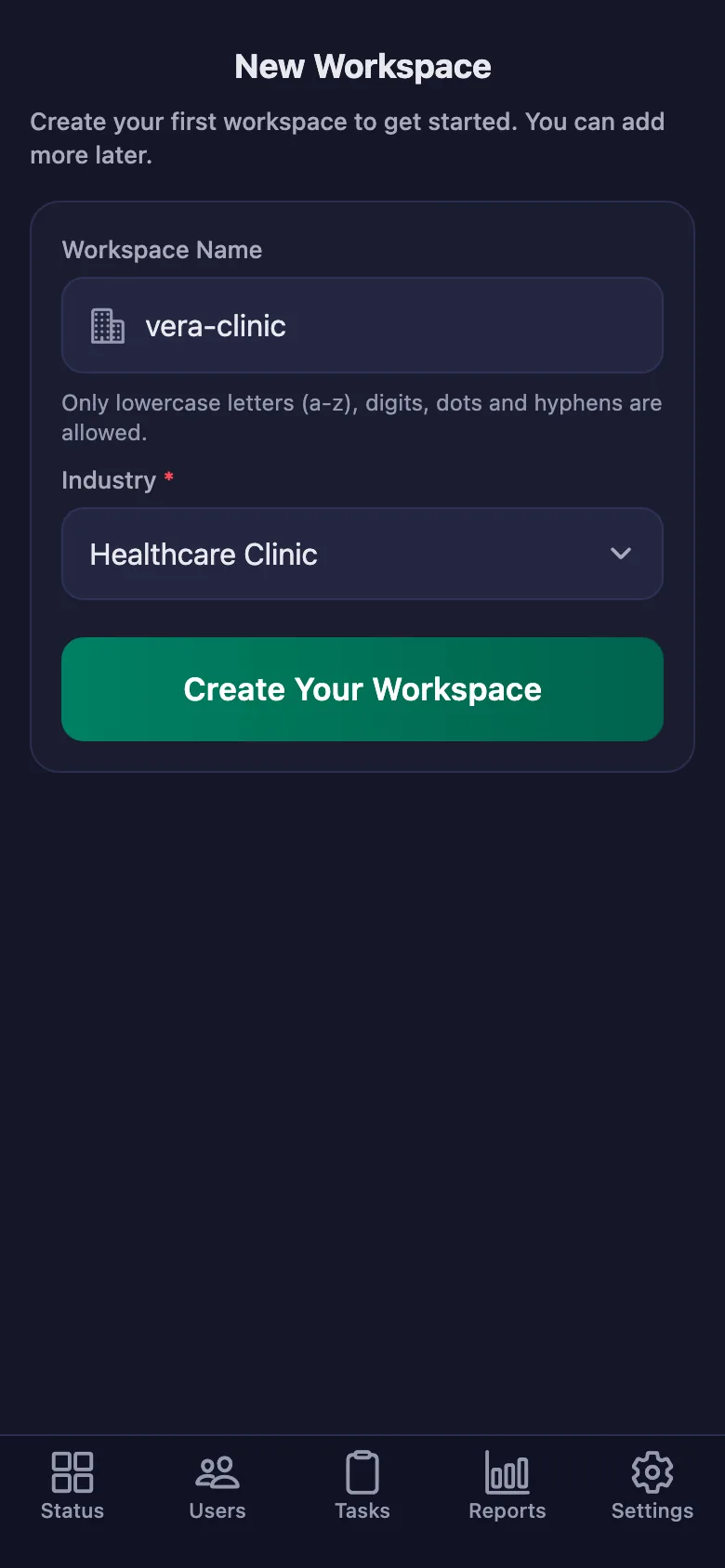
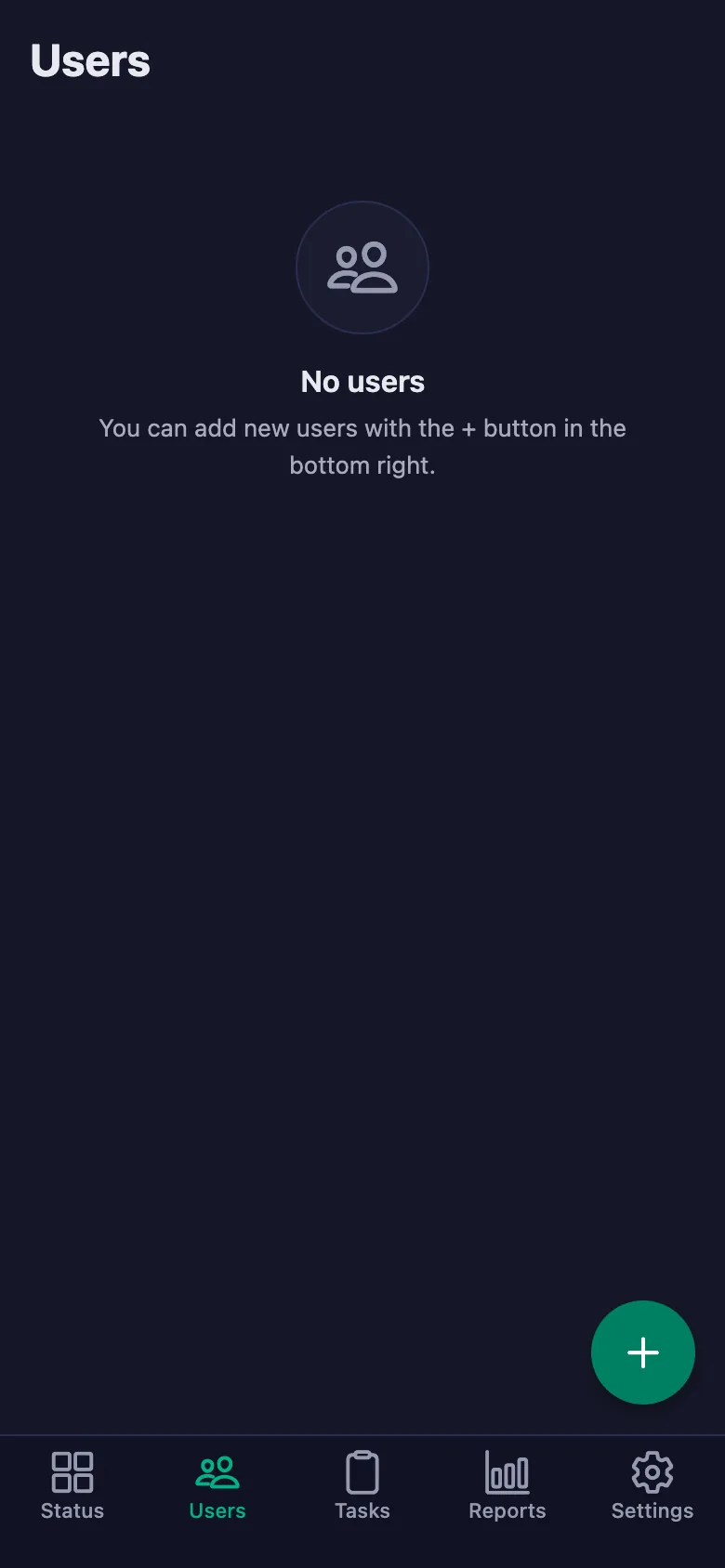
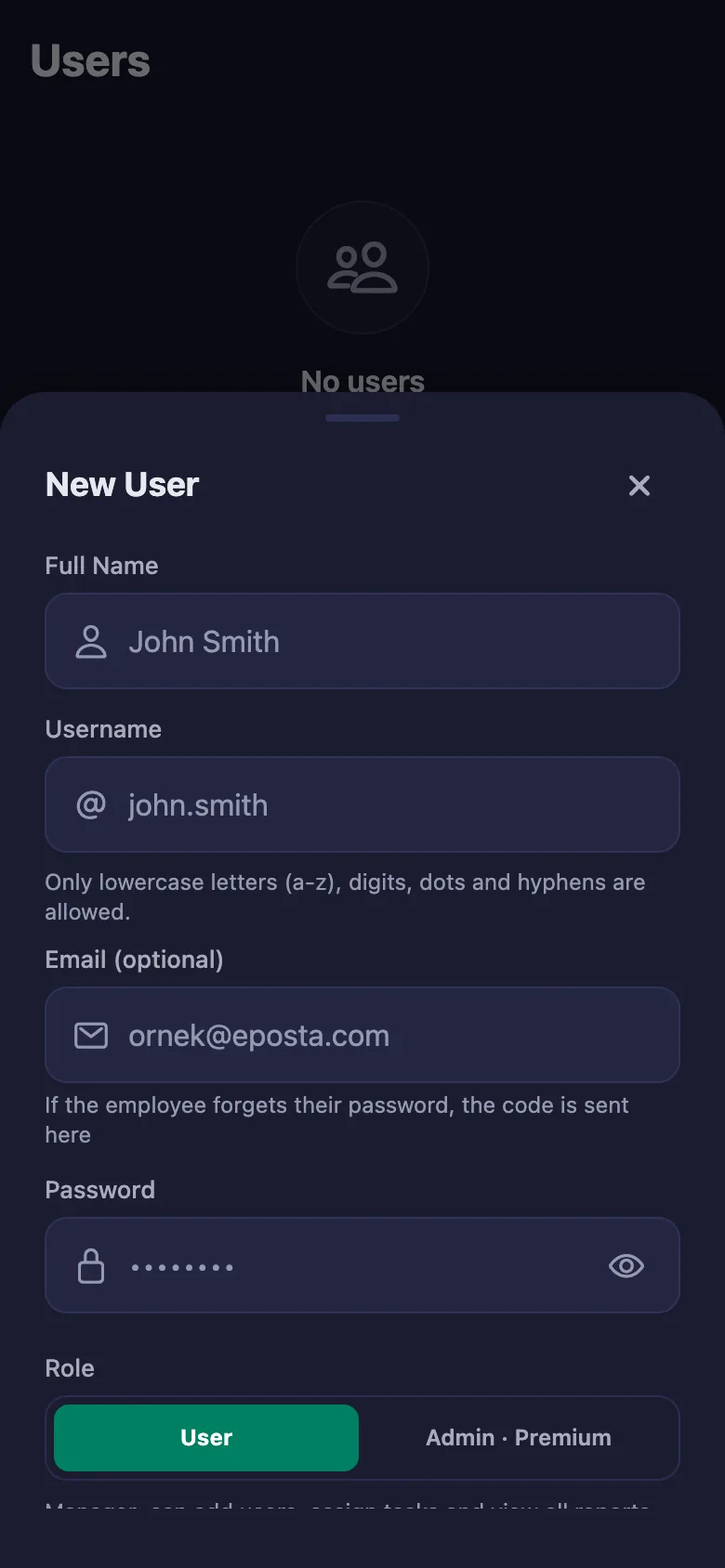
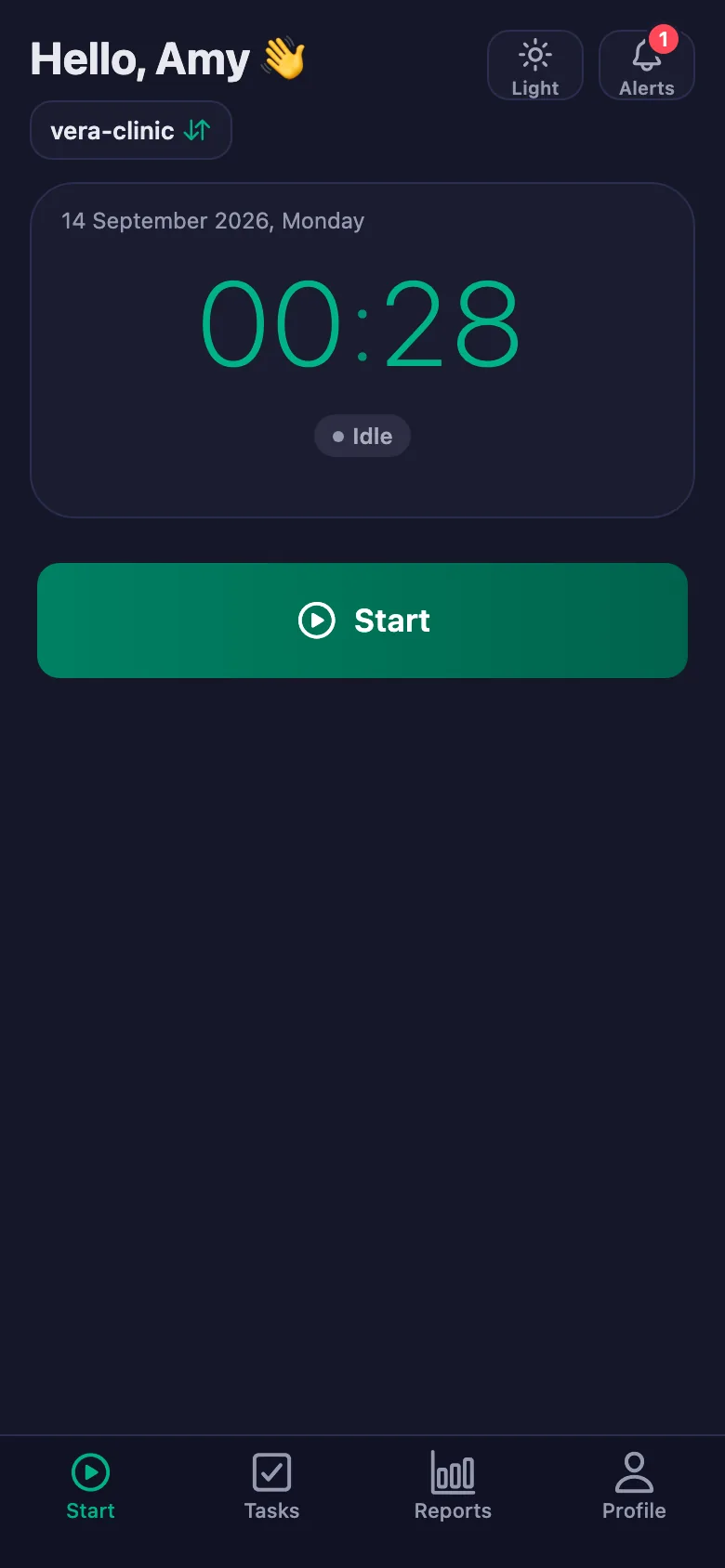
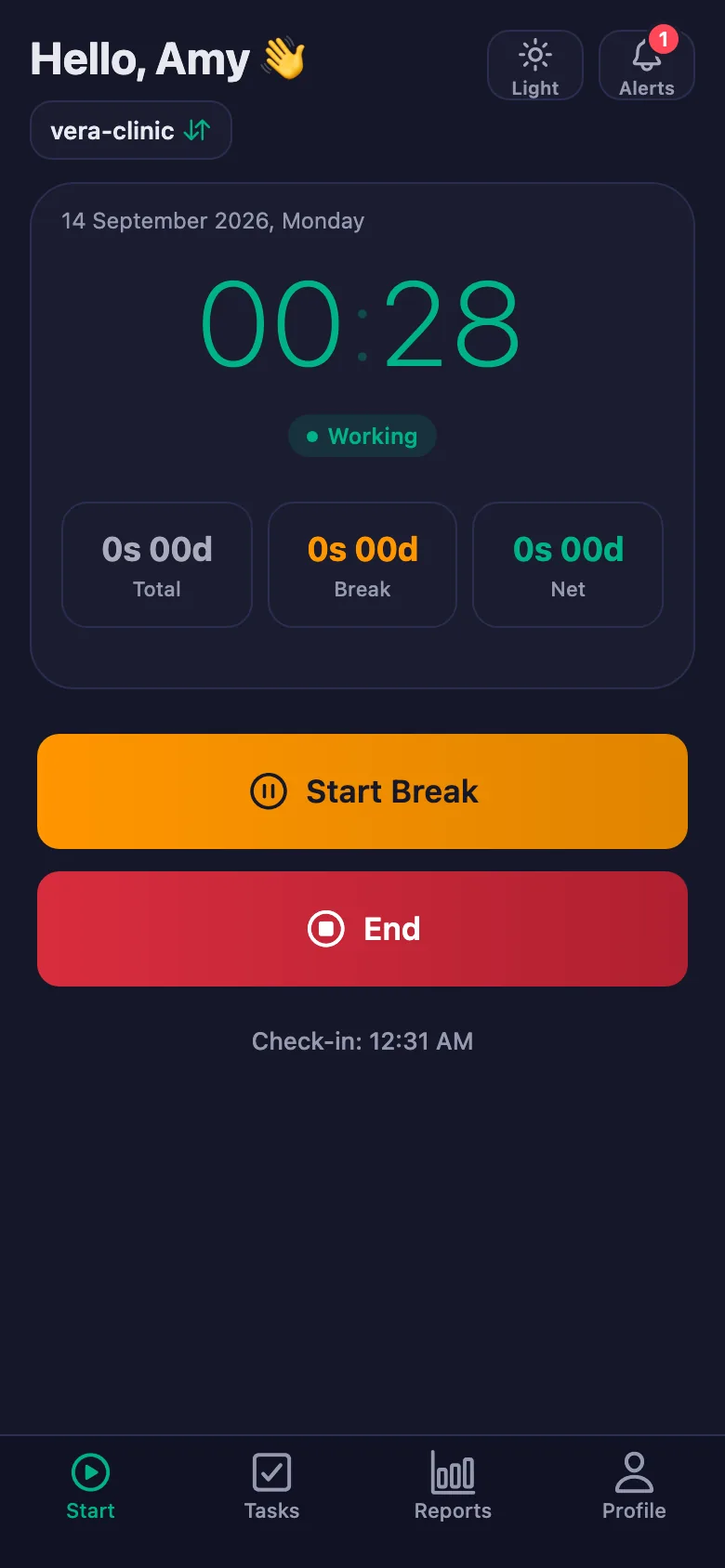
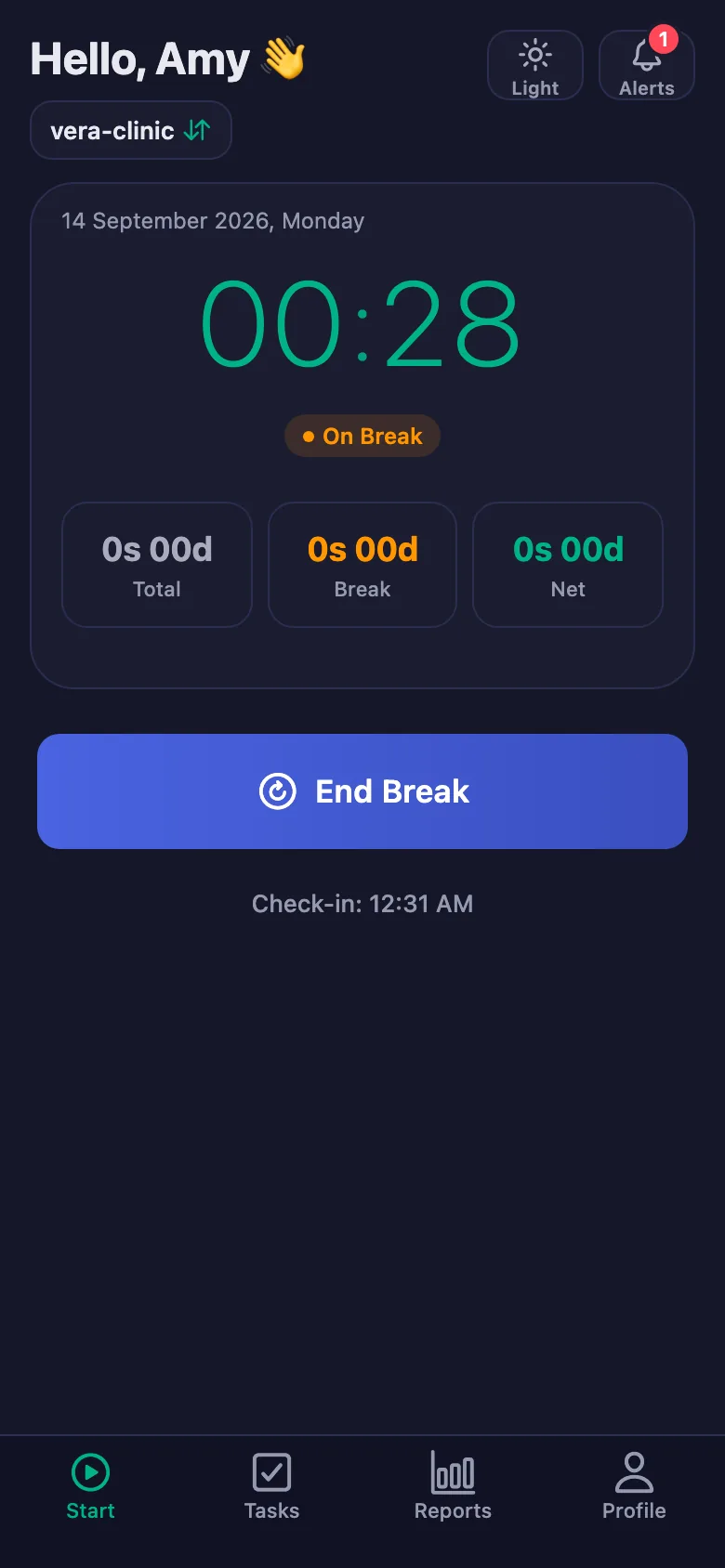
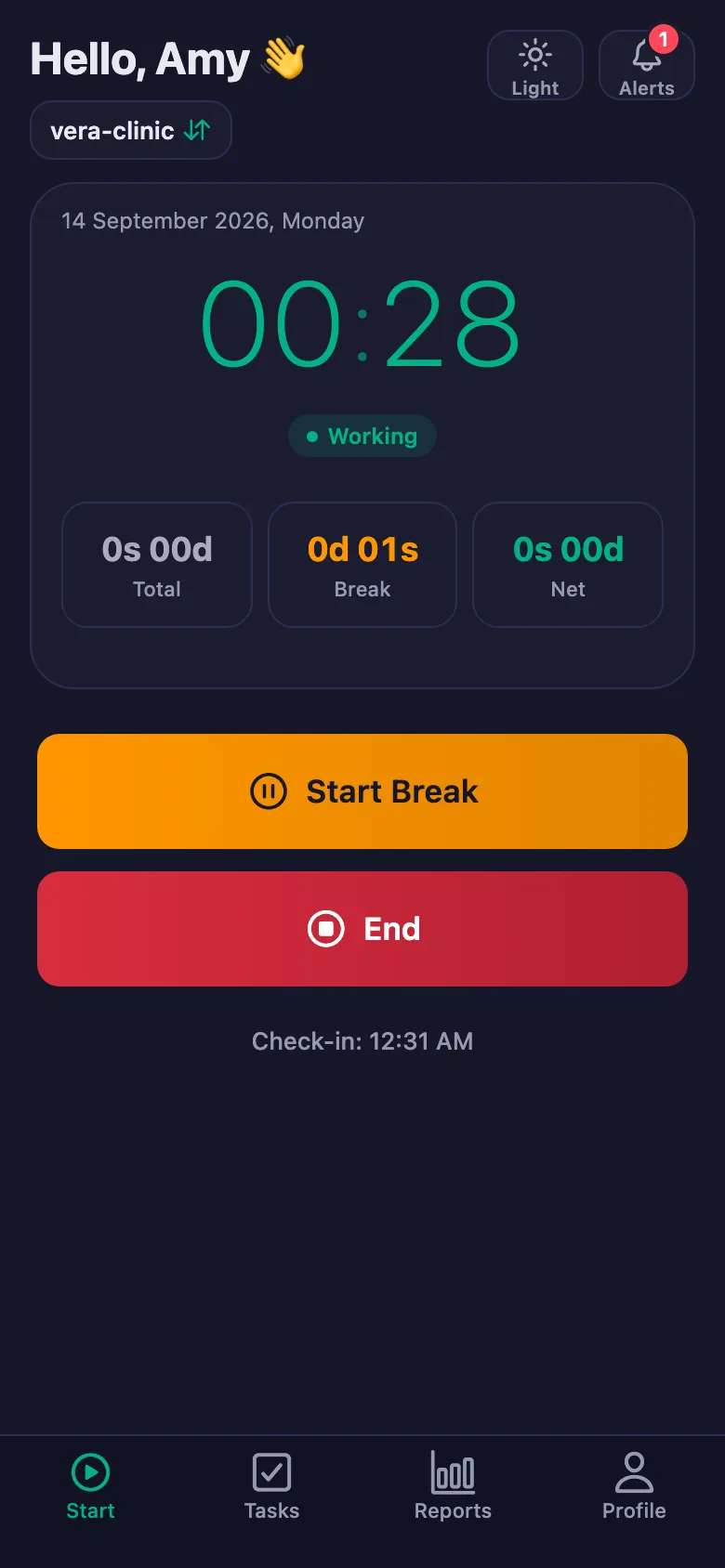
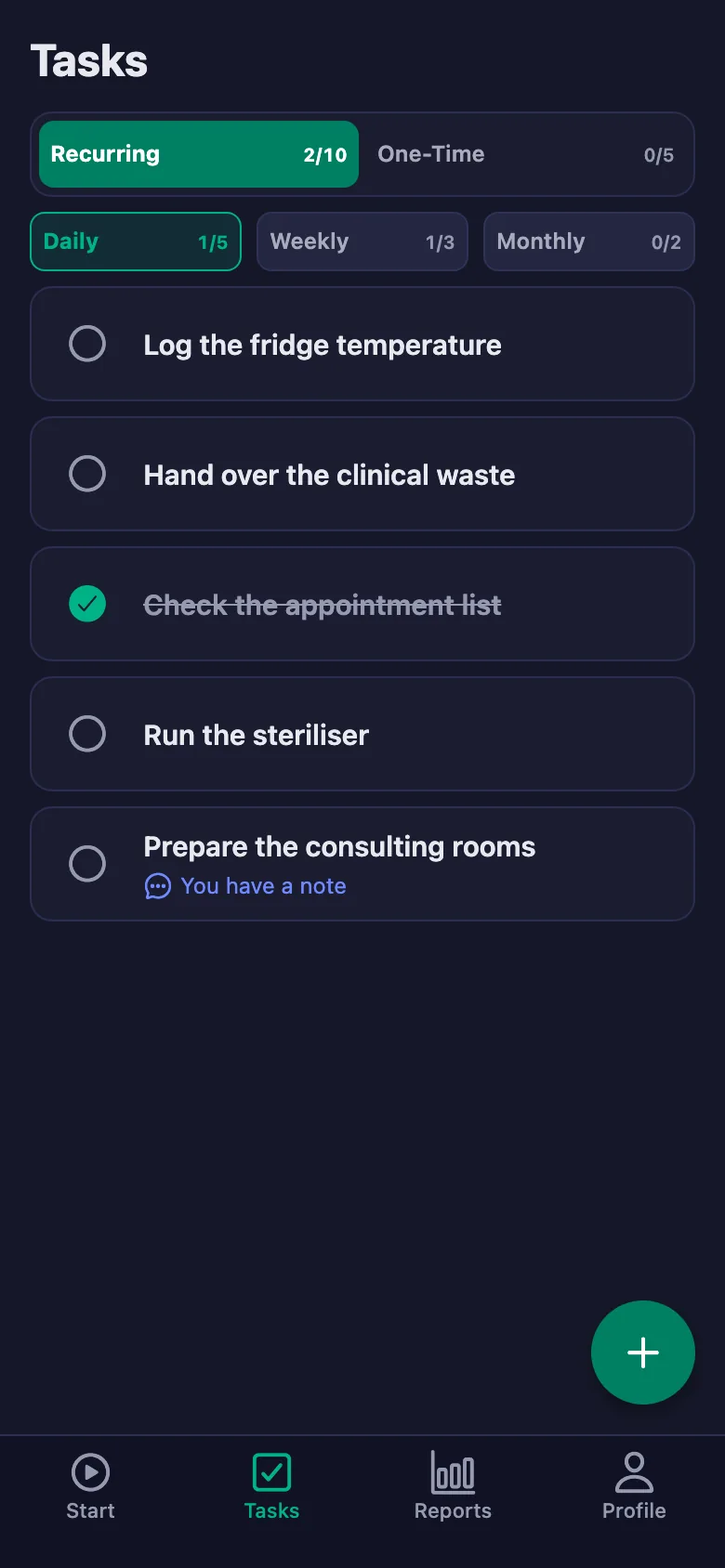
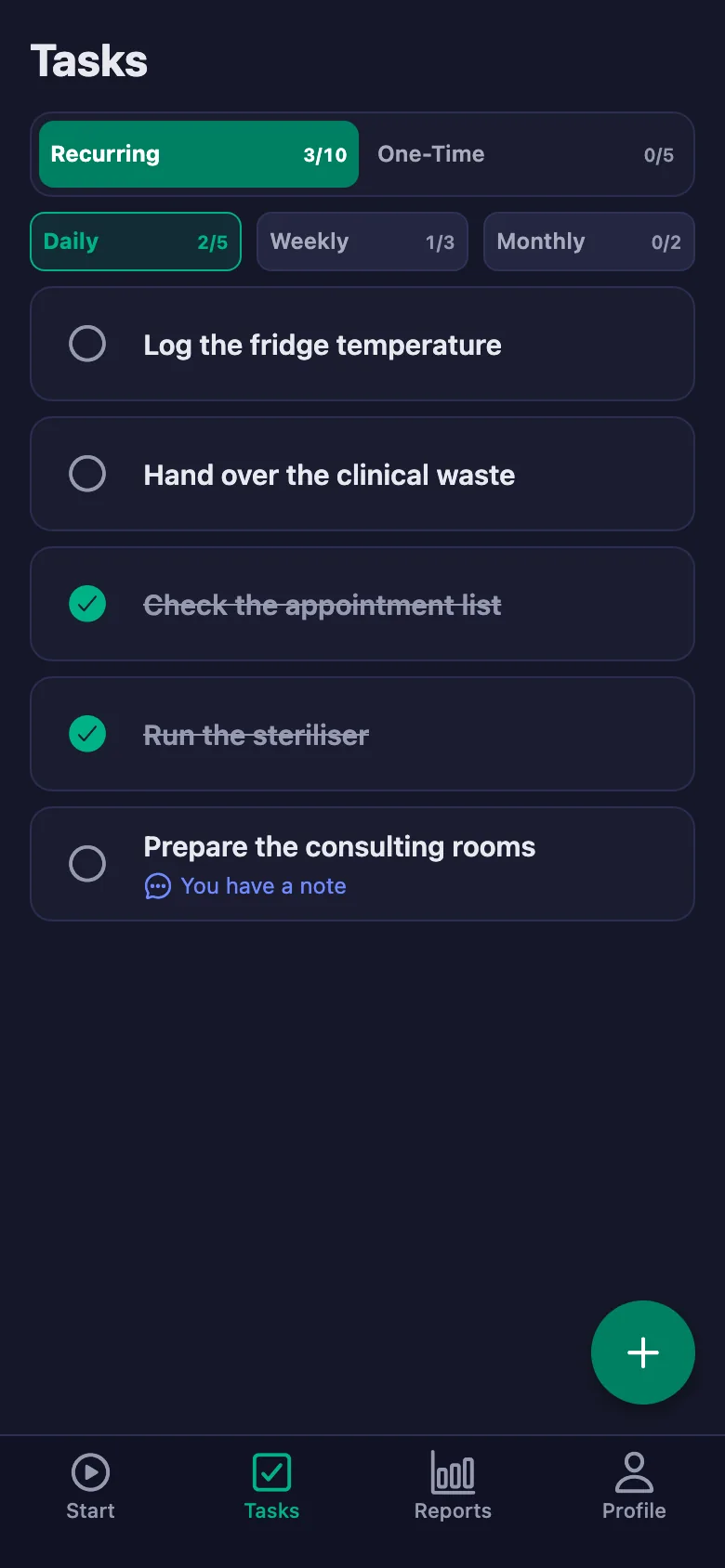
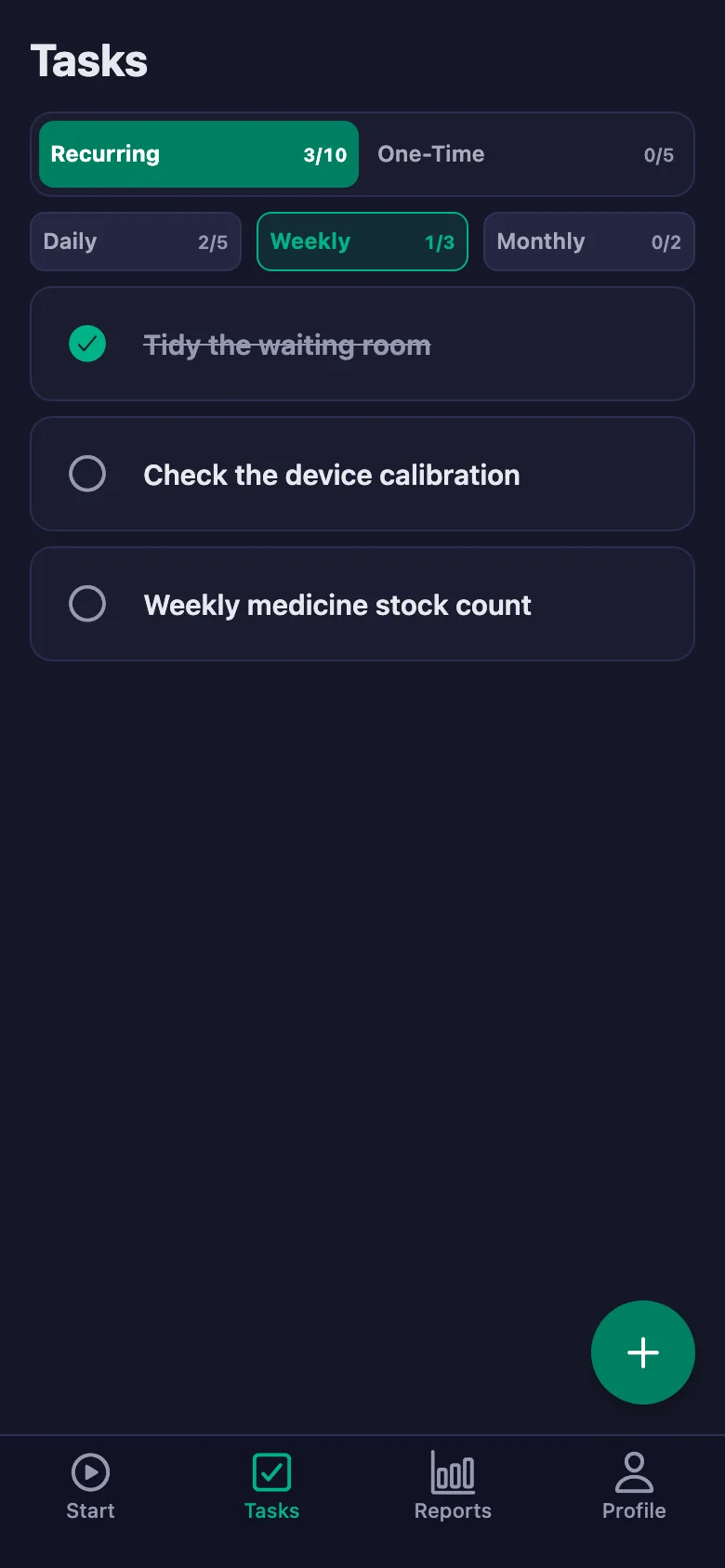
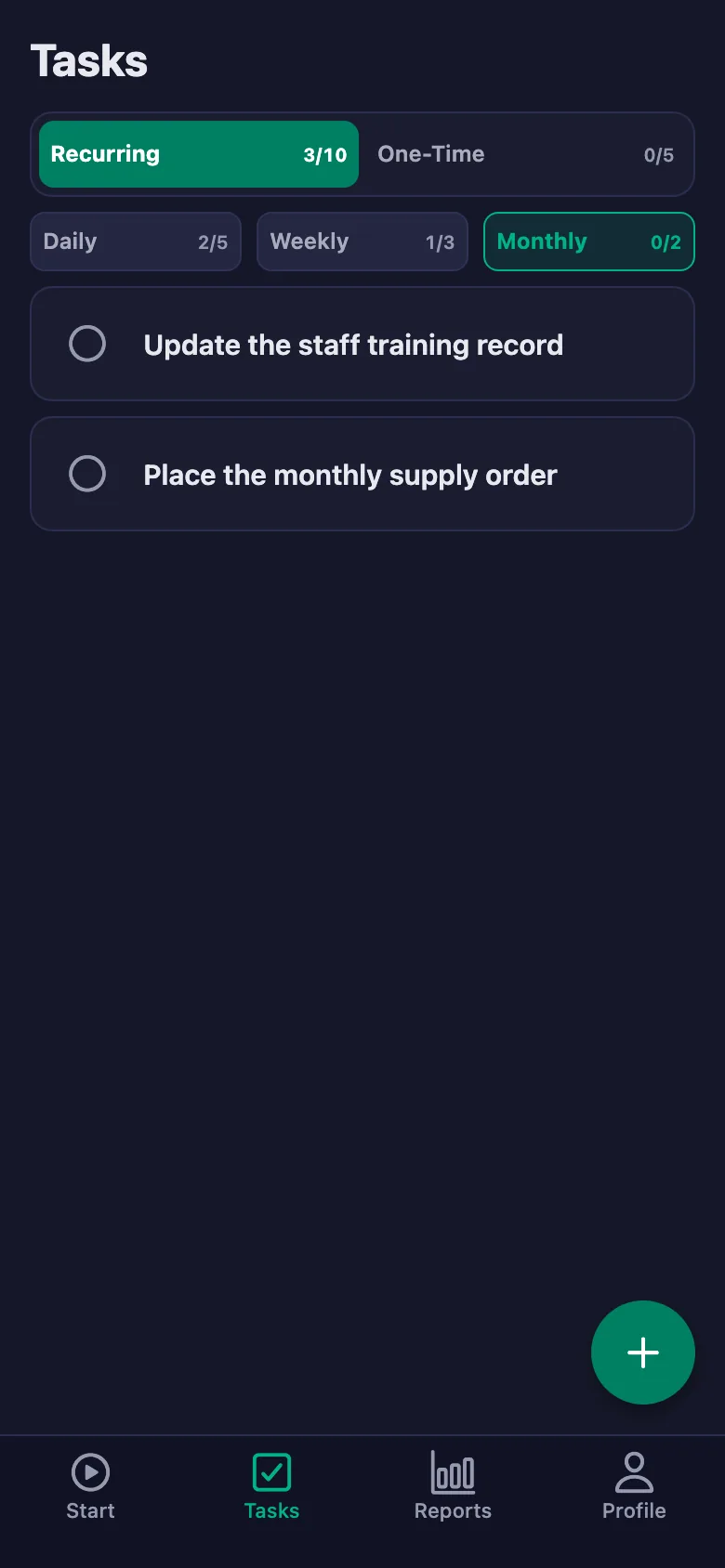
 FinalWork — Task reminder
2 daily tasks are waiting for you.
FinalWork — Task reminder
2 daily tasks are waiting for you.
Clinic shift and on-call tracking software — frequently asked questions
Do we enter any patient information?
No. The app holds no patient data; only your staff's working hours and the in-clinic task checks are recorded. It is not used for appointments or patient records.
On-call and shifts run at different hours — how does that work?
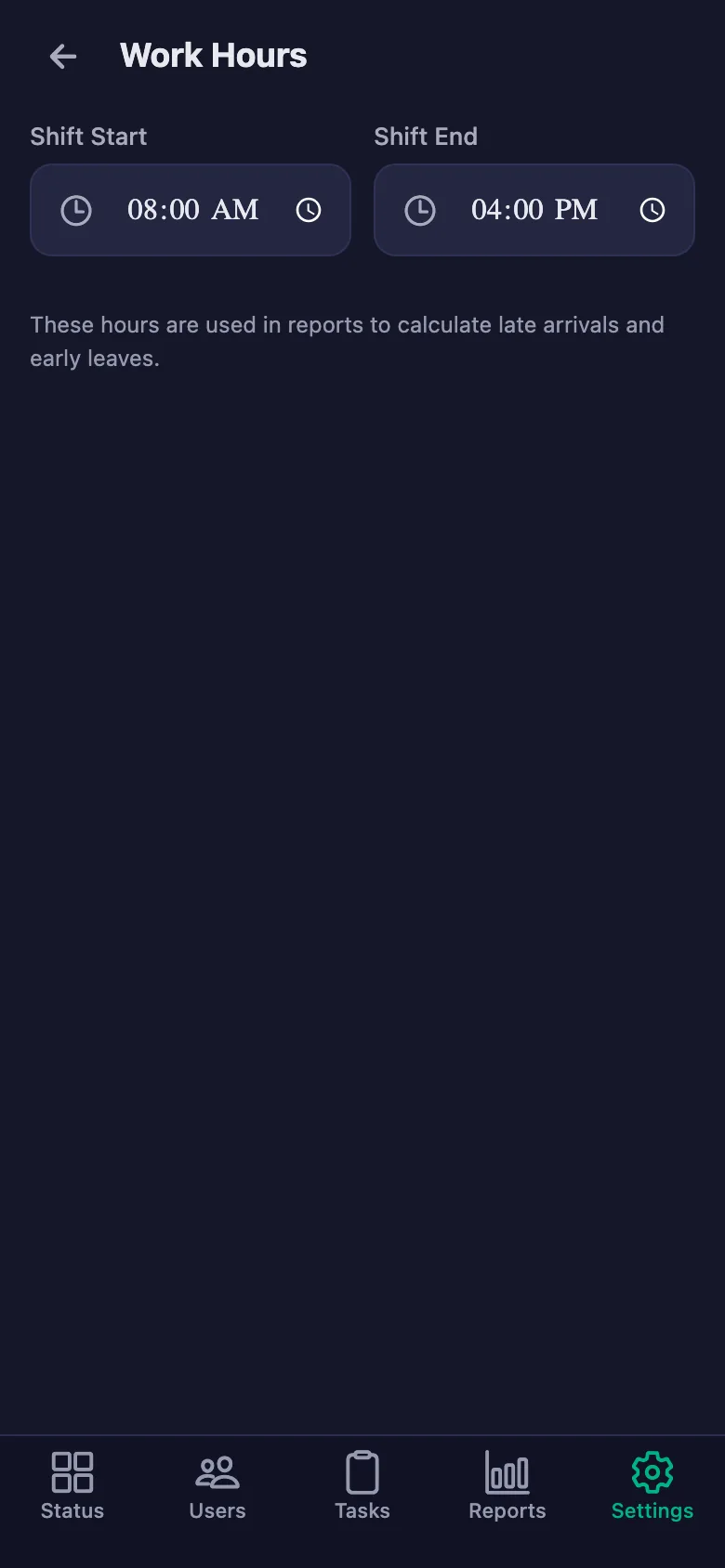
The timer measures the hours itself, so a shift is recorded whenever it starts. The start time in settings is only used to work out whether someone was late.
Can staff write notes, and can I see them?
Yes. Staff can write a note under each check — which room, which device, what was done. You can see the note but you cannot change it; only the person who wrote it can edit it.
How many people can I add?
The free plan has a limit on users; when you reach it the app warns you and no new user is added. The limit is lifted on Premium.
Can I be sure the shift really started at the clinic?
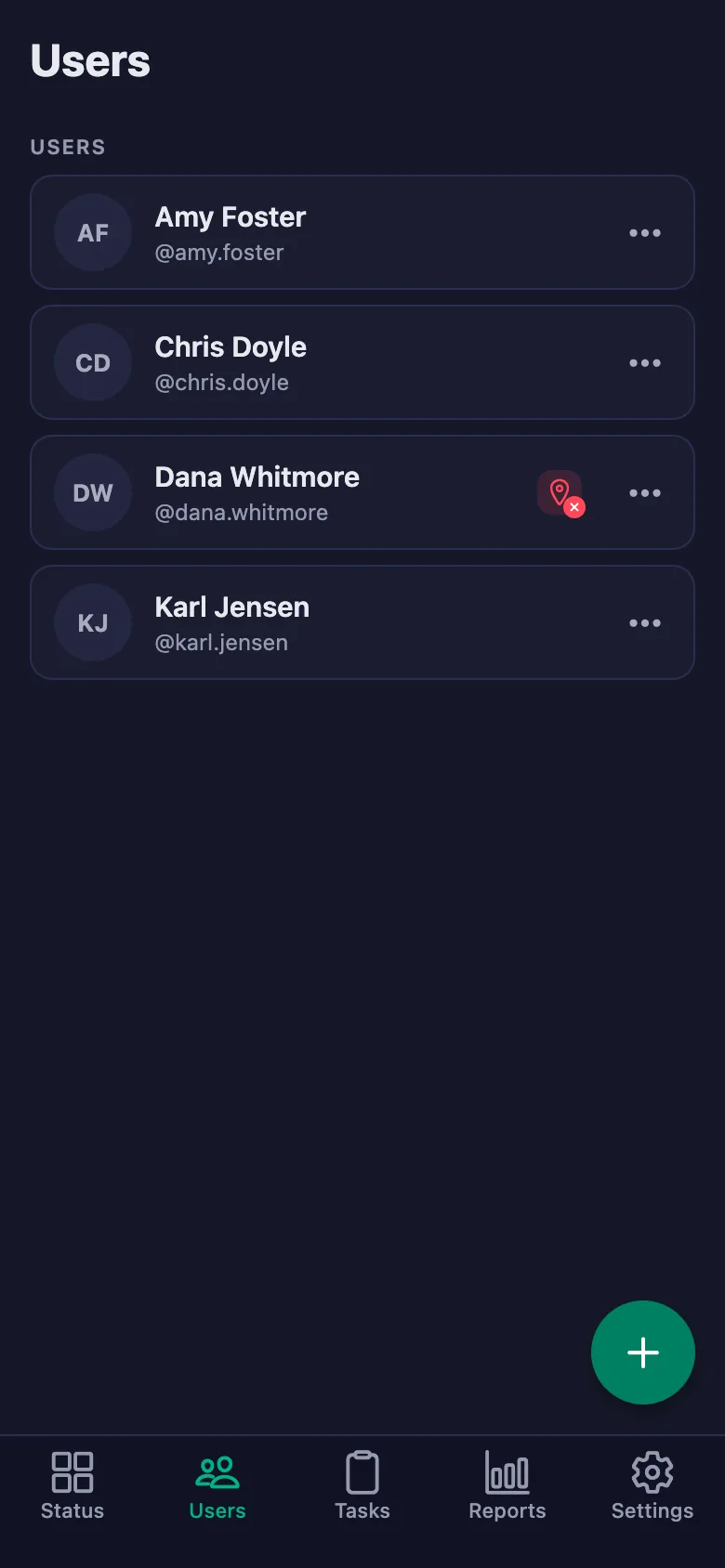
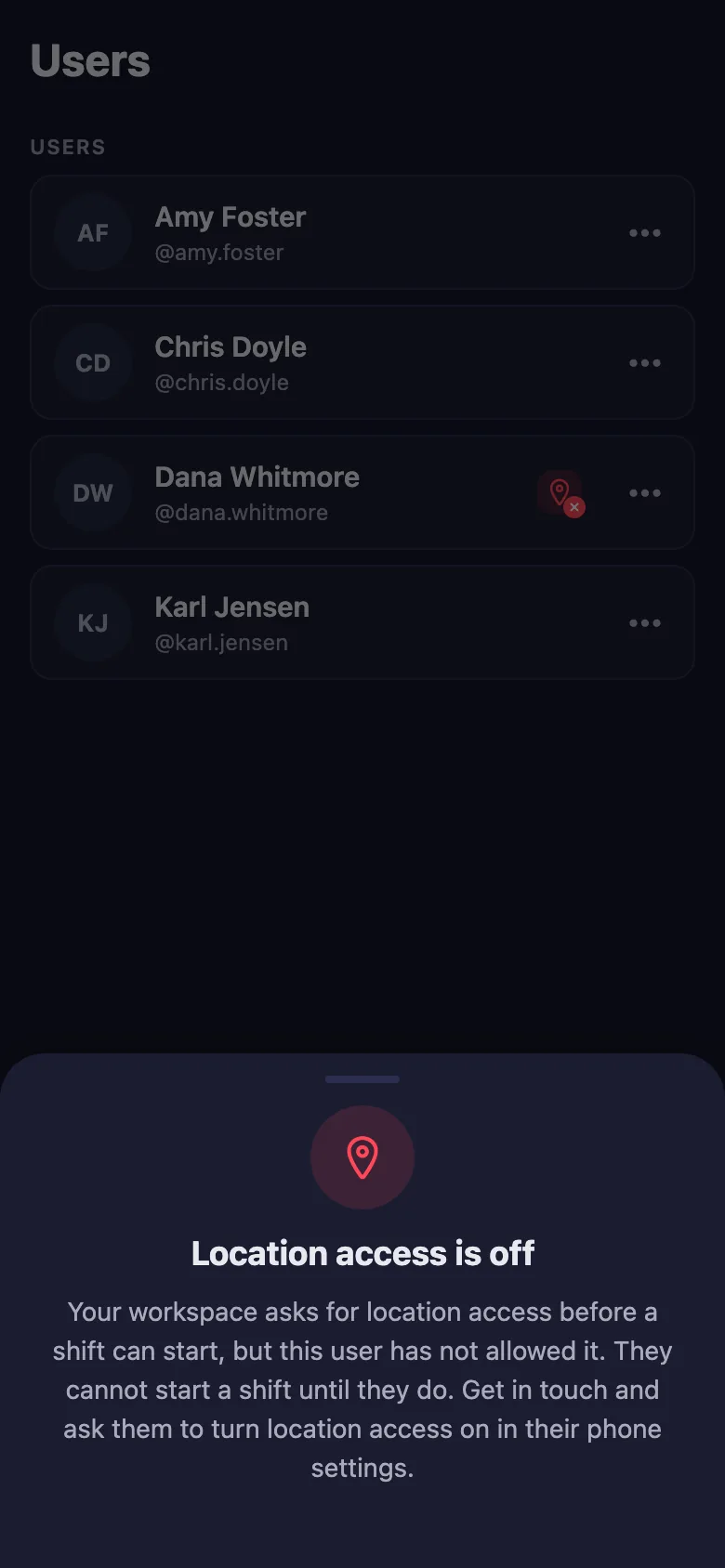
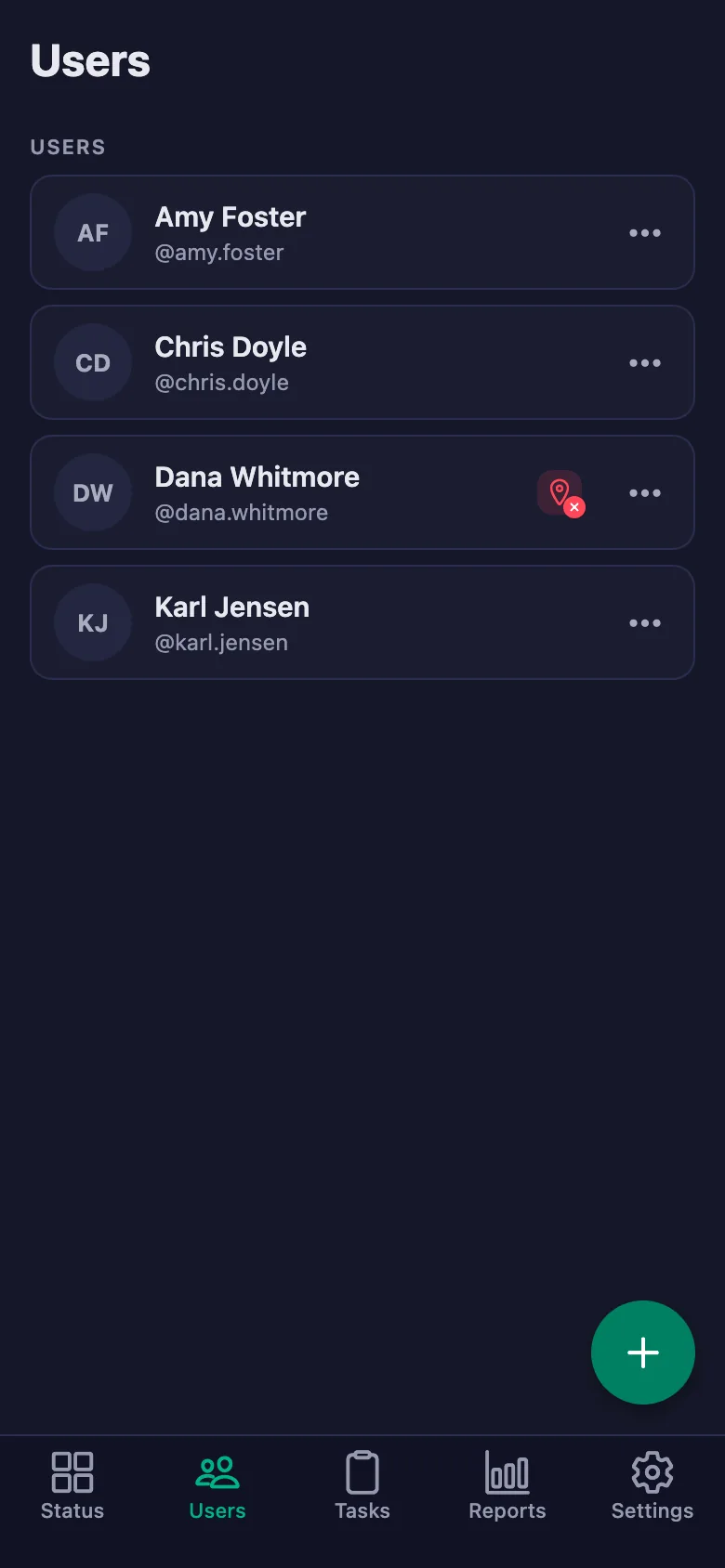
With the location rule switched on, the timer can only be started at the location you set. Staff who haven't given location permission show up in the list with a warning badge.
Do the daily checks refresh on their own?
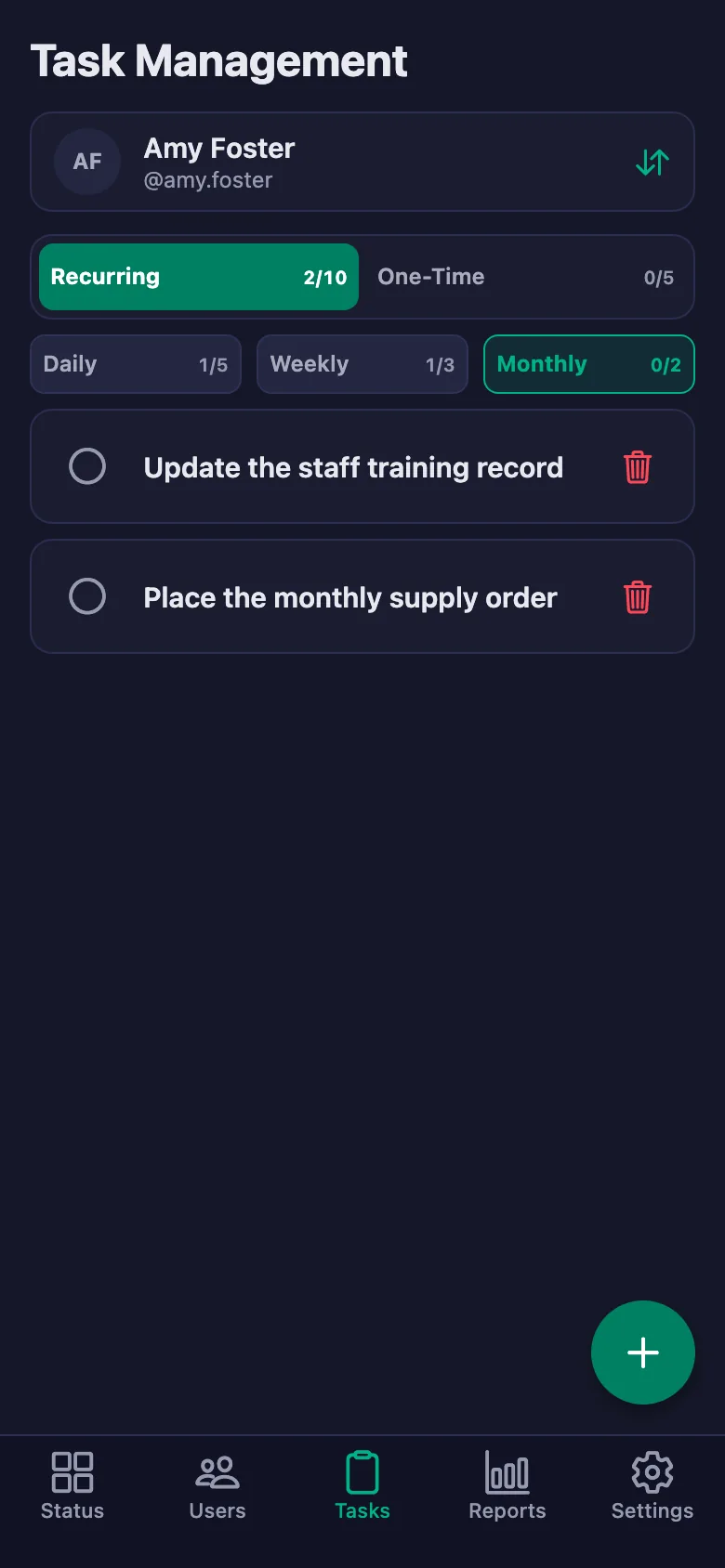
Daily checks reopen every day, weekly ones every week and monthly ones every month. You set the hour and the day yourself.
We have more than one branch — can I see them all from one place?
You can open a separate workspace for each branch and switch between them with the same account. Reports are kept separately for each workspace.
Set up your clinic today
Setup and activation take just one minute — you can start free. Open the account, add your first staff member, and let today's checks go on the record.