
Staff Tracking, Shifts and Task Management for Salons
What happens in the salon when you're not there?
Who arrived when, whether the hygiene jobs got done, whether closing was finished — it all comes down to trust. FinalWork keeps the shift hours, the daily checks and your staff's notes in one place, so you can see the day even when you're not in.
What makes staff tracking hard for salon owners
The day runs on appointments and there is no time left for record keeping. Most salon owners live with the following — on the right is what each one looks like in FinalWork.
Arrival and leaving times go in a notebook. At the end of the month everyone has a different number in their head.
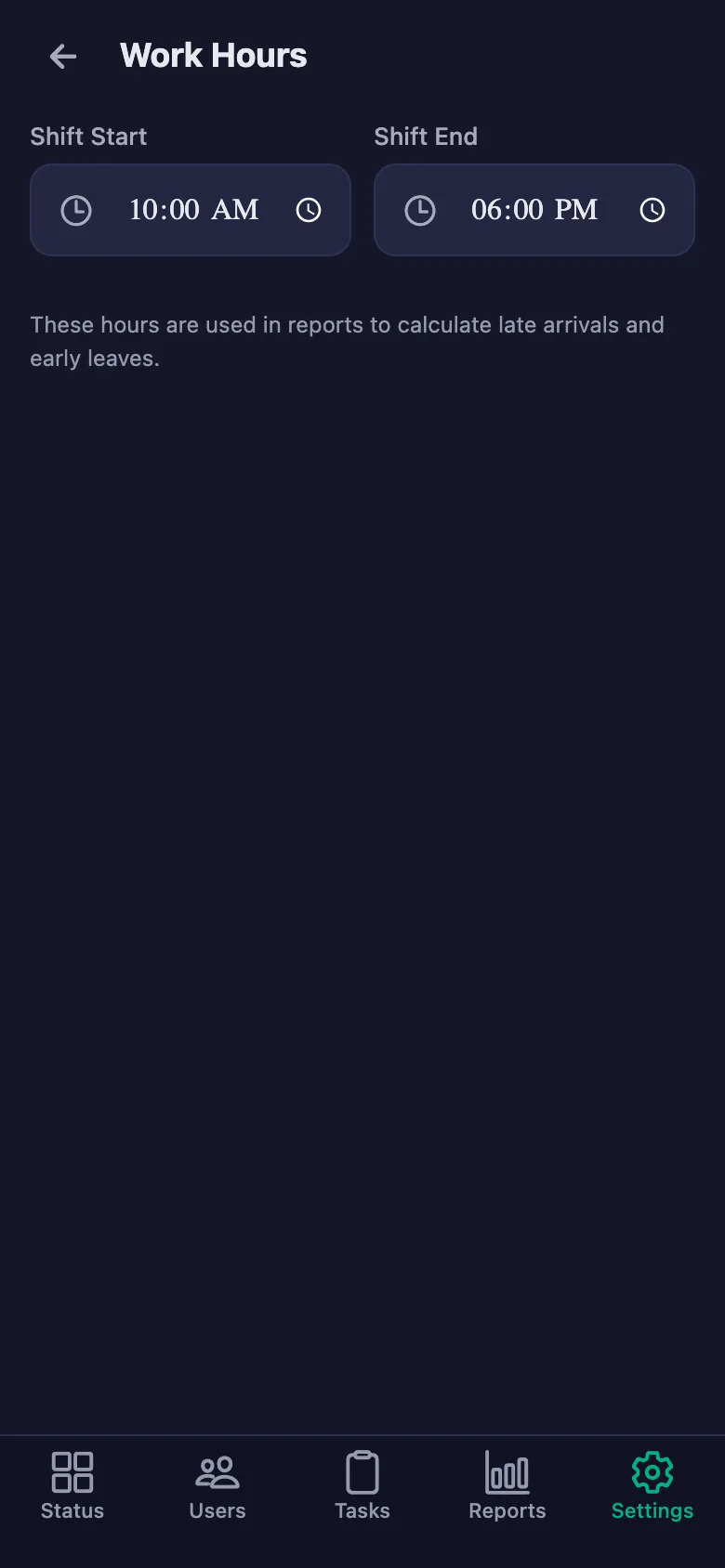
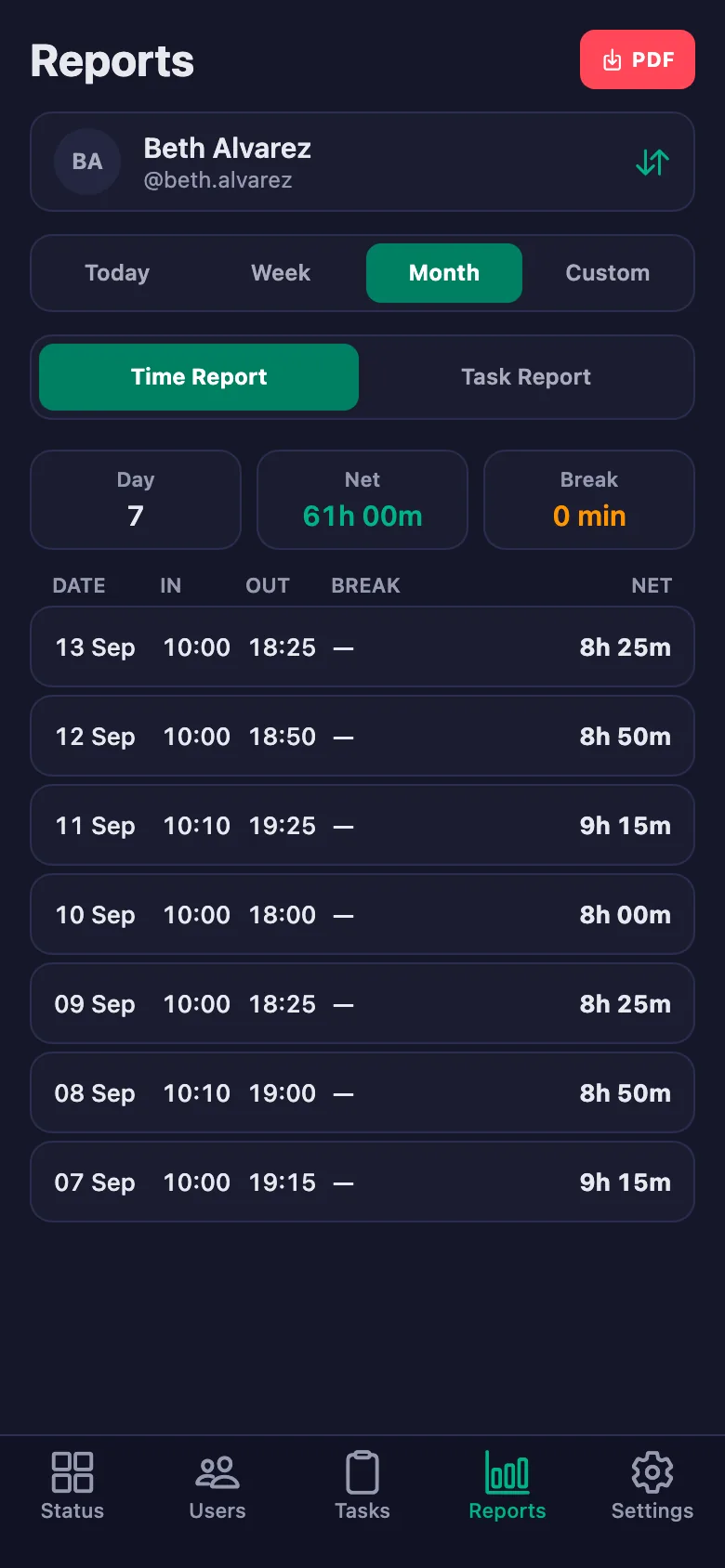
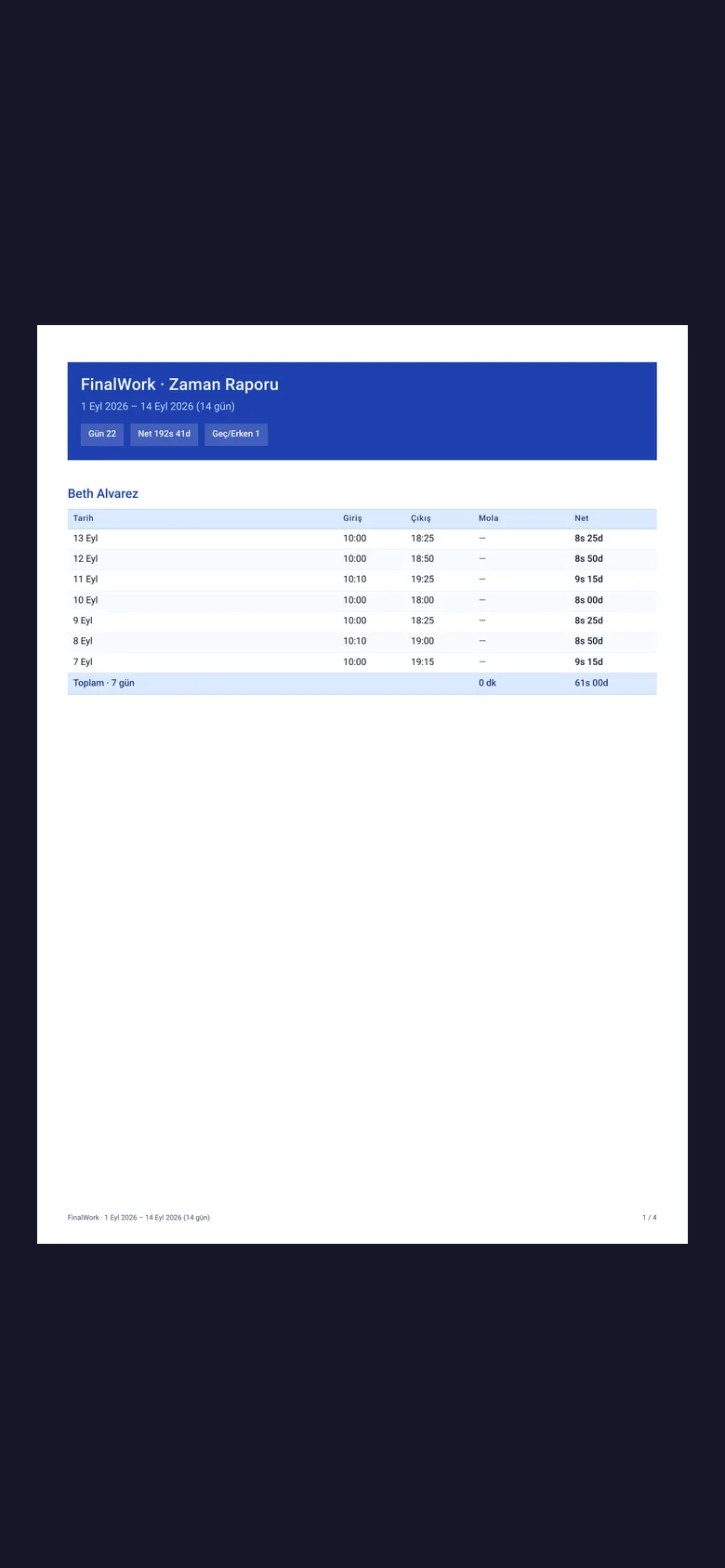
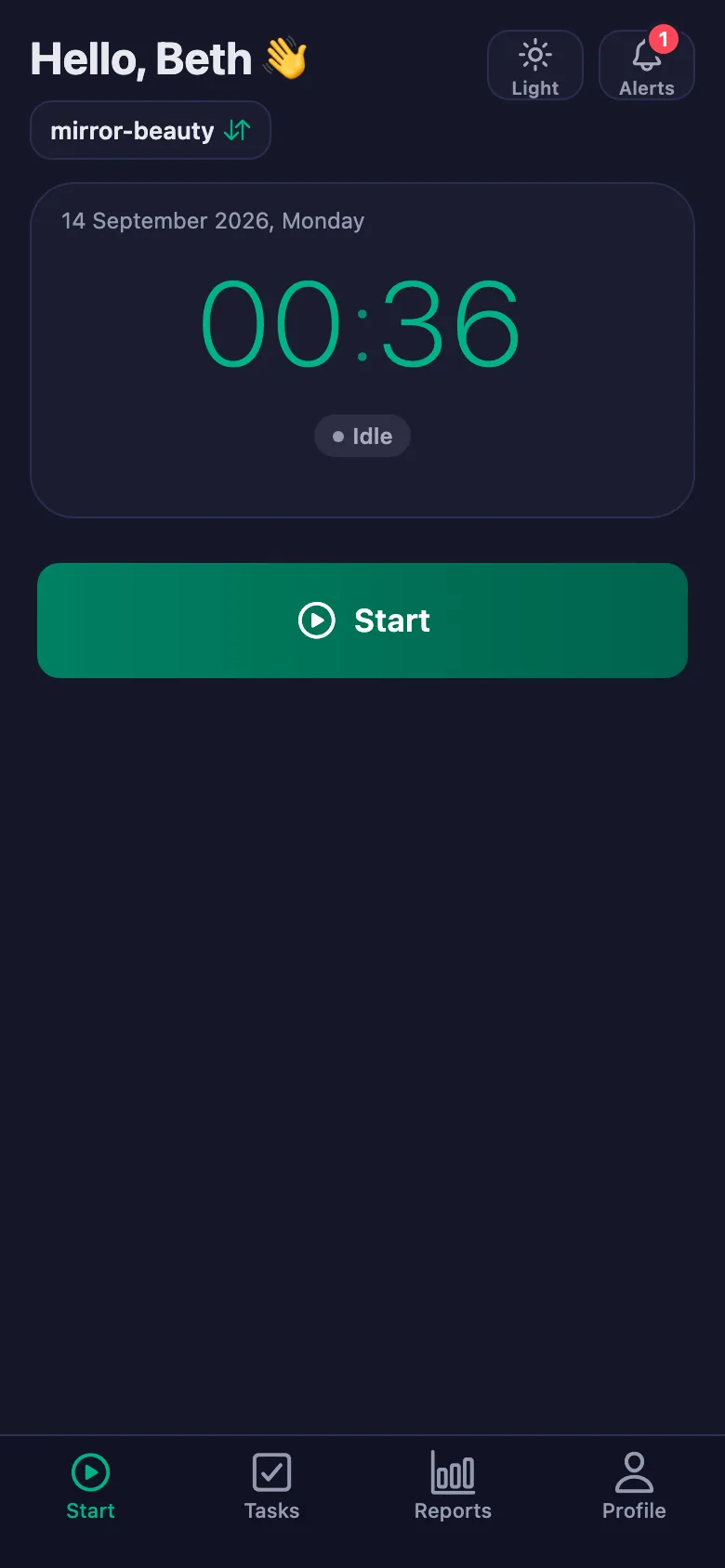
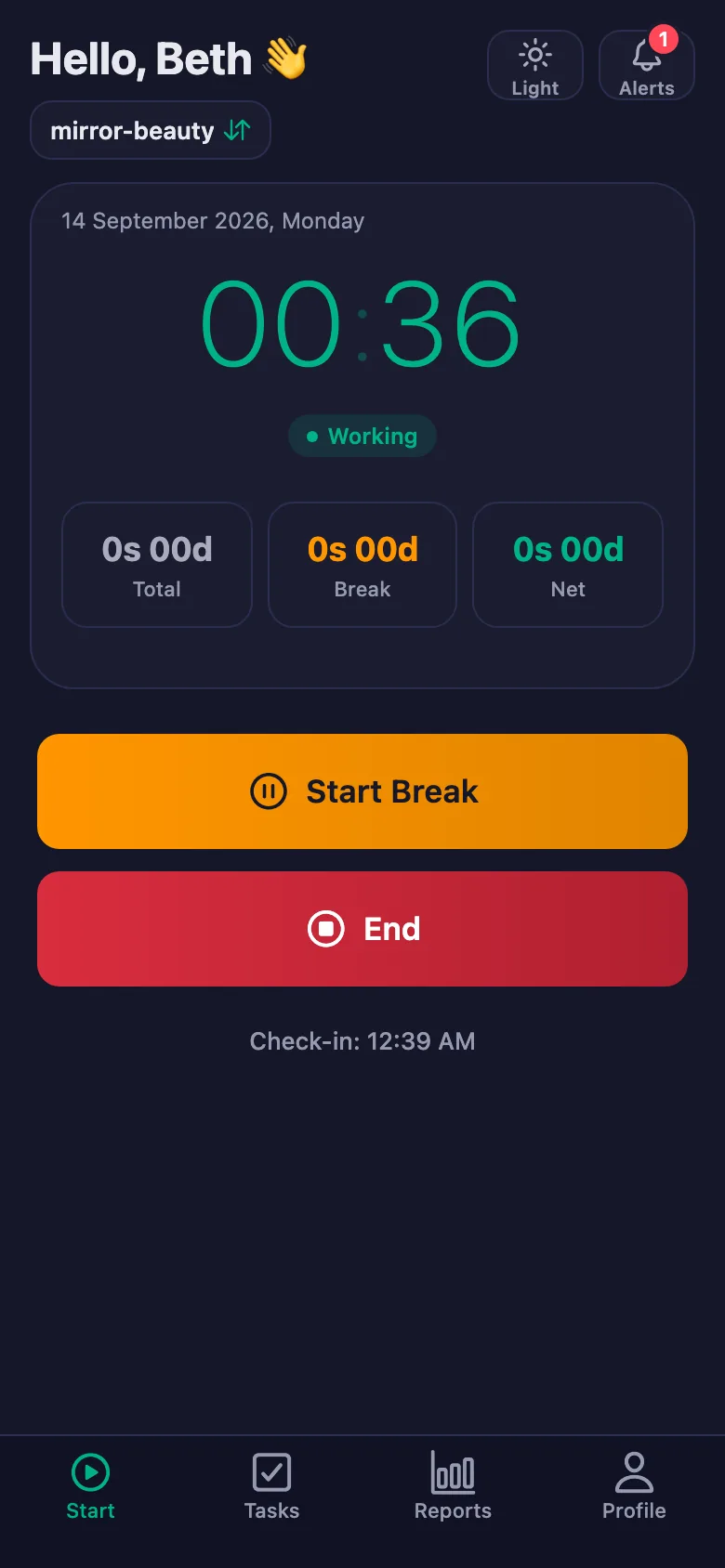
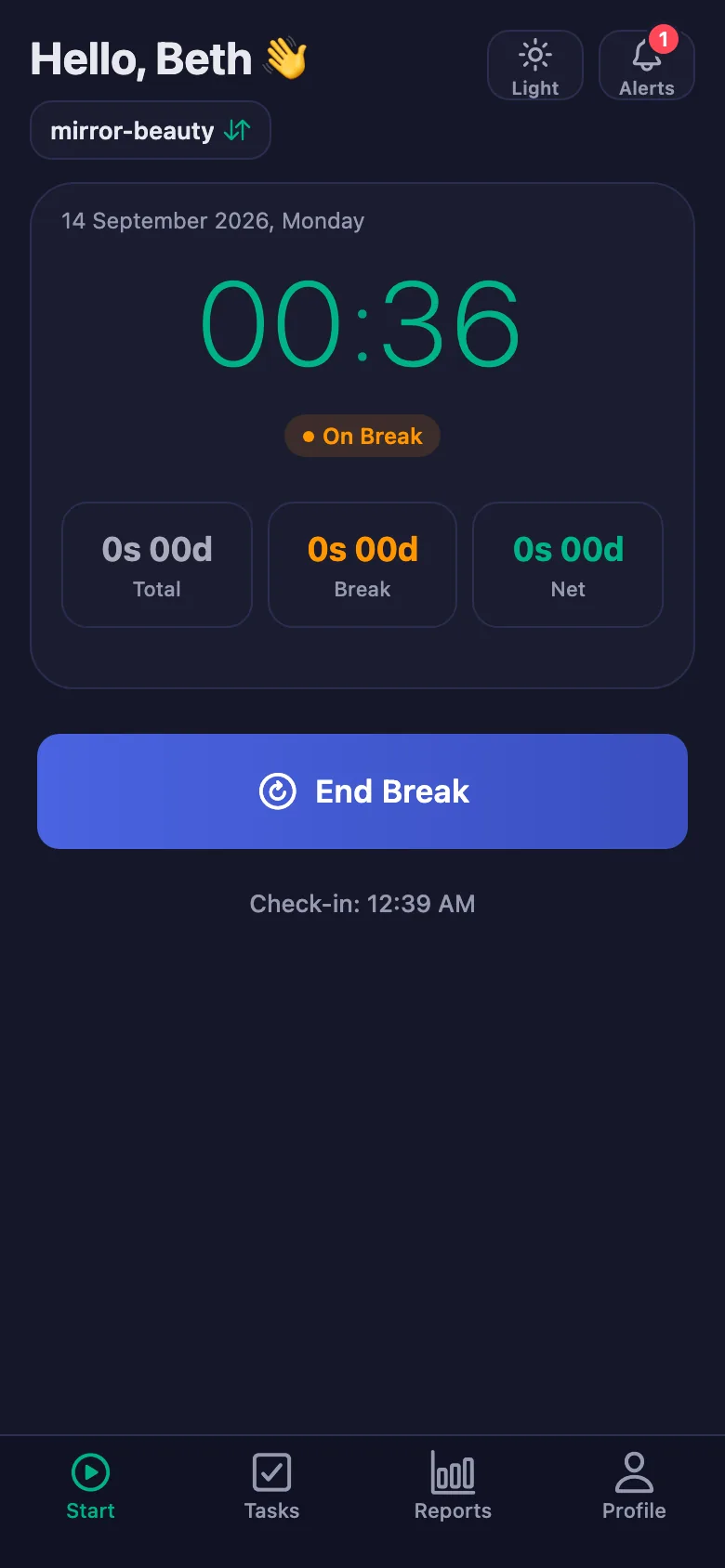
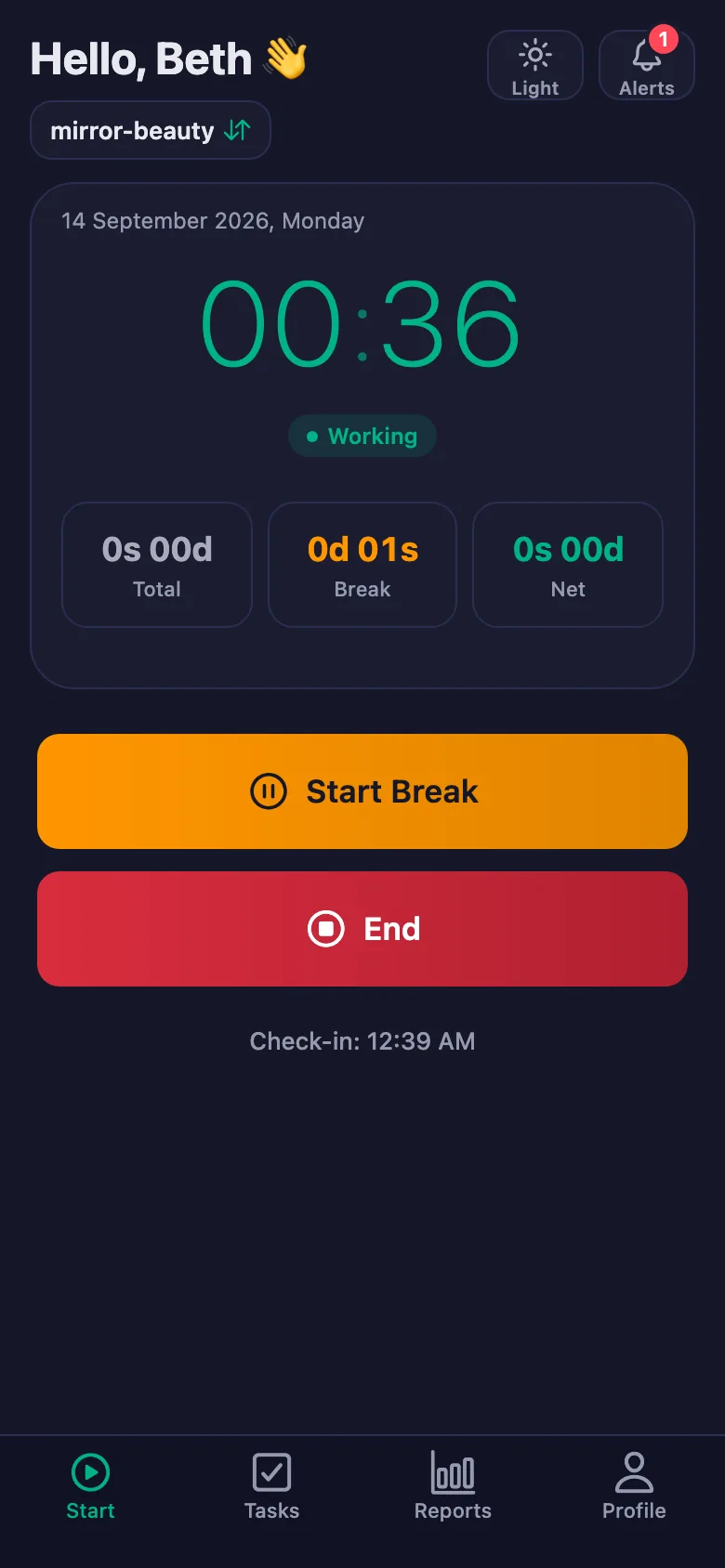
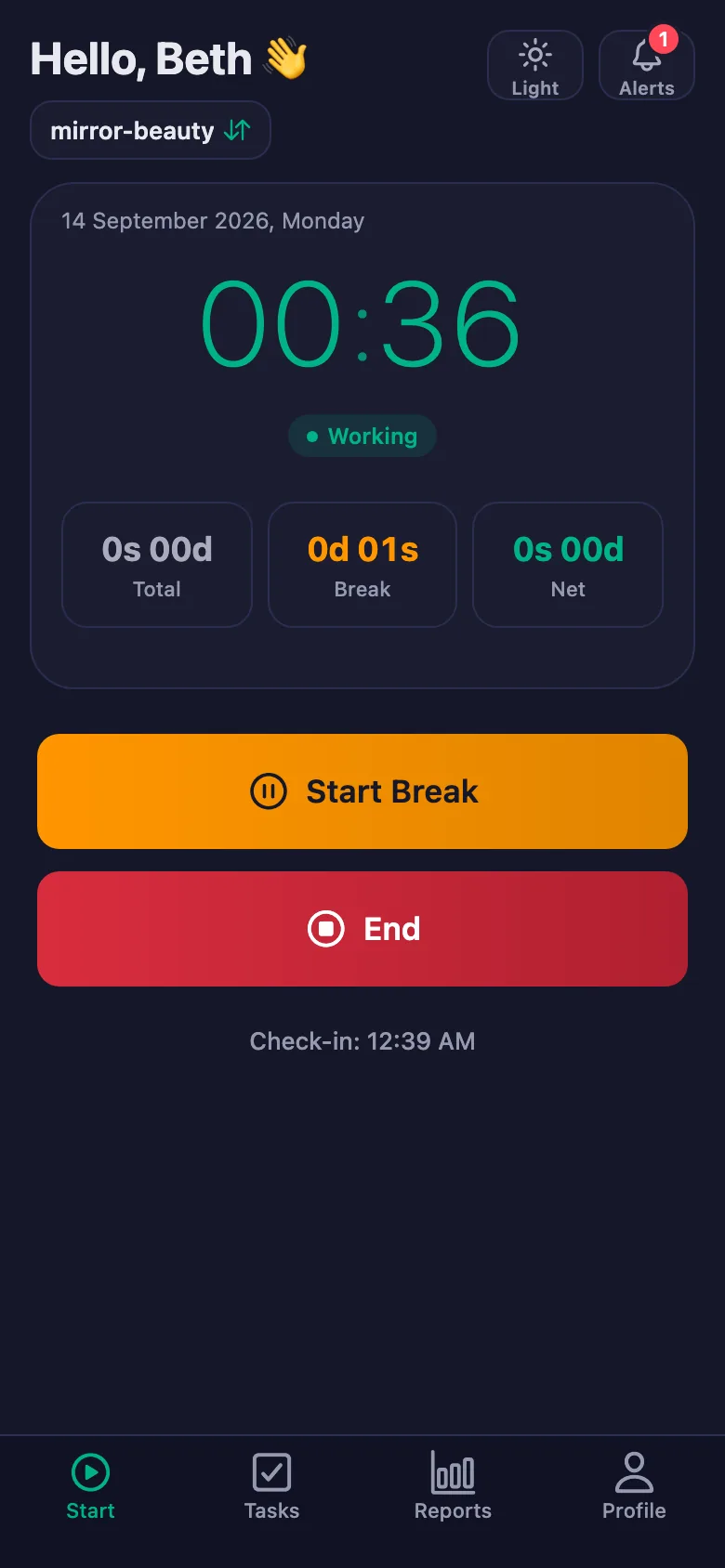
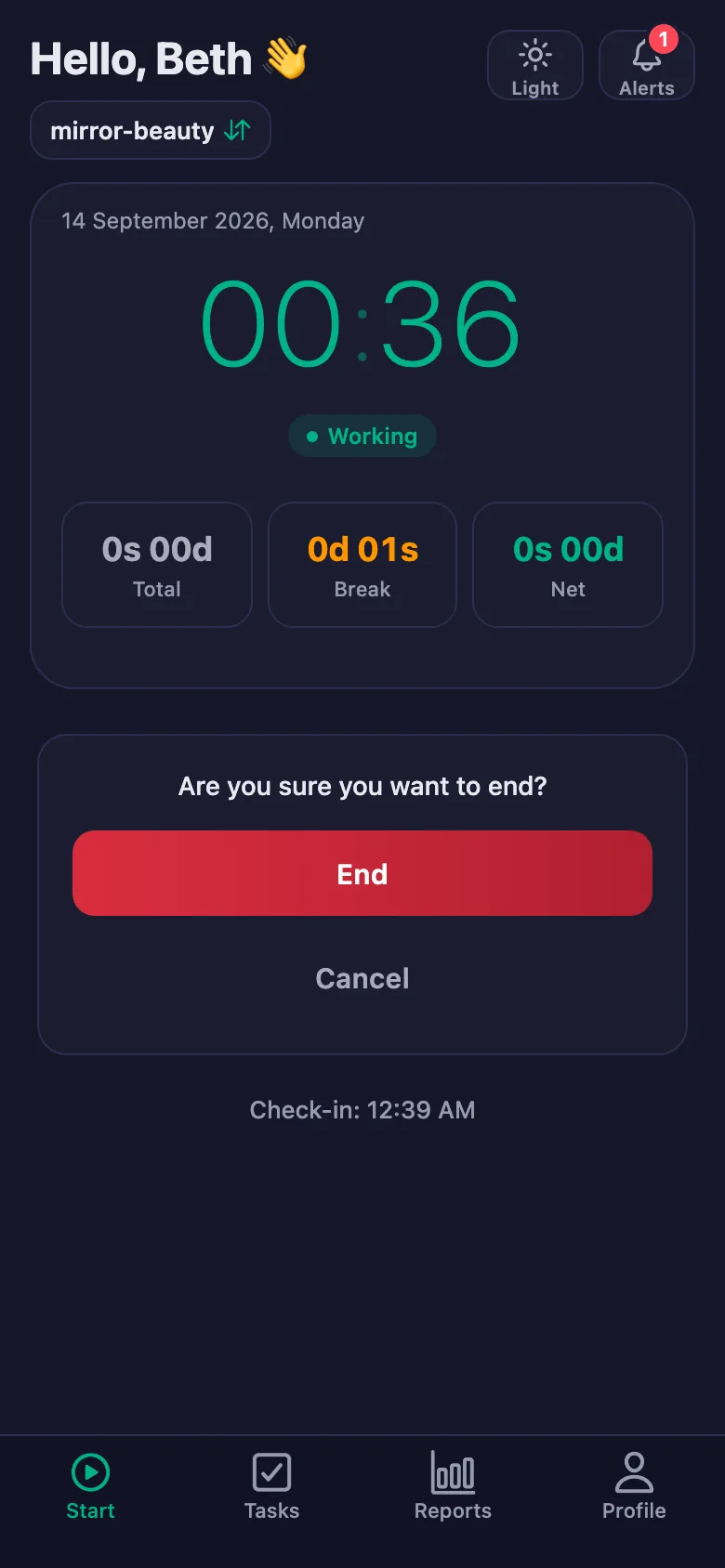
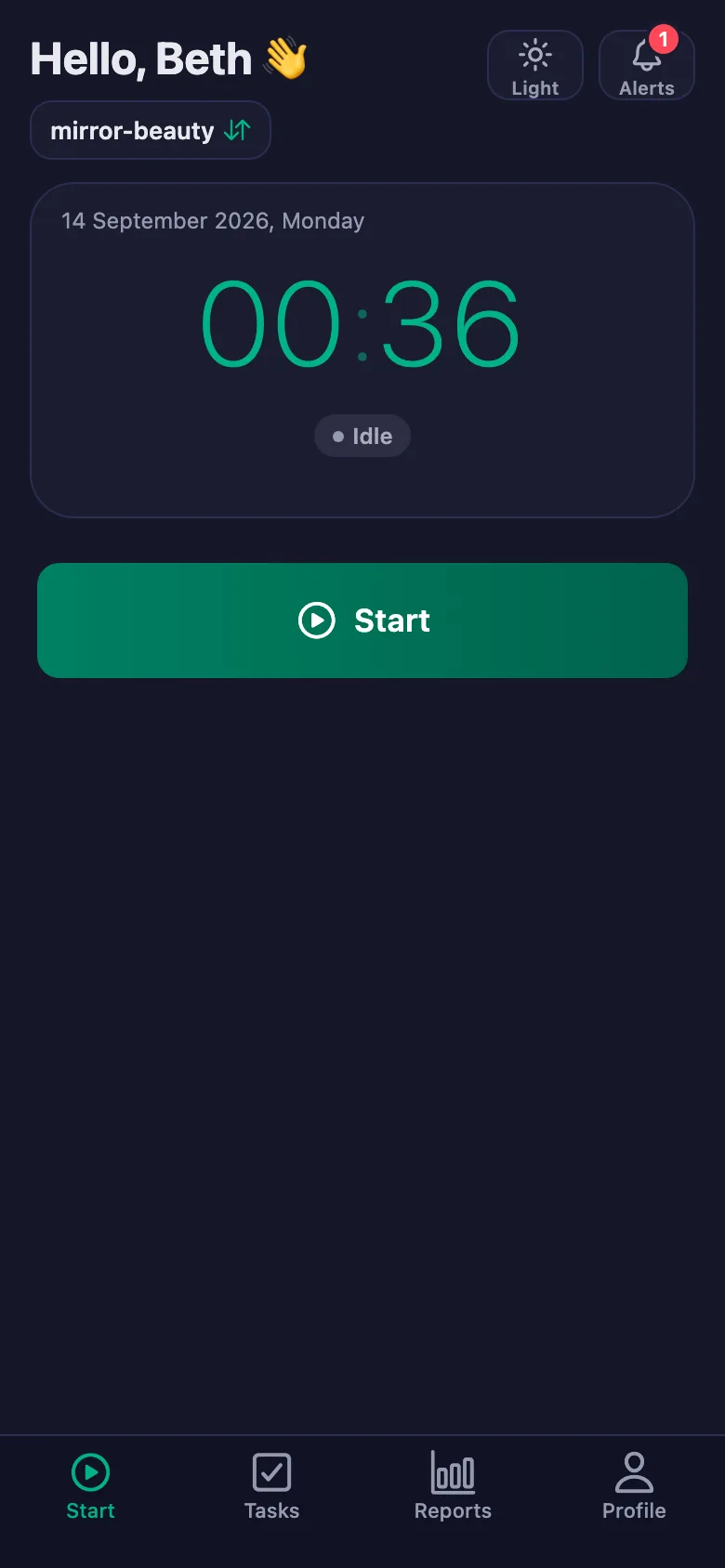
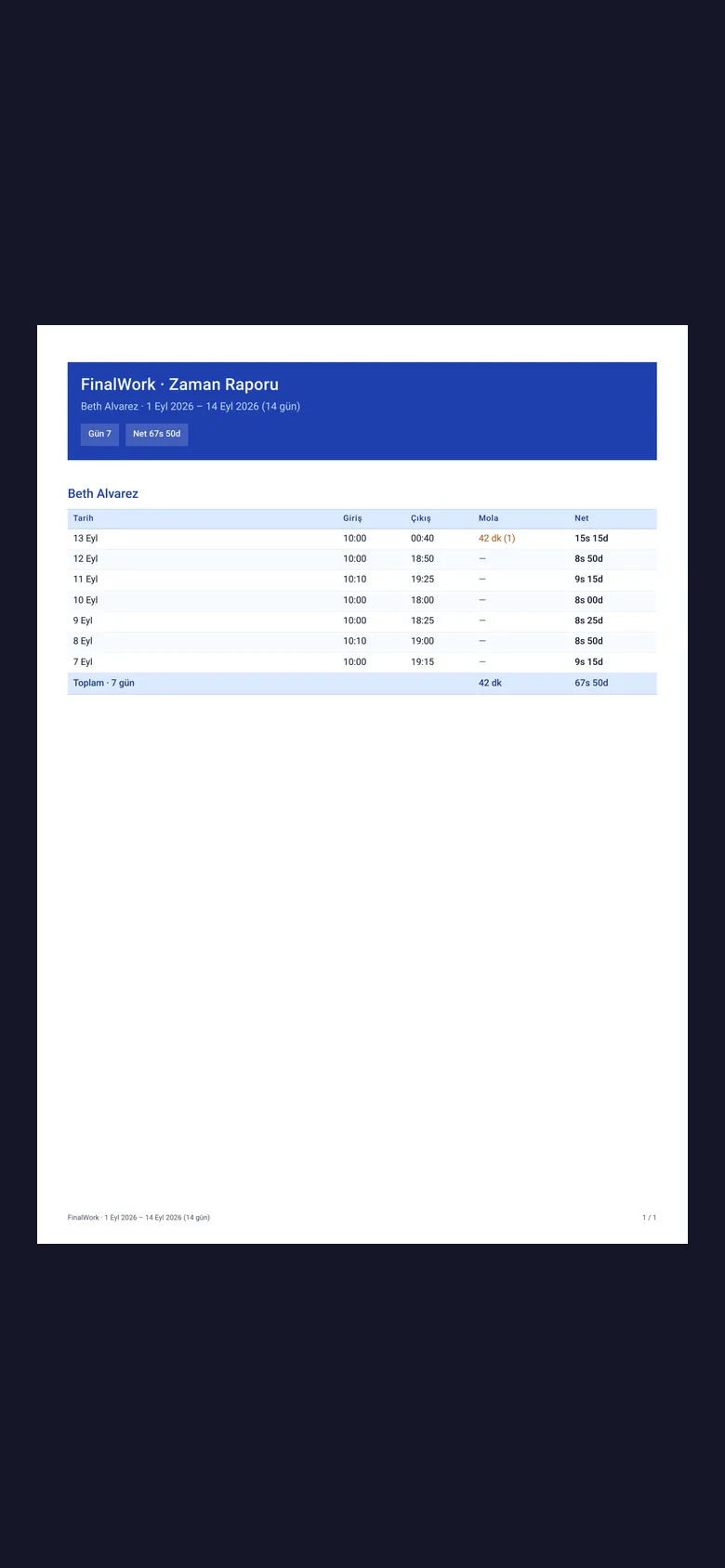
Staff start the timer when they arrive and stop it when they leave. Lateness, breaks and net time appear separately in the report.
Disinfecting tools, towels, the closing clean — on a busy day they get skipped, and you find out the next morning.
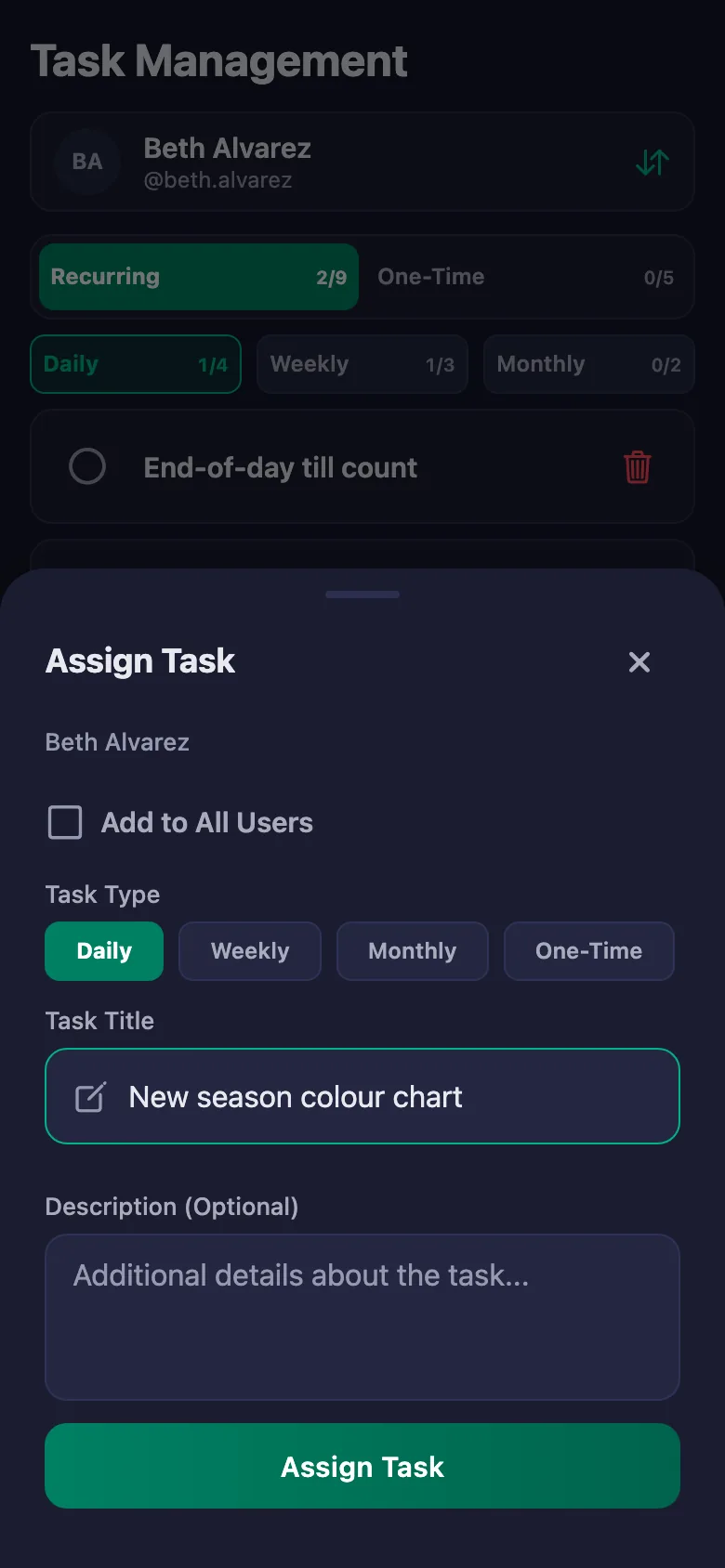
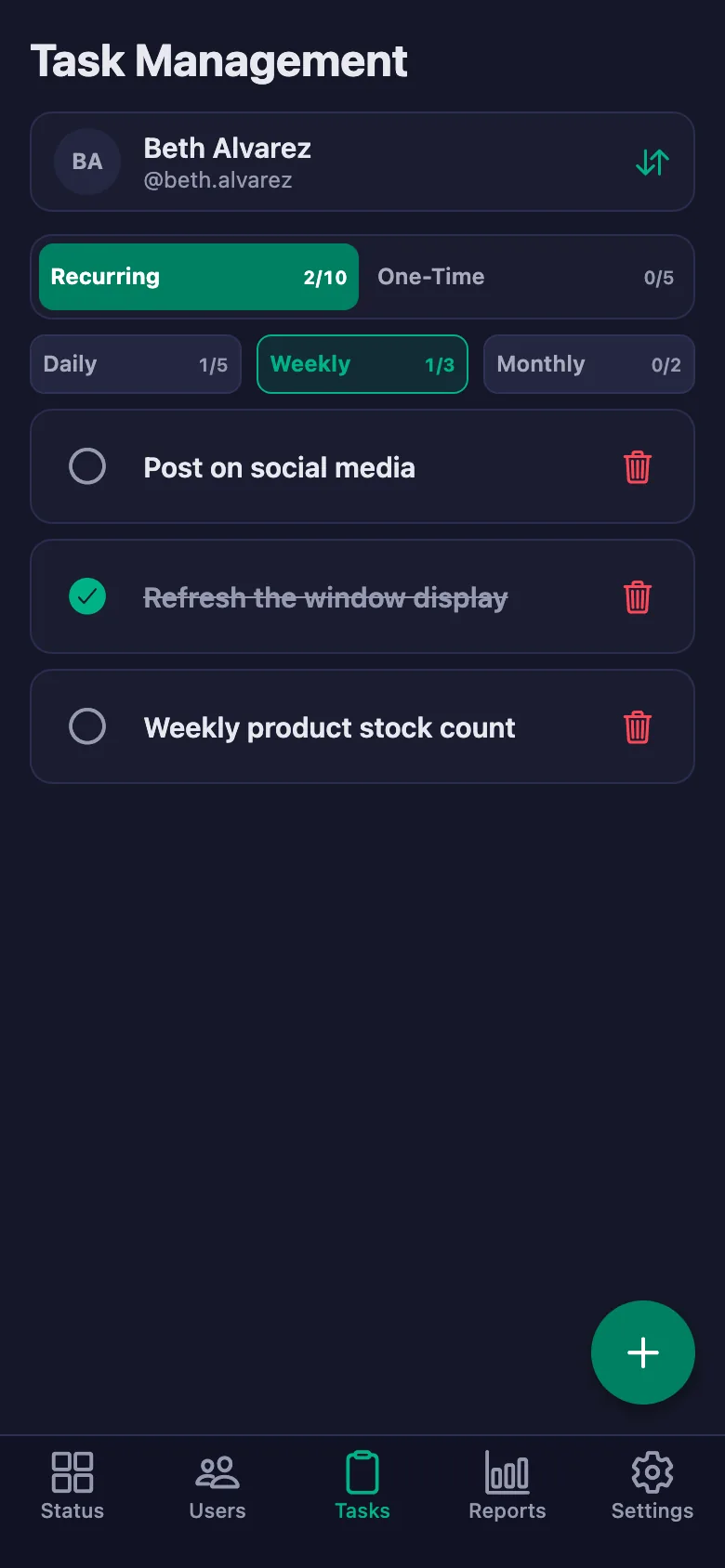
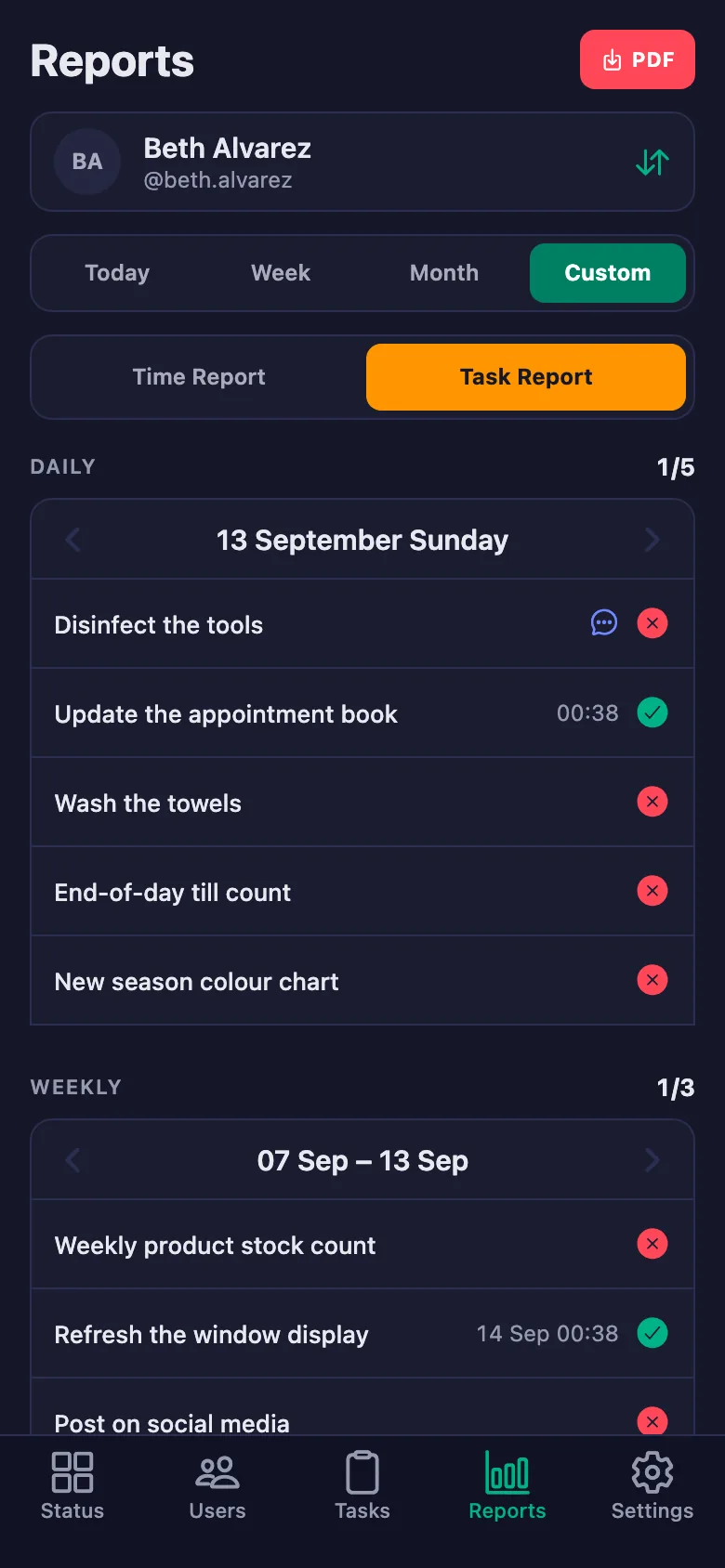
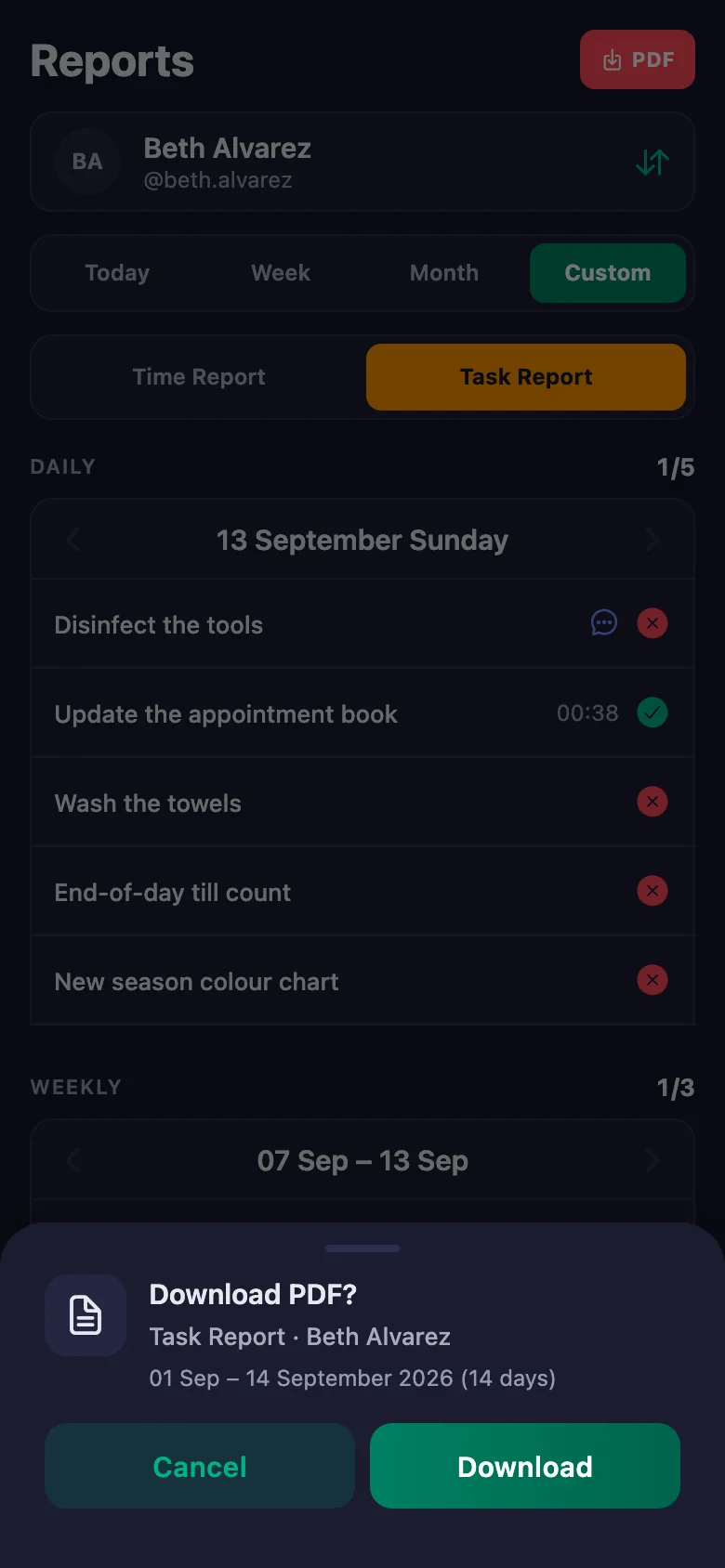
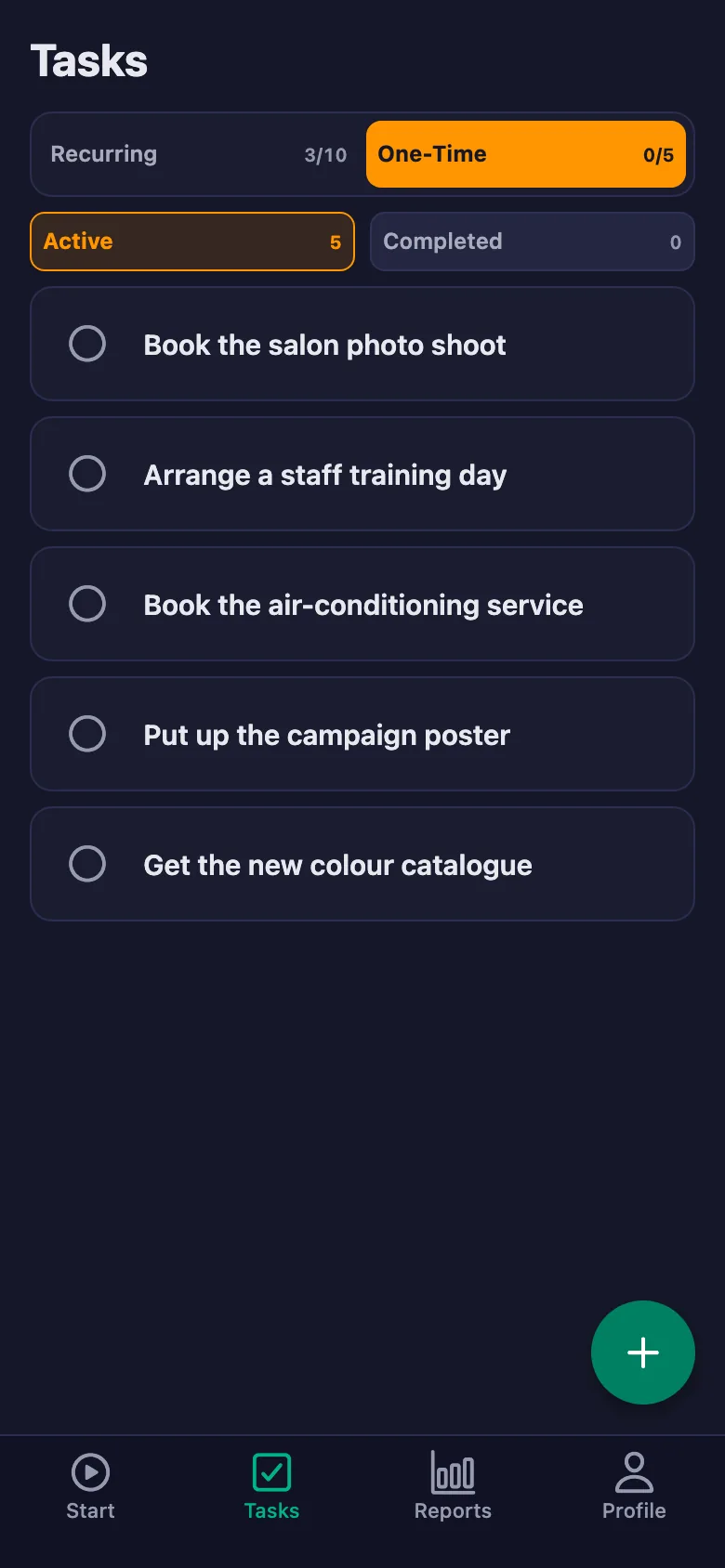
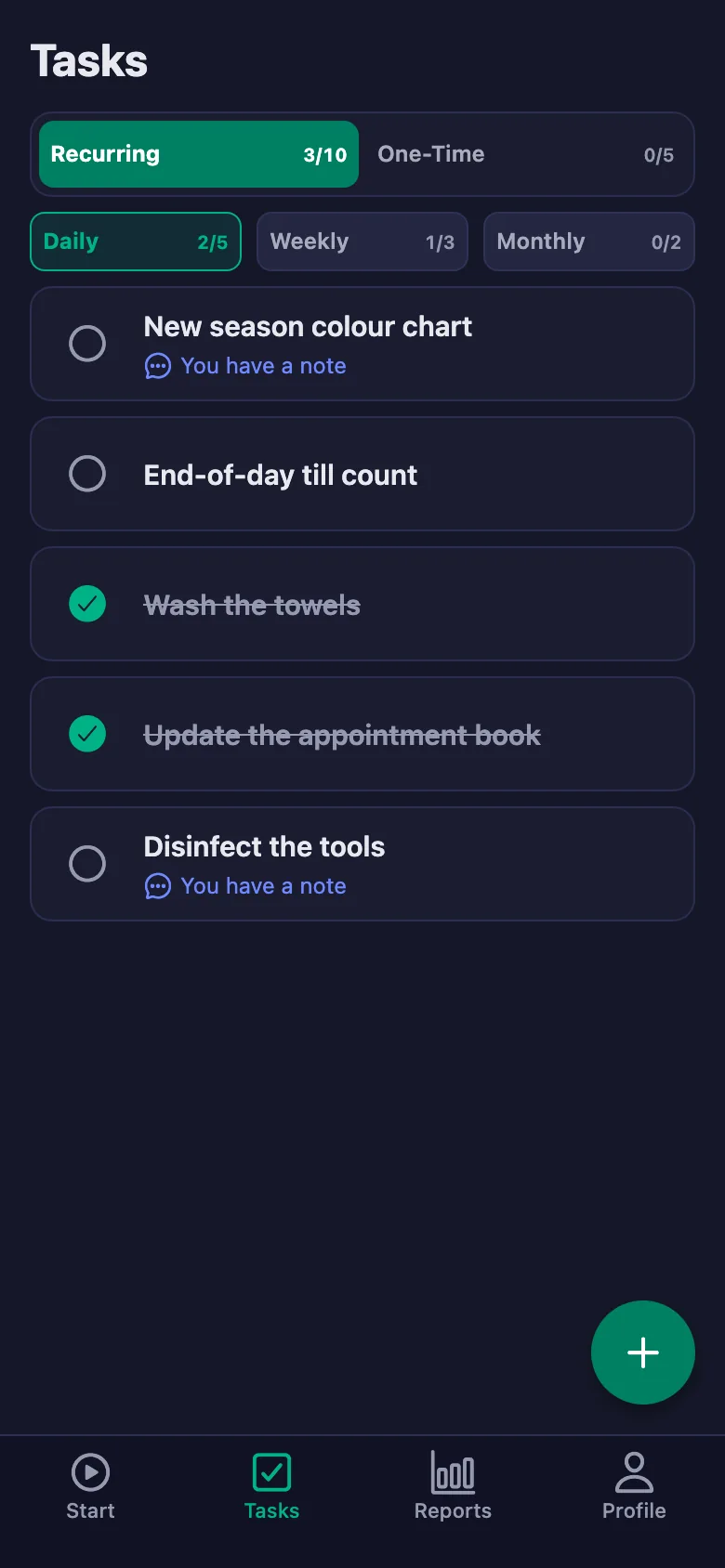
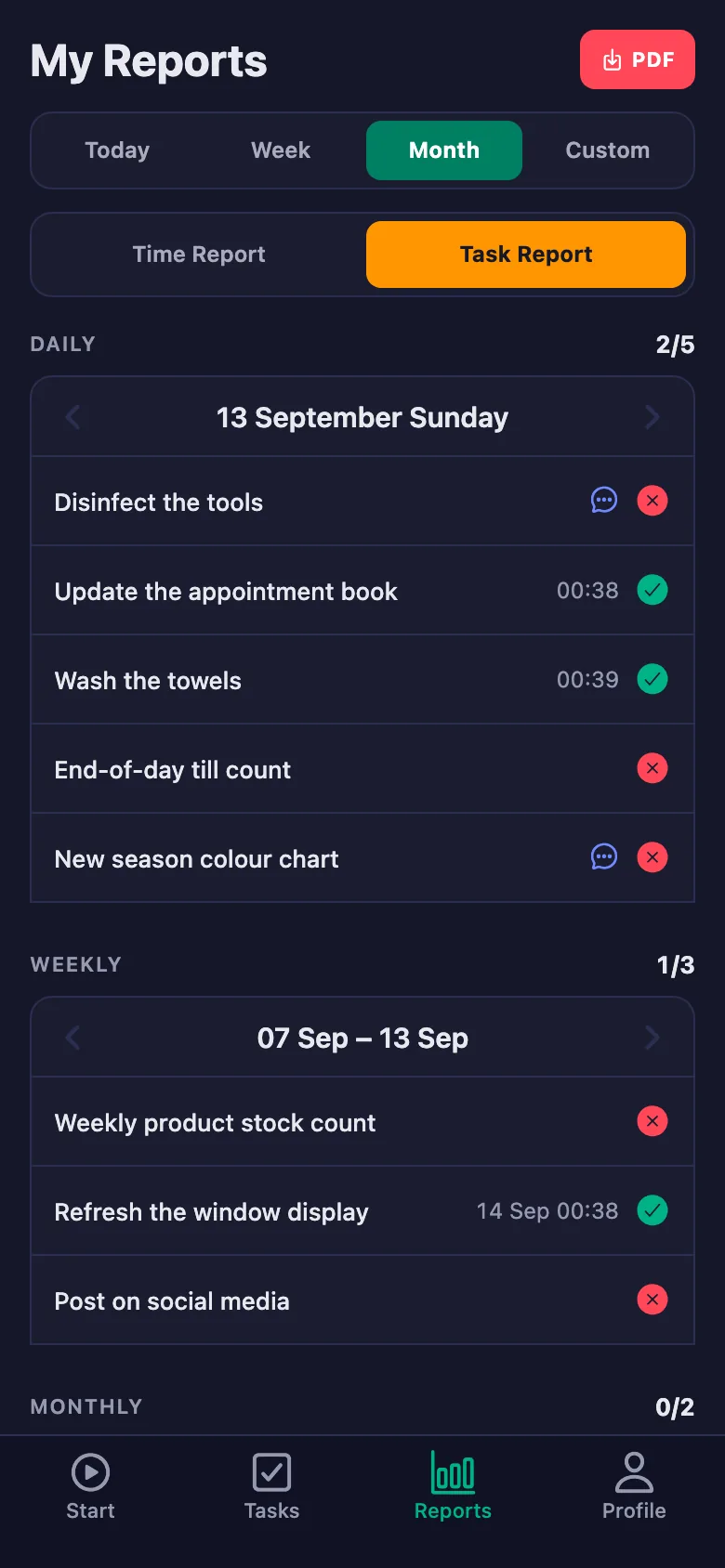
Every job sits there as a daily task; anything unticked stays on the screen. Who did it, and when, goes on the record.
A broken machine or a product that has run out gets discussed in front of clients and only reaches you in the evening.
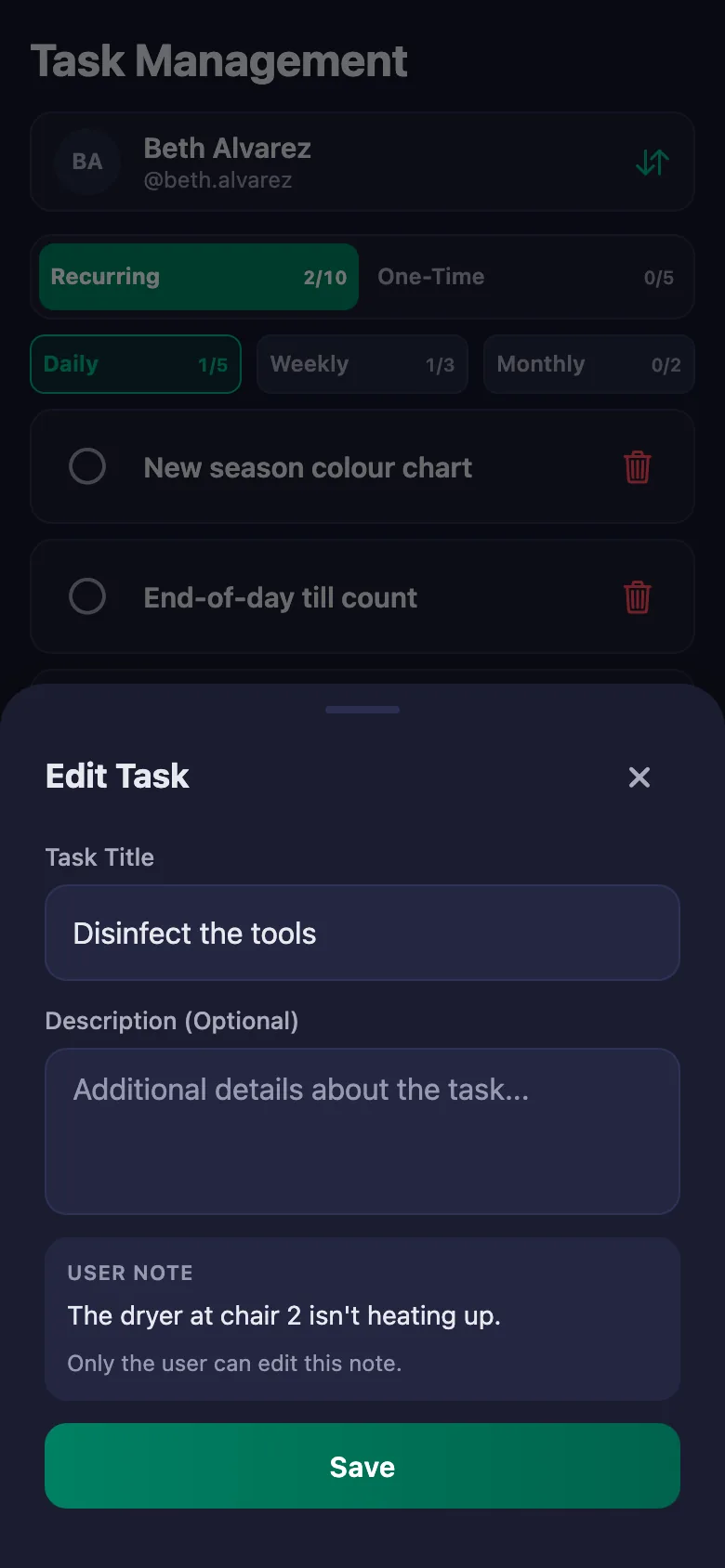
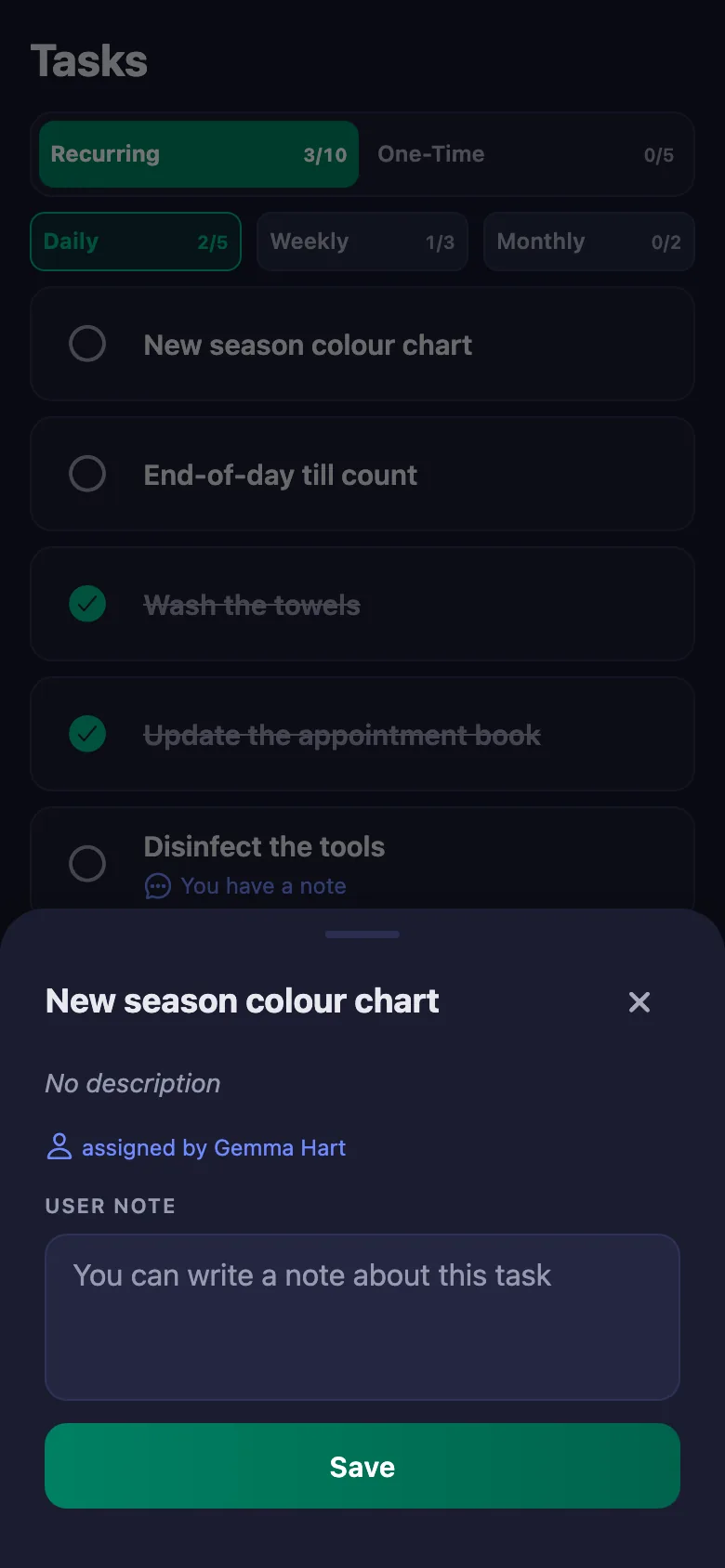
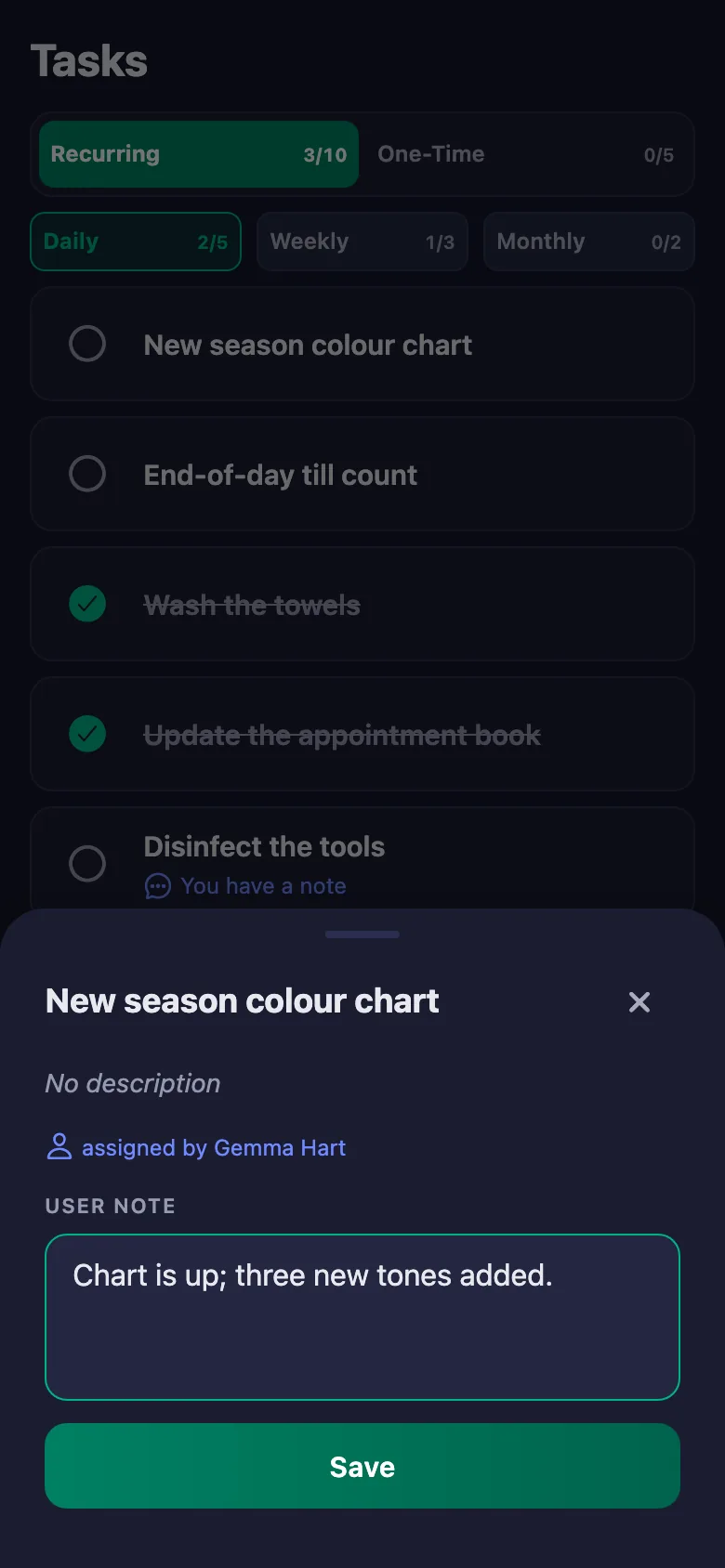
Staff write a note under the task: which chair, which device. The note sits on your screen, and only the person who wrote it can change it.
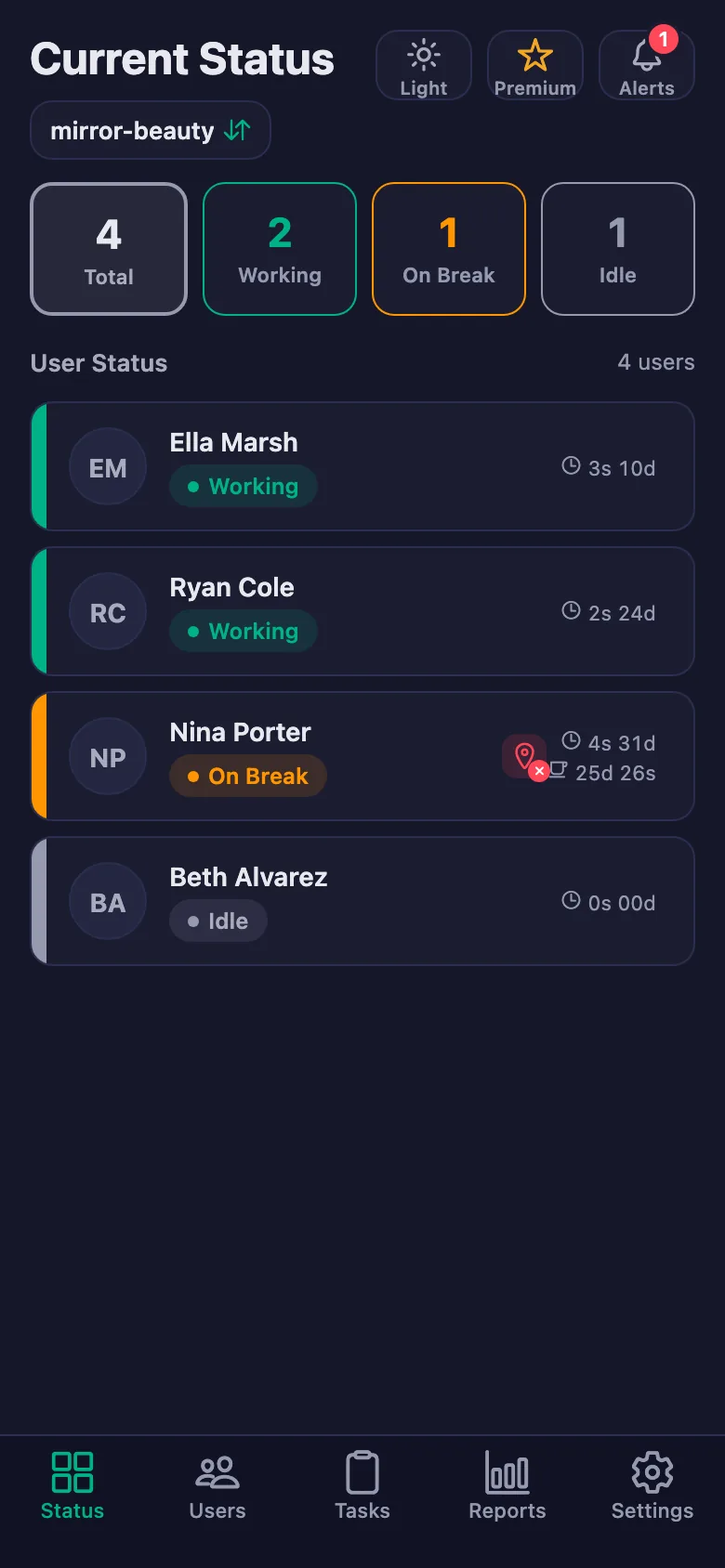
With two salons you cannot be in both, so you ring up to find out who is working in the other one.
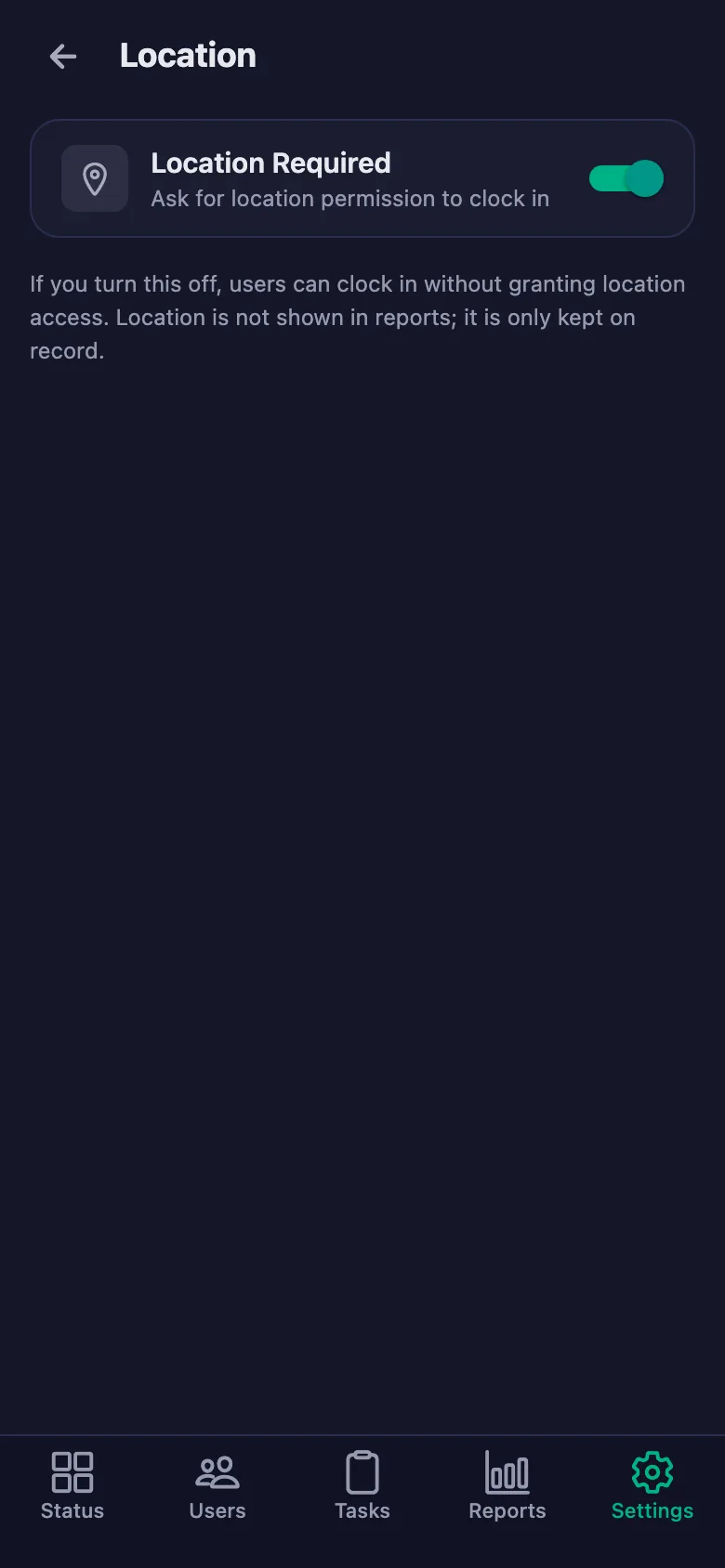
The live status screen shows whose timer is running and who is on a break. With the location rule on, a shift can only be started at the salon.
Closing checks get forgotten, and reminding means messaging late at night.
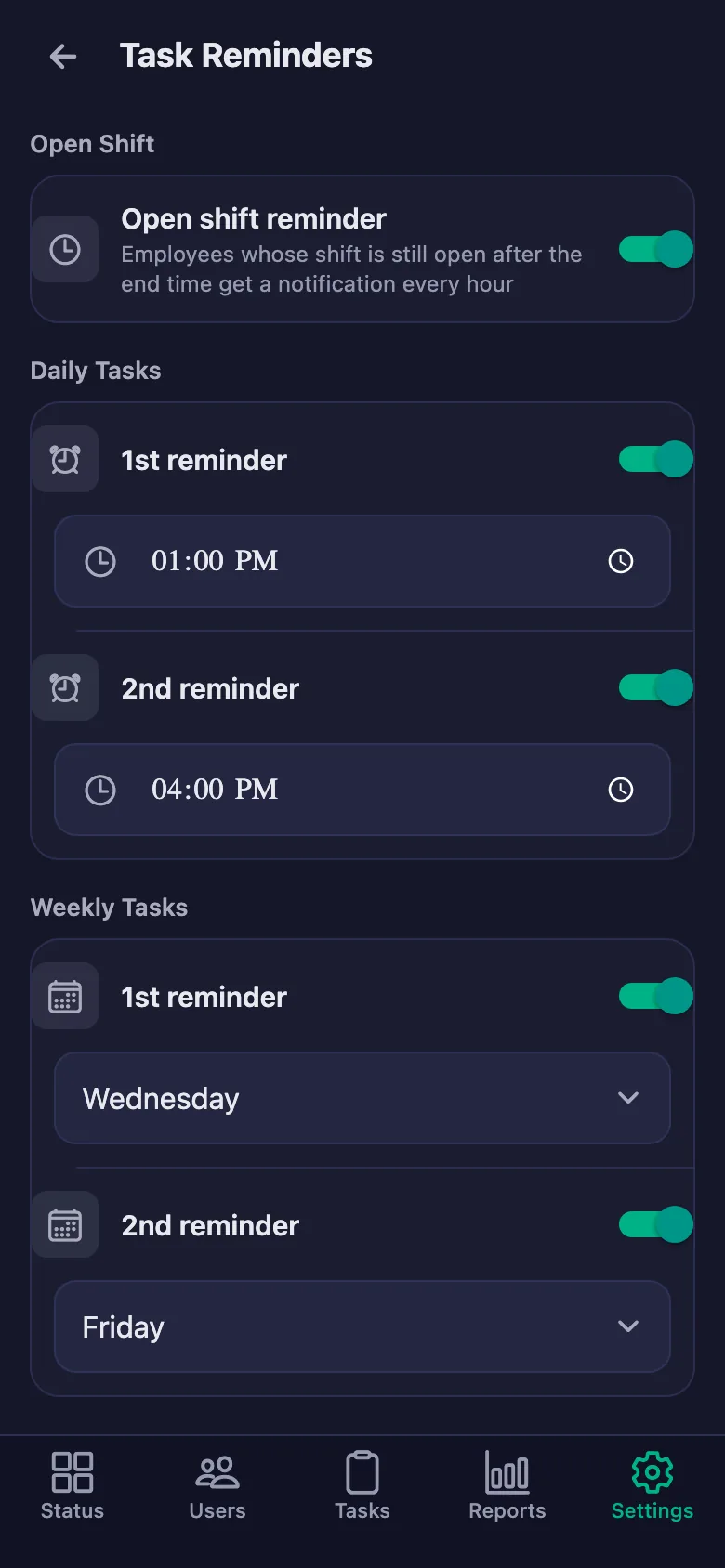
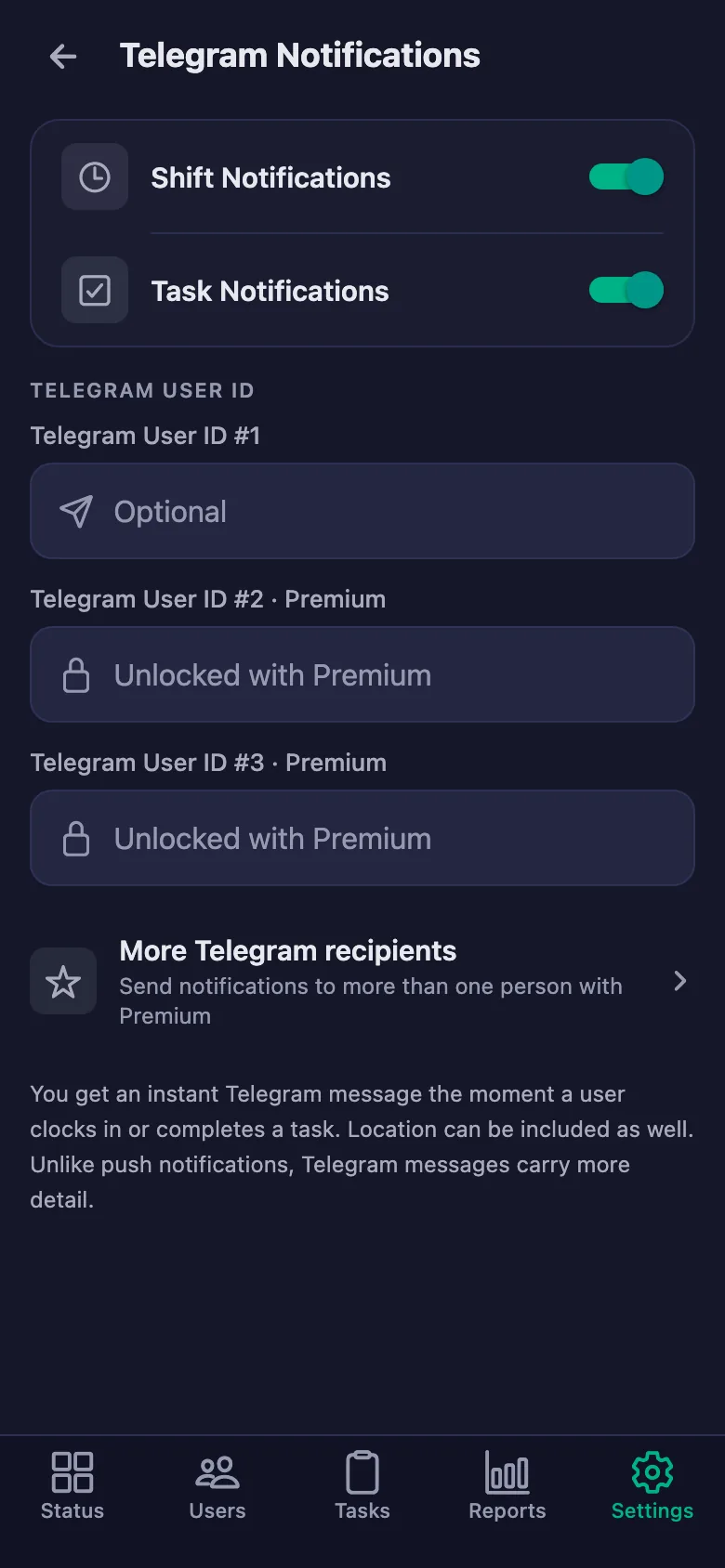
You set the reminder times. If a job is still undone at that hour, a notification lands on the staff member's phone.
Working out commission and pay means adding up days from the notebook at the end of the month.
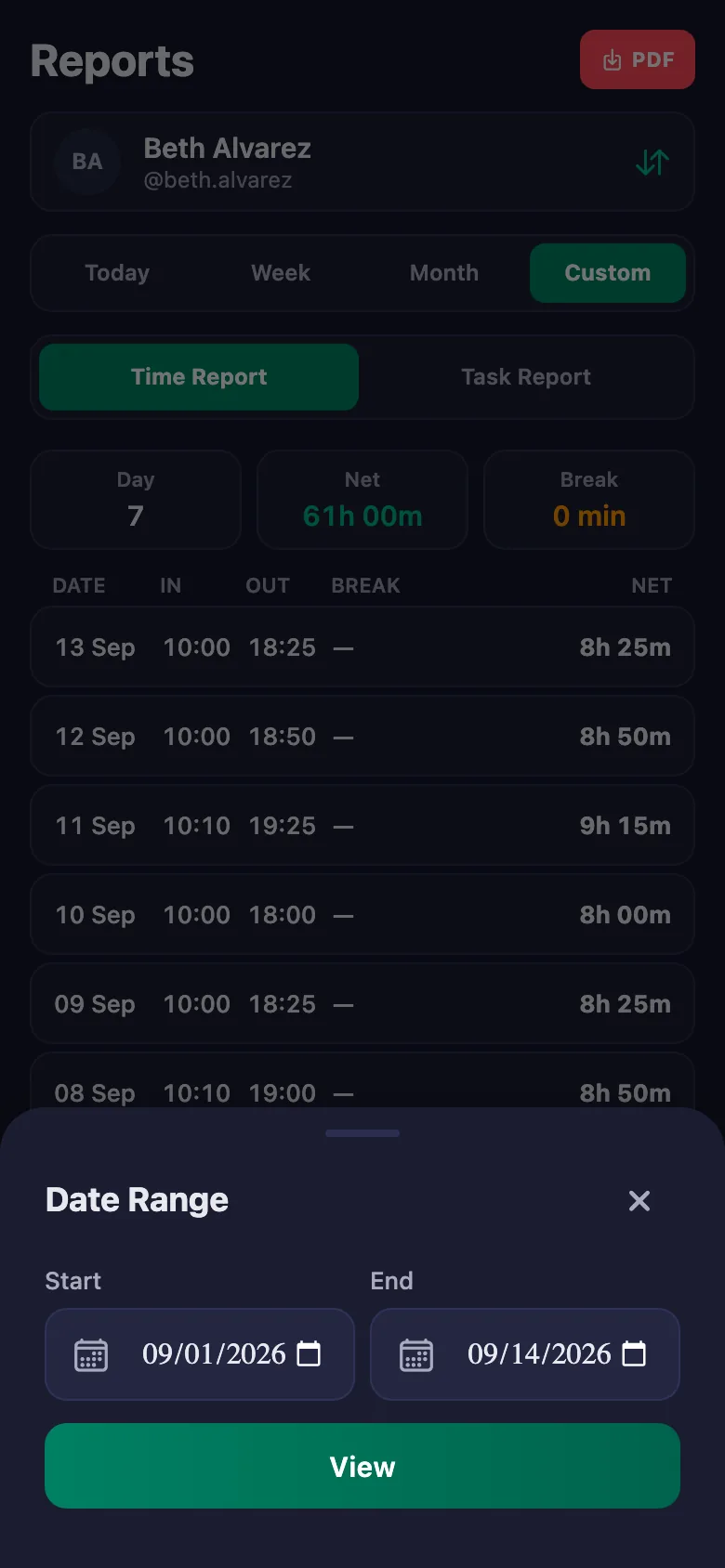
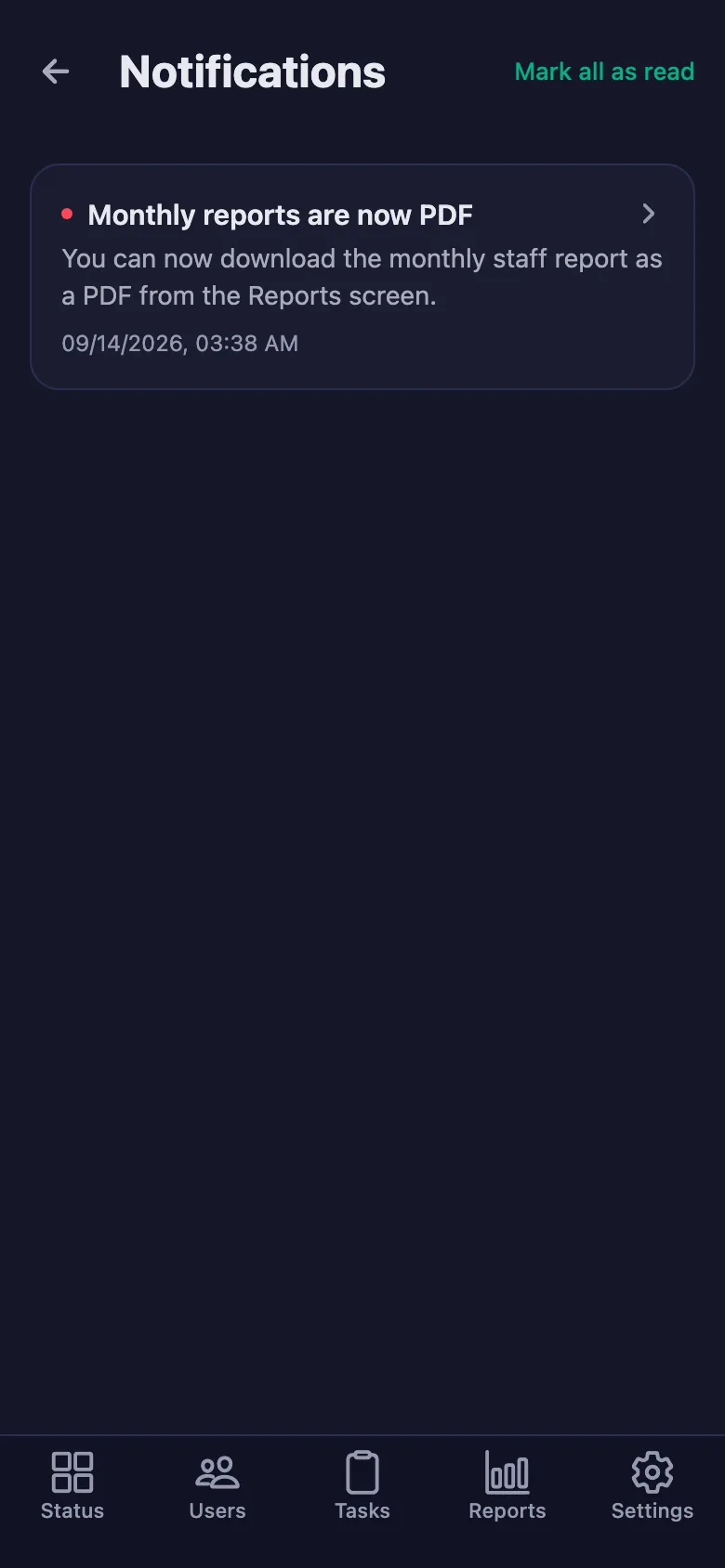
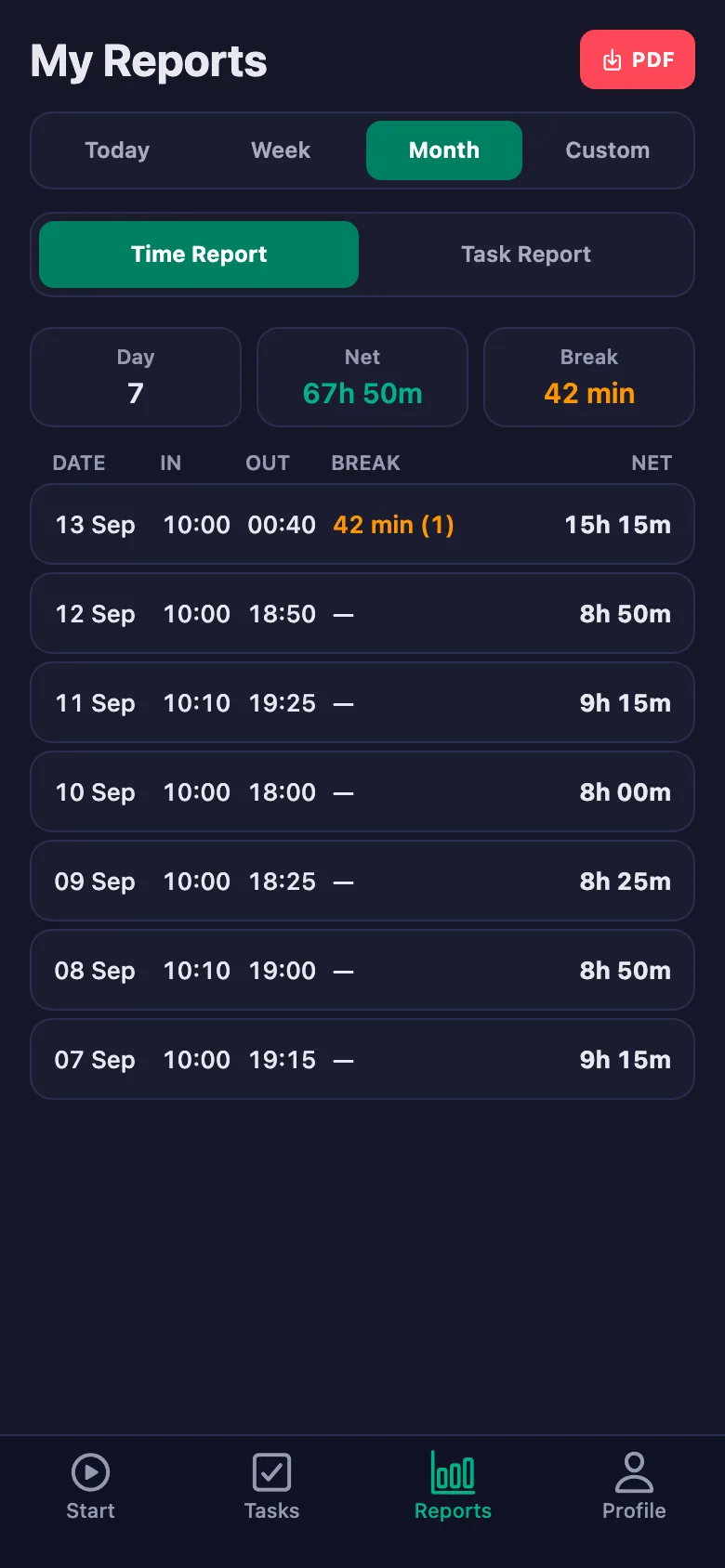
You don't have to wait for month end — pick any date range and the report appears on screen. You download it as a PDF and hand it to the bookkeeper.
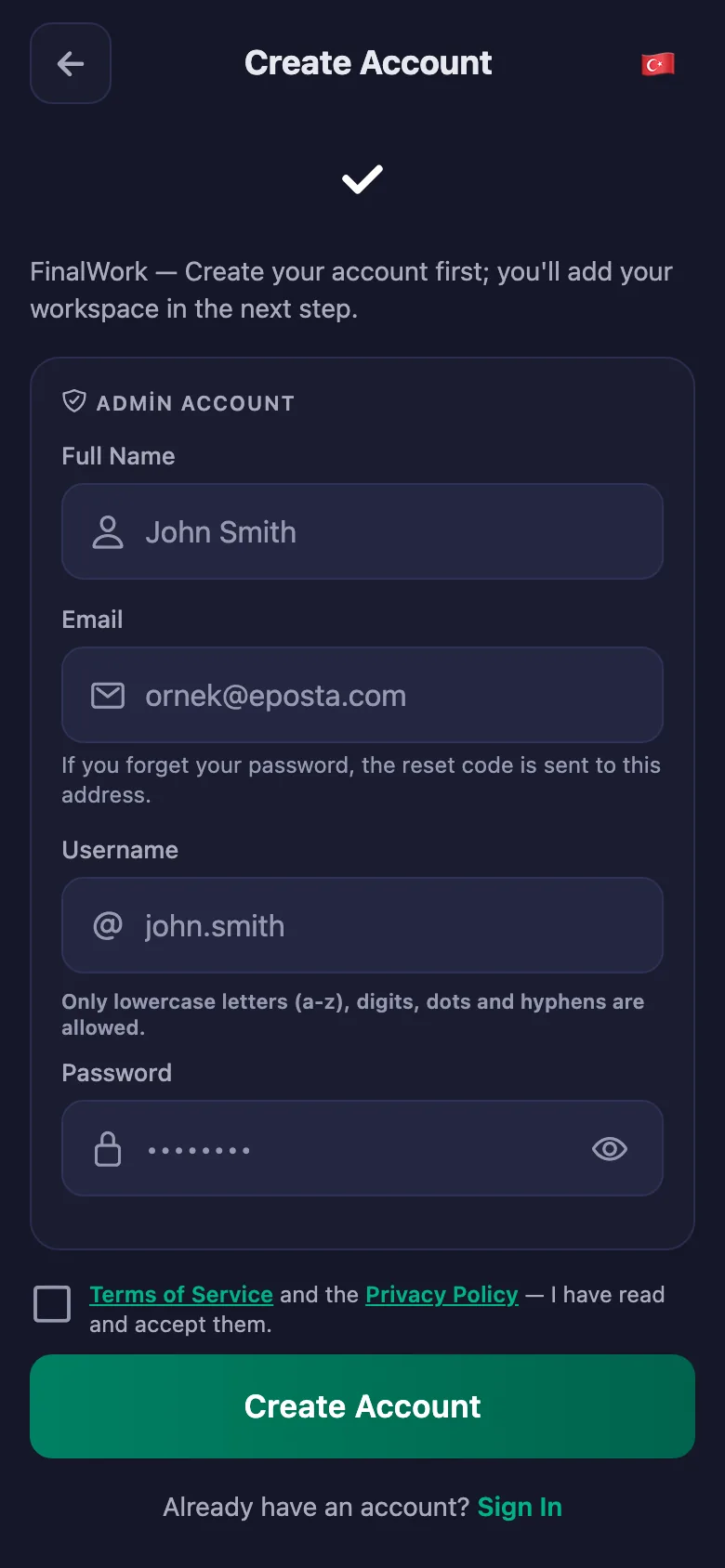
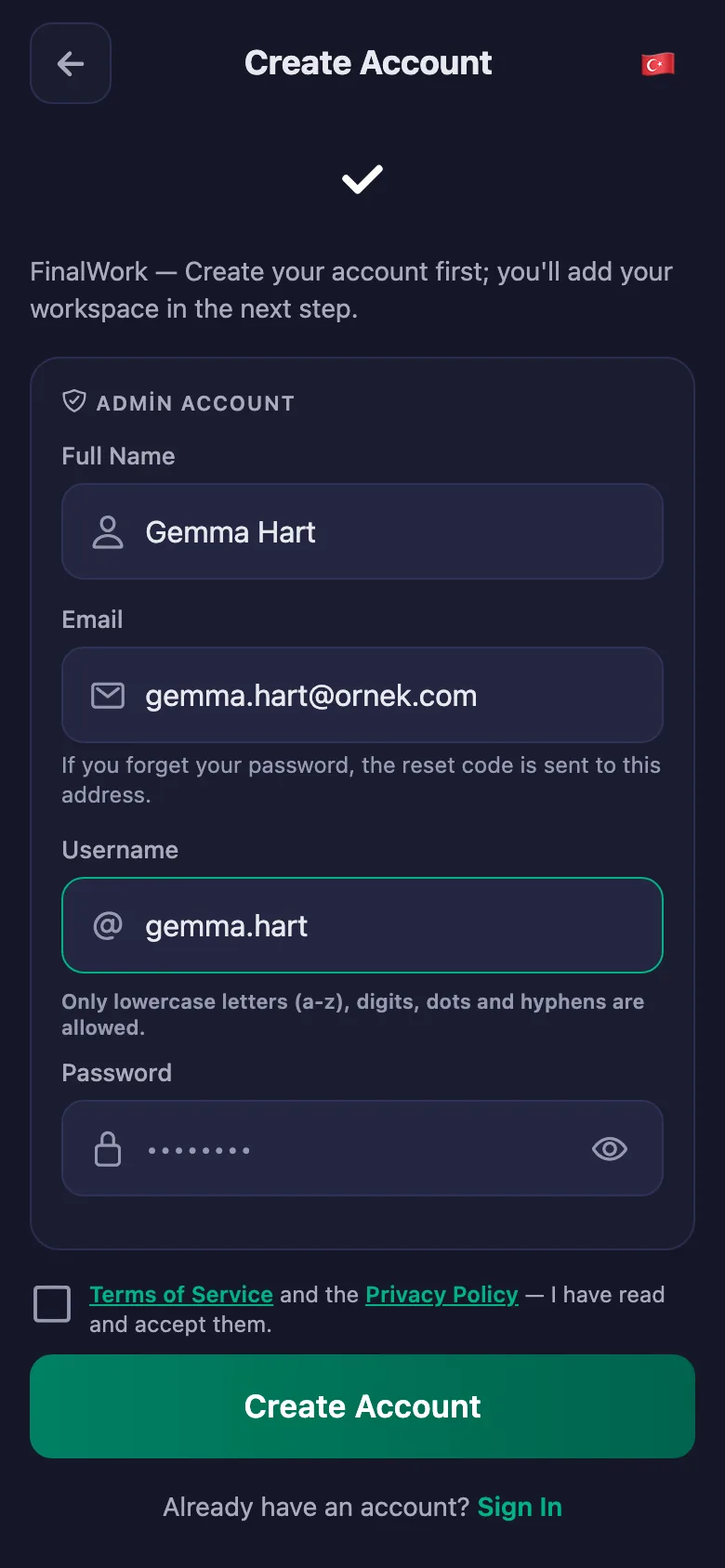
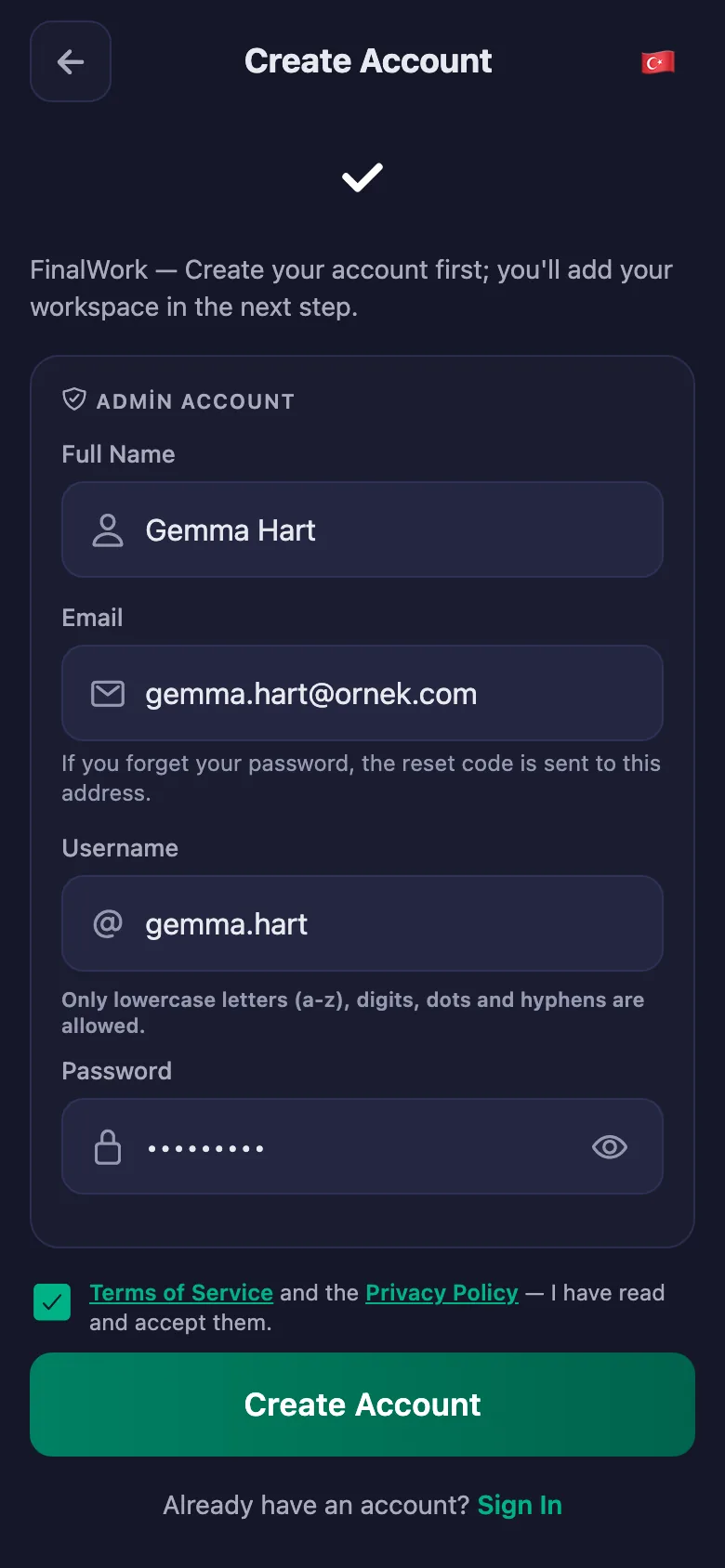
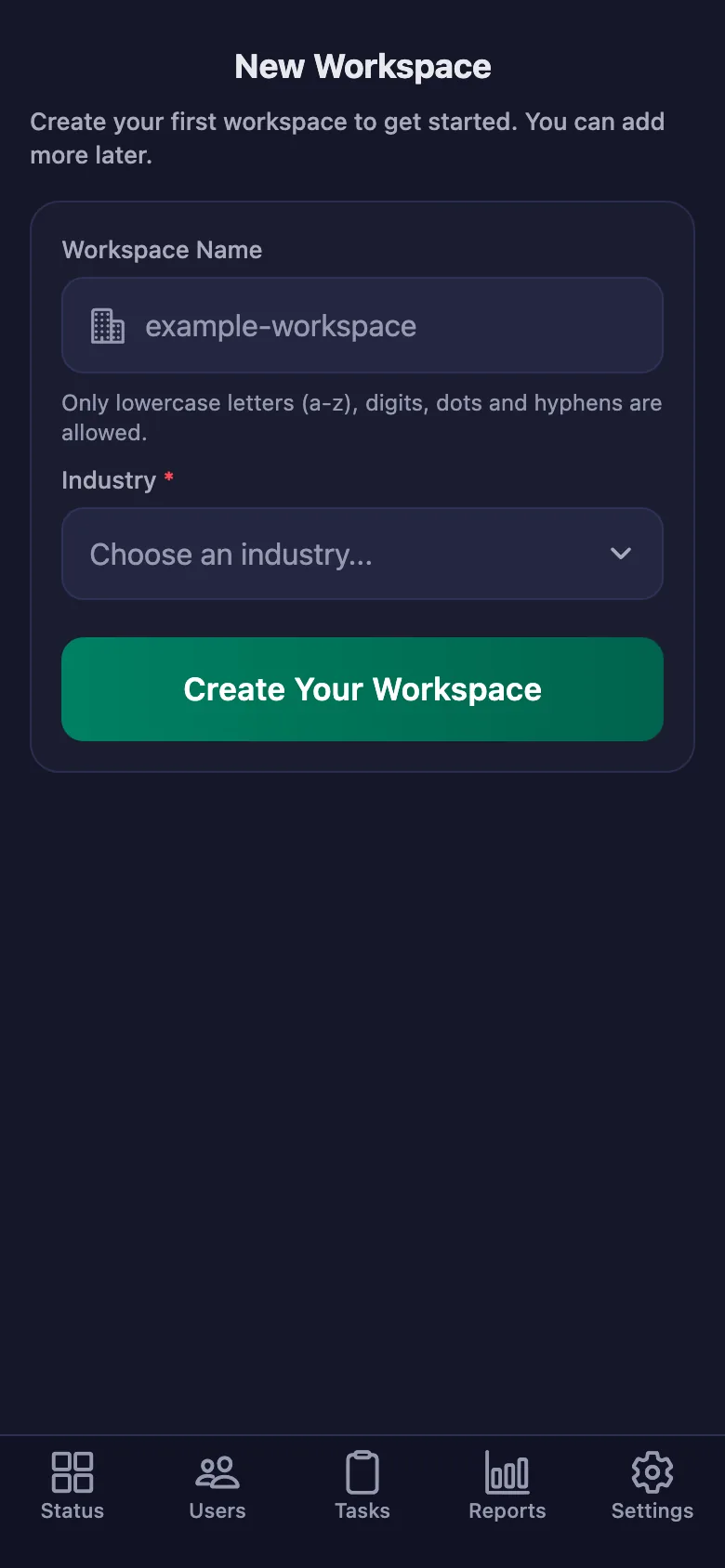
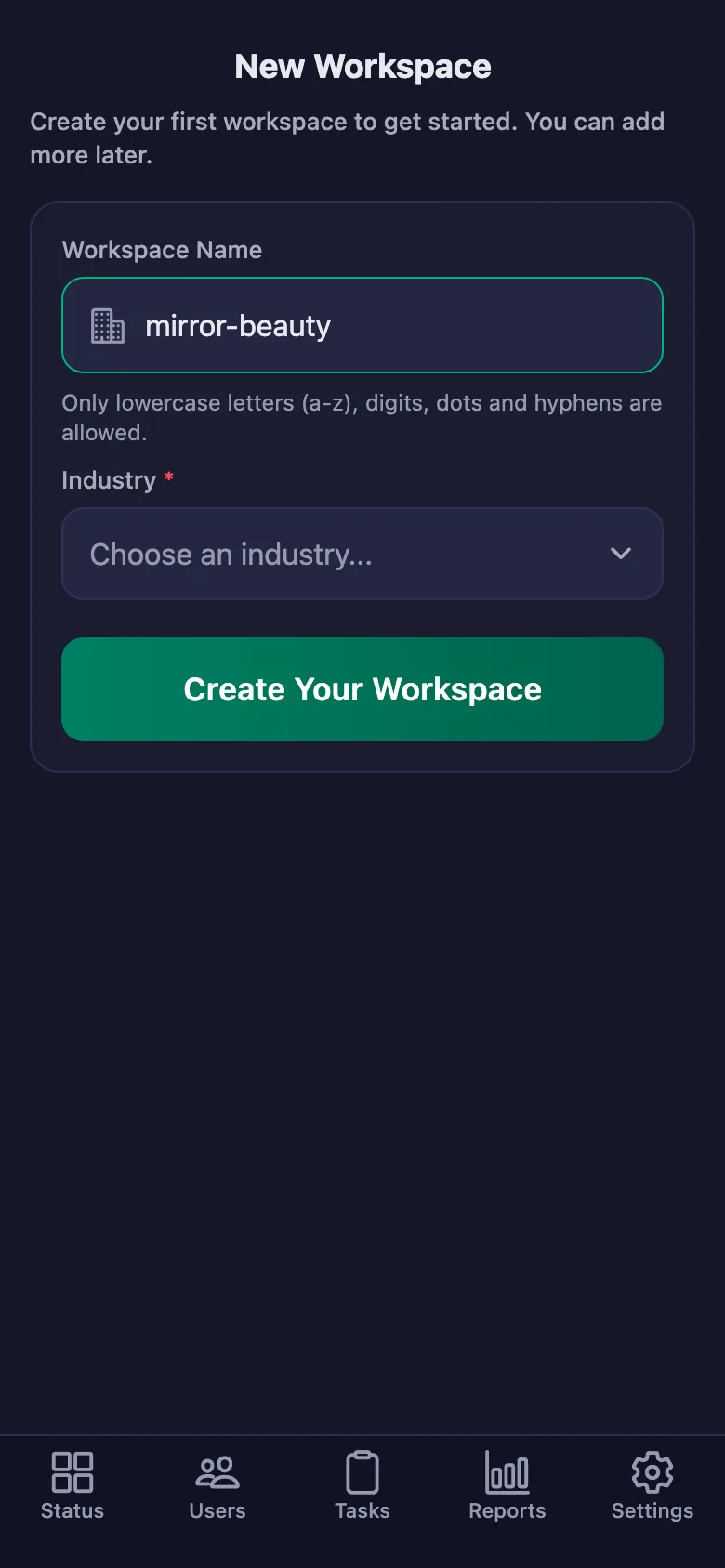
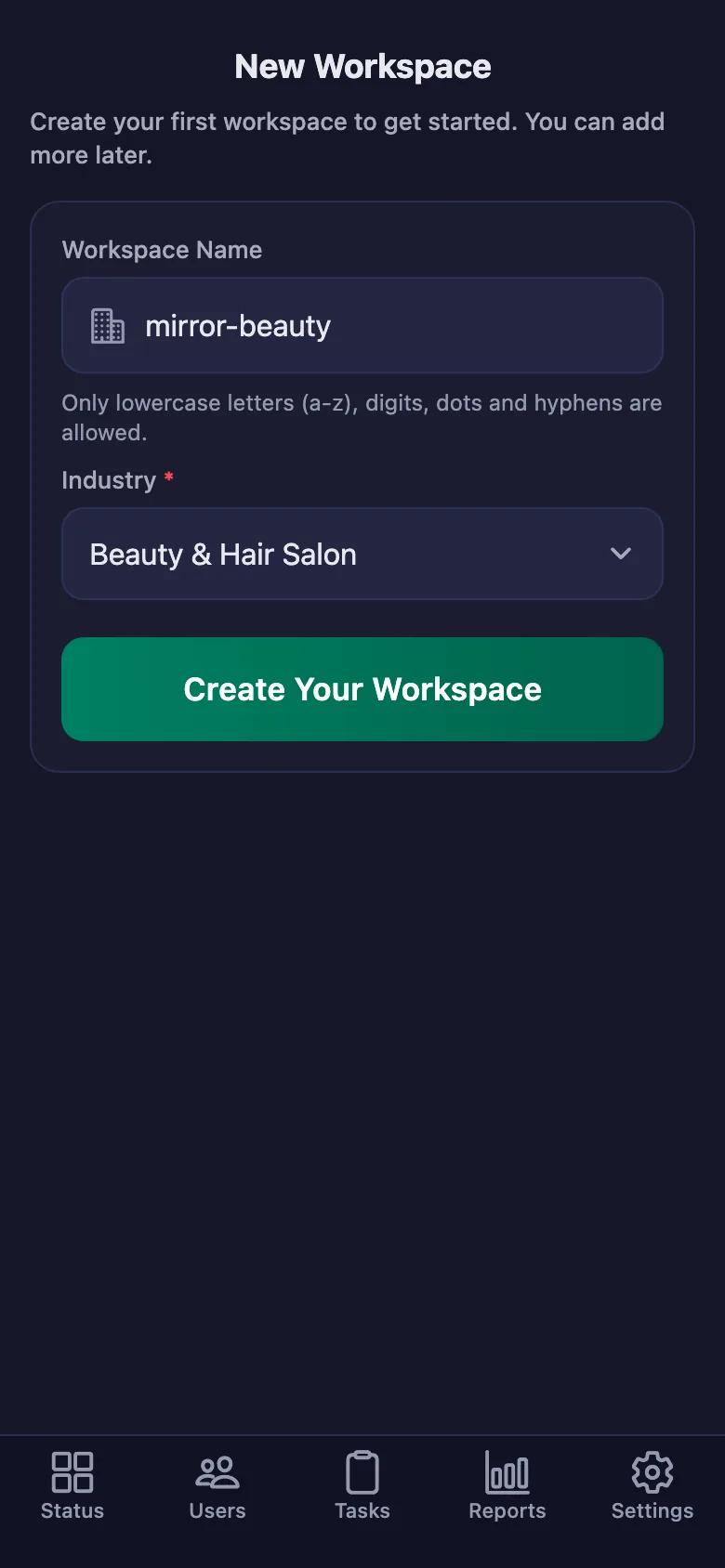
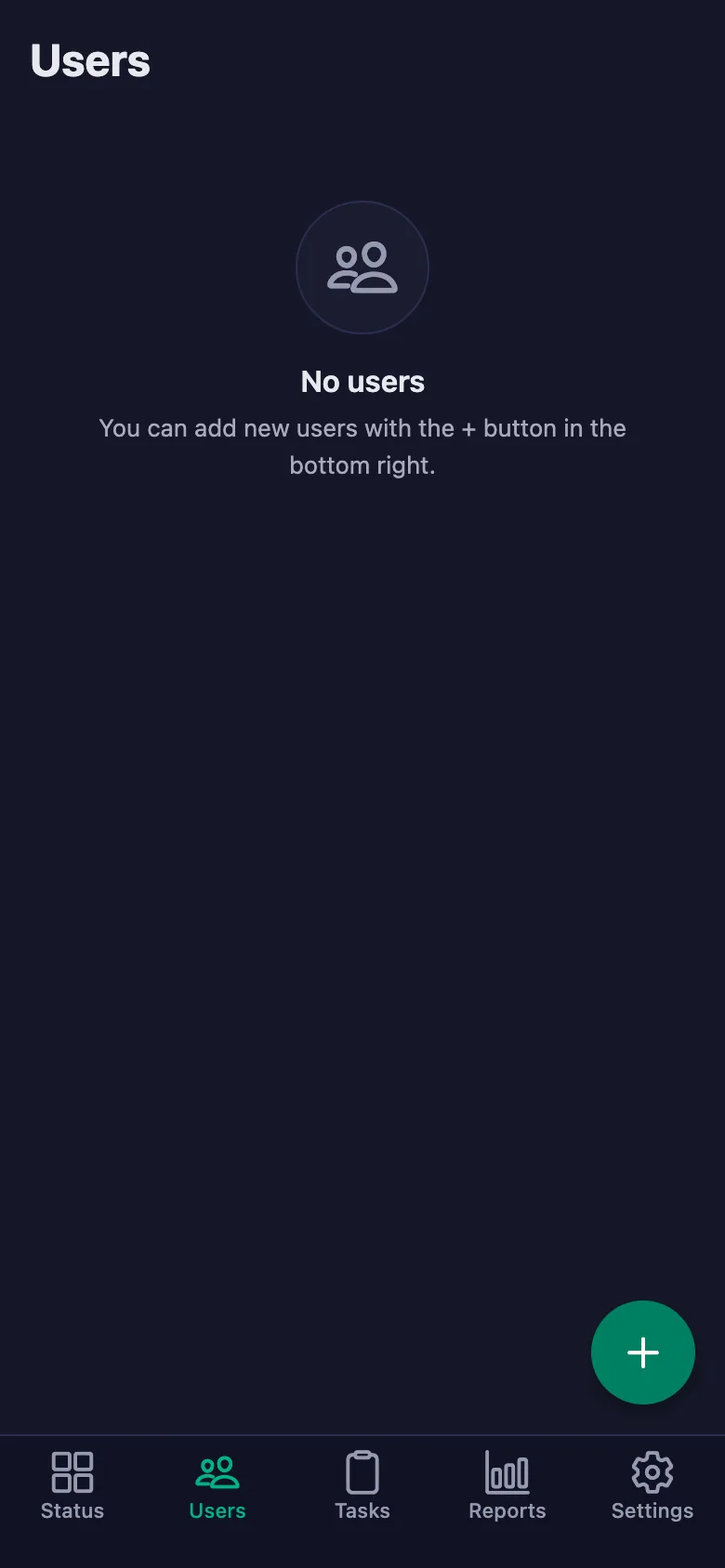
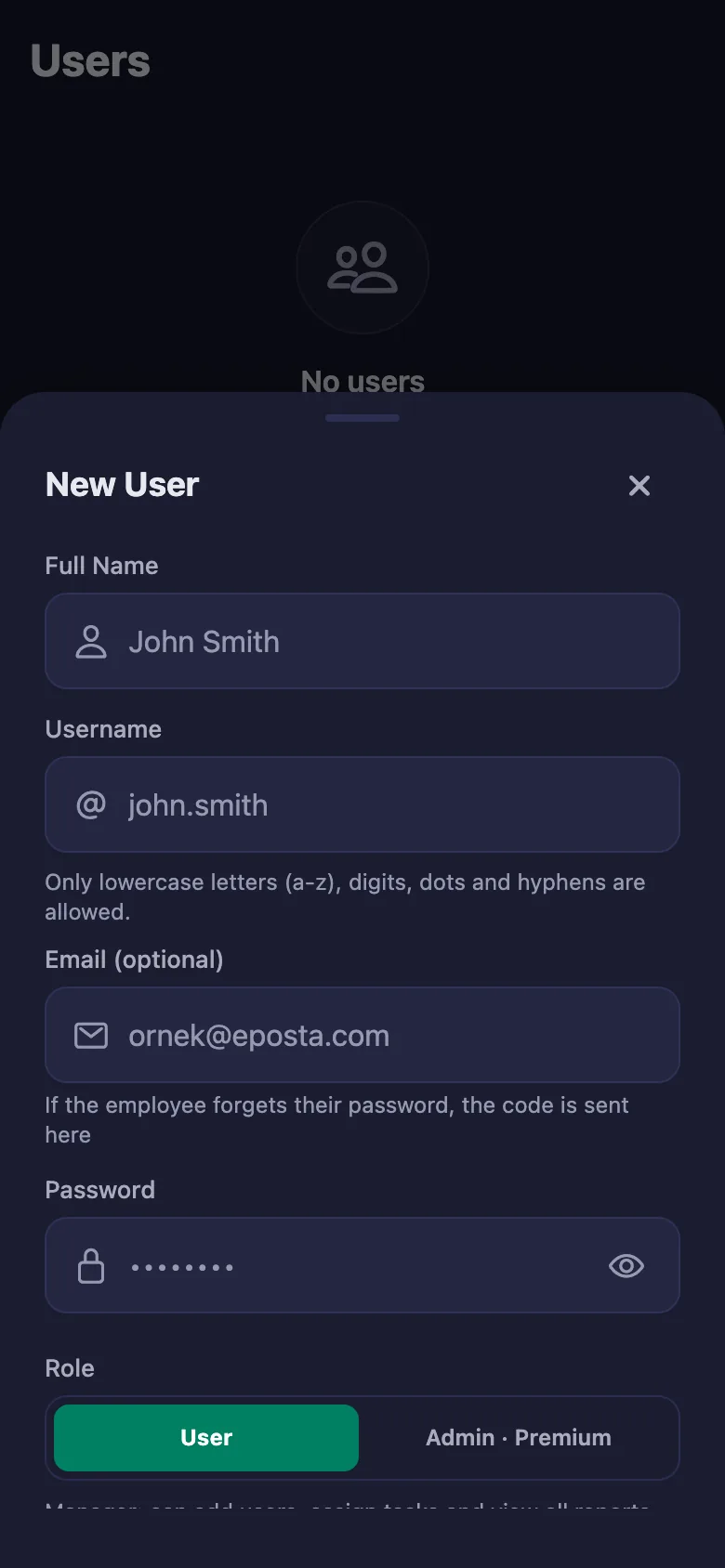
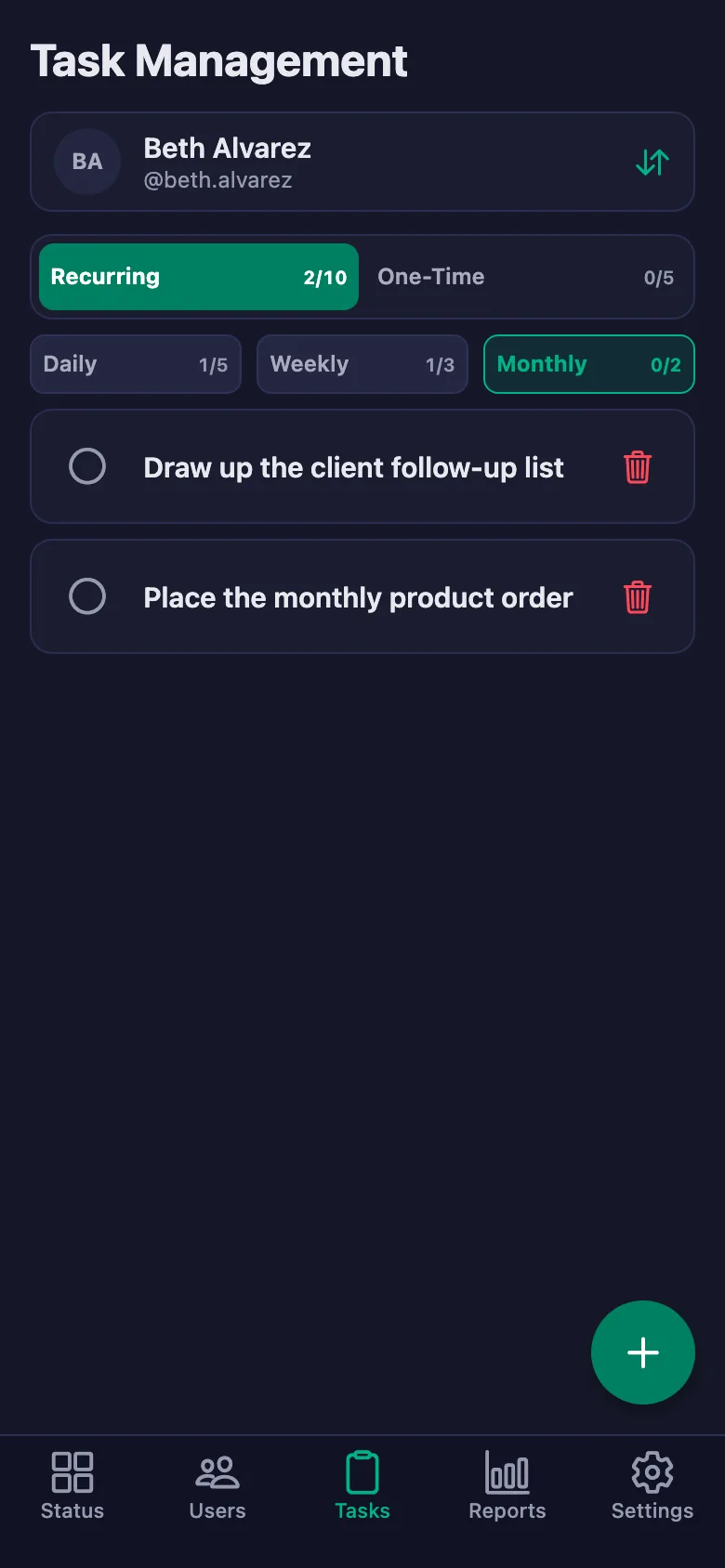
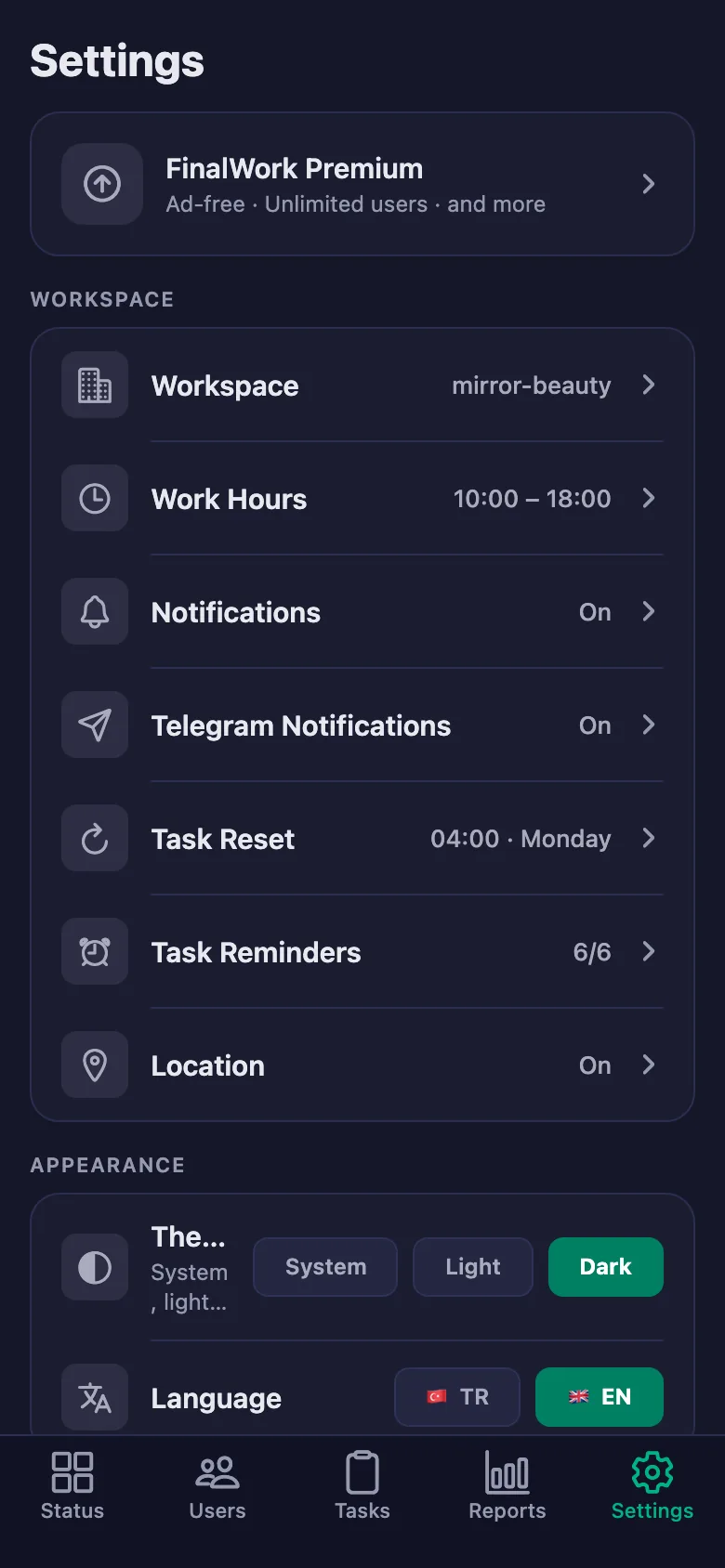
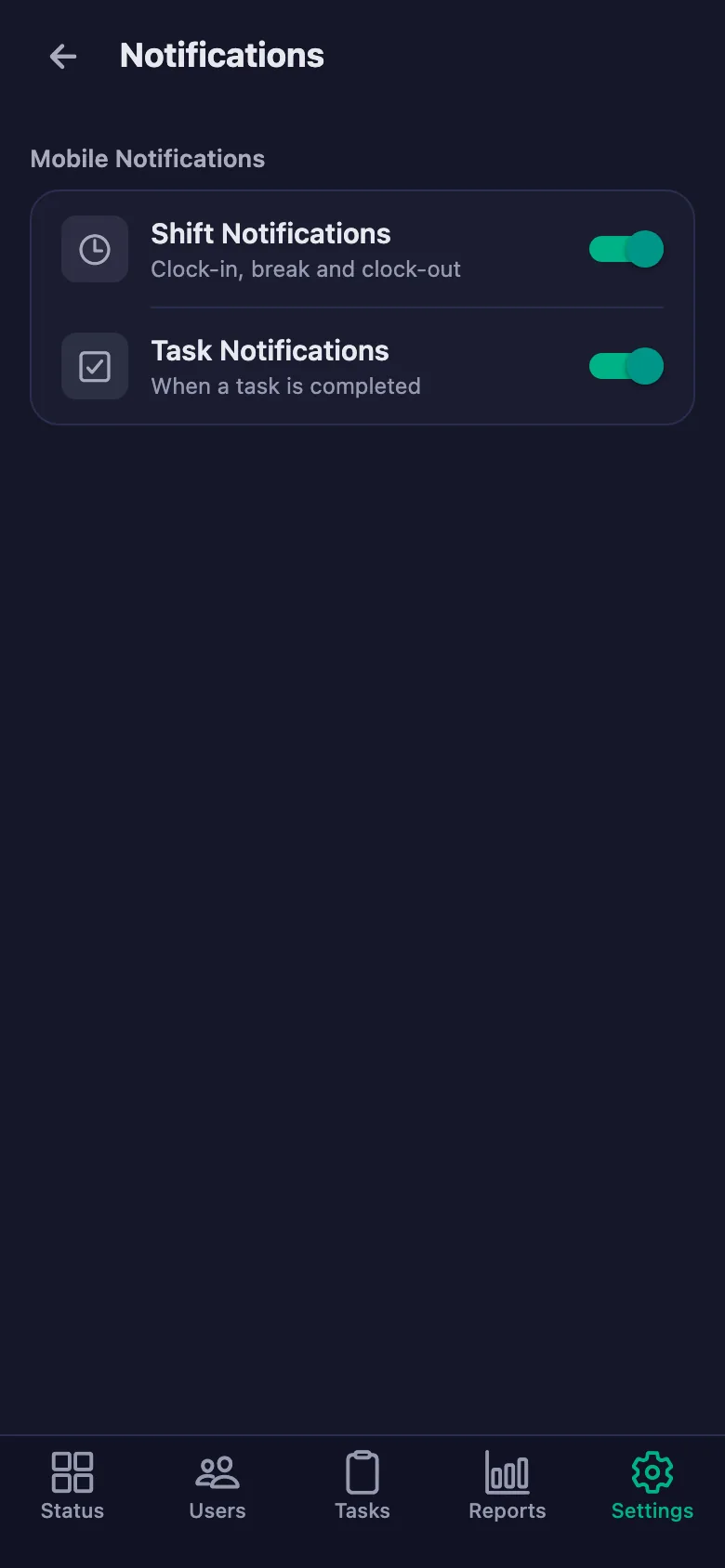
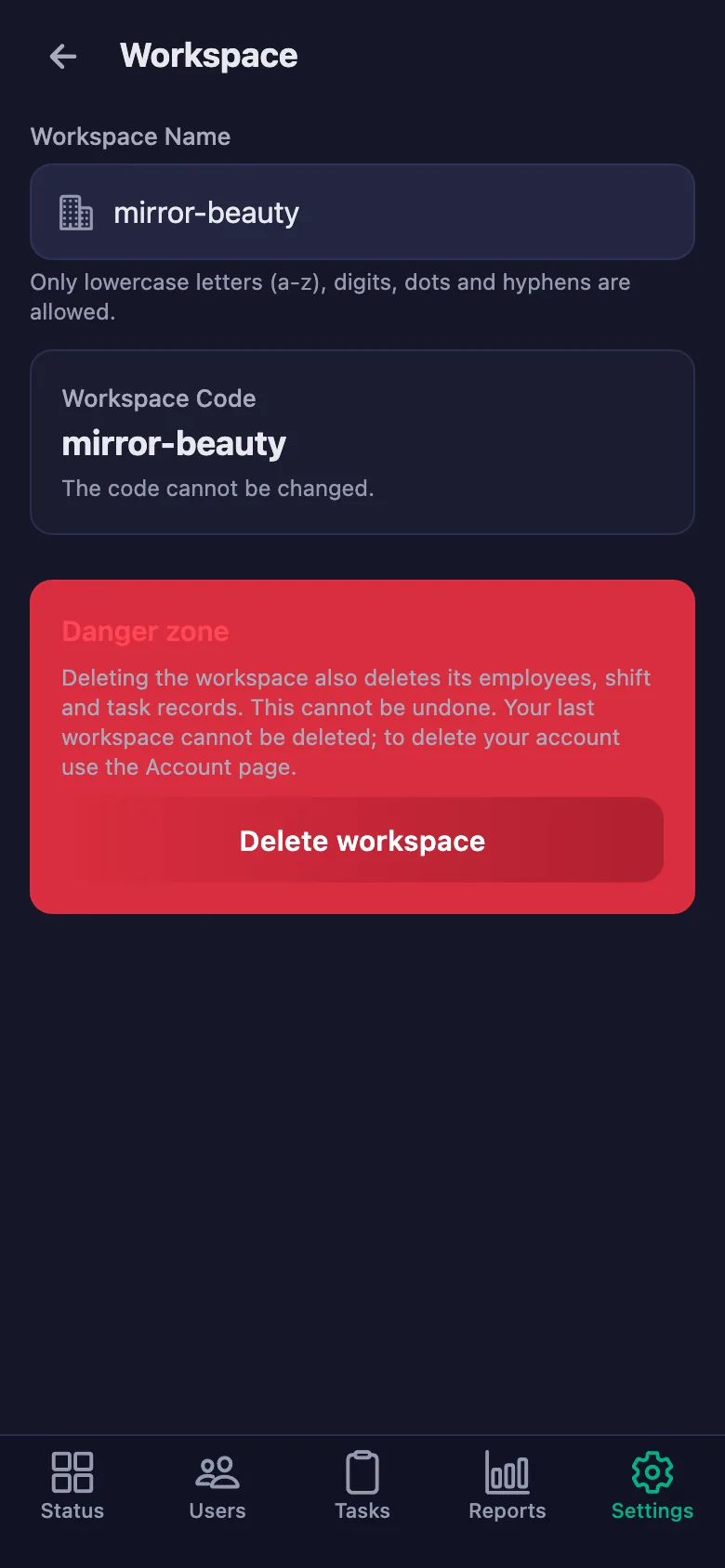
Setup and activation take just one minute — you can start free. Below you can watch the whole flow on the app's real screens.
Salon Owner – Salon Staff App Demo
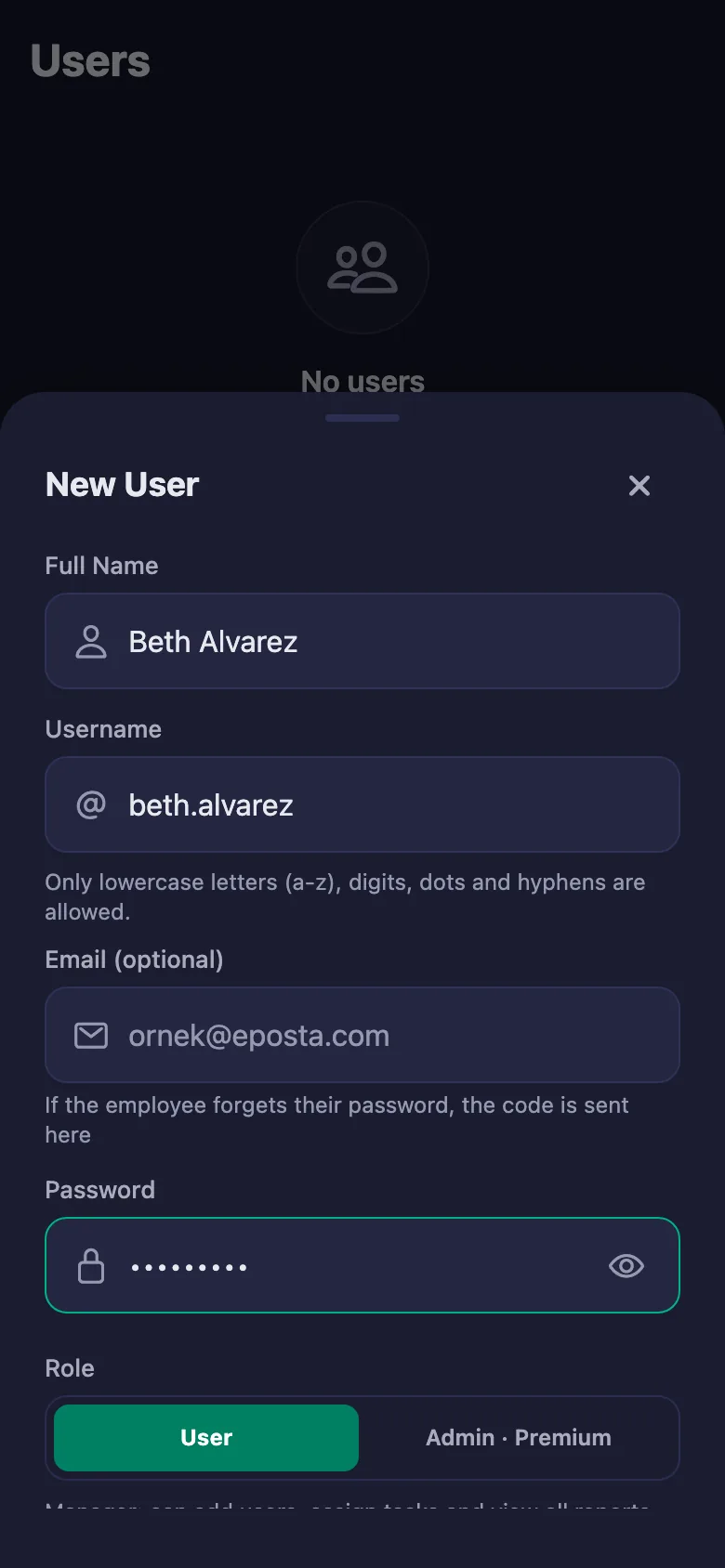
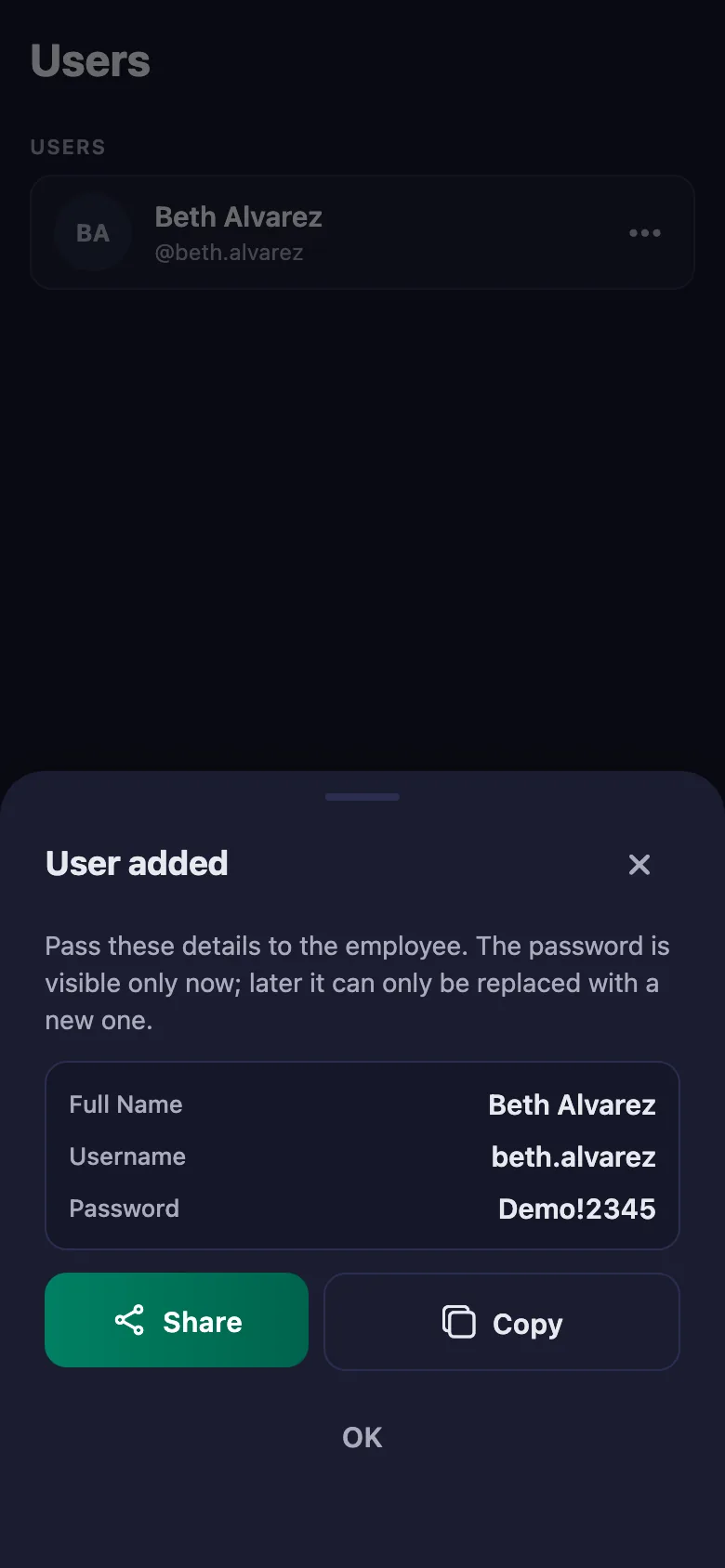
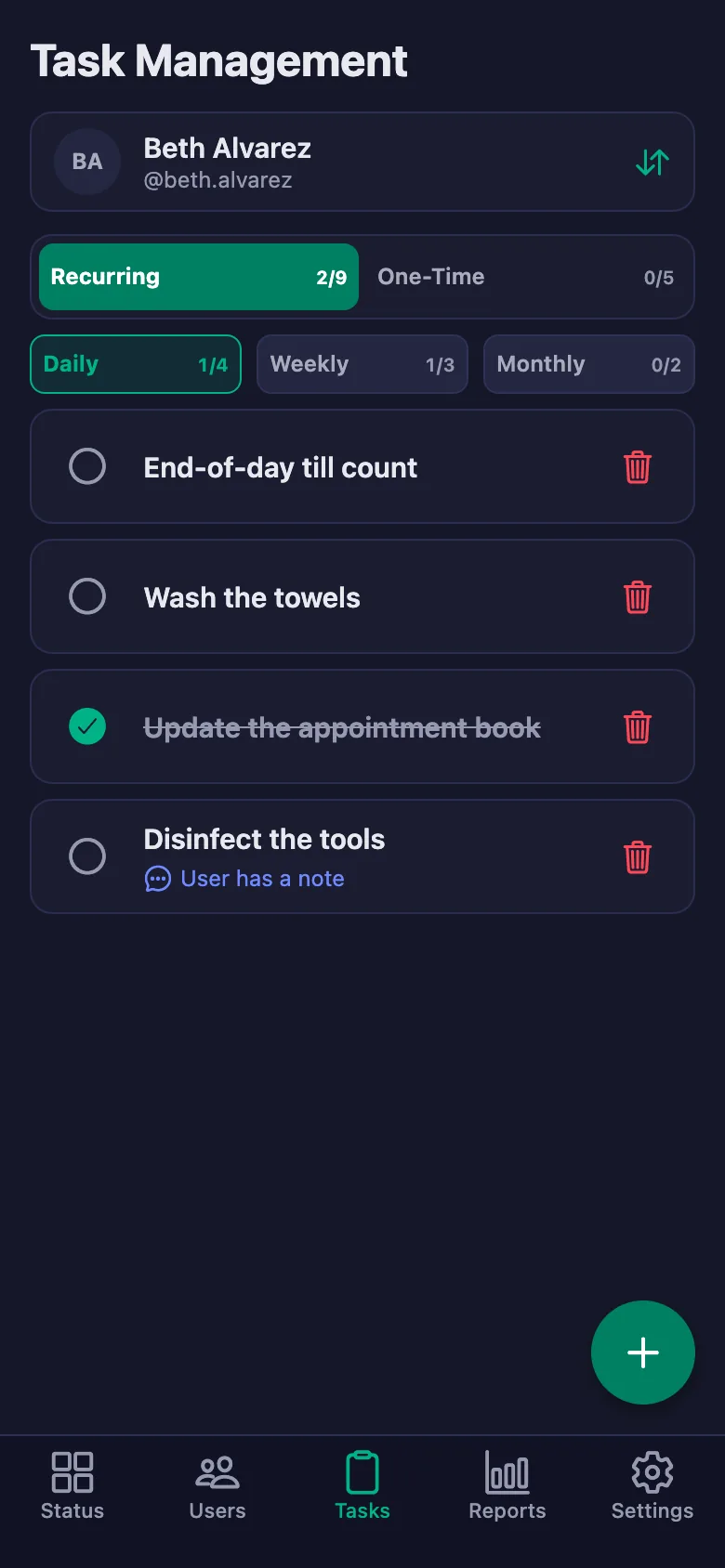
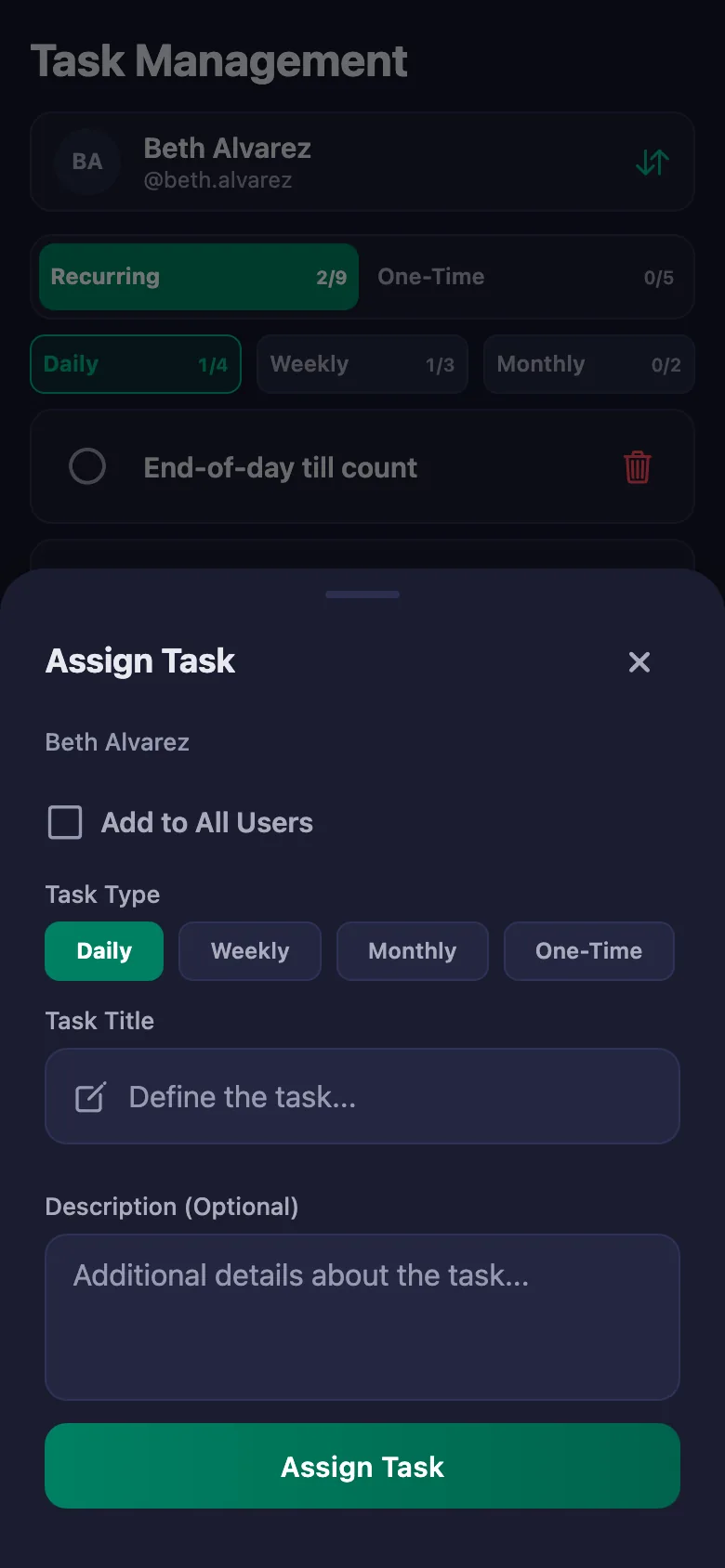
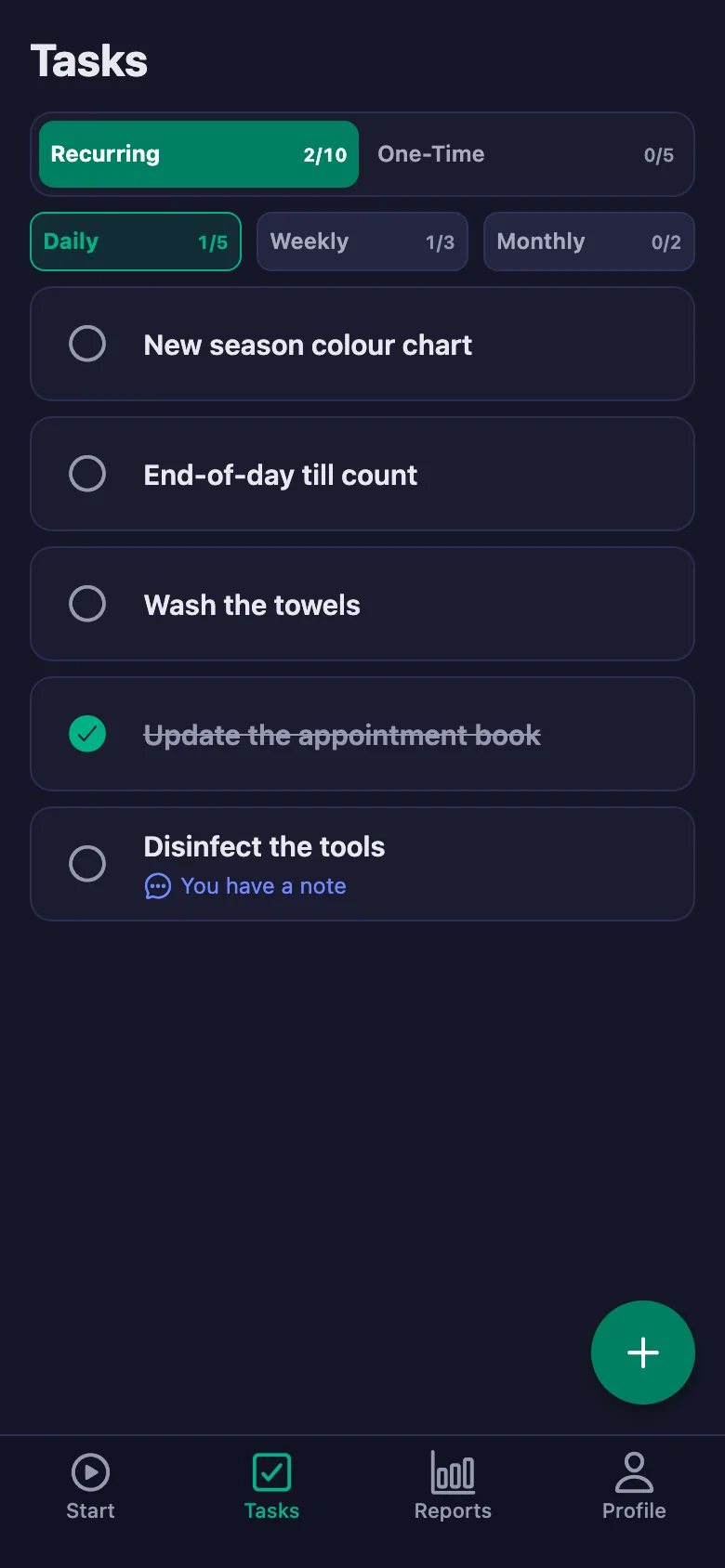
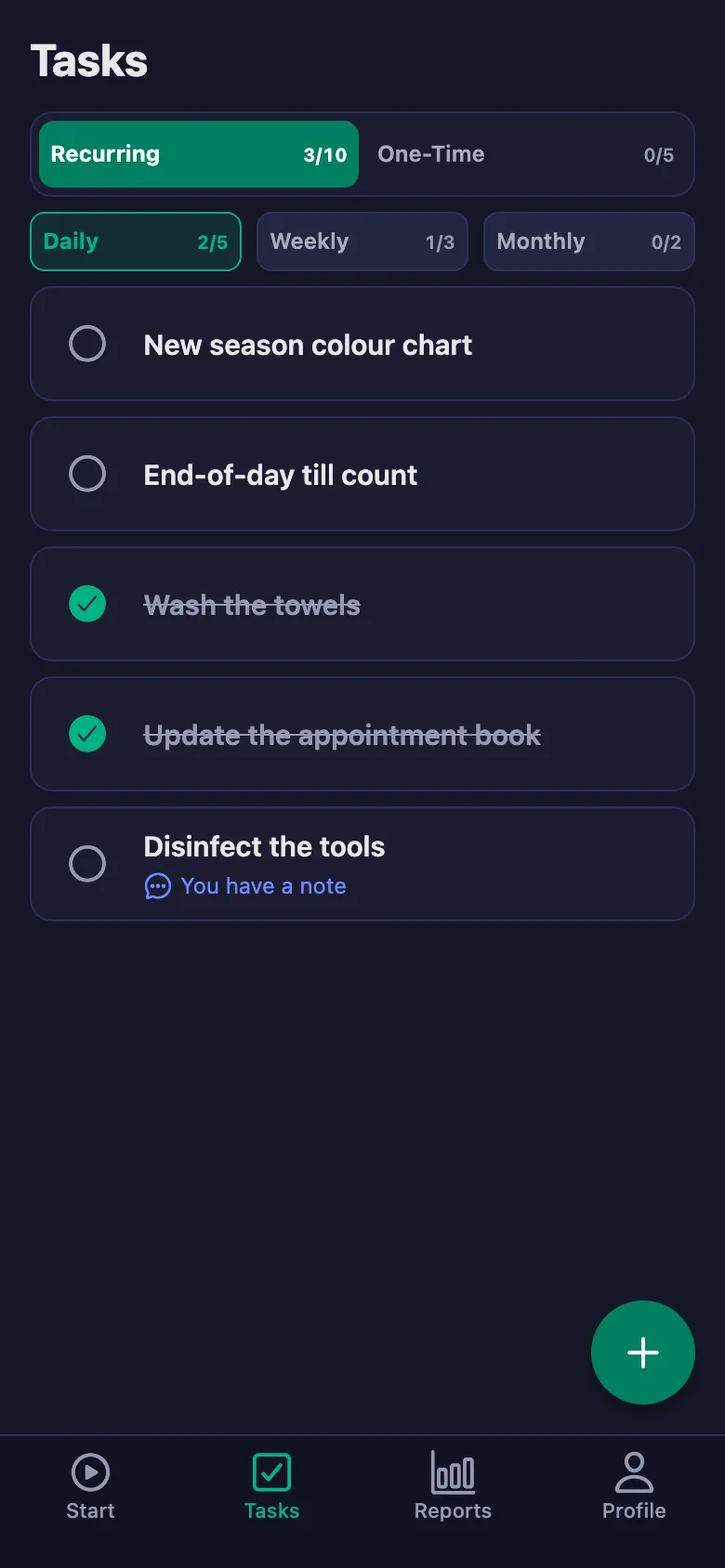
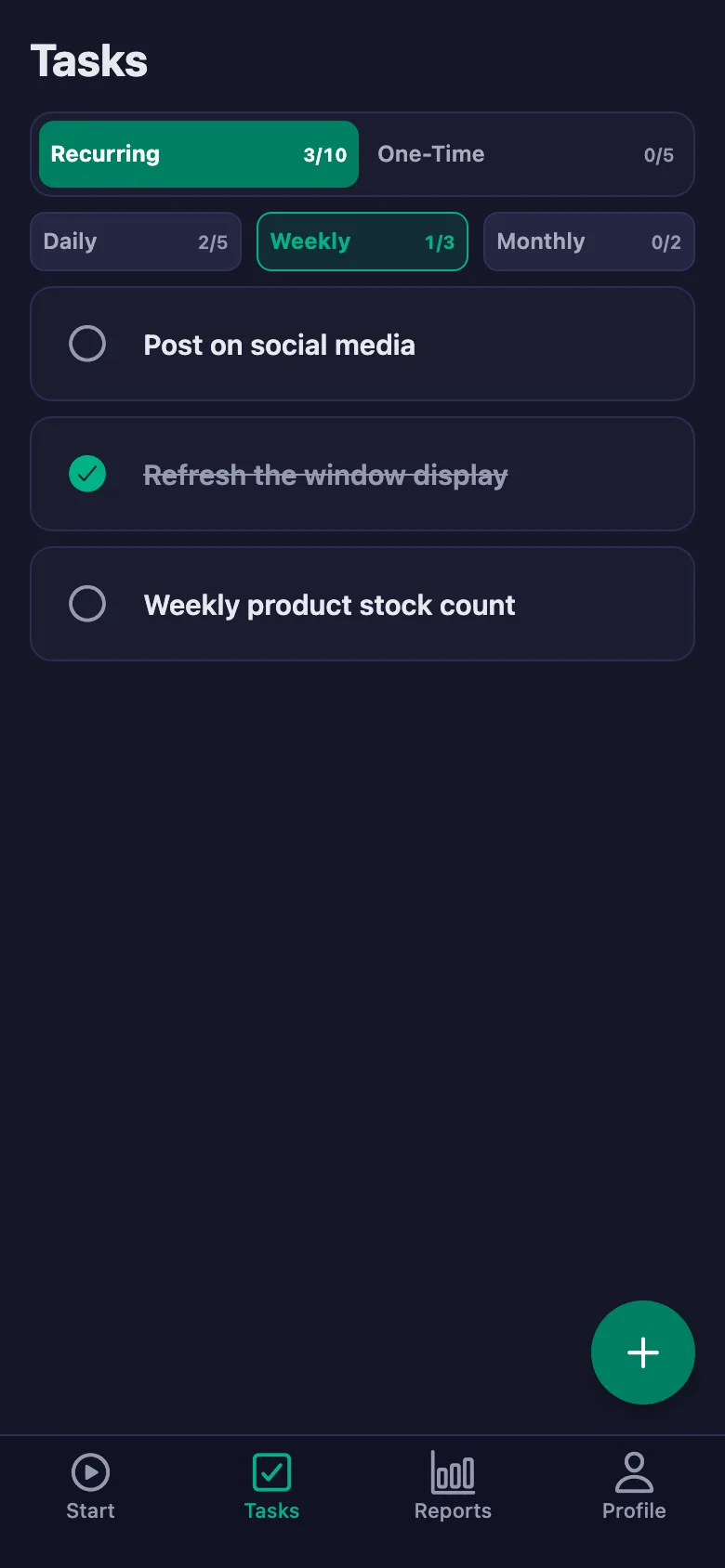
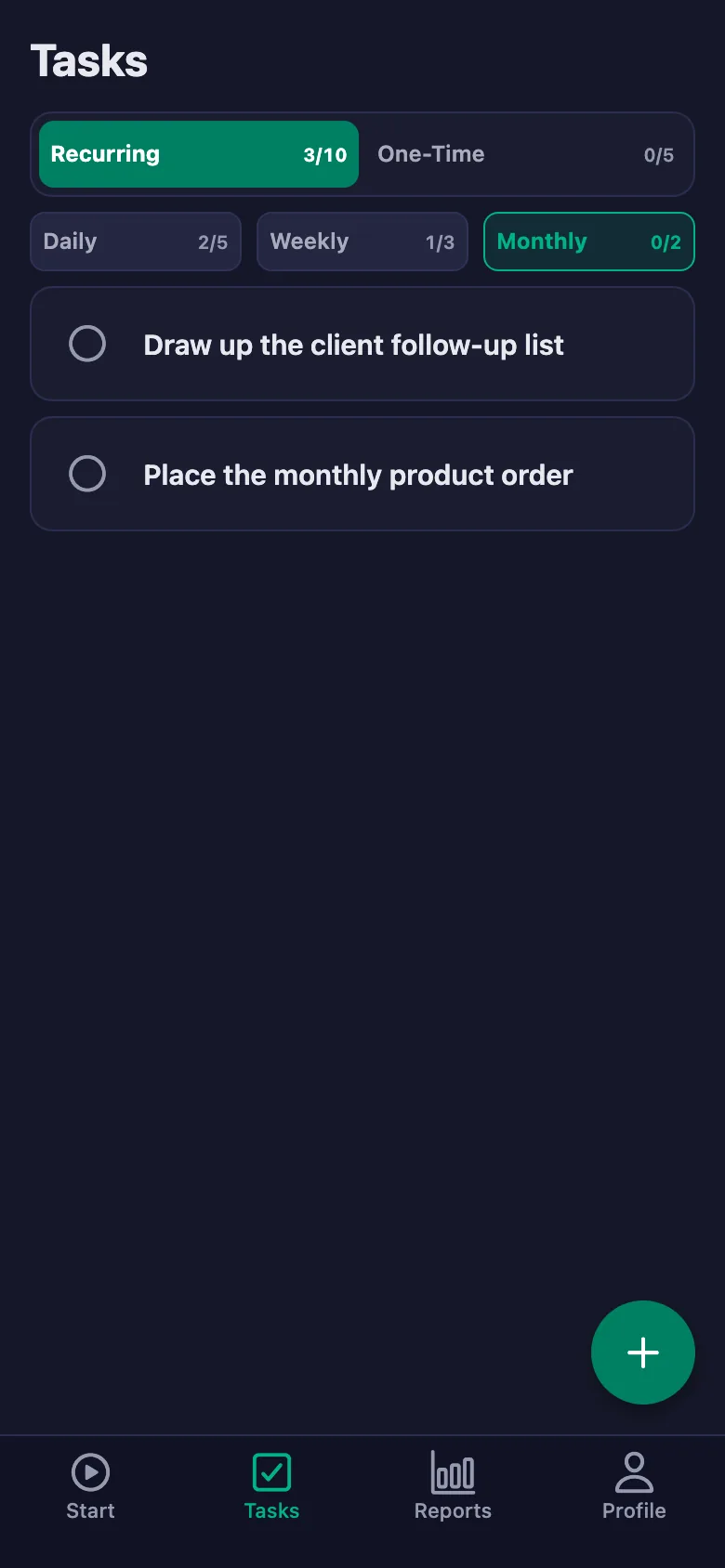
 FinalWork — Task reminder
2 daily tasks are waiting for you.
FinalWork — Task reminder
2 daily tasks are waiting for you.
Salon staff tracking software — frequently asked questions
Does it handle appointments too?
No, the app is not an appointment book. It tracks your staff's working hours and the daily jobs inside the salon; you carry on using your booking system exactly as before.
Can staff see their own hours?
Yes. Everyone sees only their own history, total and net time. You are the only one who sees the whole team's report.
Can staff write notes, and can I see them?
Yes. Staff can write a note under each task — which chair, which device, what happened. You can see the note but you cannot change it; only the person who wrote it can edit it.
How many people can I add?
The free plan has a limit on users; when you reach it the app warns you and no new user is added. The limit is lifted on Premium.
Can I be sure the shift really started at the salon?
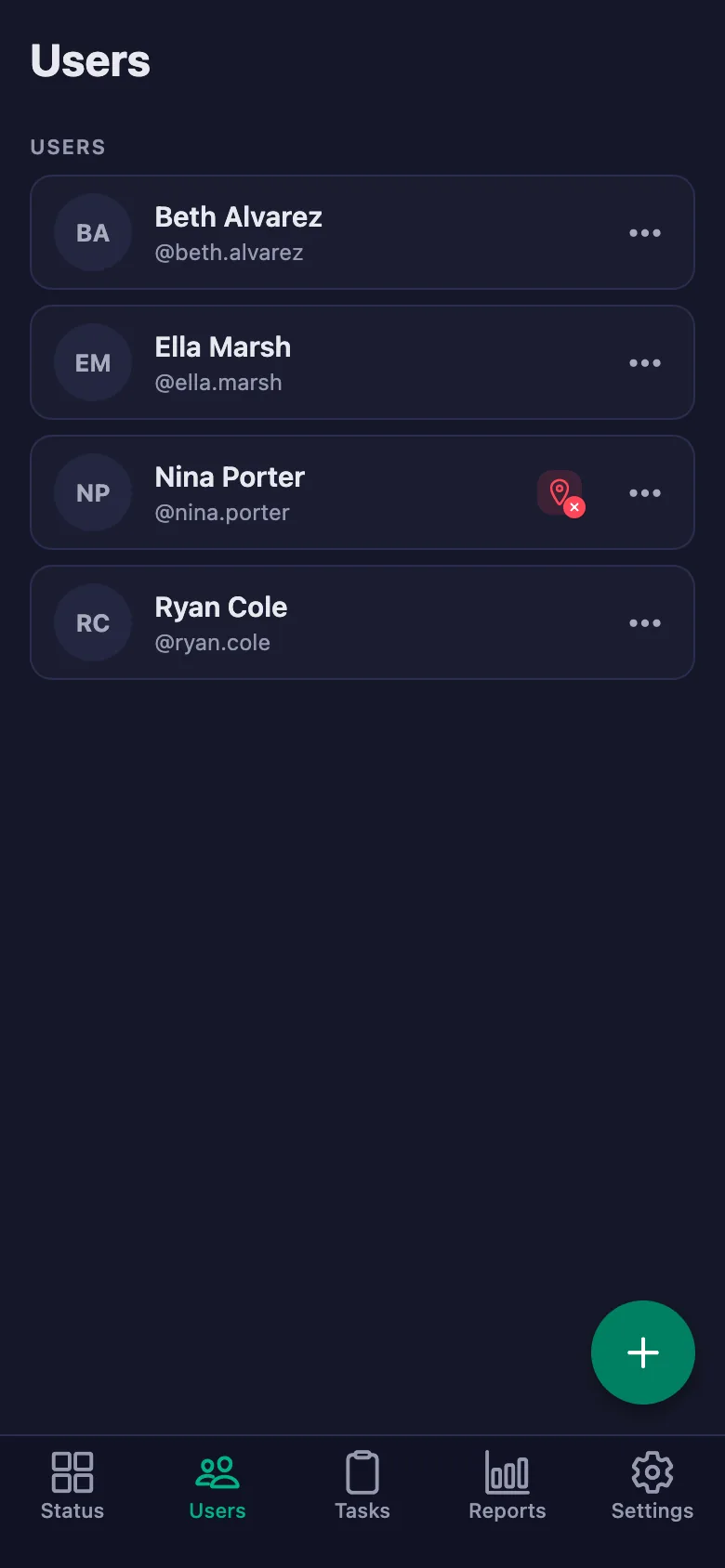
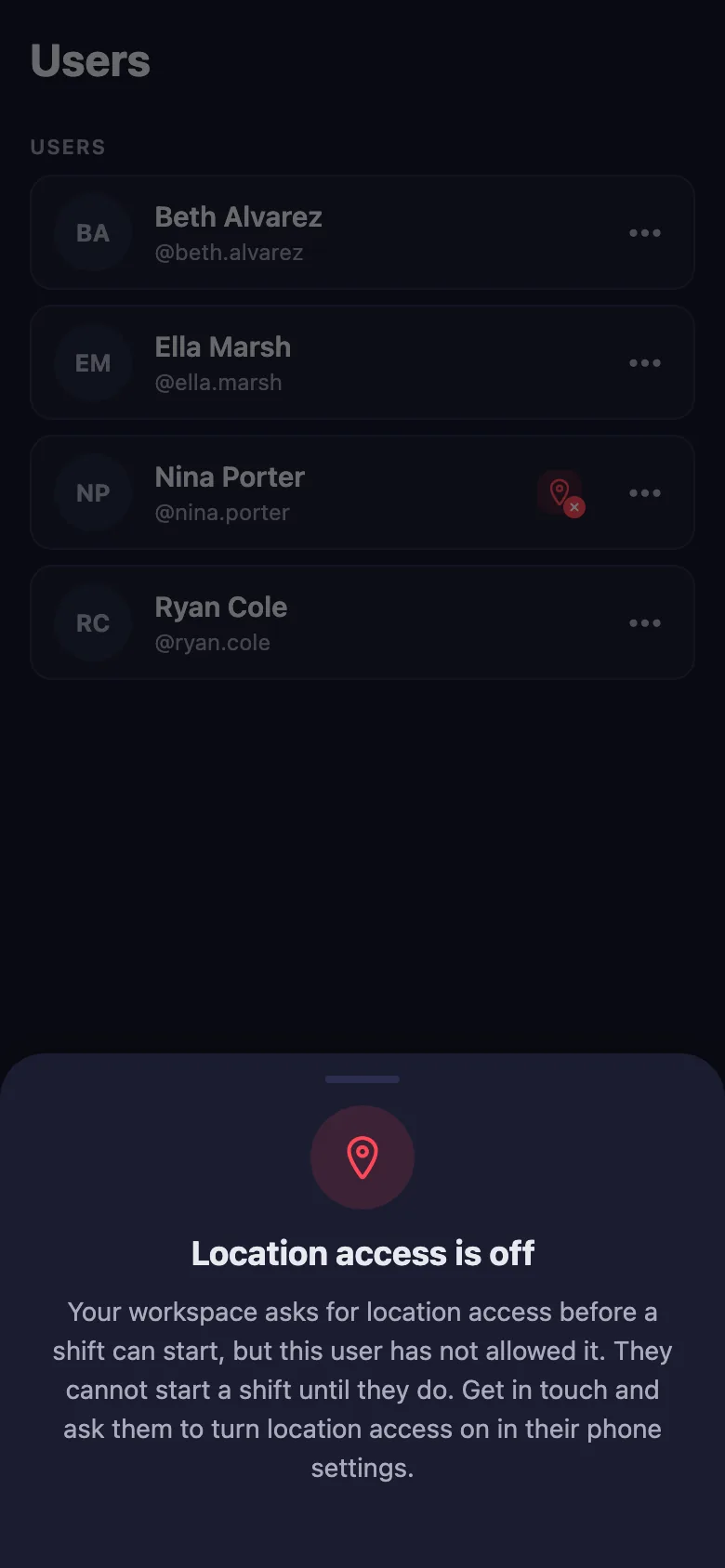
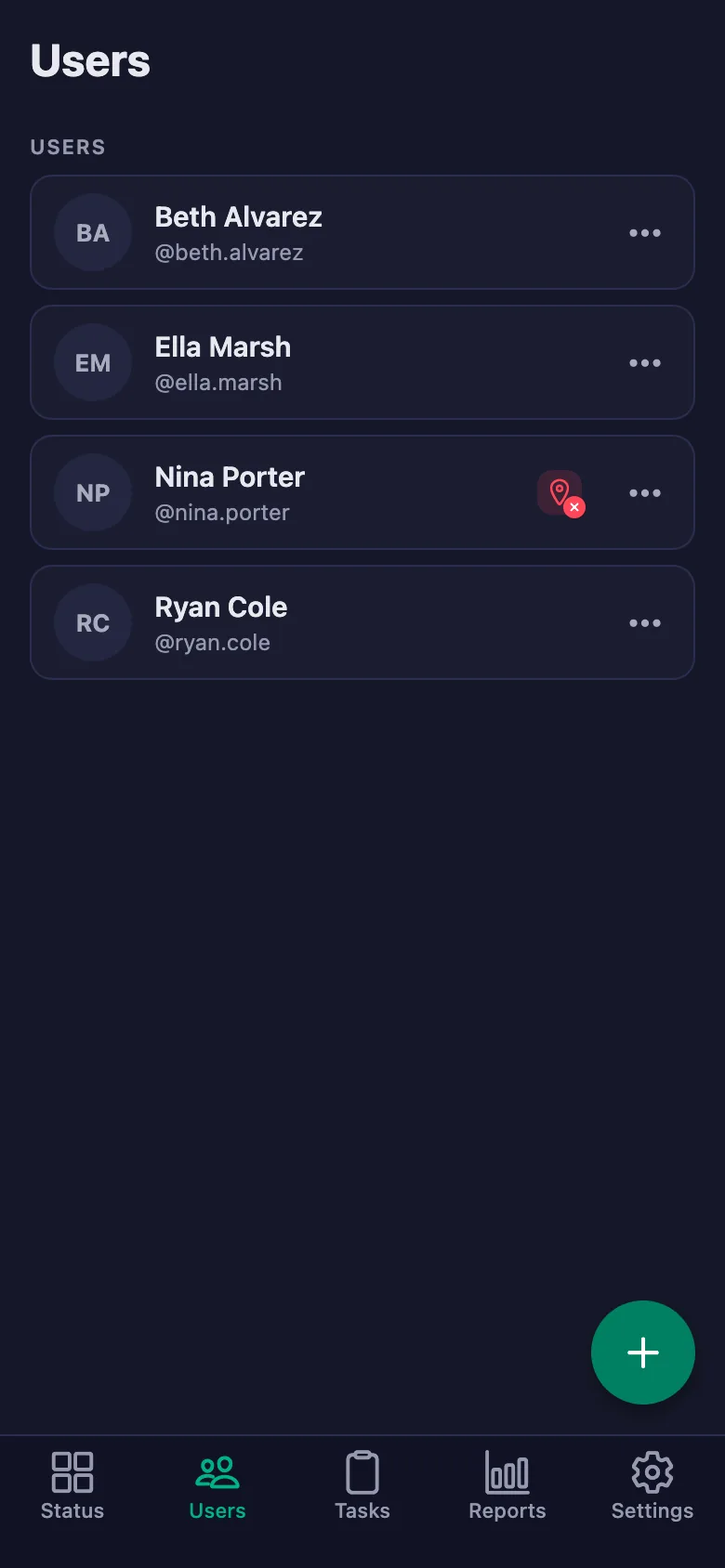
With the location rule switched on, the timer can only be started at the location you set. Staff who haven't given location permission show up in the list with a warning badge.
I have two salons — can I follow both?
You can open a separate workspace for each salon and switch between them with the same account. Reports are kept separately for each salon.
Can I use it for commission?
The report shows how many hours and how many days each person worked; you can download it as a PDF and use it as the basis for commission and pay.
Set up your salon today
Setup and activation take just one minute — you can start free. Open the account, add your first staff member, and let today's shift go on the record.