
Who volunteered, when, and for how many hours?
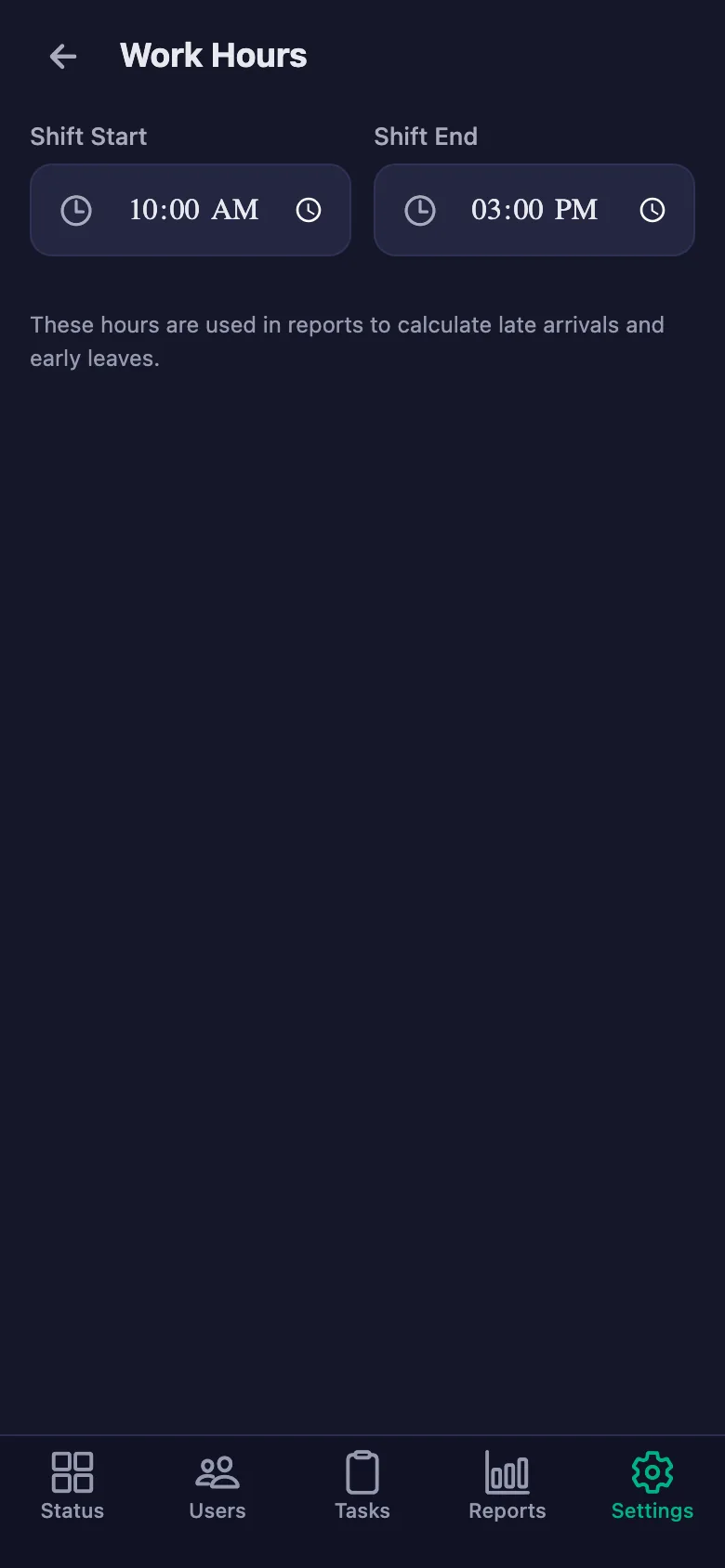
Volunteering starts with goodwill, but it stands on records. FinalWork keeps each volunteer's hours, the work they did and their notes from the field in one place — you no longer ring round to put an activity report together.
Sound familiar?
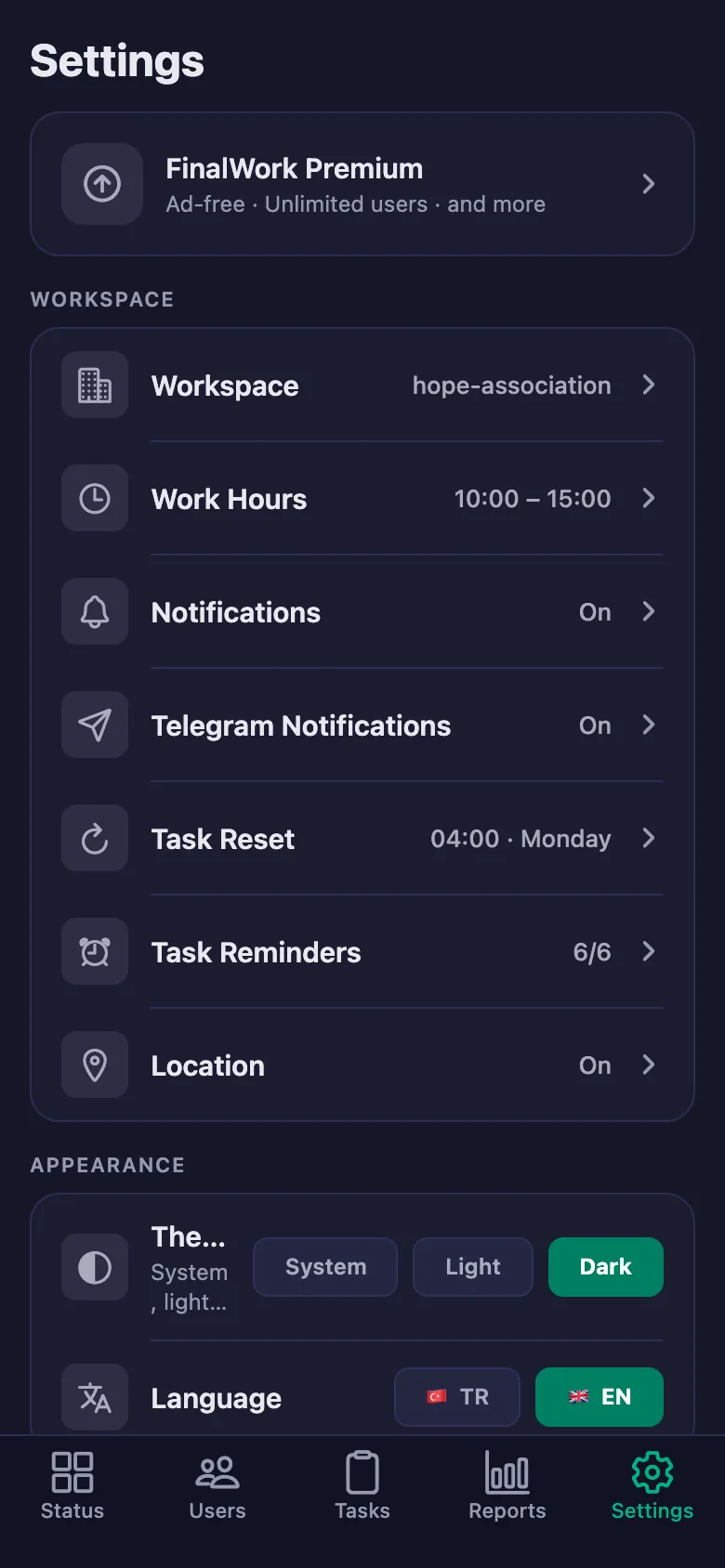
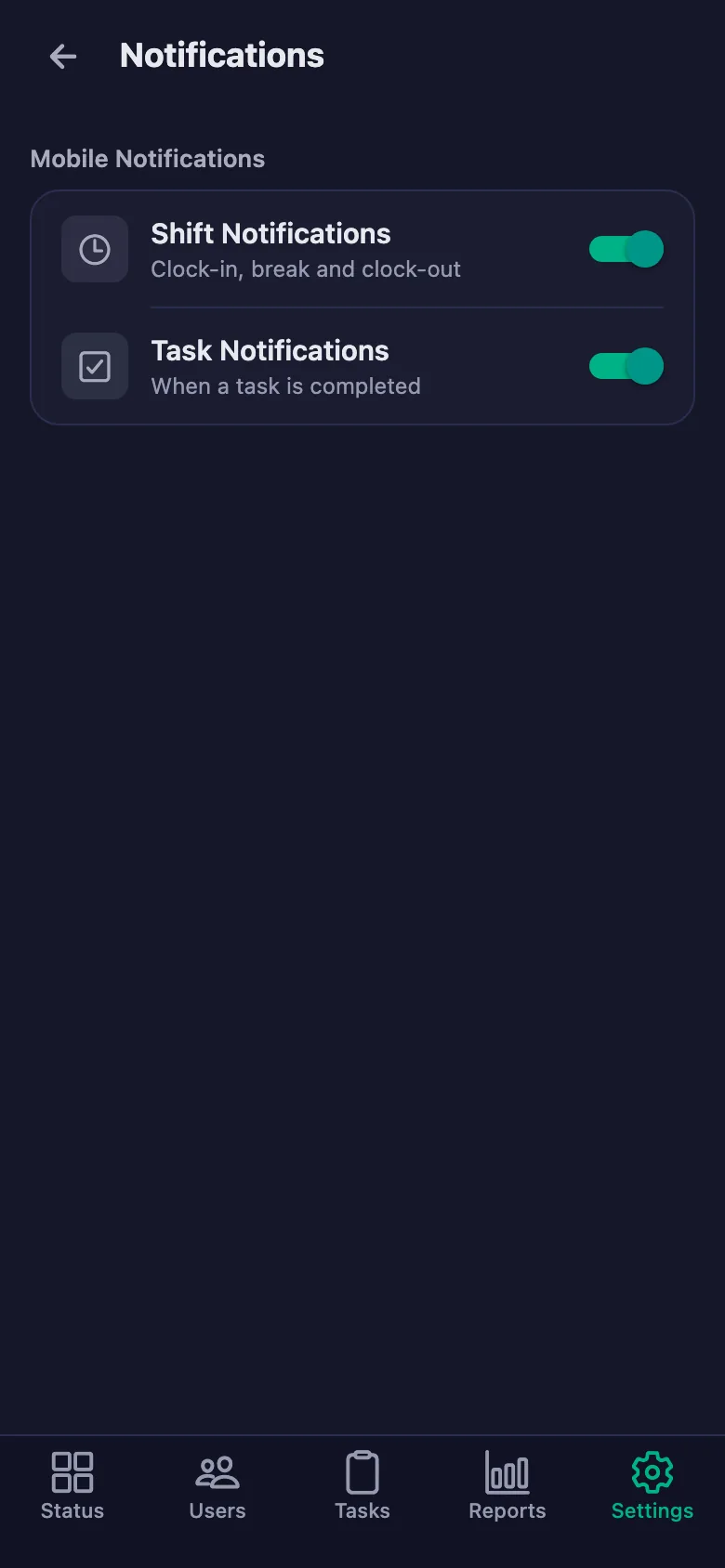
As the number of volunteers grows, a WhatsApp group stops being enough. Most coordinators live with the following — on the right is what each one looks like in FinalWork.
Nobody actually knows how many hours each volunteer has given. When someone asks for a certificate, it gets written from memory.
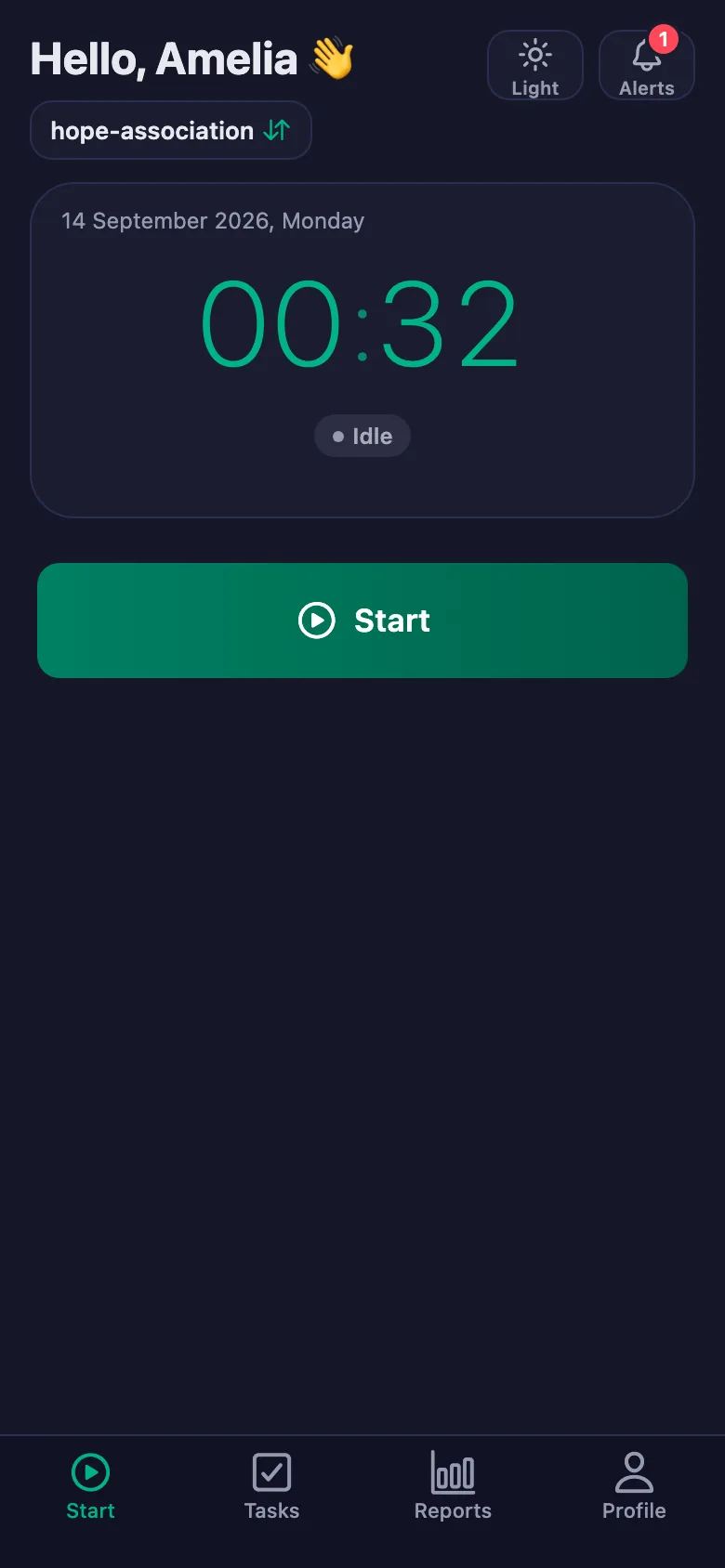
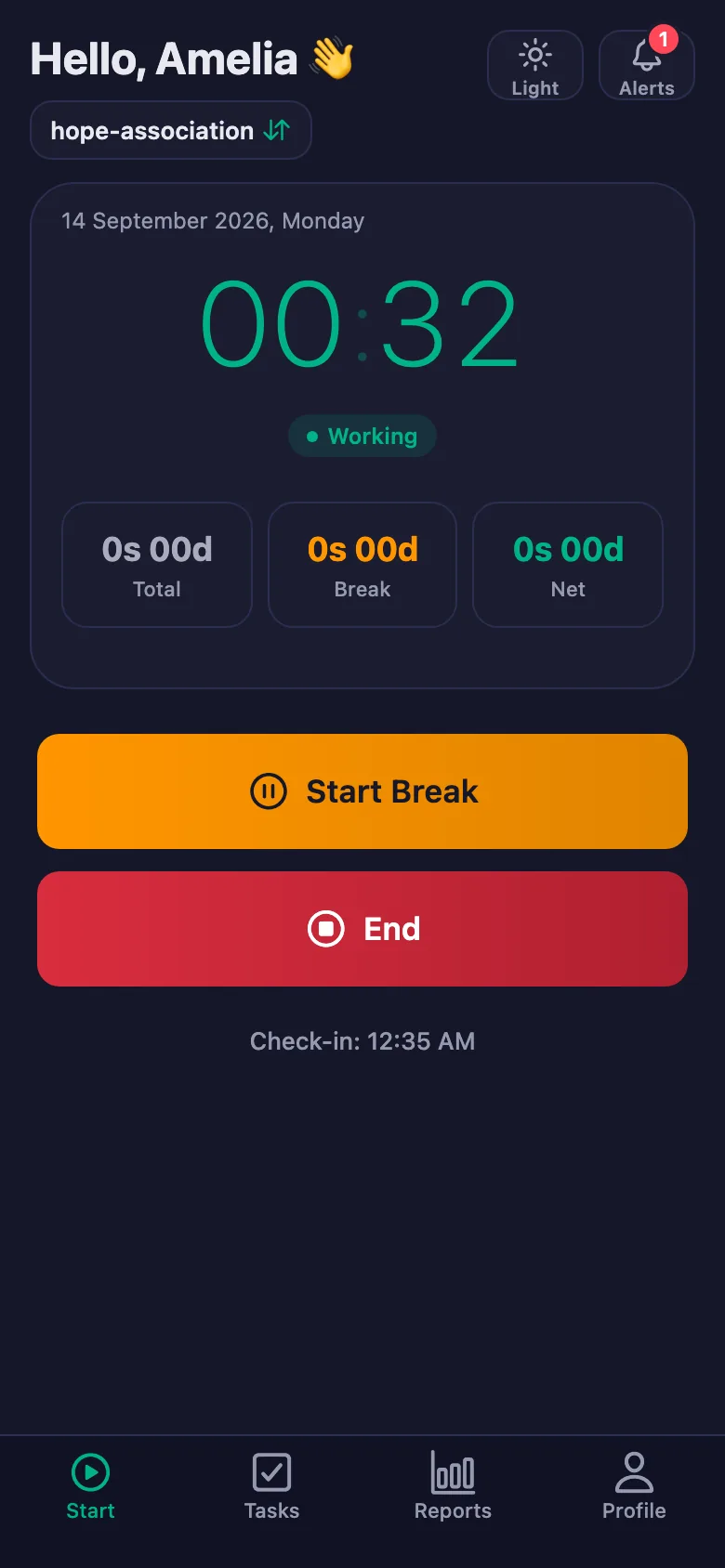
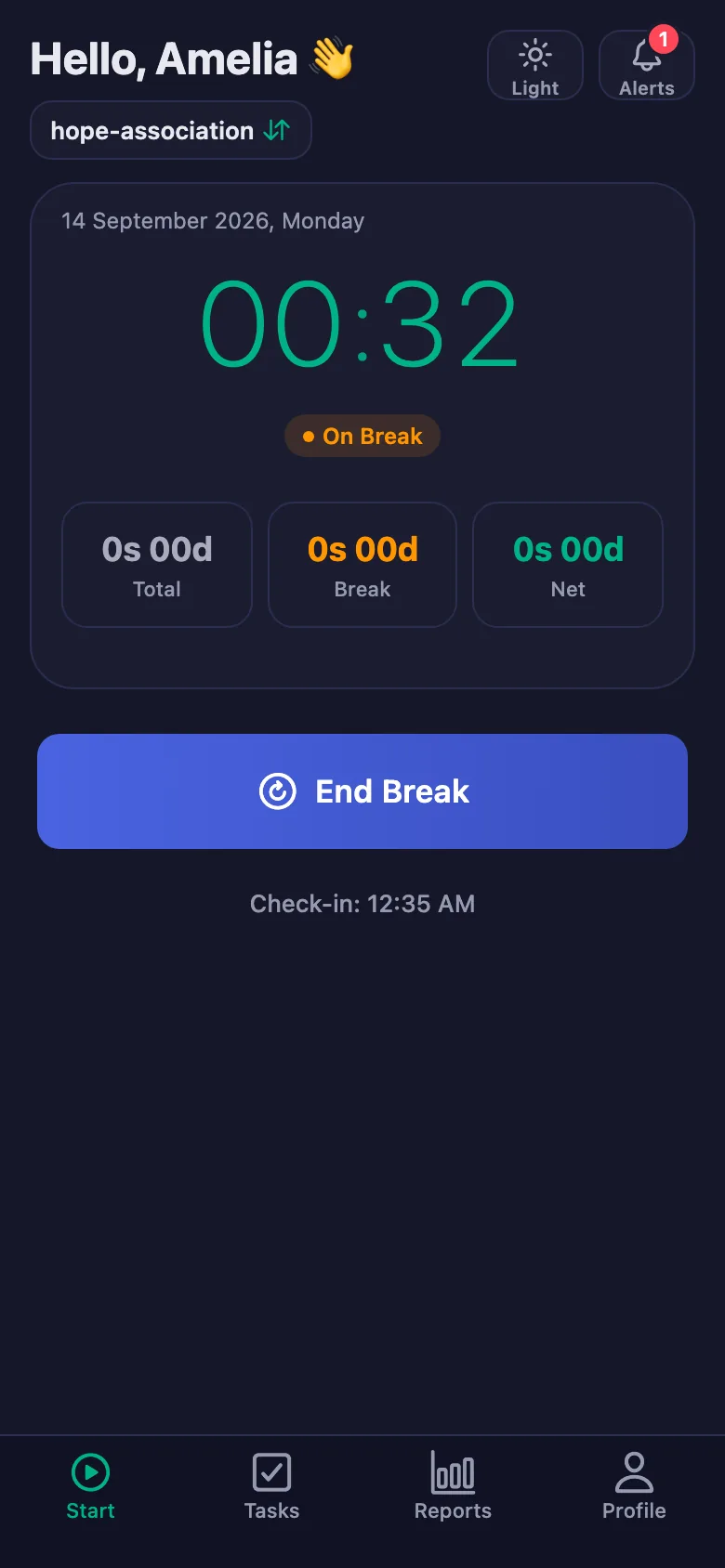
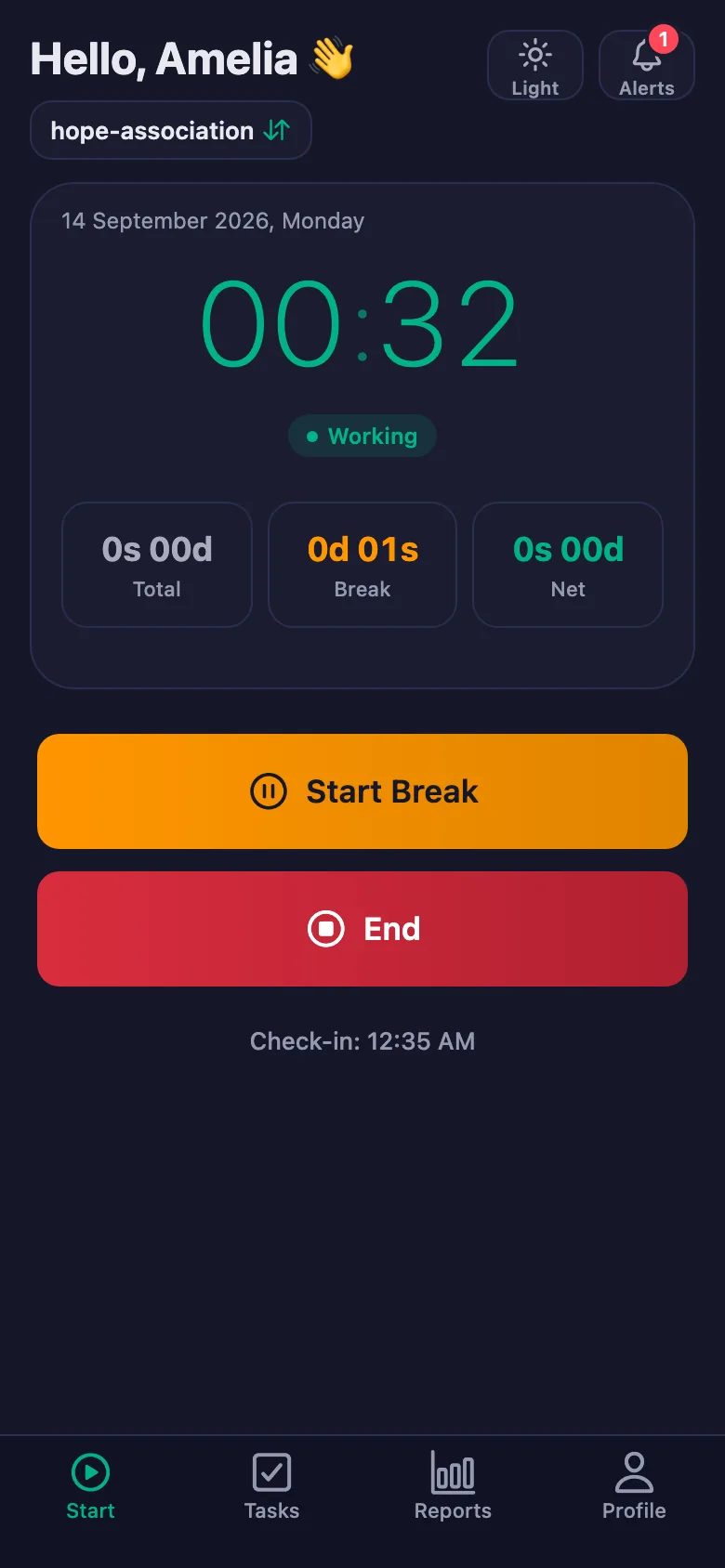
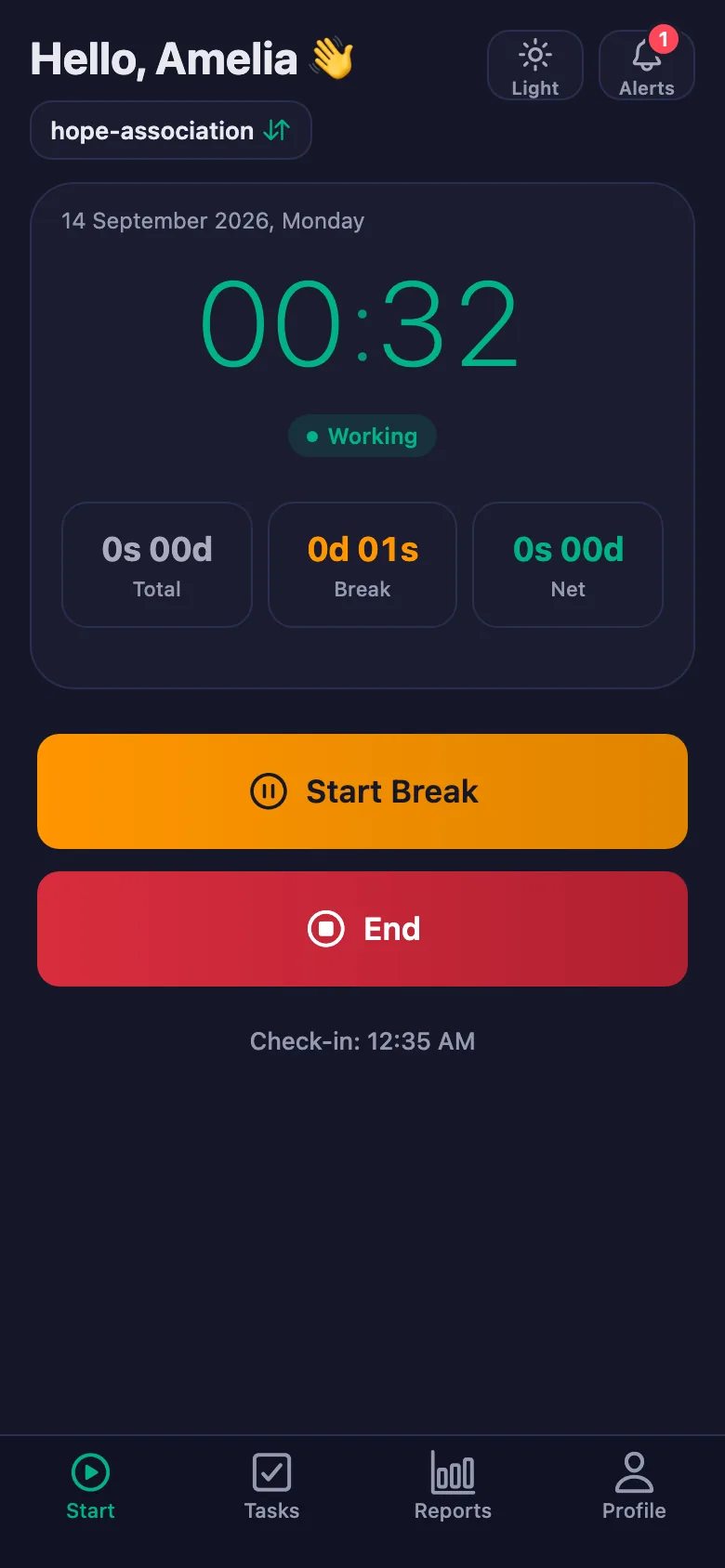
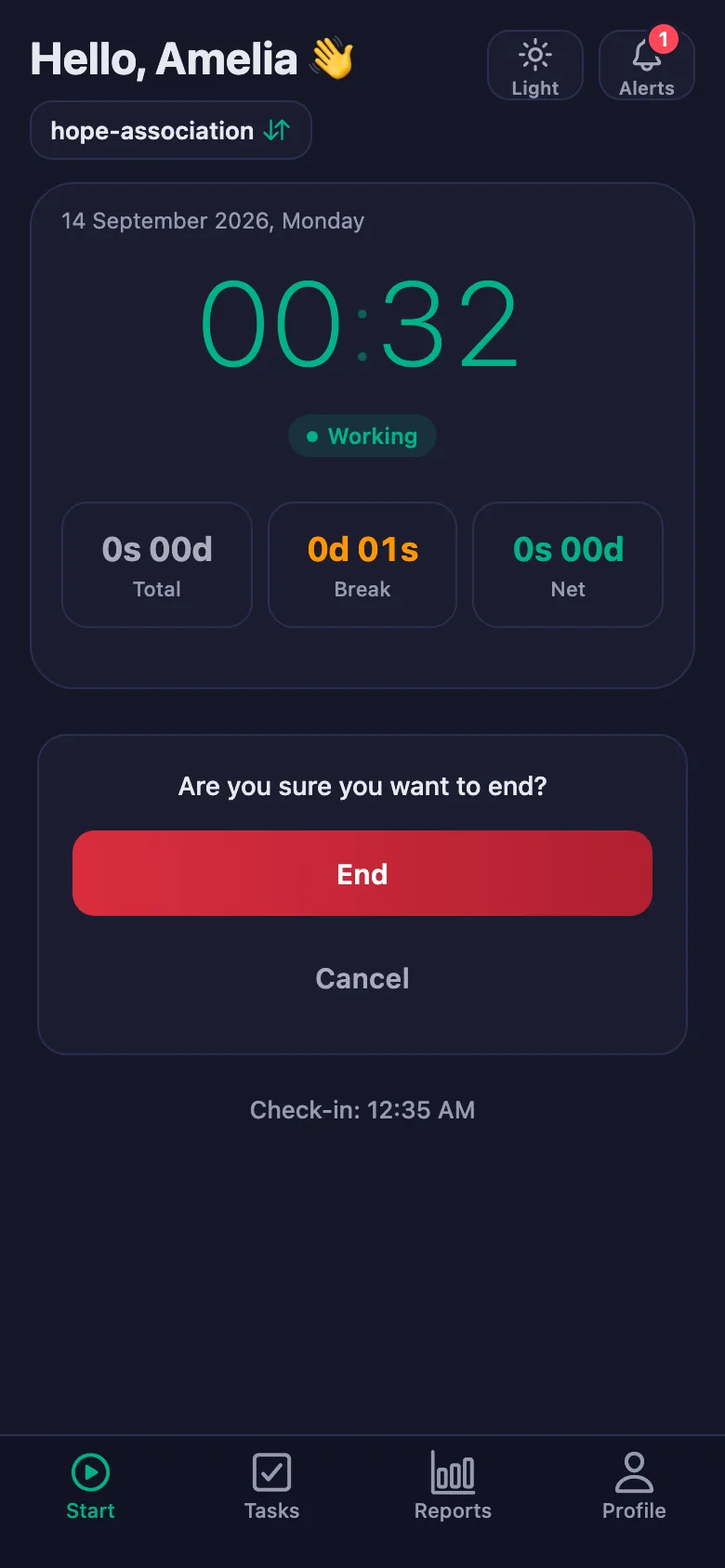
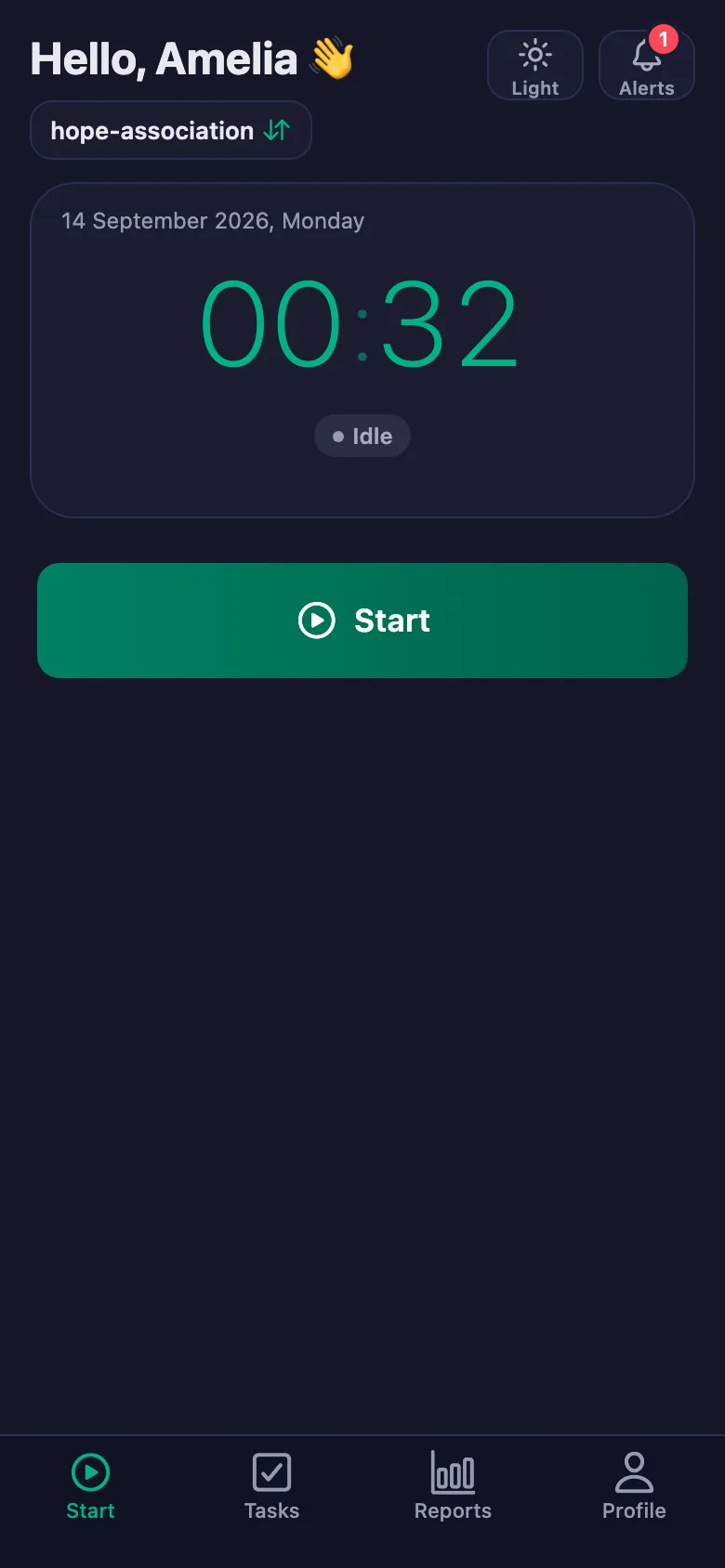
The volunteer starts the timer when they arrive and stops it when they leave. The hours add up on their own, and the report is ready when the certificate is asked for.
Tasks get posted to the group and the messages scroll away. “Who was going to do this?” comes back every week.
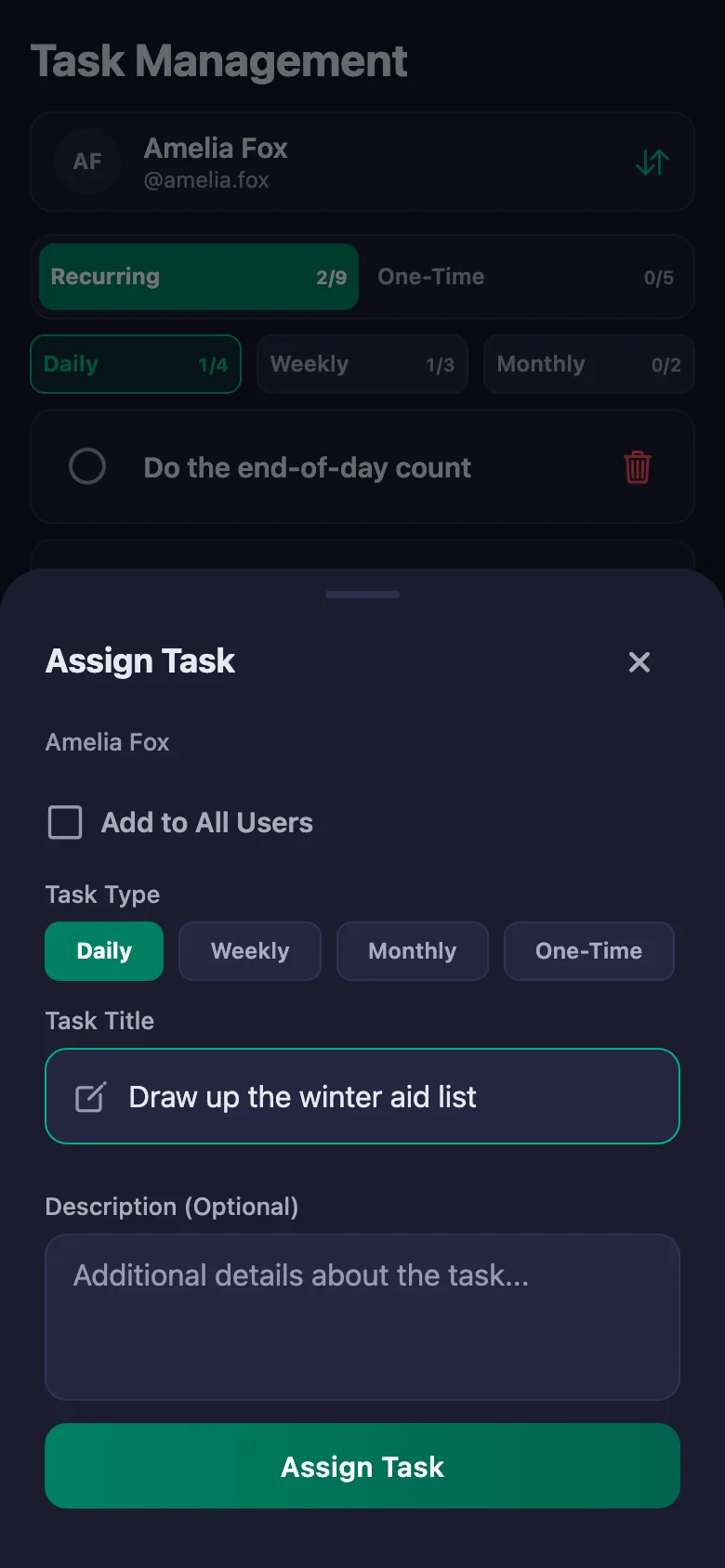
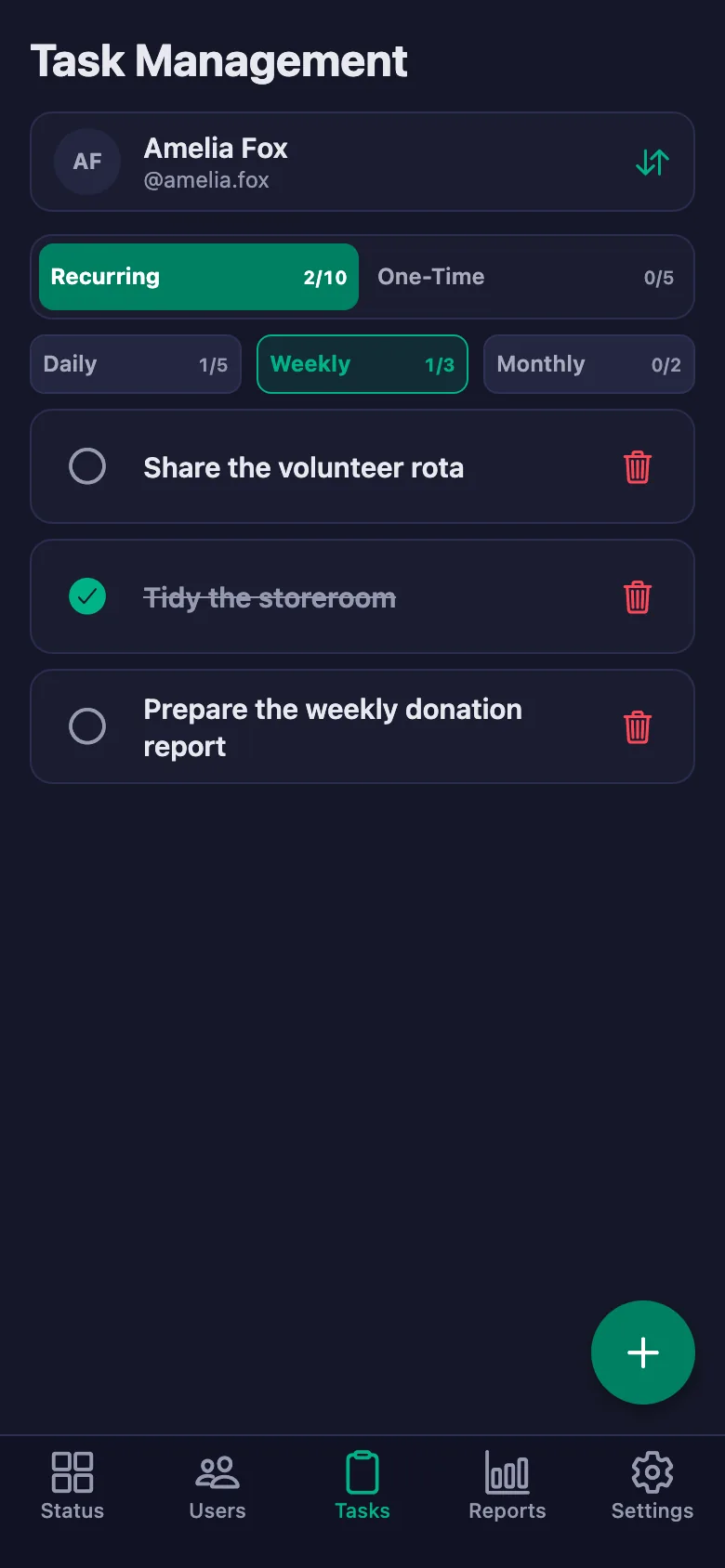
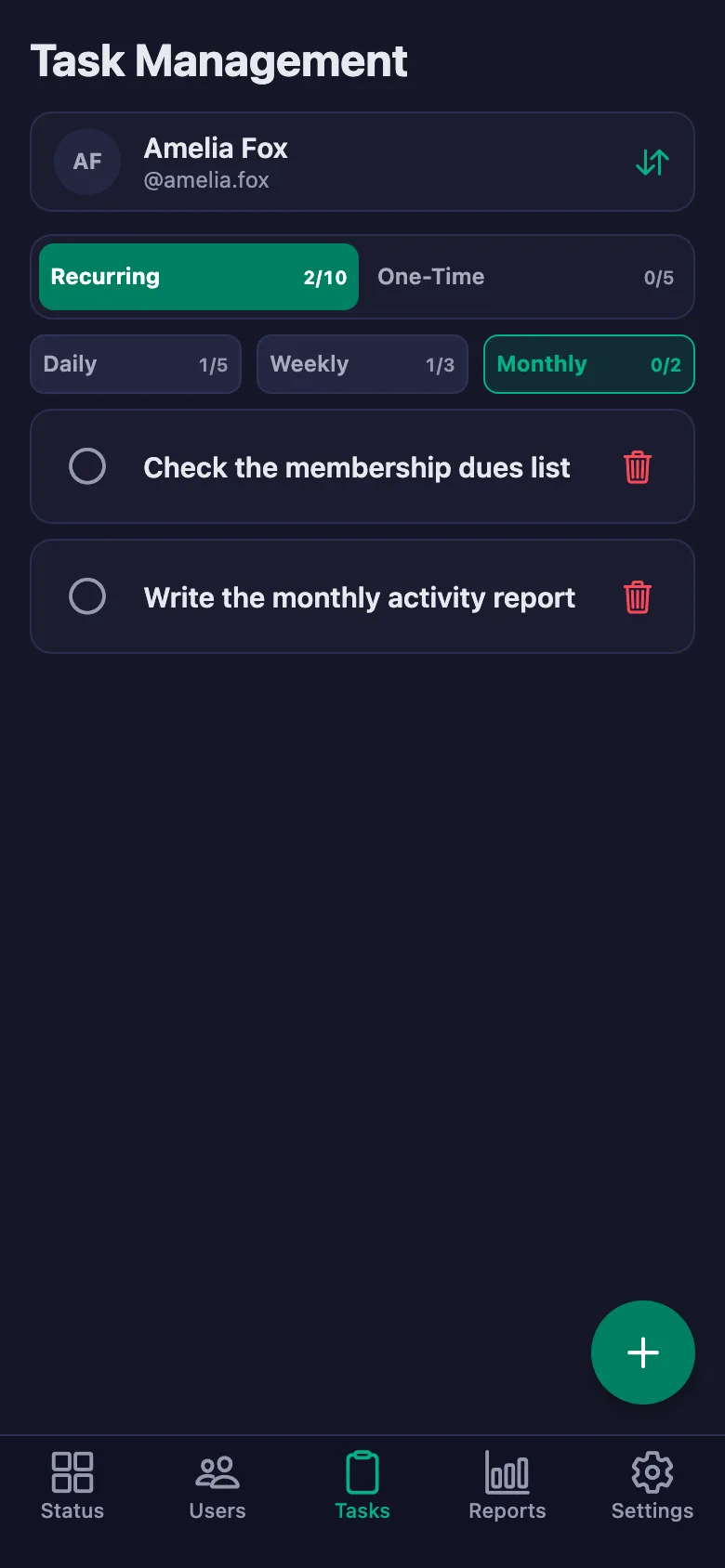
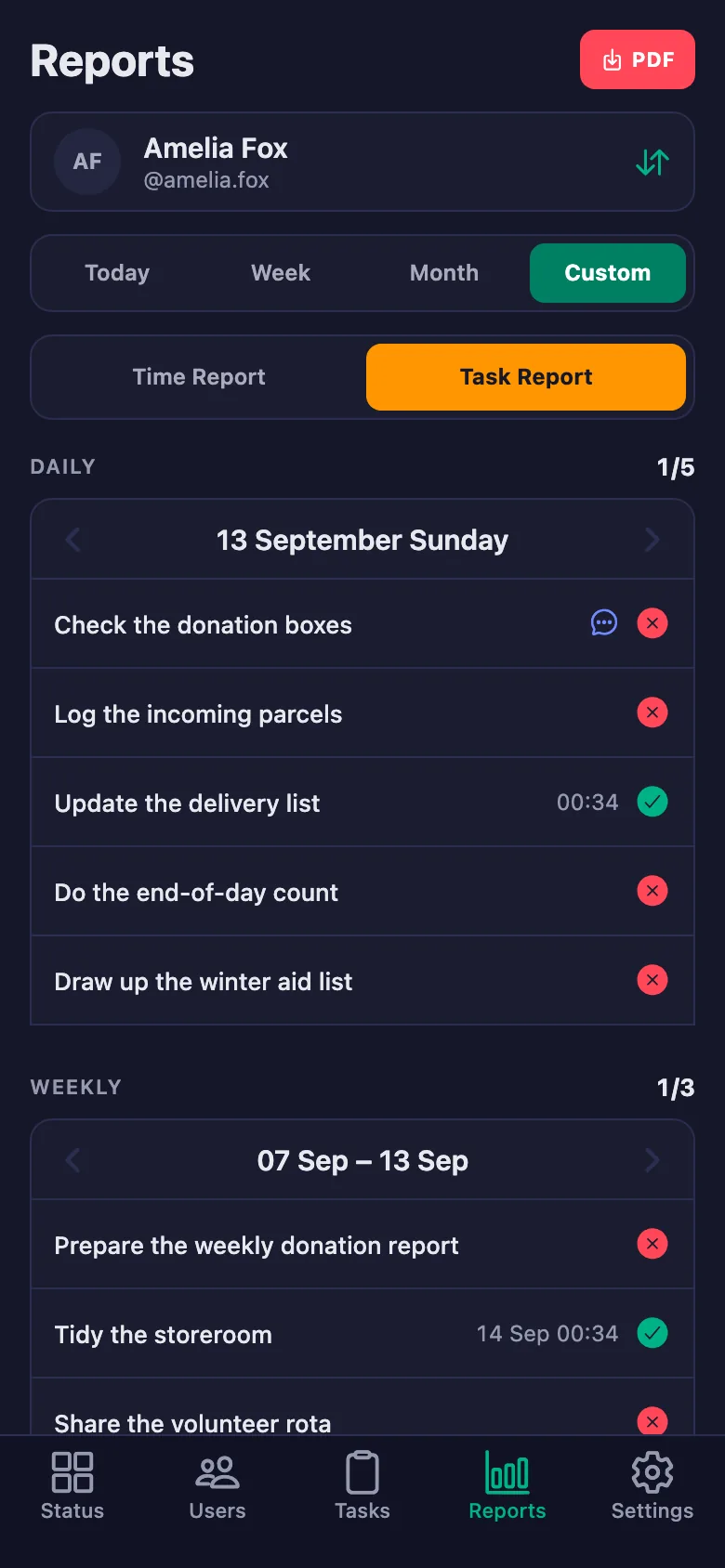
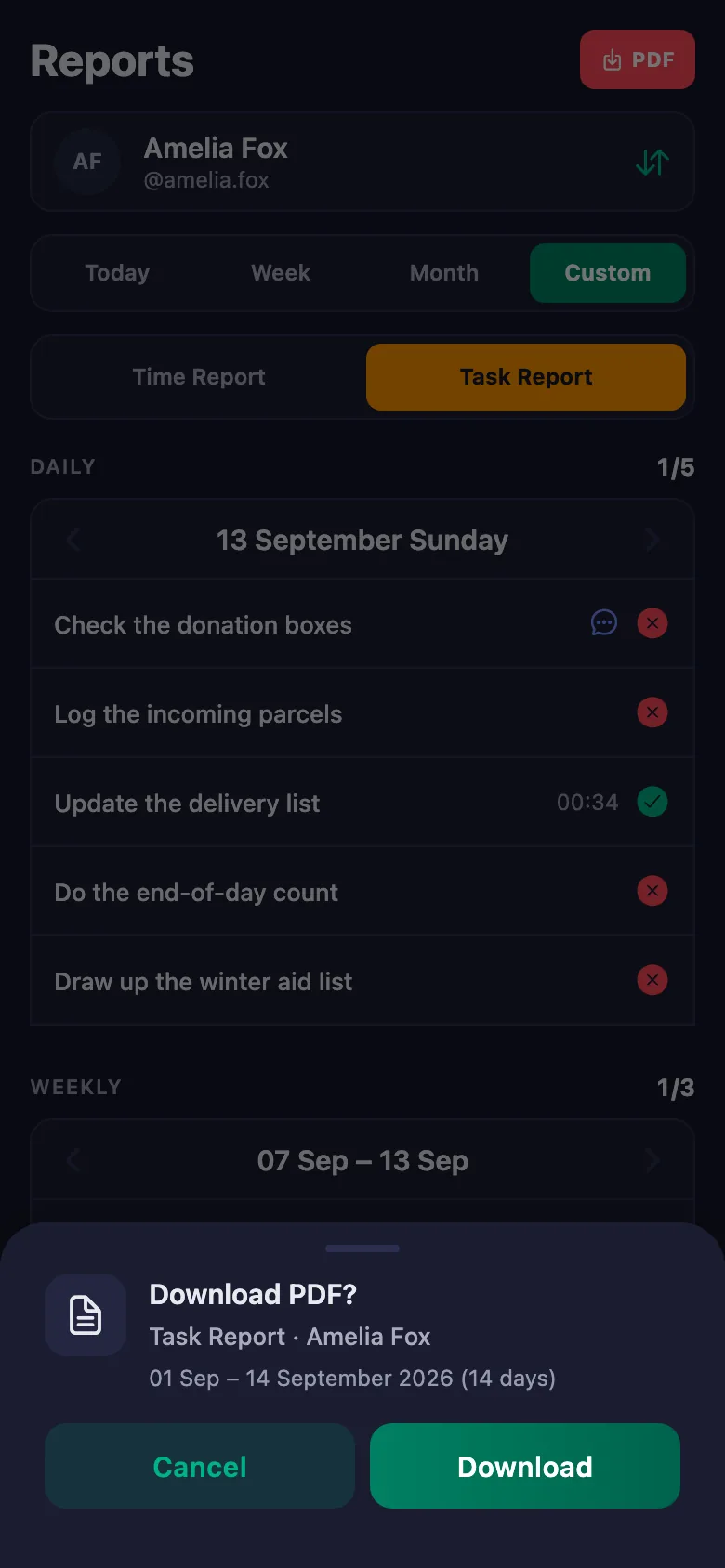
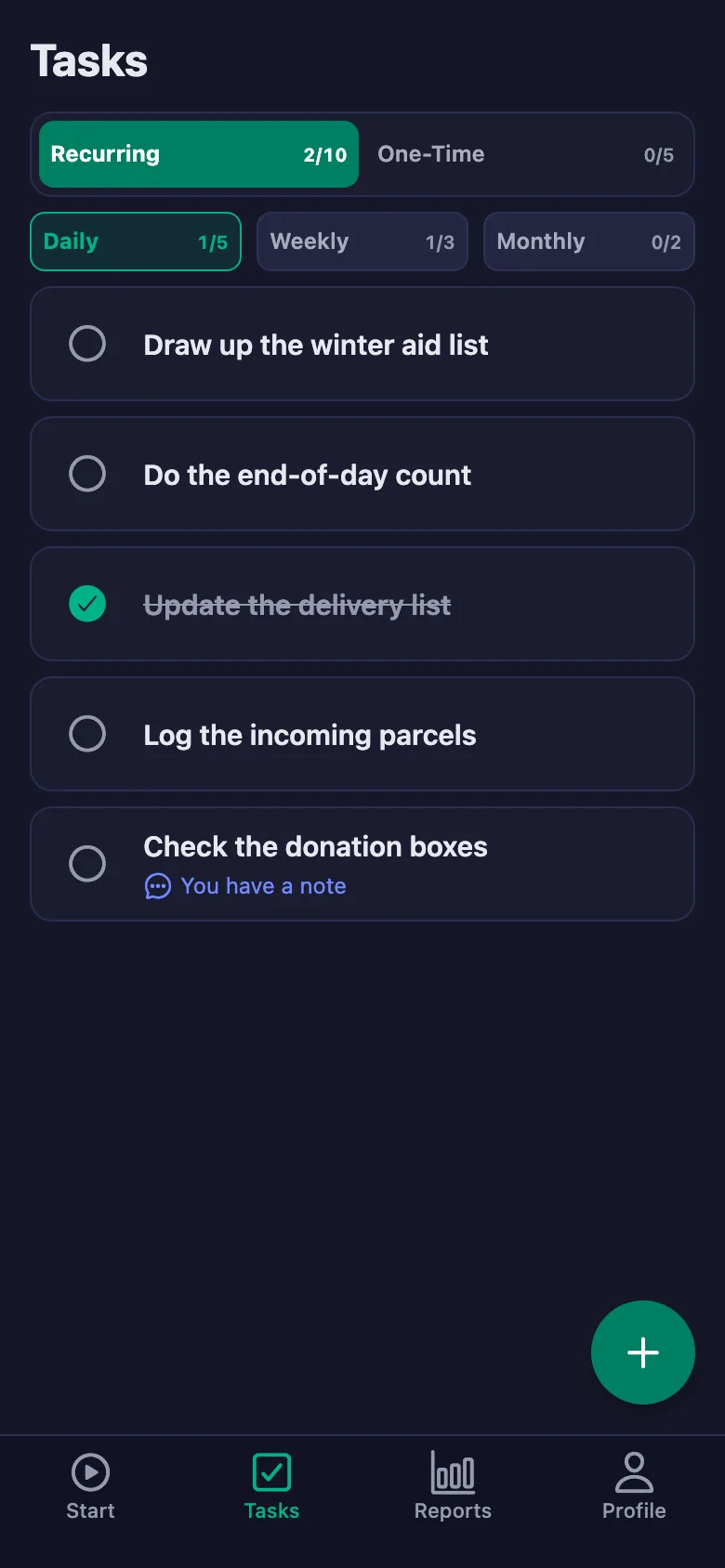
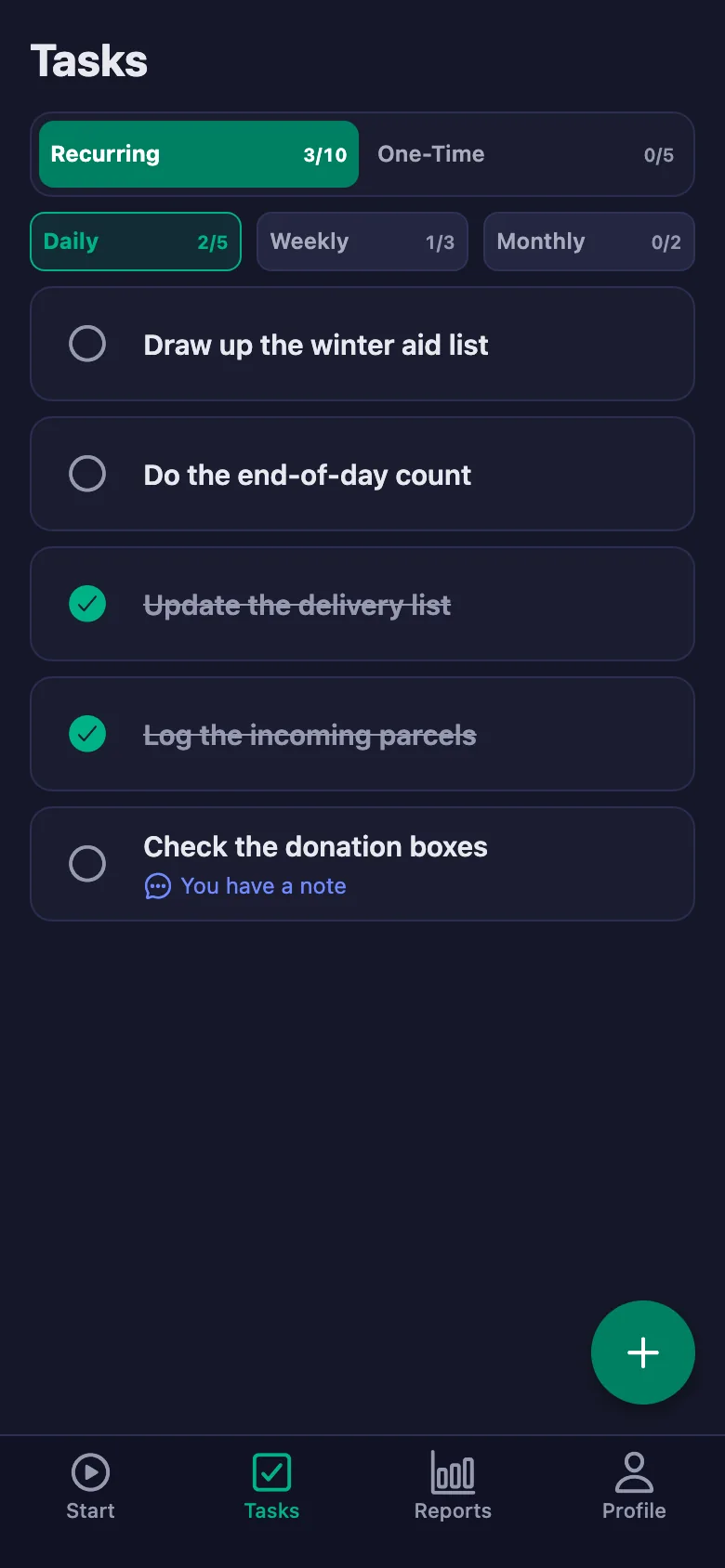
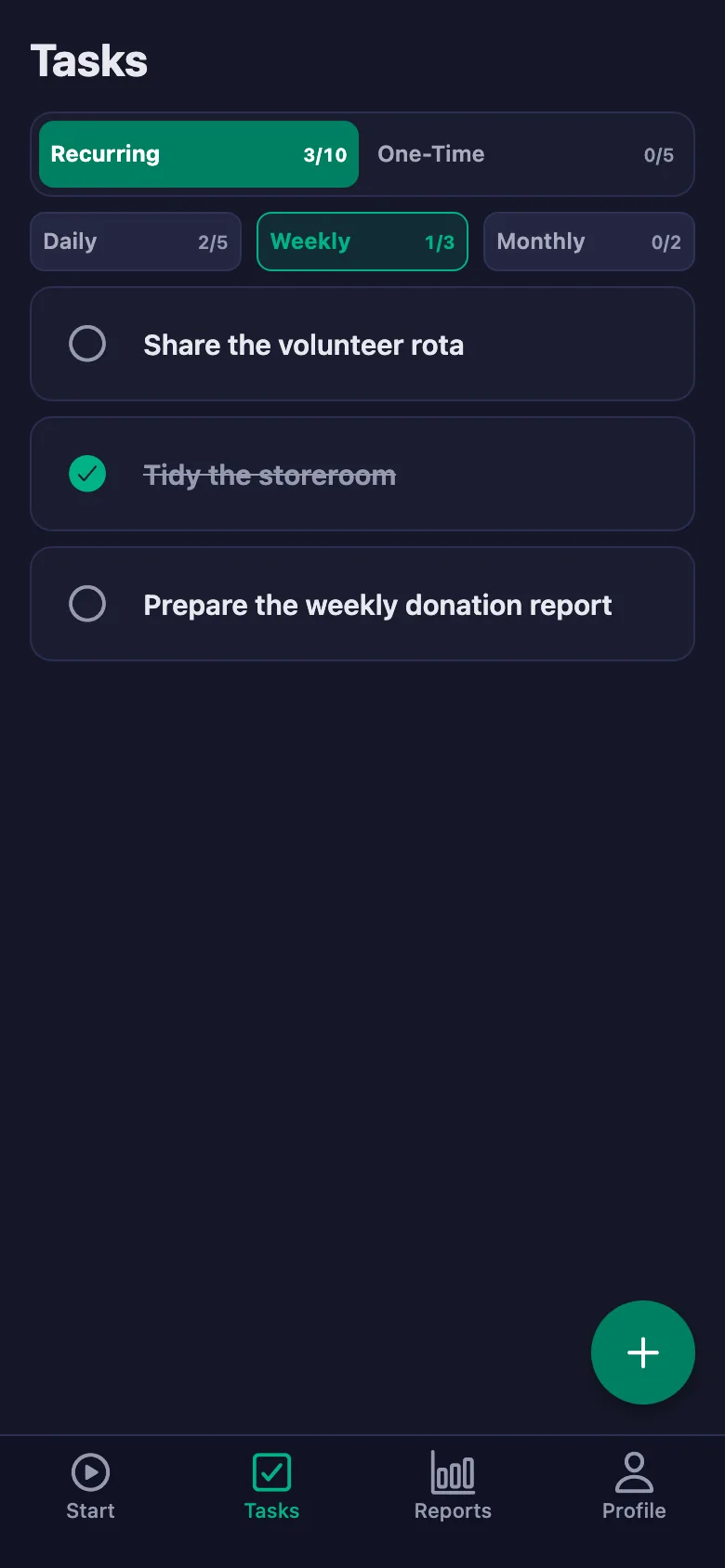
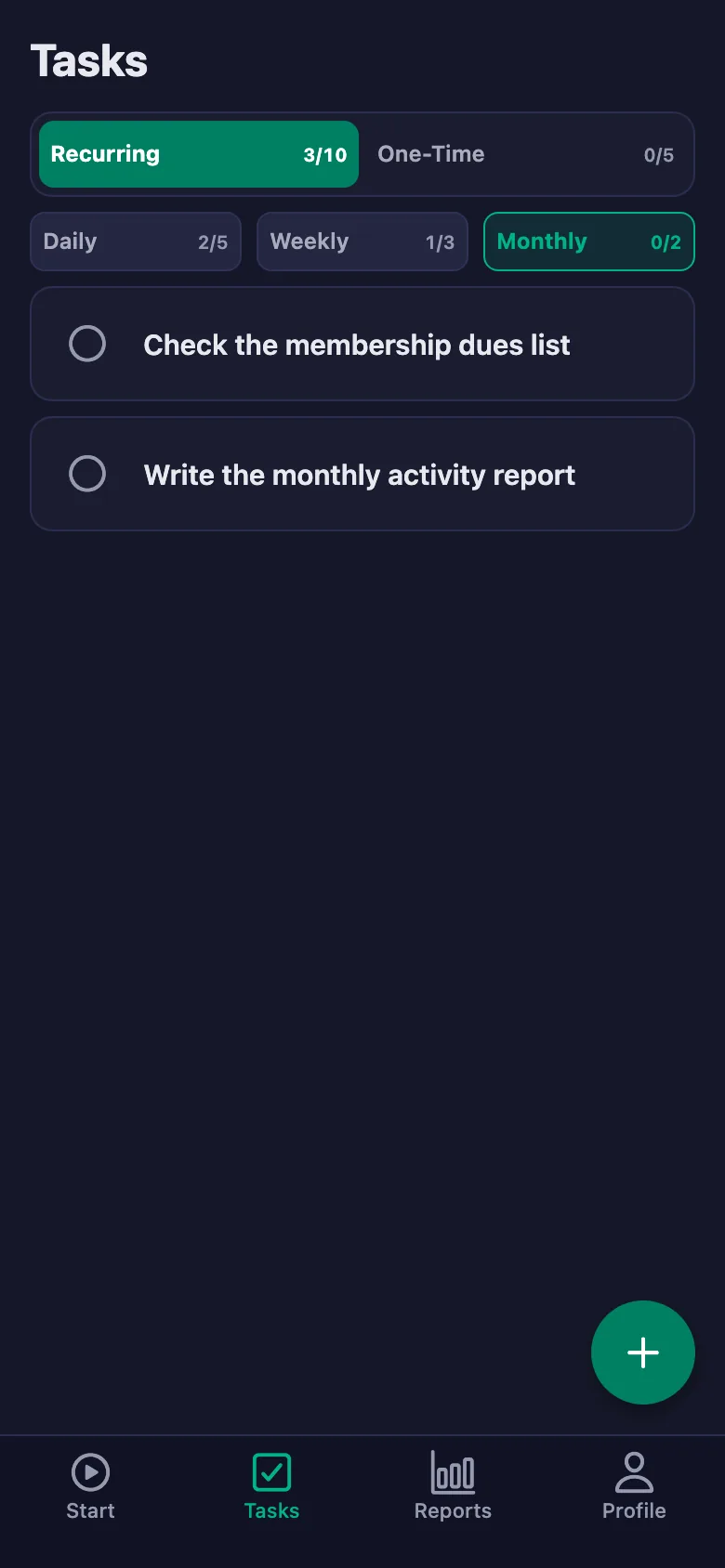
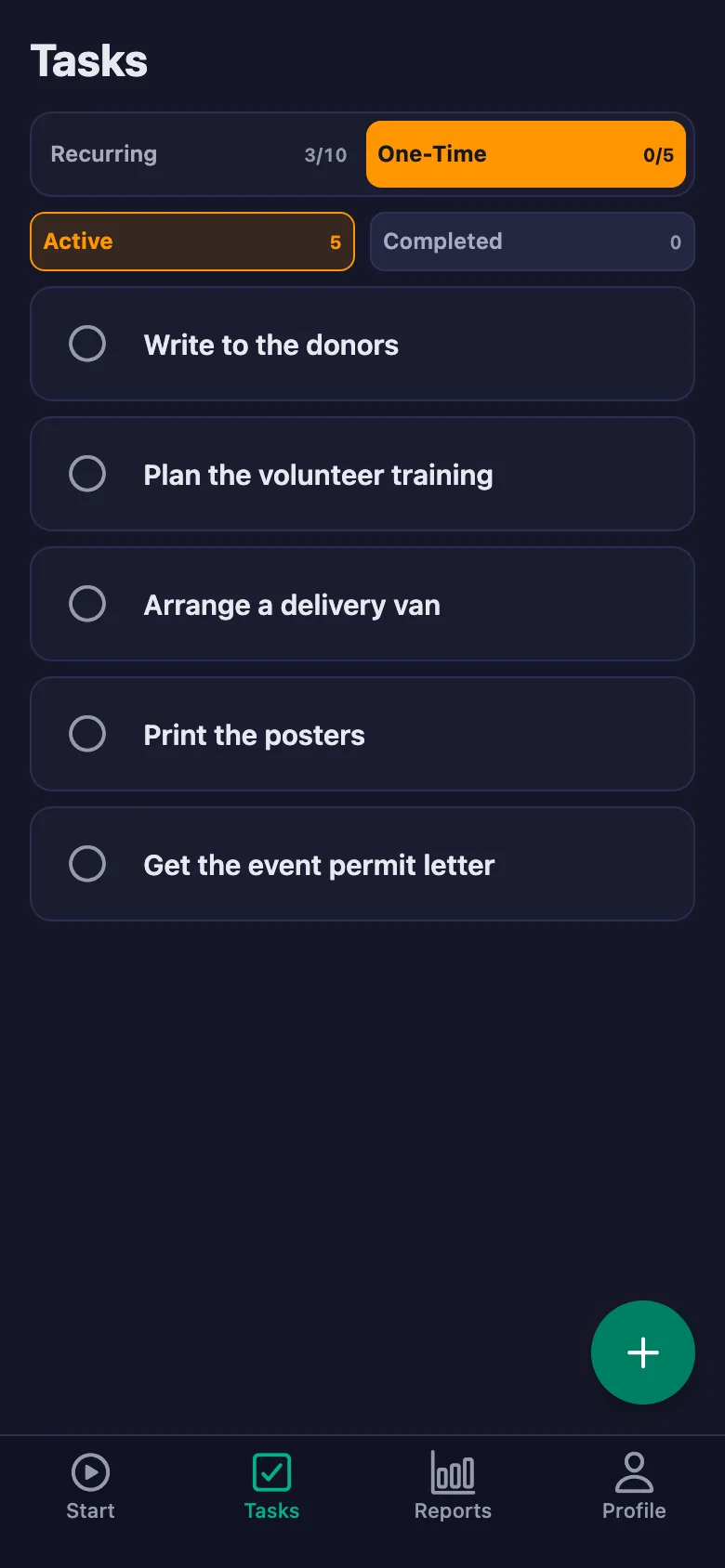
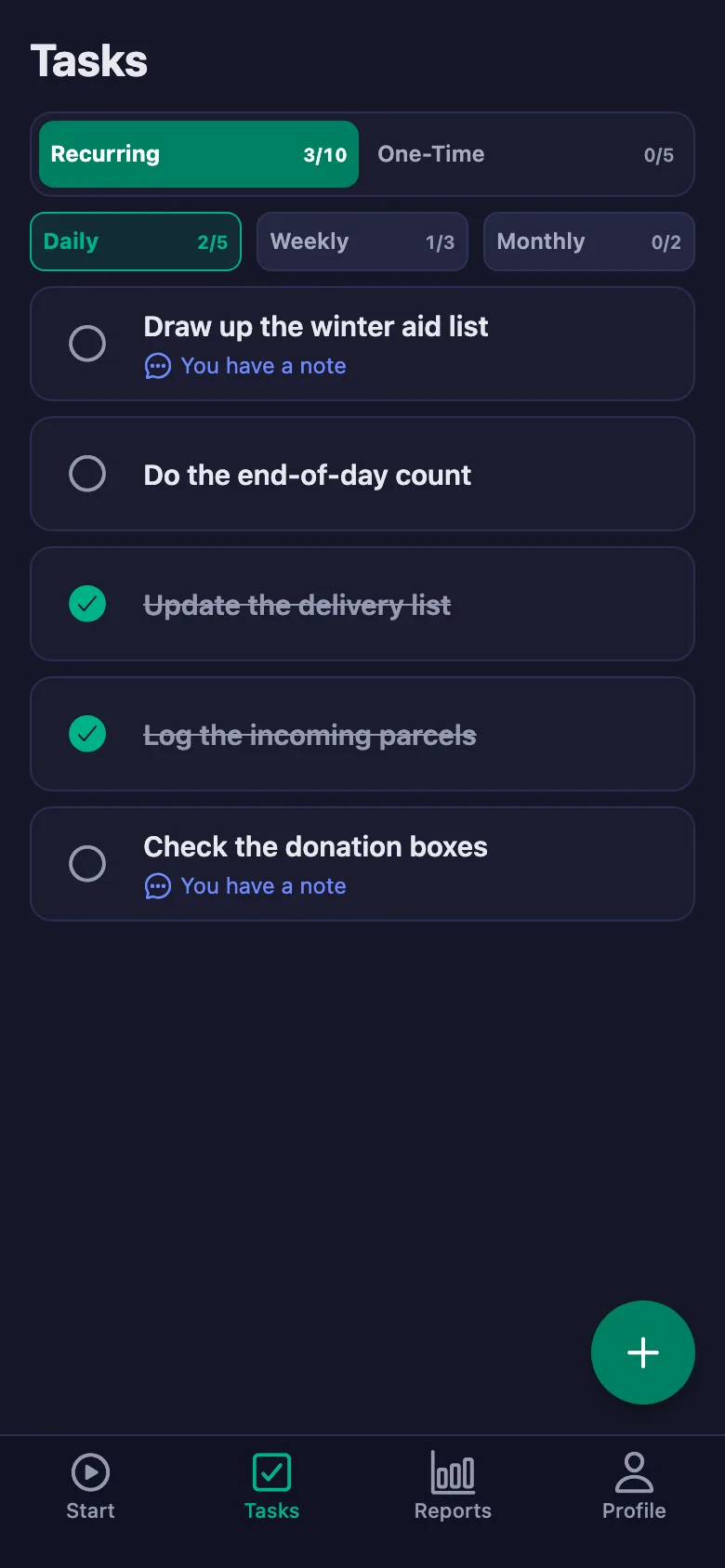
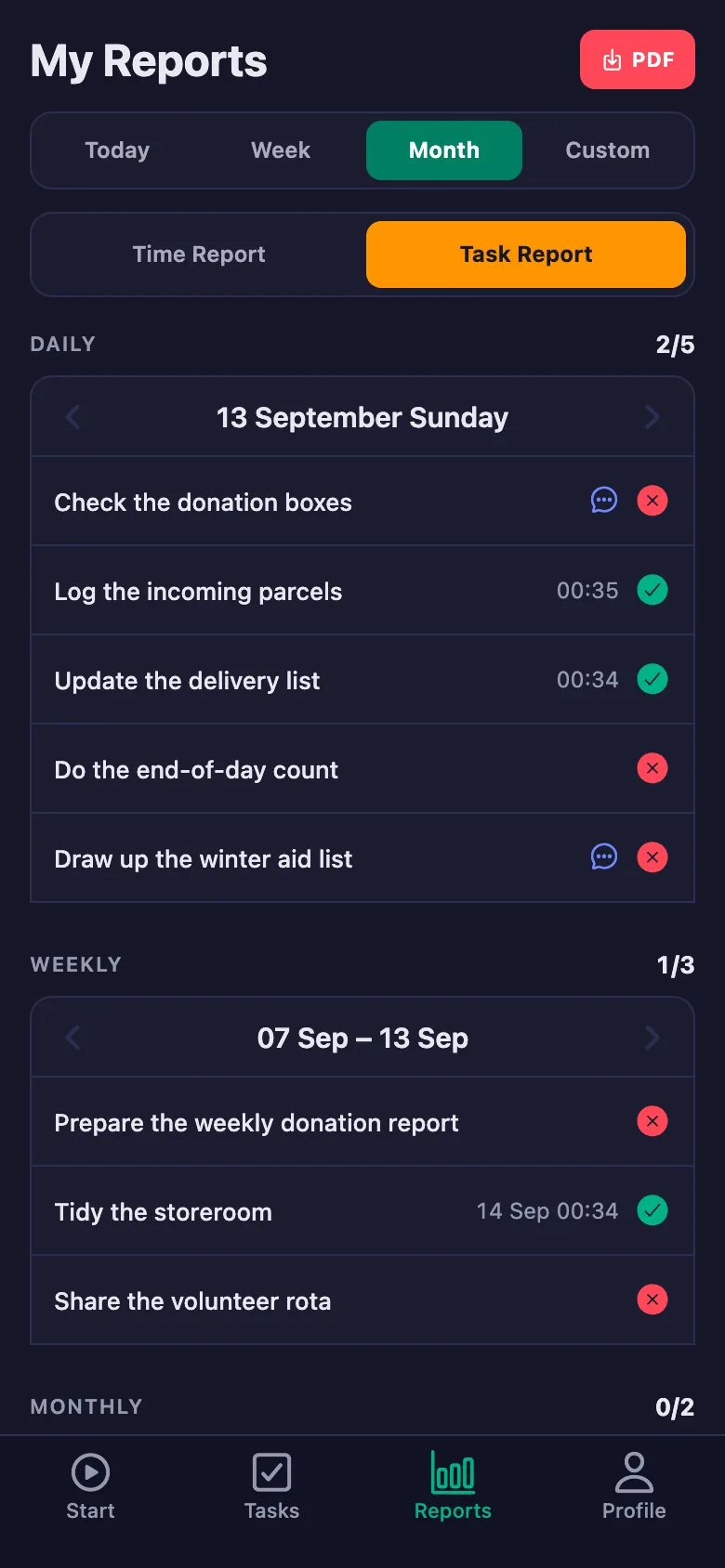
Every volunteer has their own list: daily, weekly, monthly and one-off items. Nothing unticked slips out of sight.
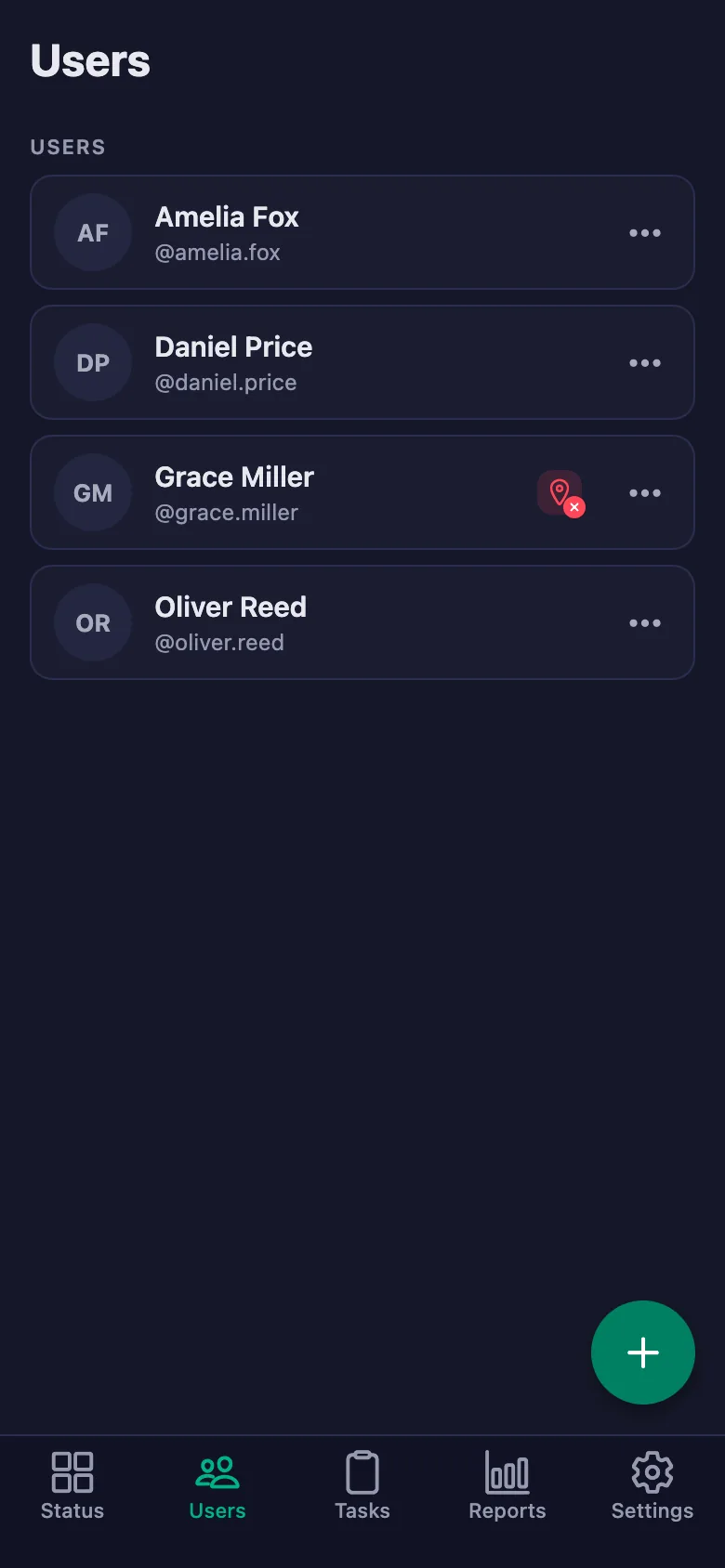
Whether a volunteer made it to the centre, and whether they are in the store or out delivering, gets settled by phone call.
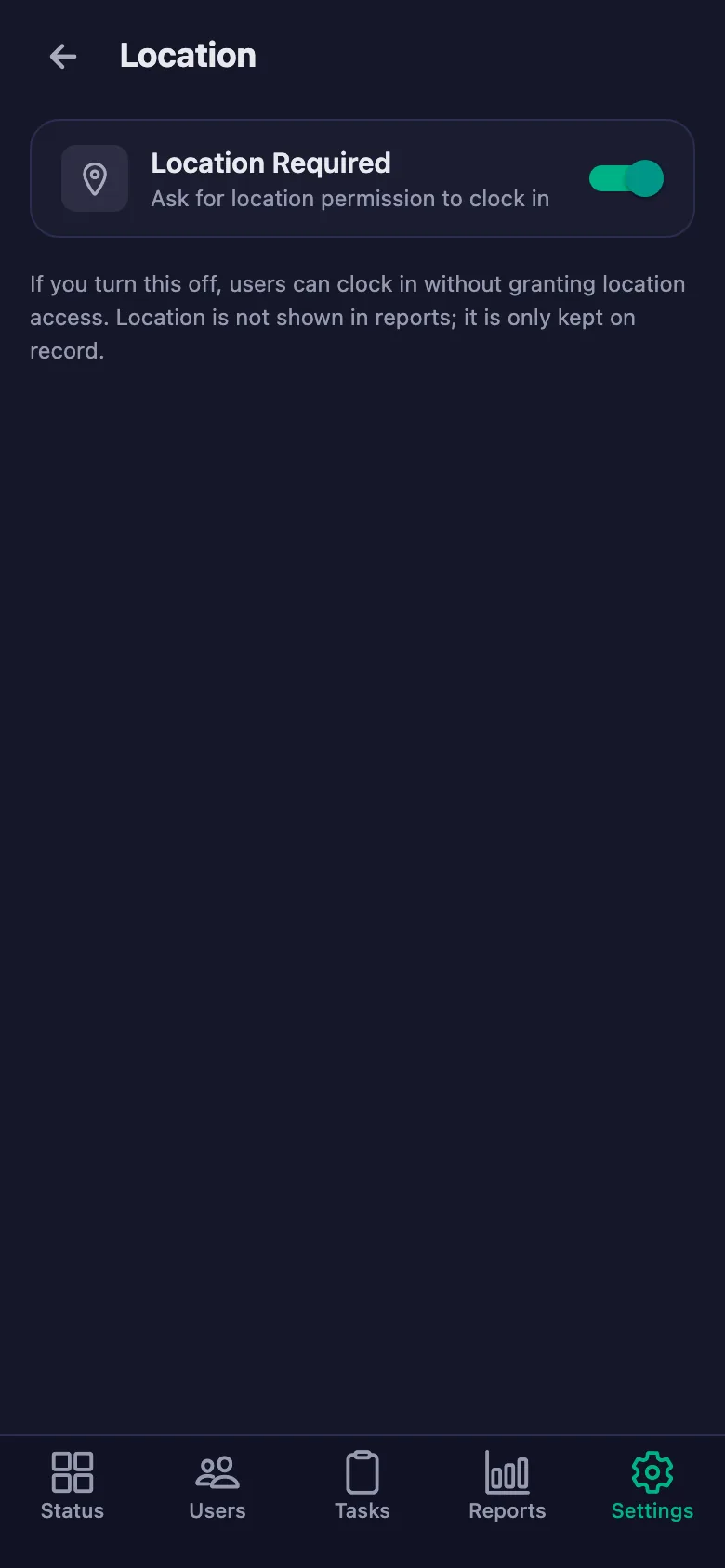
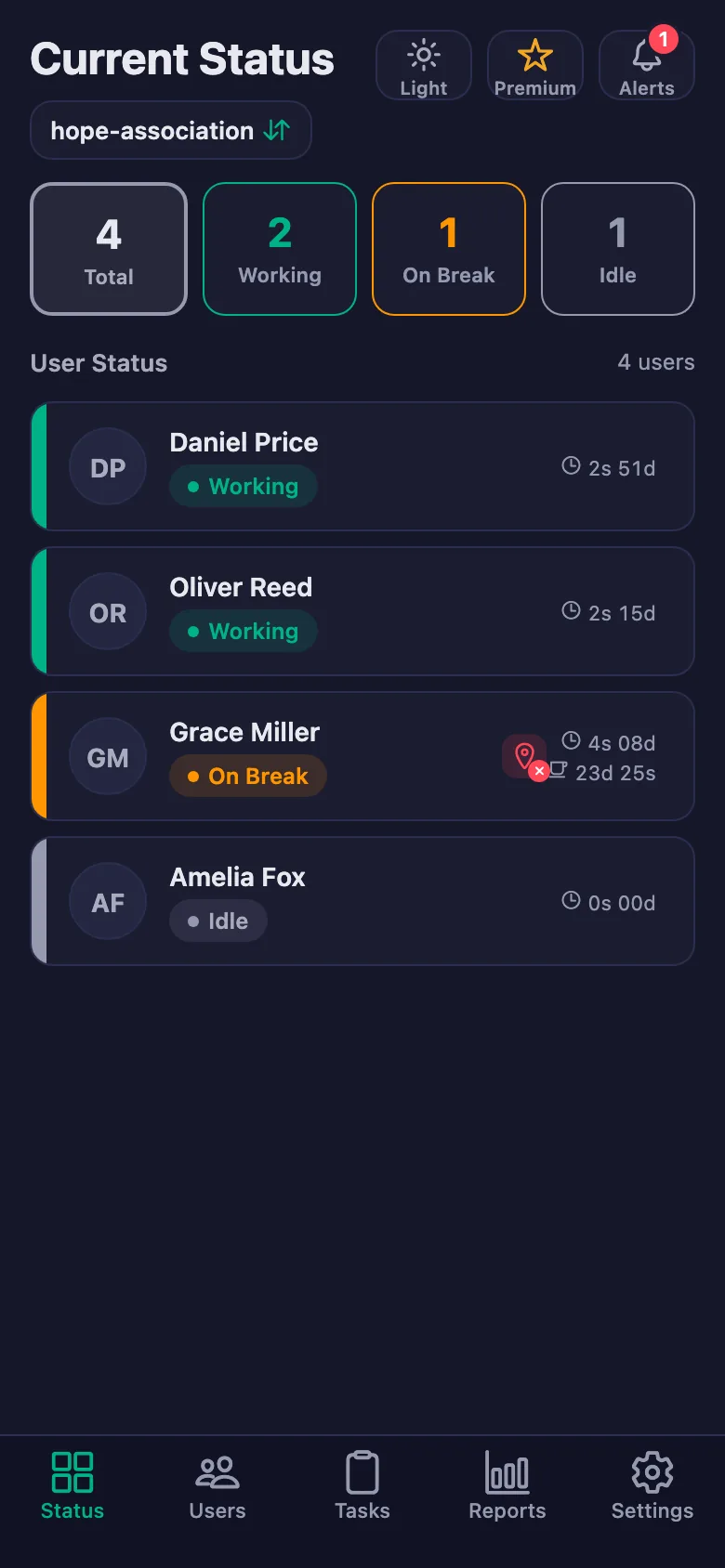
The live status screen shows whose timer is running and who is on a break. With the location rule on, the timer can only be started at the centre.
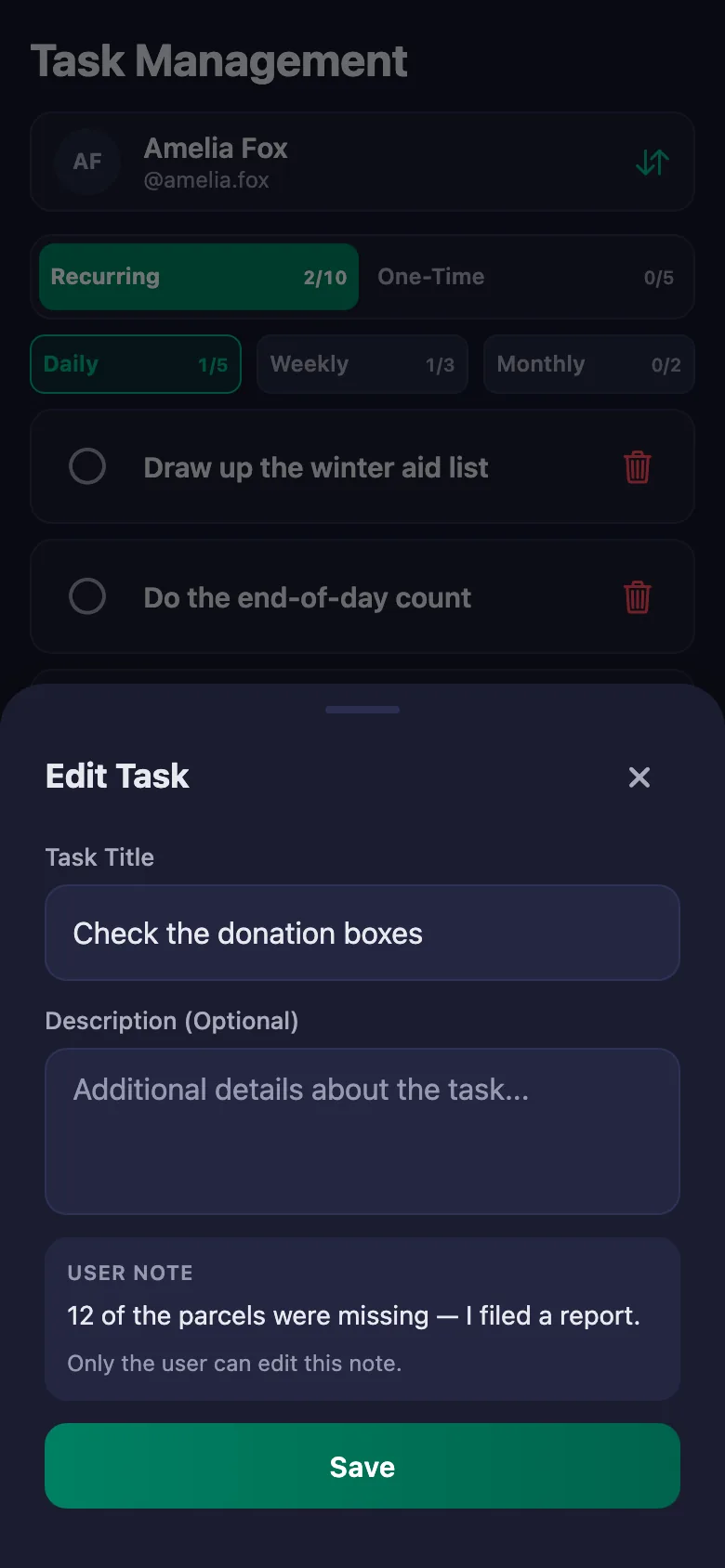
Details like a short delivery or a broken item get mentioned in the evening and then forgotten.
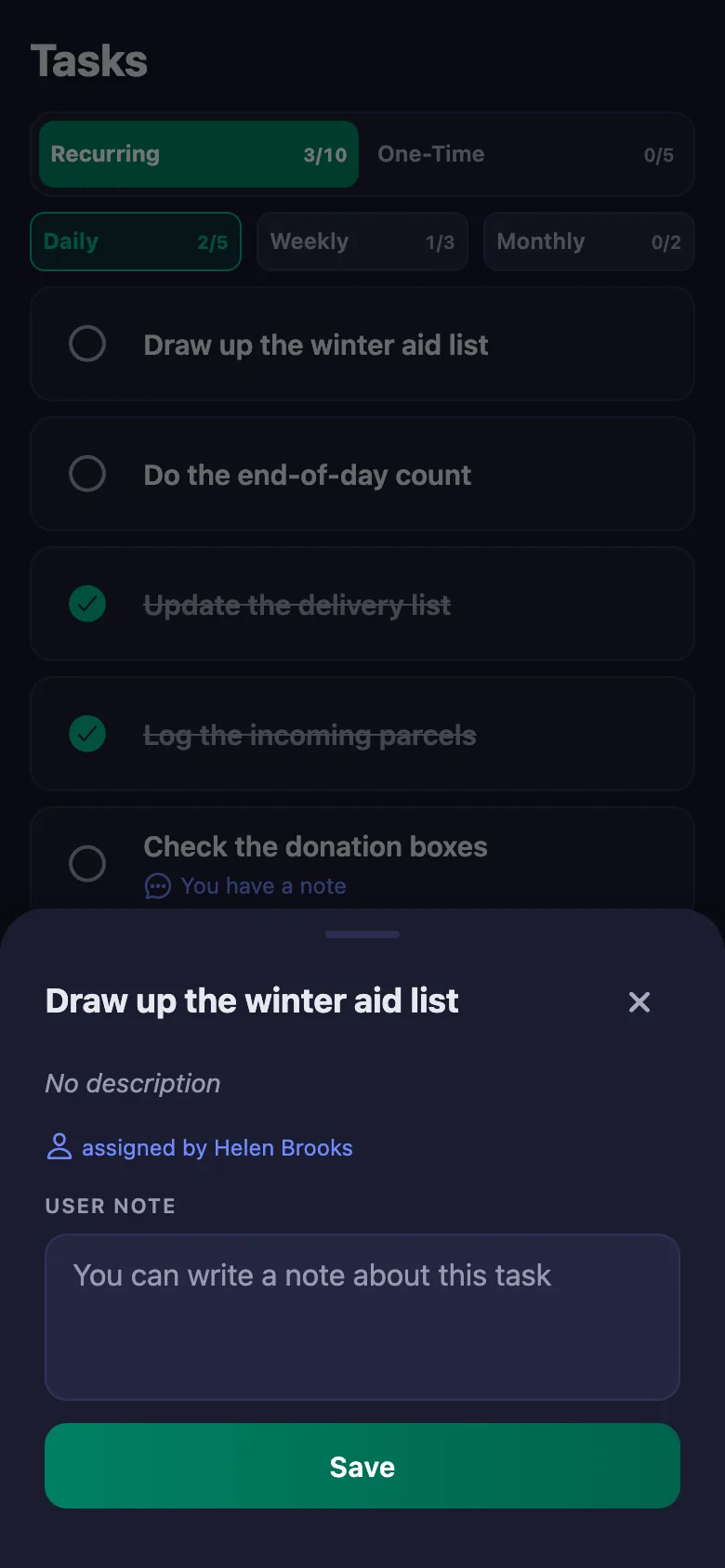
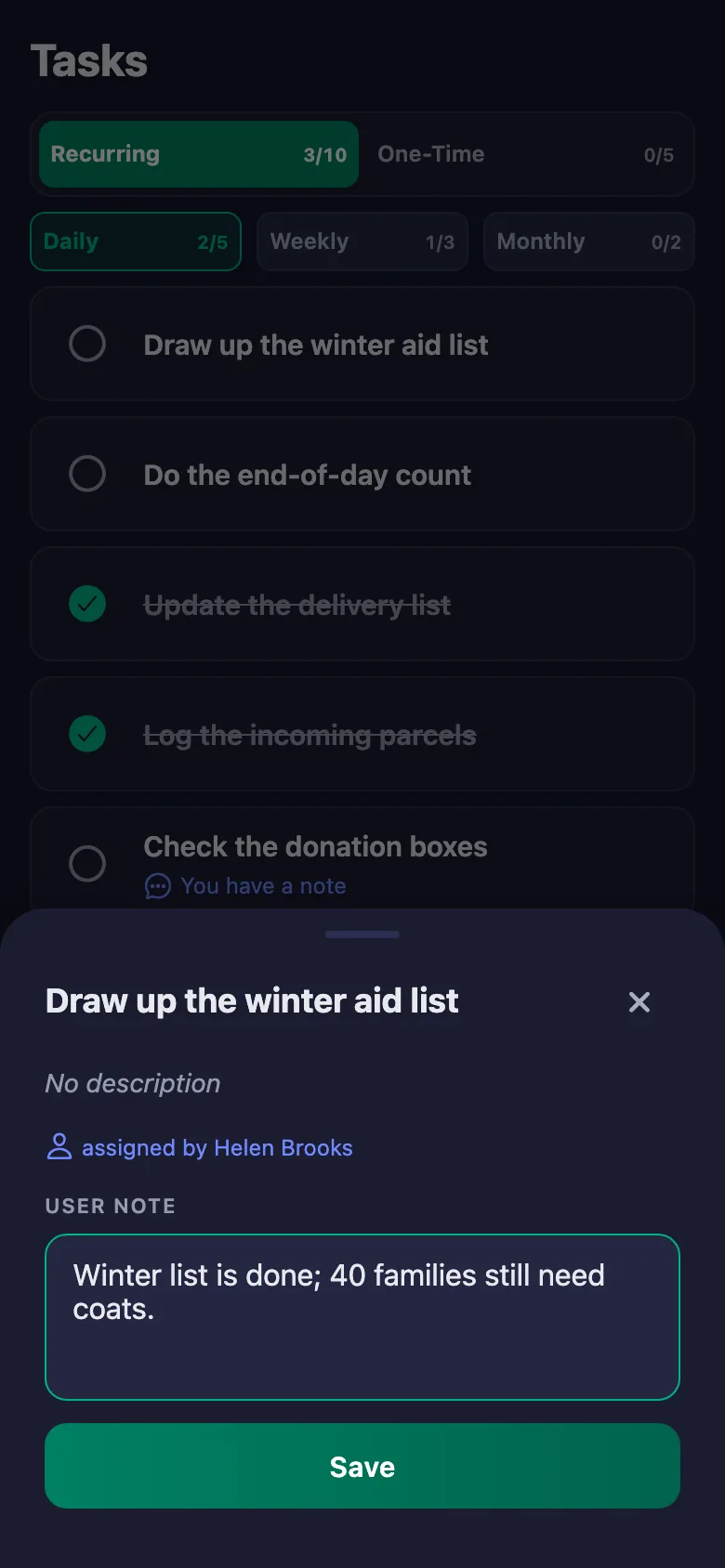
The volunteer writes a note under the item. The note sits on your screen, and only the person who wrote it can change it.
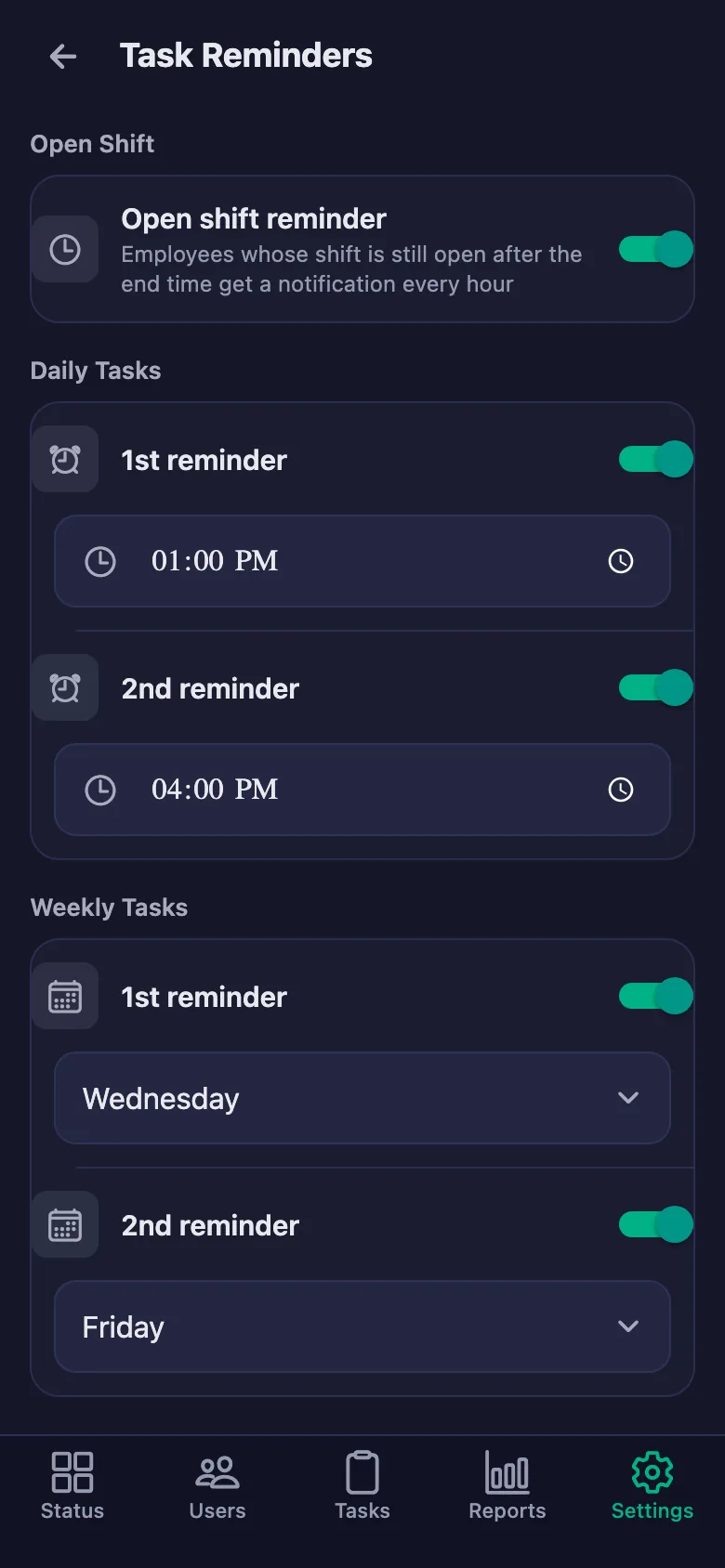
Preparation items before an event get forgotten, and reminding means messaging everyone one by one.
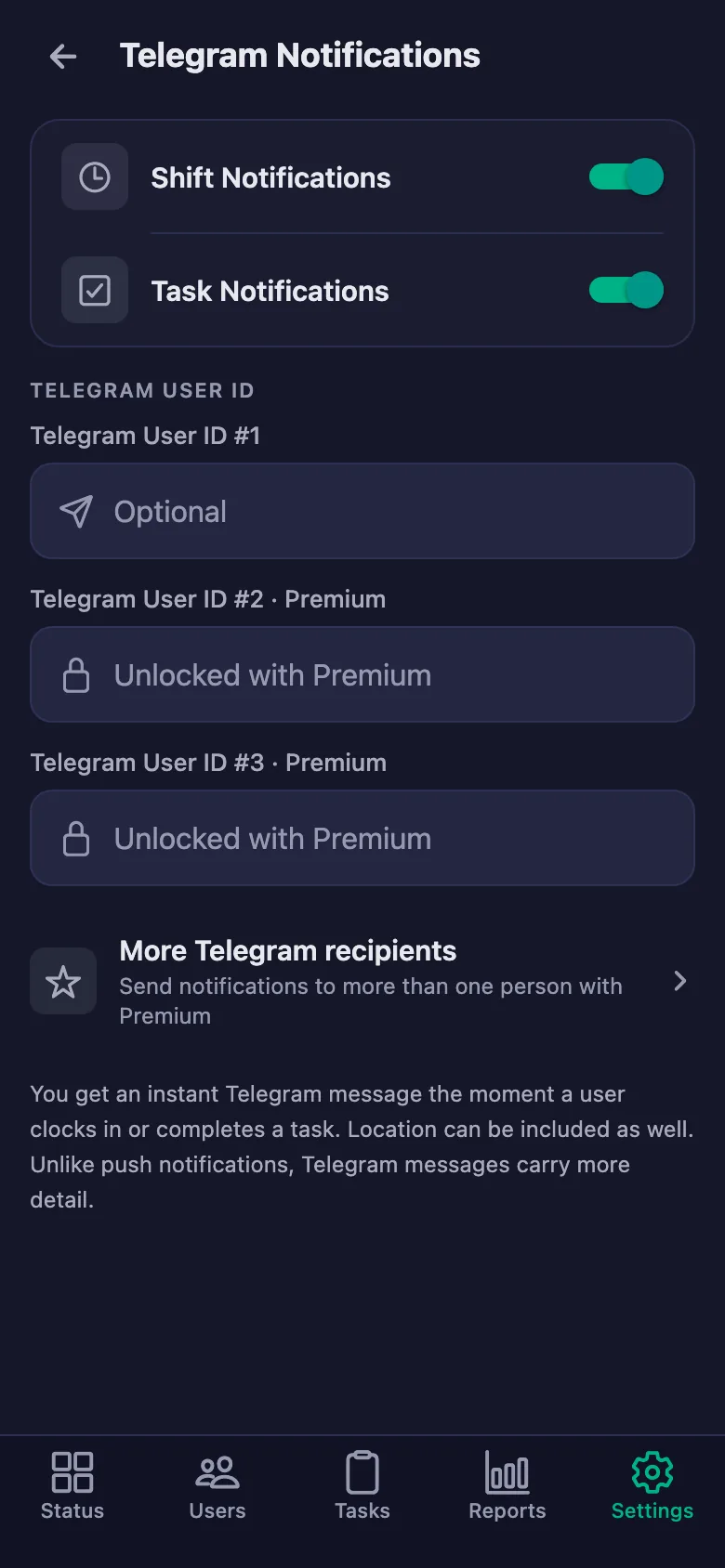
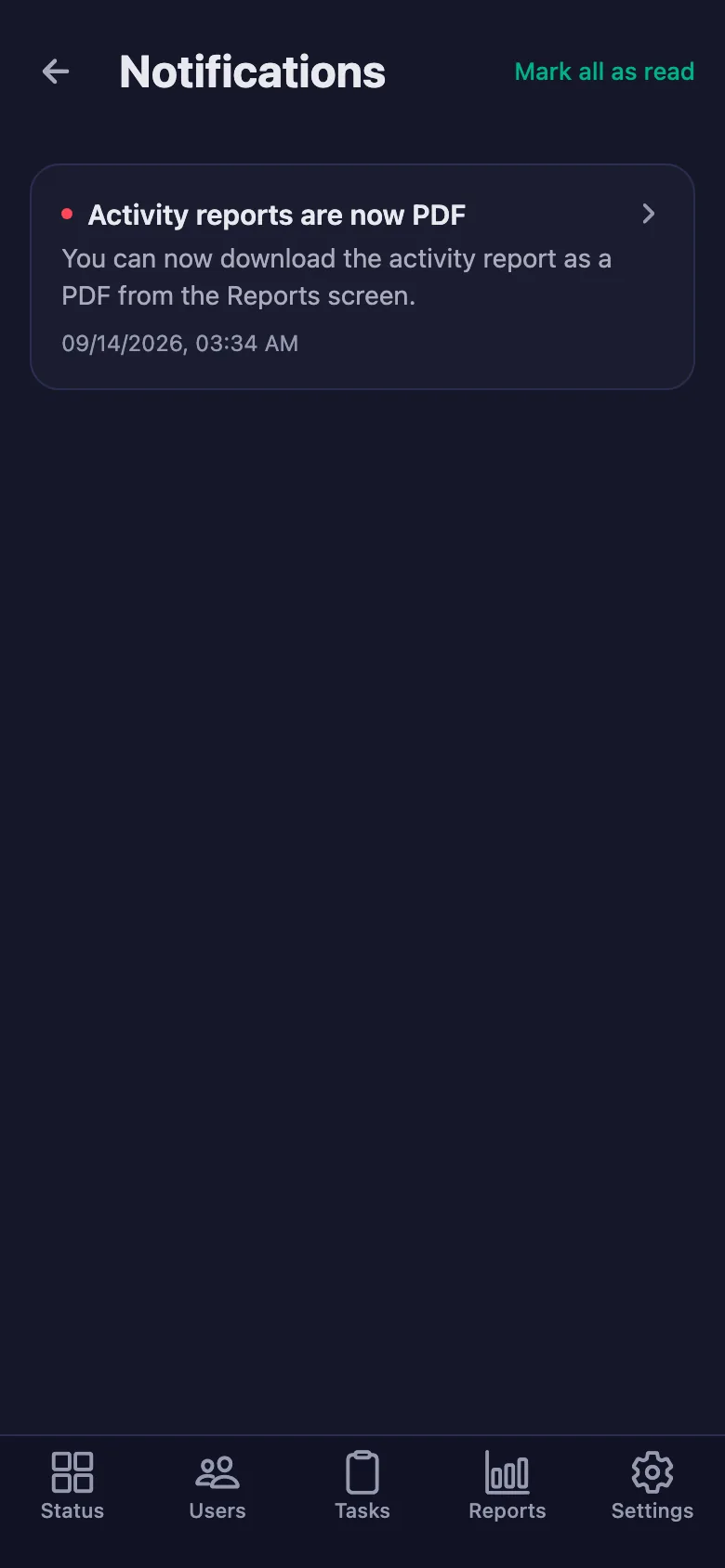
You set the reminder times. If an item is still undone at that hour, a notification lands on the volunteer's phone.
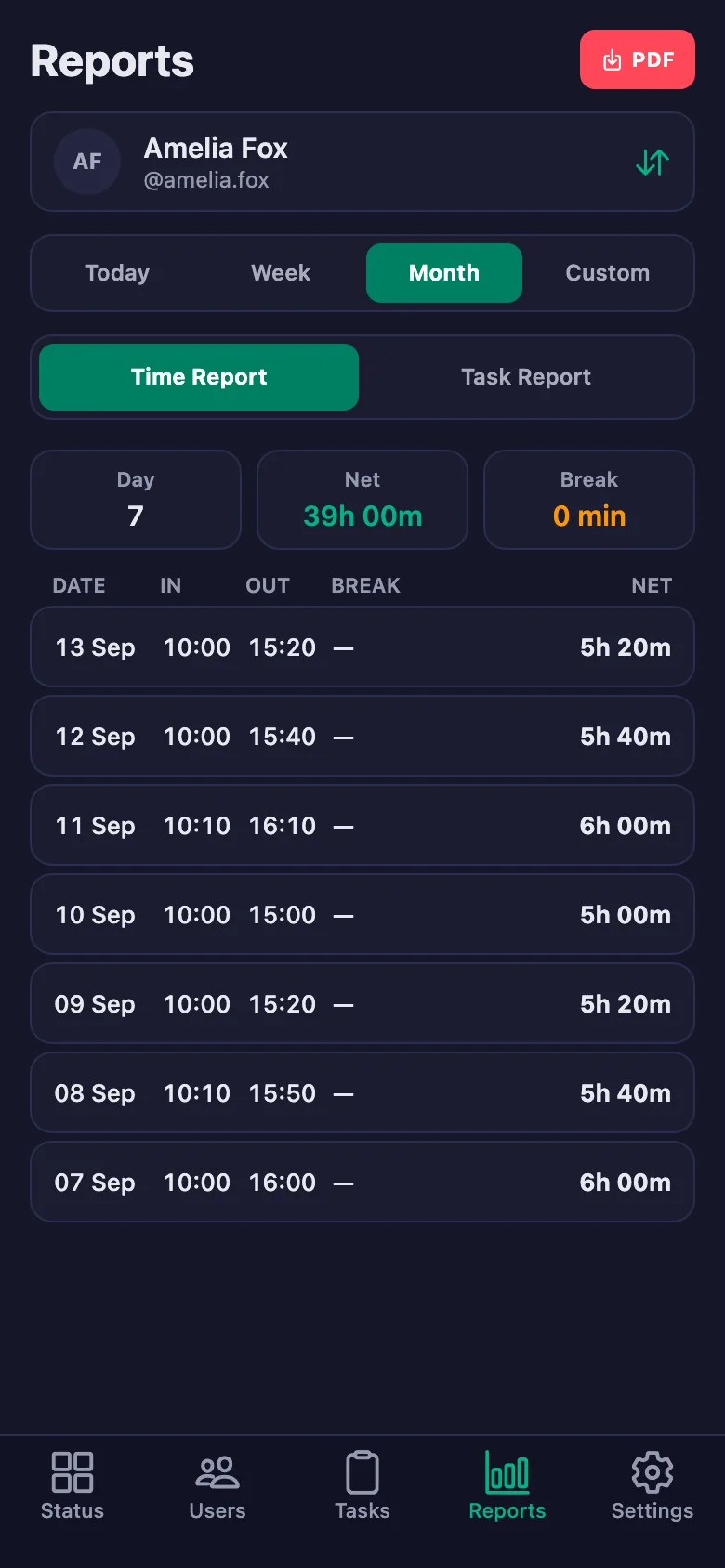
Putting together the activity report for the board and for donors takes days of collecting records.
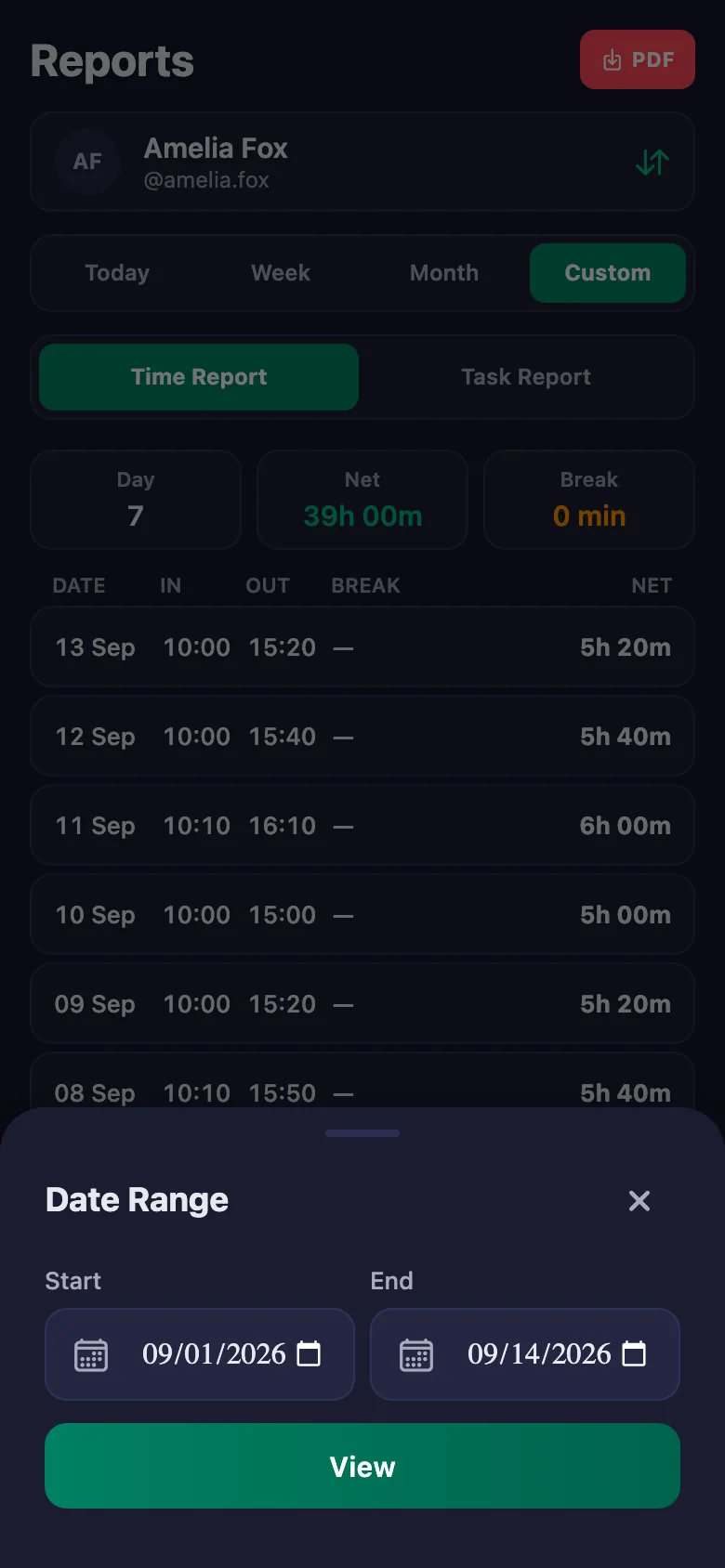
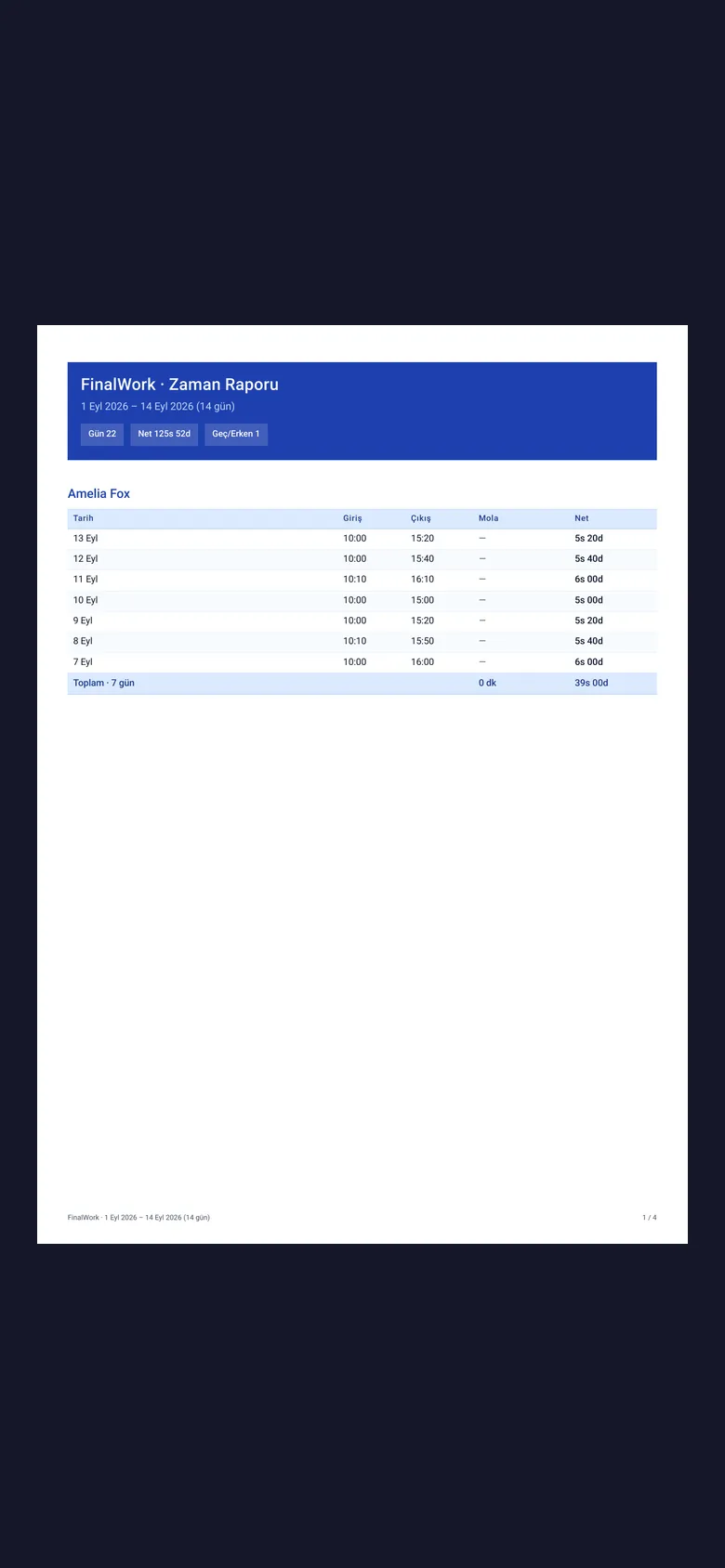
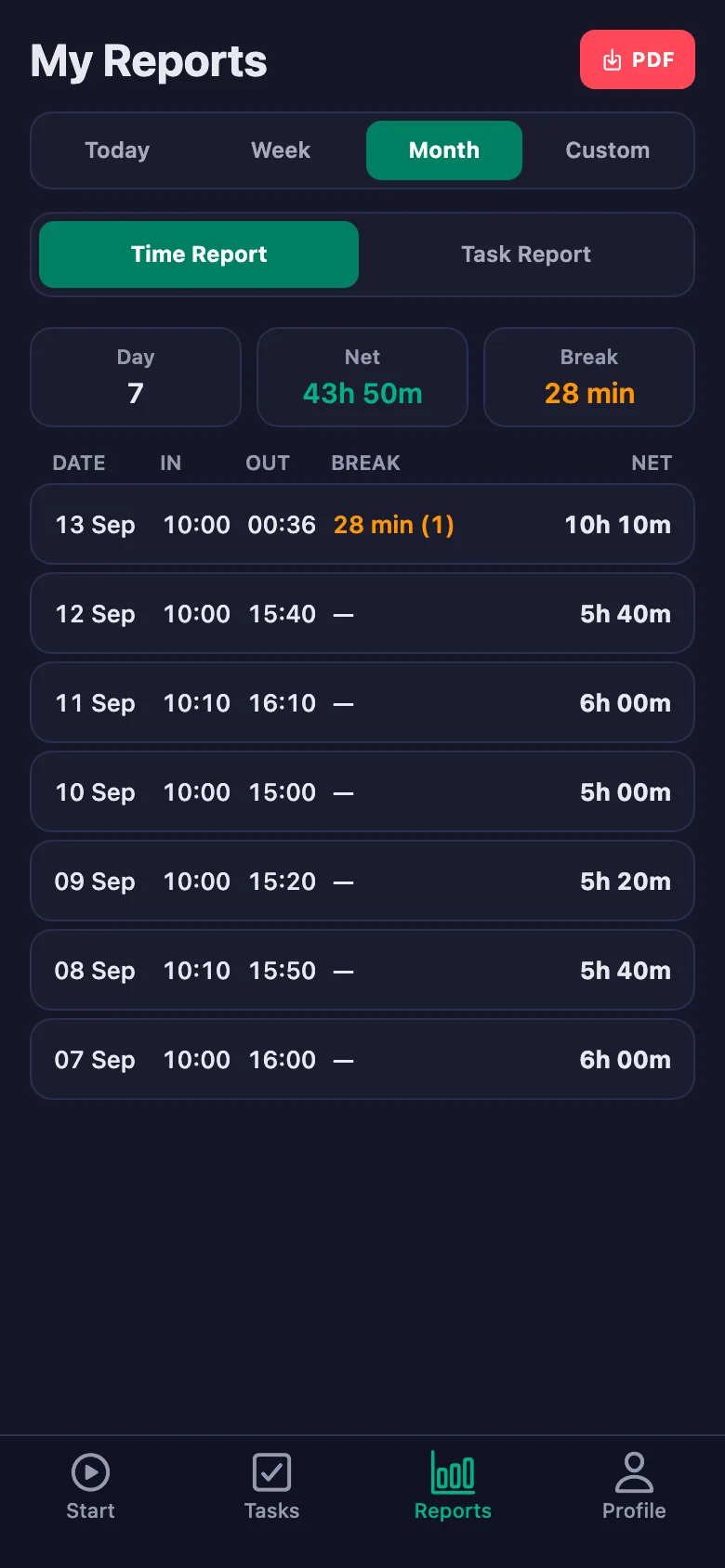
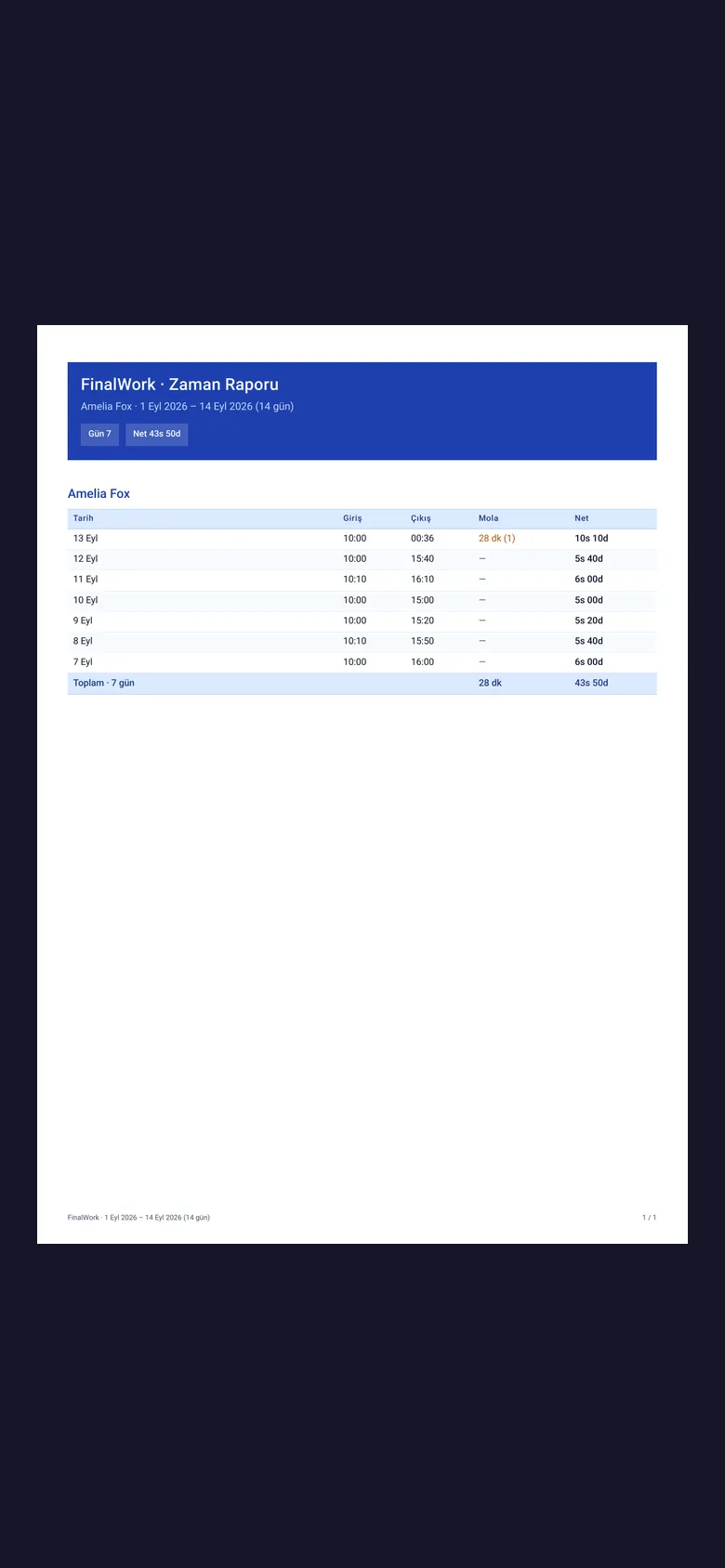
You pick a date range and the report appears on screen. You download the same report as a PDF and share it with the board.
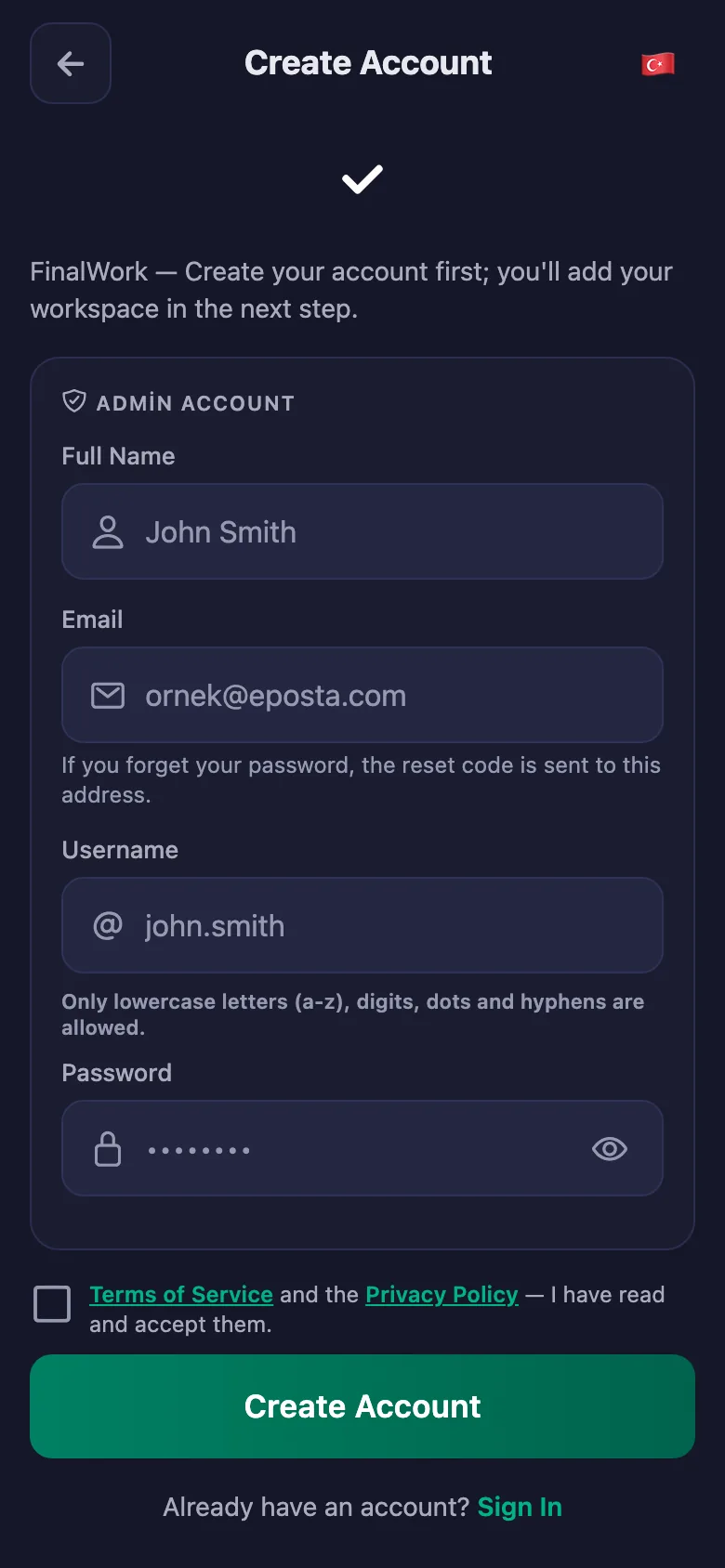
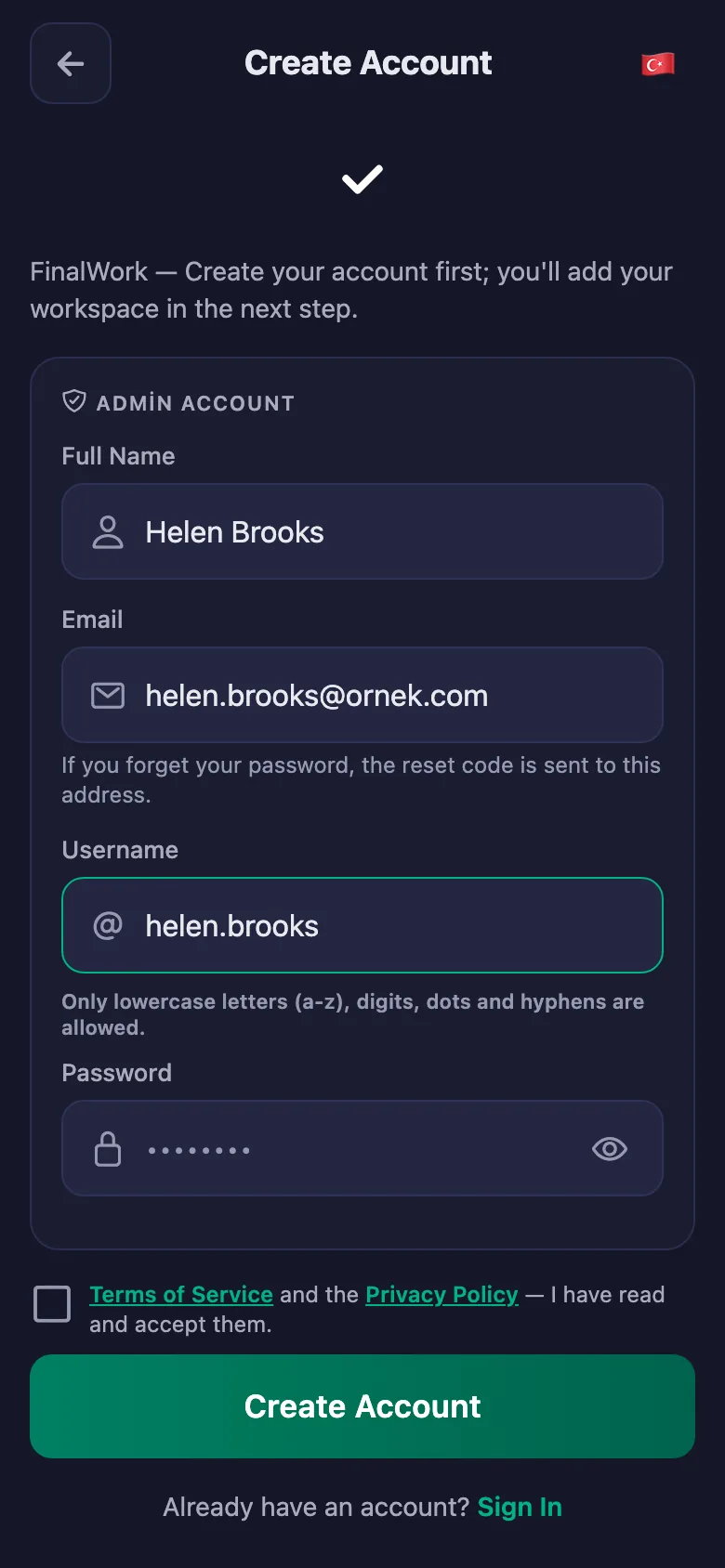
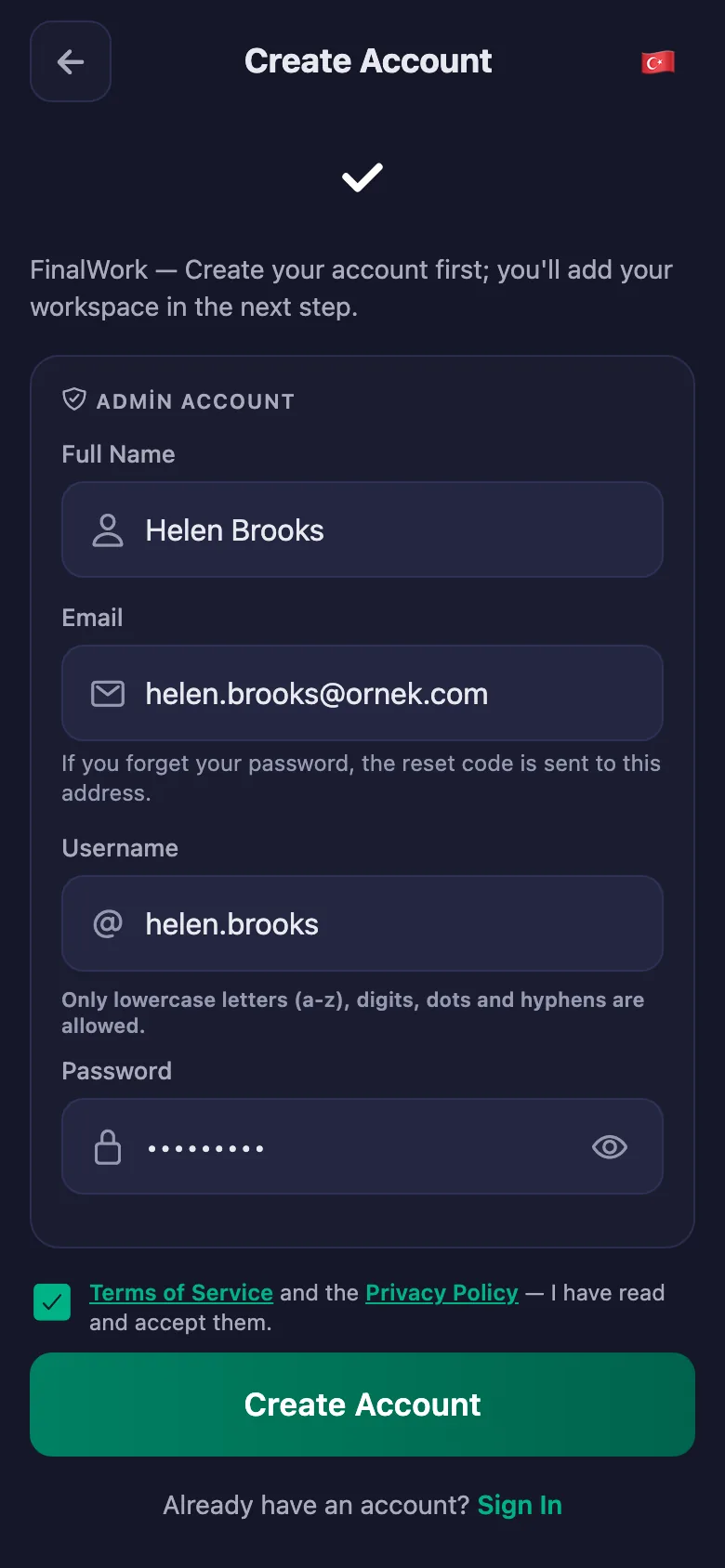
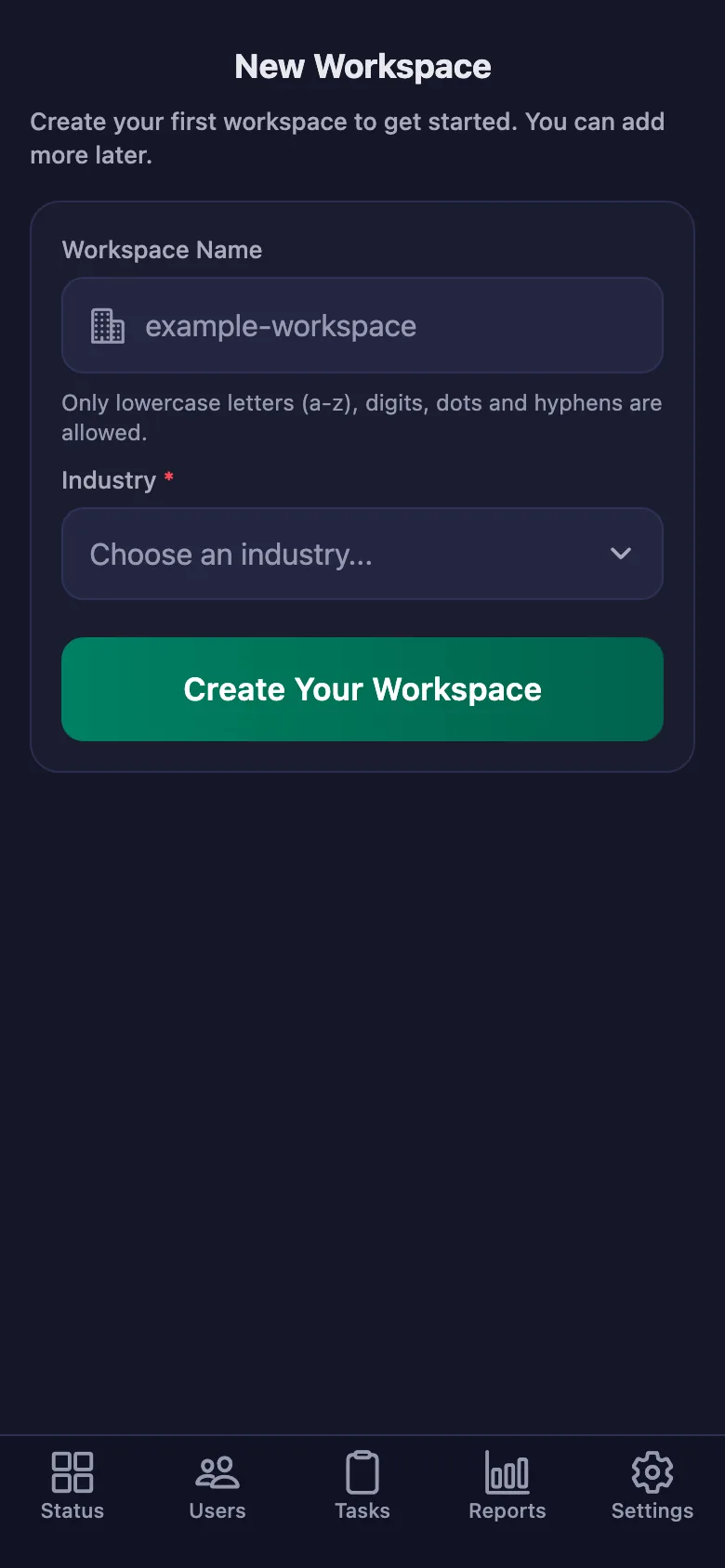
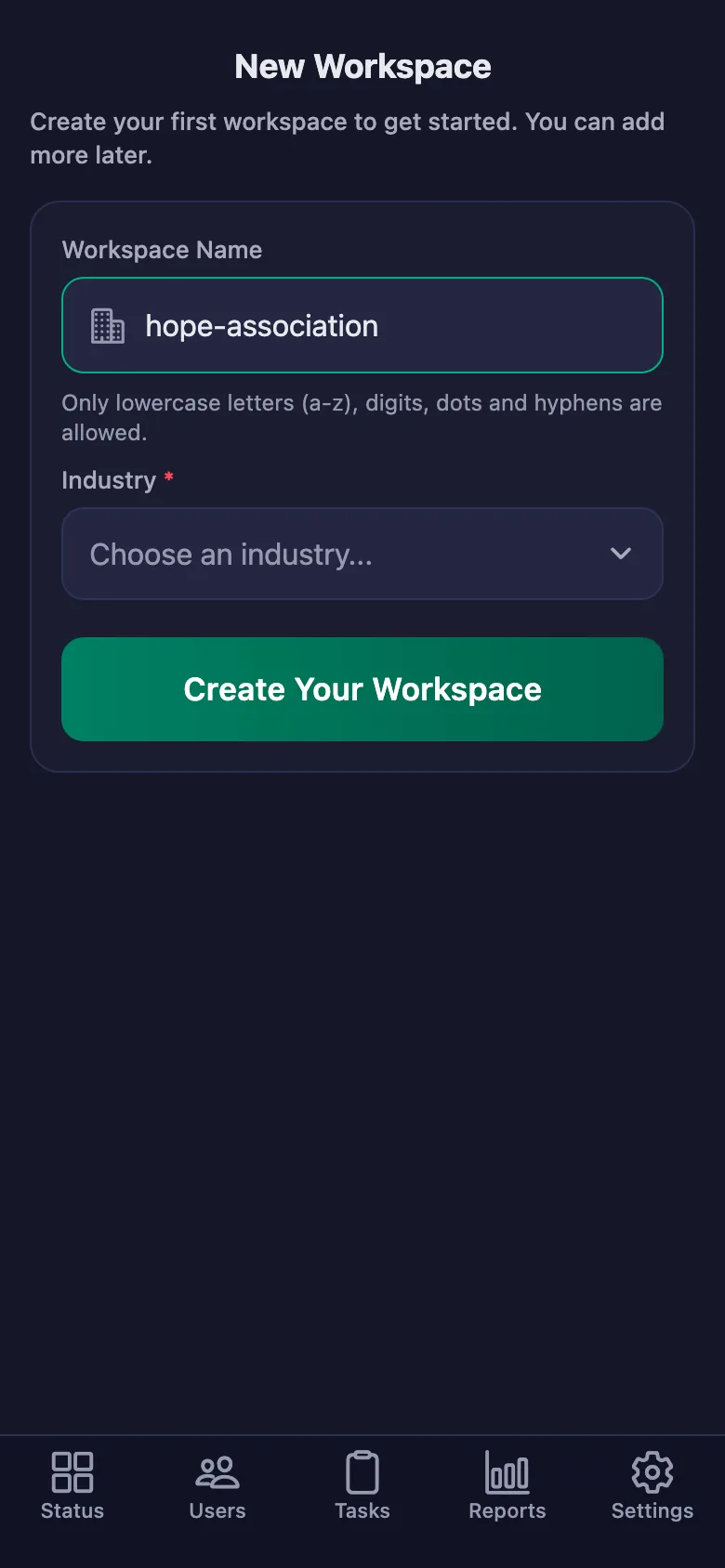
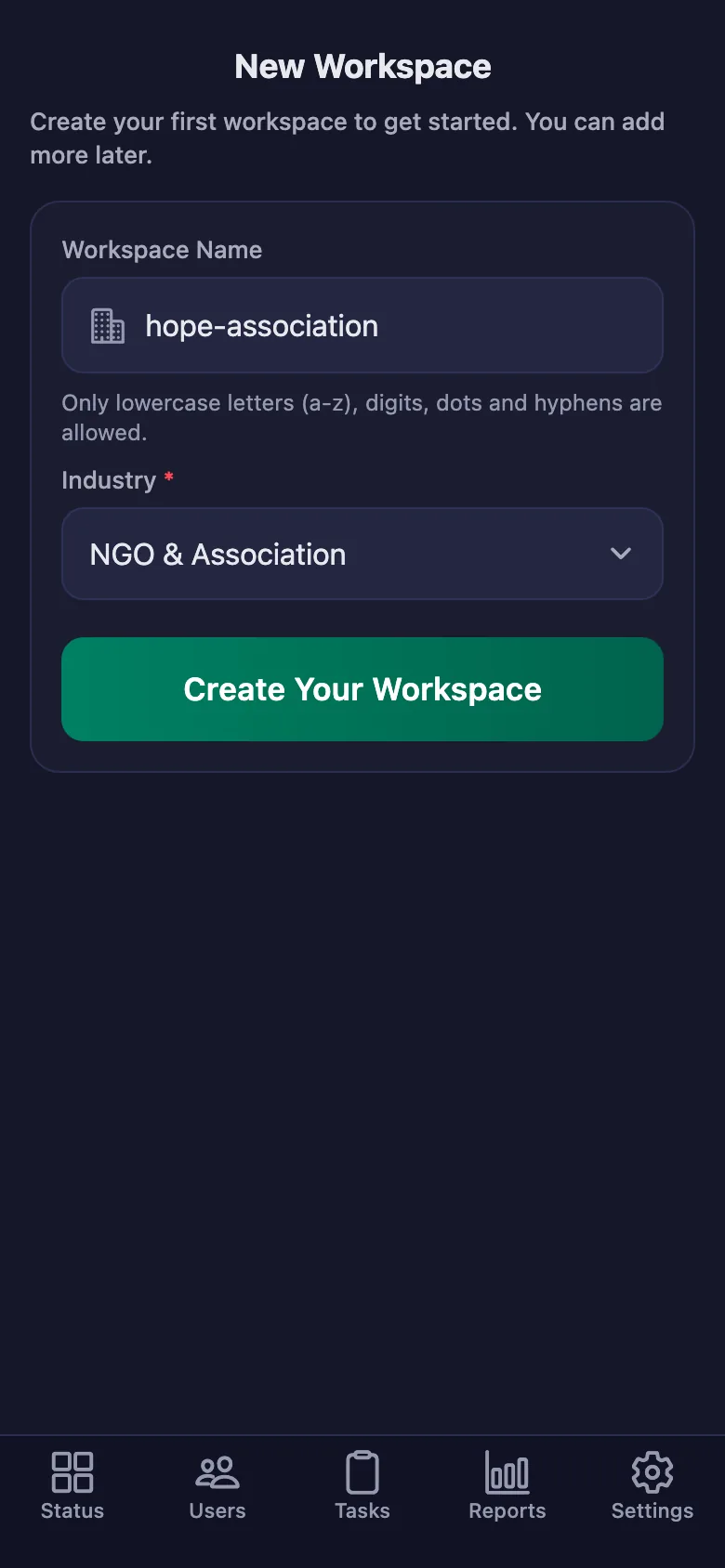
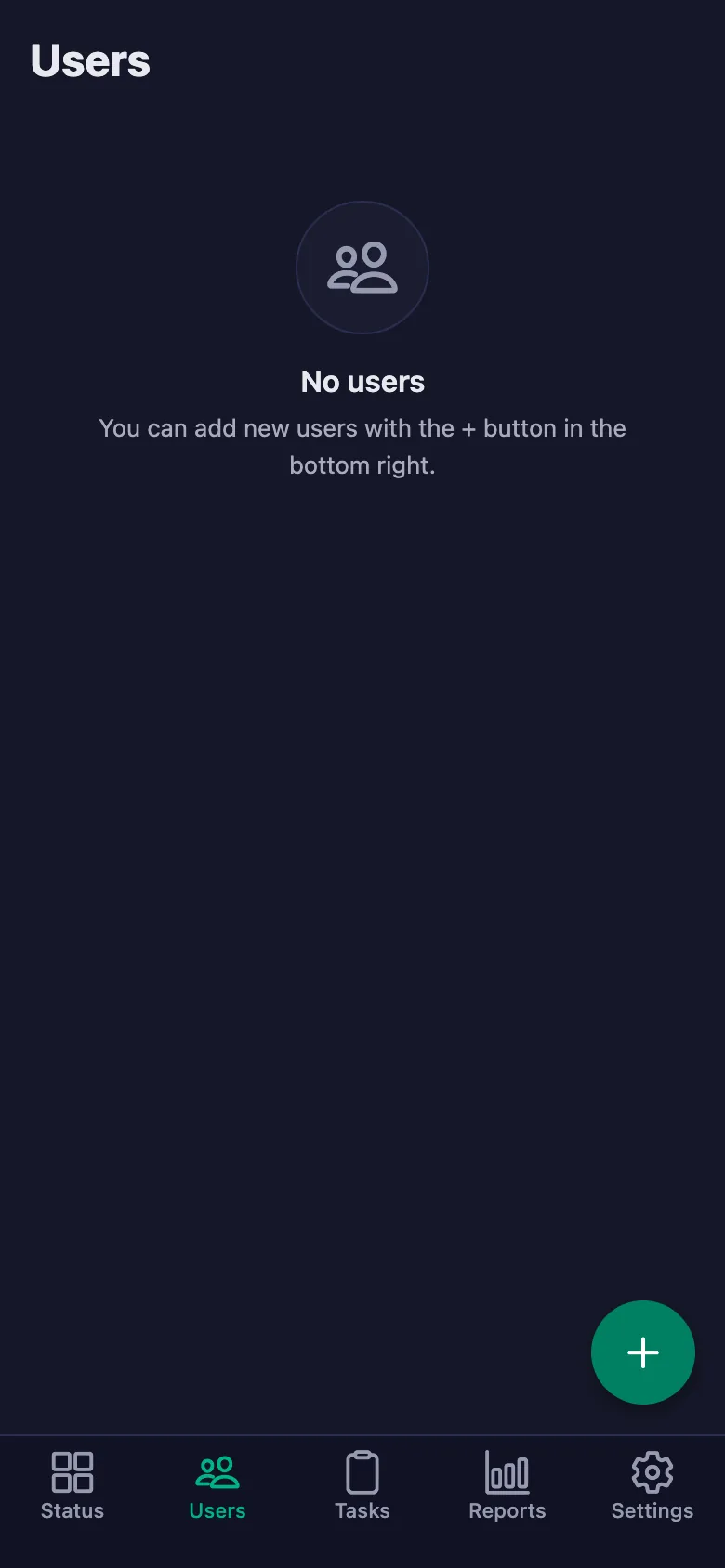
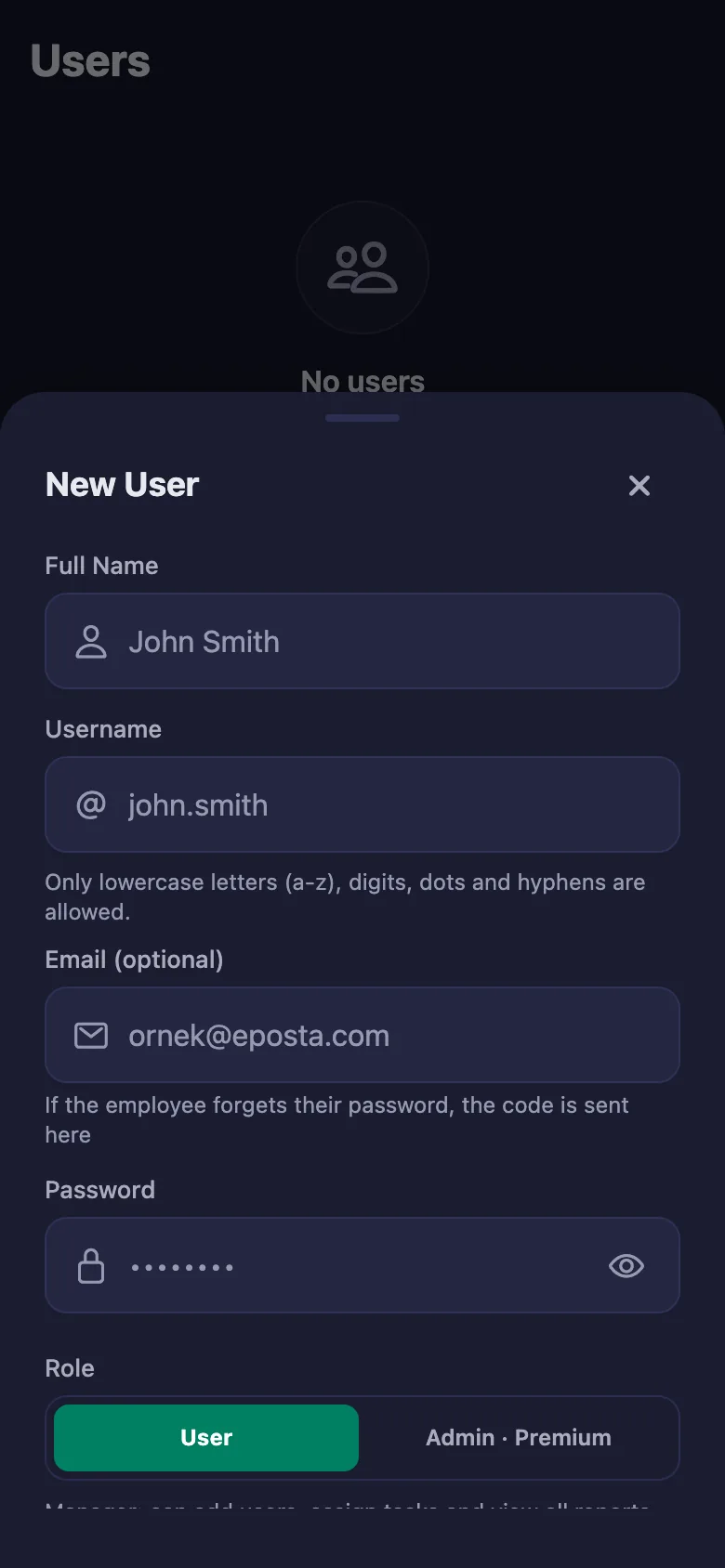
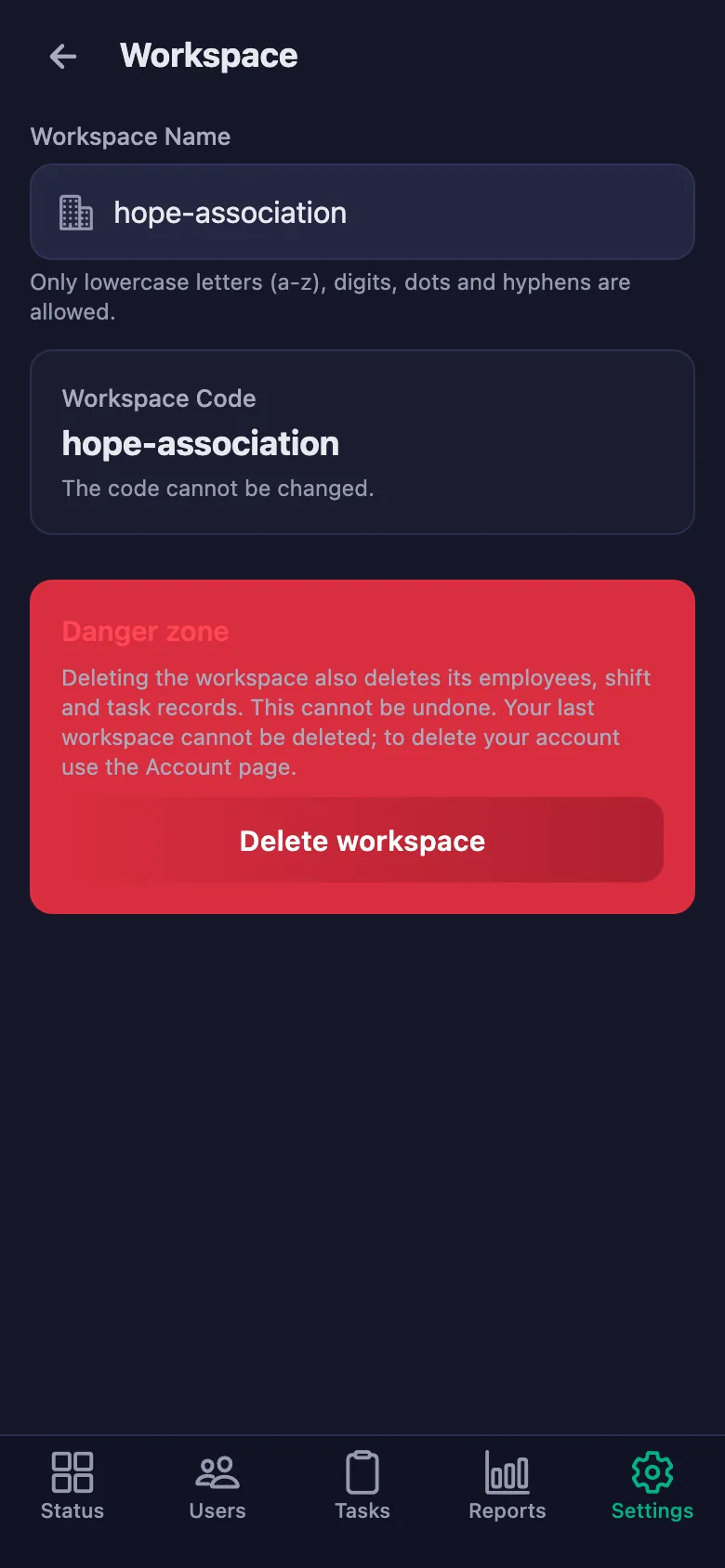
Setup and activation take just one minute — you can start free. Below you can watch the whole flow on the app's real screens.
Coordinator – Volunteer App Demo
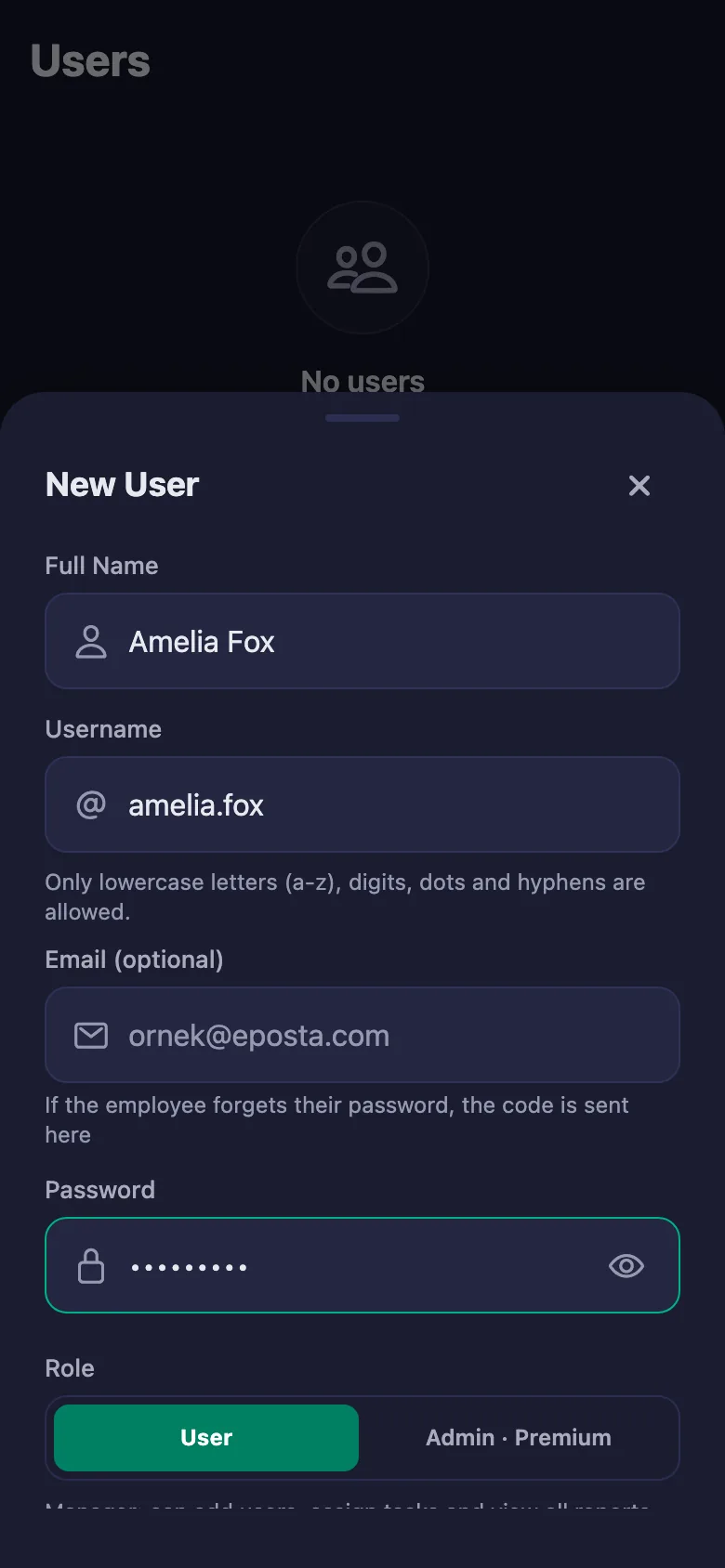
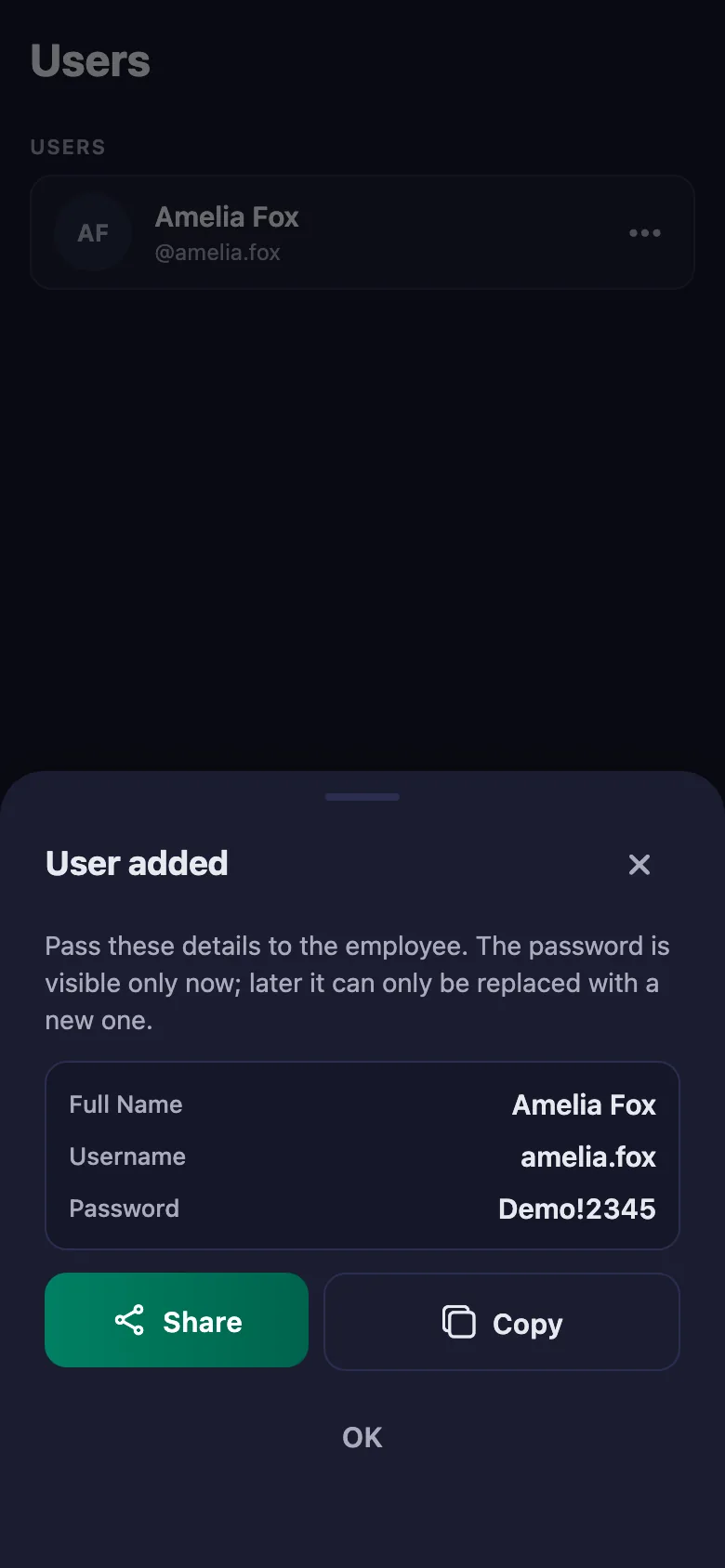
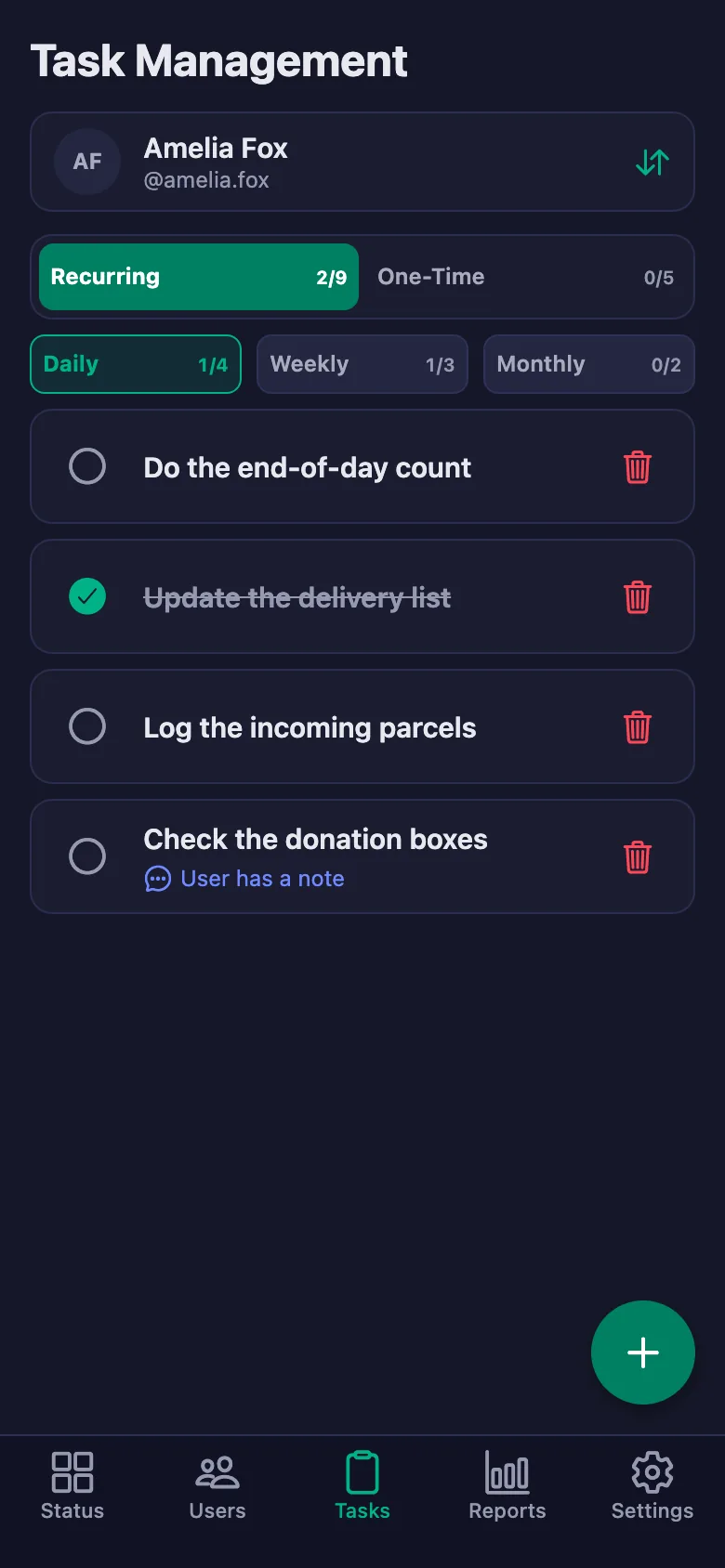
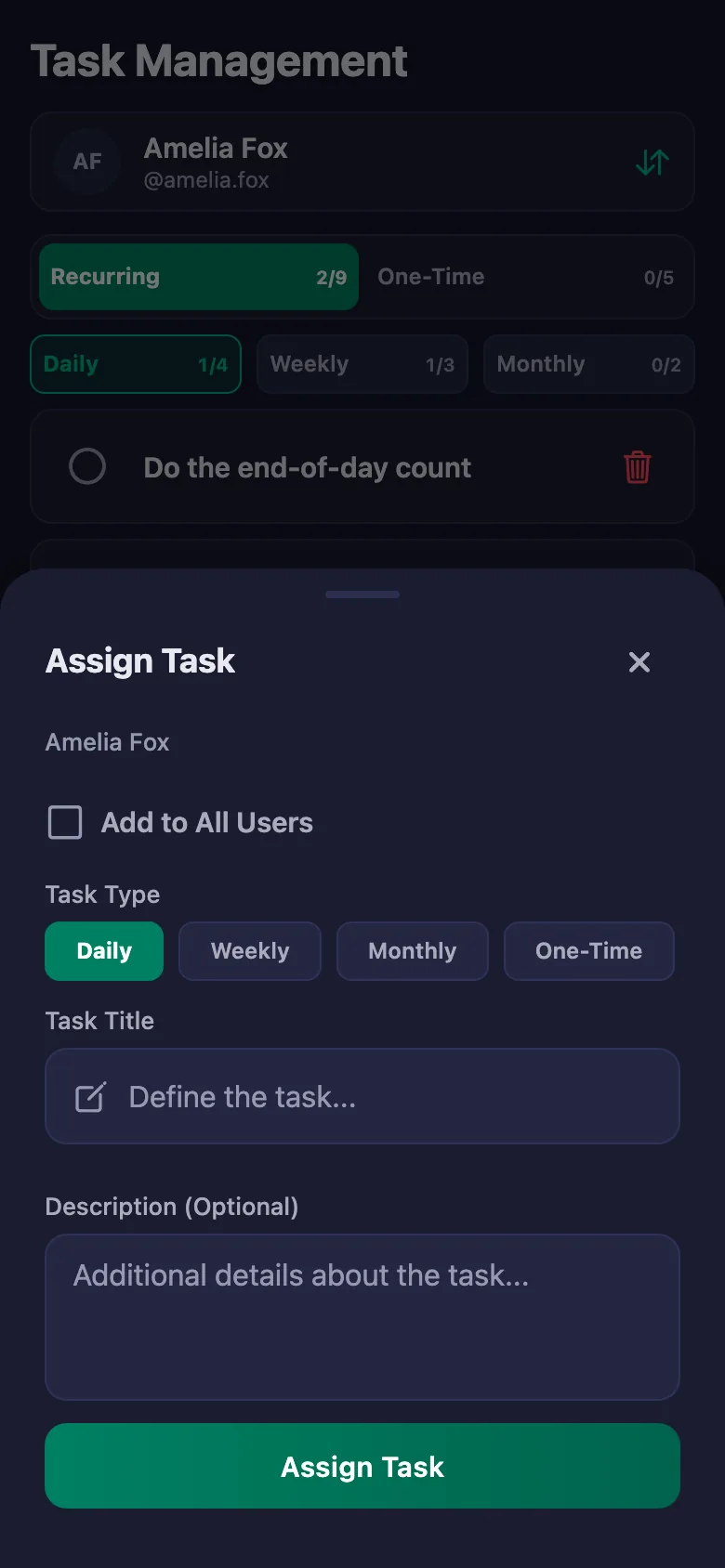
 FinalWork — Task reminder
2 daily tasks are waiting for you.
FinalWork — Task reminder
2 daily tasks are waiting for you.
Does the volunteer need the app on their phone?
Yes — the volunteer runs the timer and their tasks from their own phone. The app works on iOS and Android, and it can also be used from a browser.
Can I issue volunteer hours as a certificate?
You pick a date range and download the report as a PDF. Total time, breaks and net time appear separately, so you can share it as a record.
Can volunteers write notes, and can I see them?
Yes. A volunteer can write a note under each task — what they saw in the field, what was missing. You can see the note but you cannot change it; only the person who wrote it can edit it.
How many volunteers can I add?
The free plan has a limit on users; when you reach it the app warns you and no new user is added. The limit is lifted on Premium.
Can I be sure the volunteer is really at the centre?
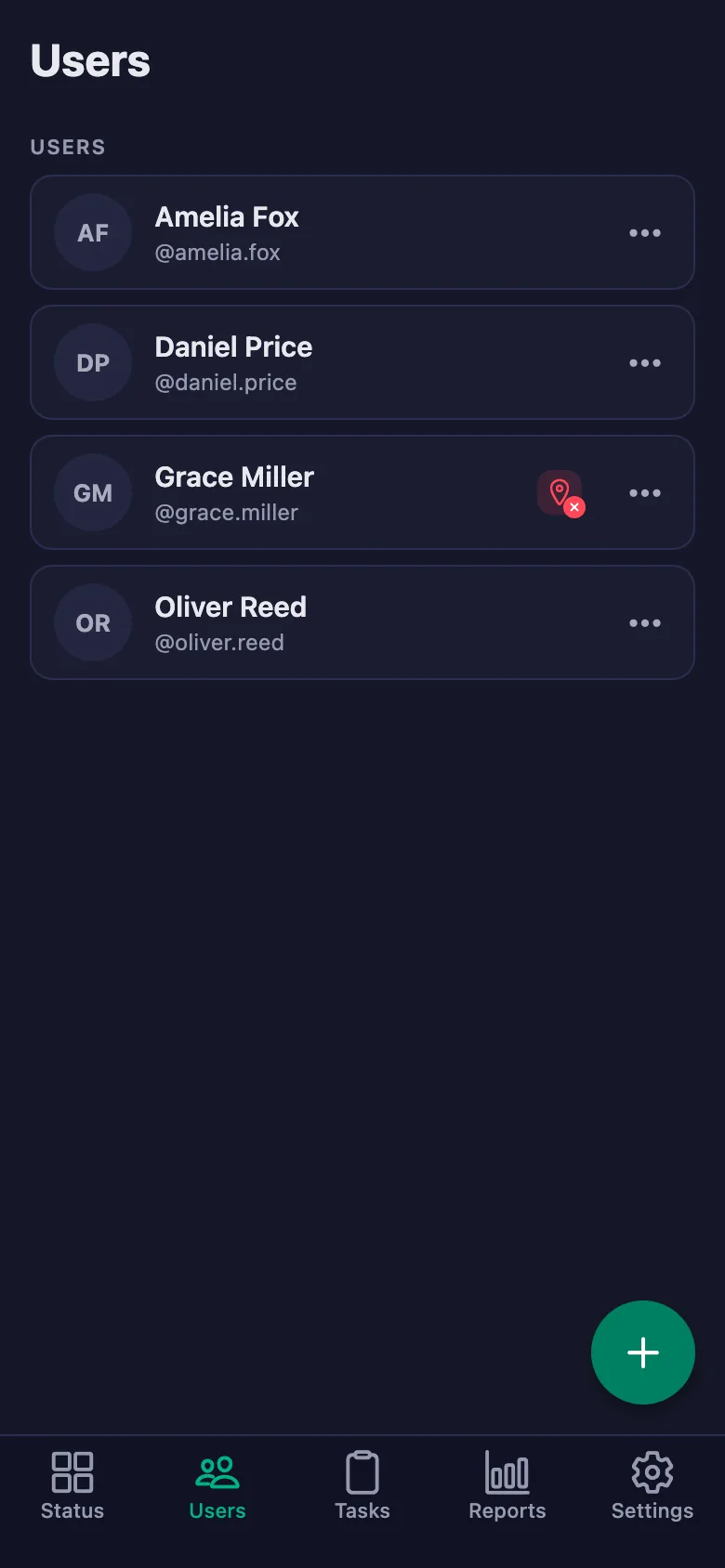
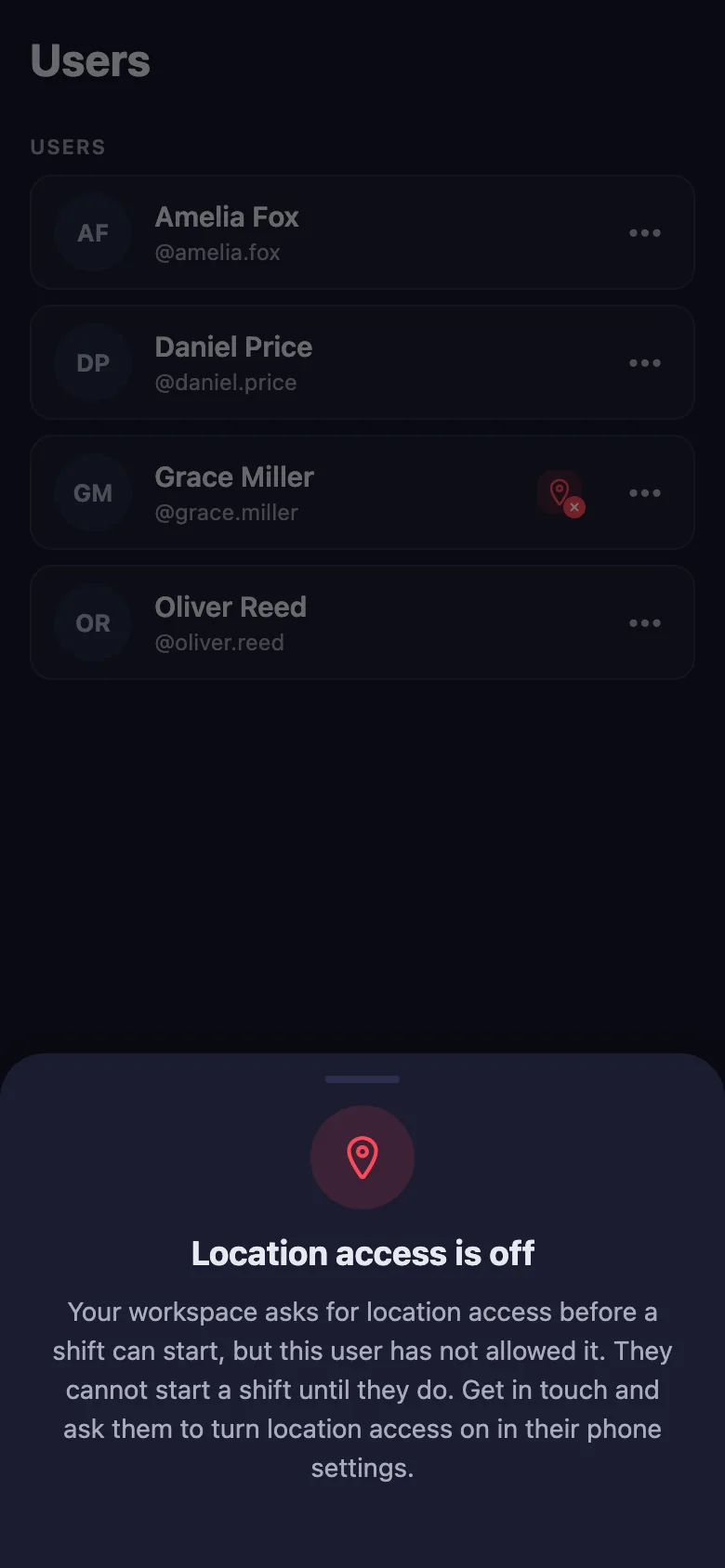
With the location rule switched on, the timer can only be started at the location you set. Volunteers who haven't given location permission show up in the list with a warning badge.
Can it be used away from the centre, at an event?
Yes. If you switch the location rule off, volunteers can start the timer wherever they are, and the hours are still recorded.
We also have paid staff — can they use it too?
Yes, volunteers and paid staff can share the same workspace. Everyone's time appears separately in the report.
Set up your association today
Setup and activation take just one minute — you can start free. Open the account, add your first volunteer, and let today's hours go on the record.