
Is the programme being followed outside the gym?
Two hours a week with you, and the other one hundred and sixty-six on their own. FinalWork keeps your client's programme, their notes and their training time in one place, so you arrive at the next session knowing what to change.
Sound familiar?
Writing the programme takes ten minutes; knowing whether it was followed takes the whole month. Most trainers live with the following — on the right is what each one looks like in FinalWork.
You write the programme on paper or send it as a message. A week later the messages have scrolled away and the paper is gone.
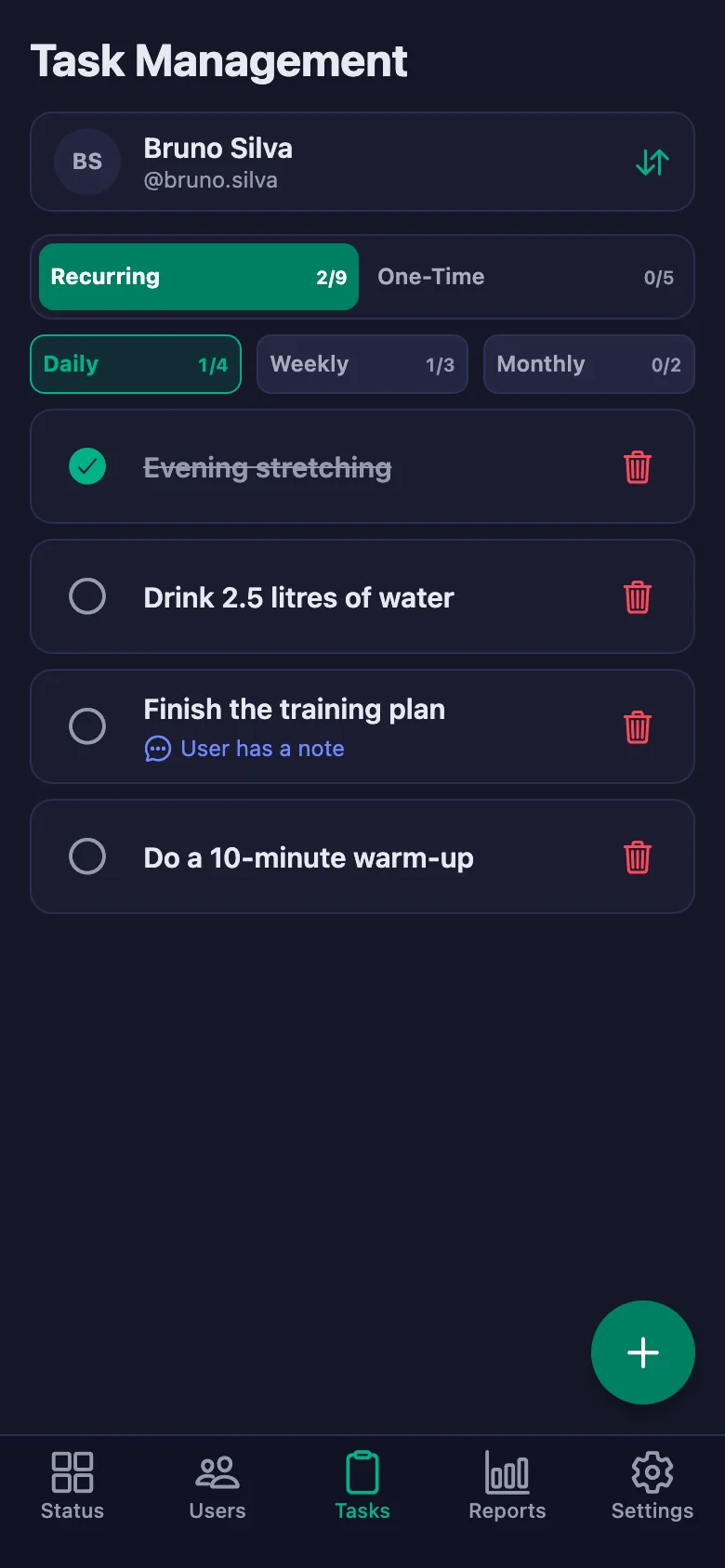
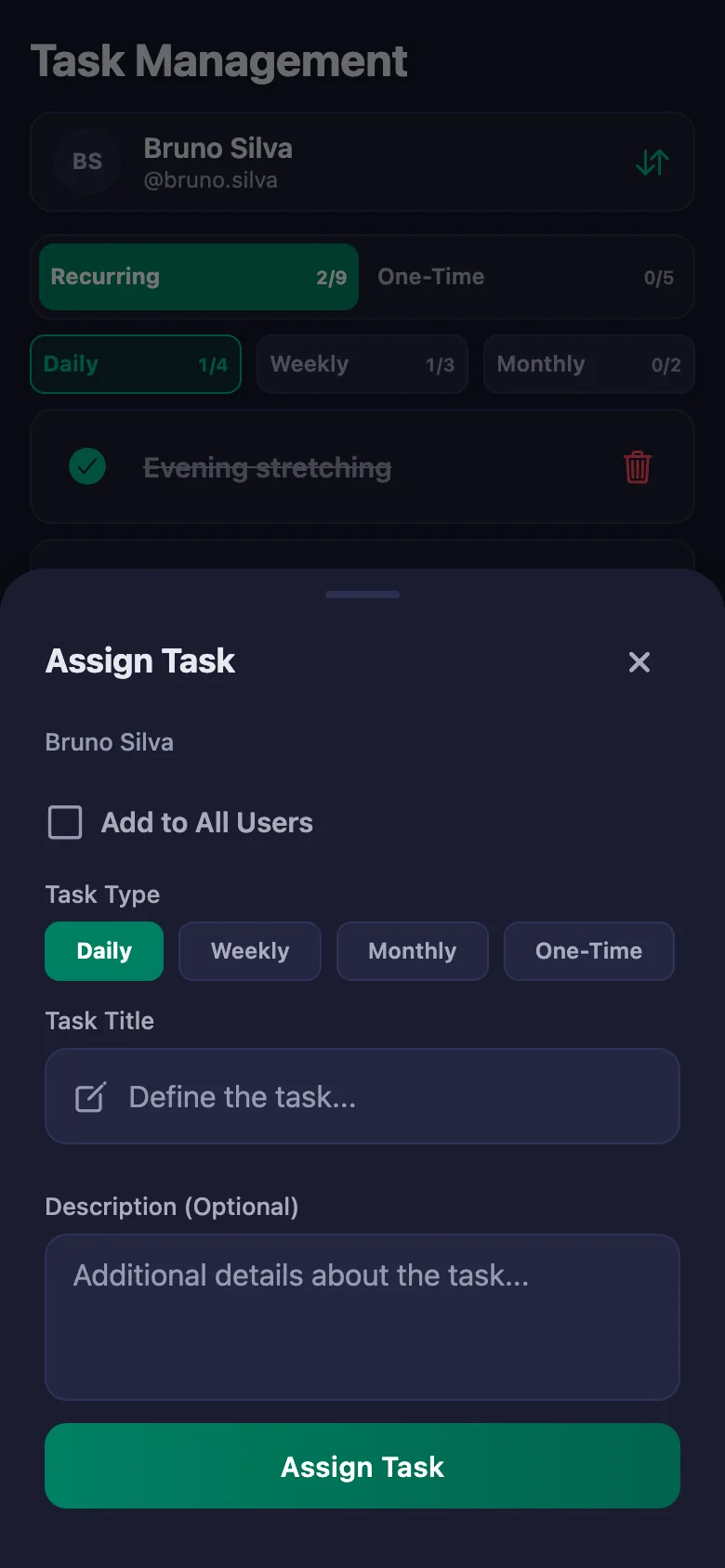
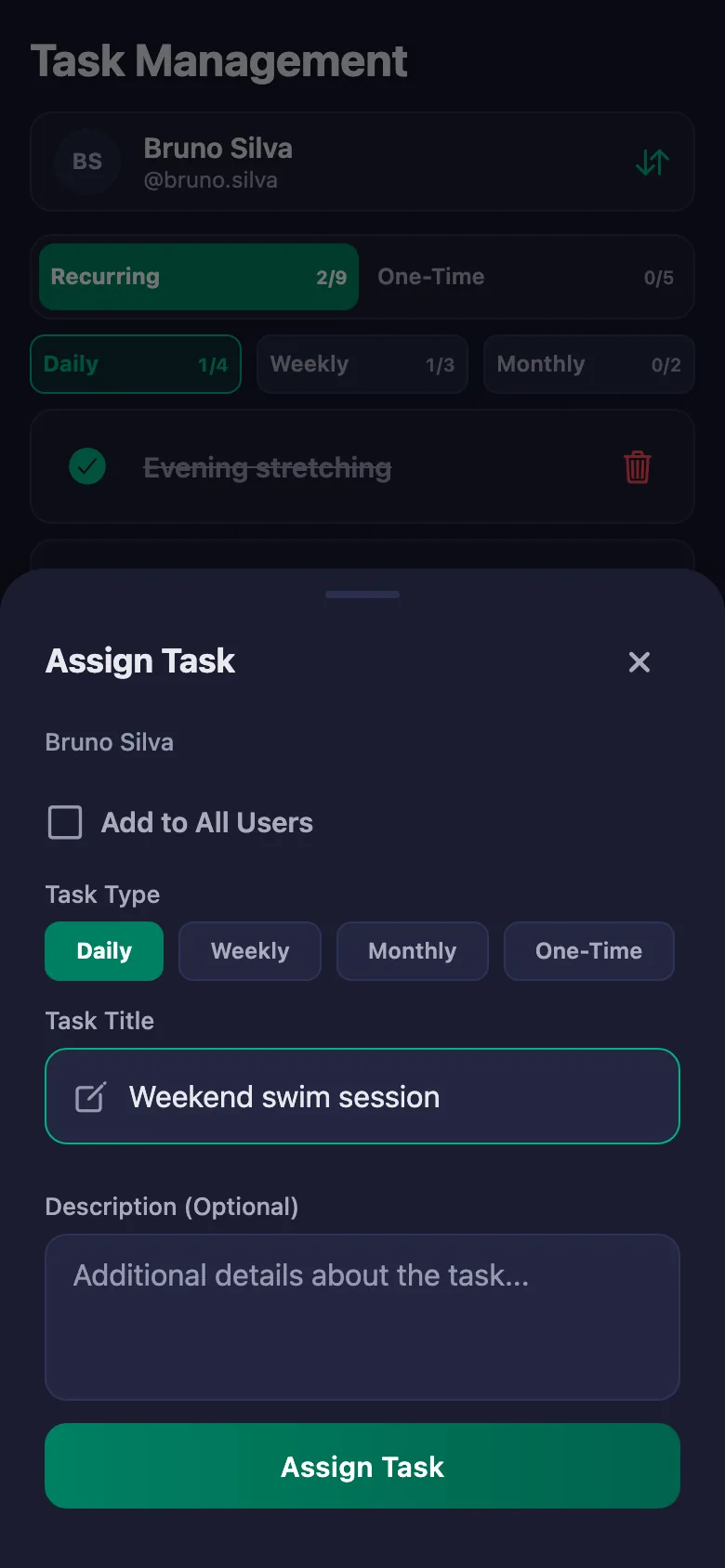
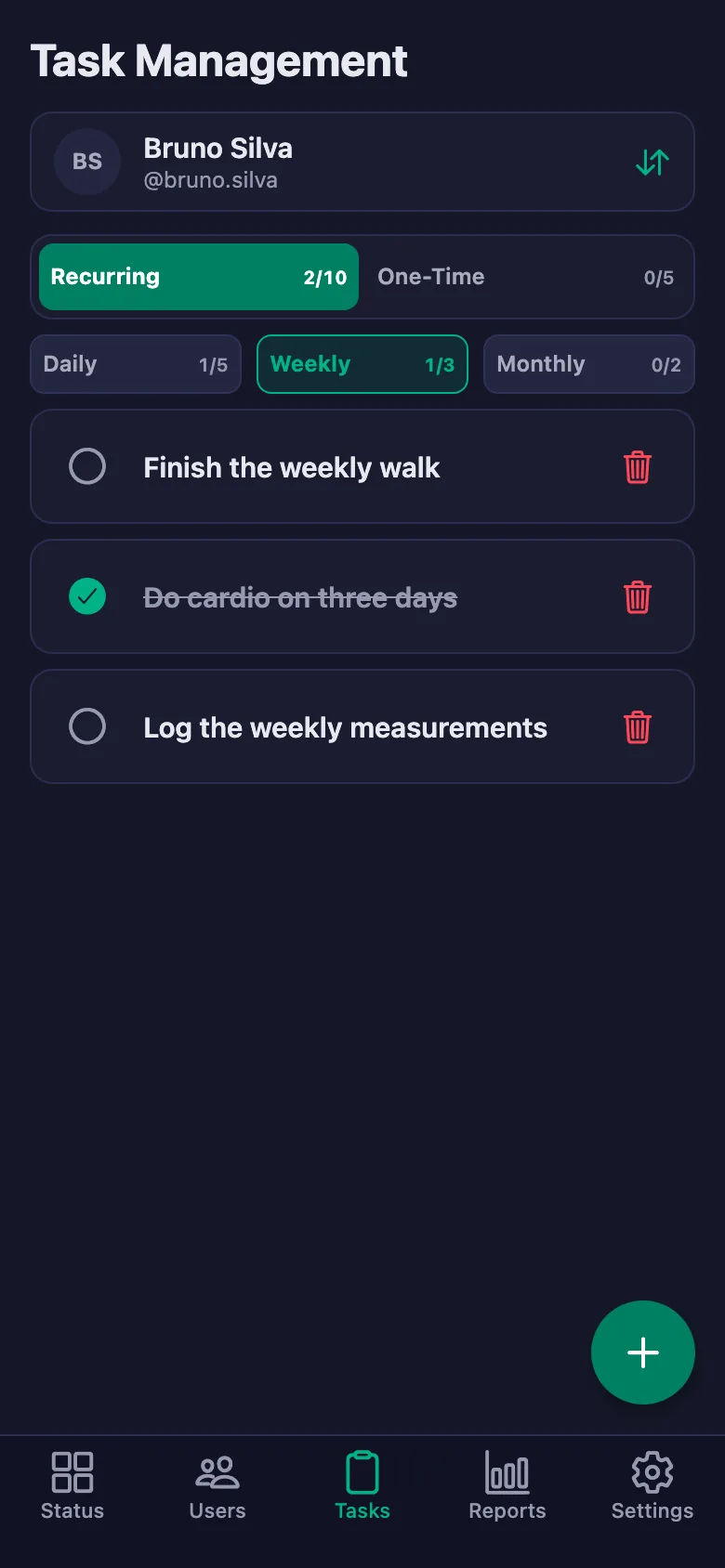
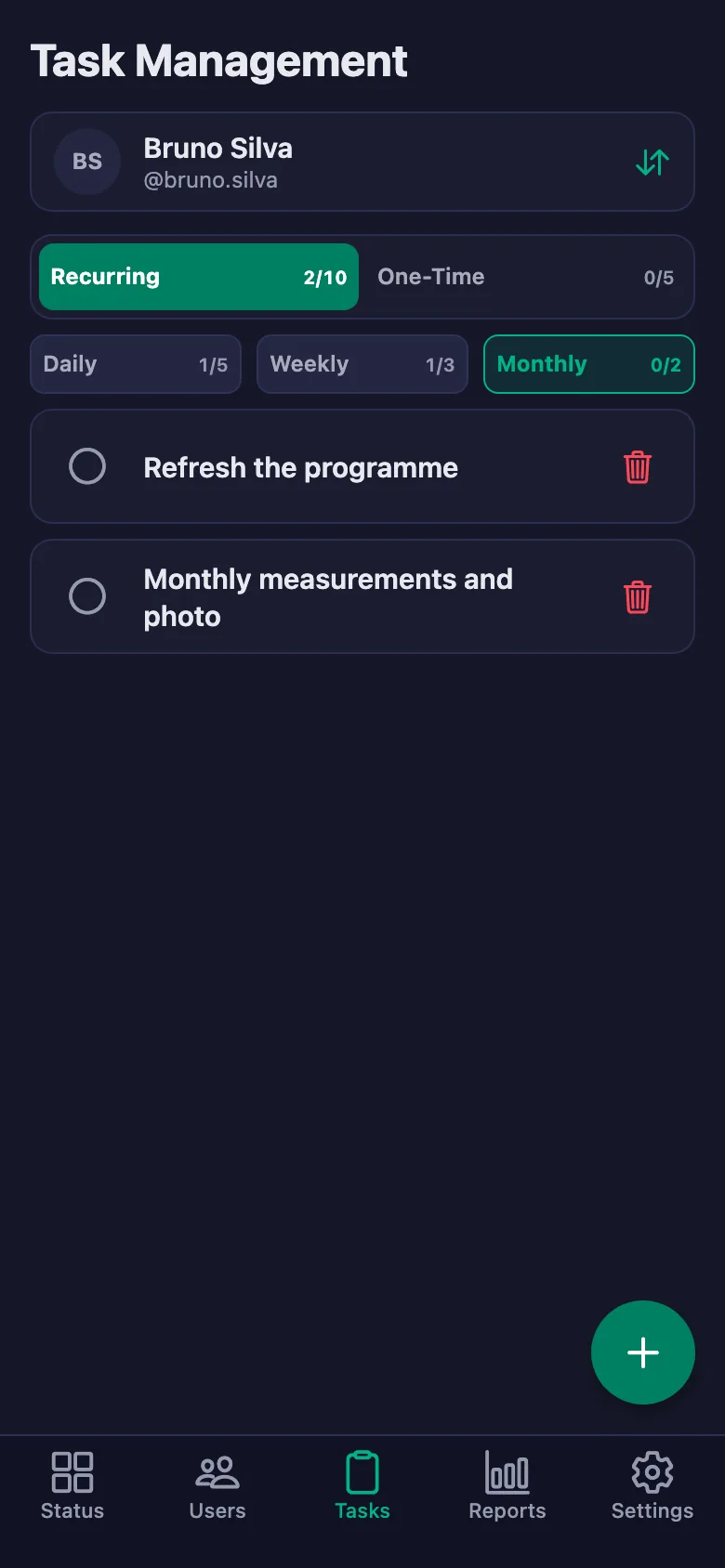
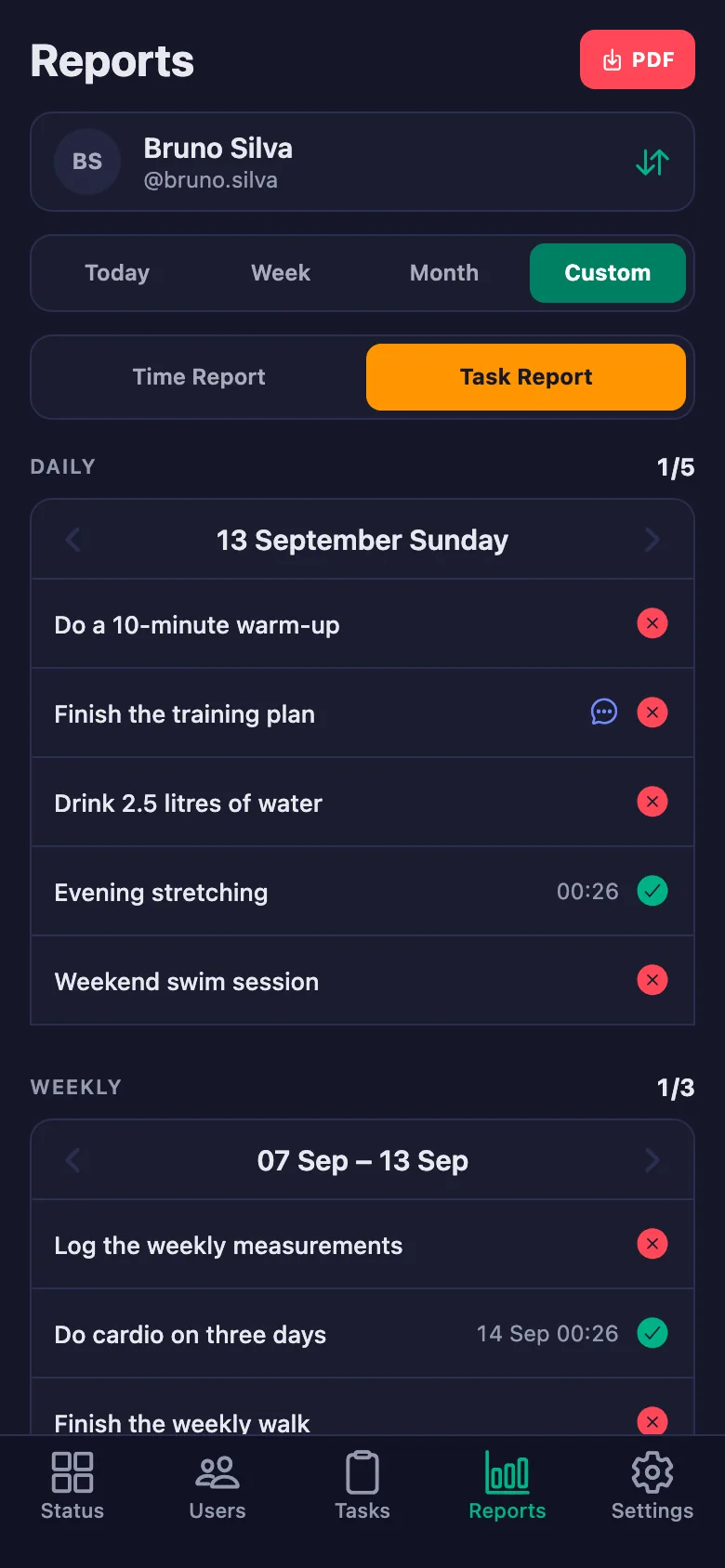
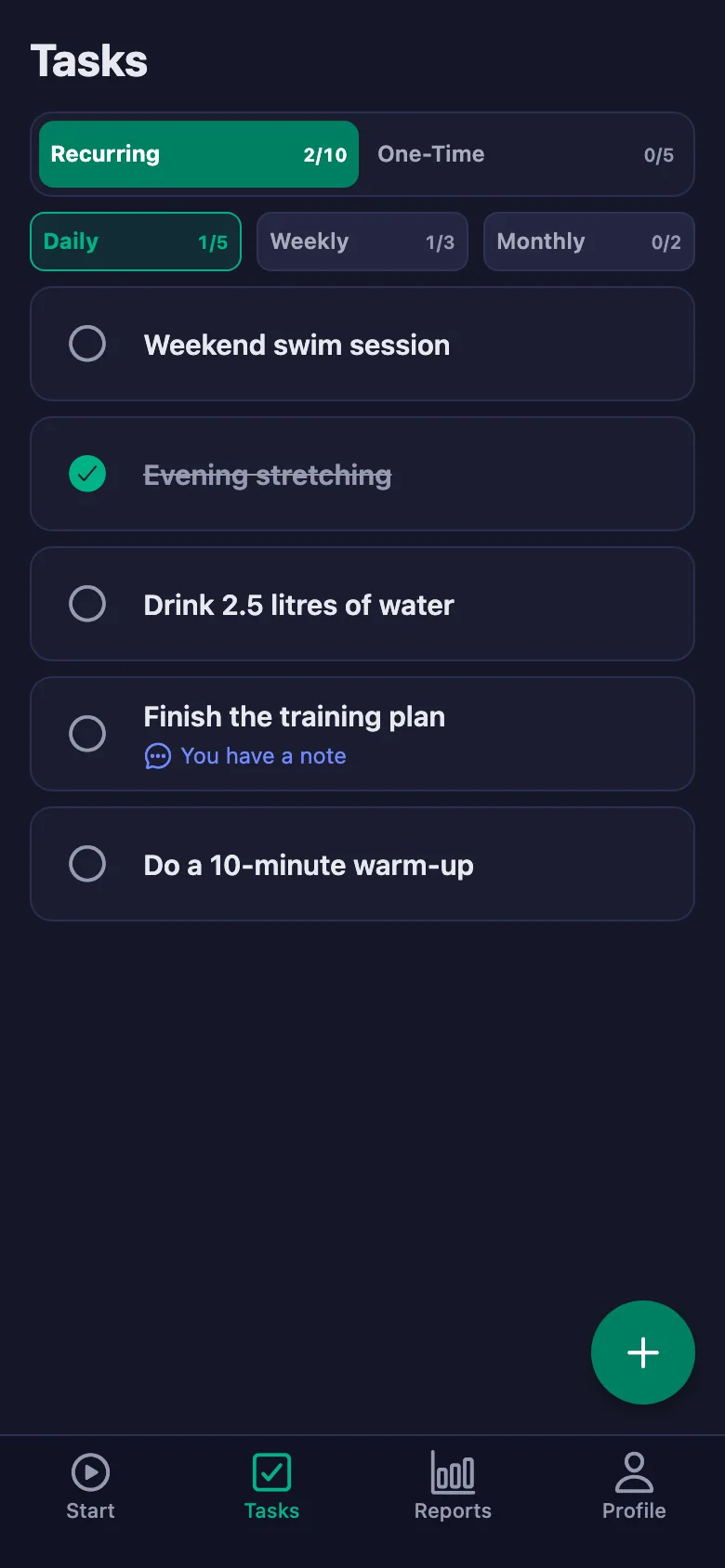
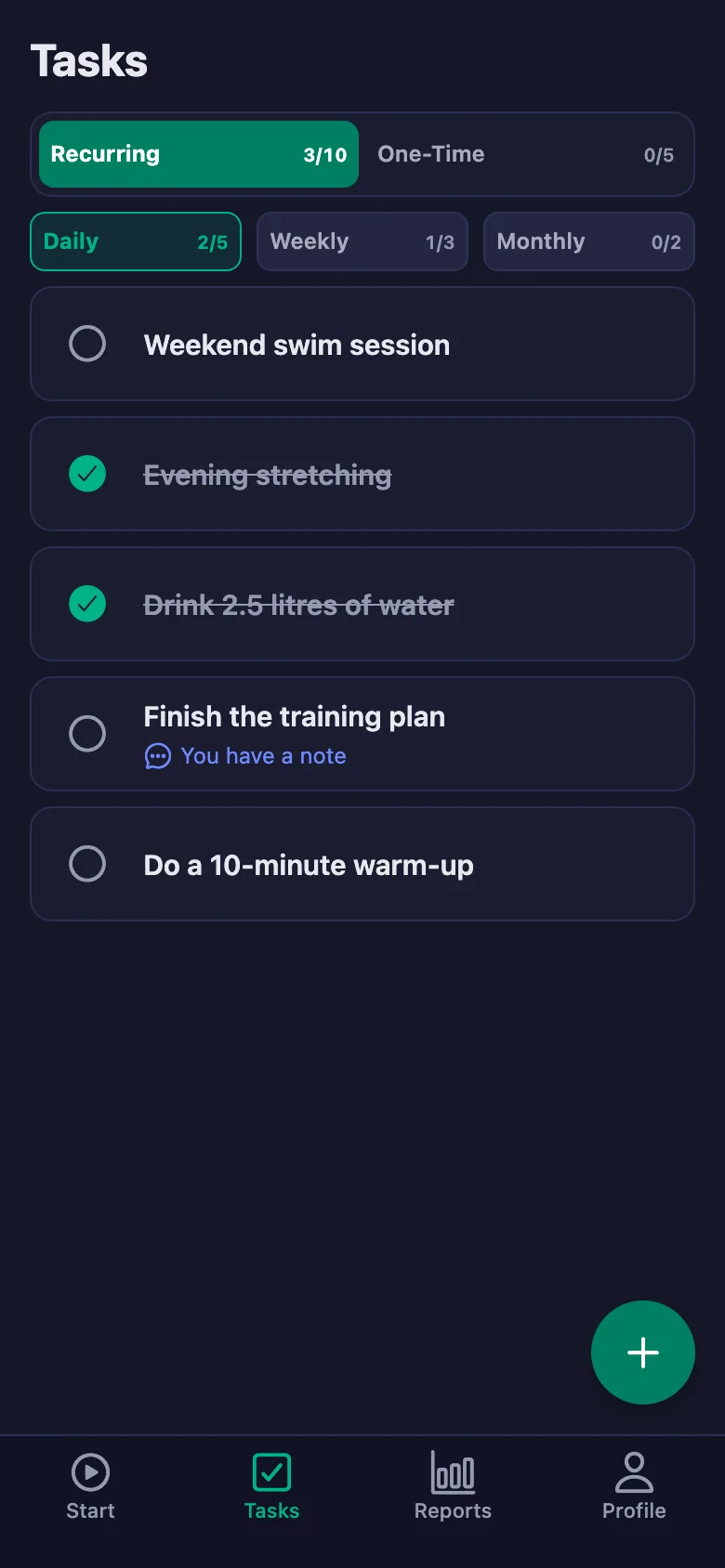
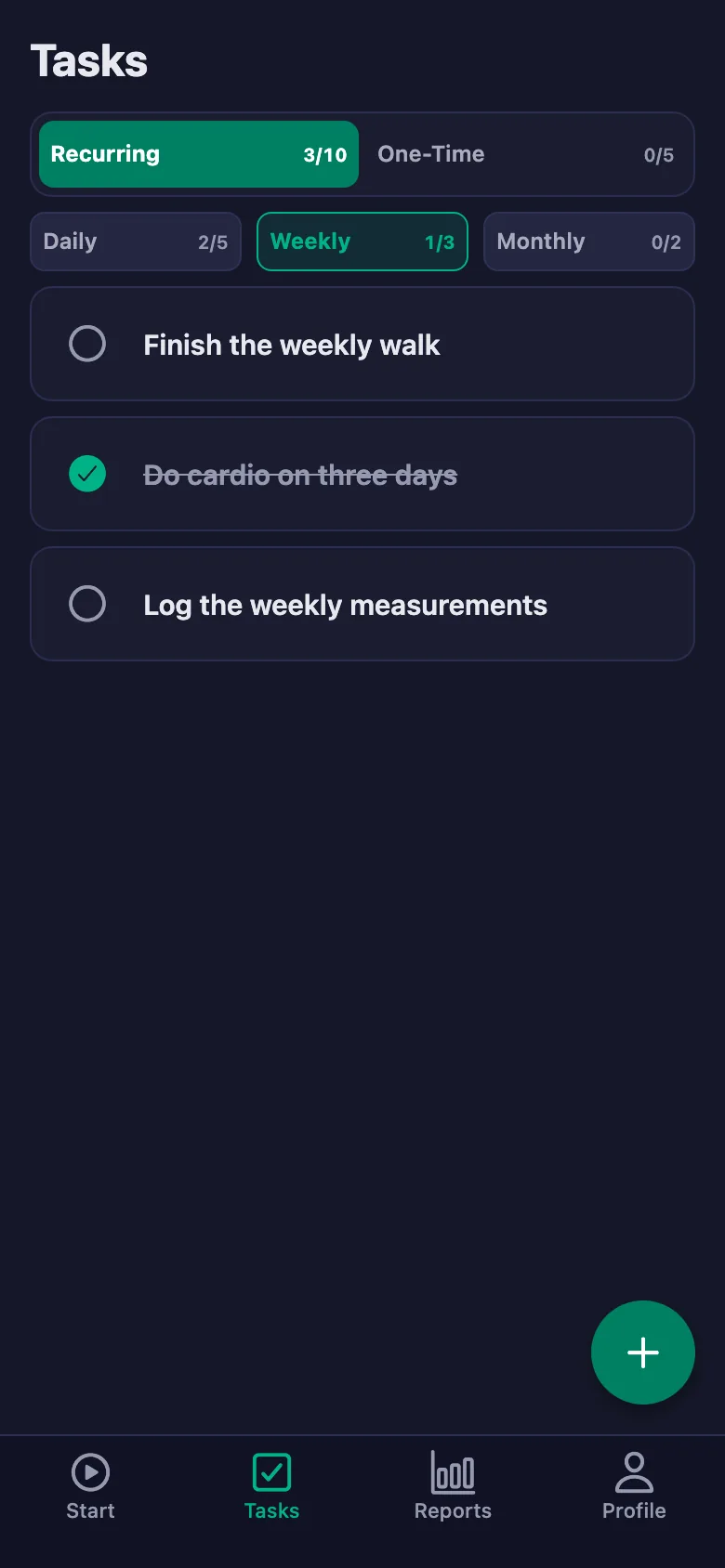
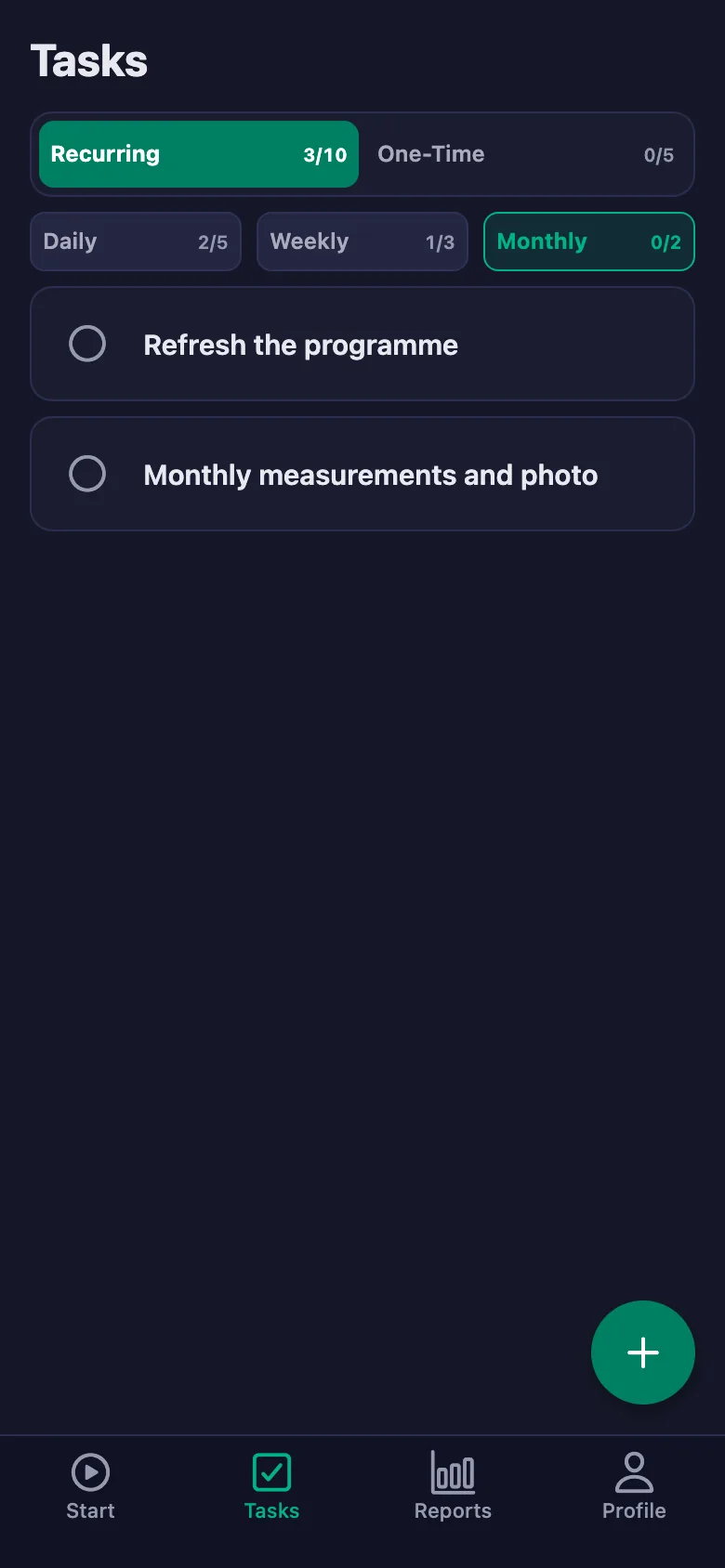
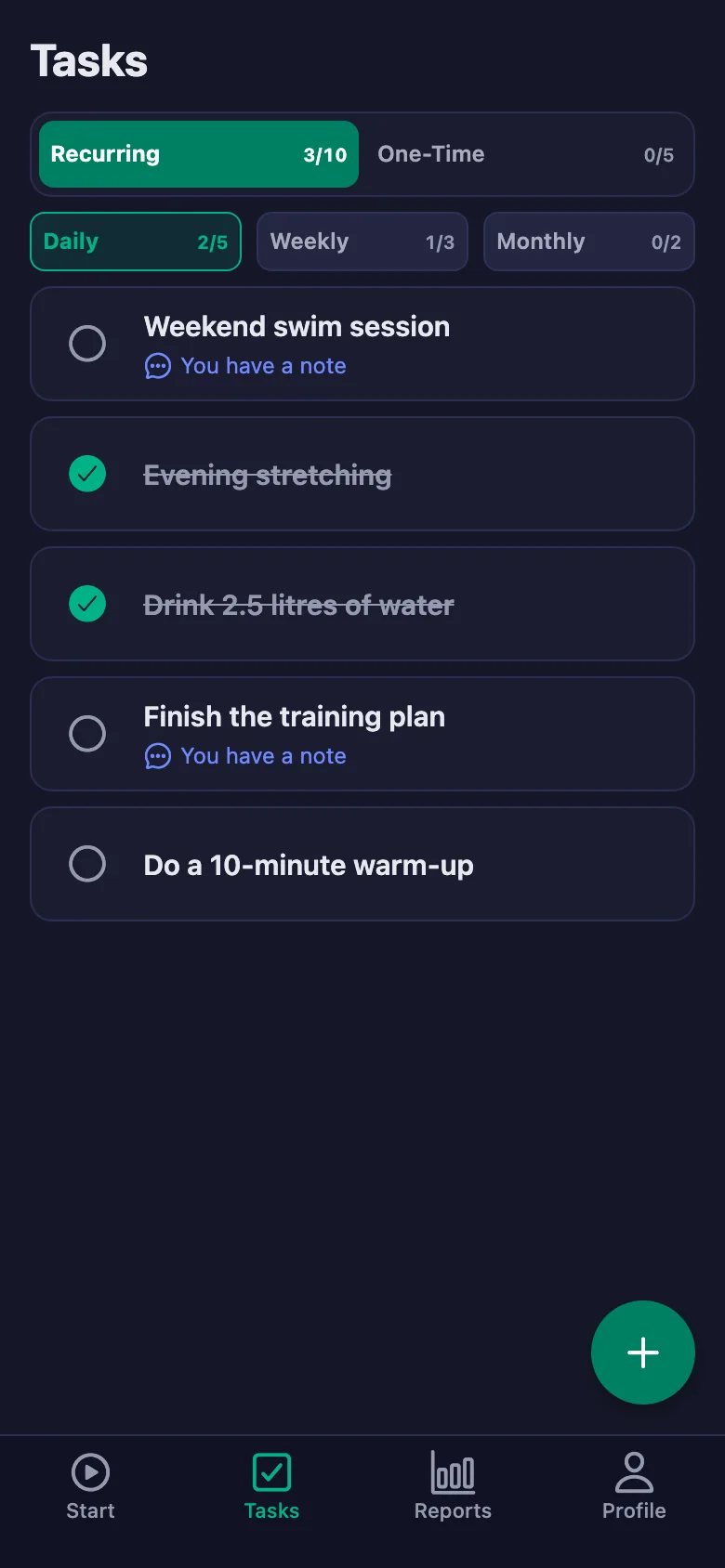
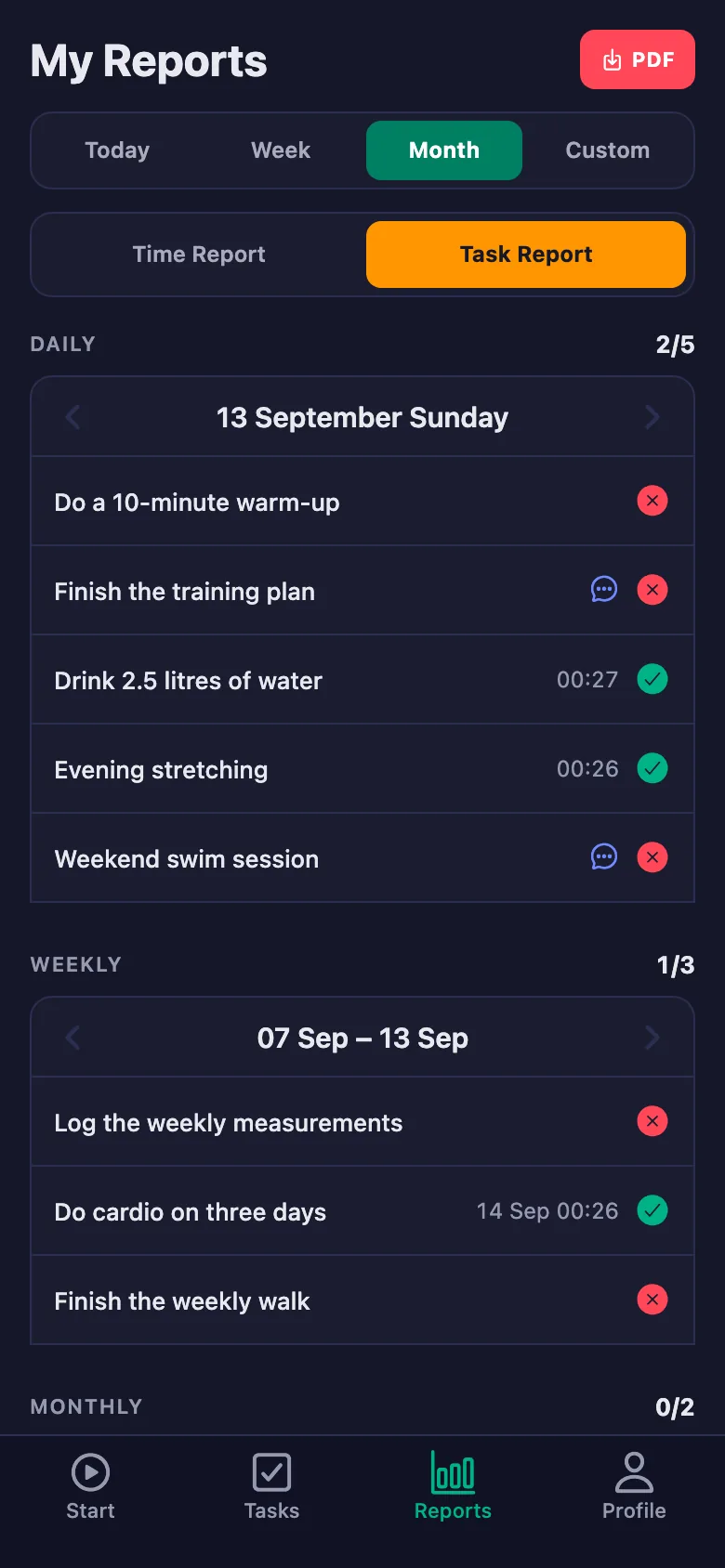
You write the programme once; it sits on your client's phone as daily, weekly and monthly items. Anything they tick shows up for you too.
The session starts with “what did you do this week”, and the answer is usually “I managed”.
Before the session you can see which items were ticked and which were skipped. That is where the conversation starts.
Your client says “it hurt”, but which movement and which set stays unknown until the next session.
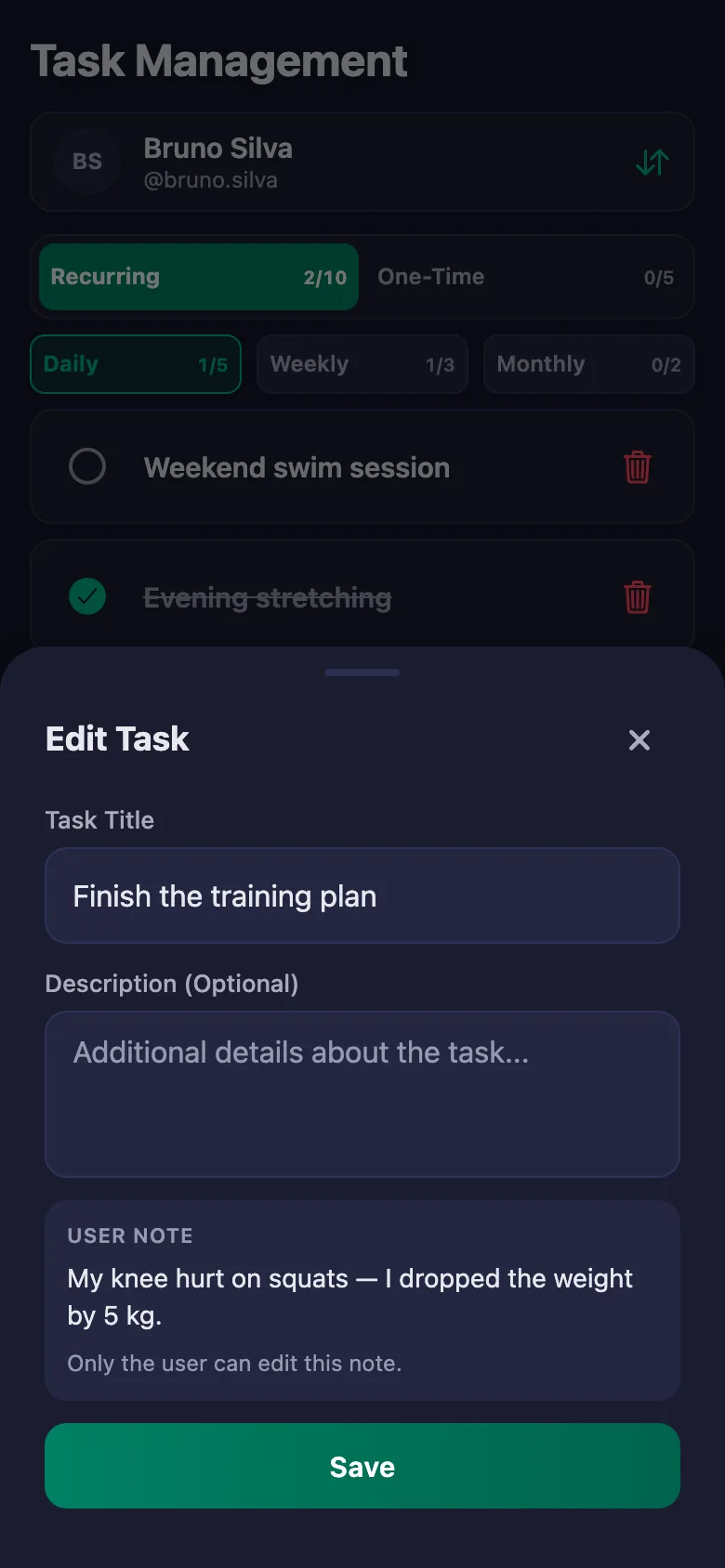
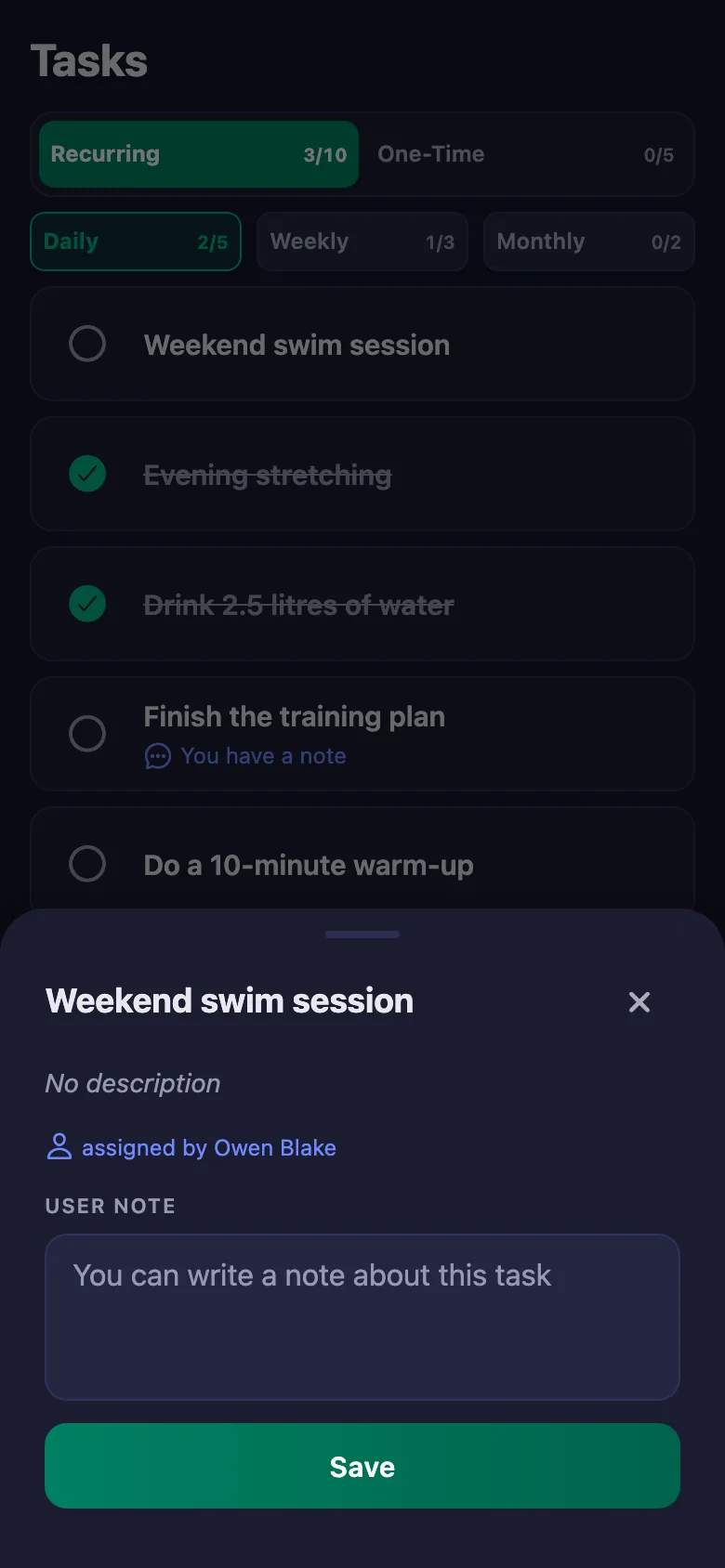
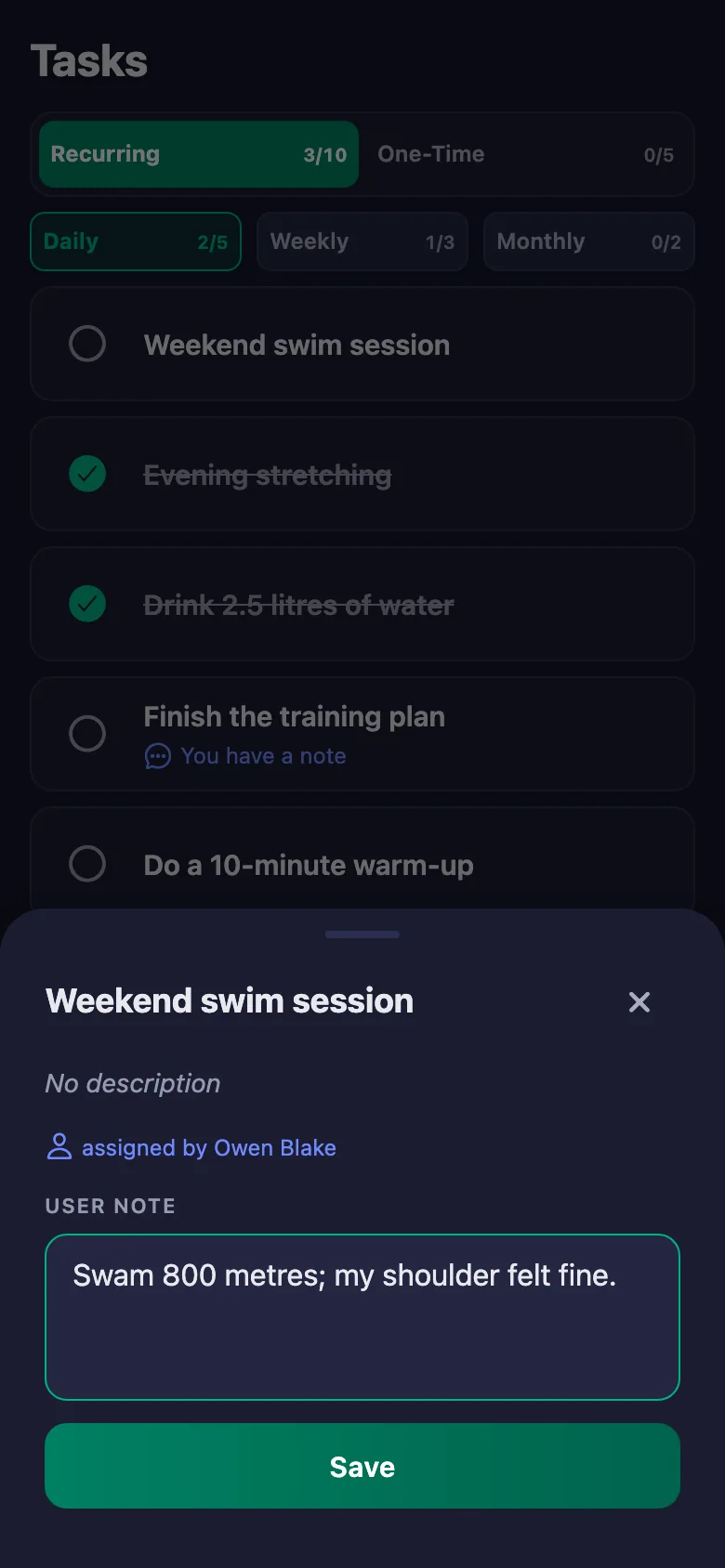
Your client writes a note under the item: which movement, what happened, whether they dropped the weight. The note sits on your screen and only they can change it.
“I trained three days this week” — but the time and the number of days come down to what they say.
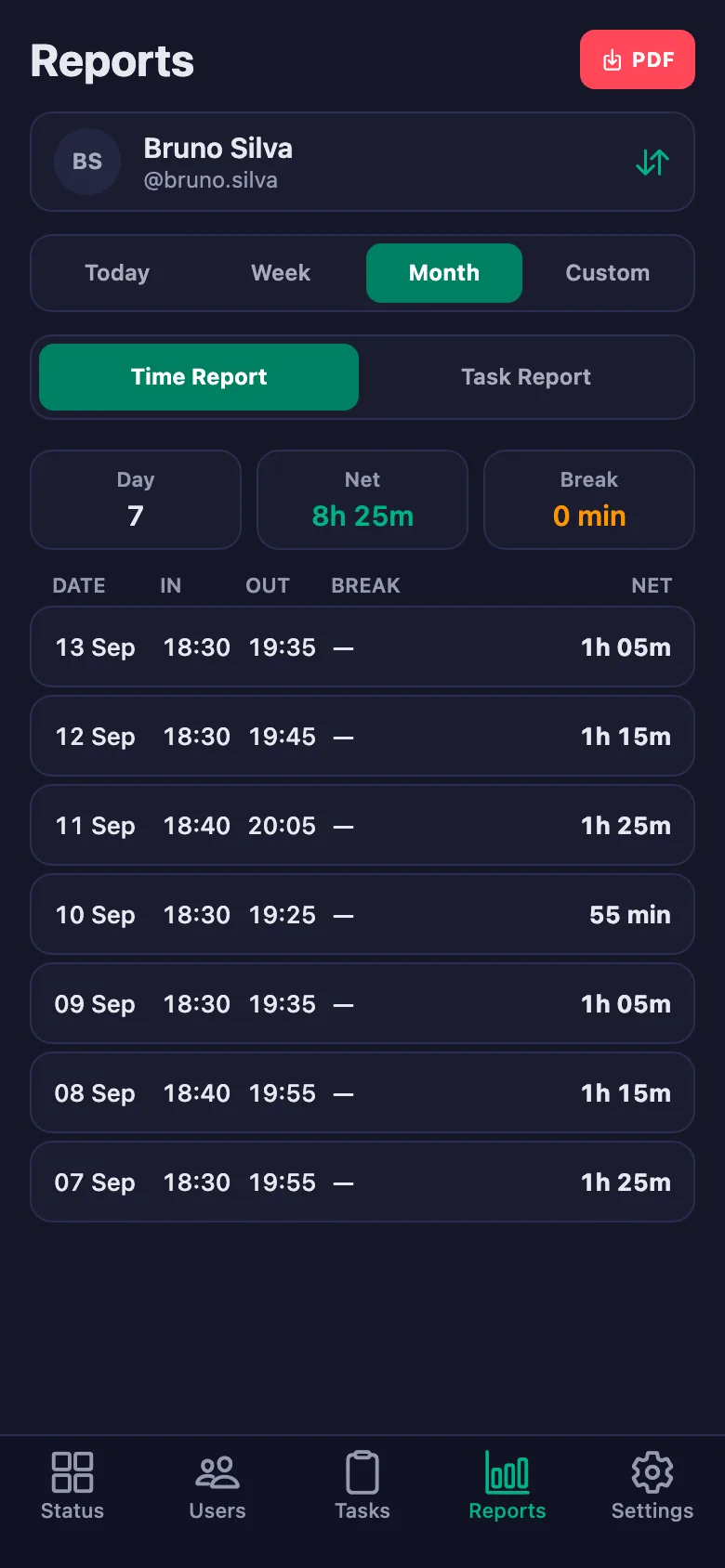
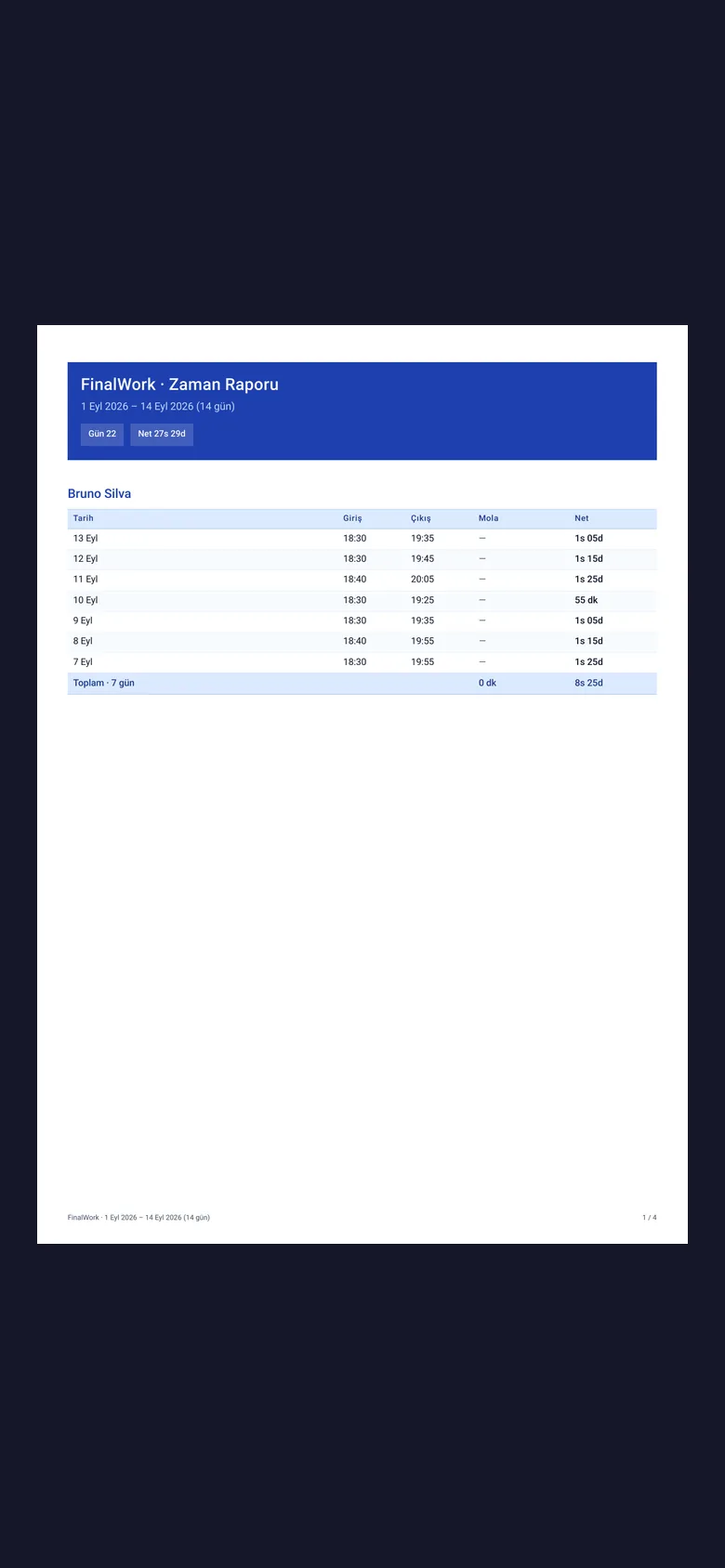
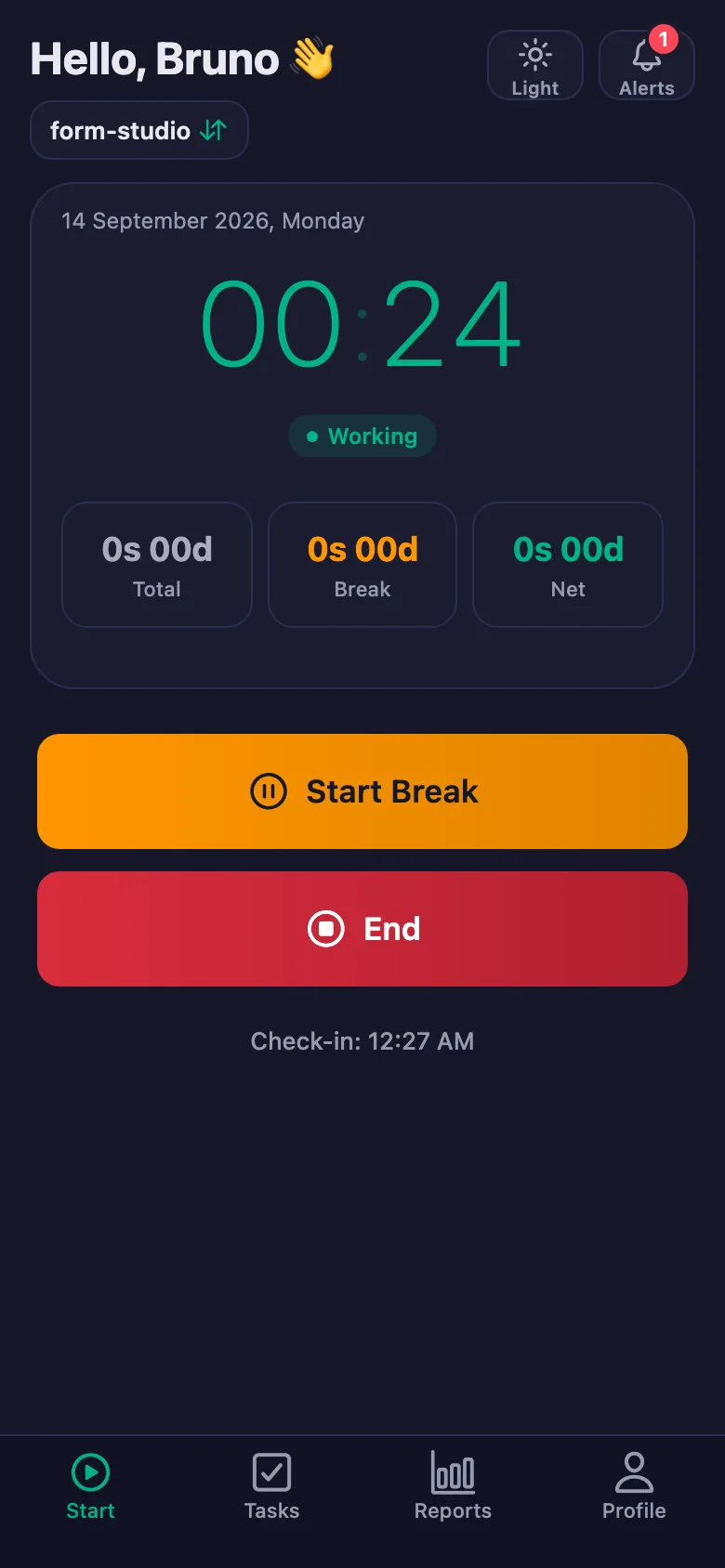
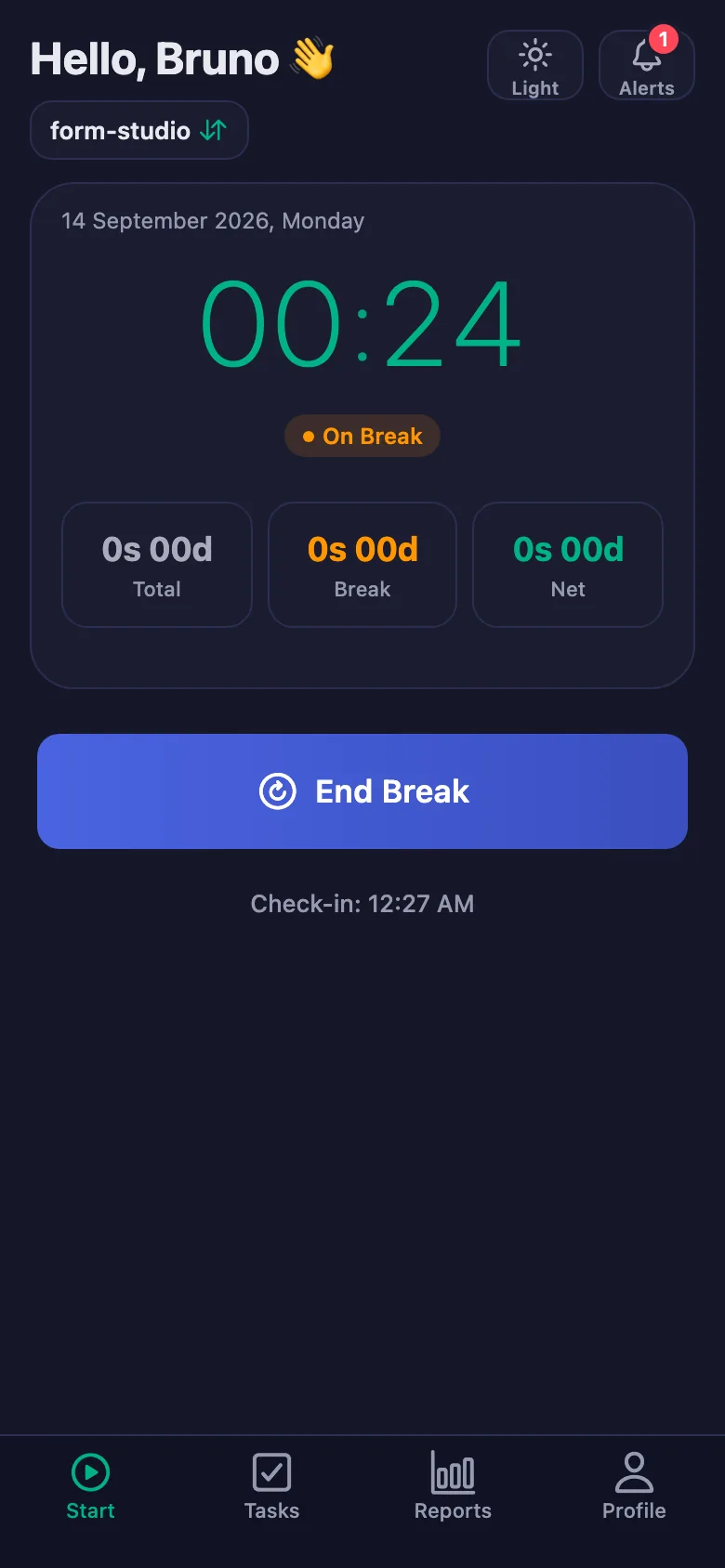
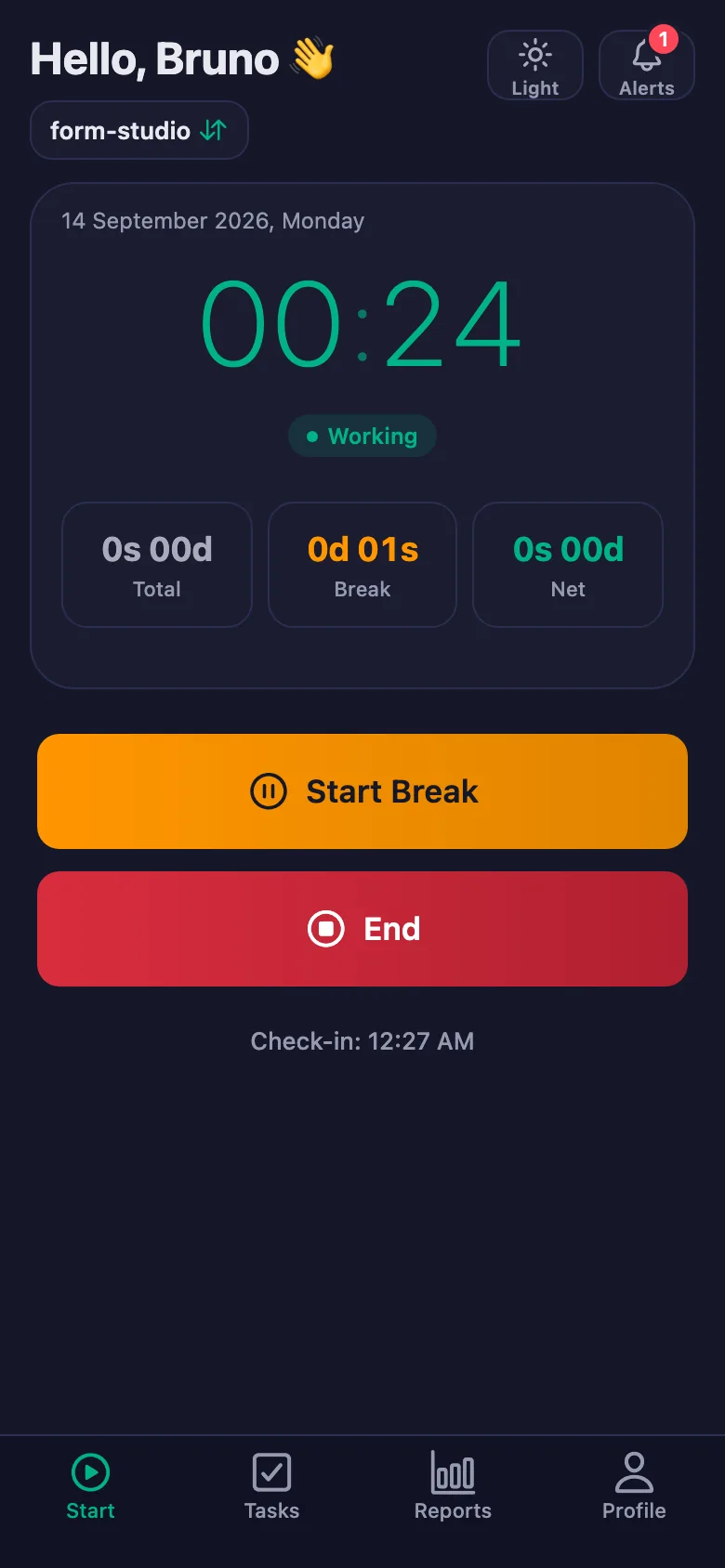
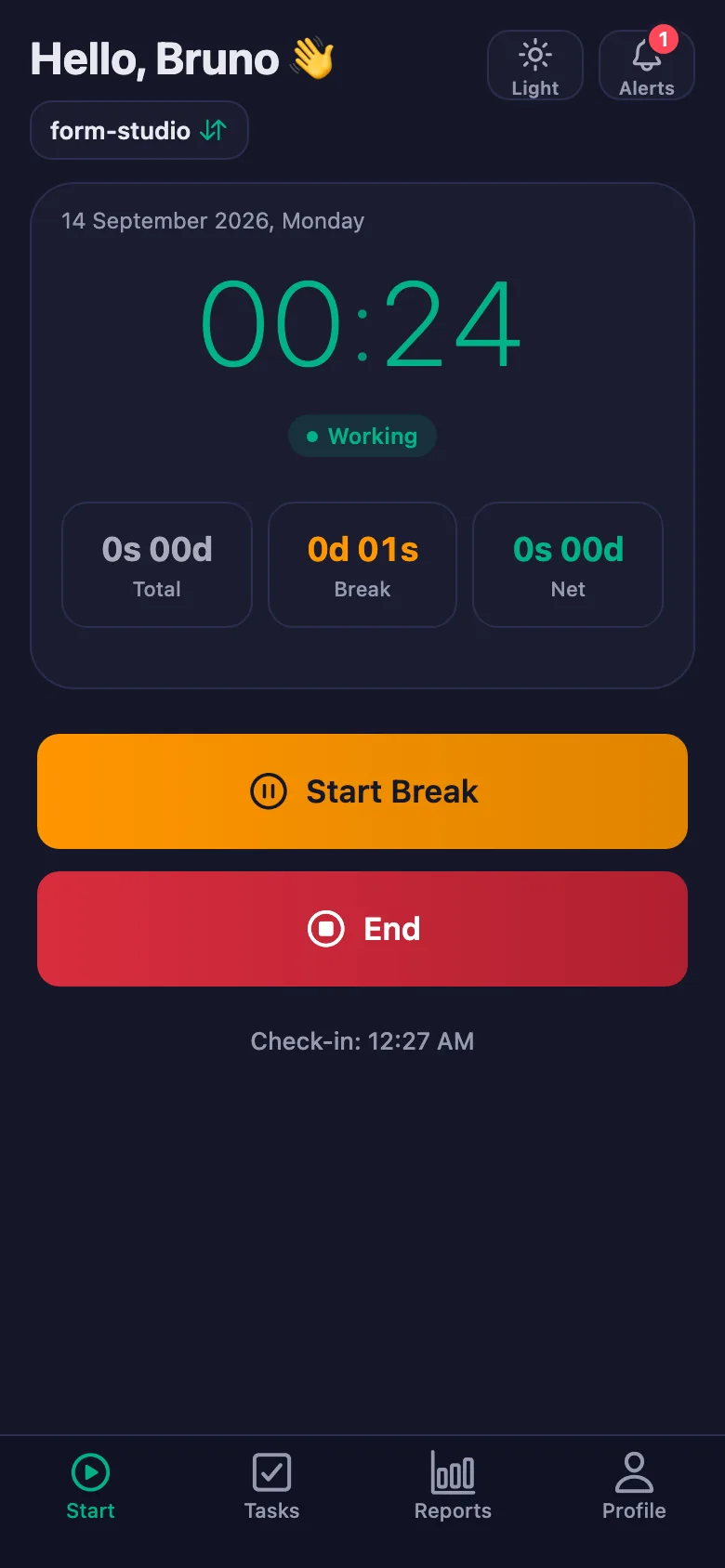
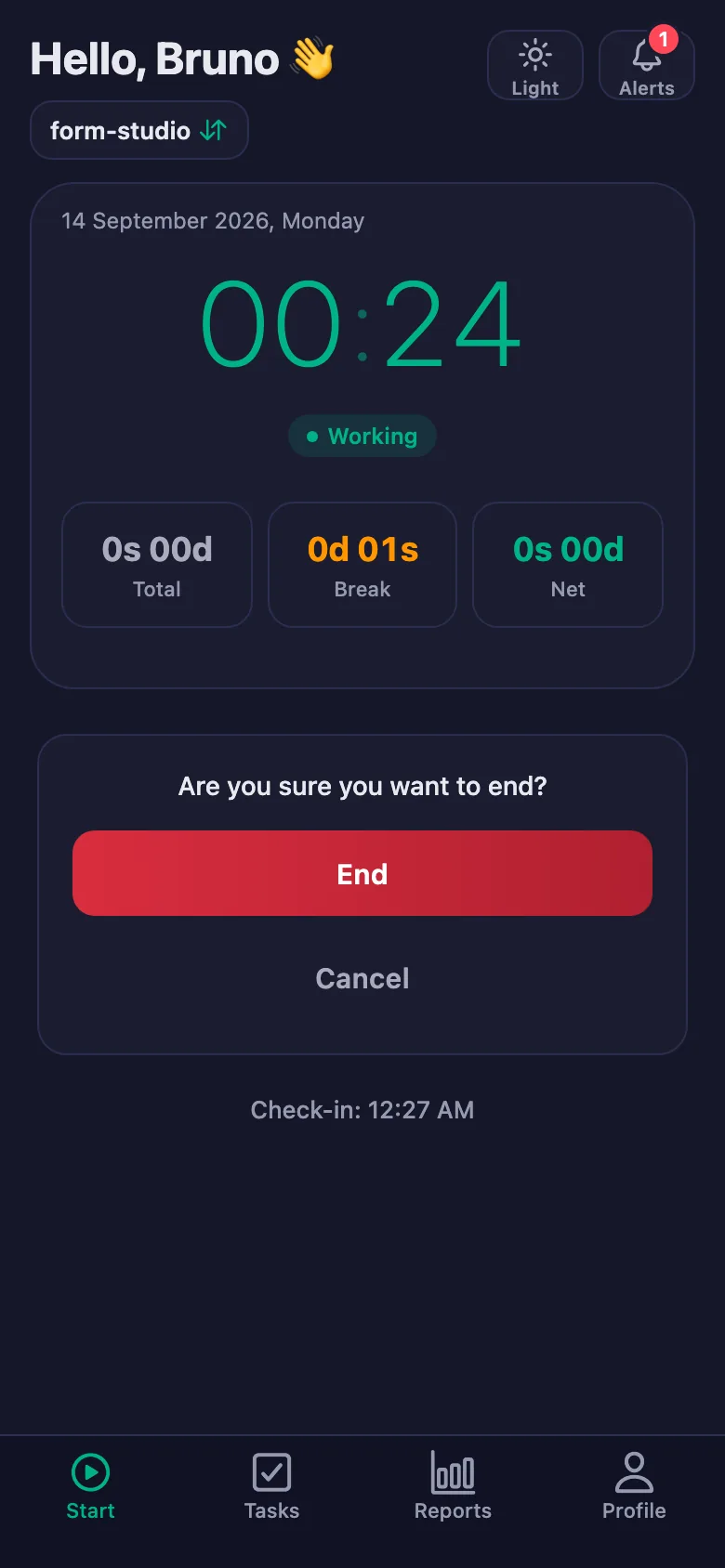
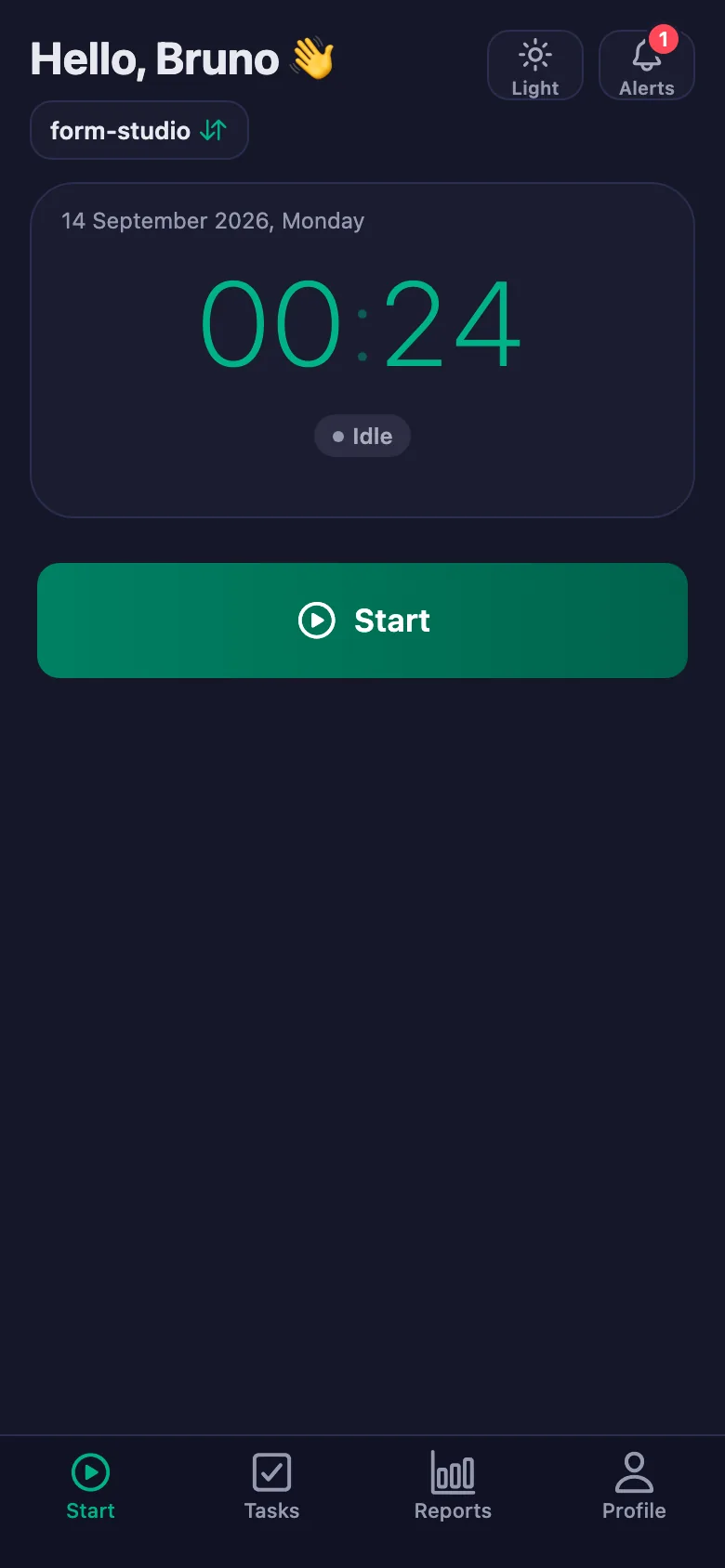
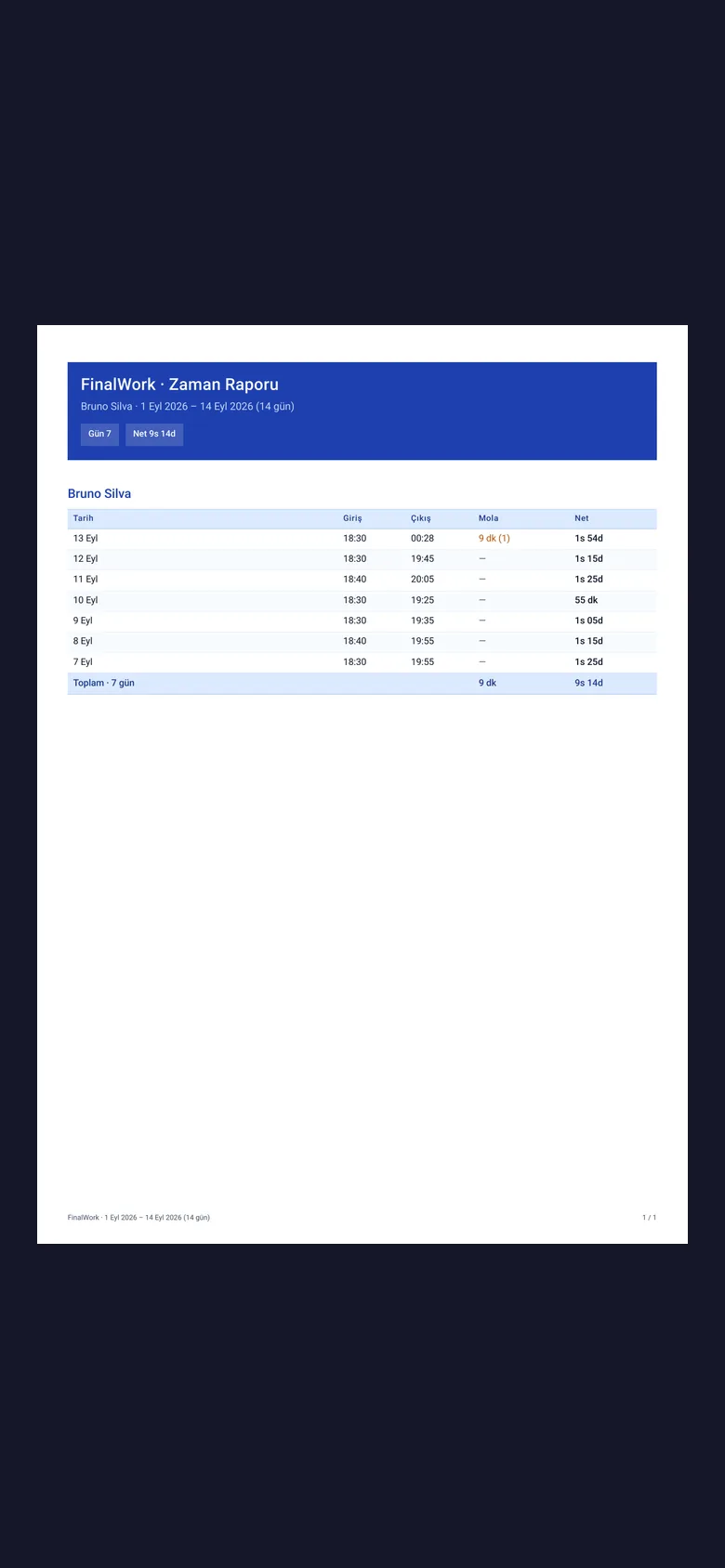
Your client starts the timer when training begins and stops it at the end. Long rests between sets can be marked as a break and taken off the net time.
Small items like water, stretching and walking get forgotten, and reminding means messaging one by one.
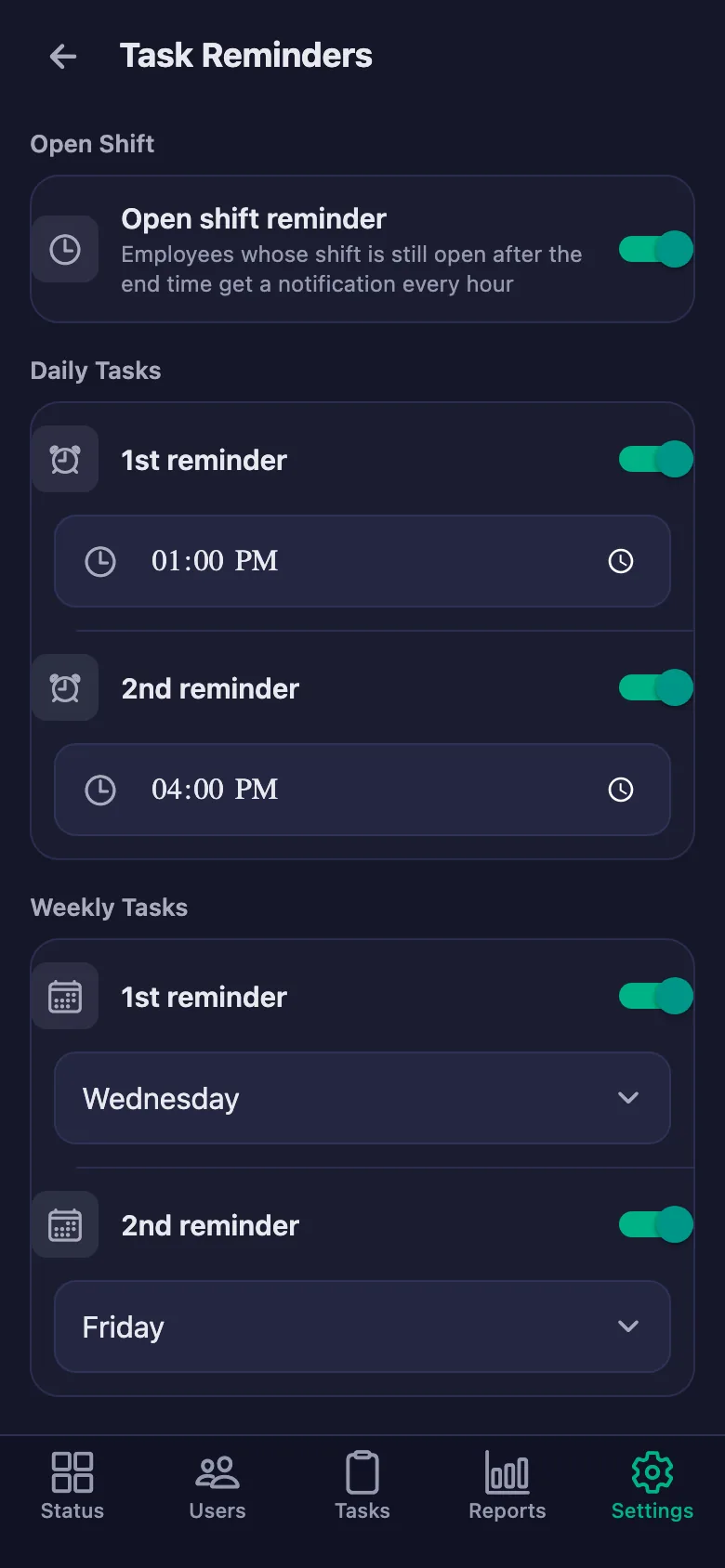
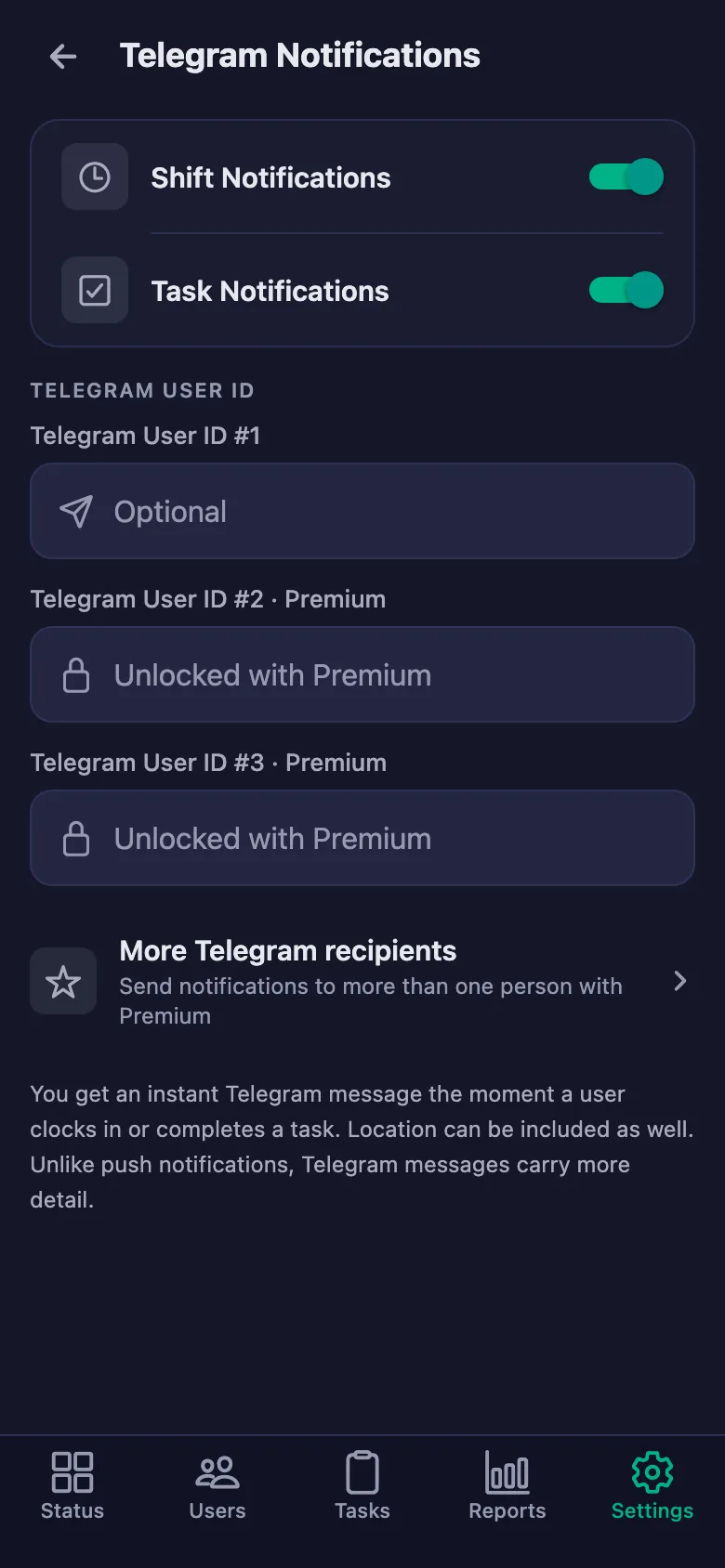
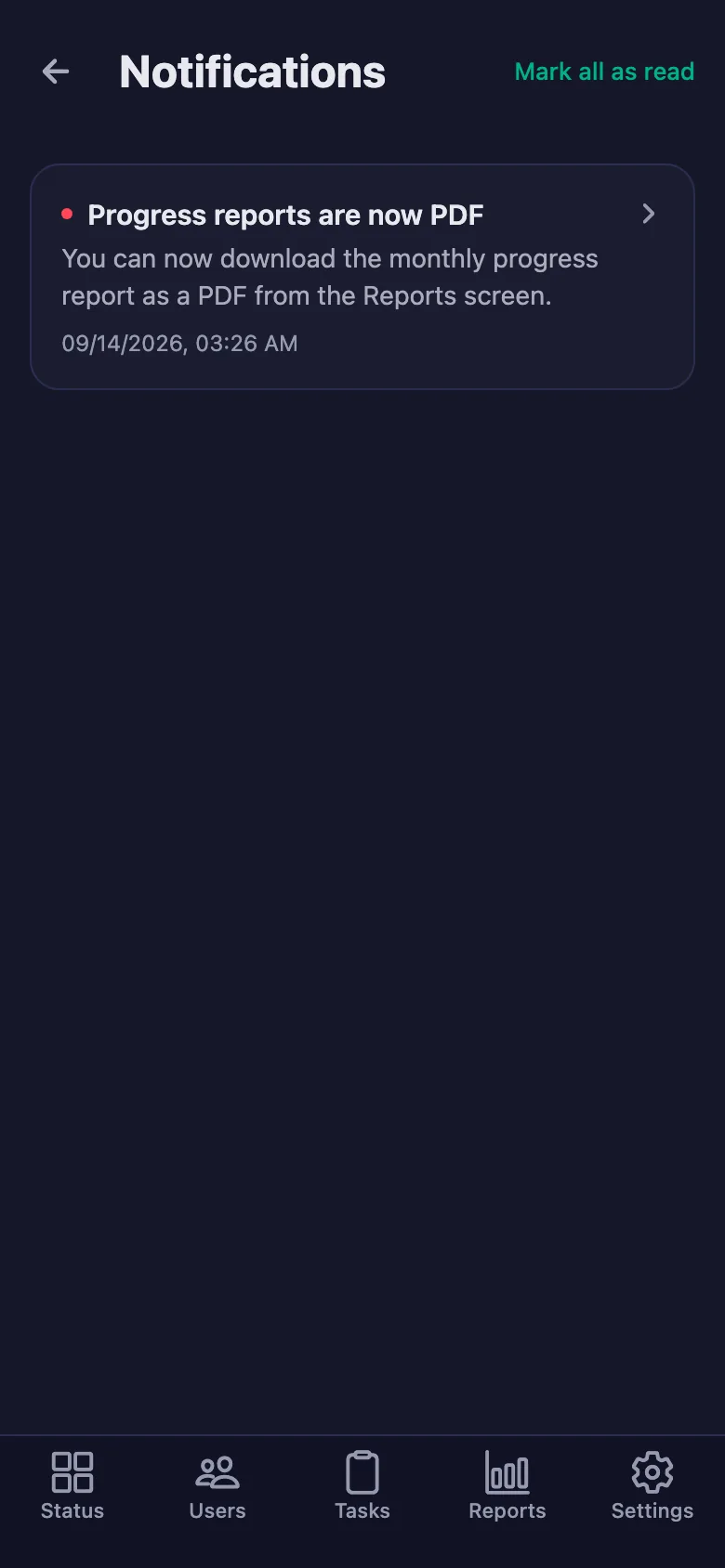
You set the reminder times. If an item is still undone at that hour, a notification lands on your client's phone.
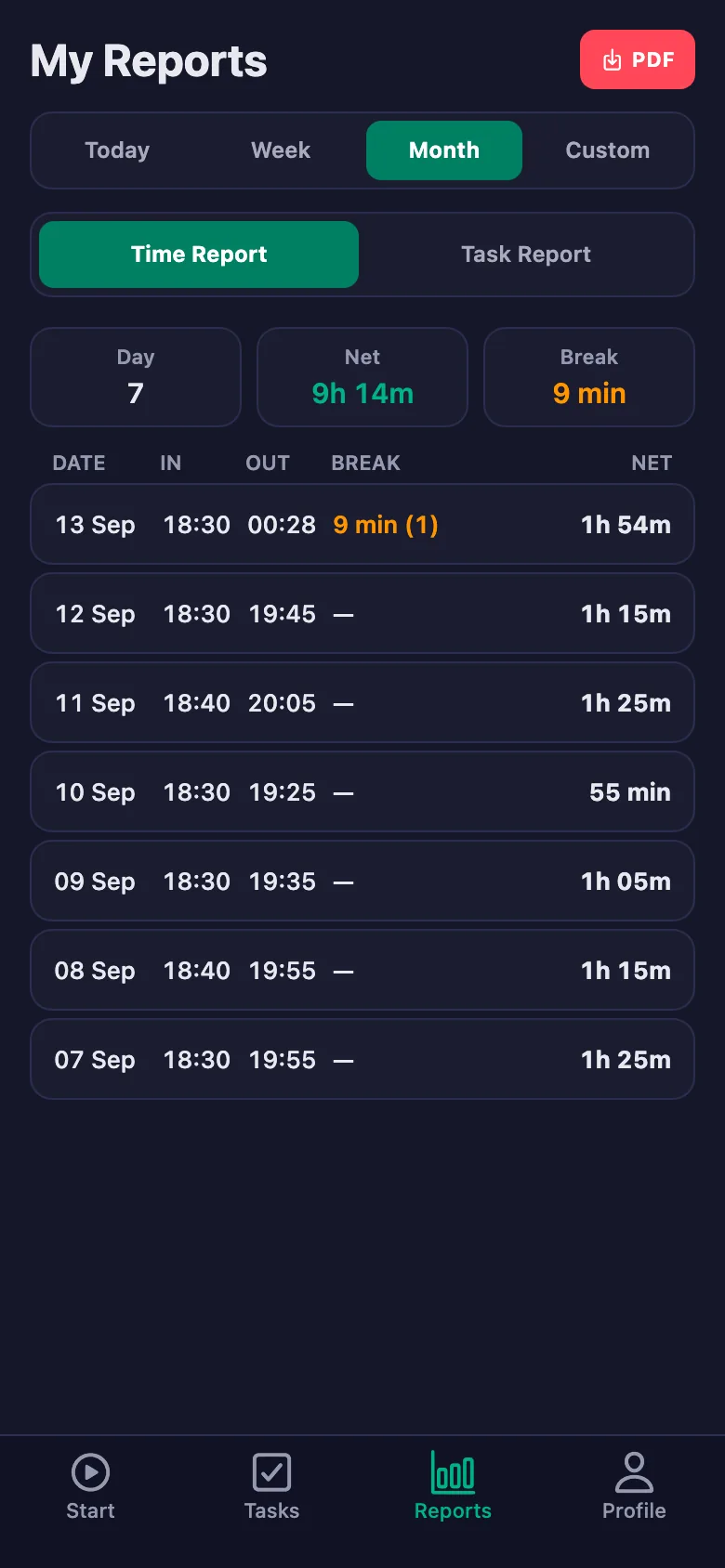
You want to show your client how far they have come, but there is no single record — and motivation drops with it.
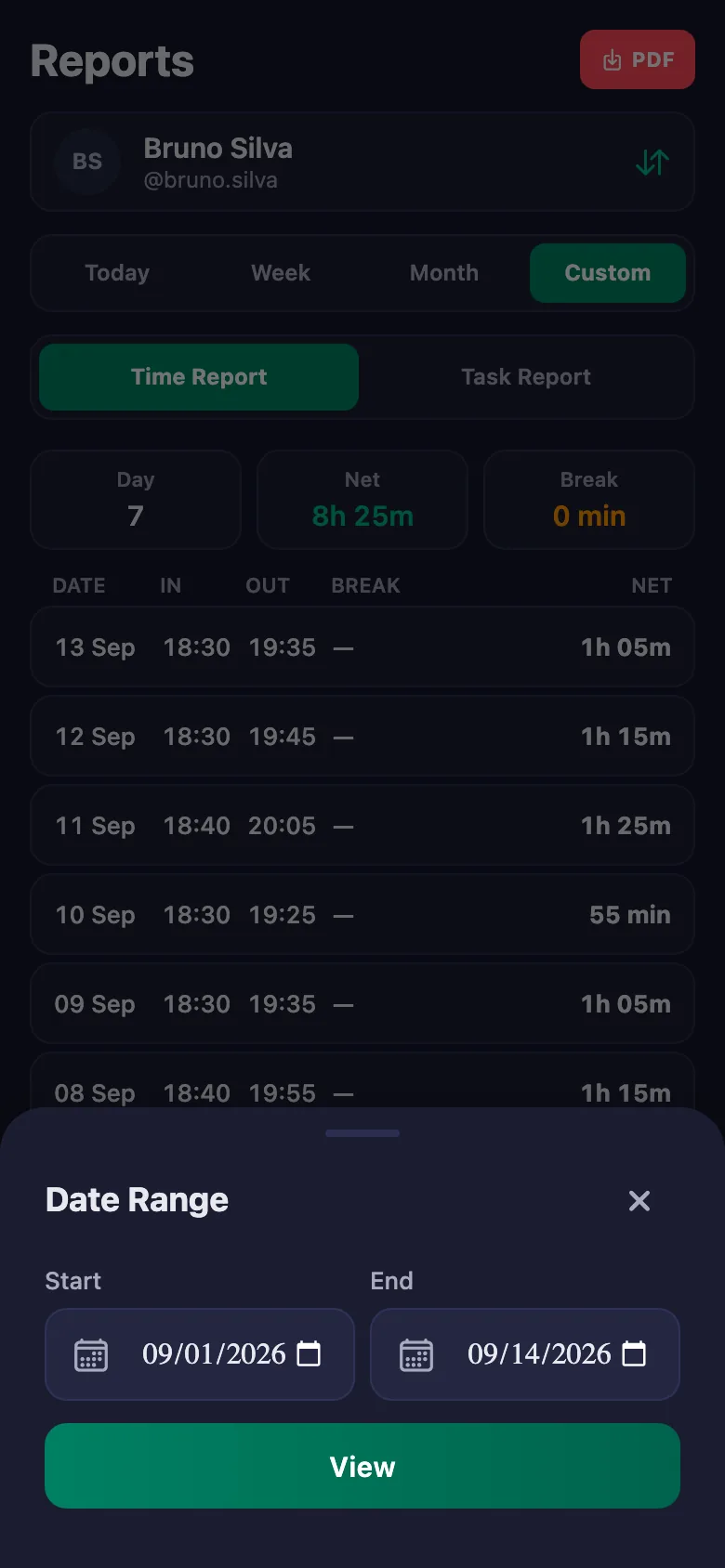
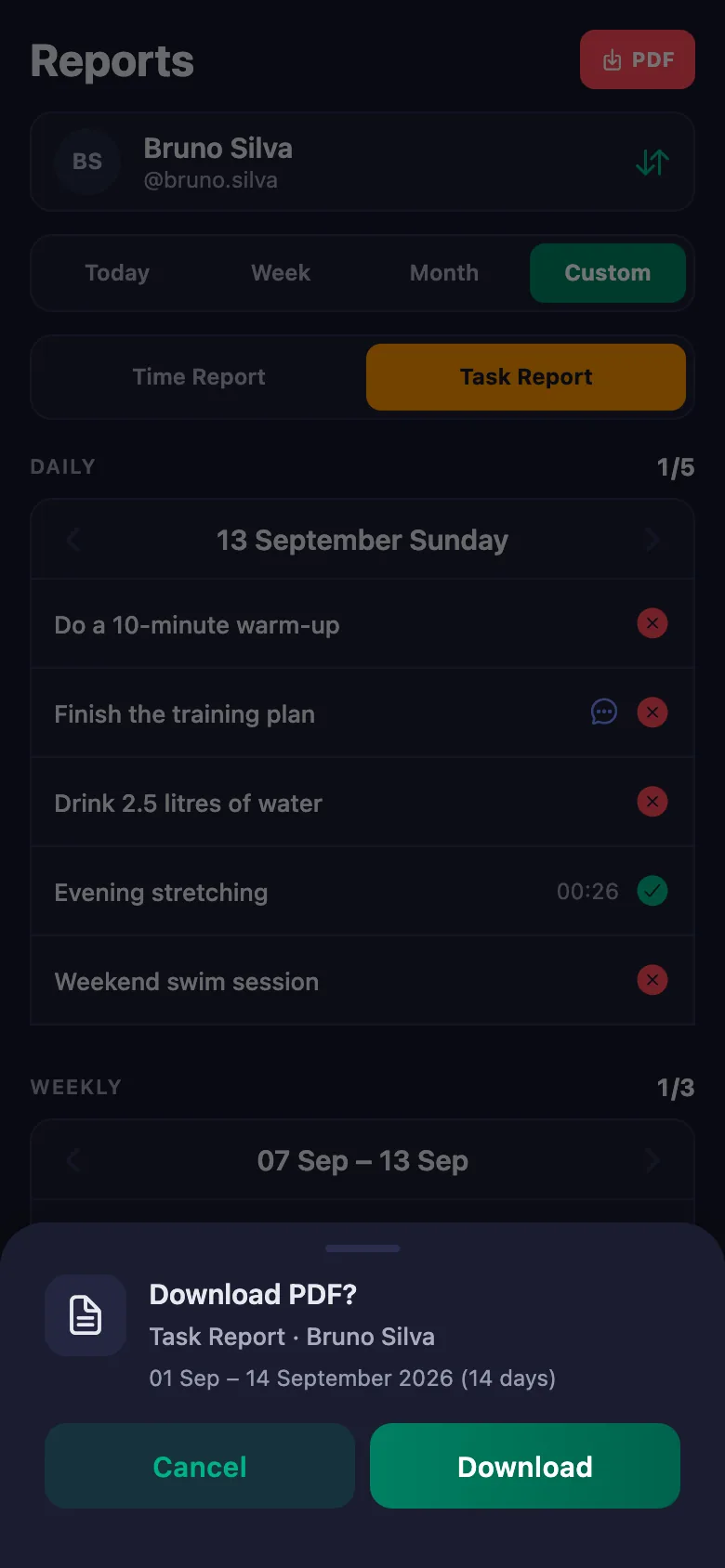
You pick a date range and the report appears on screen. You download the same report as a PDF and share it with your client.
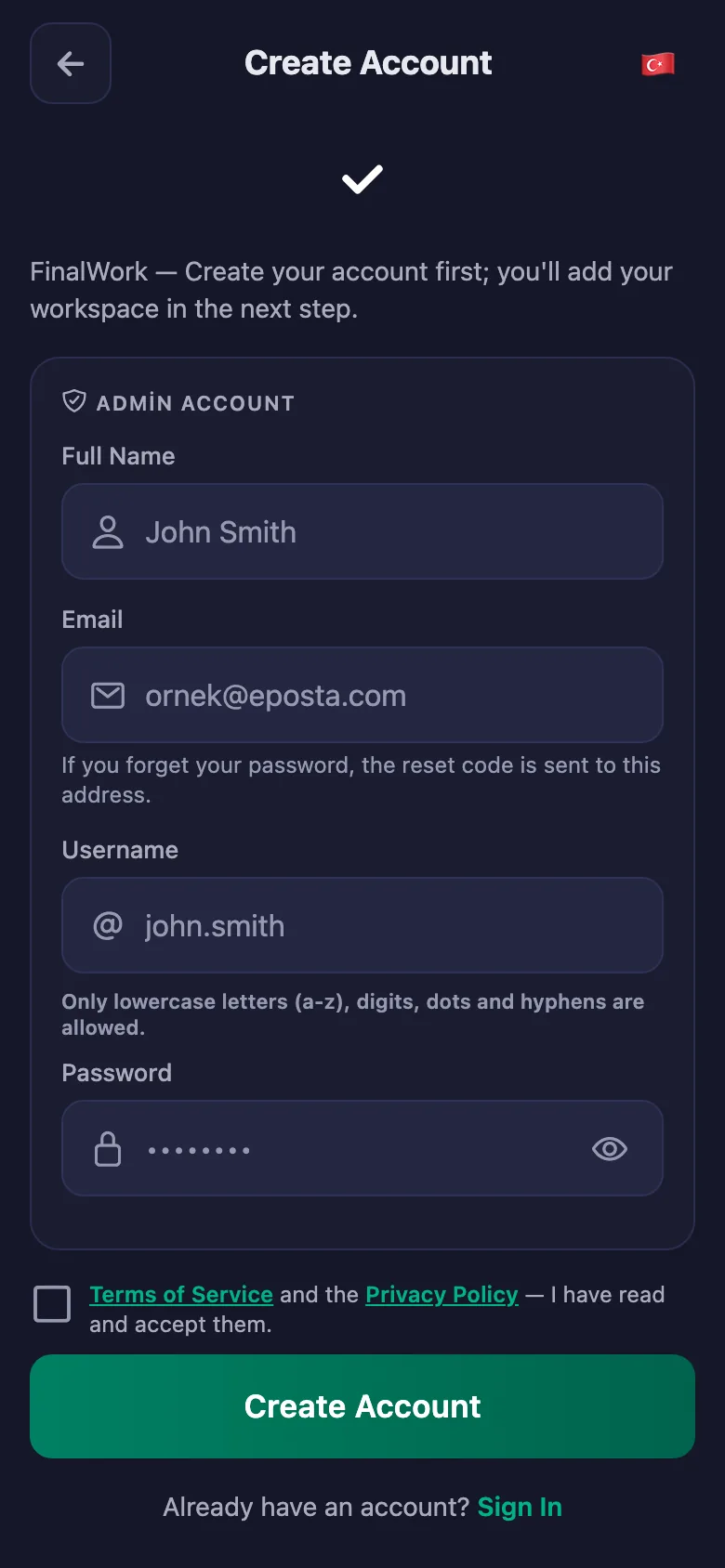
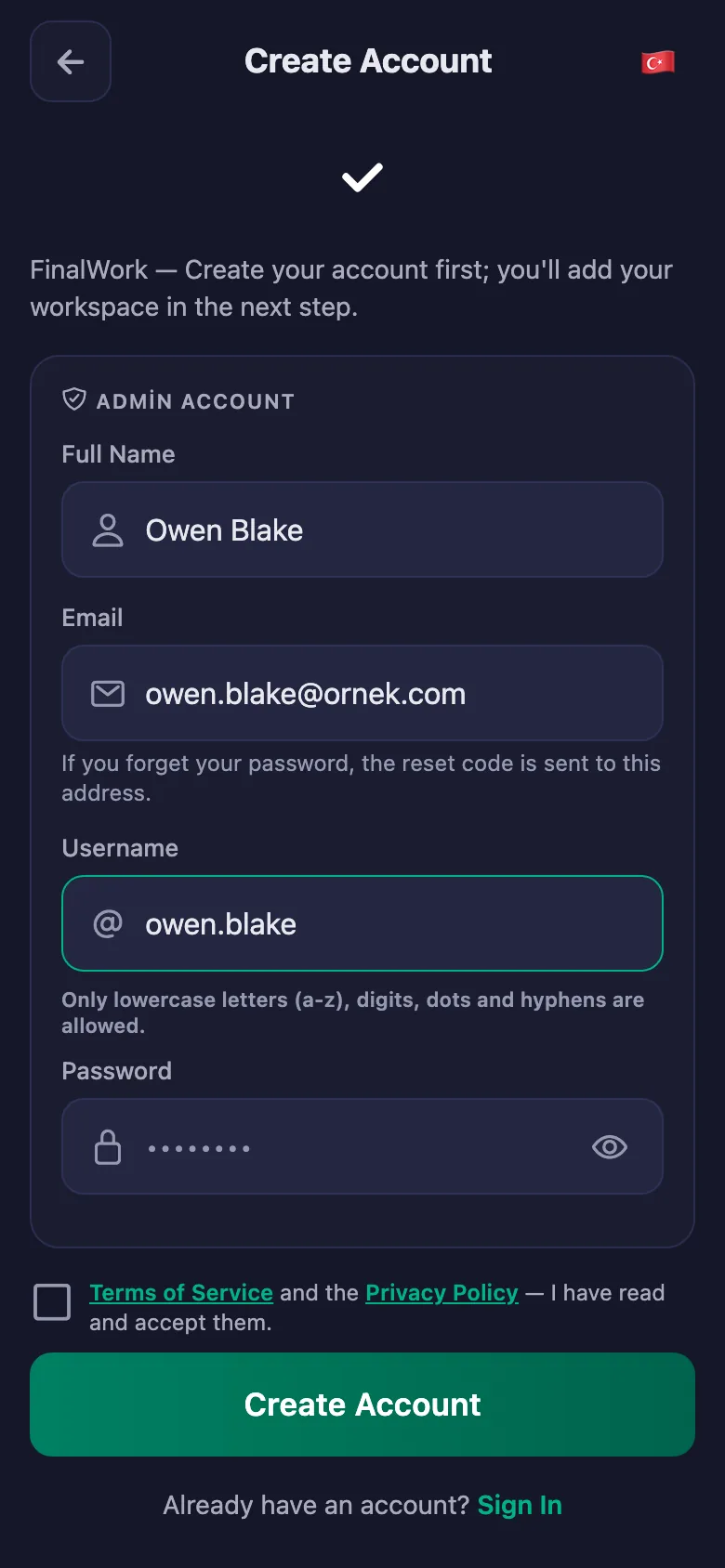
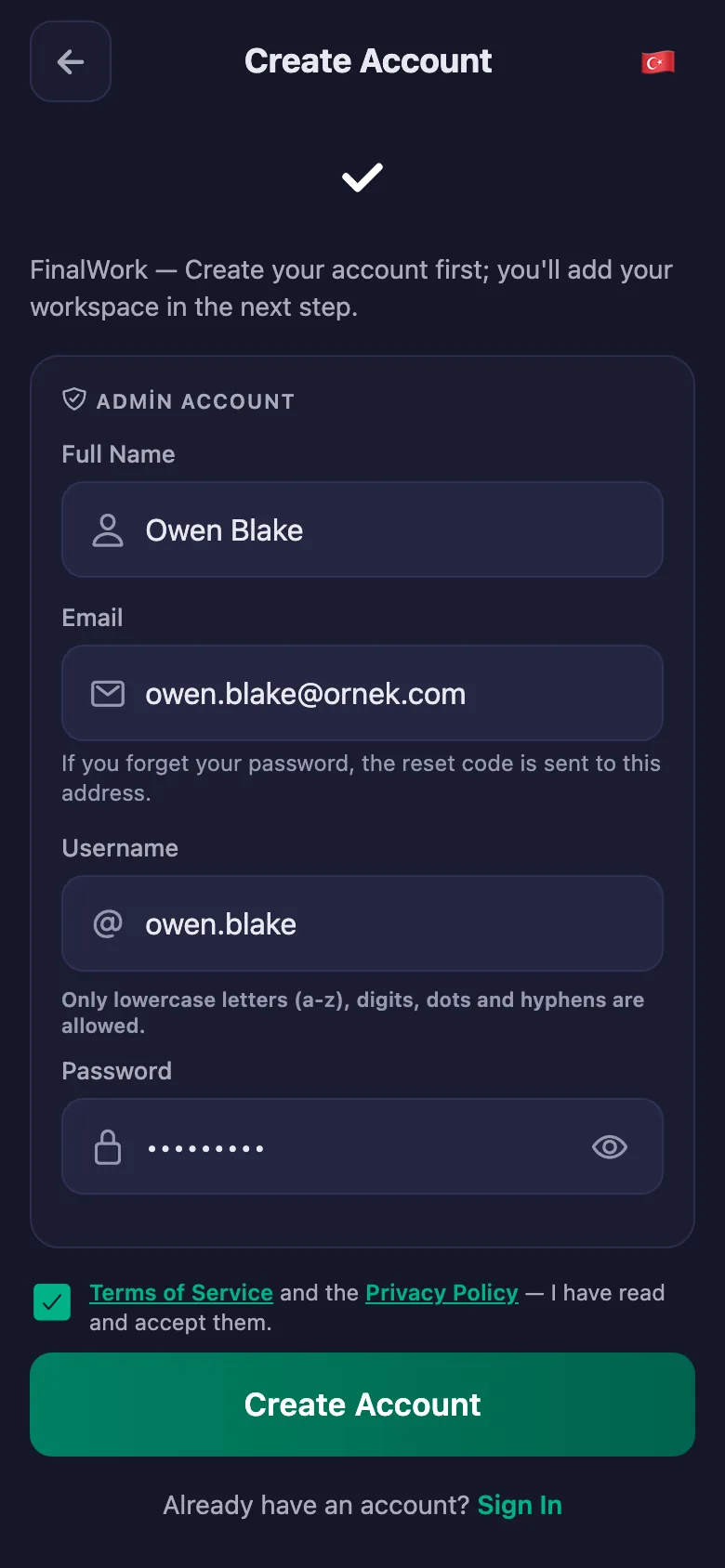
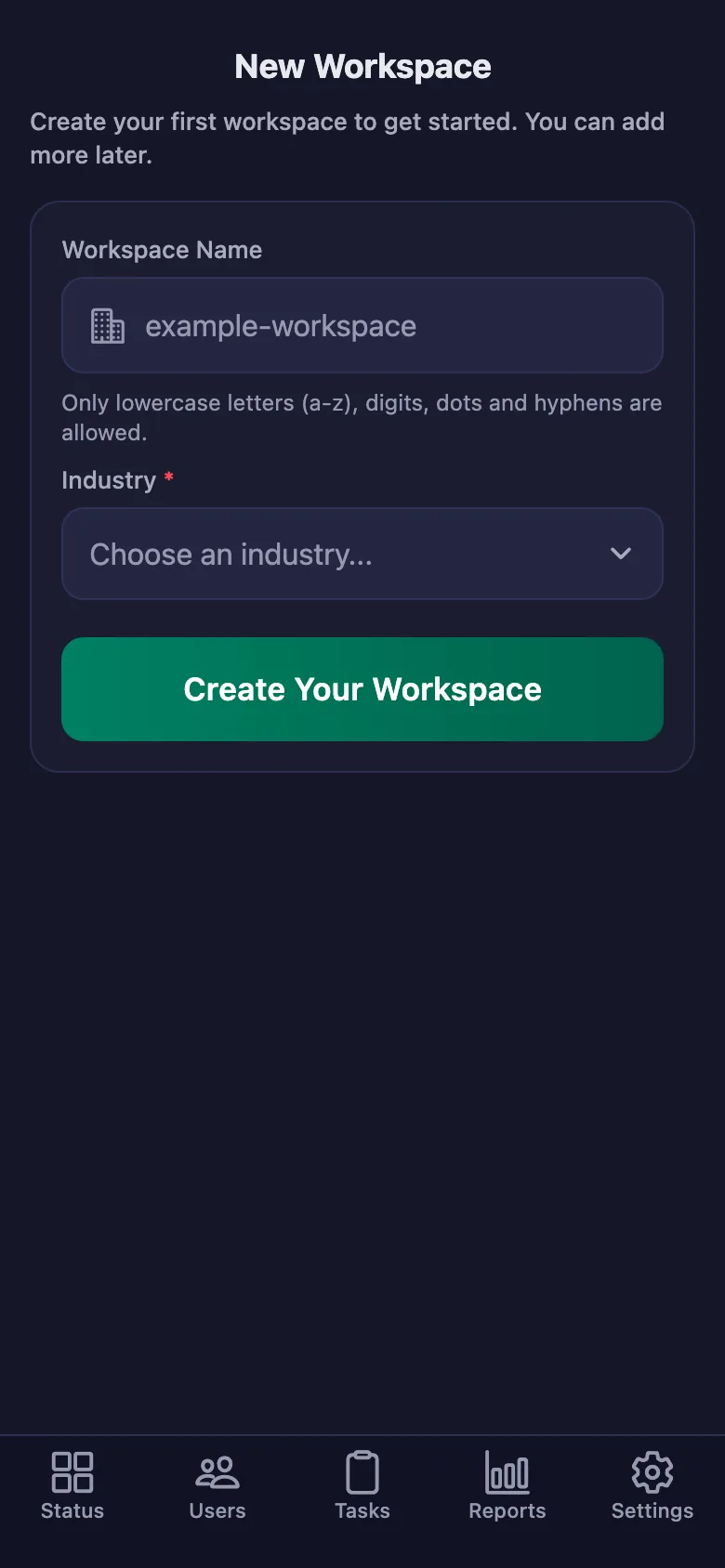
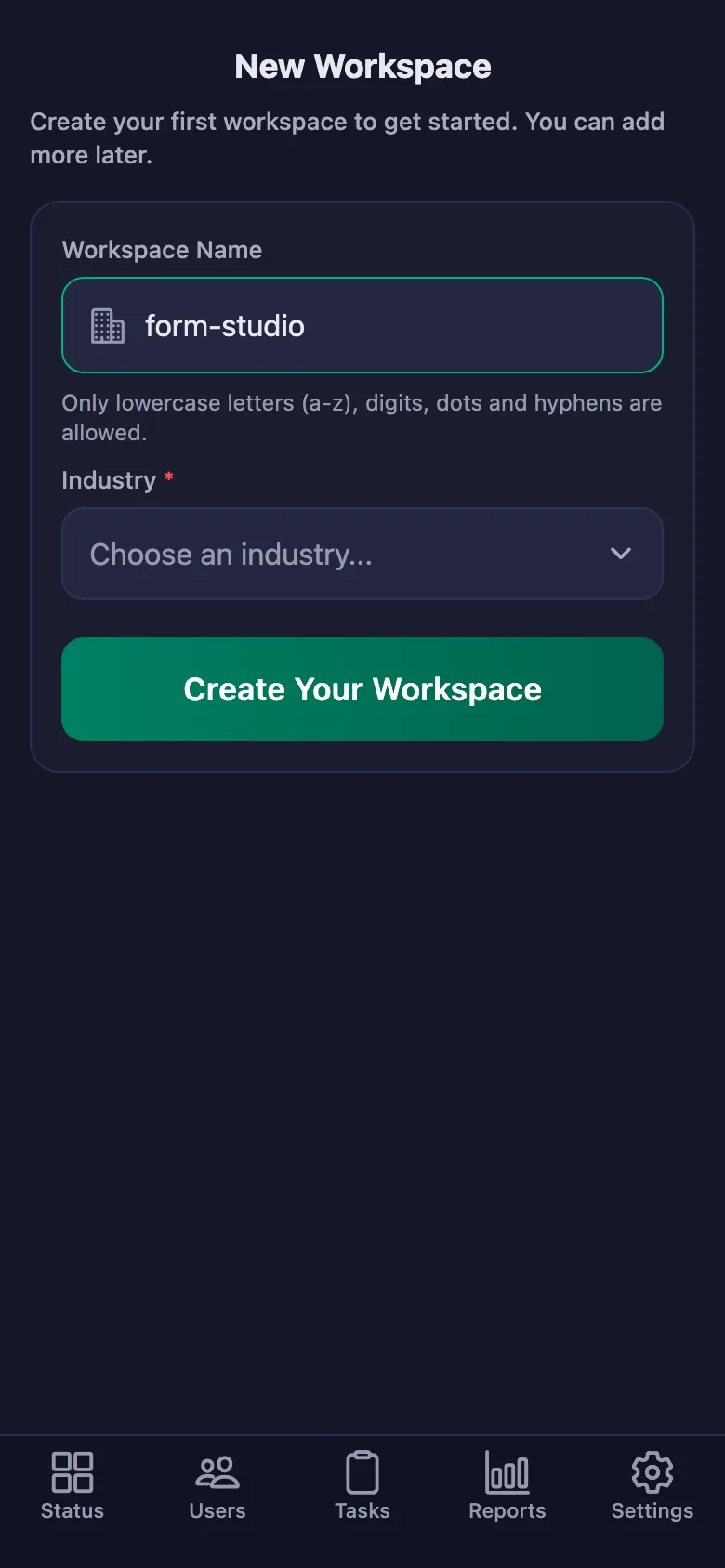
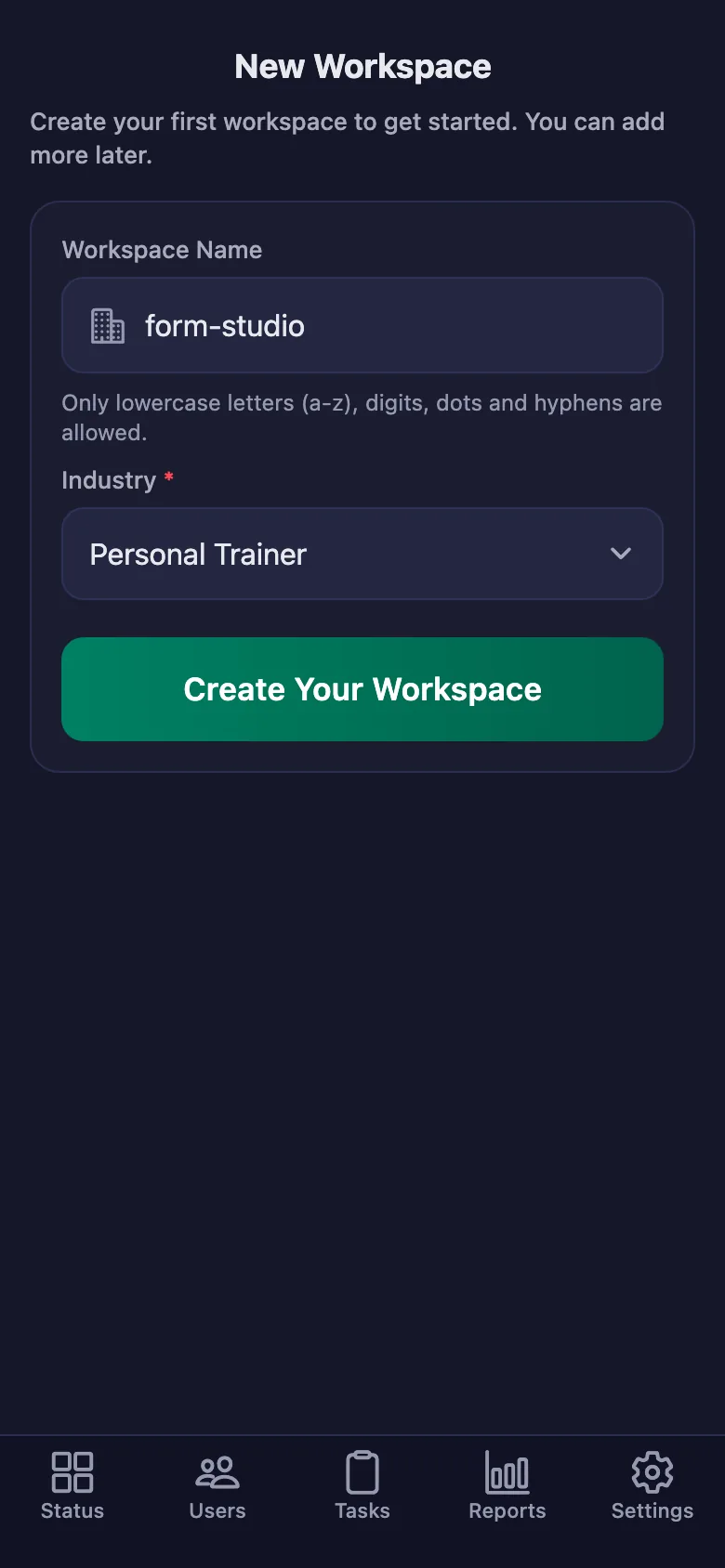
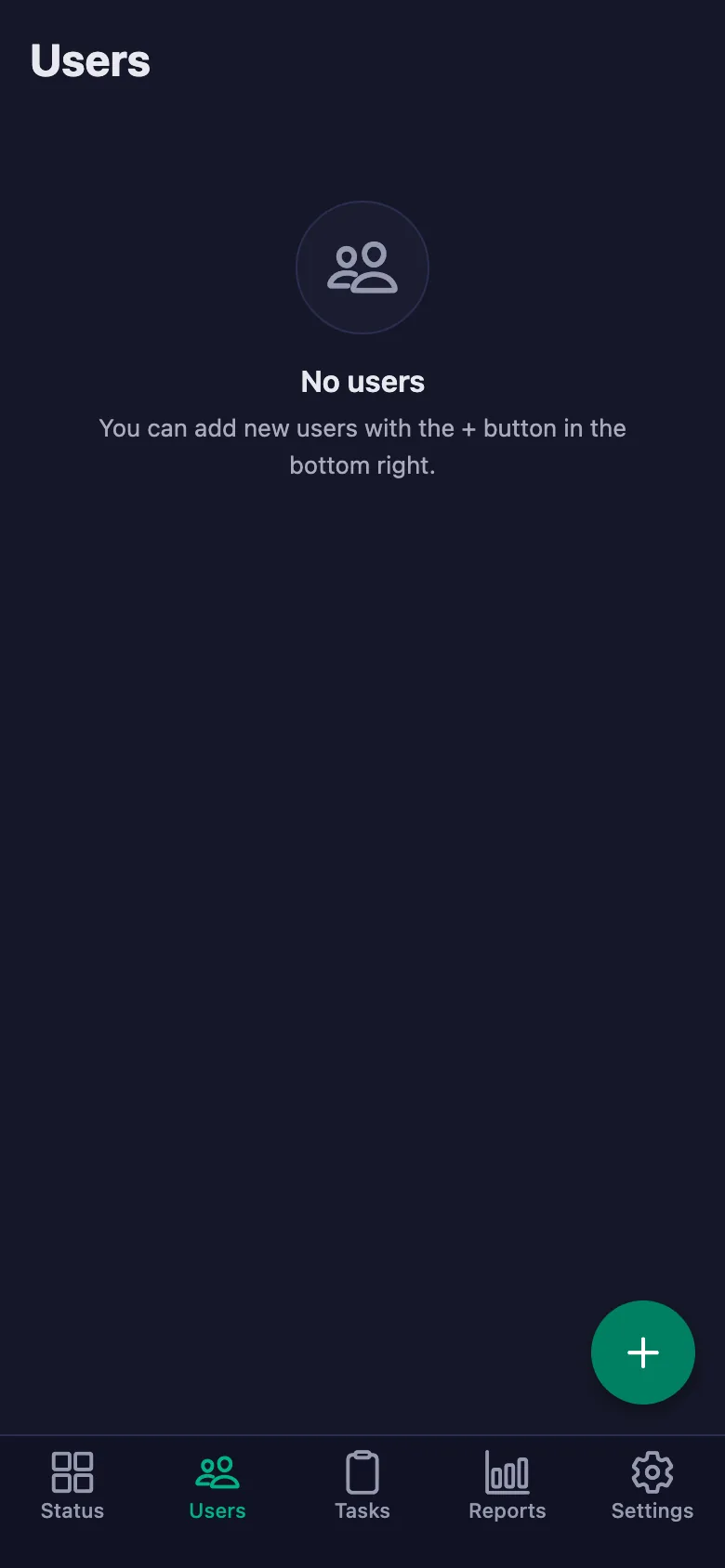
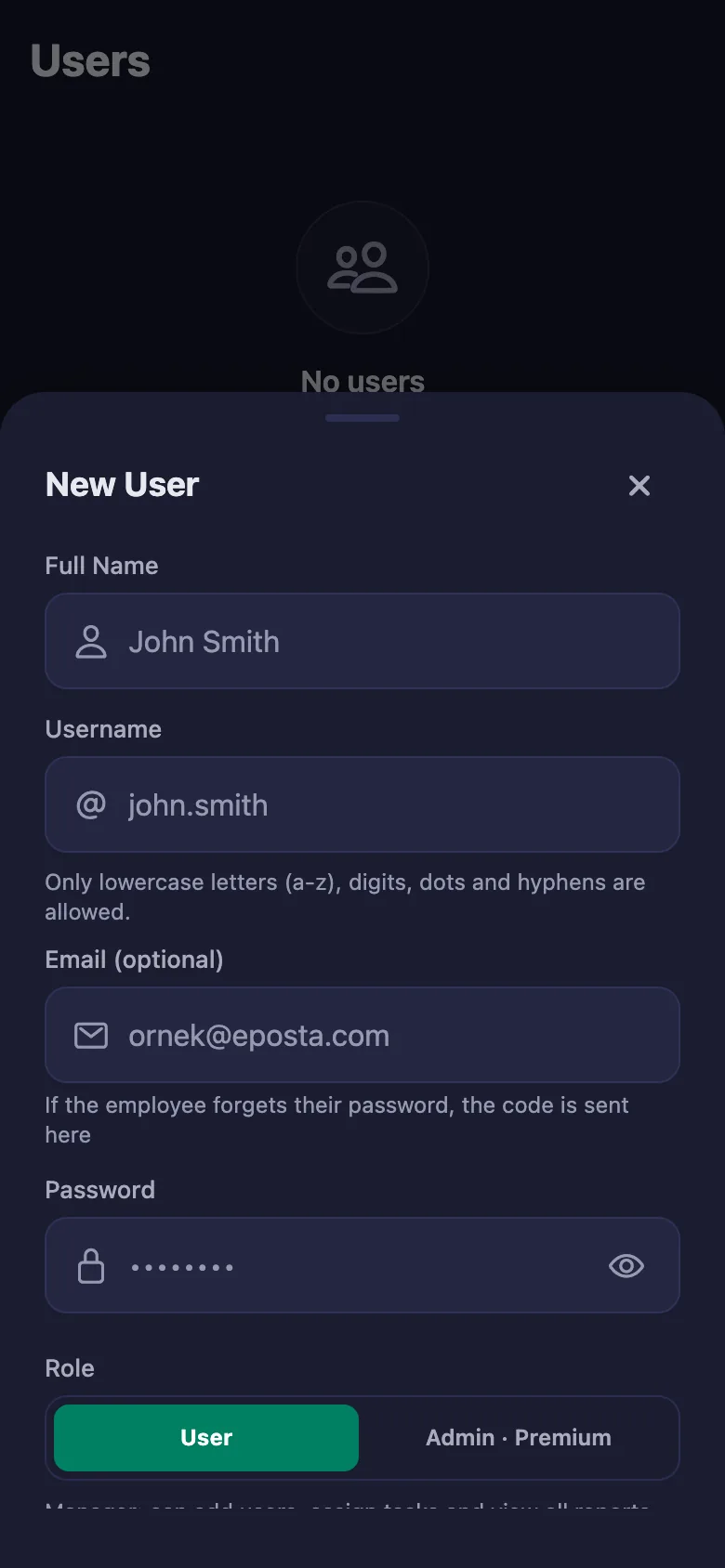
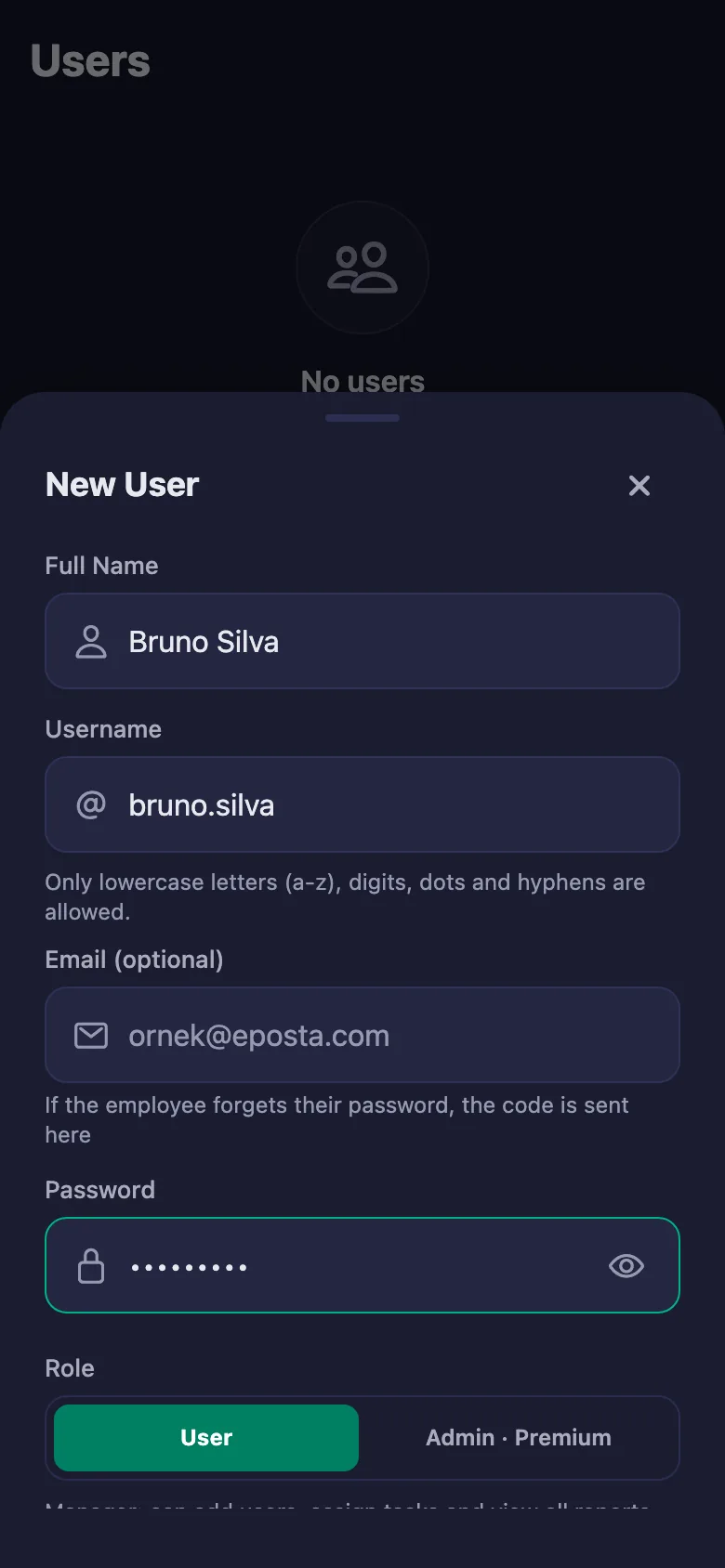
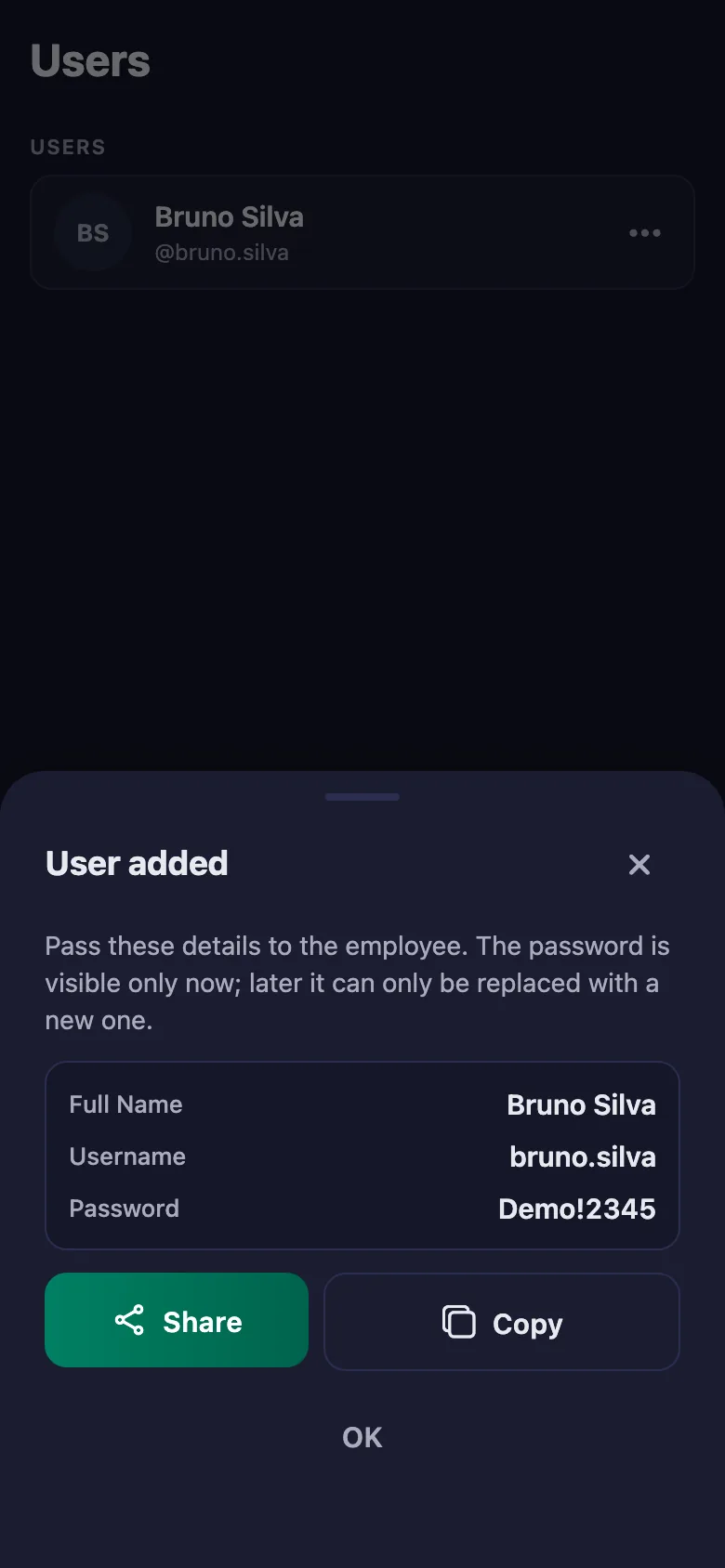
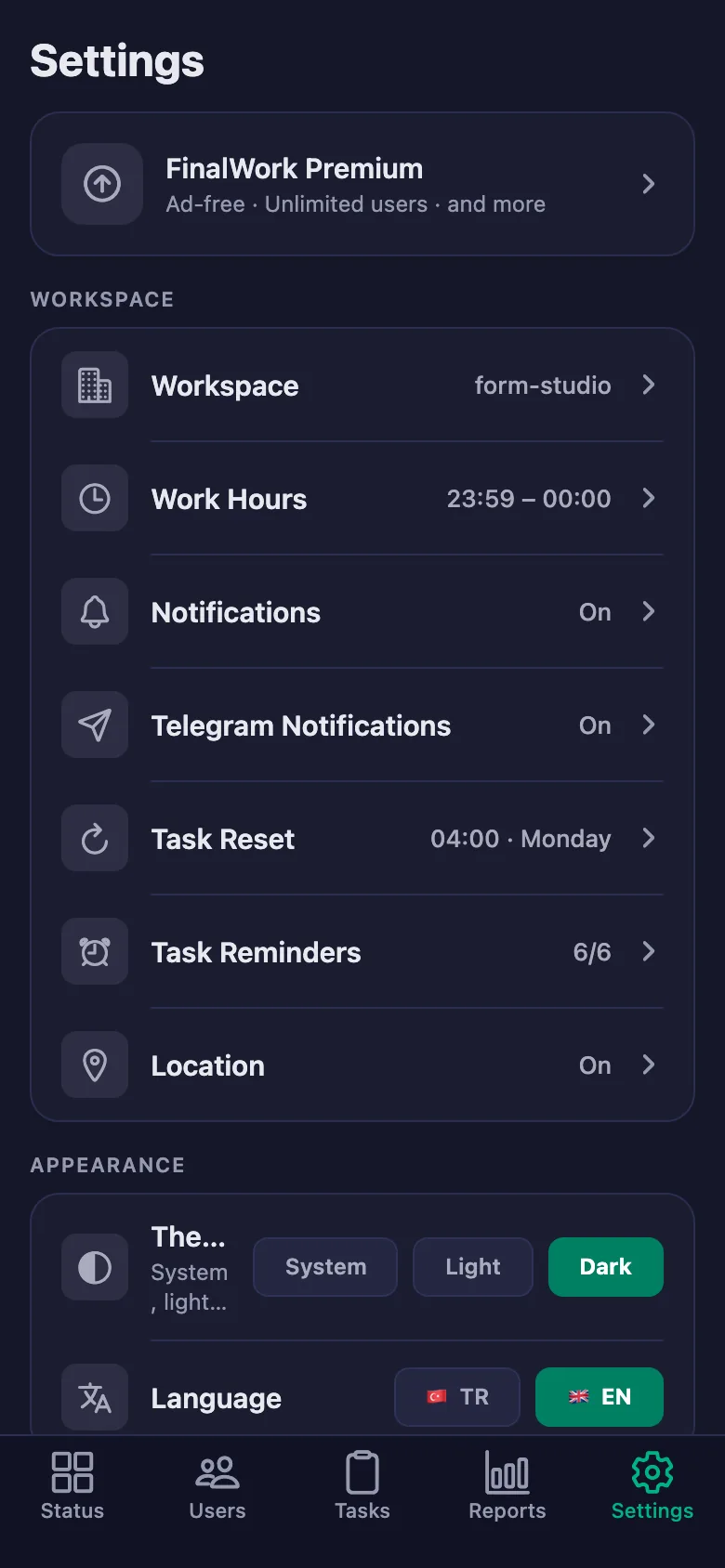
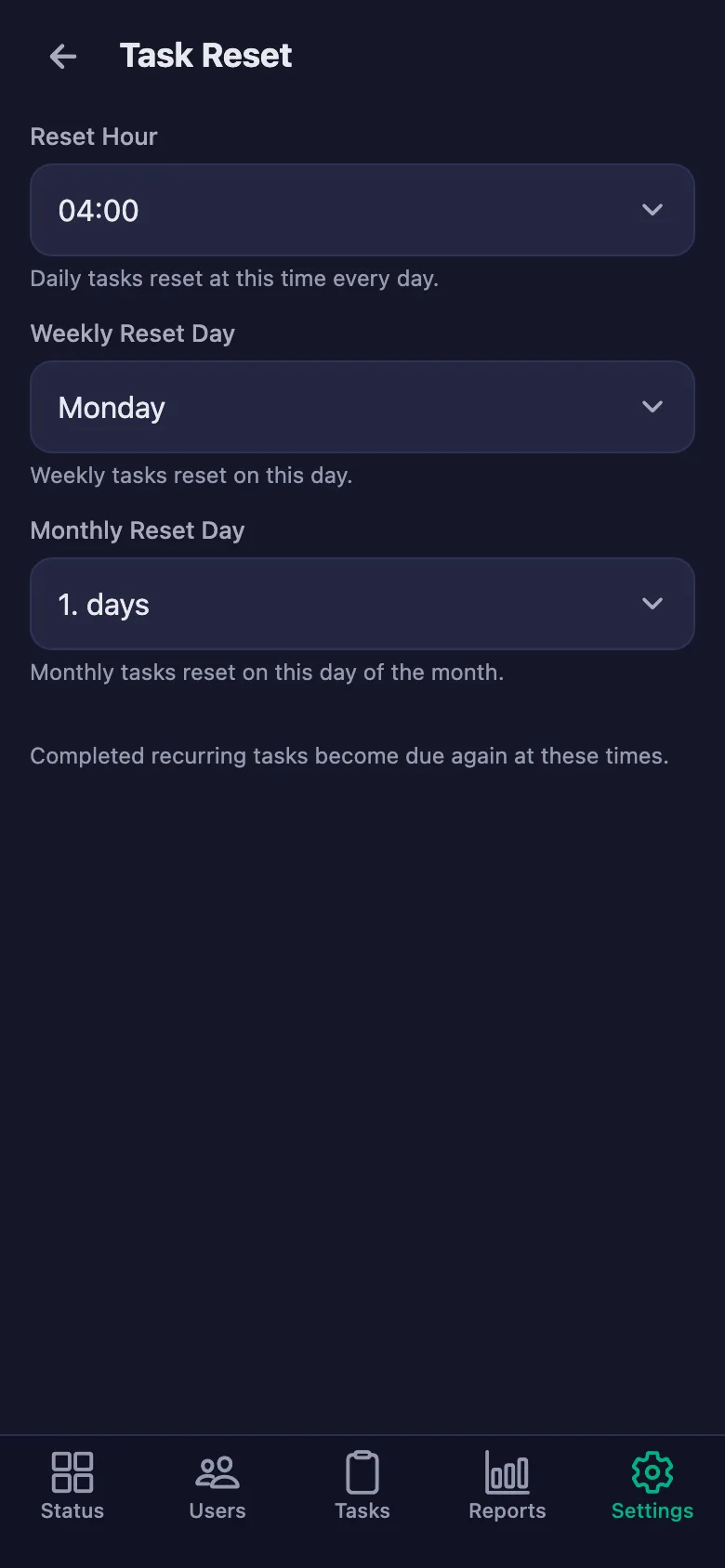
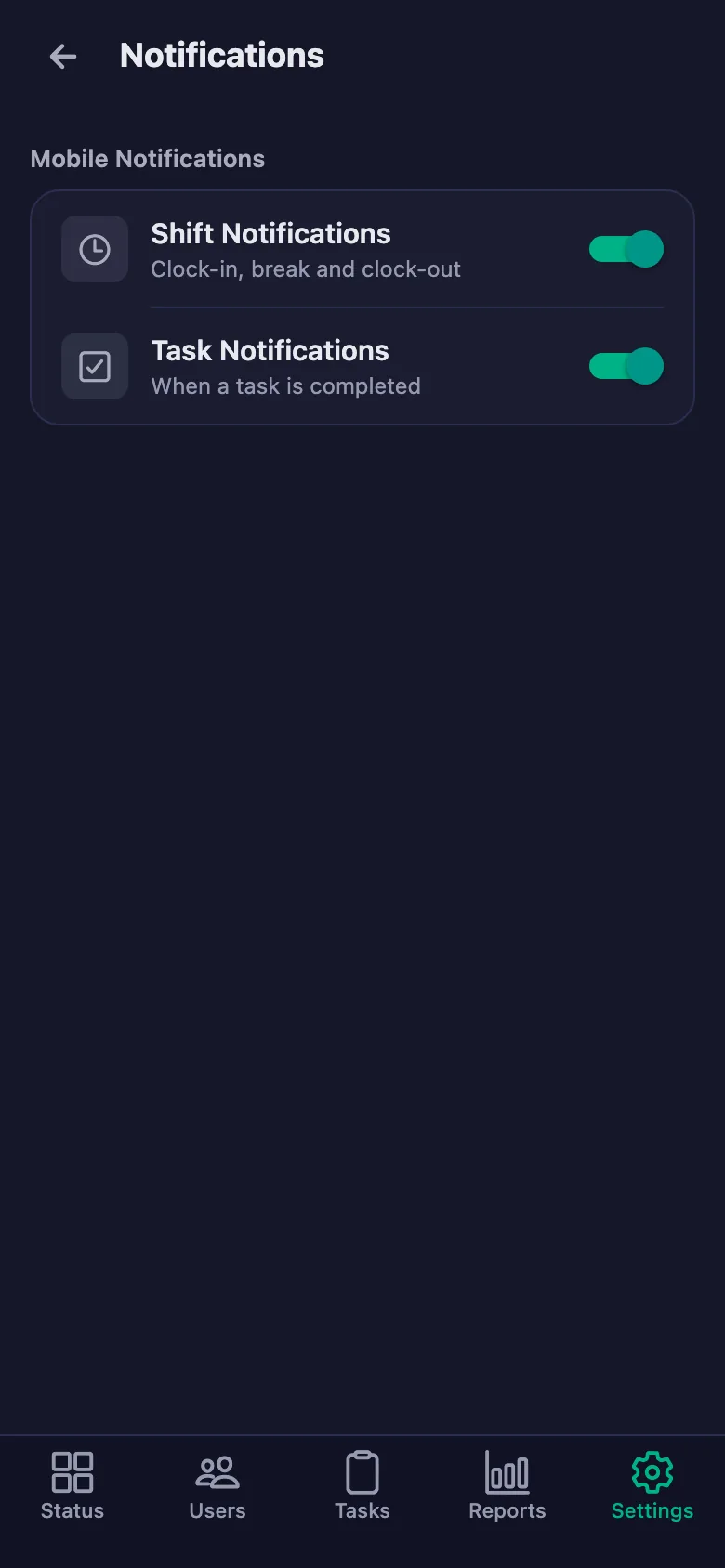
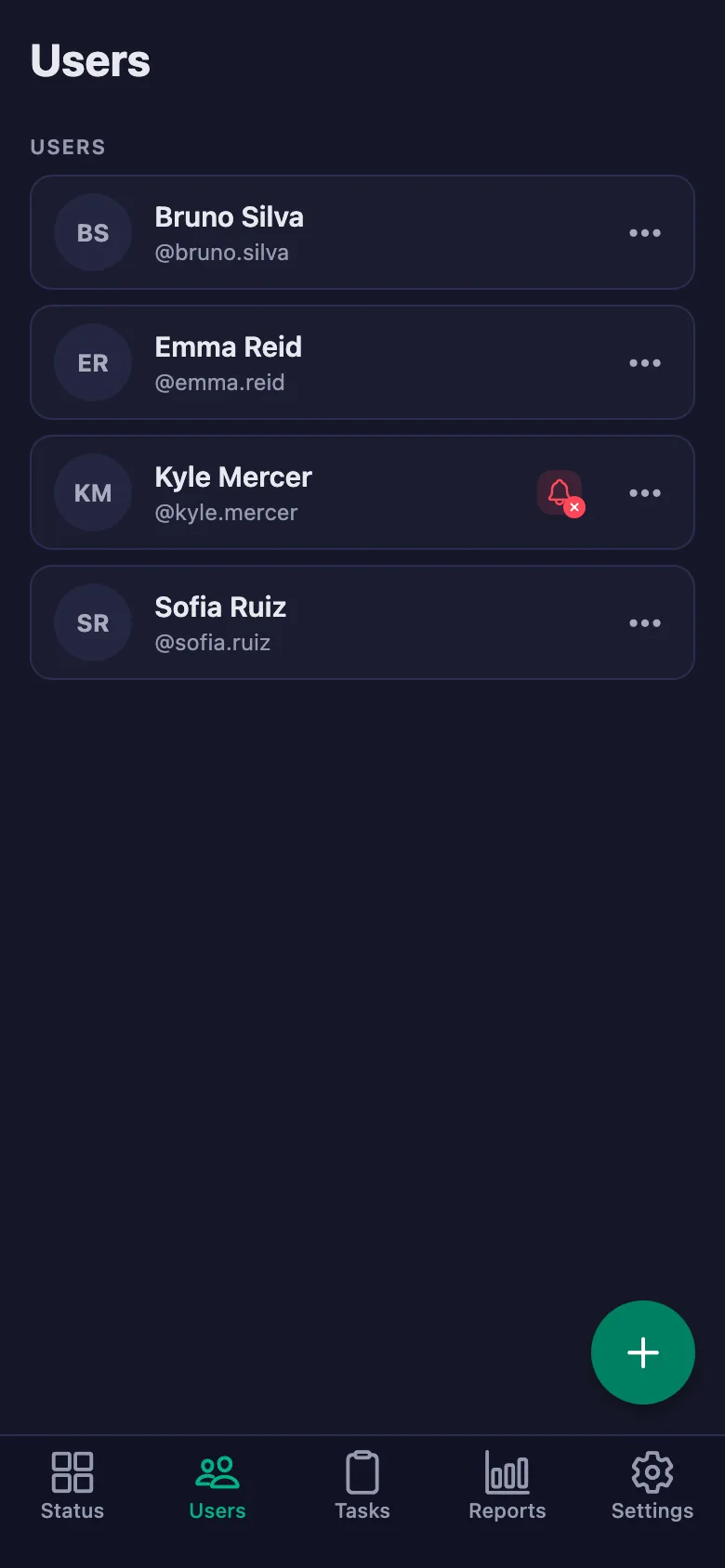
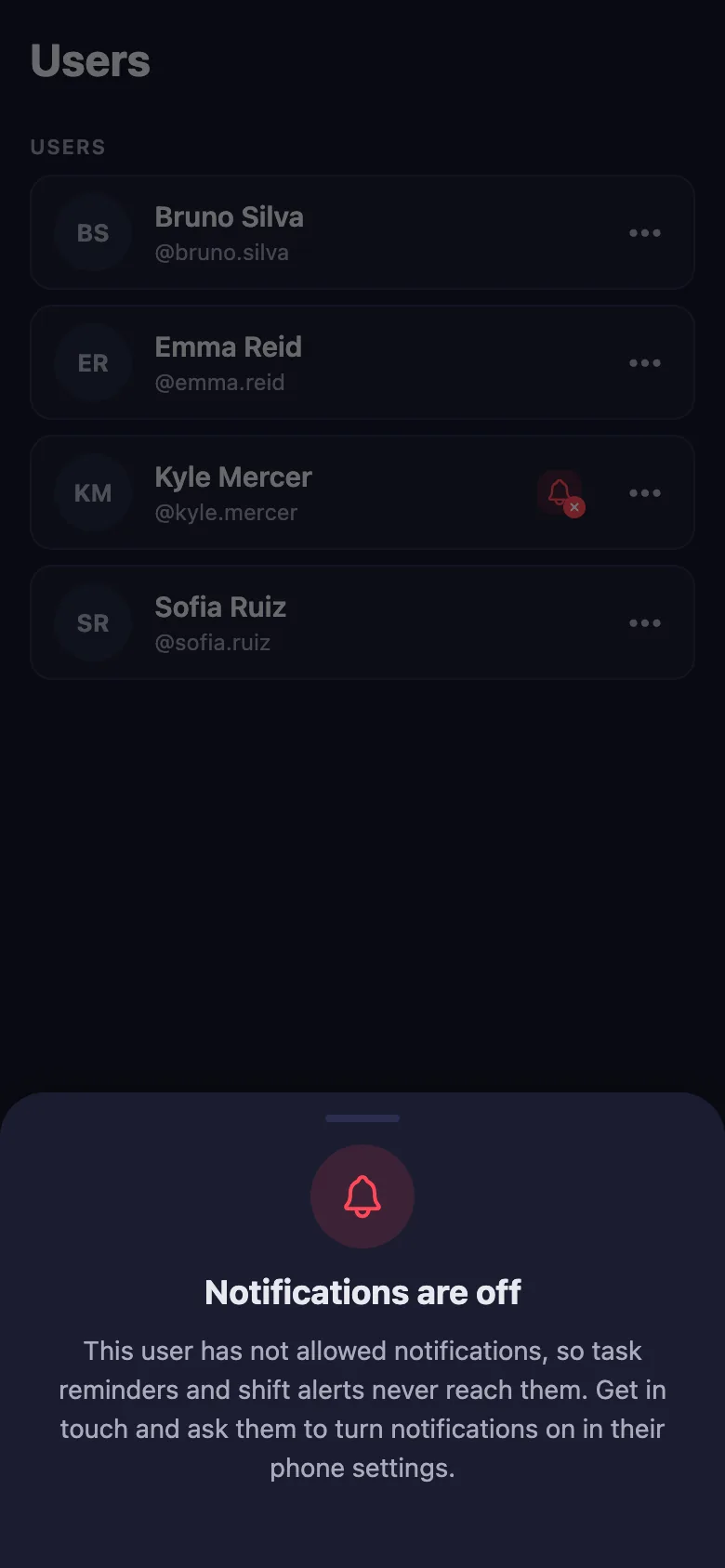
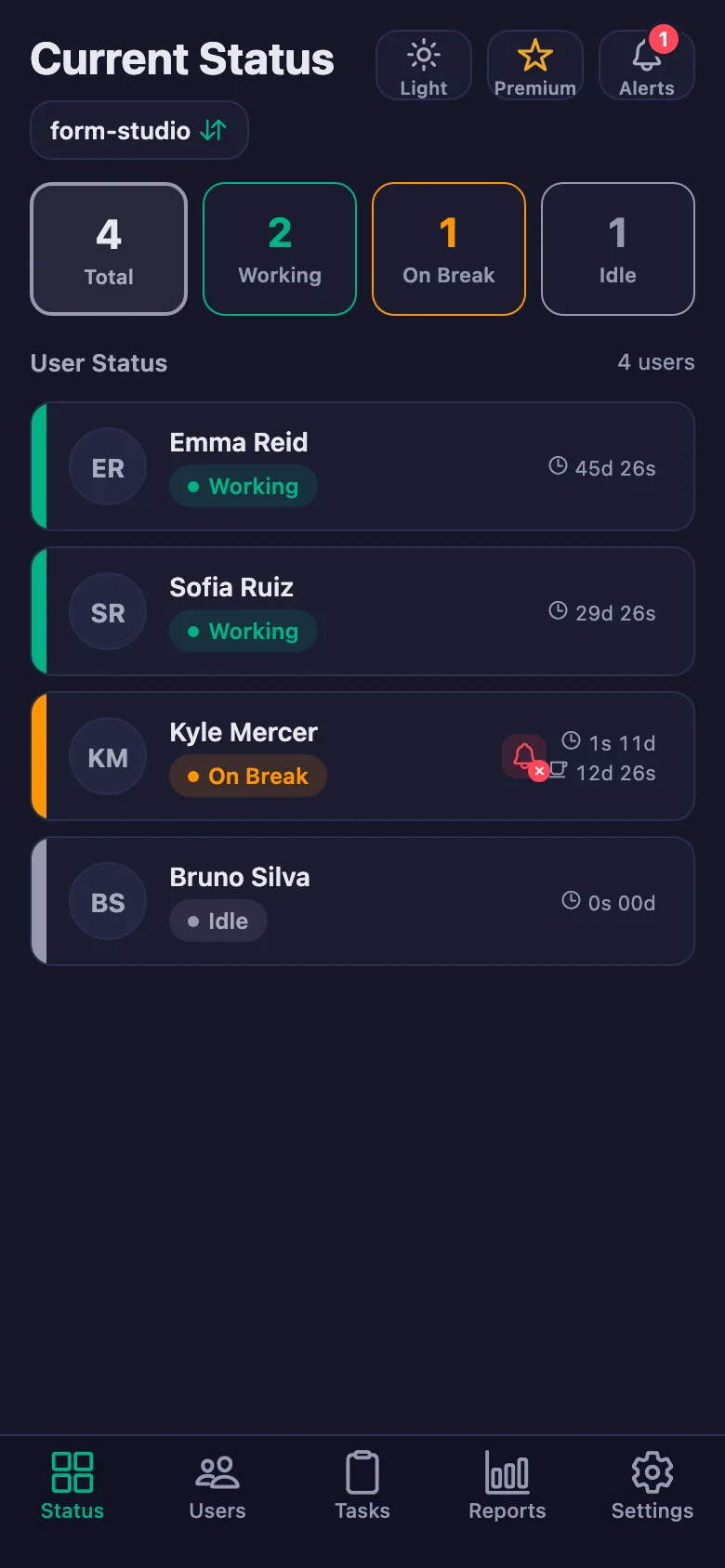
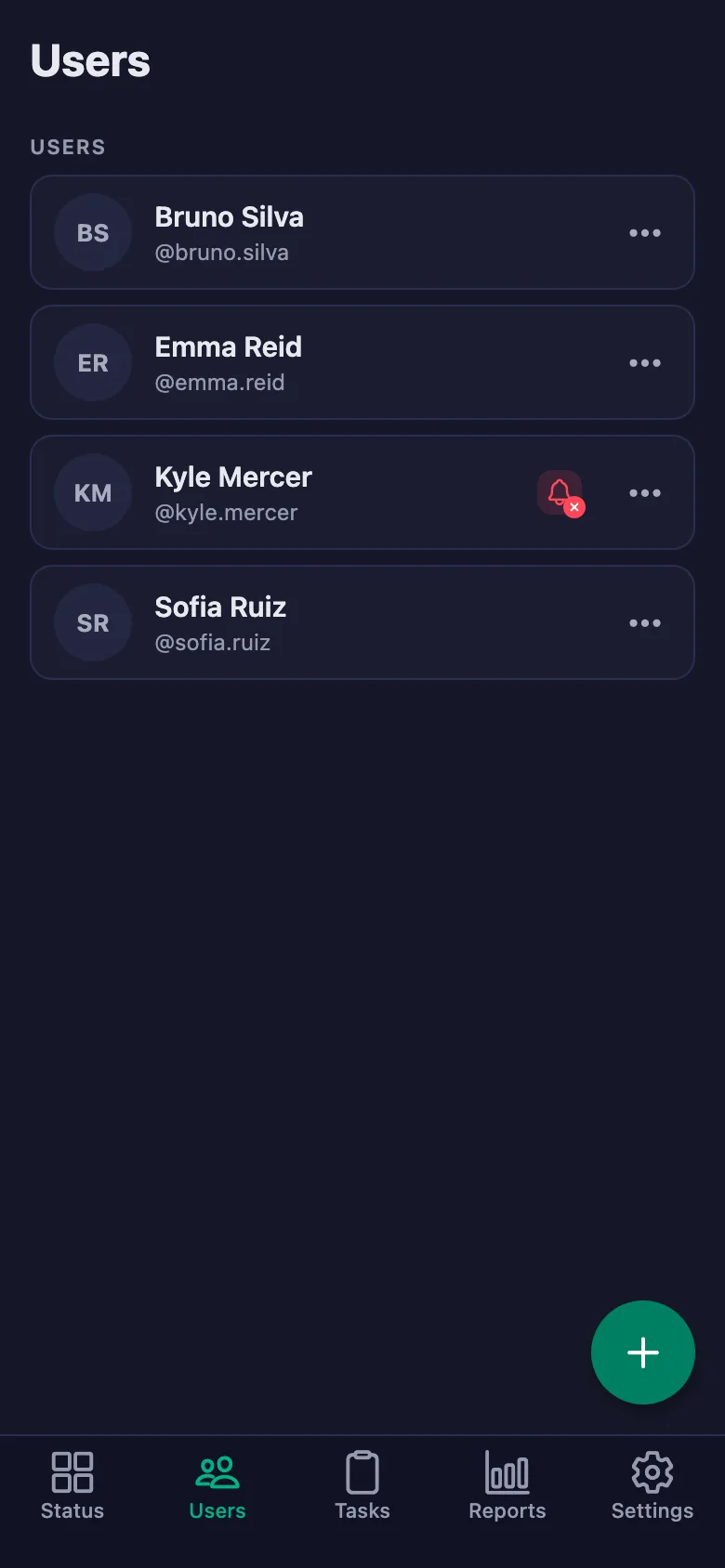
Setup and activation take just one minute — you can start free. Below you can watch the whole flow on the app's real screens.
Trainer – Athlete App Demo
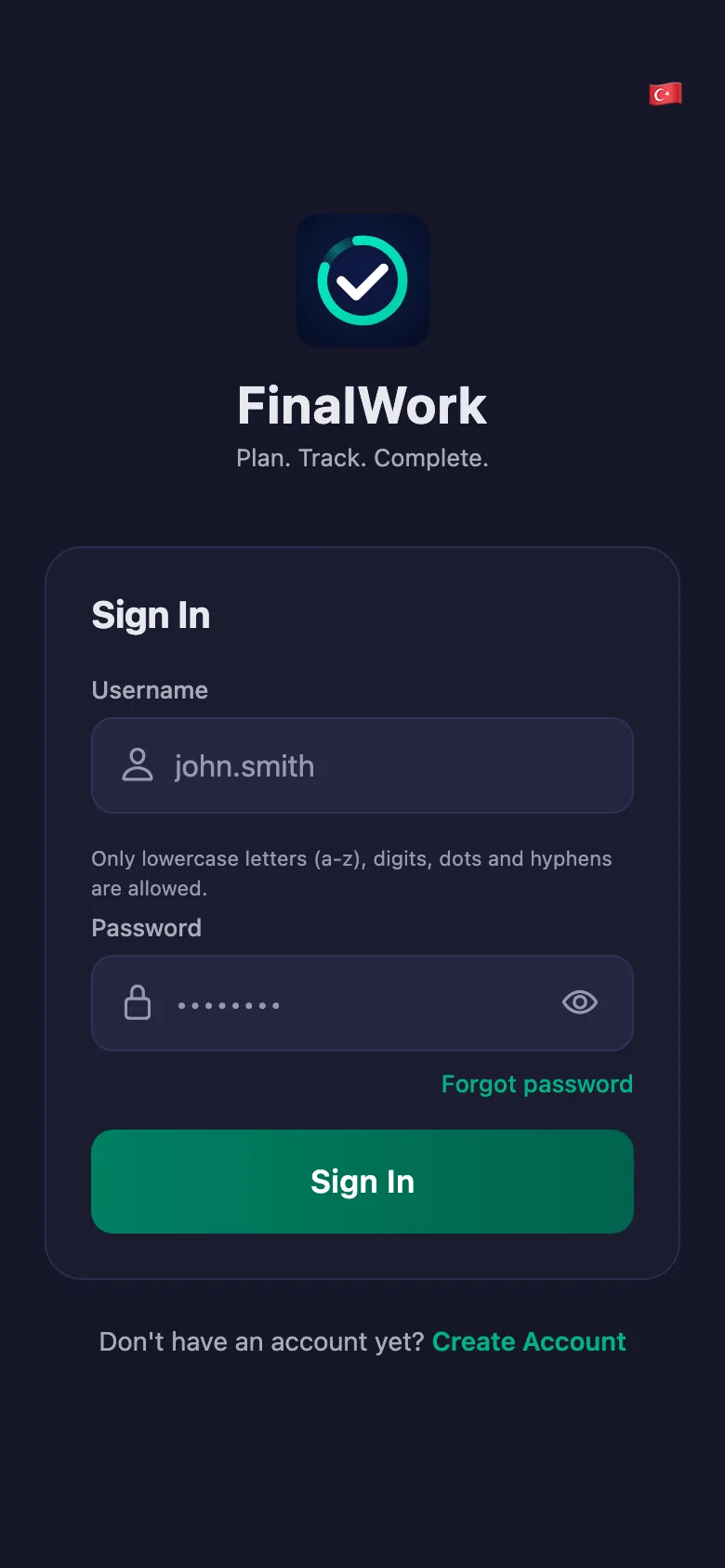
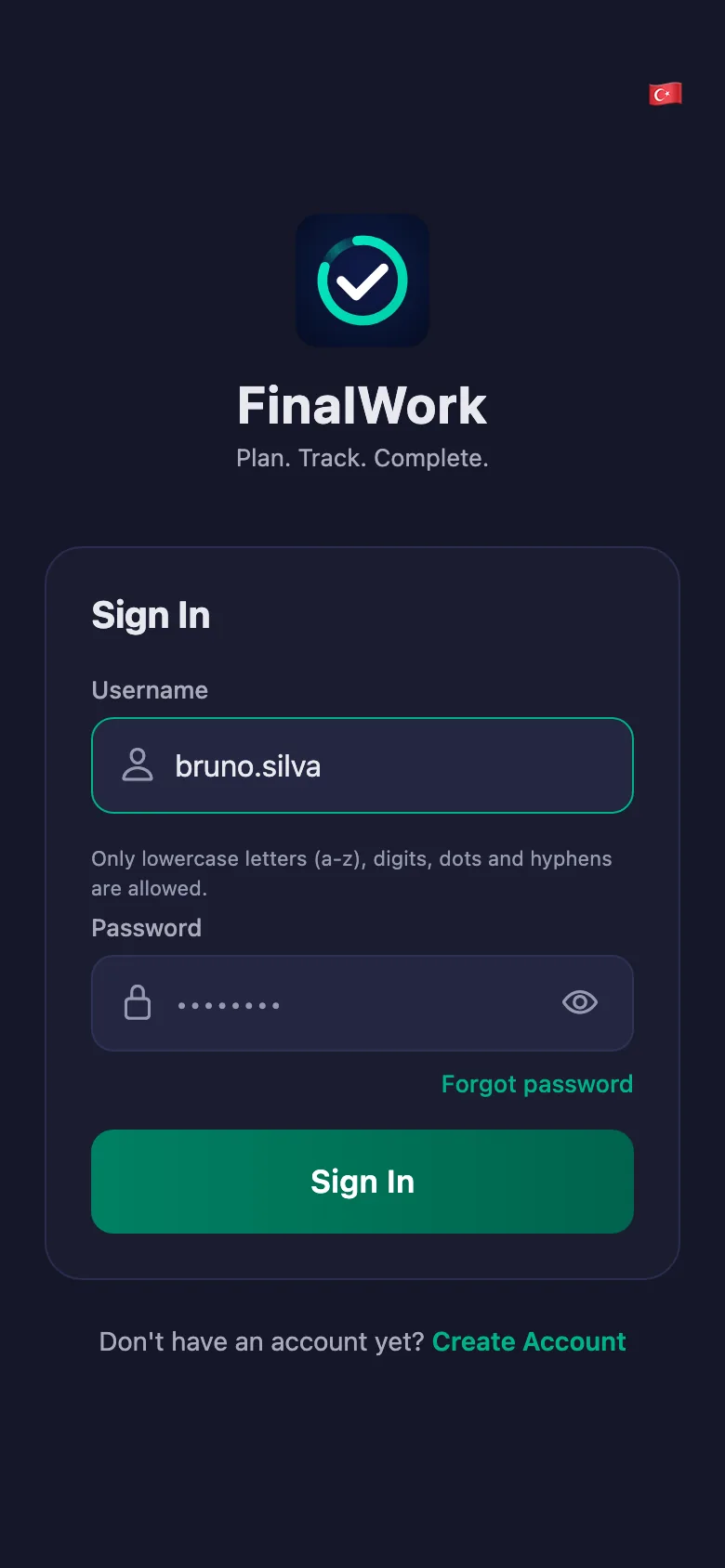
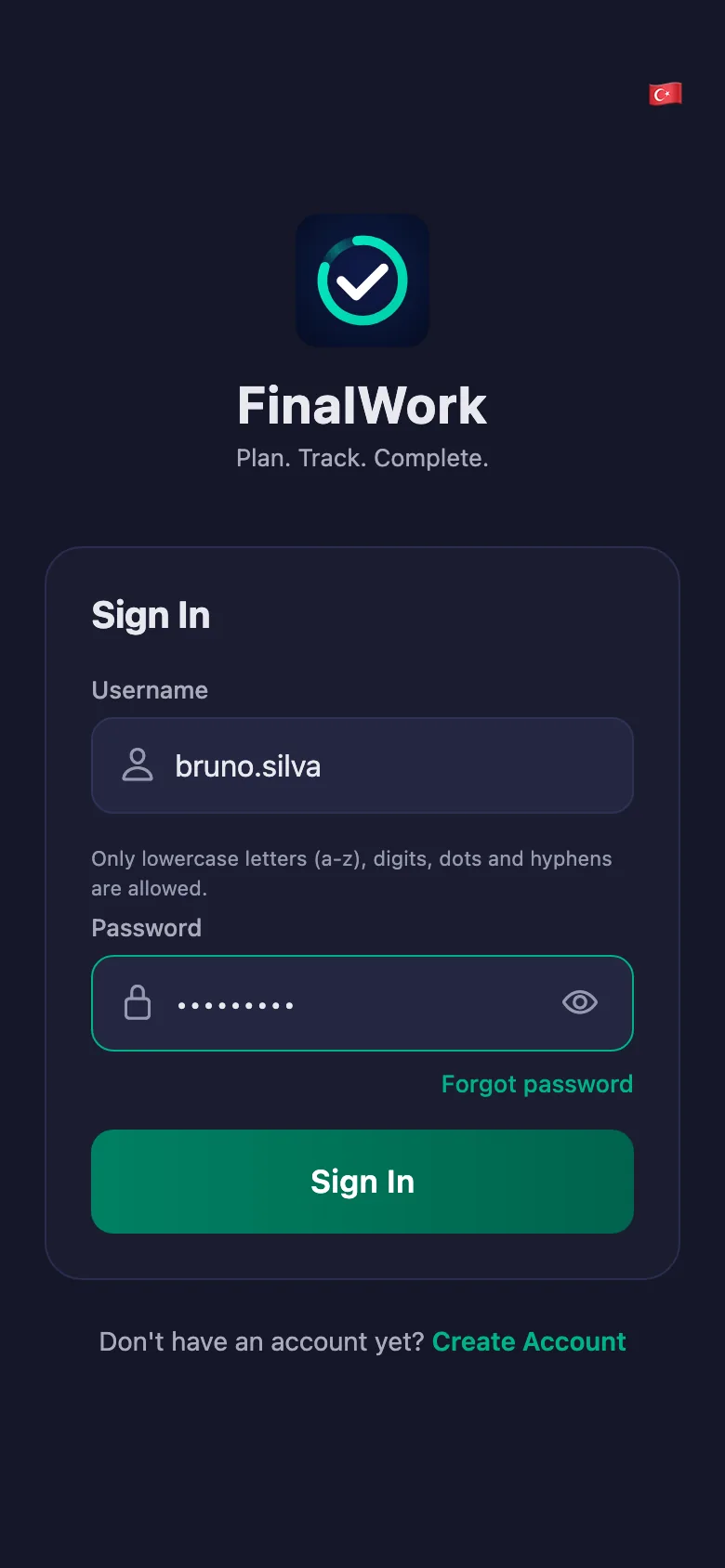
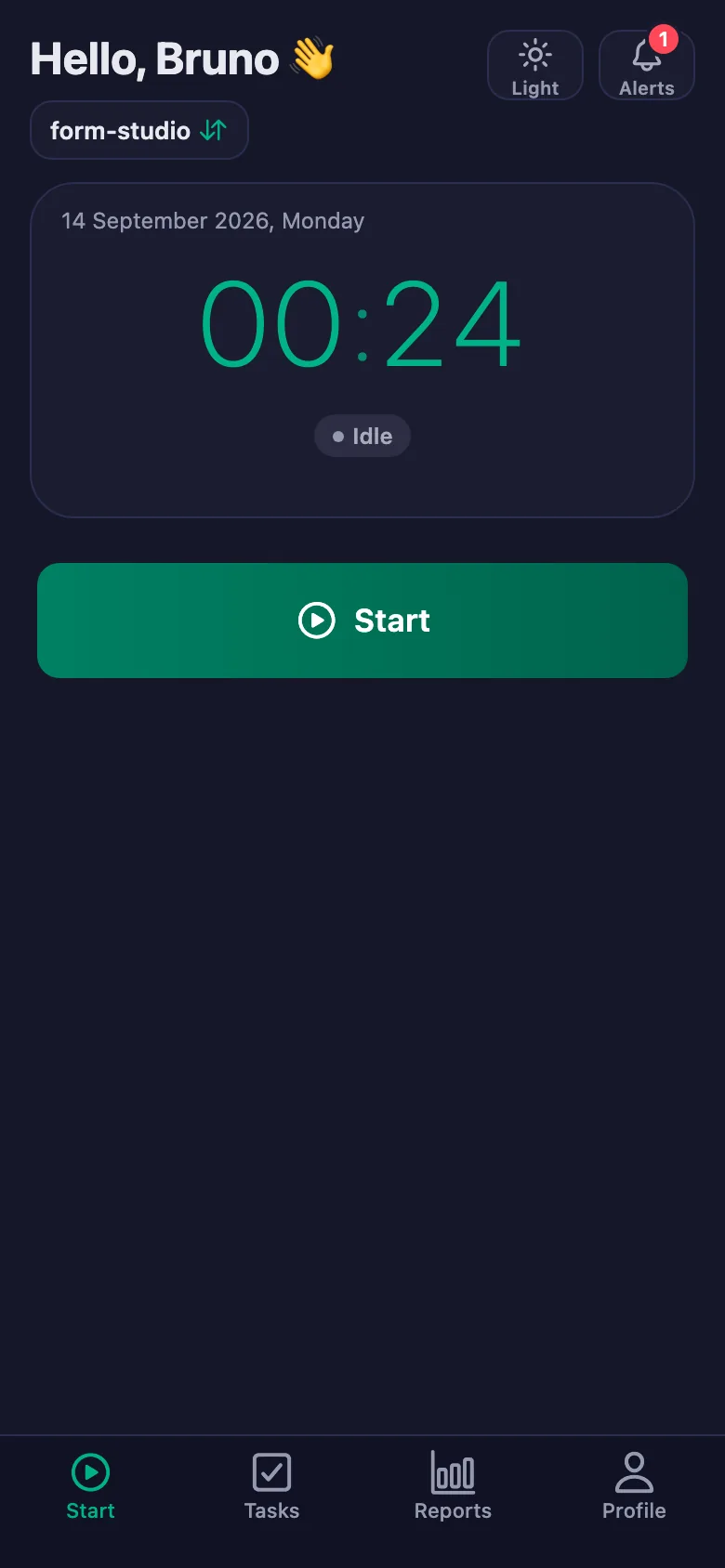
 FinalWork — Task reminder
2 daily tasks are waiting for you.
FinalWork — Task reminder
2 daily tasks are waiting for you.
Does my client need the app on their phone?
Yes — your client ticks the programme off on their own phone. The app runs on iOS and Android, and it can also be used from a browser.
How do I enter the programme?
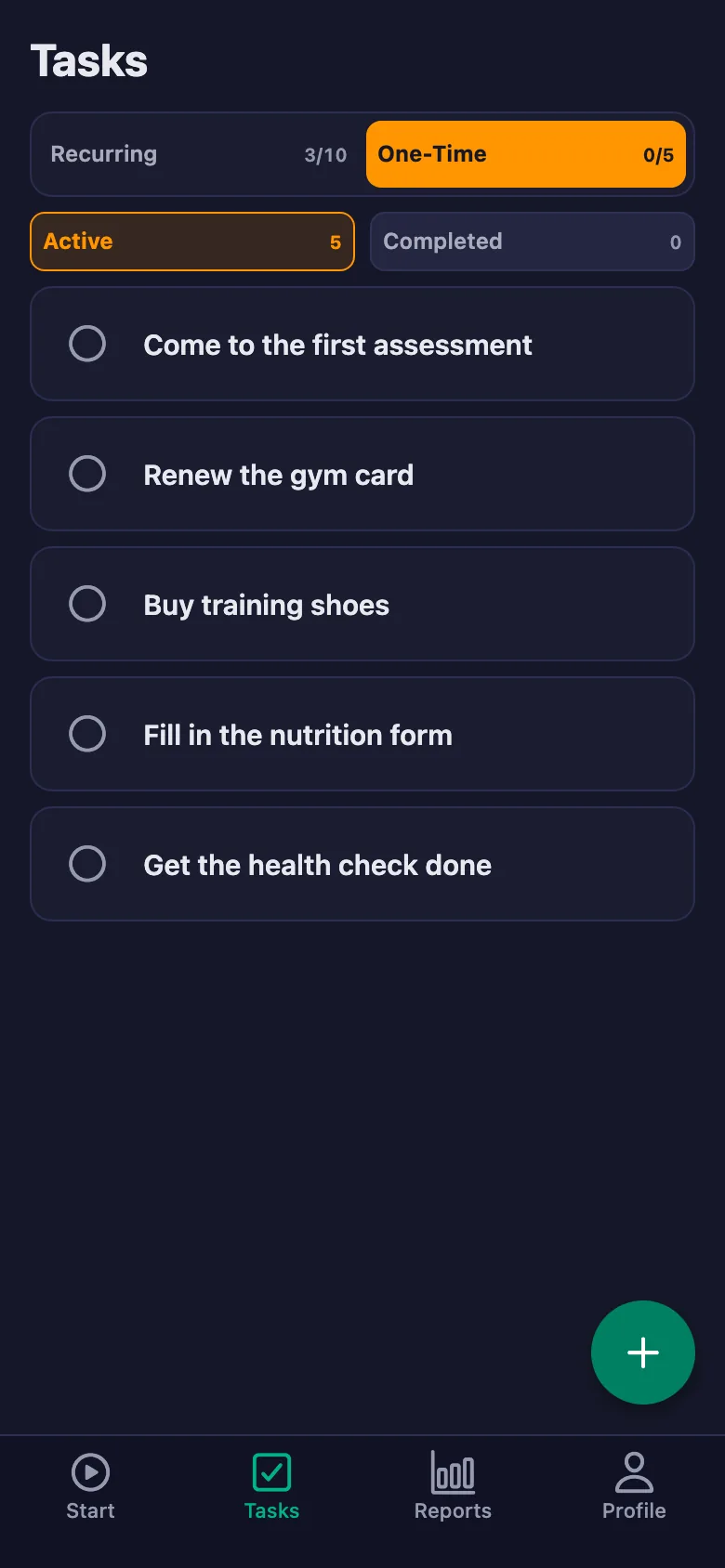
You write each item as a task: daily, weekly, monthly or one-off. You can also assign the same item to several clients at once.
Can my client write notes, and can I see them?
Yes. Your client can write a note under each item — which movement, what happened, whether they dropped the weight. You can see the note but you cannot change it; only the client can edit it.
How many clients can I add?
The free plan has a limit on users; when you reach it the app warns you and no new user is added. The limit is lifted on Premium.
How is training time measured?
Your client starts the timer when training begins and stops it at the end. Long rests between sets can be marked as a break; total, break and net time appear separately in the report.
Can clients see each other's programmes?
No. Each client only sees their own programme, their own notes and their own time. You are the only one who sees the whole list.
Why do some screens say “work hours”?
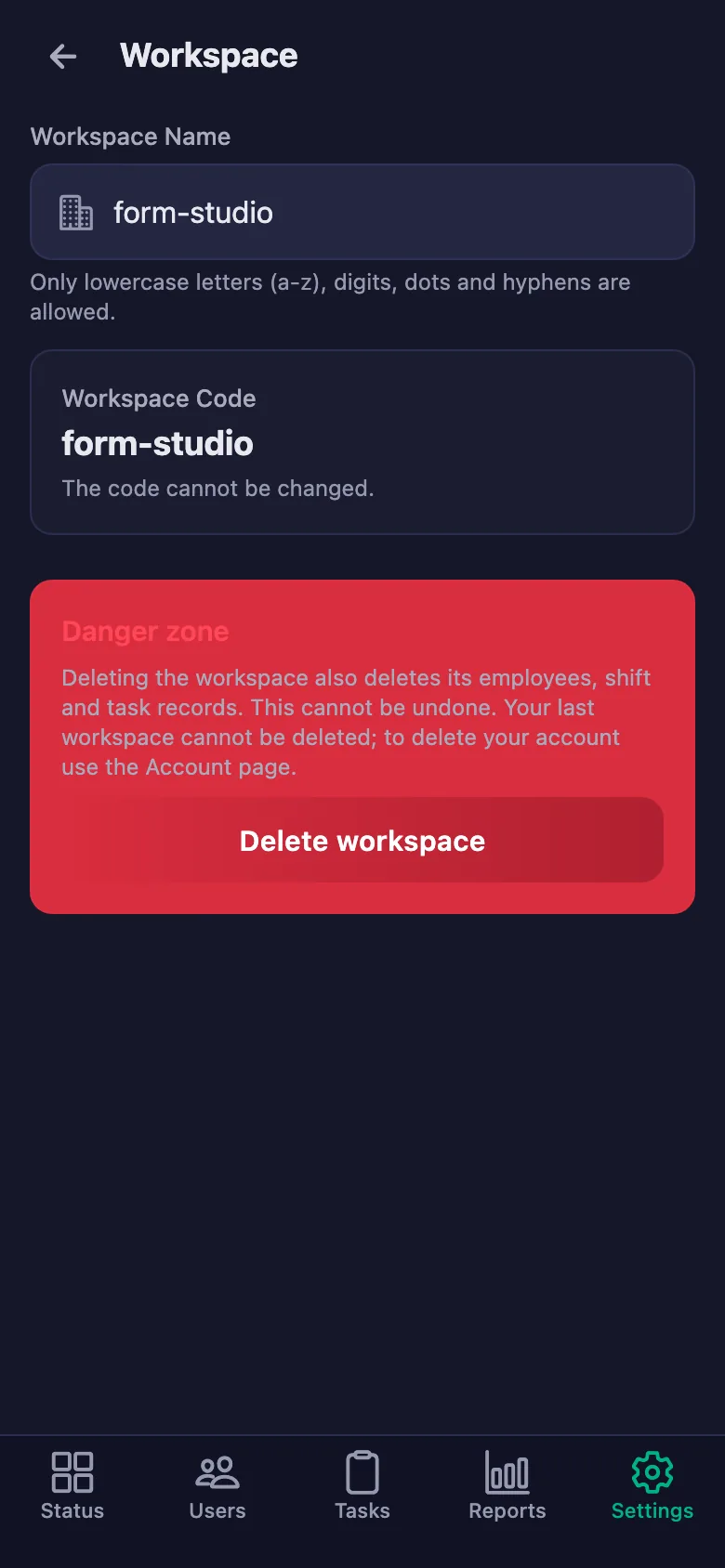
The app is also used for shift tracking, which is why a few settings screens use the word “work”. In training, that timer holds the length of the session; everything else works the same way.
Set up your studio today
Setup and activation take just one minute — you can start free. Open the account, add your first client, and let today's session go on the record.