
Technician Time Tracking and Job Management for Auto Workshops
How many hours actually went into that car?
The work order is on paper and nobody holds the hours, so every quote is a guess. FinalWork keeps your technicians' time, the daily checks and the notes from the bench in one place — you can see how long the job really took.
The hard parts of time and job tracking in a workshop
When the workshop fills up, record keeping never gets its turn. Most service managers live with the following — on the right is what each one looks like in FinalWork.
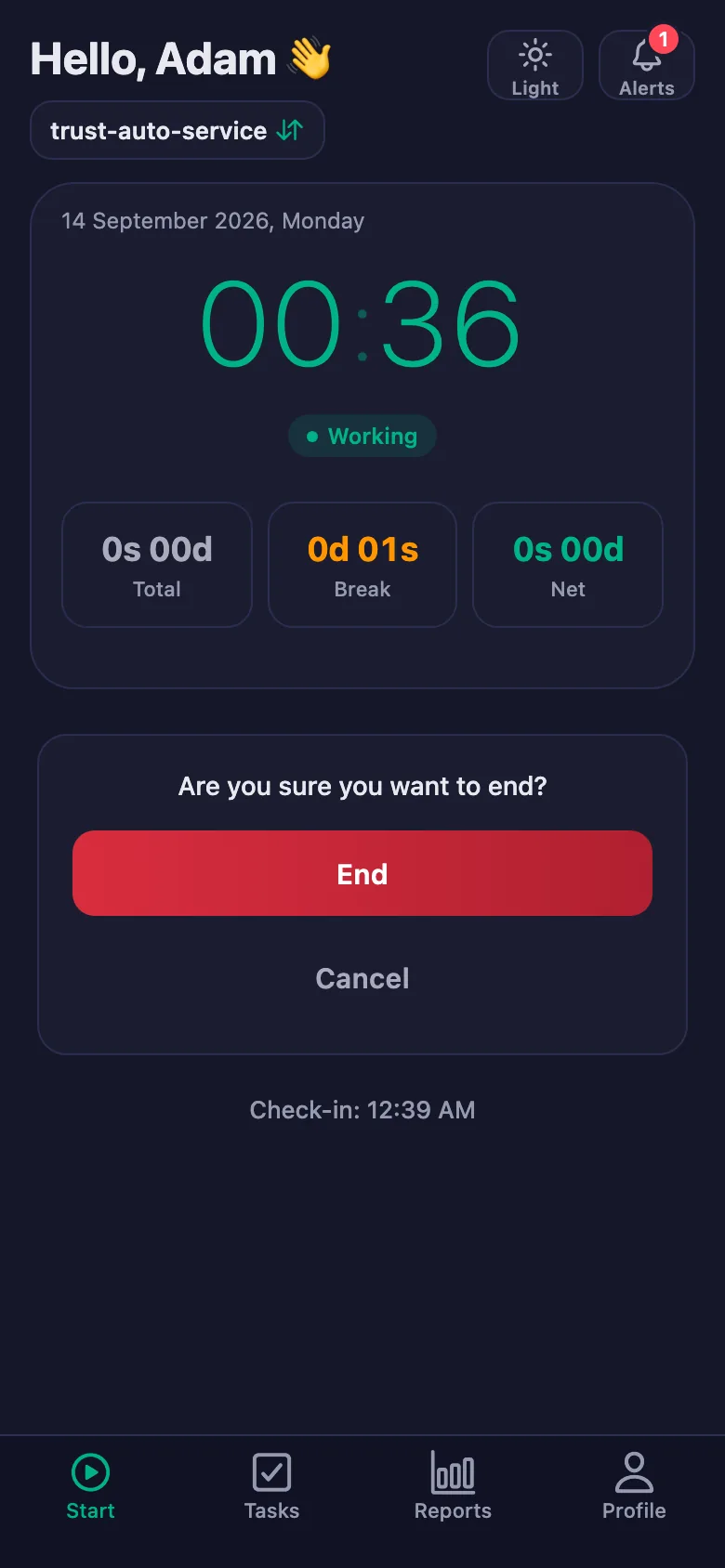
Technicians' arrival and leaving times go in a notebook — on busy days not at all — and it turns into an argument at the end of the month.
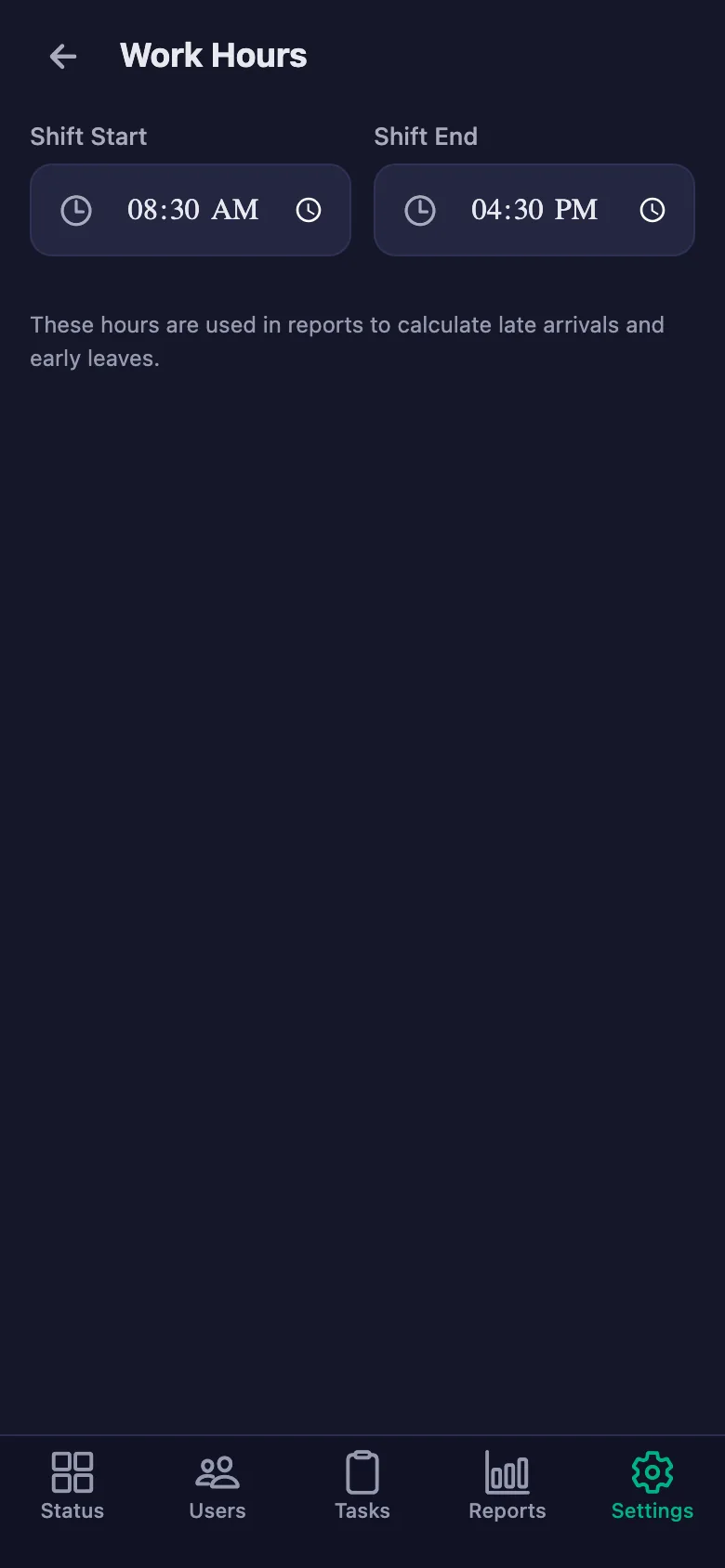
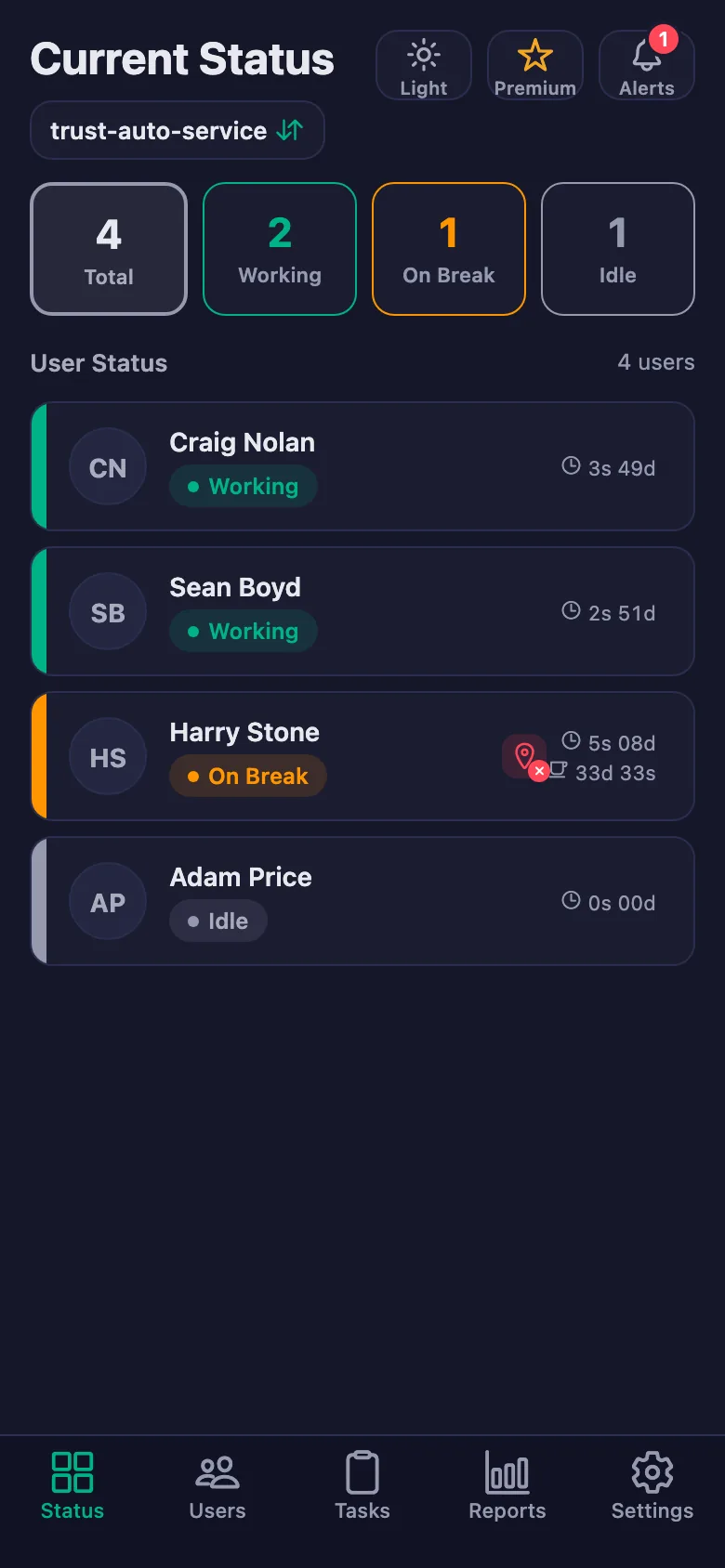
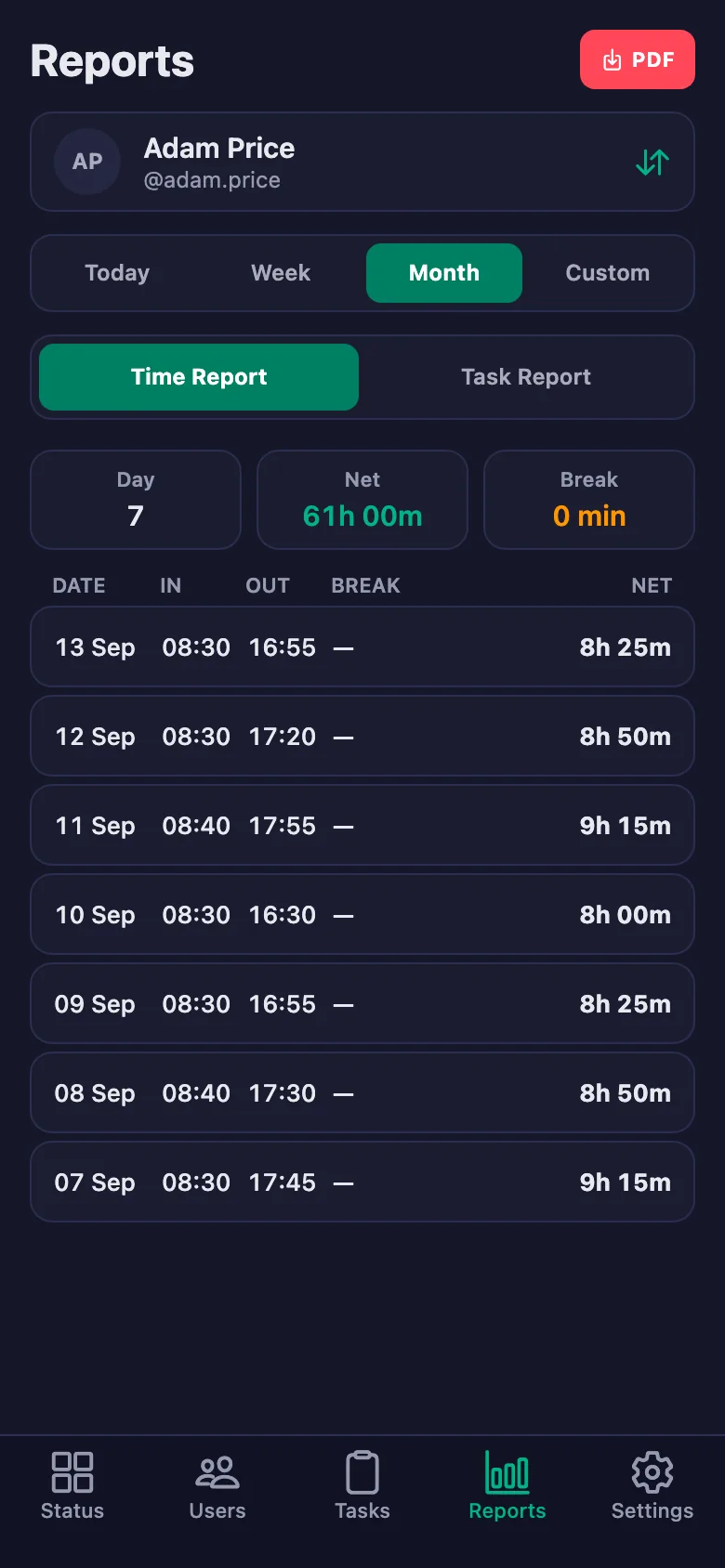
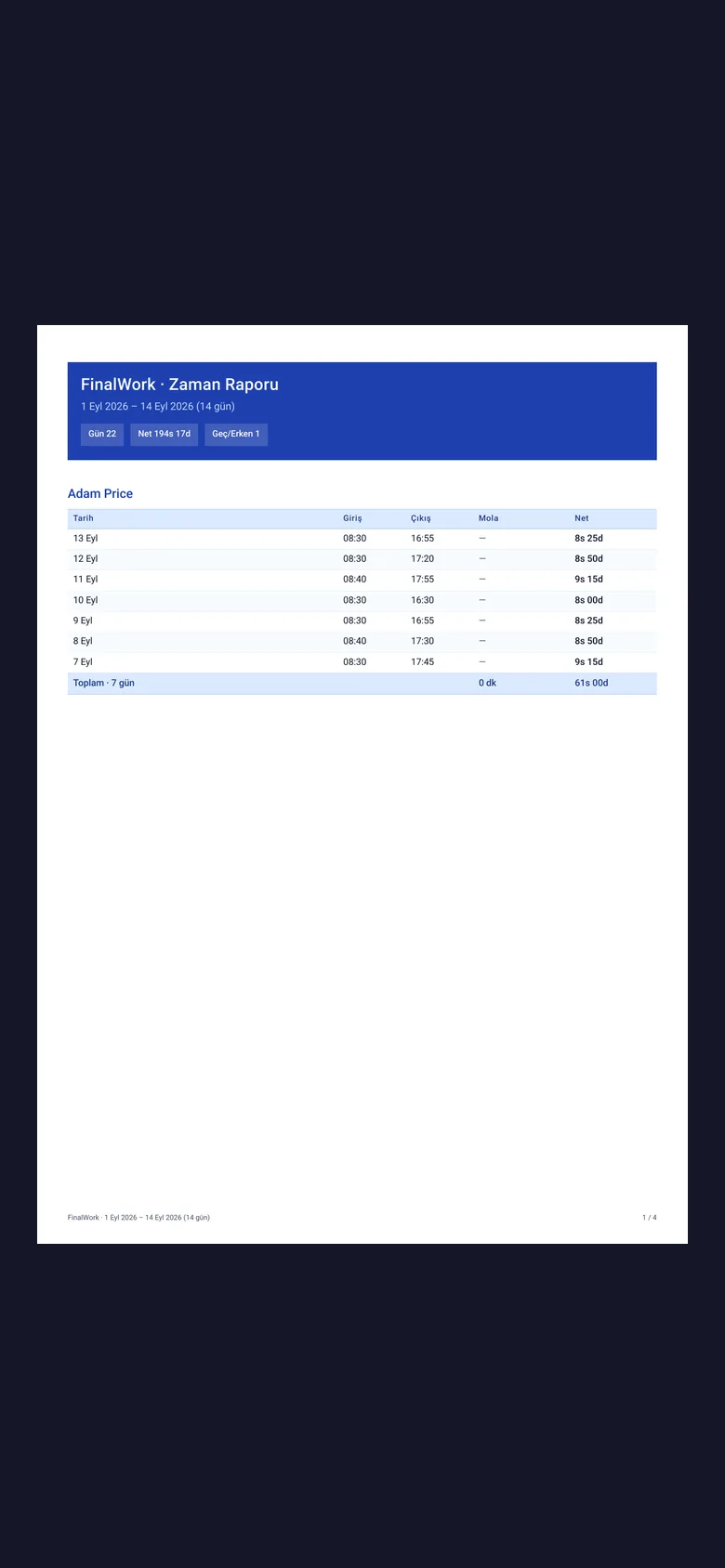
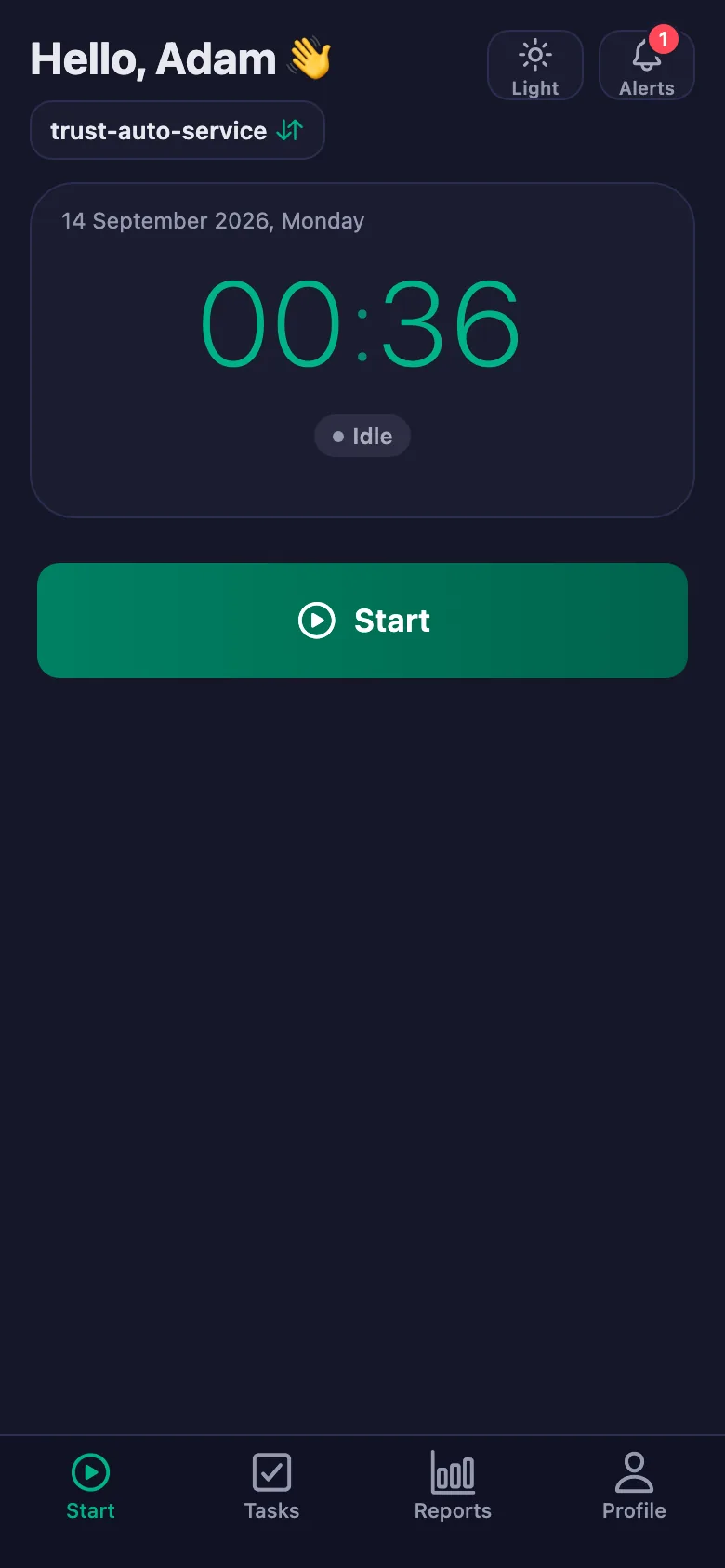
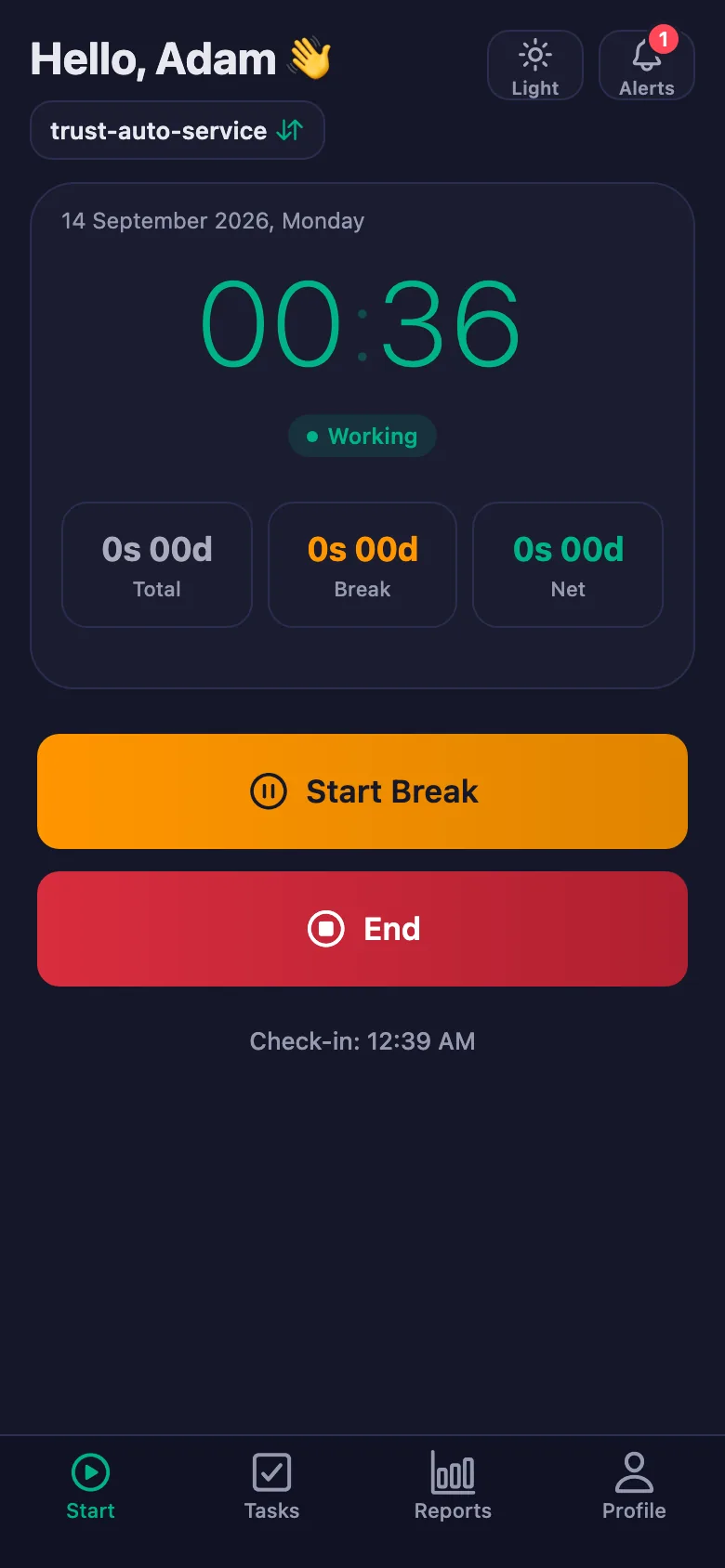
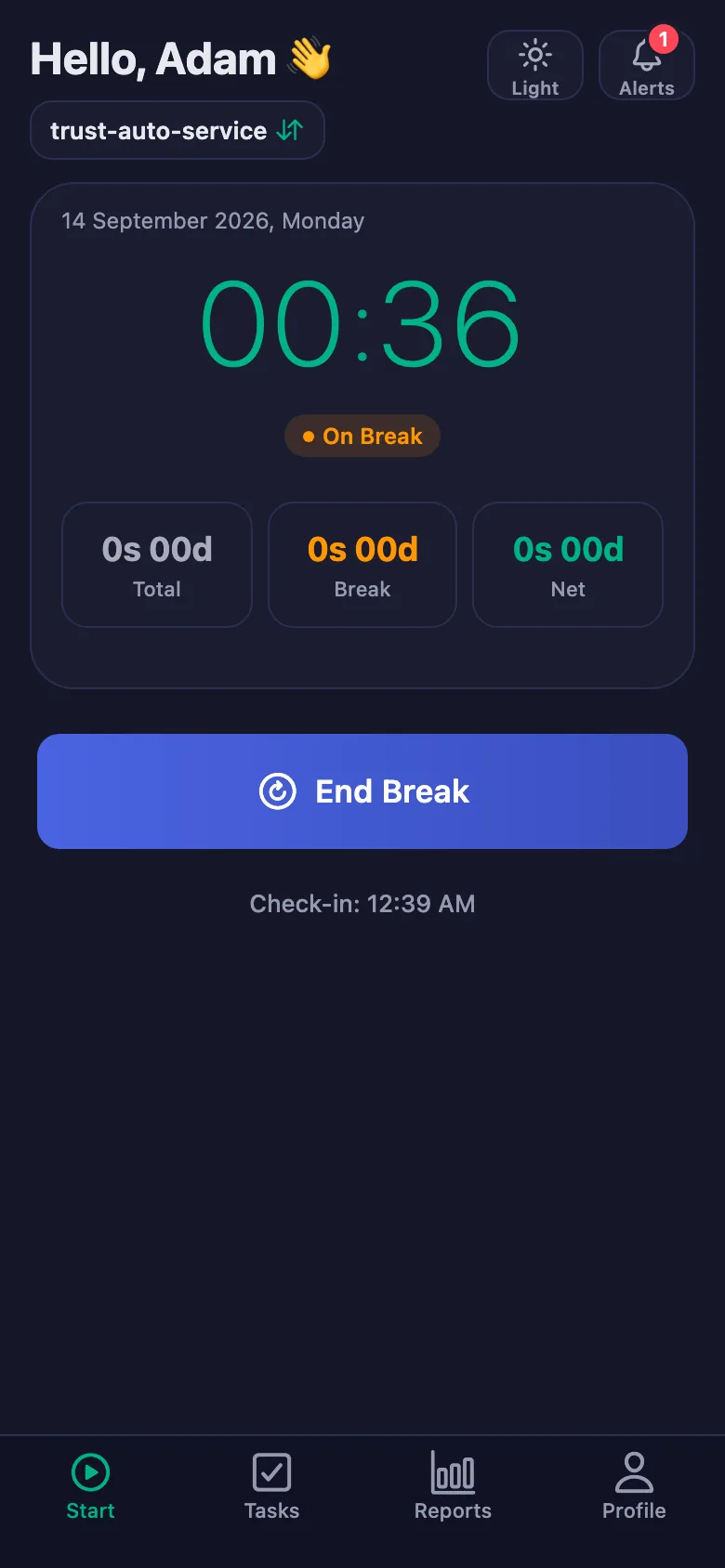
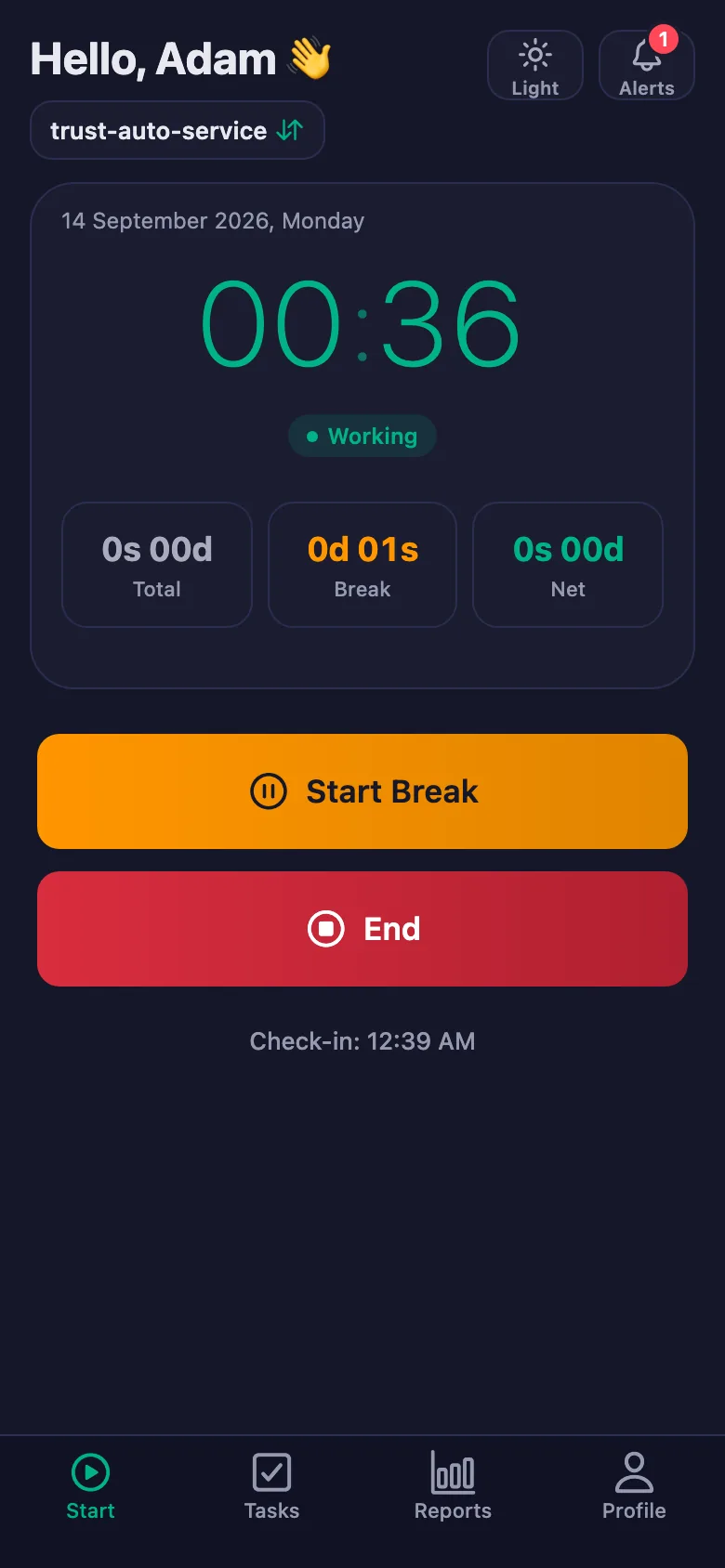
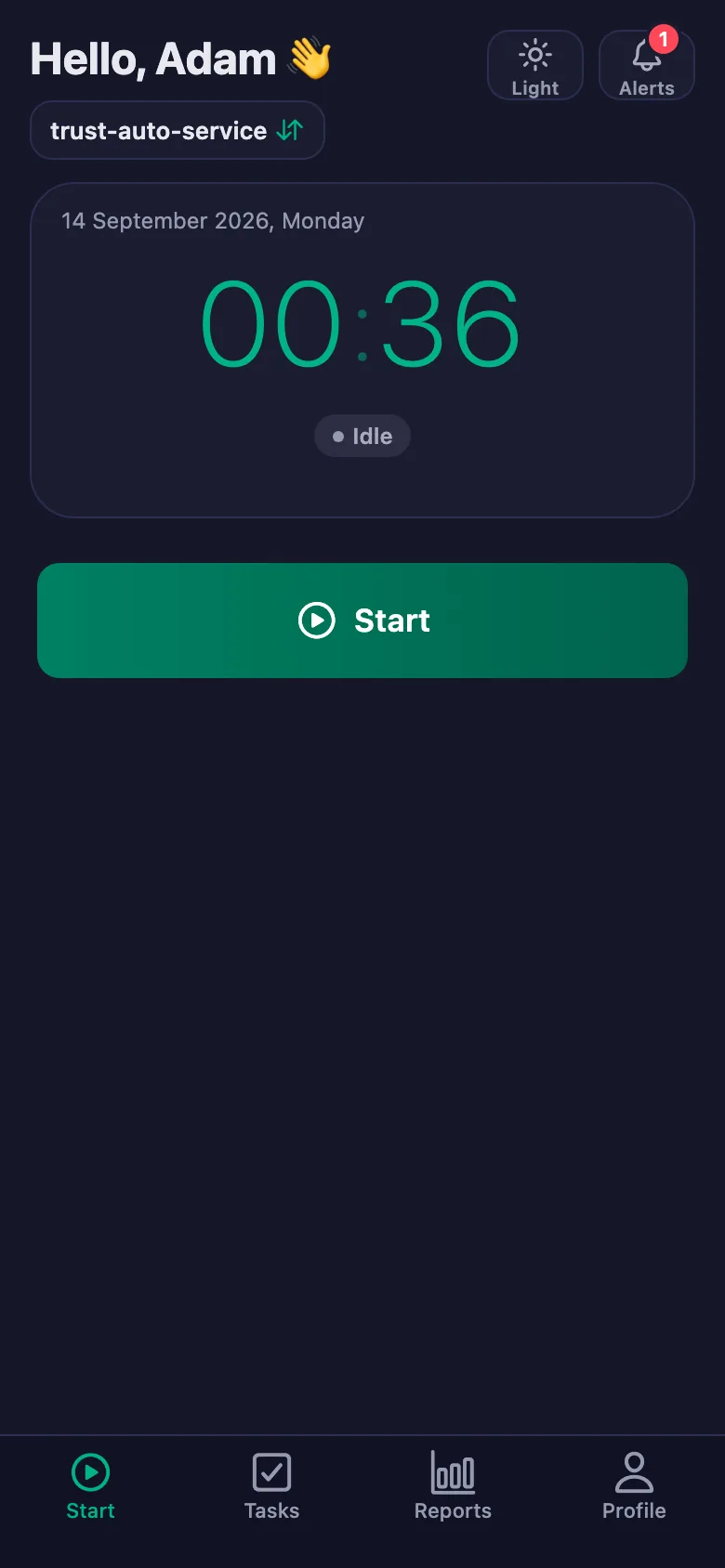
The technician starts the timer when they begin and stops it at the end. Lateness, breaks and net time appear separately in the report.
Nobody knows how many hours a job really took, so the next customer gets another estimate rather than a figure.
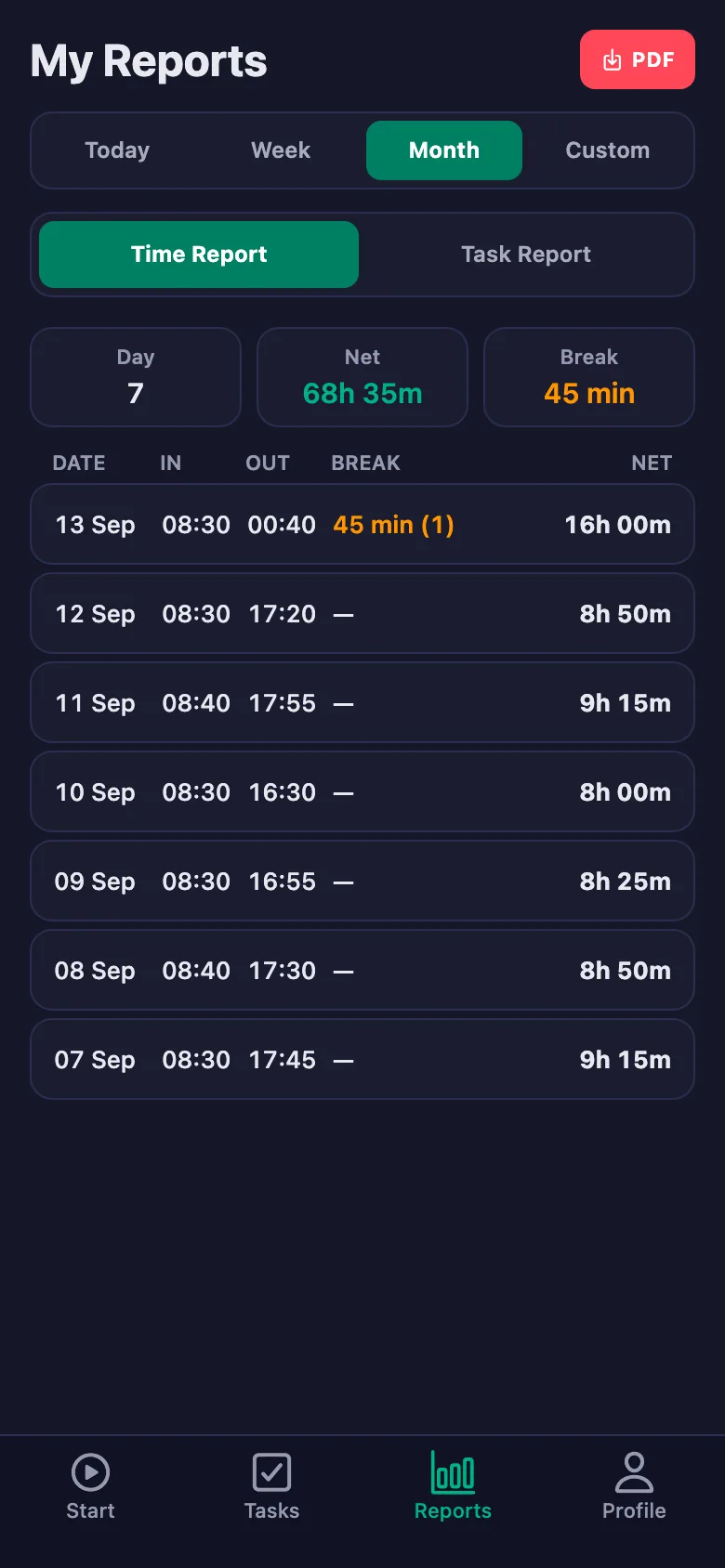
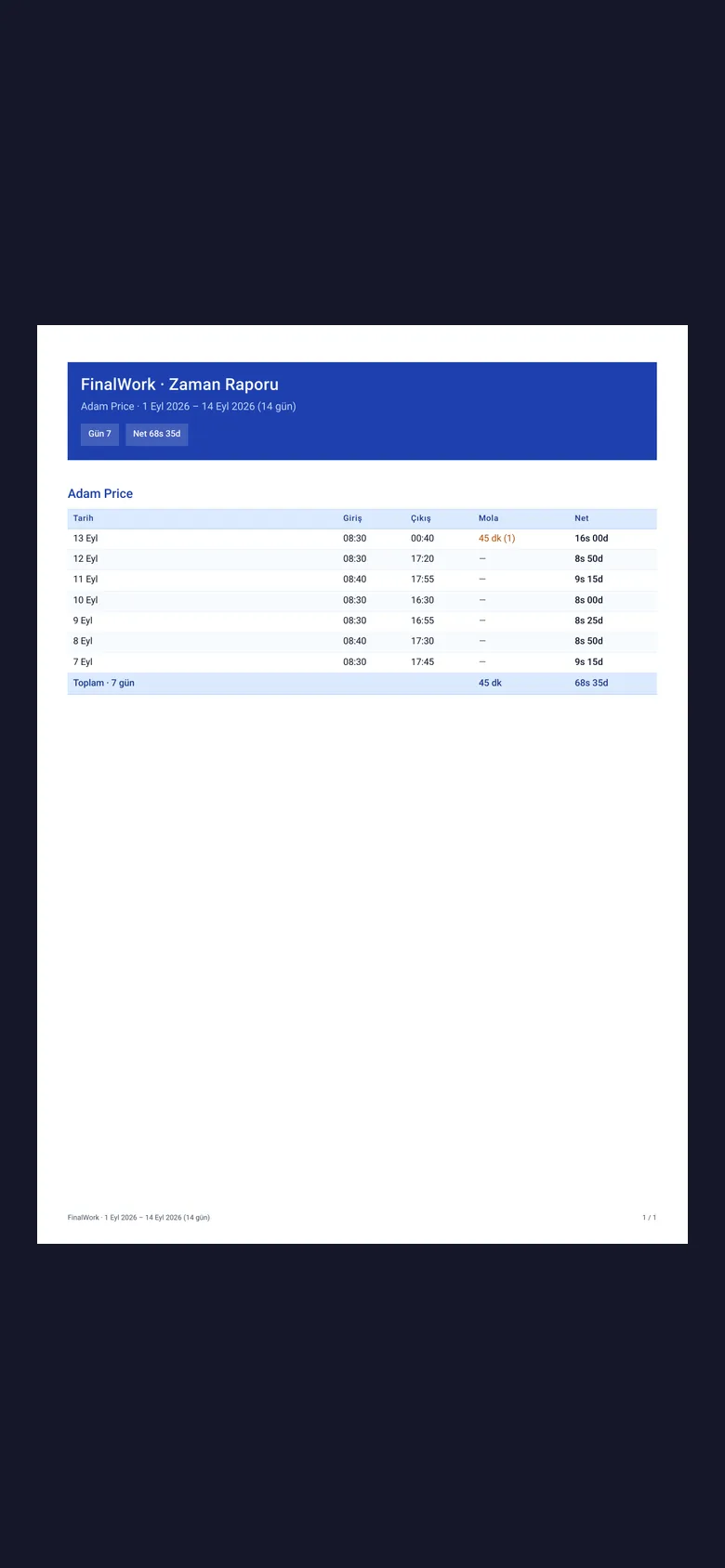
Times are recorded day by day and person by person. Pick a date range and each technician's total and net time turns into a report.
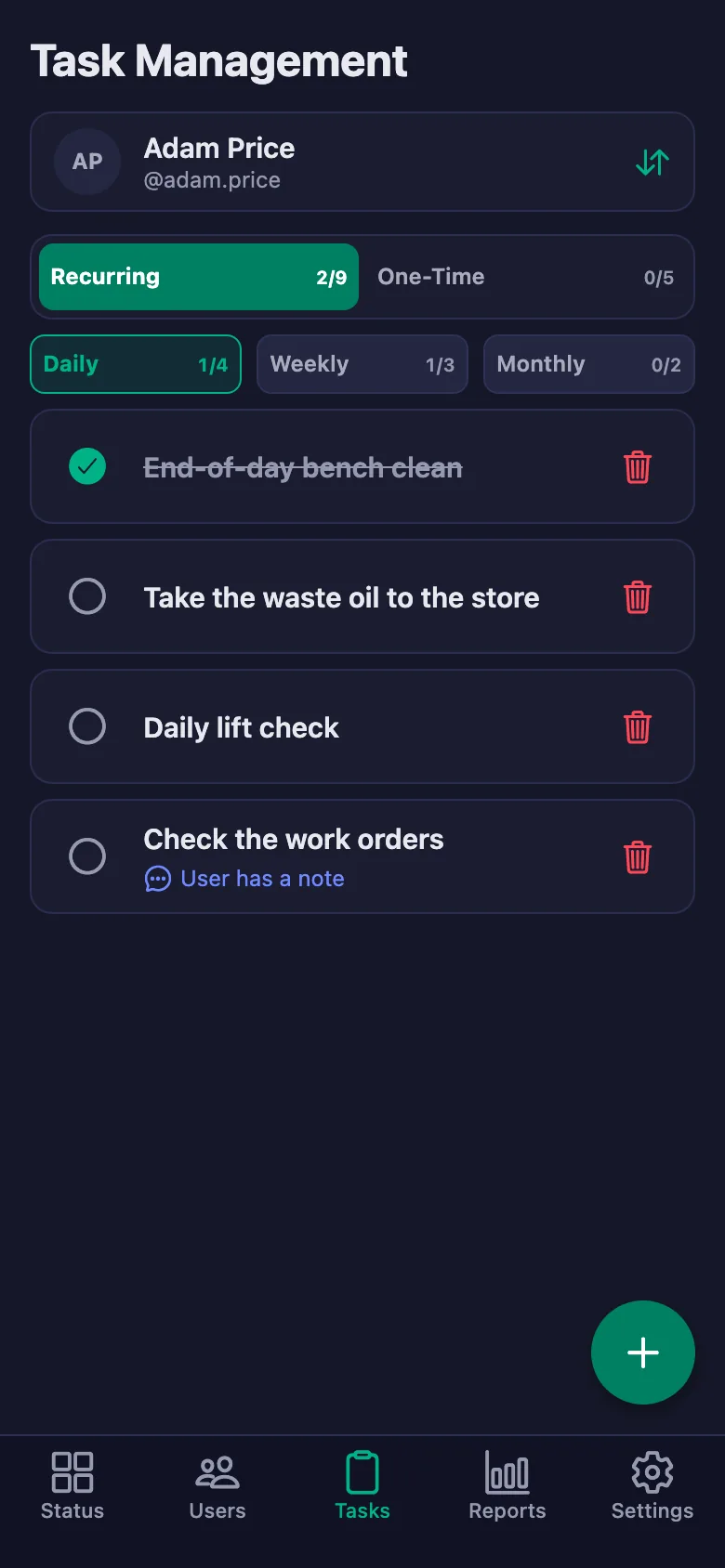
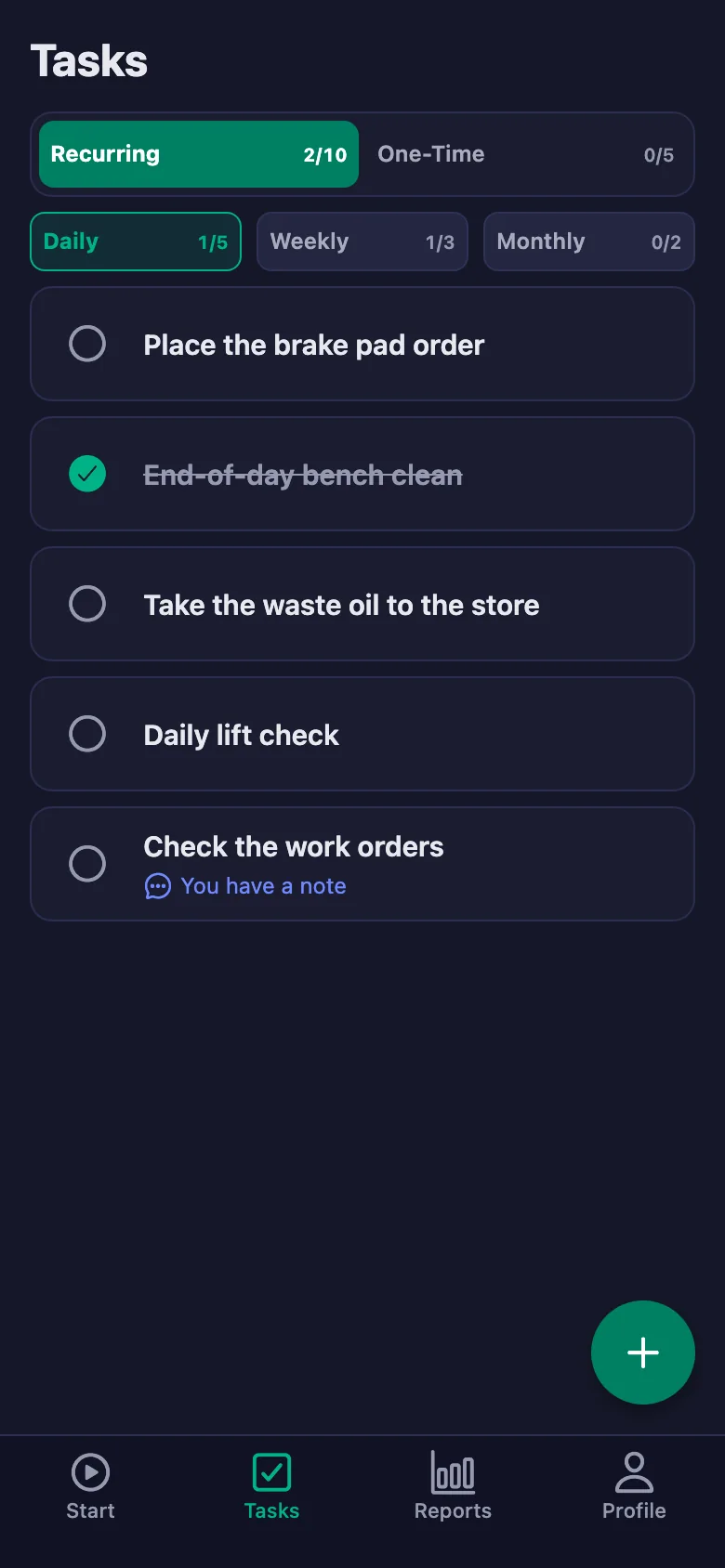
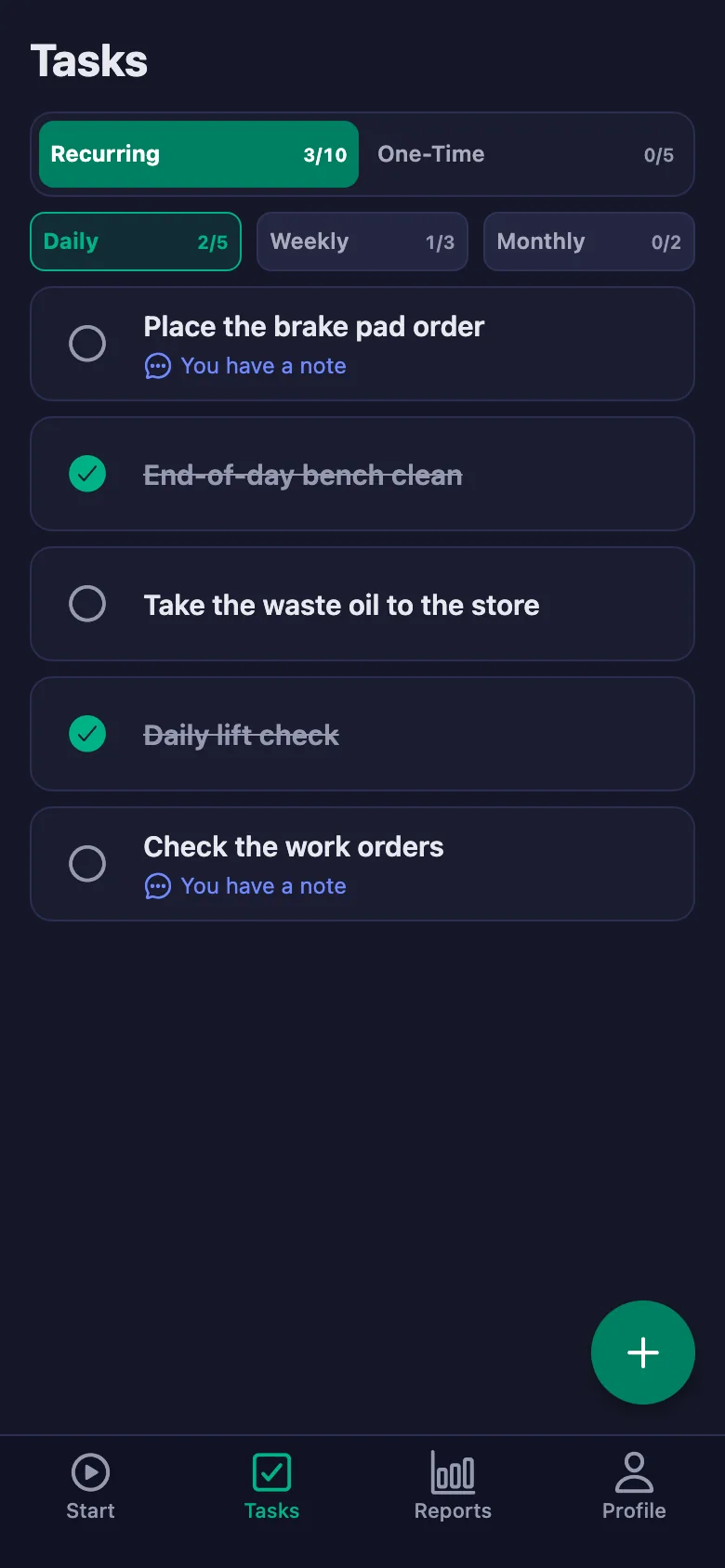
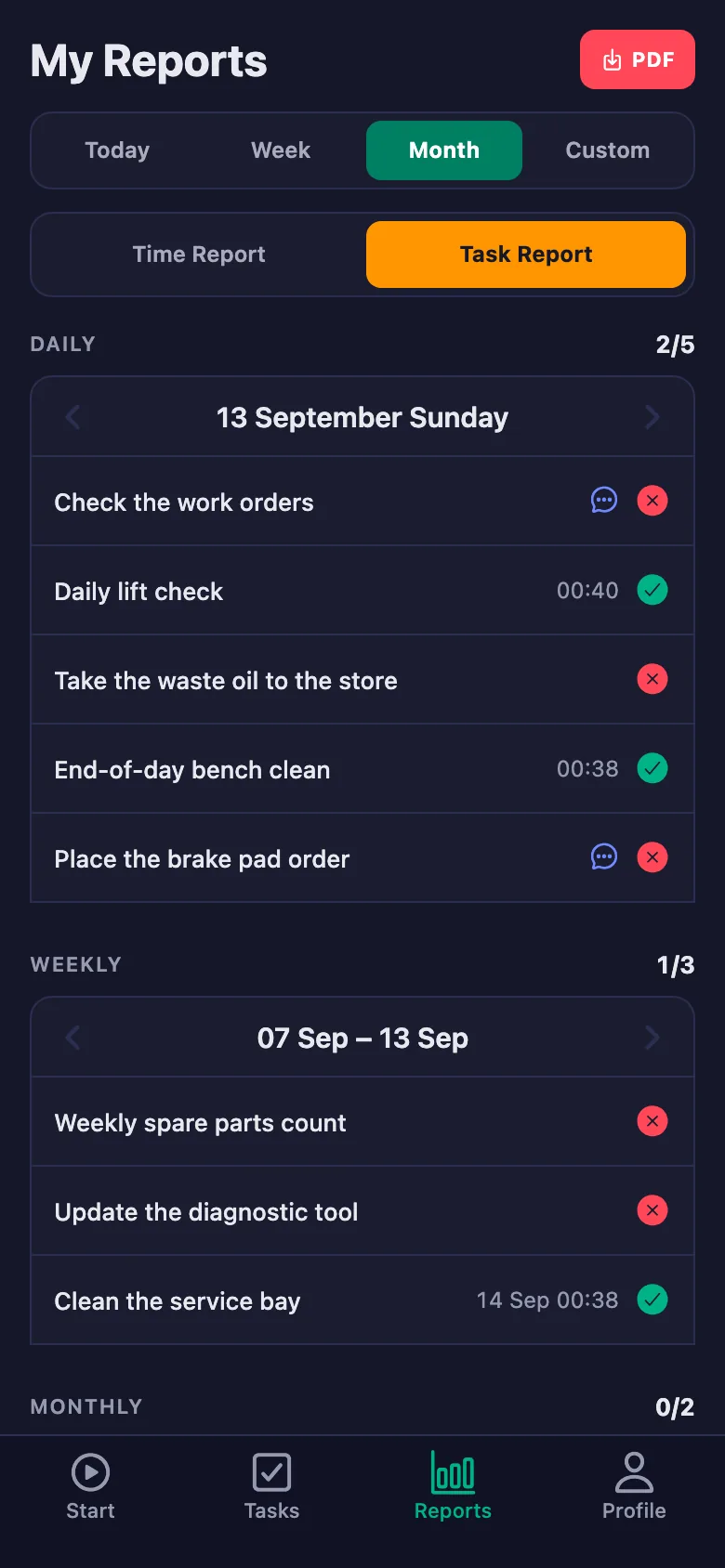
Lift checks, waste oil hand-over and bench cleaning happen daily but leave no record; at an inspection nothing can be produced.
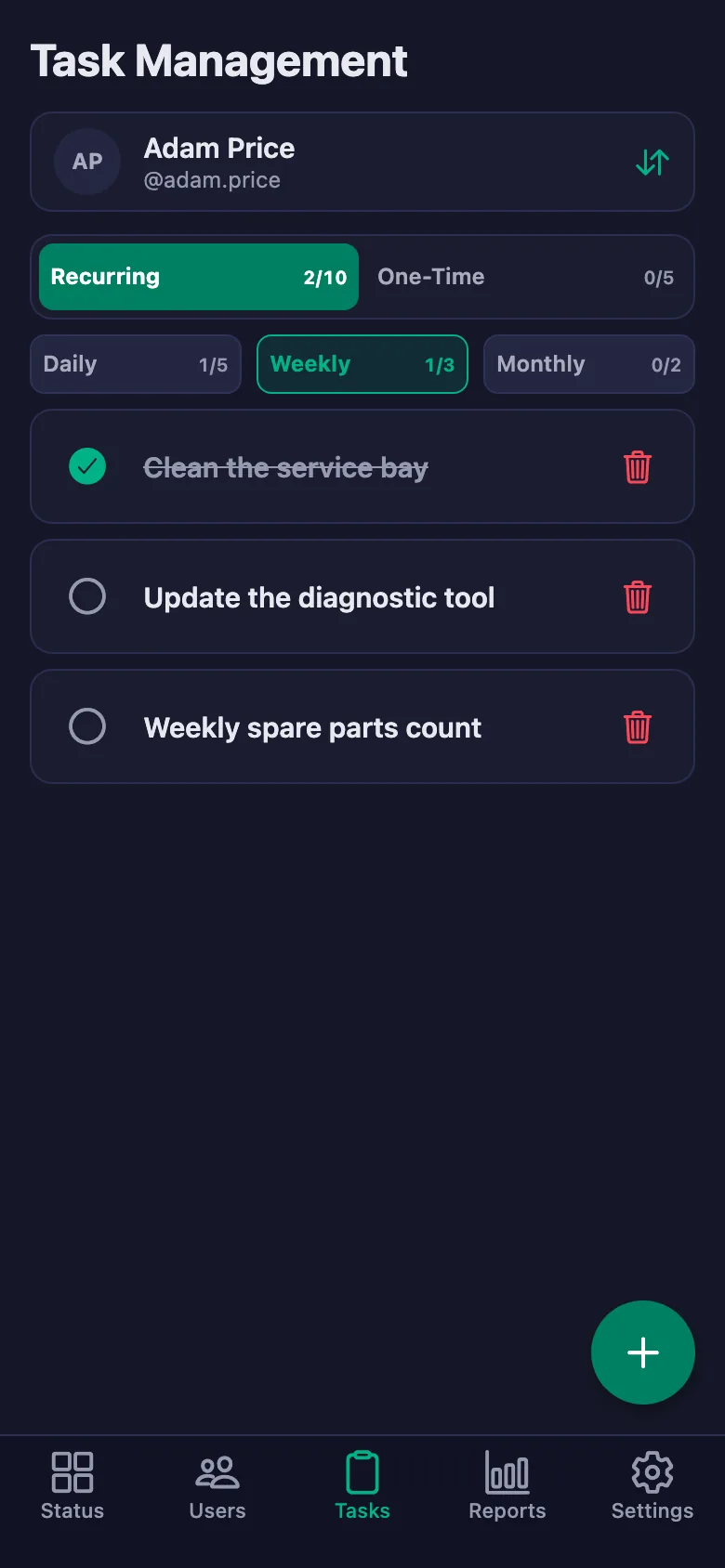
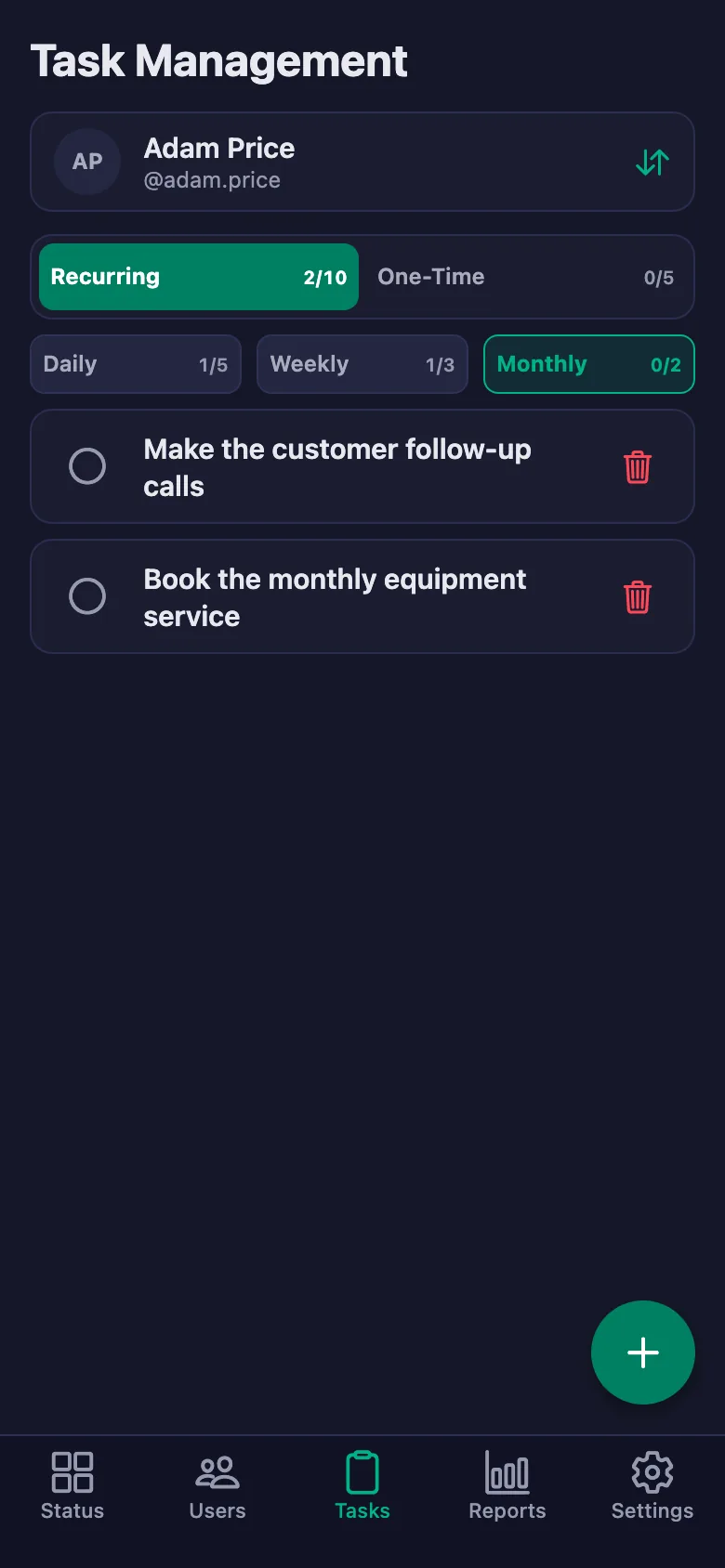
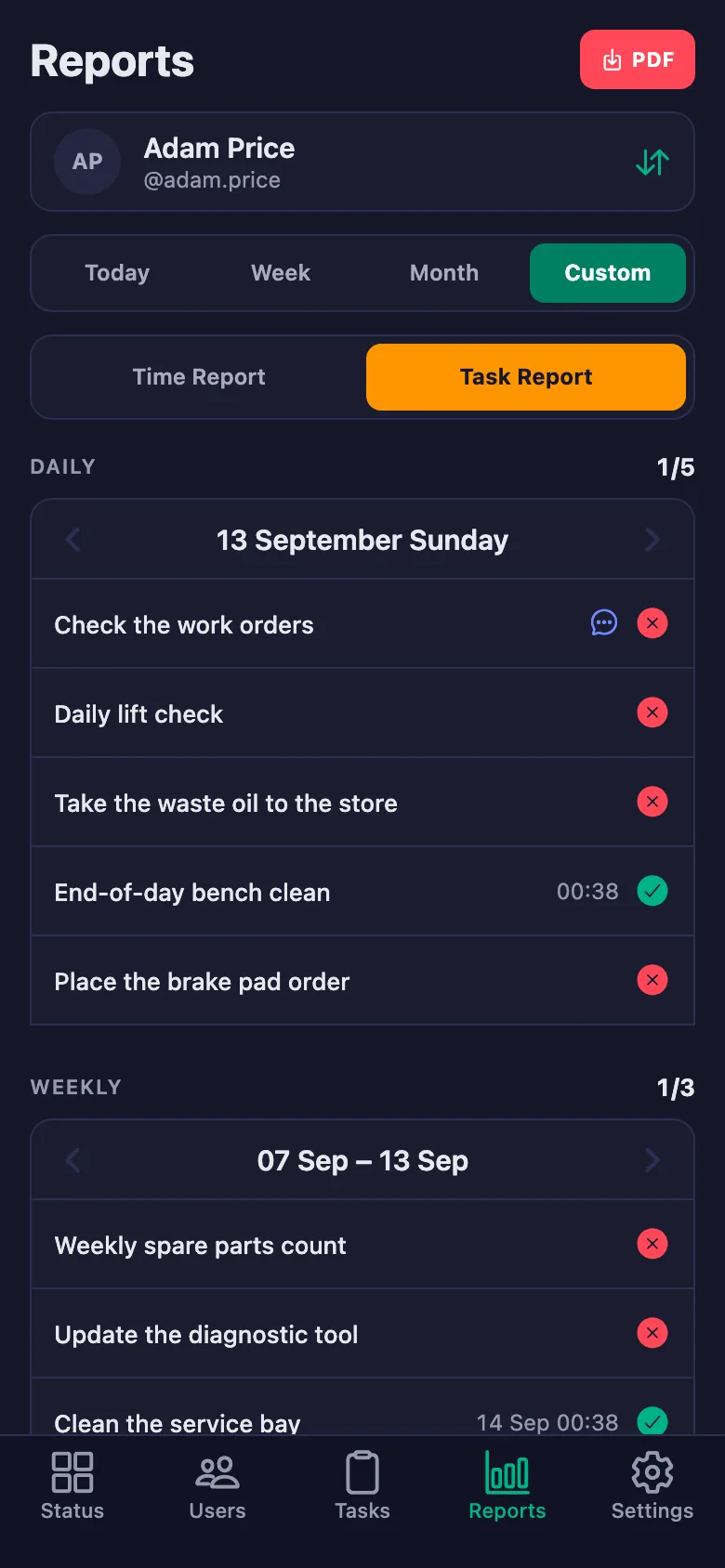
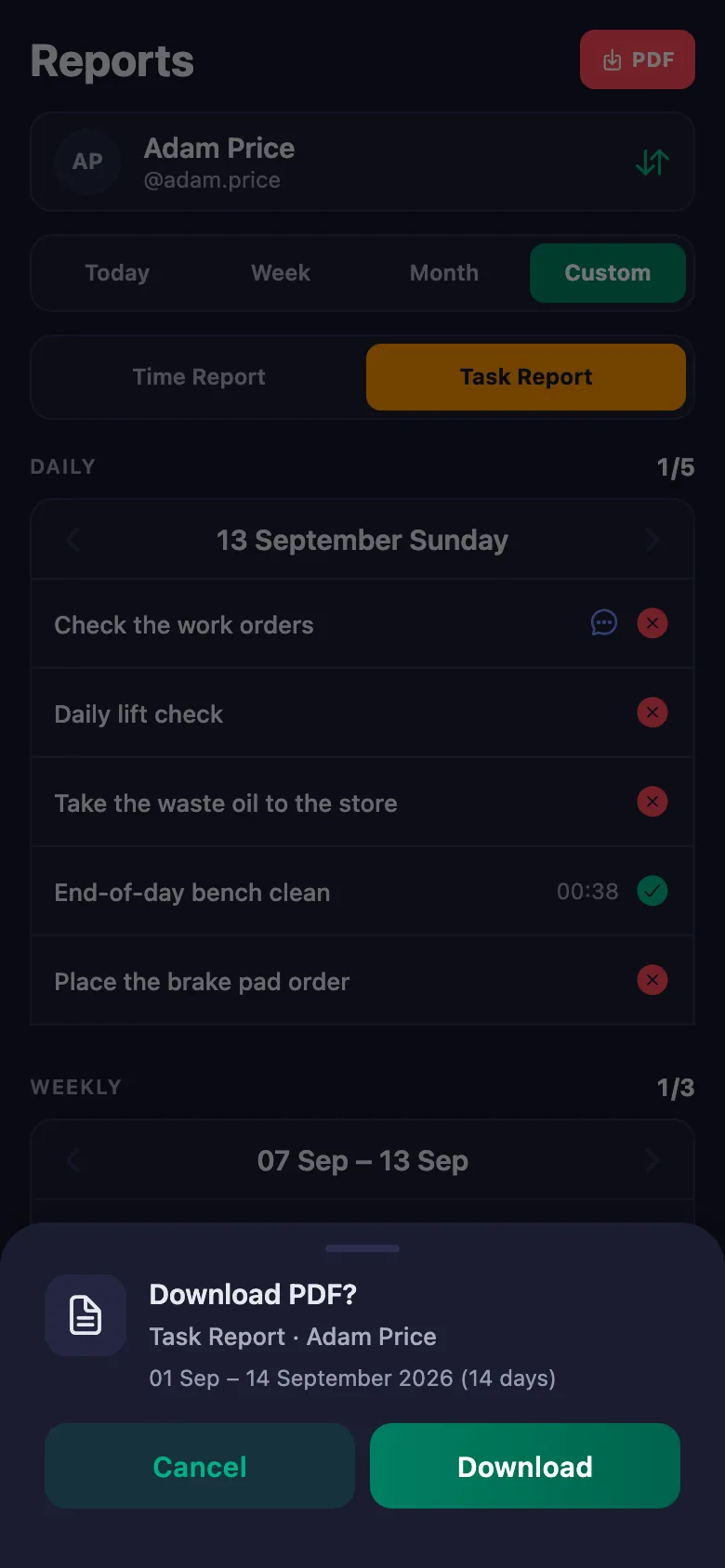
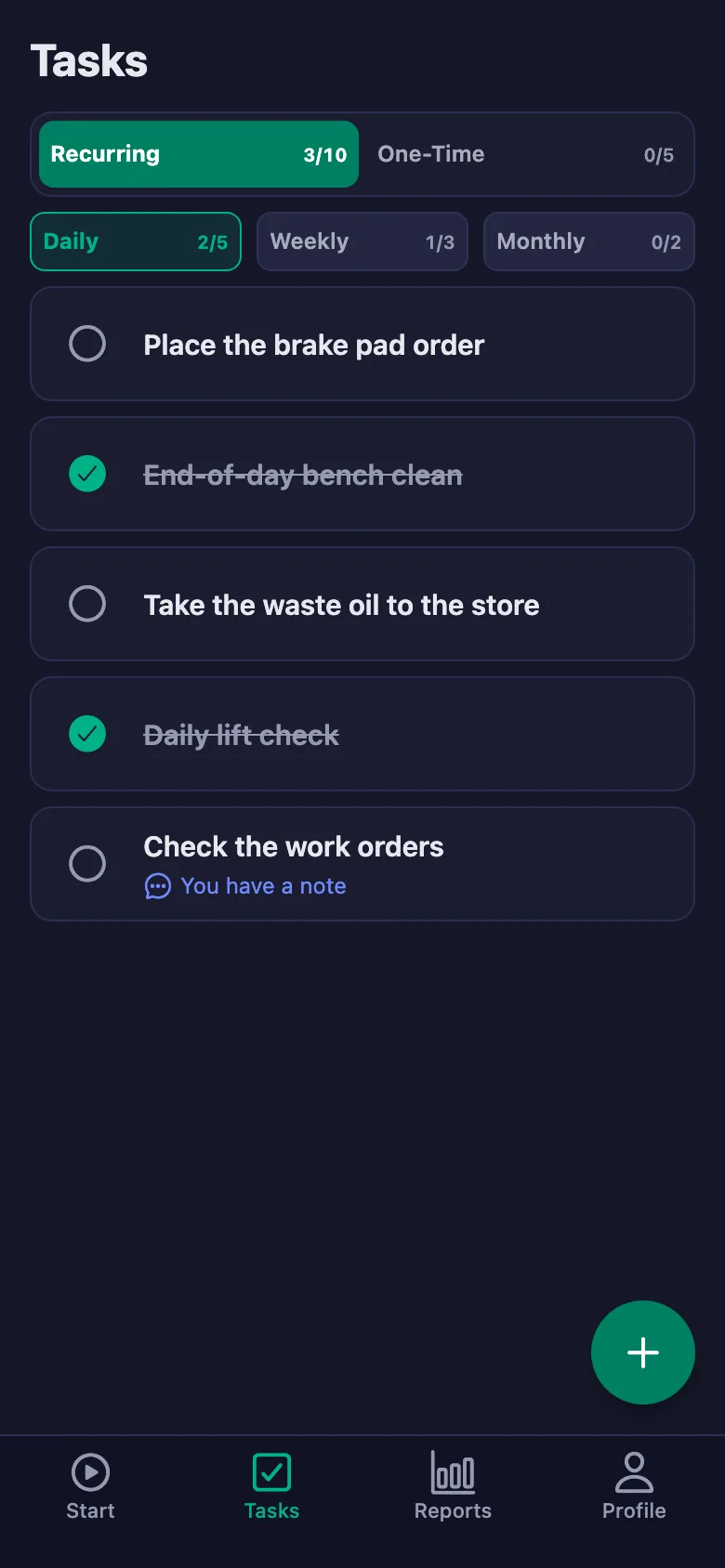
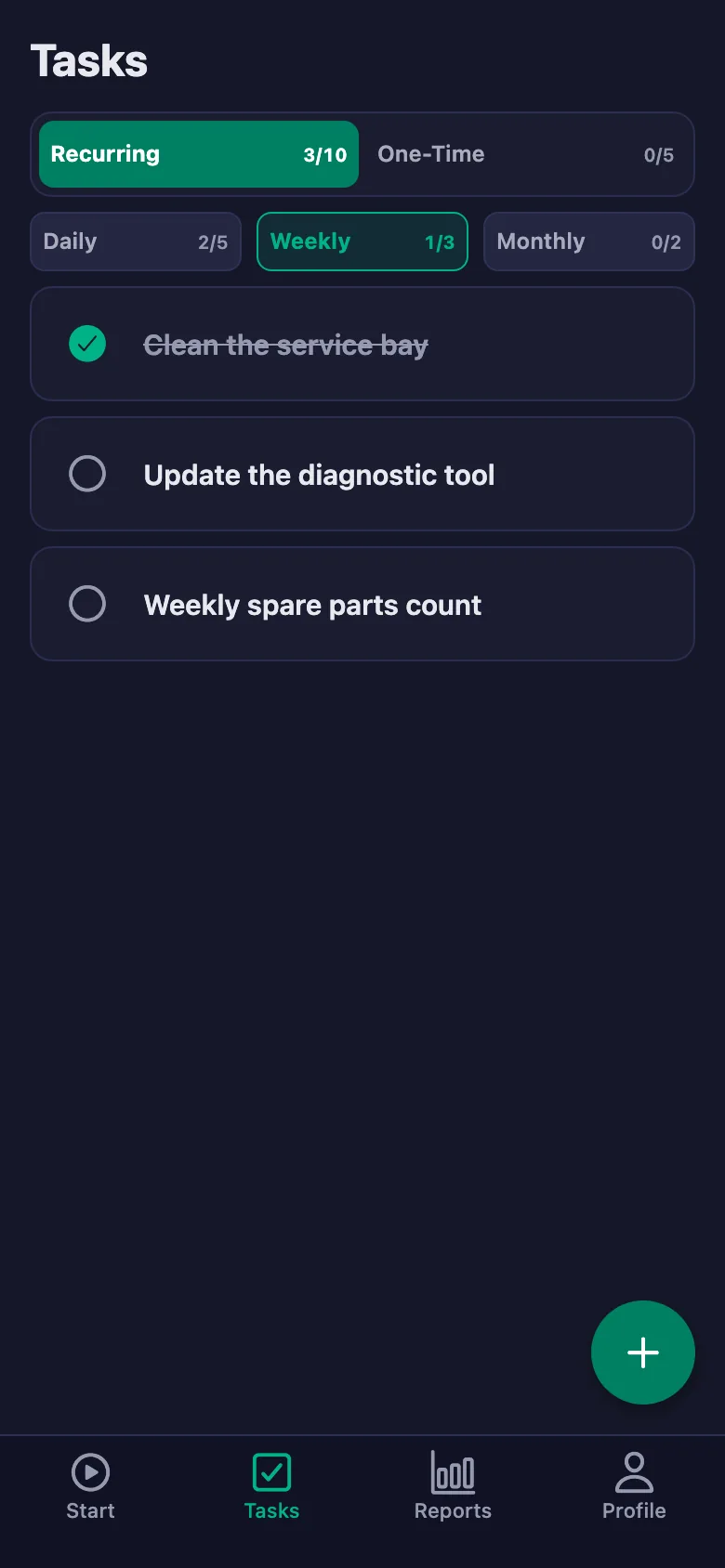
Every check sits there as a daily task; who ticked it, and when, goes on the record and can be handed over as a PDF.
A part that isn't in stock gets mentioned at the bench, the order slips to the evening, and the car waits another day.
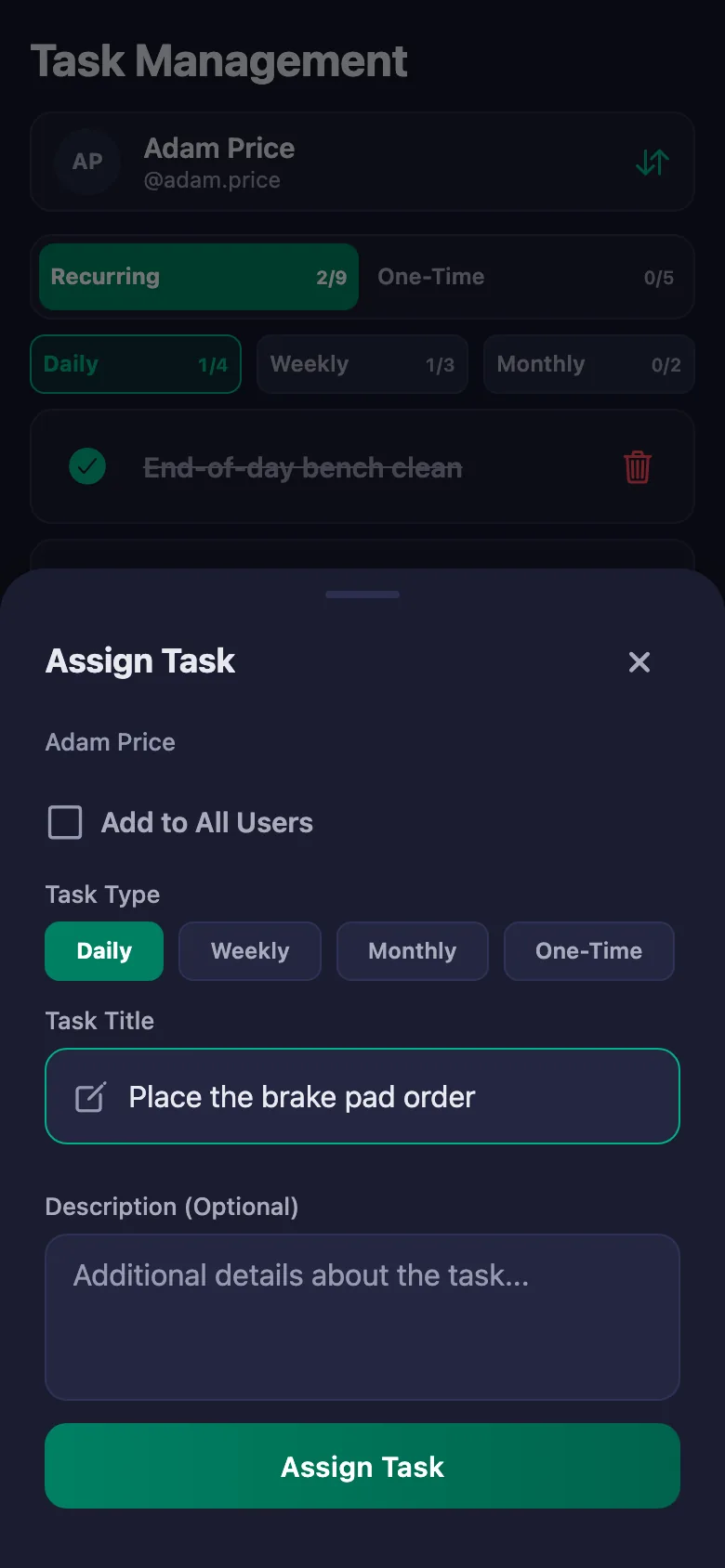
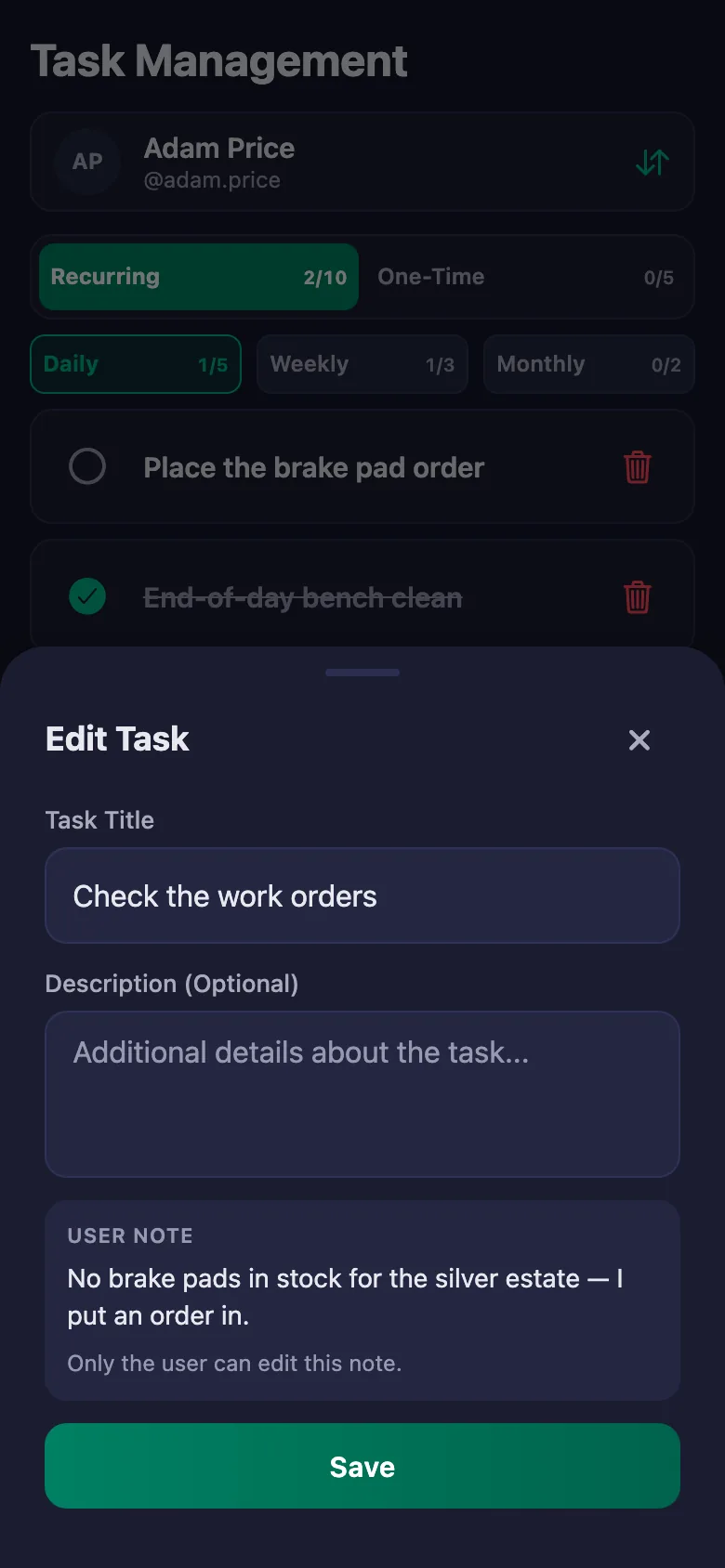
The technician writes a note under the task: which car, which part is missing. The note sits on your screen, and only the person who wrote it can change it.
Closing checks get forgotten, and the bench is a mess when you arrive in the morning.
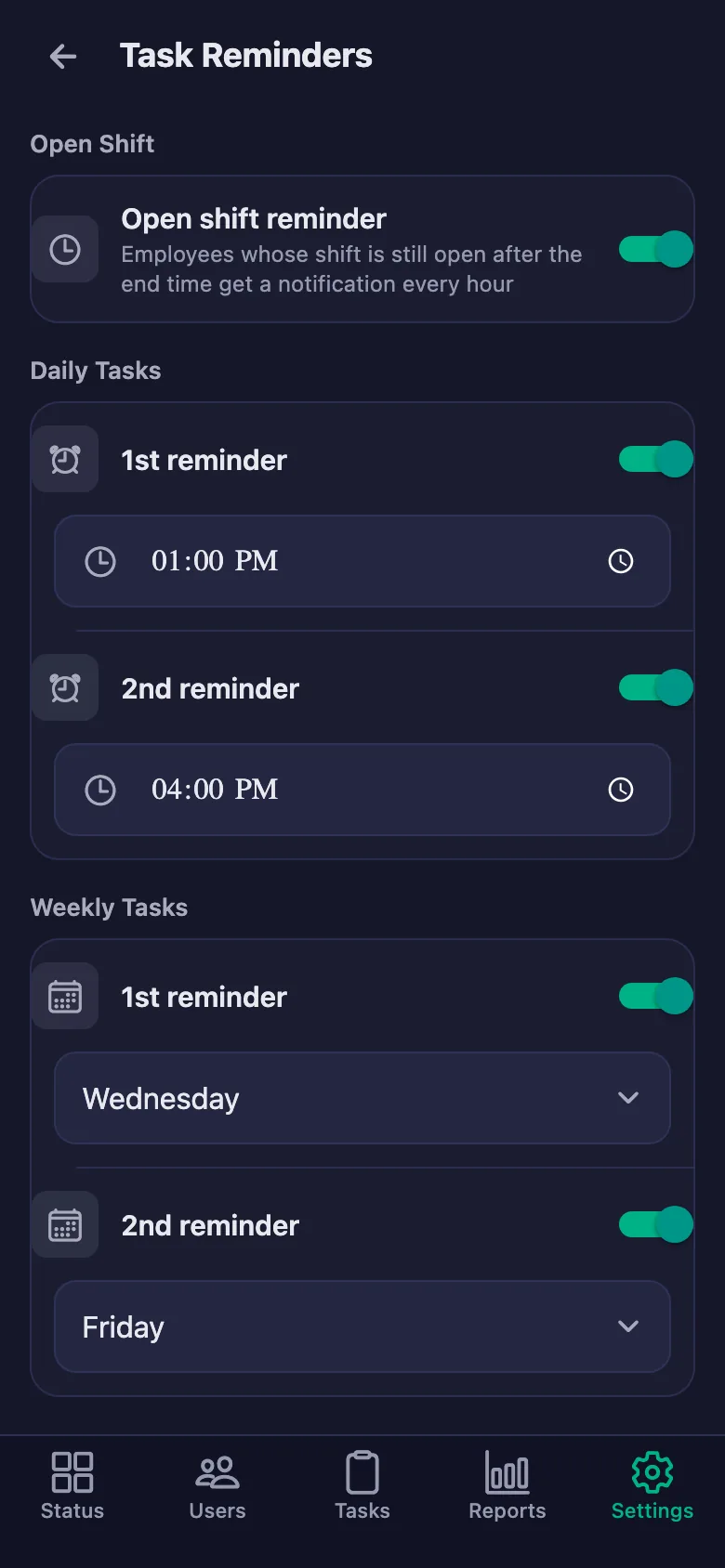
You set the reminder times. If a check is still undone at that hour, a notification lands on the technician's phone.
Working out bonuses and claims means adding up bits of paper at the end of the month.
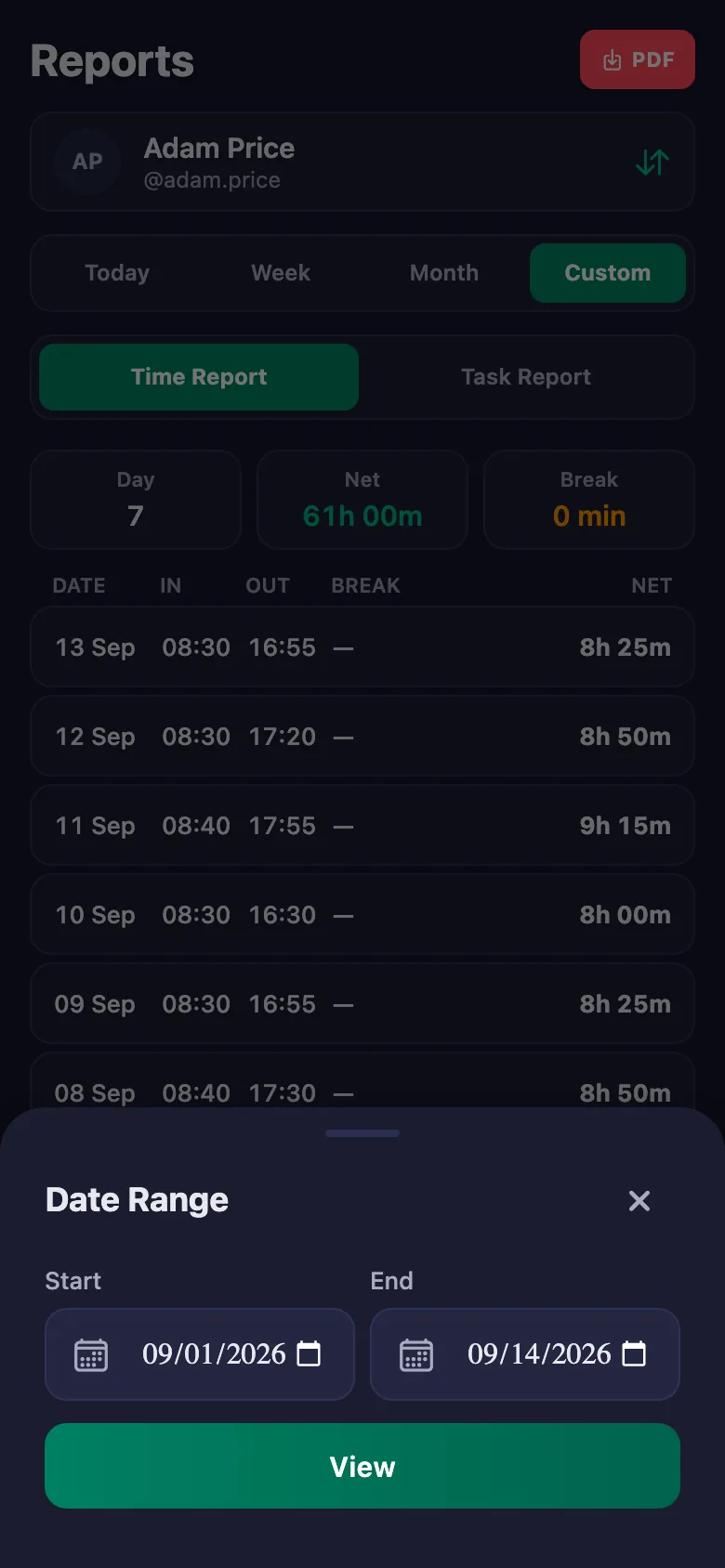
You pick whatever date range you need and the report appears on screen. You download it as a PDF and attach it to the bonus and claim calculation.
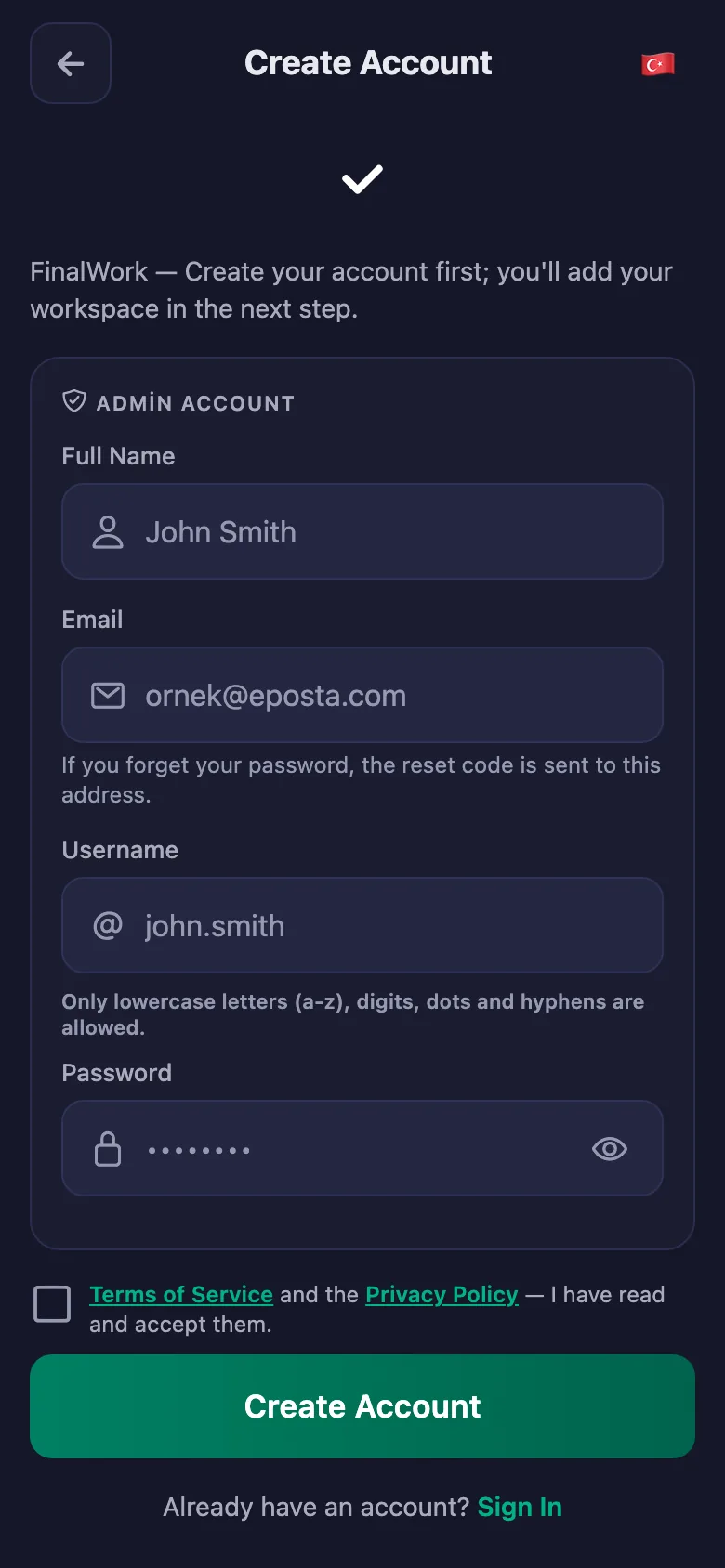
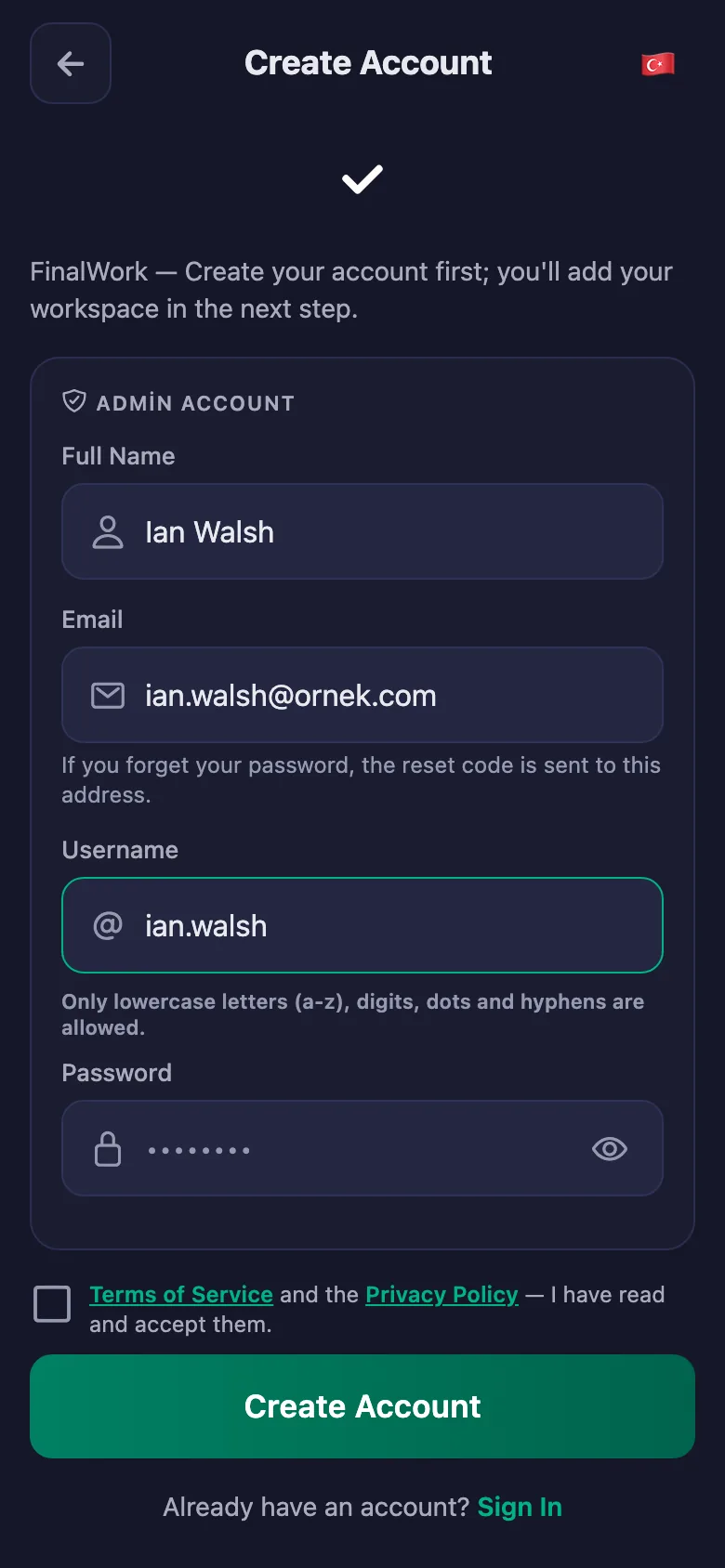
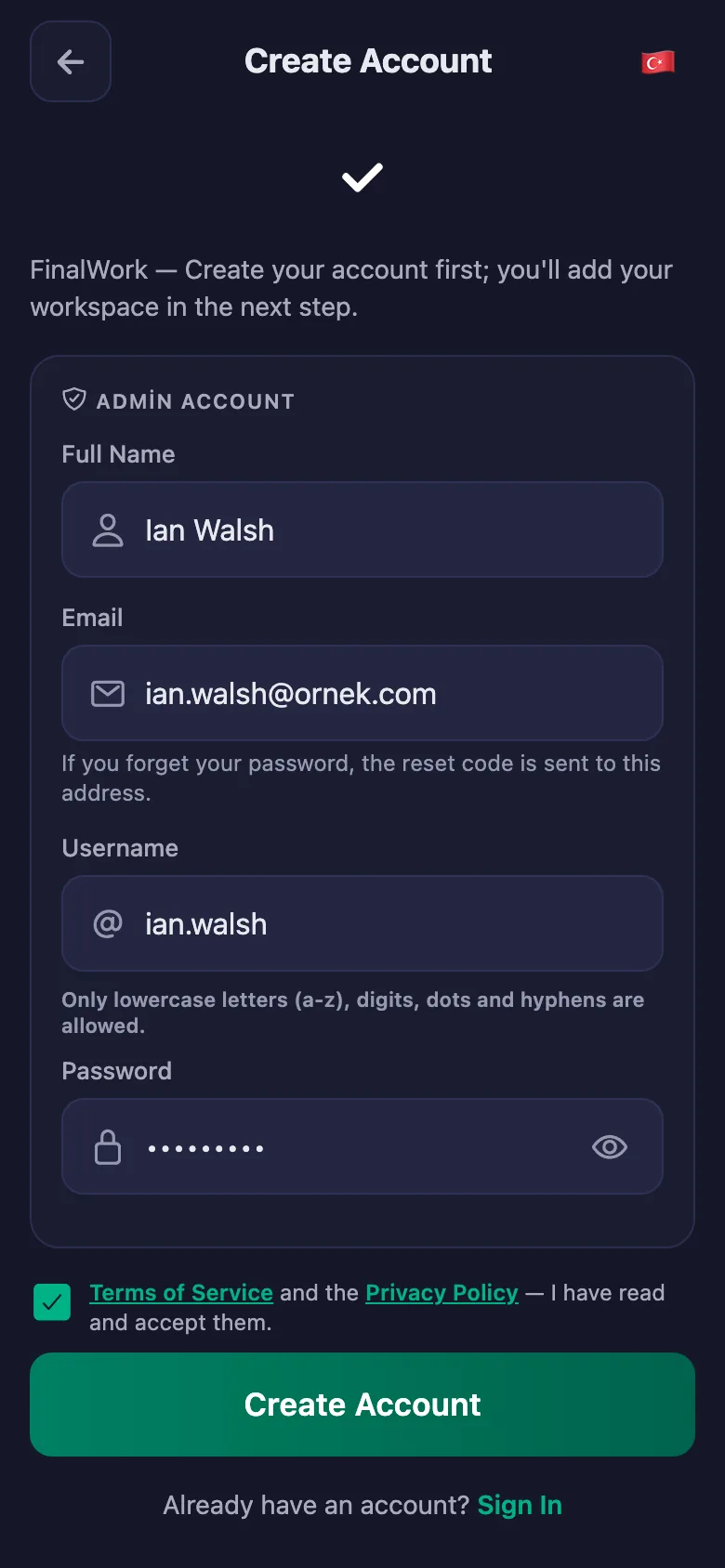
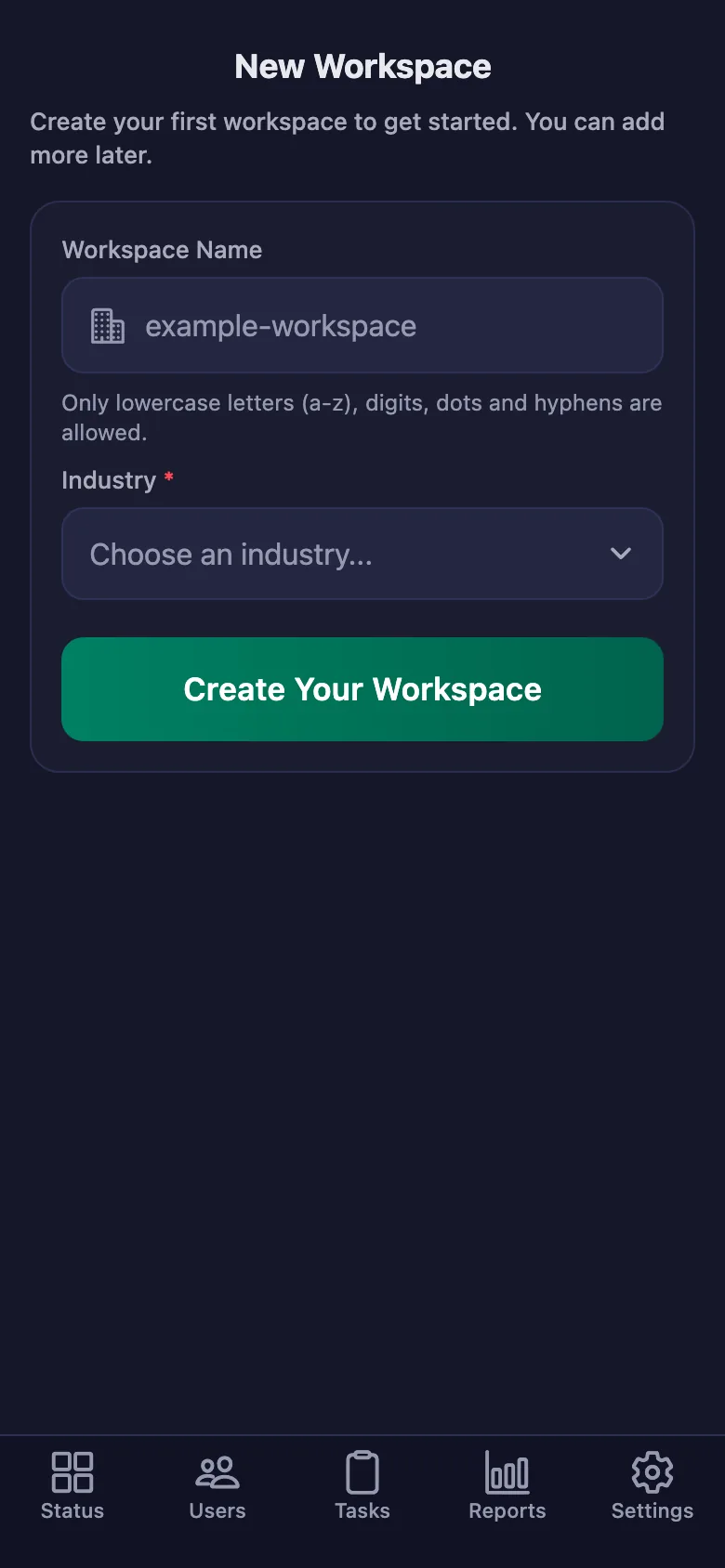
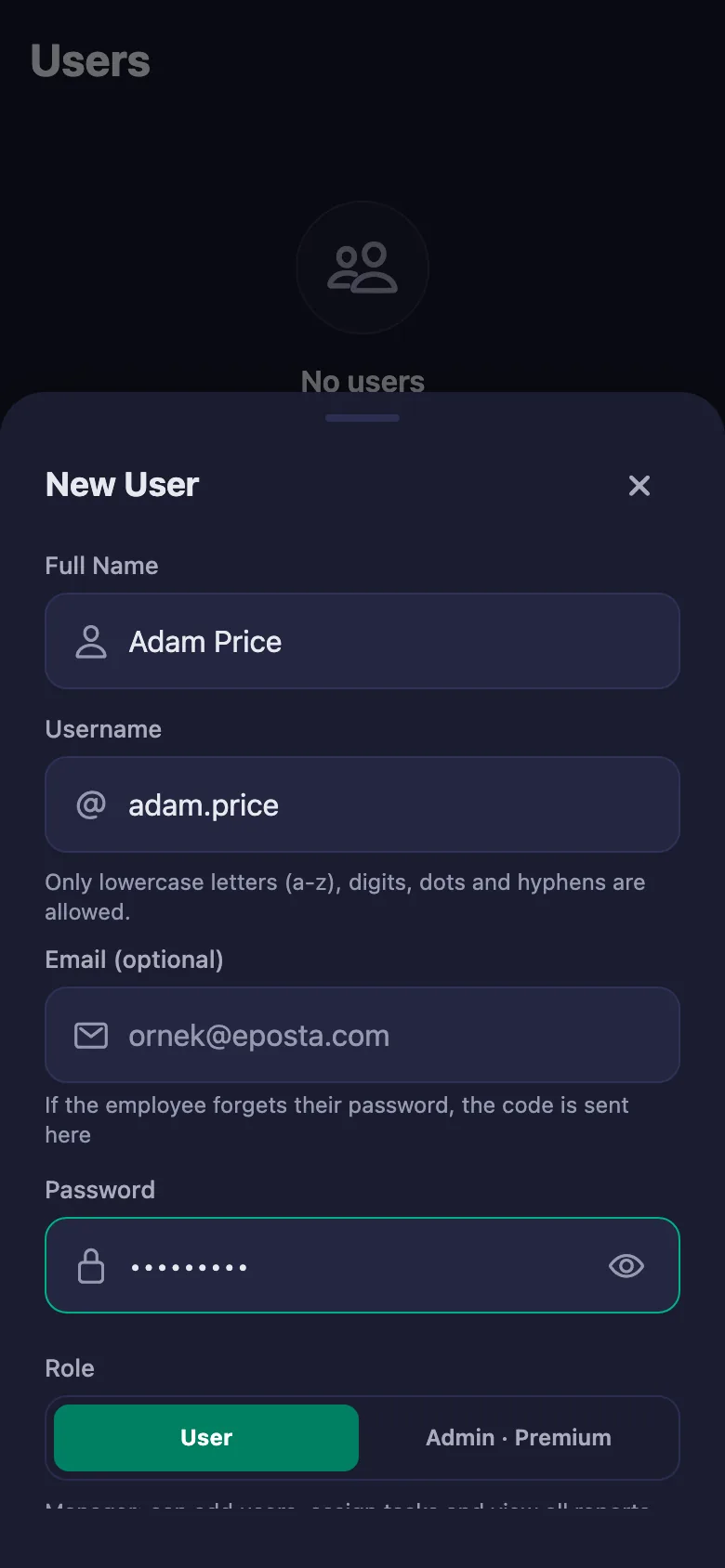
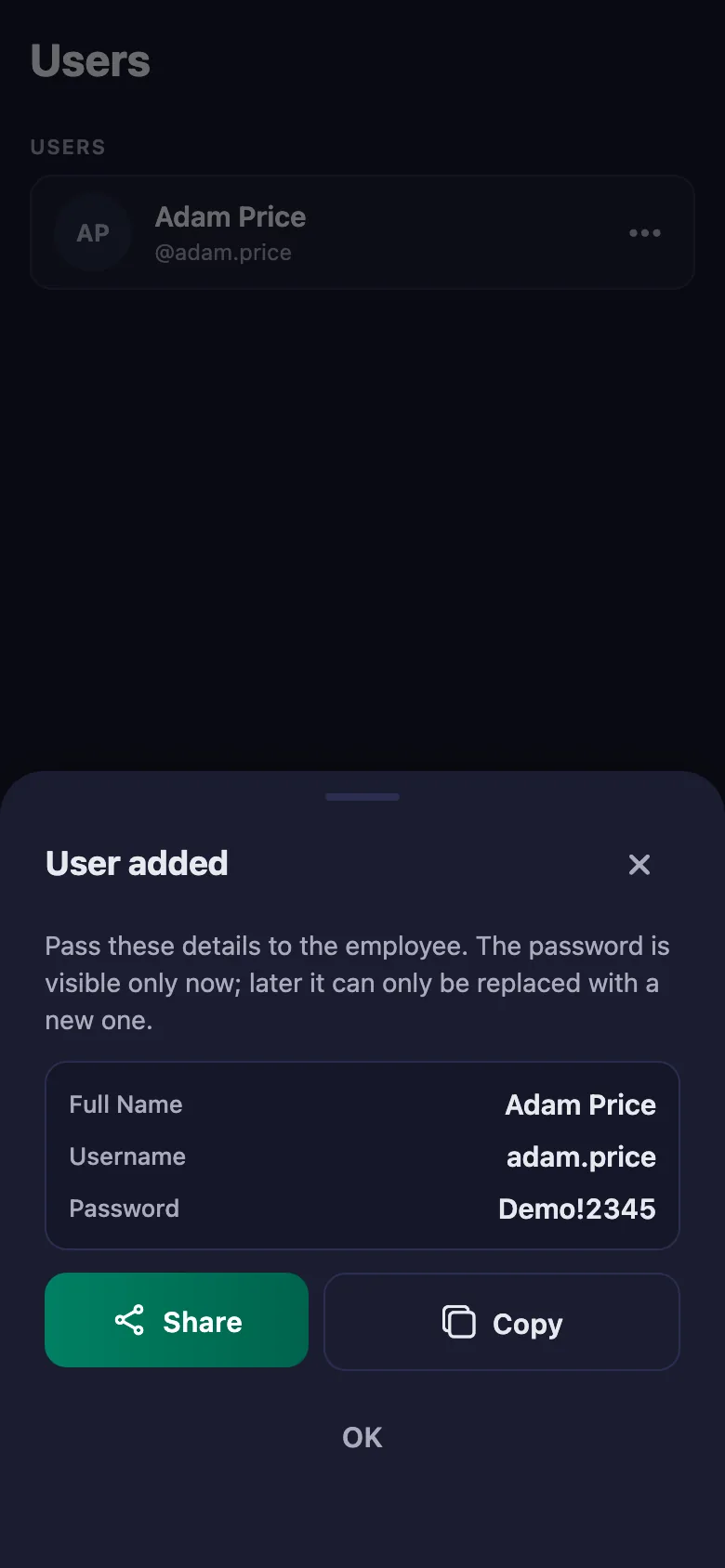
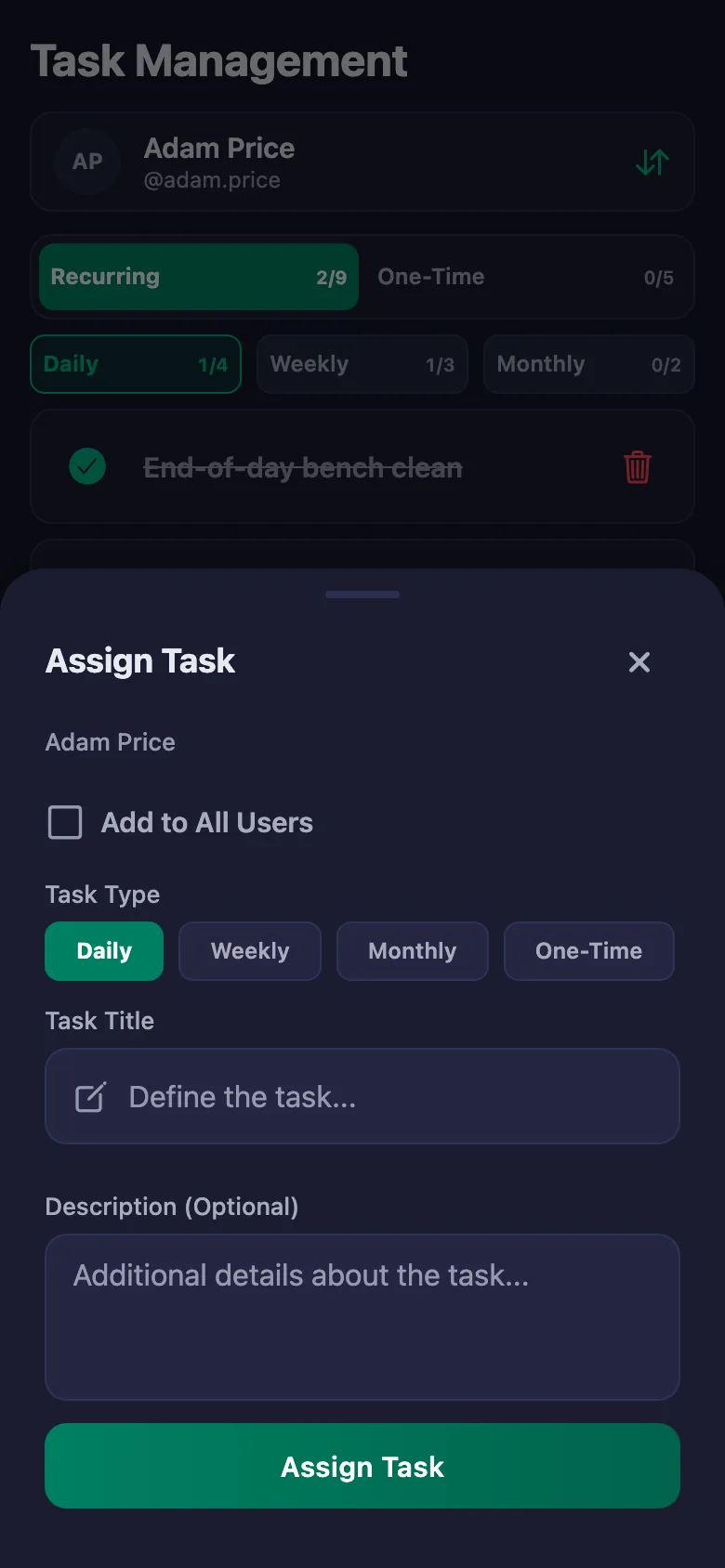
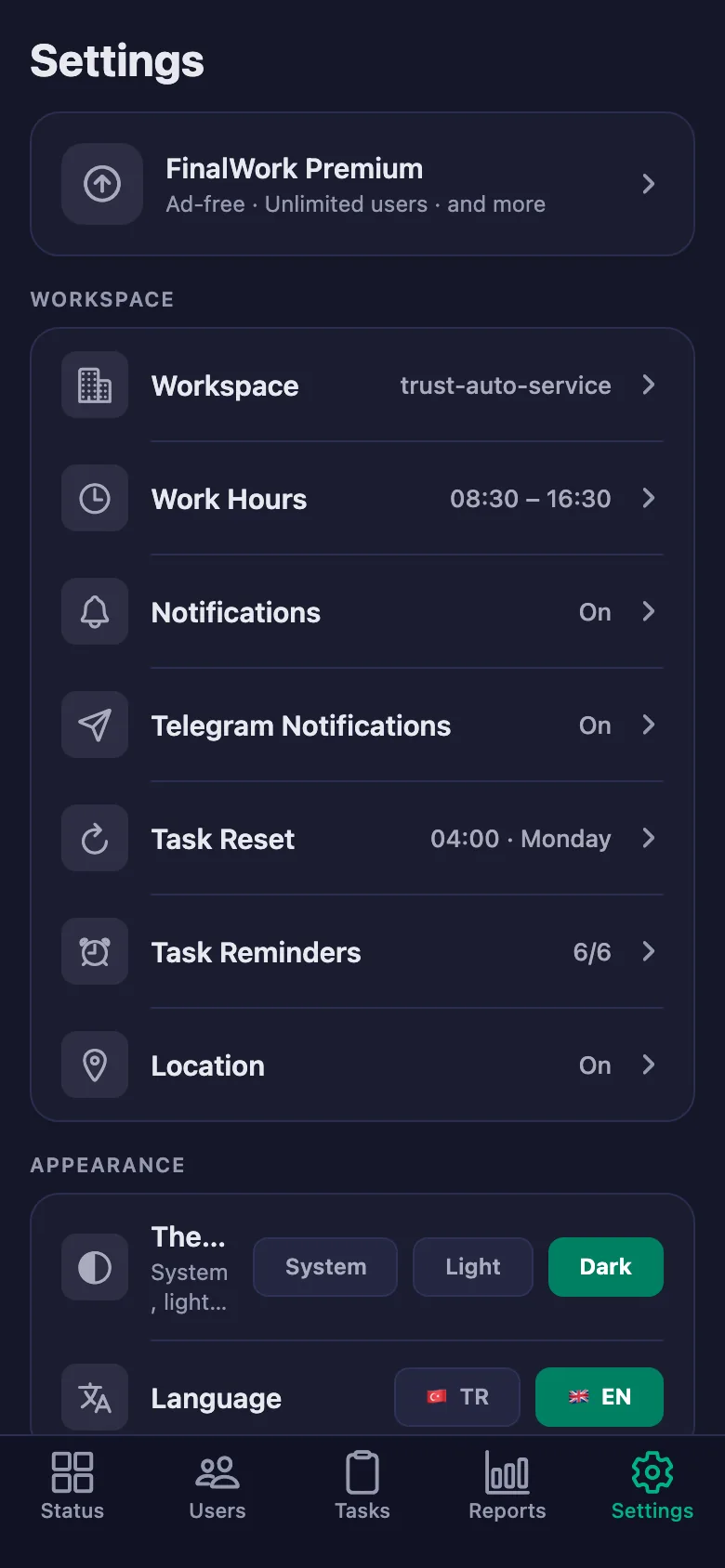
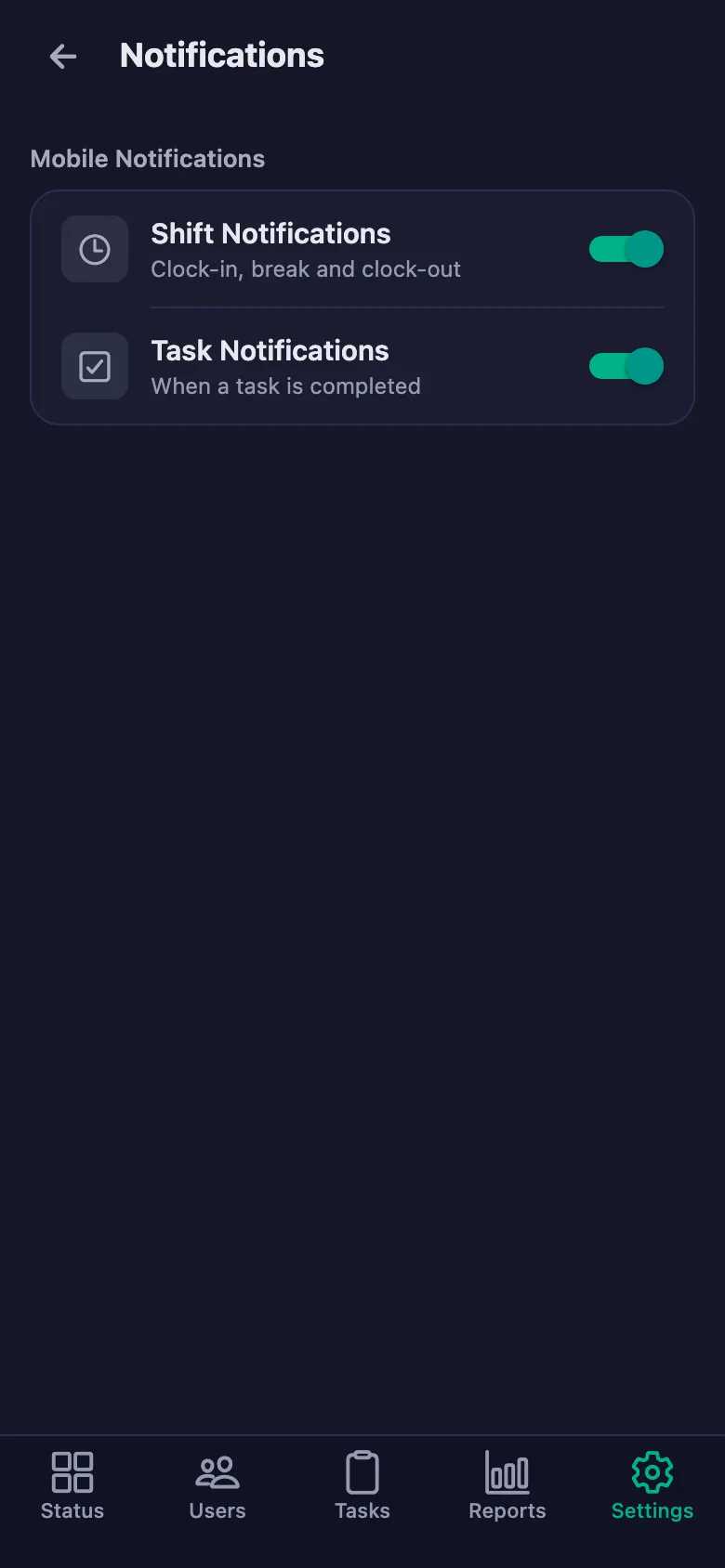
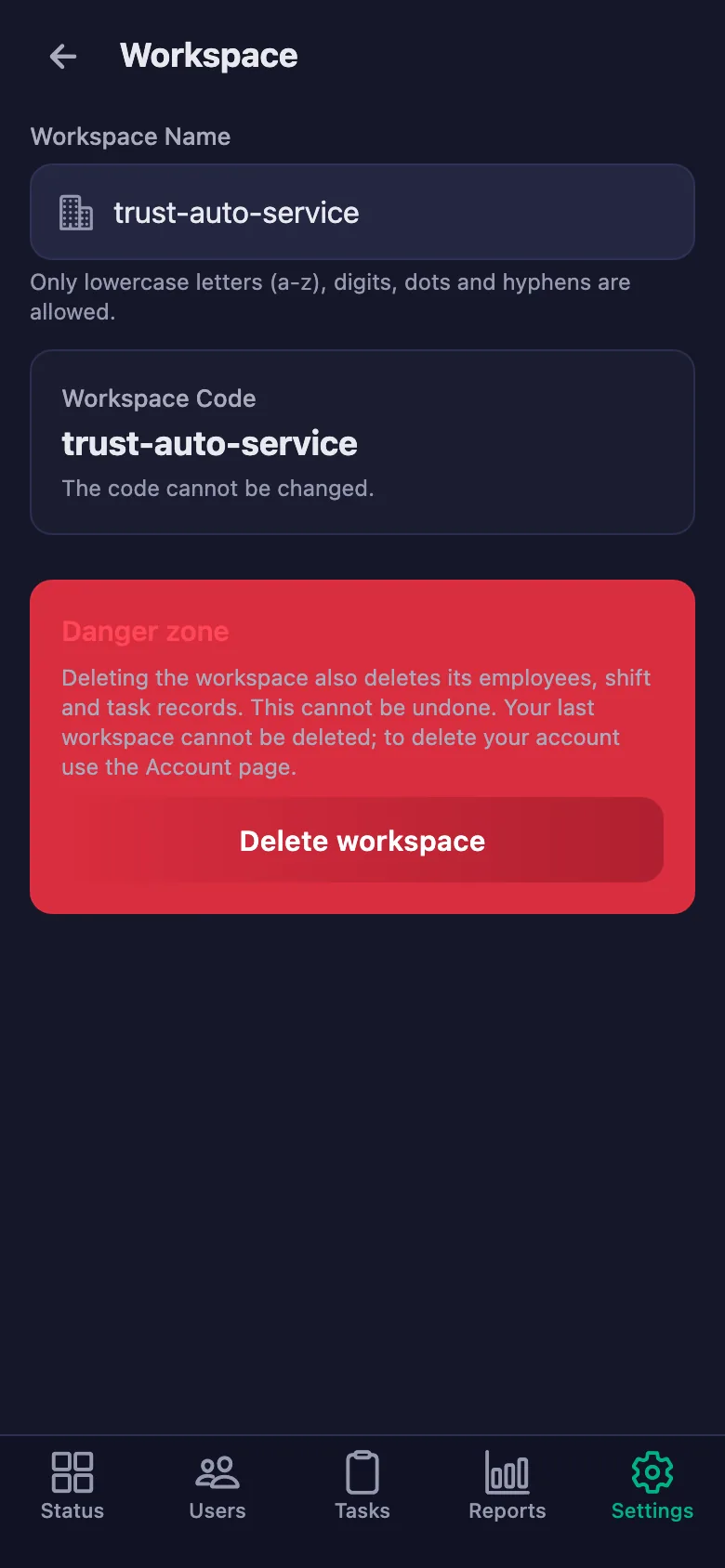
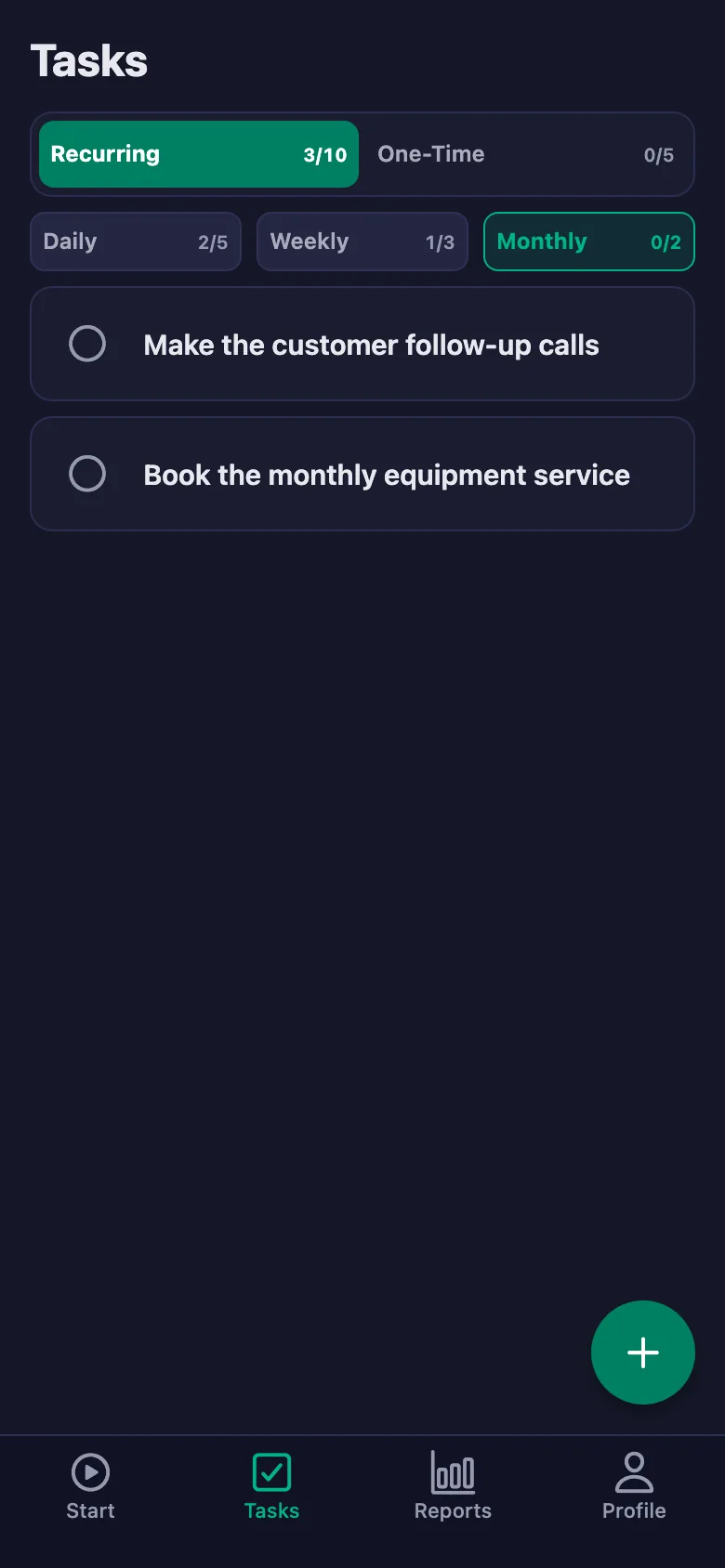
Setup and activation take just one minute — you can start free. Below you can watch the whole flow on the app's real screens.
Service Manager – Technician App Demo
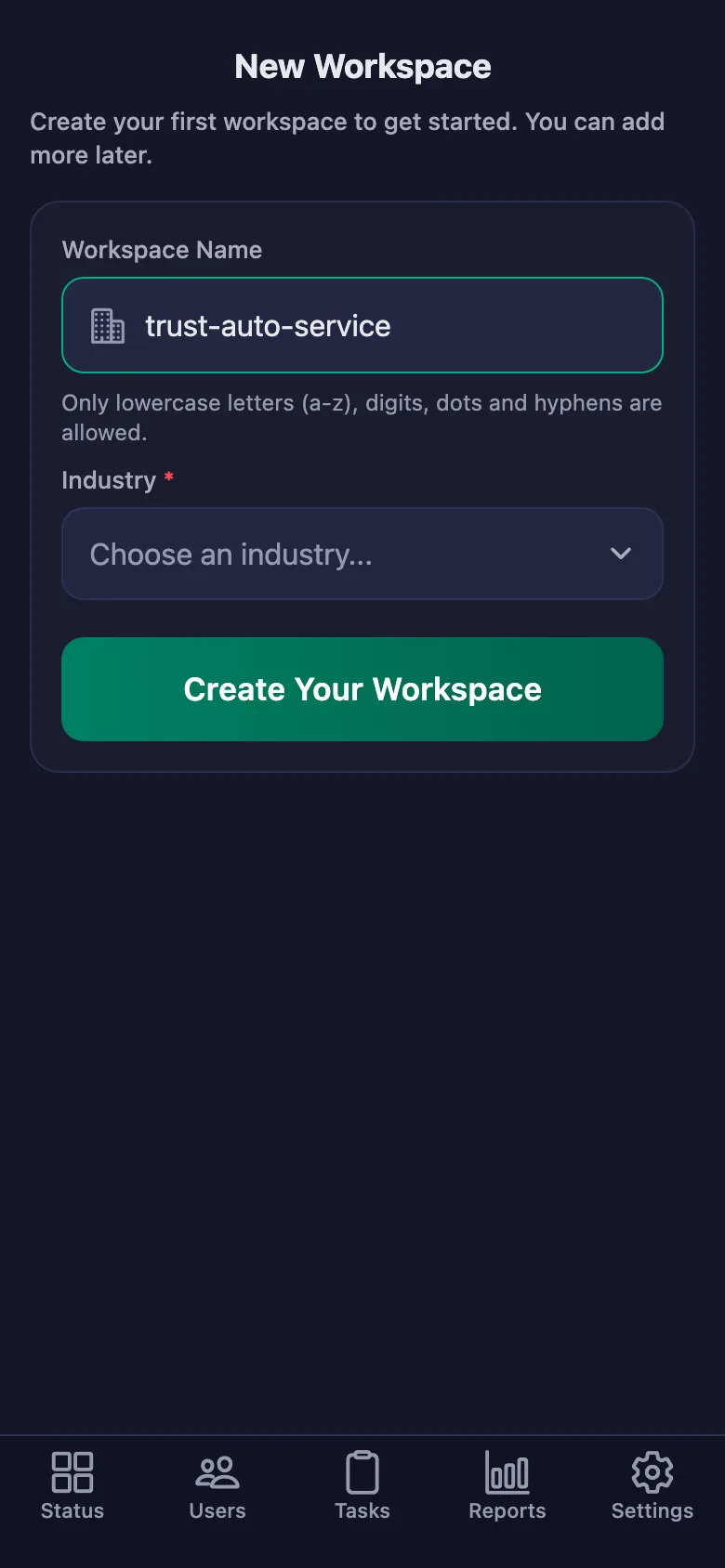
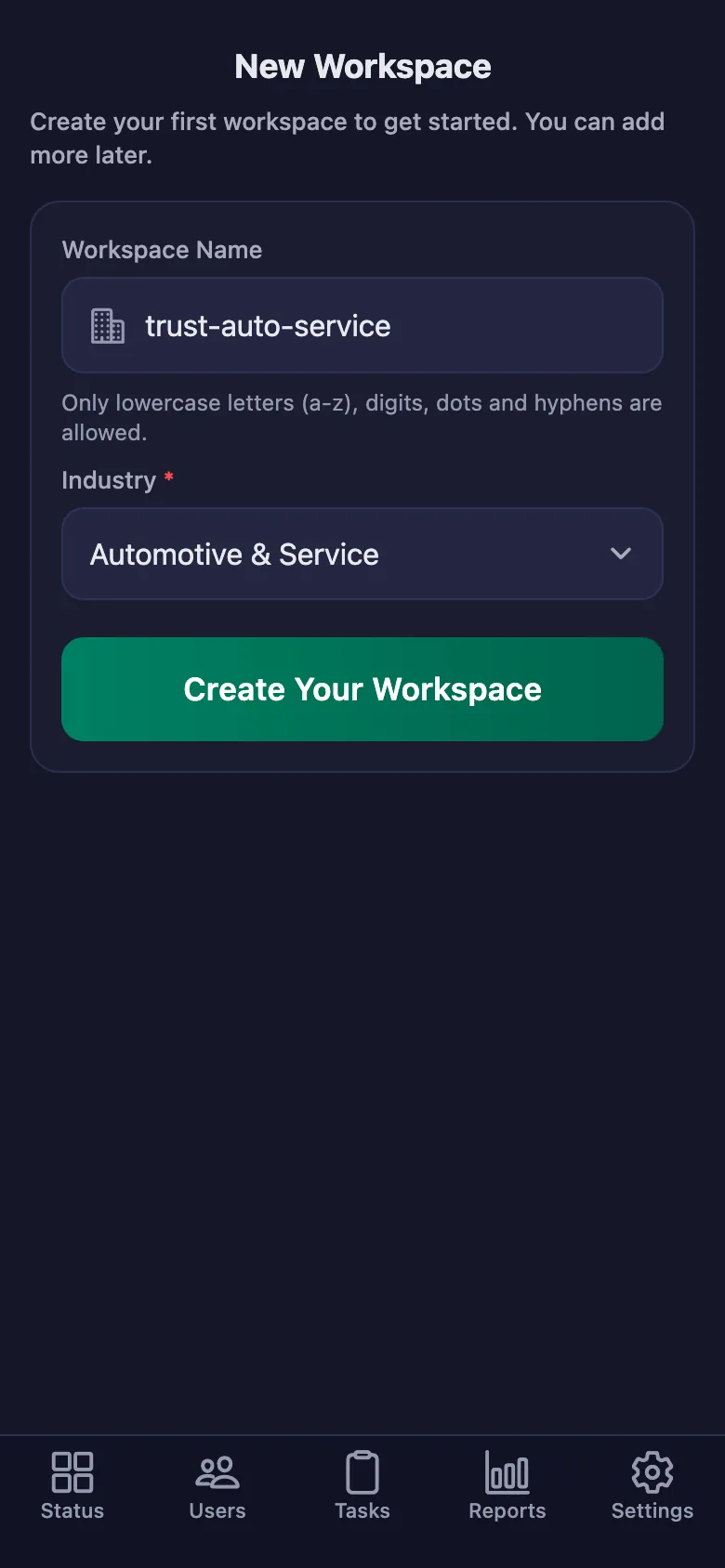
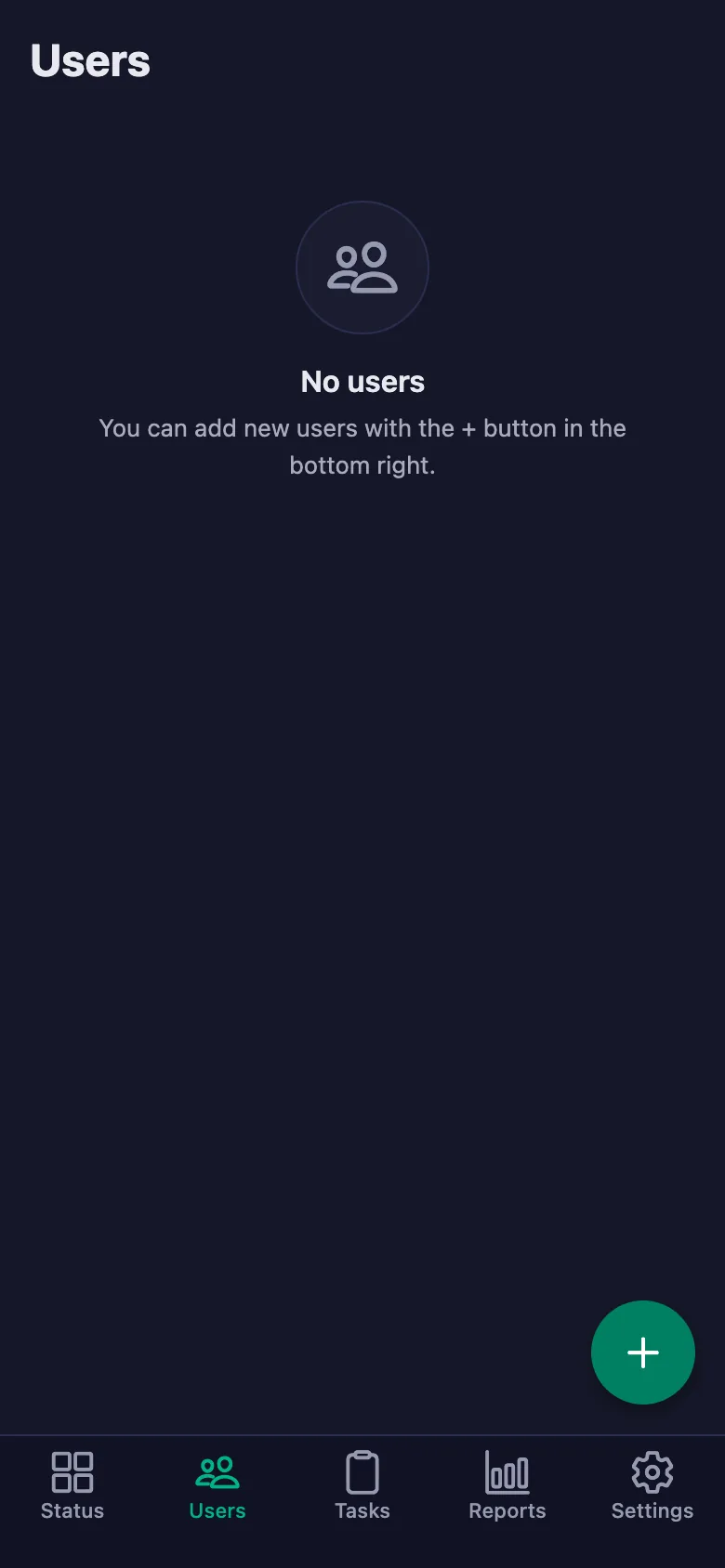
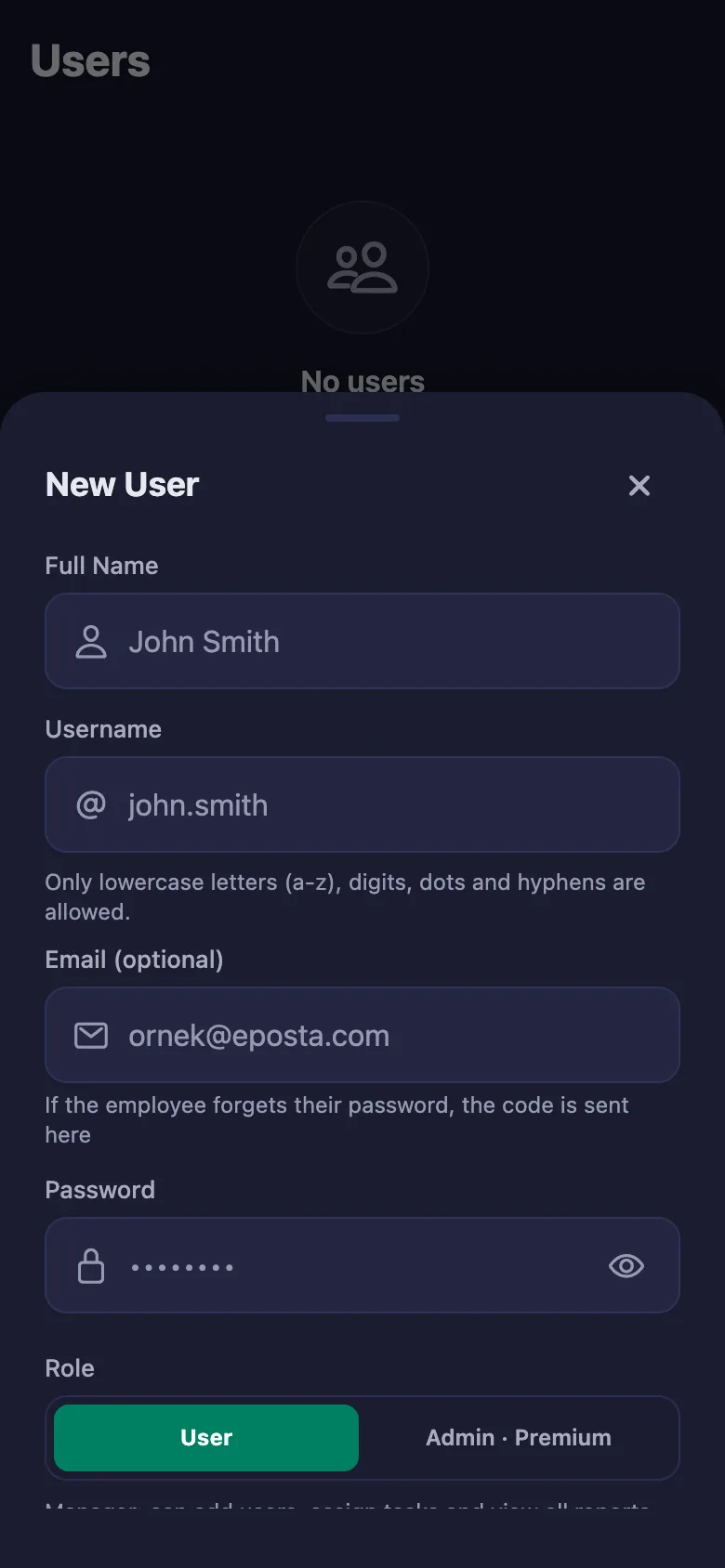
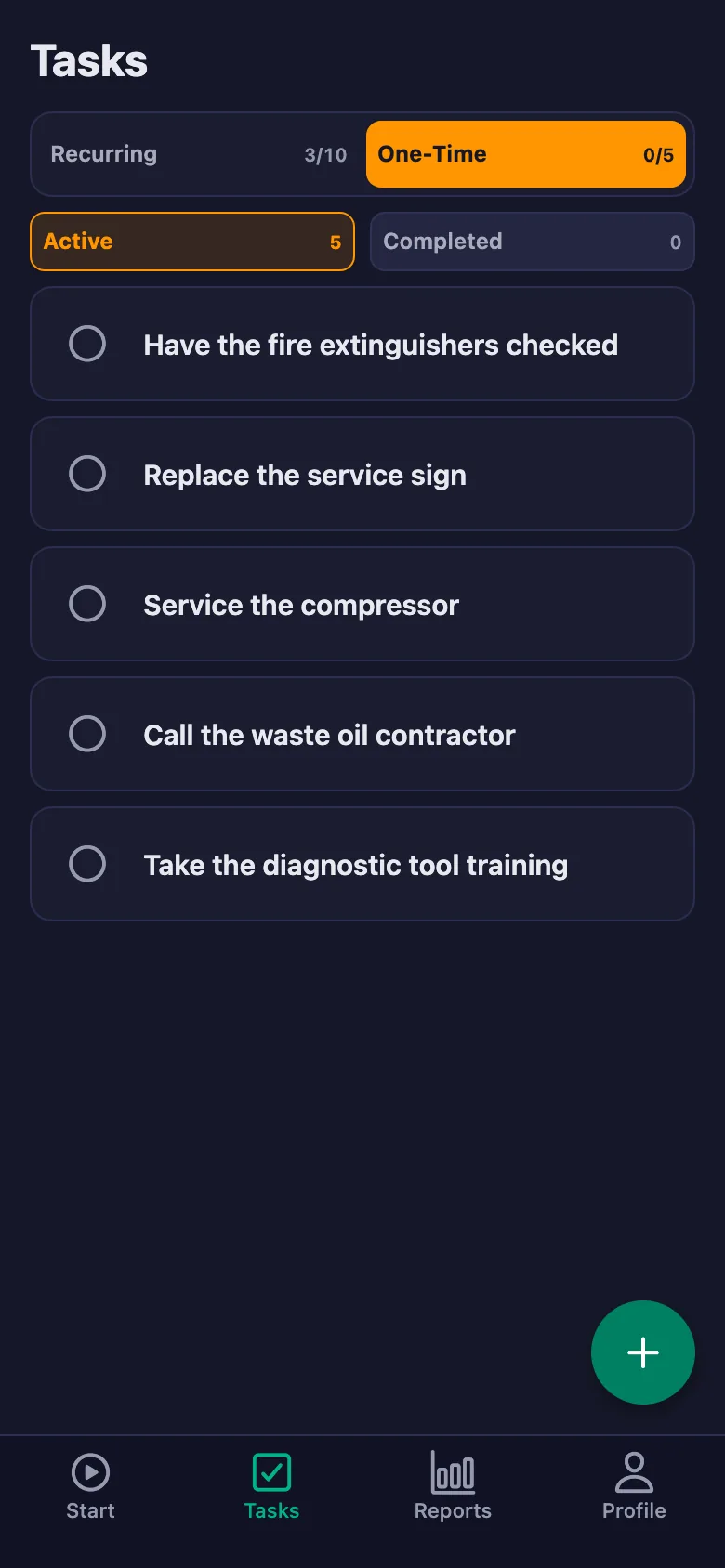
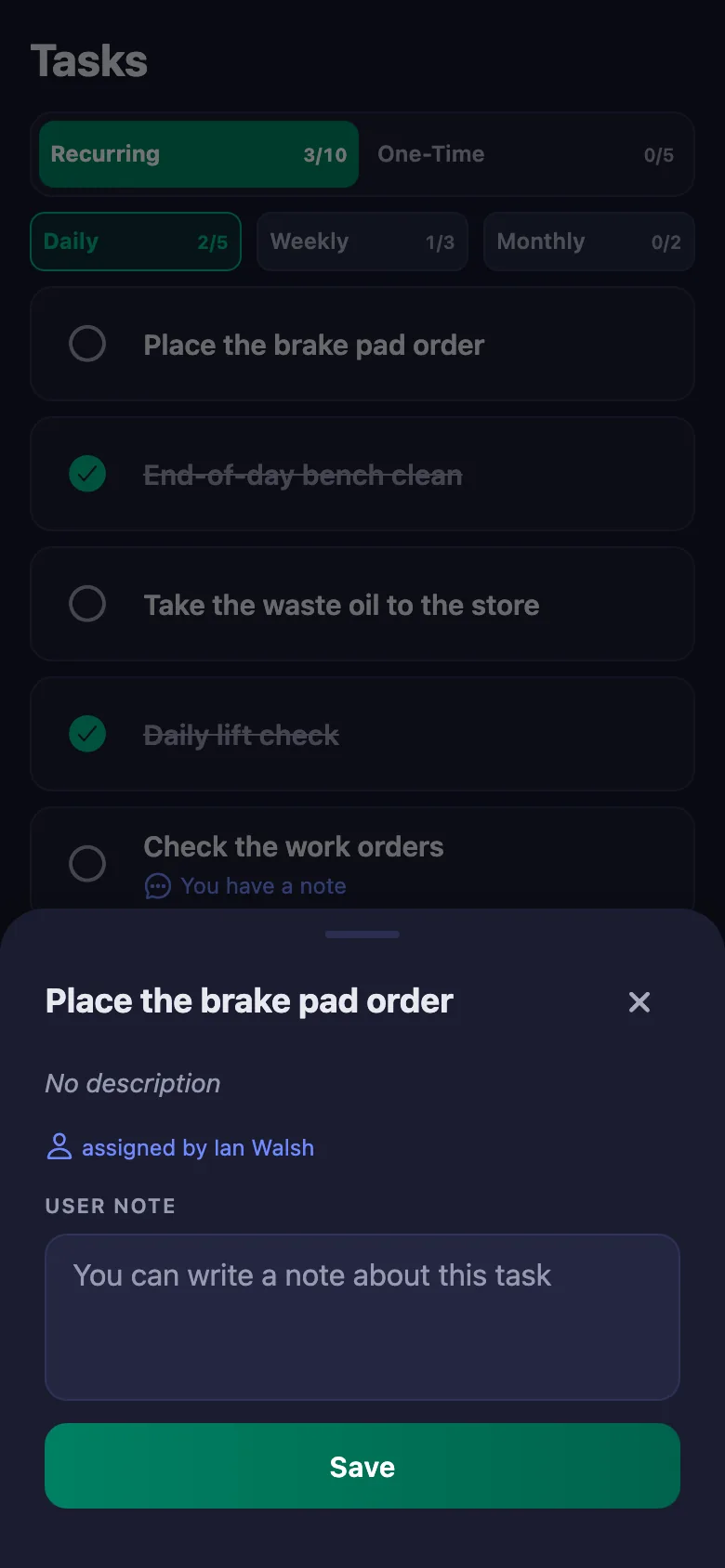
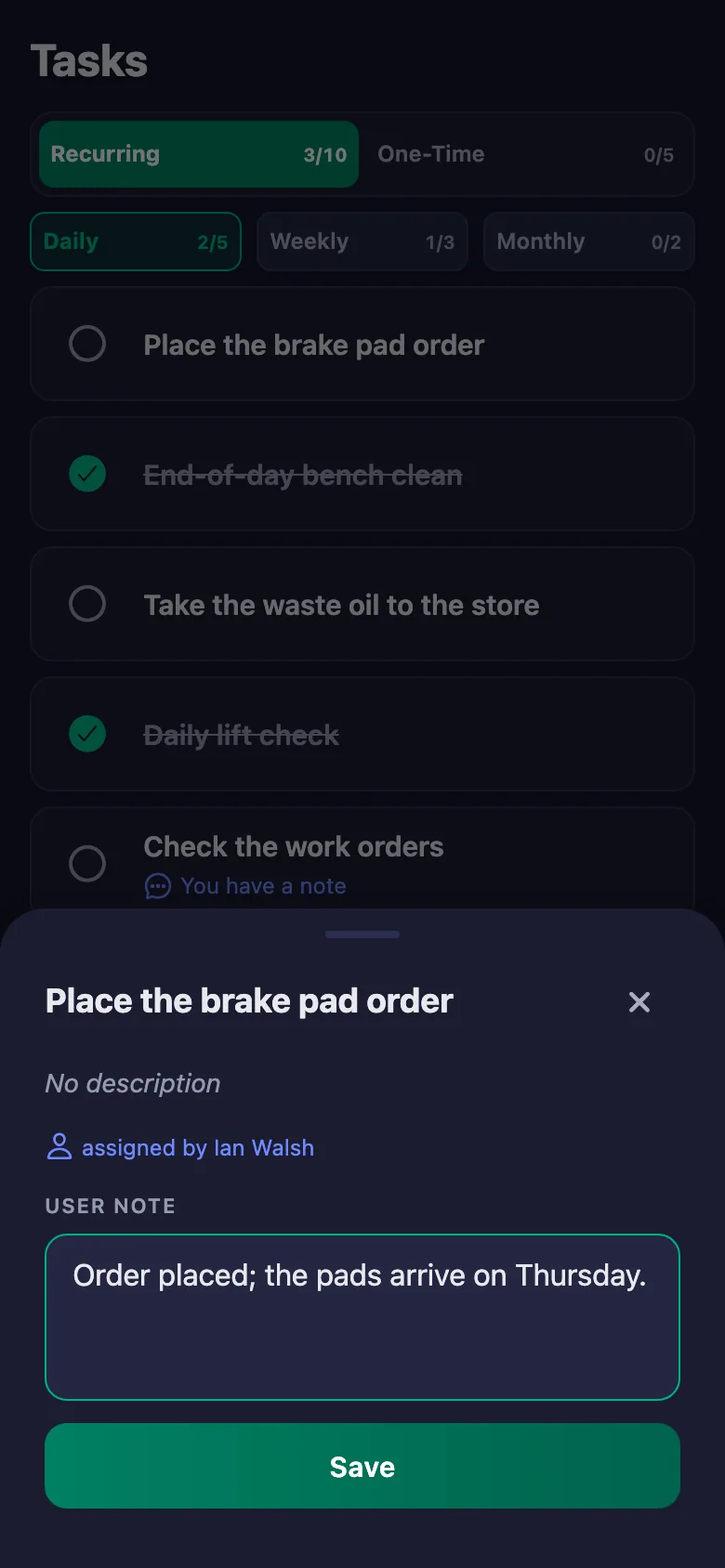
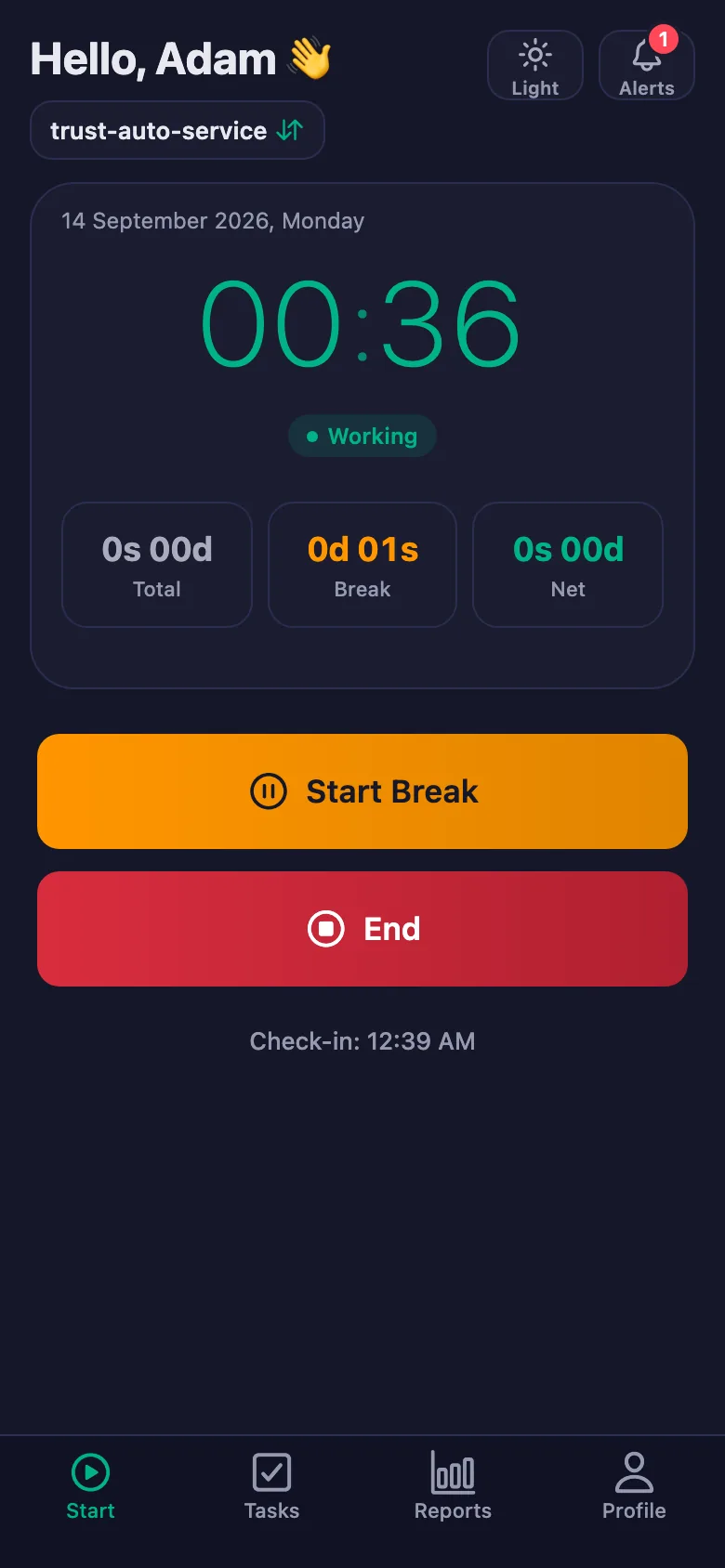 FinalWork — Task reminder
2 daily tasks are waiting for you.
FinalWork — Task reminder
2 daily tasks are waiting for you.
Auto workshop time and job tracking software — frequently asked questions
Does it handle work orders and customer records too?
No, the app is not workshop management software. It tracks your technicians' working hours and the daily checks; you carry on using your work order system as before.
Can I see the time spent per car?
The app records time per person: each technician's daily total and net time goes into the report. If you write a car up as a task, you also see when that task was ticked.
Can technicians write notes, and can I see them?
Yes. Technicians can write a note under each check — which car, which part is missing. You can see the note but you cannot change it; only the person who wrote it can edit it.
How many people can I add?
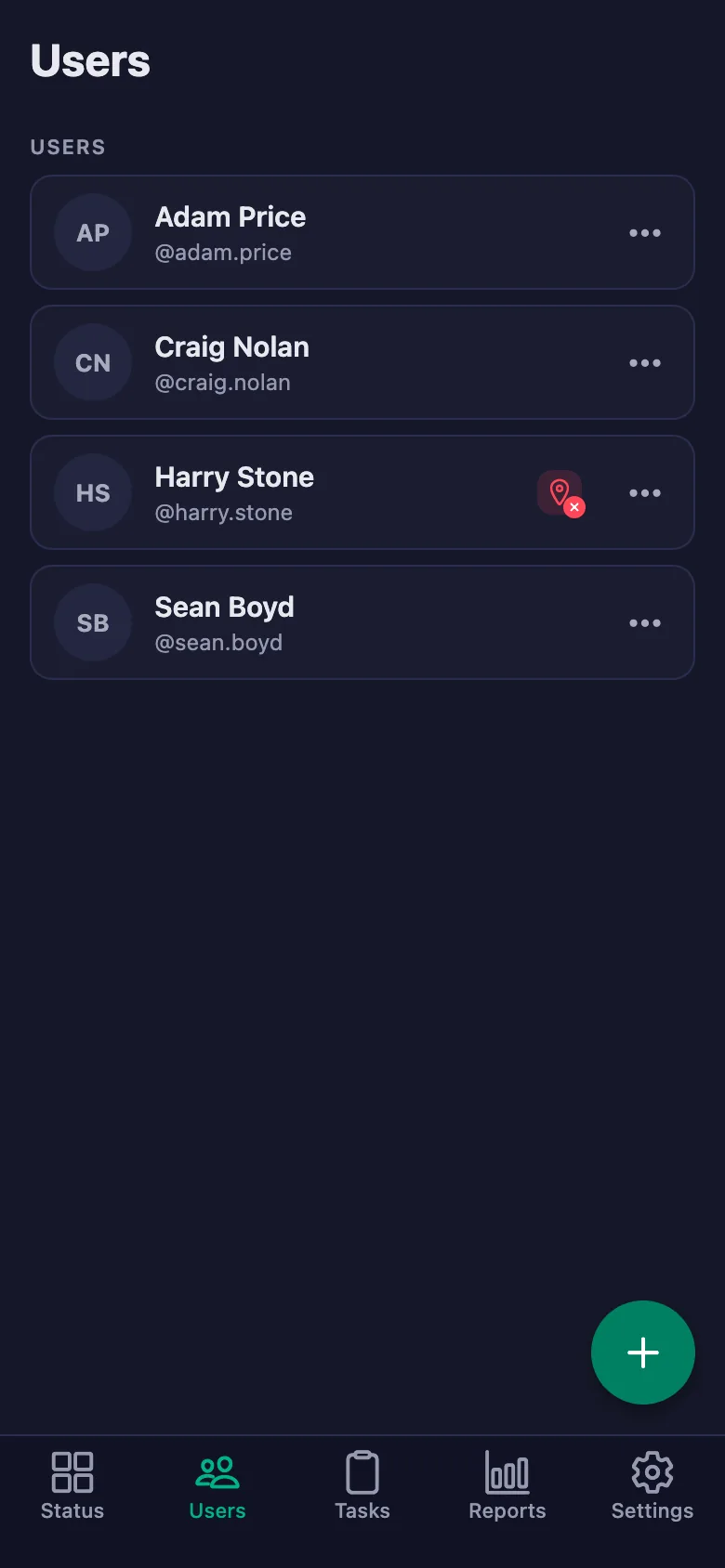
The free plan has a limit on users; when you reach it the app warns you and no new user is added. The limit is lifted on Premium.
Can I be sure work really started at the workshop?
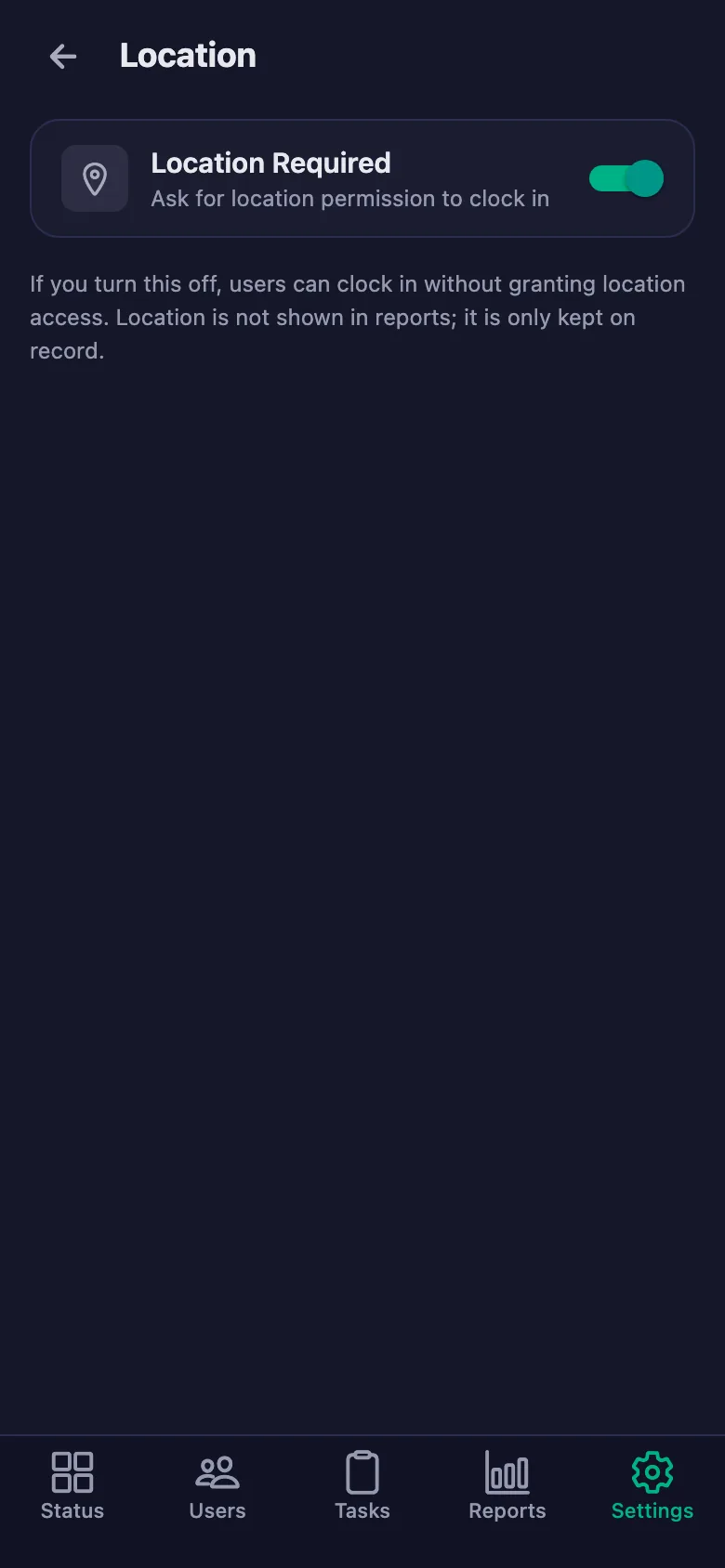
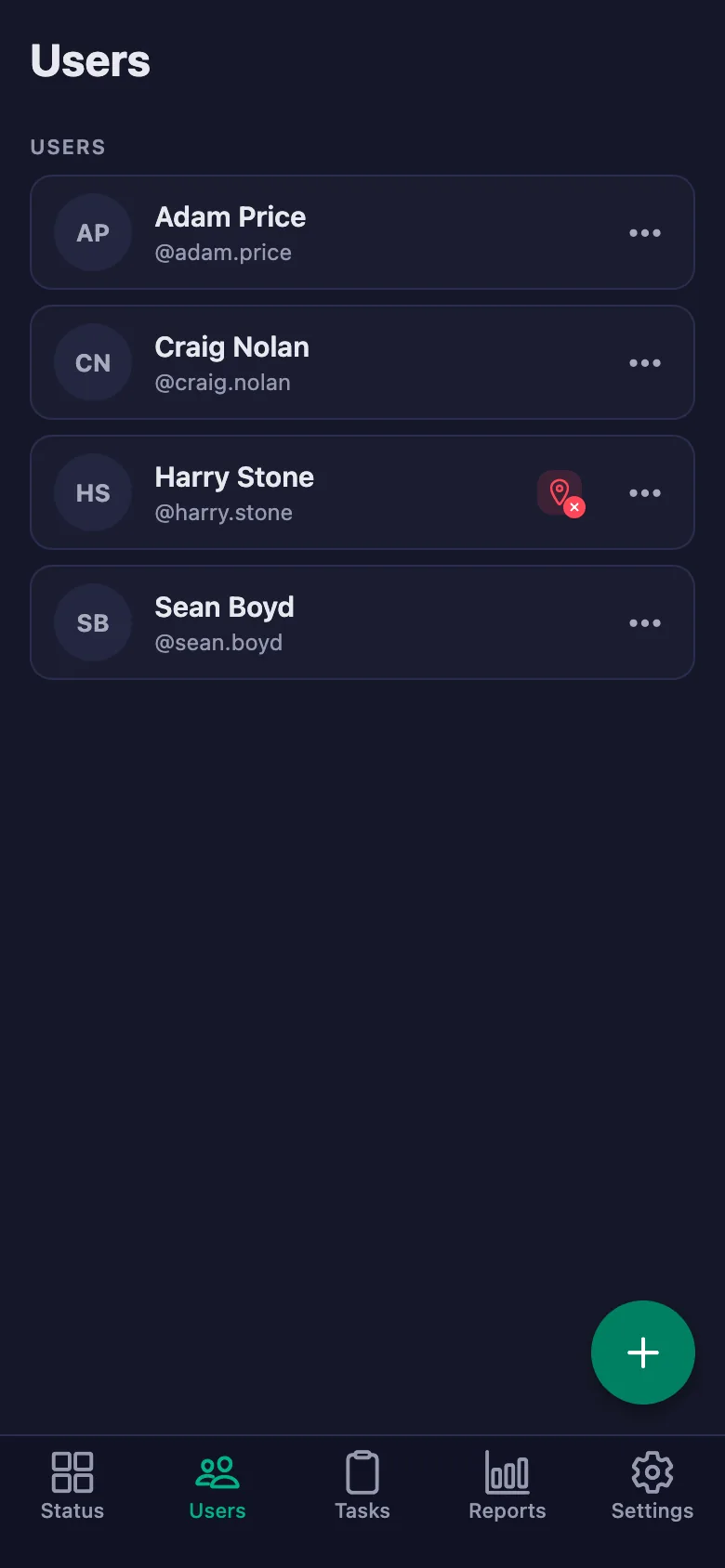
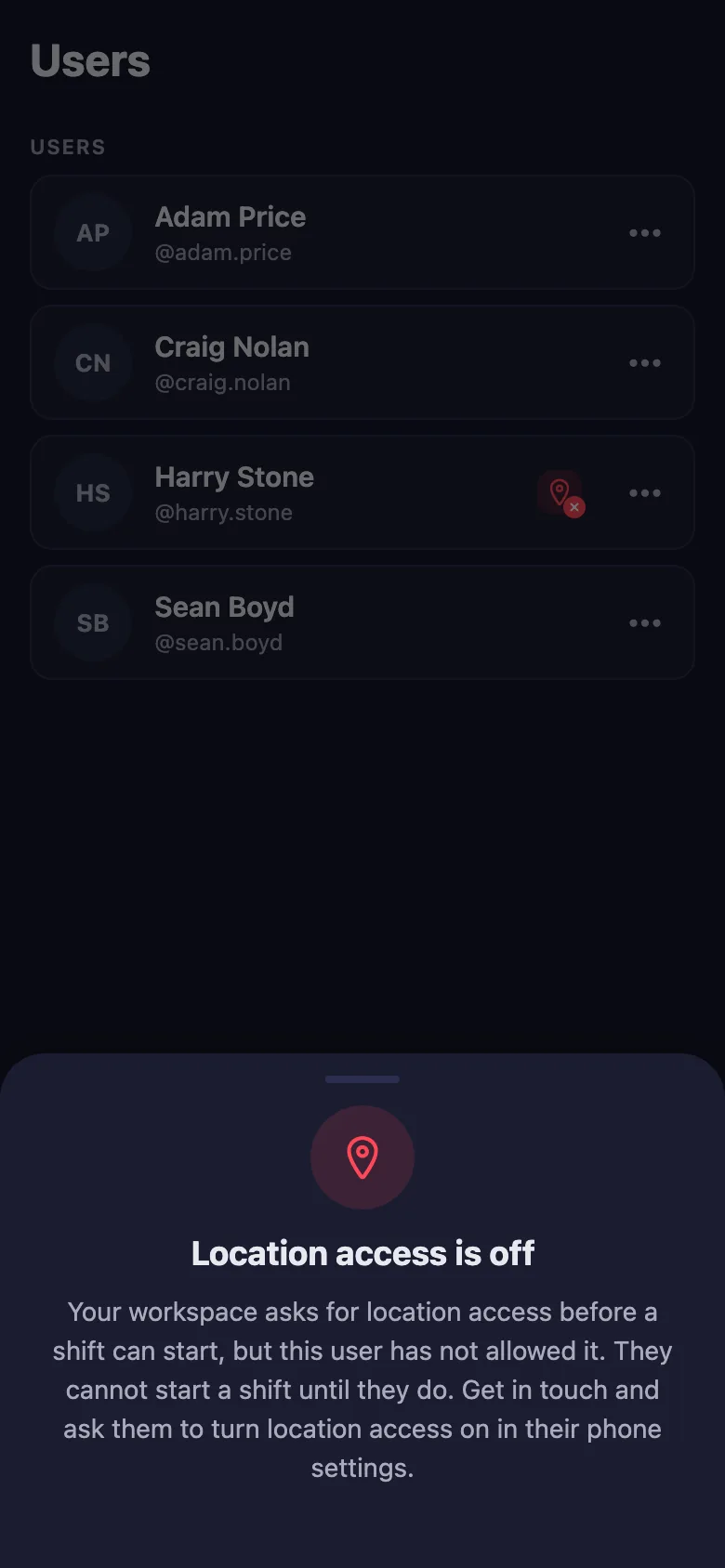
With the location rule switched on, the timer can only be started at the location you set. Anyone who hasn't given location permission shows up in the list with a warning badge.
Can I present the equipment maintenance records as evidence?
You pick a date range and download the report as a PDF. Which check was ticked, by whom and when, stays on the record.
Can I use it for bonuses?
The report shows how many hours and how many days each person worked; you can download it as a PDF and use it as the basis for bonuses and claims.
Set up your workshop today
Setup and activation take just one minute — you can start free. Open the account, add your first technician, and let today's hours go on the record.