
Work Tracking and Shoot Hour Records for Production Crews
How many hours really went into this job?
Shooting, editing, delivery — they all eat hours, and none of them get measured, so quotes are guesswork. FinalWork keeps your crew's time, the equipment checks and the notes from set in one place.
What makes hour and task tracking hard on a shoot crew
The work arrives as projects, and the hours are written down nowhere. Most producers live with the following — on the right is what each one looks like in FinalWork.
Nobody knows how many hours went into a project, so the next quote is modelled on a vague memory of the last one.
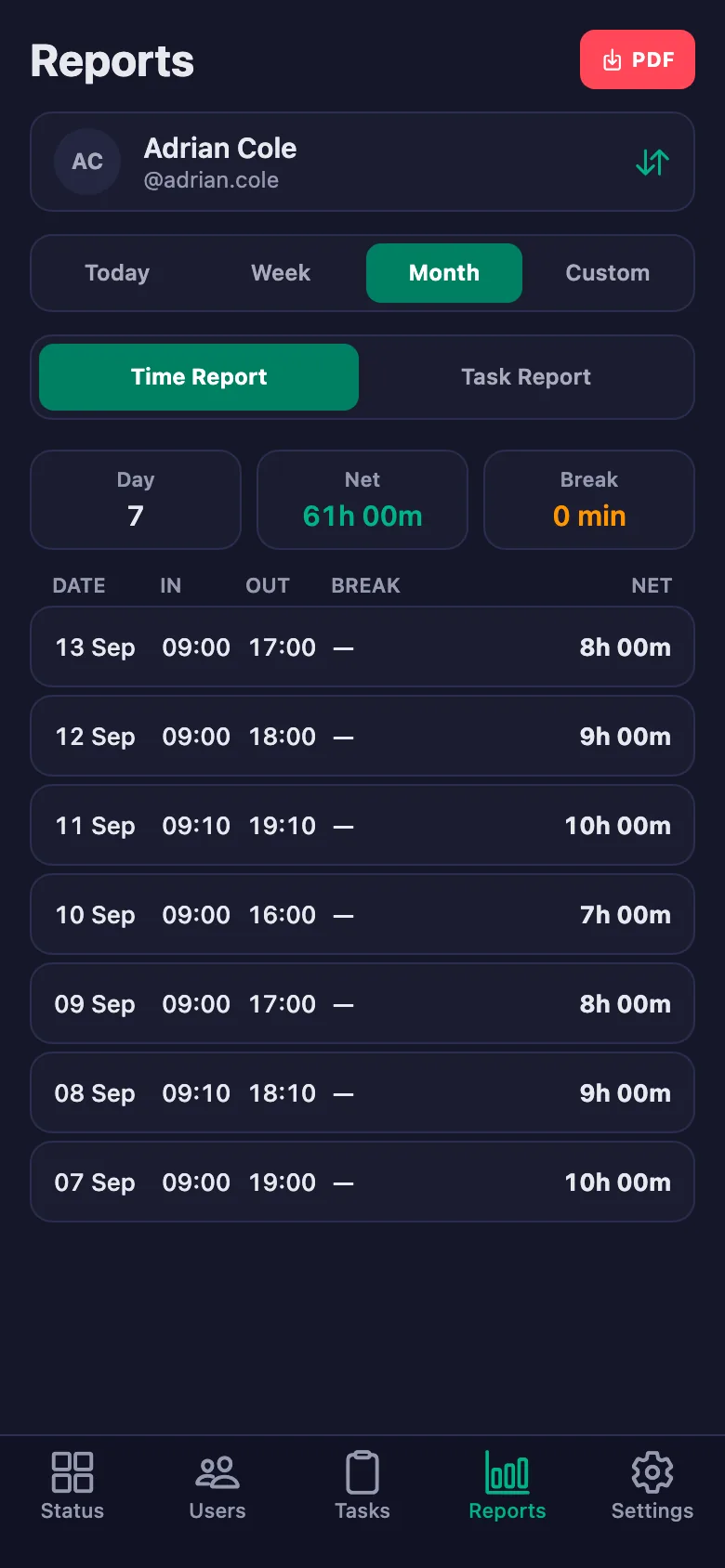
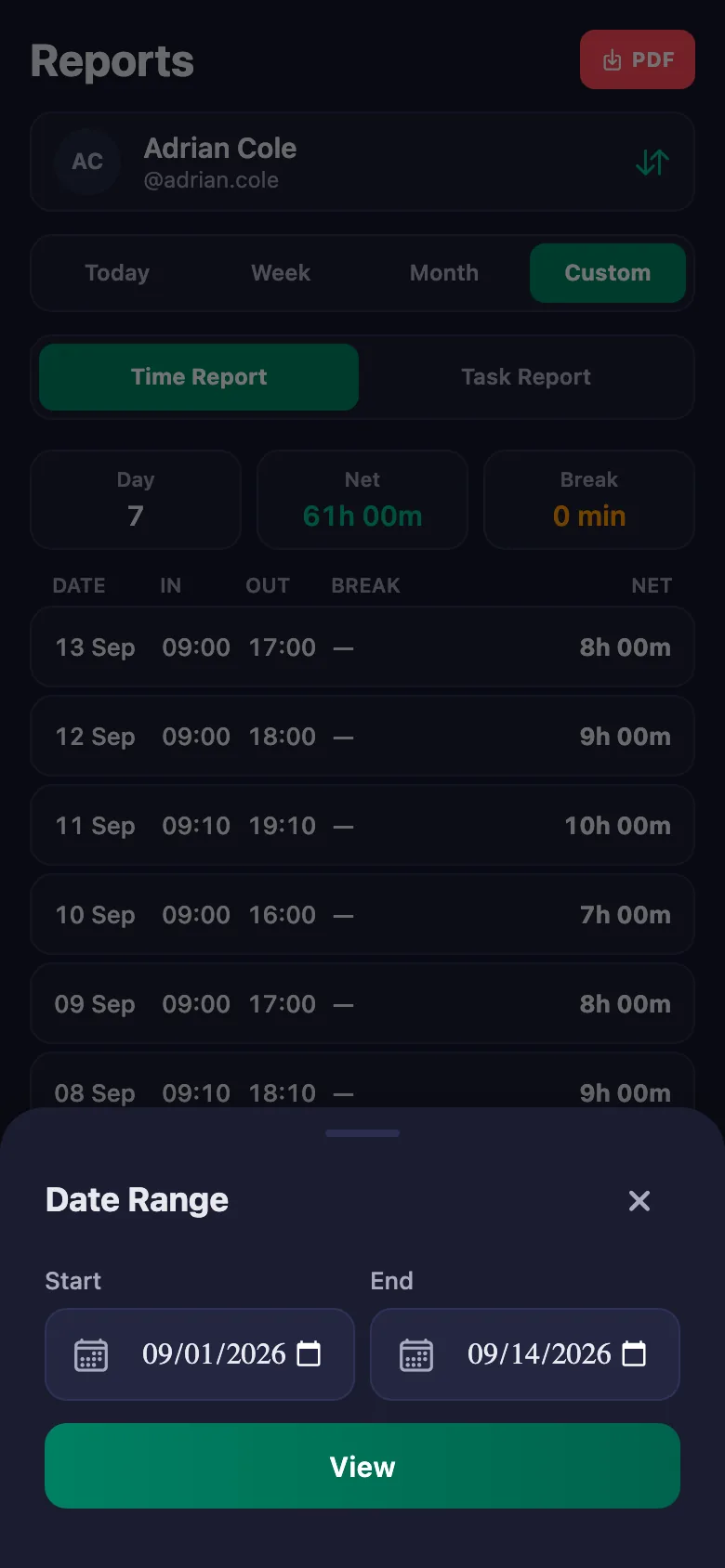
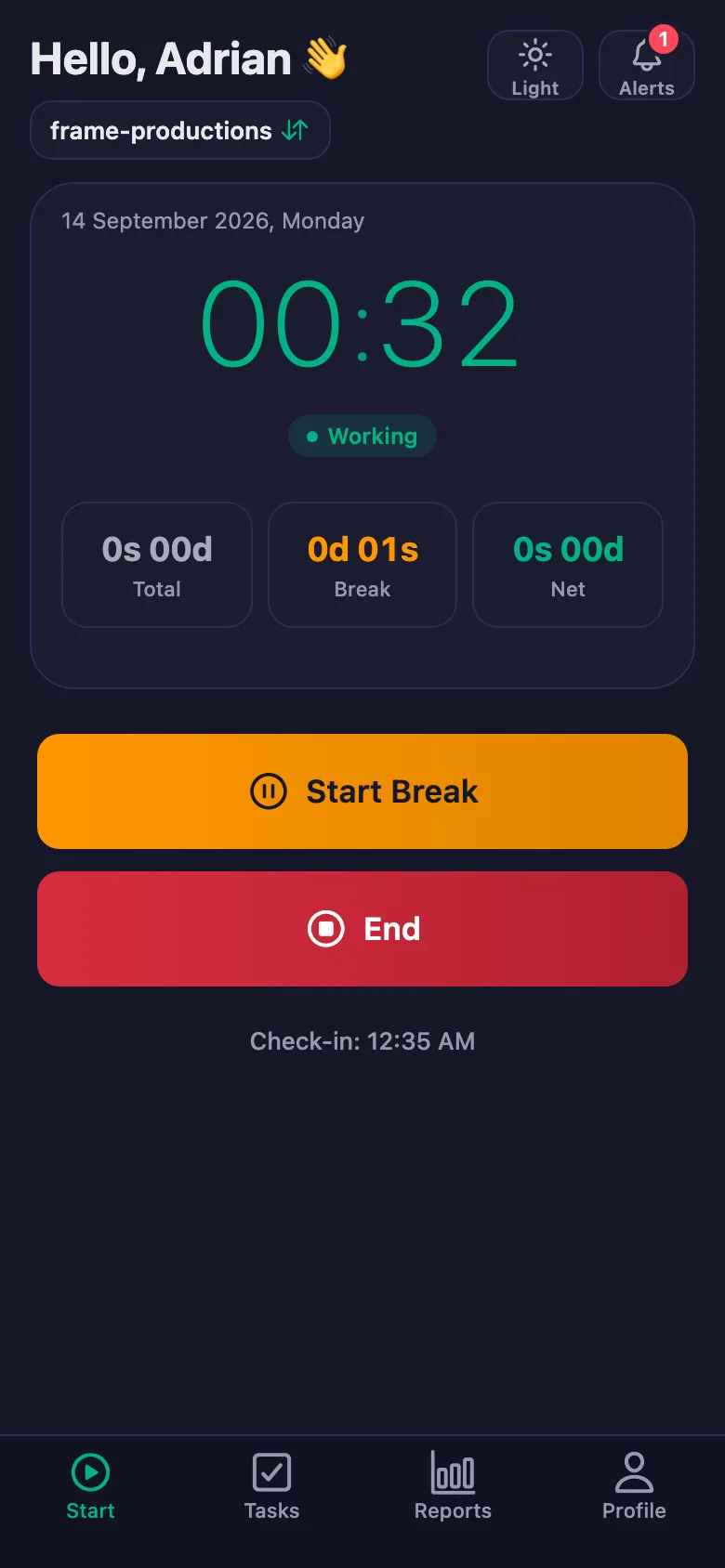
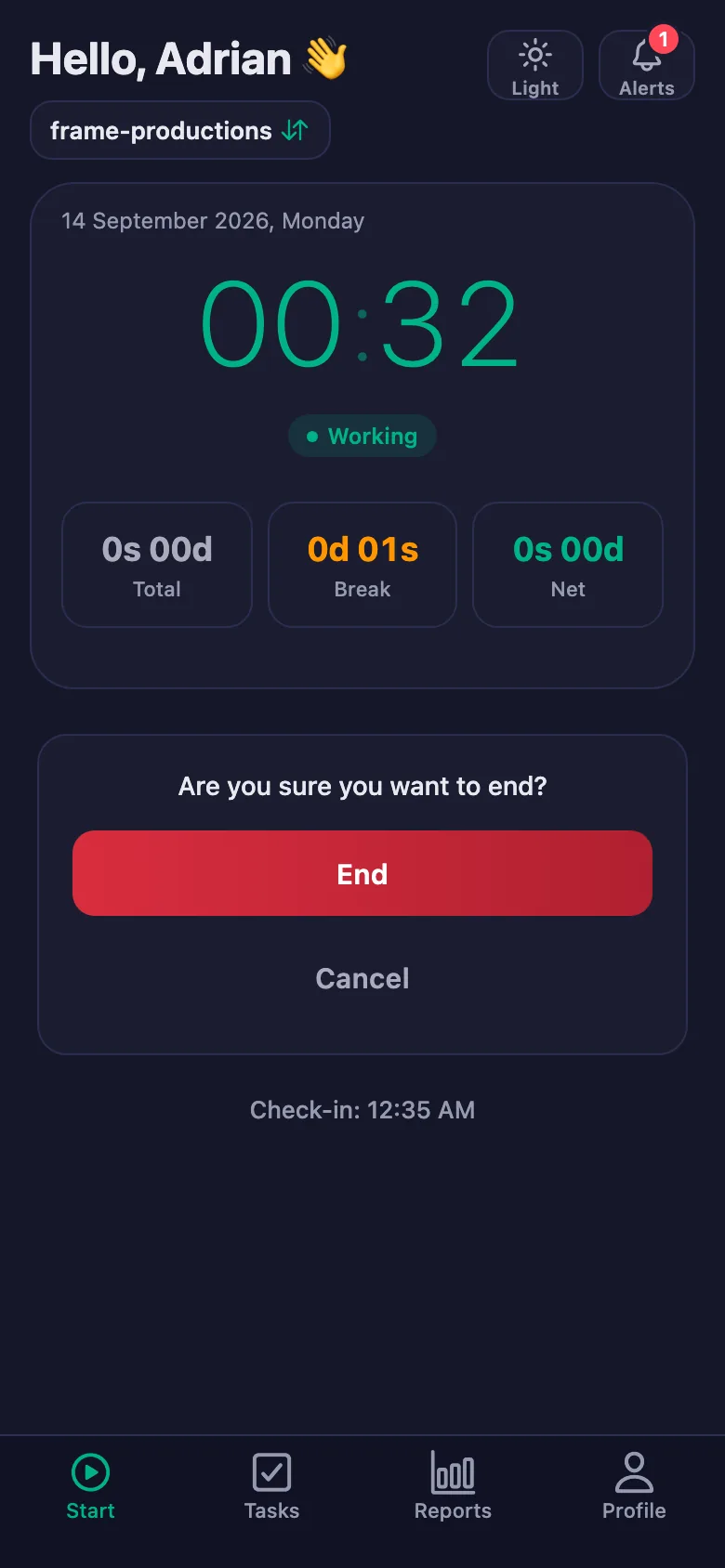
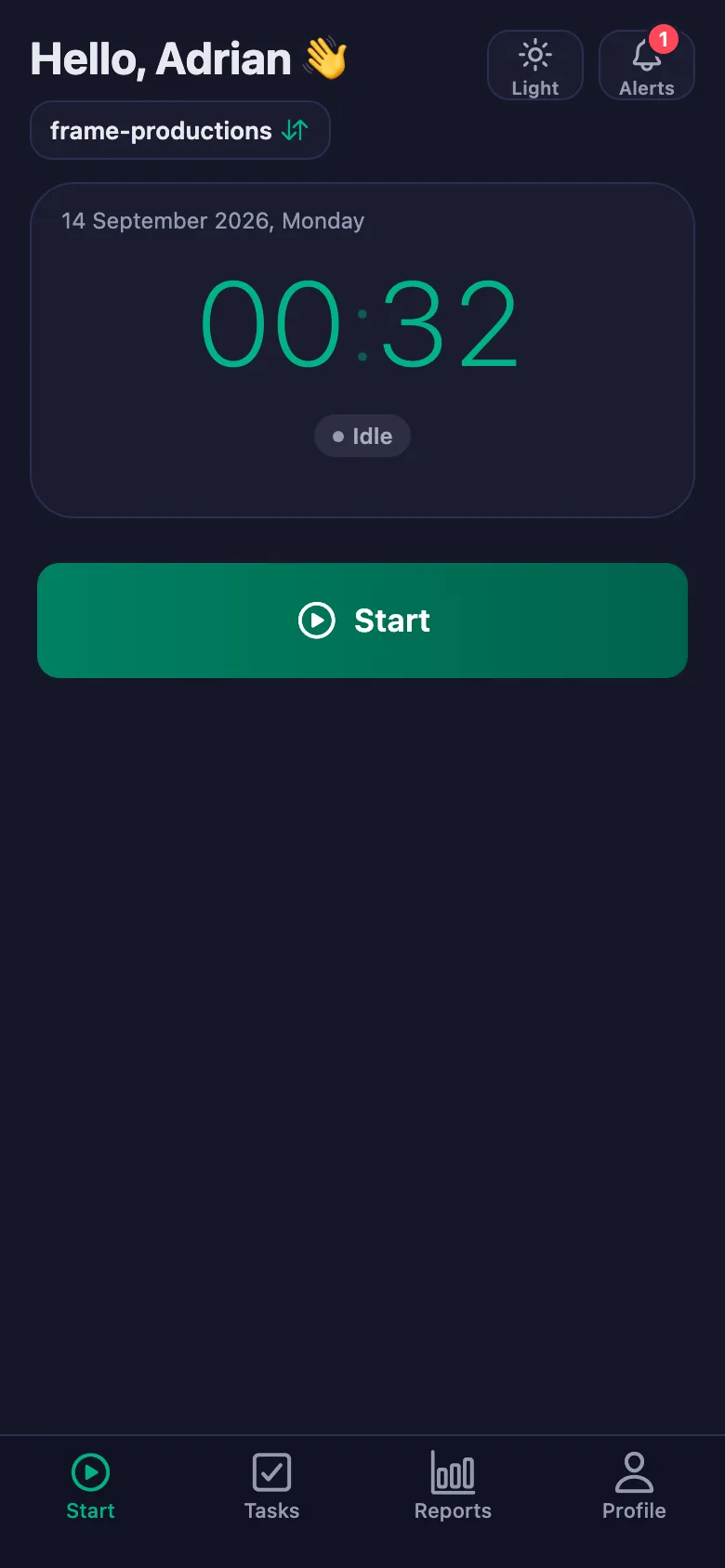
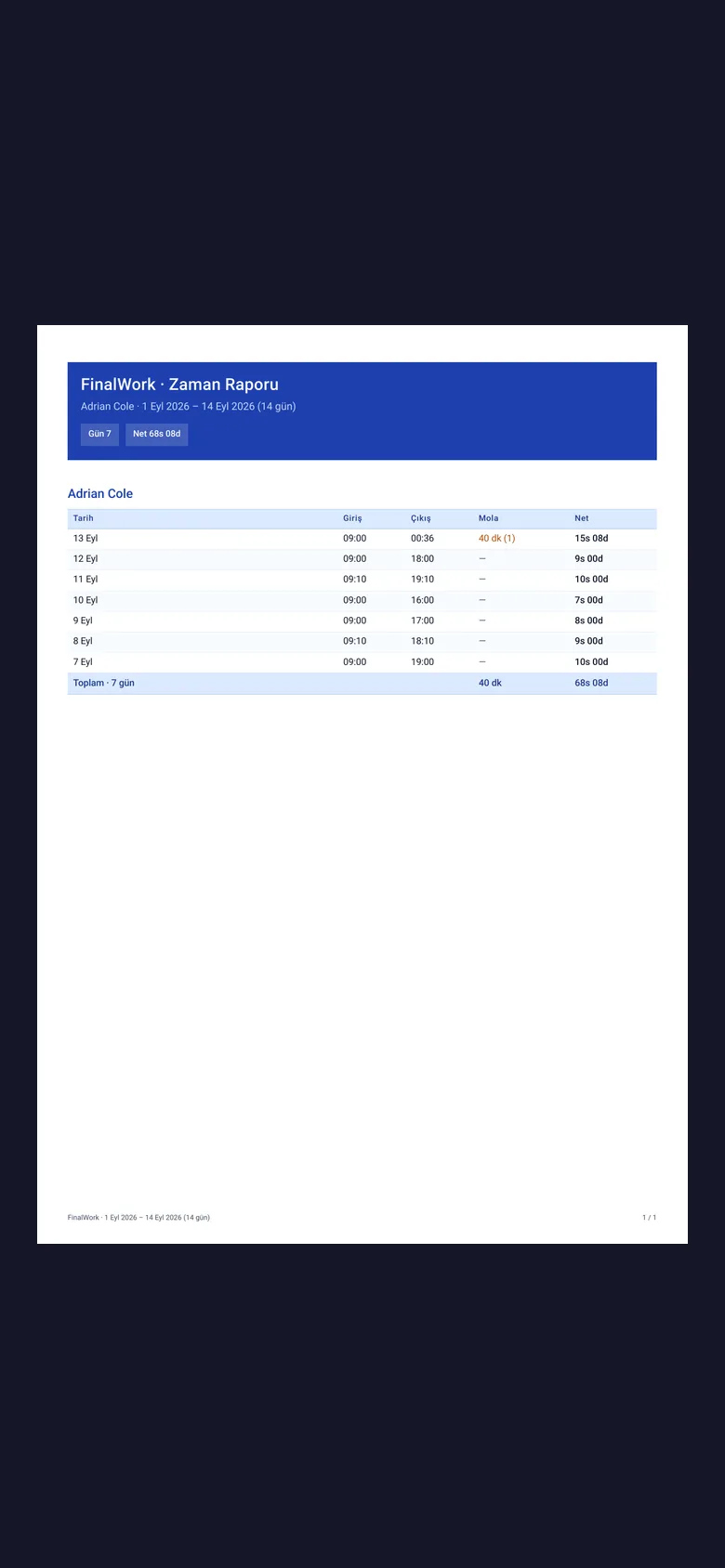
The crew start the timer when the shoot or the edit begins and stop it at the end. Pick a date range and the project's real hours turn into a report.
Freelancers are hired by the hour, but the hours are not recorded — payment comes down to mutual trust.
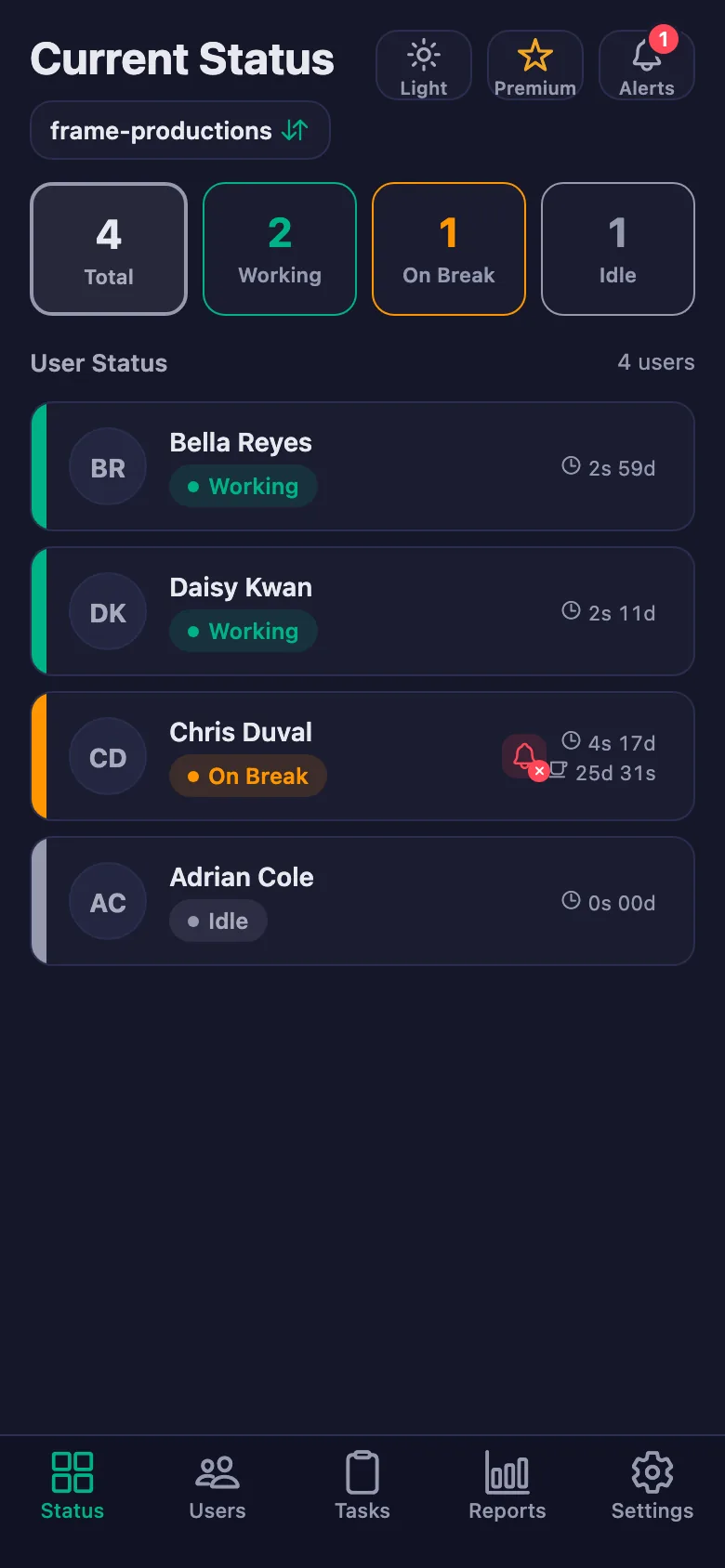
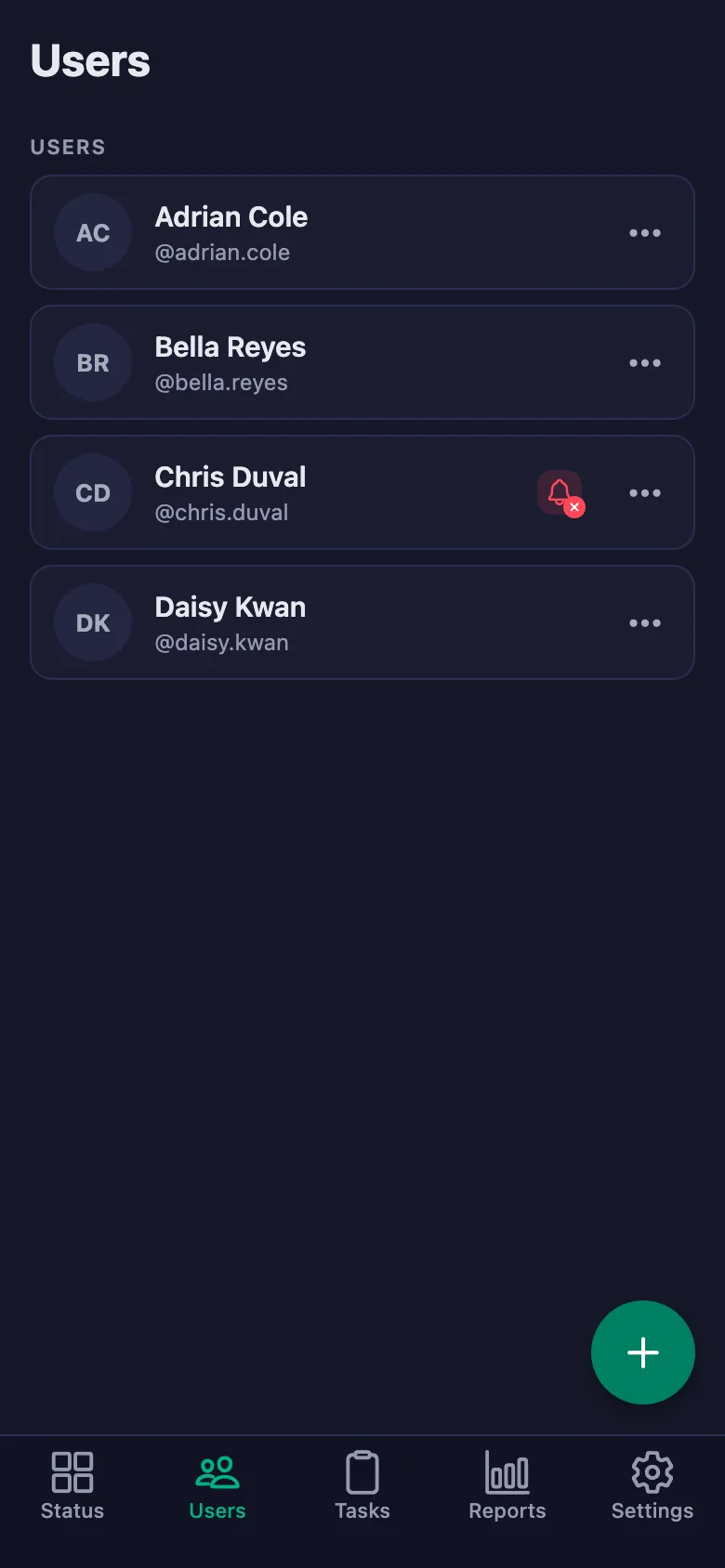
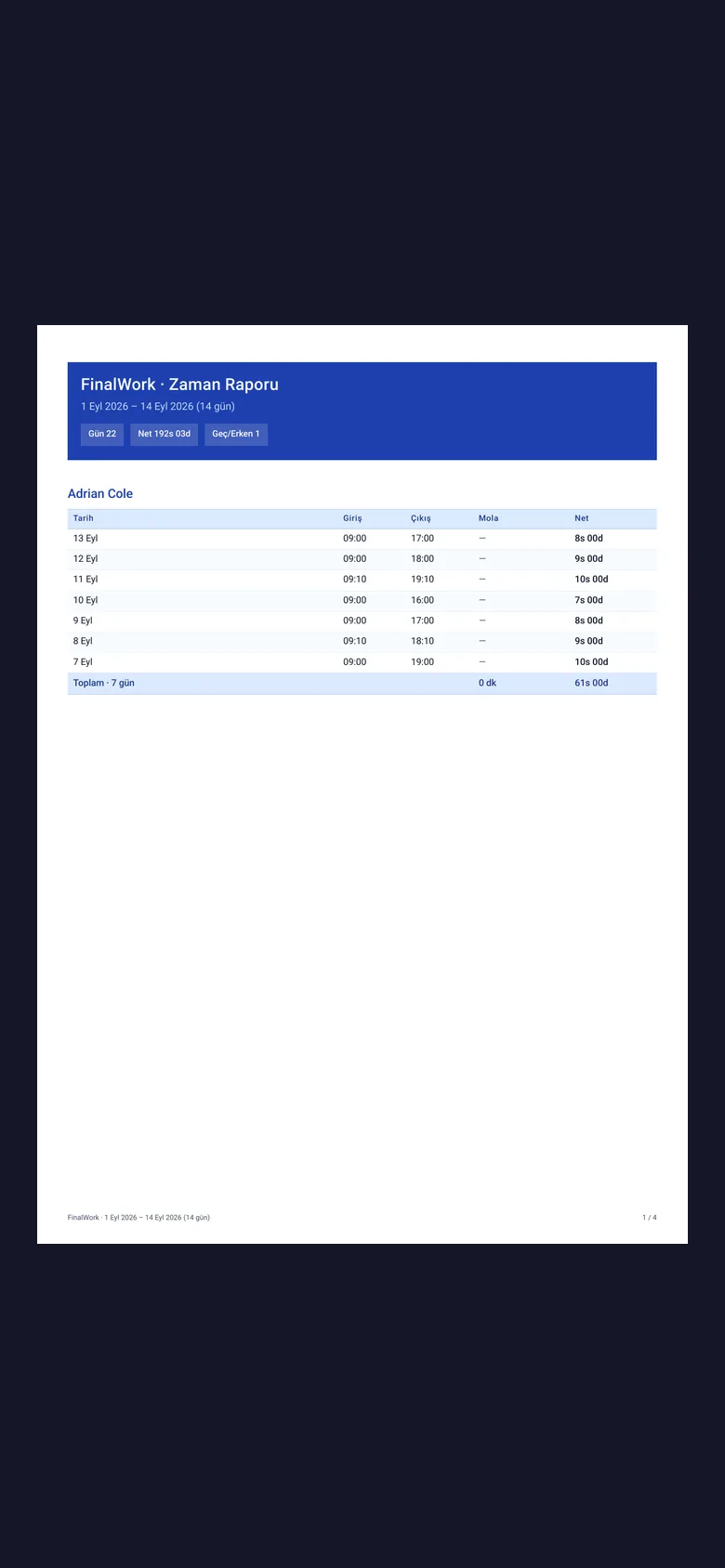
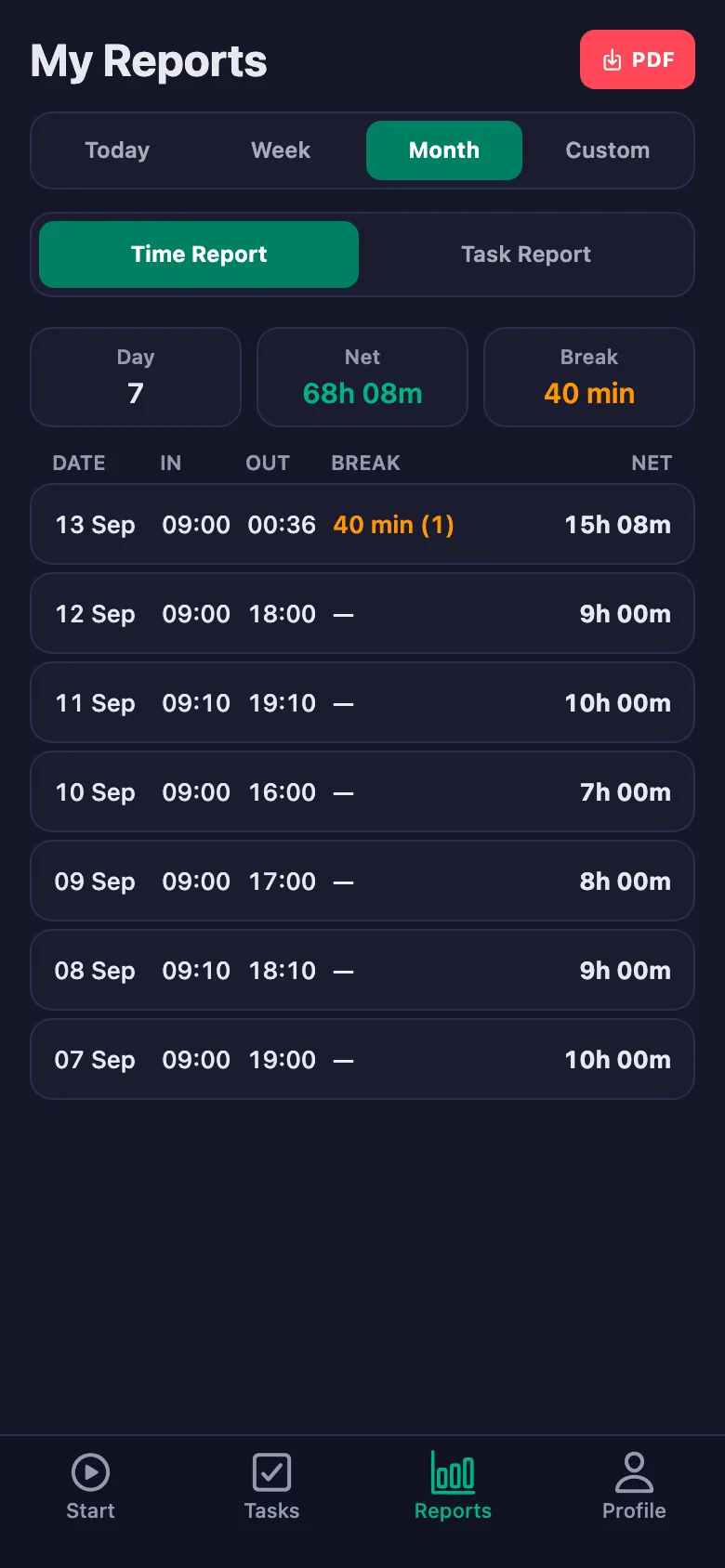
Everyone's time is recorded separately. Total, break and net time appear in the report, and it can be shared as a PDF.
Backing up cards, charging batteries and checking kit get skipped when everyone is tired, and the price is paid on the next shoot.
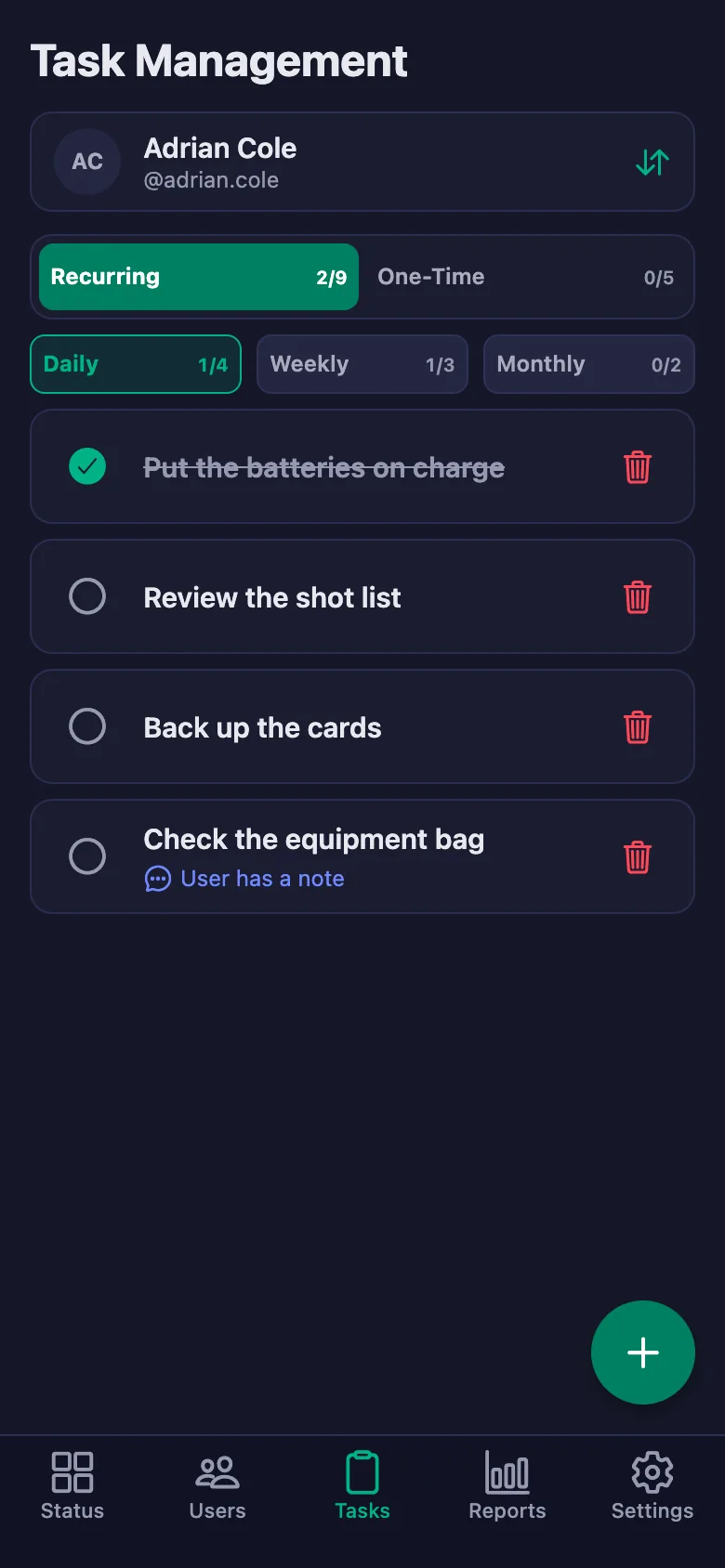
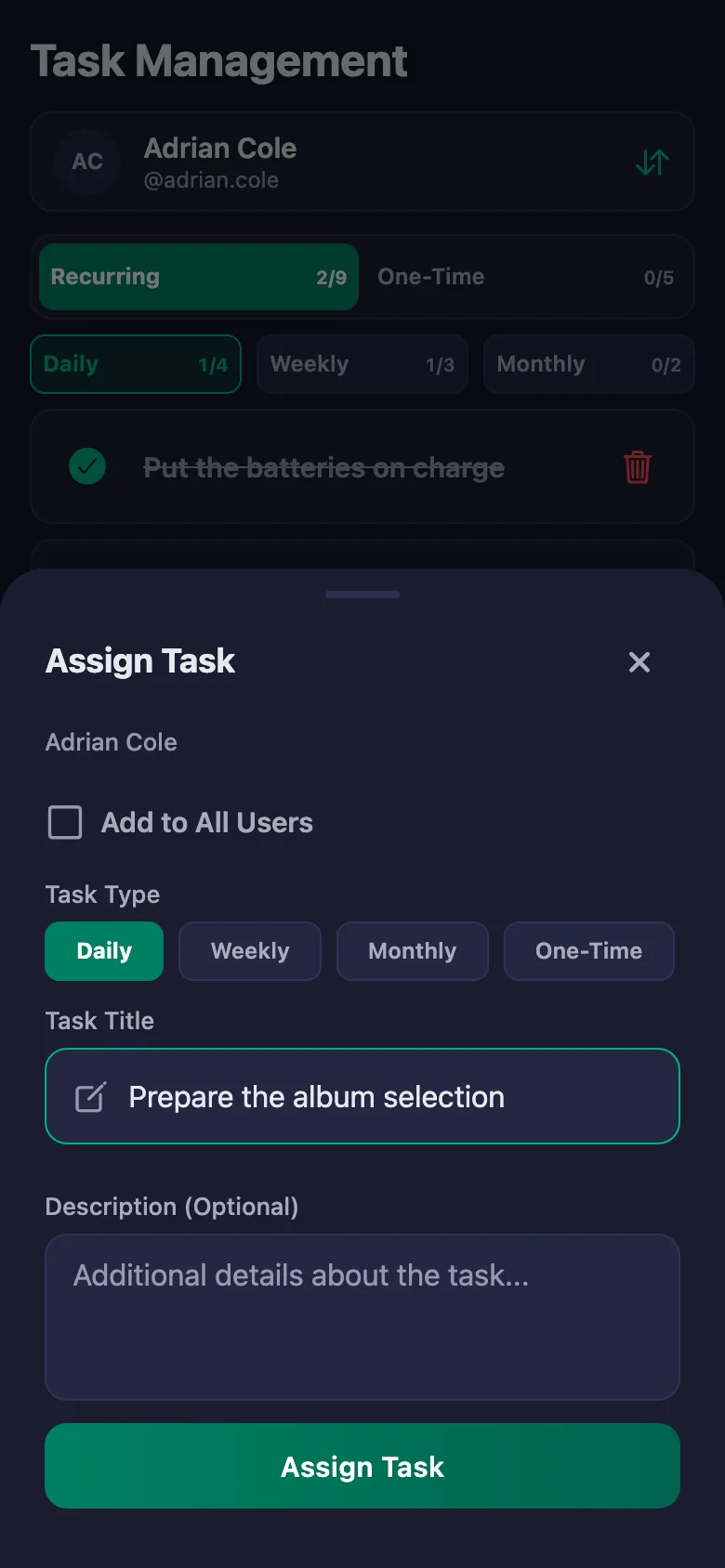
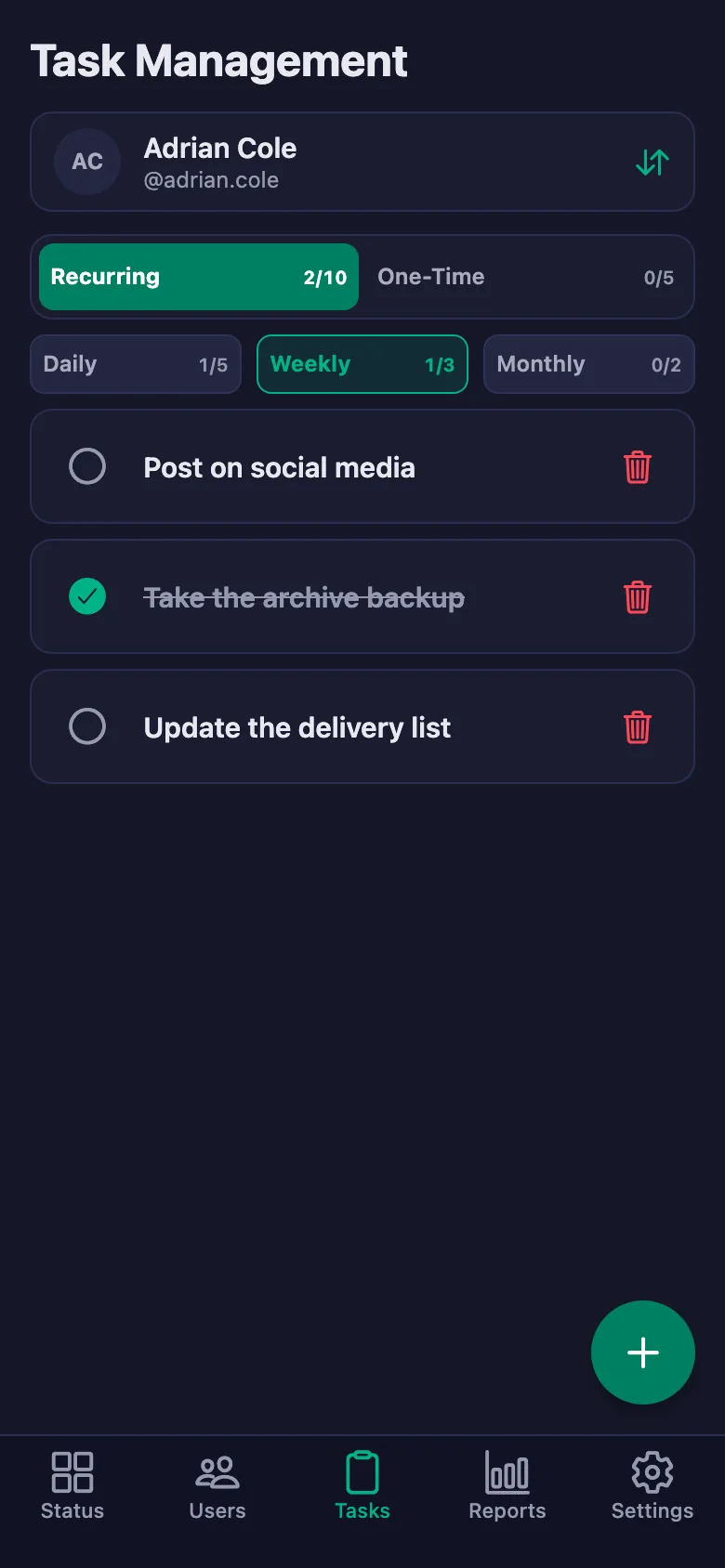
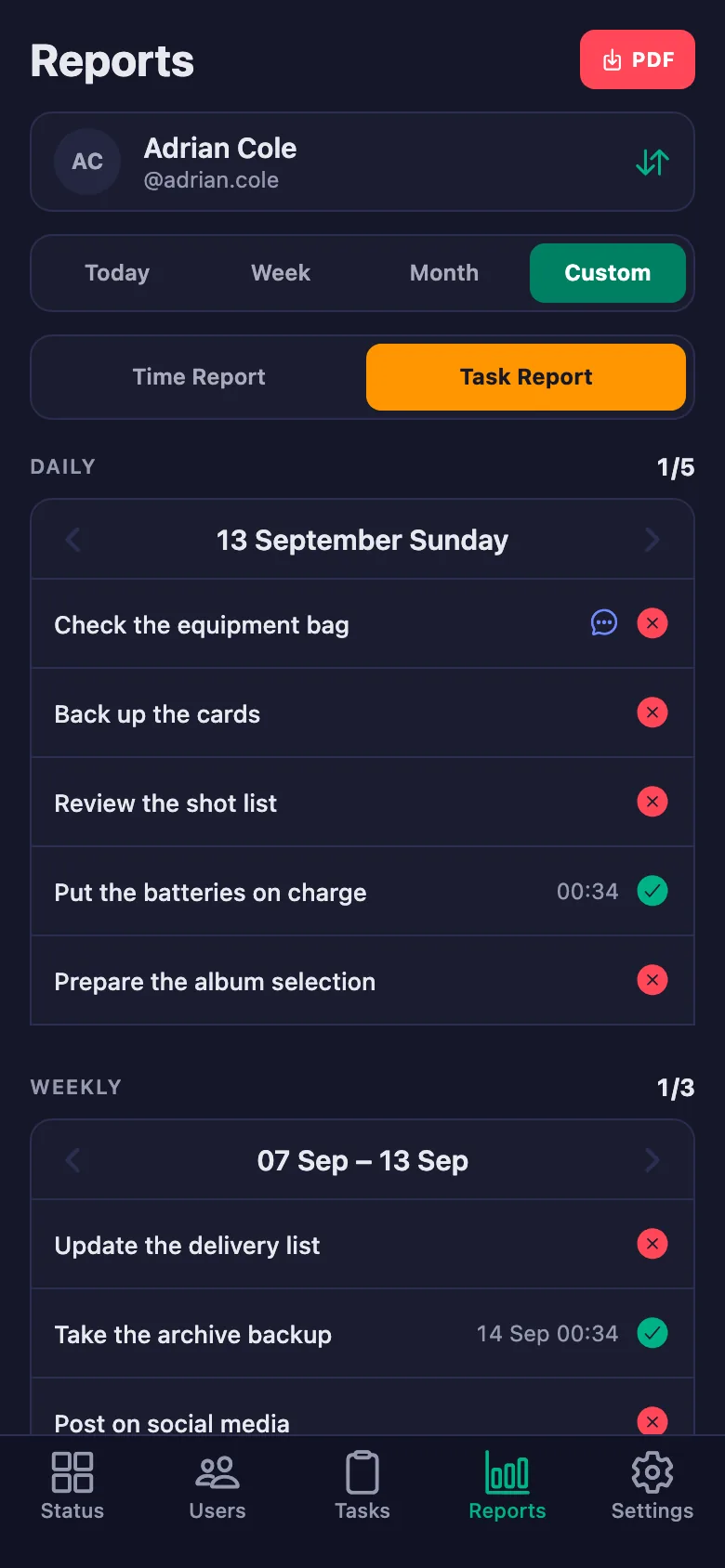
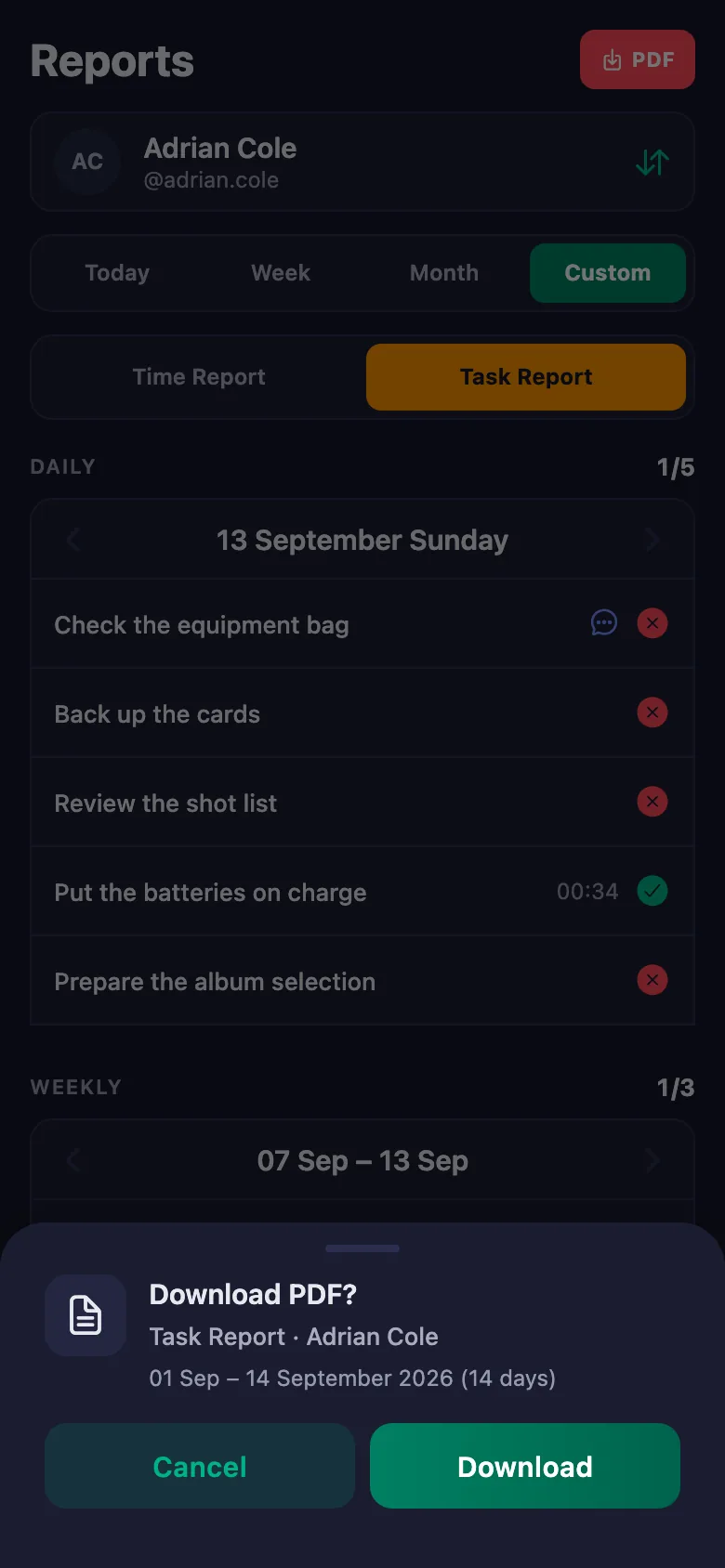
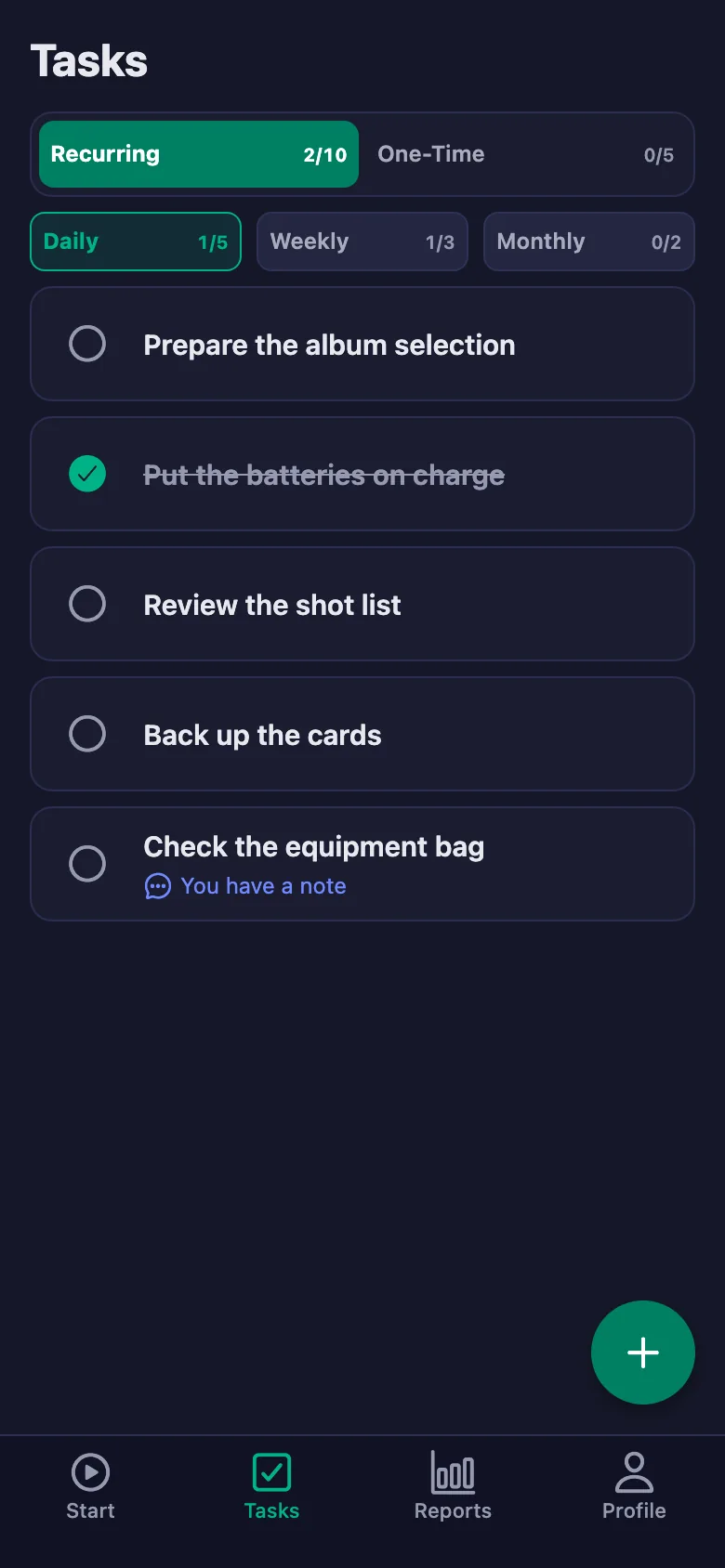
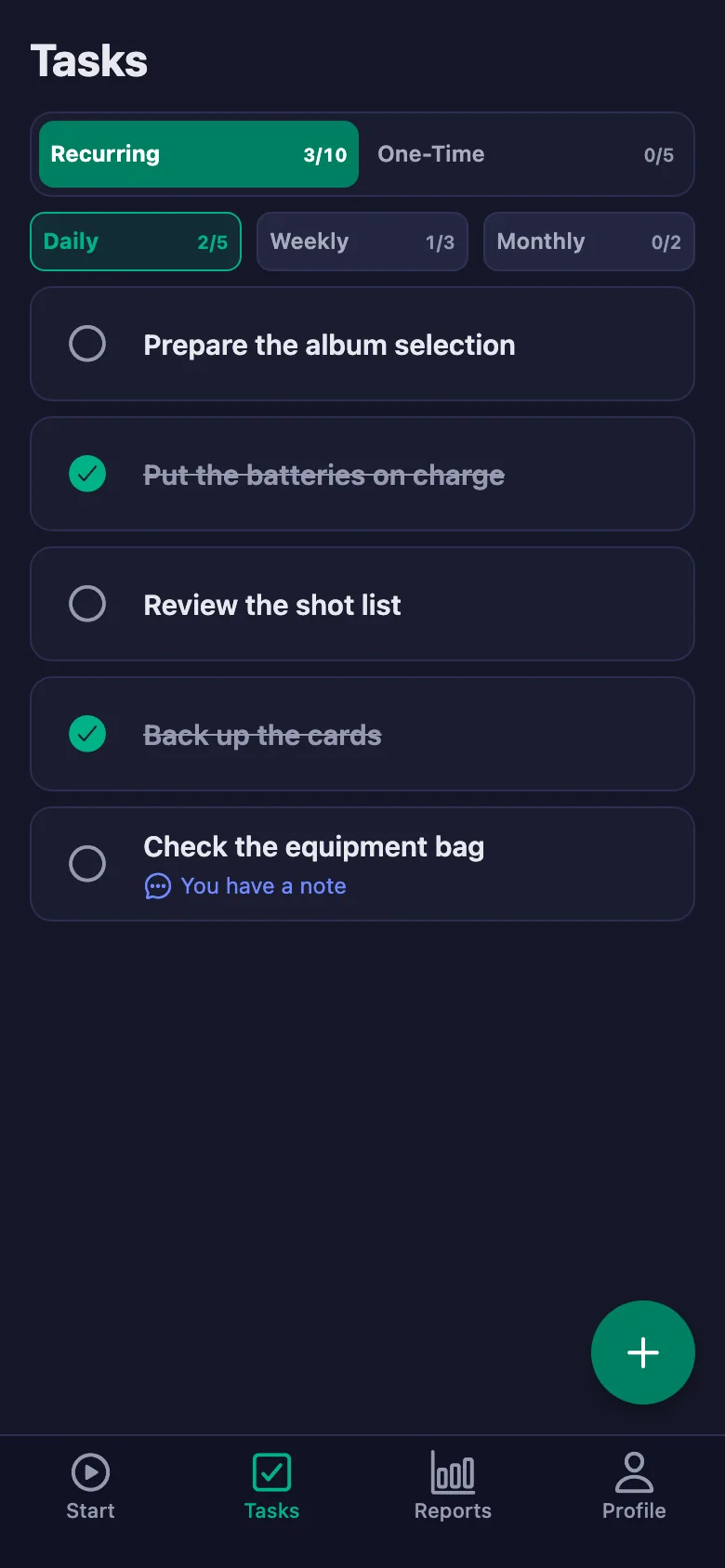
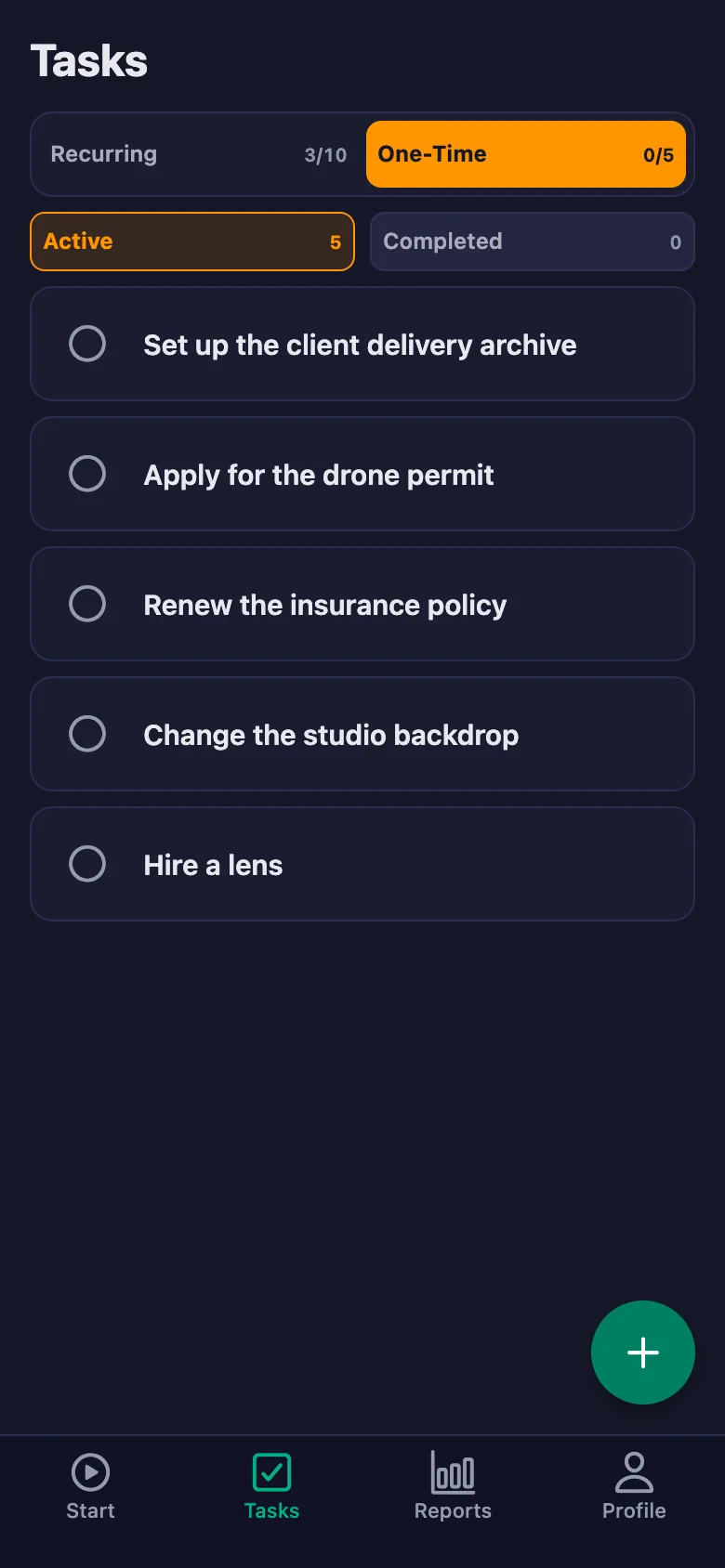
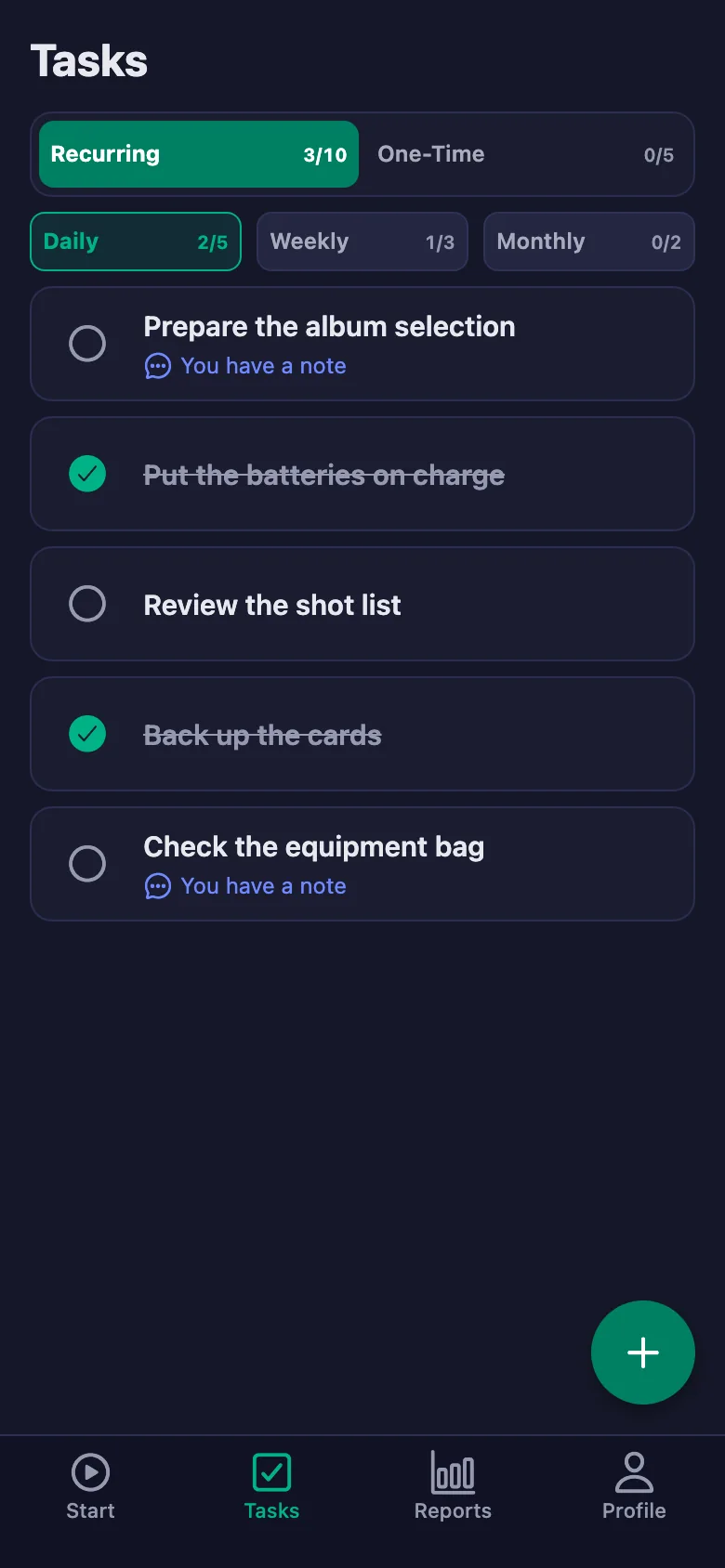
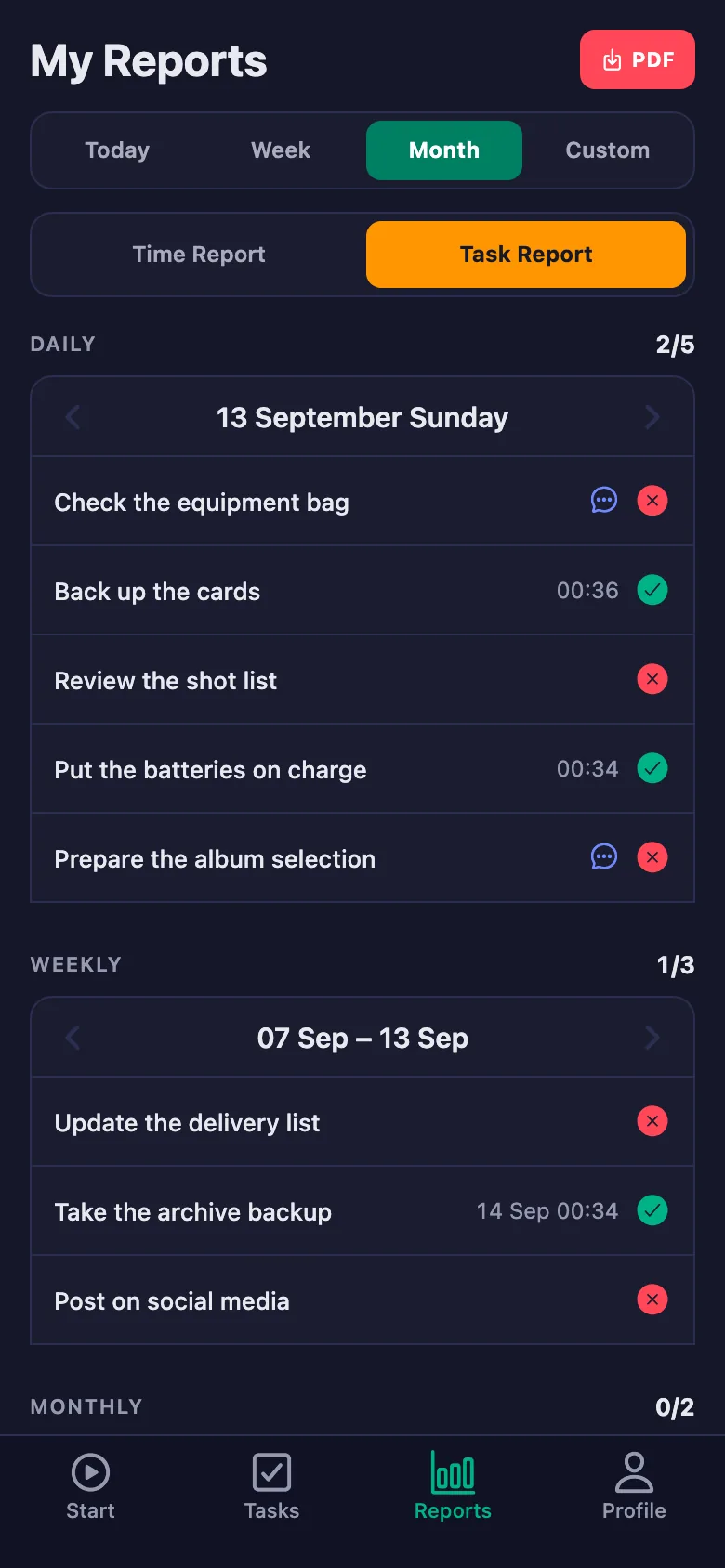
Every check sits there as a daily task; anything unticked stays on screen, and who did it — and when — goes on the record.
Something that went wrong on set is described out loud in the evening, and the detail is gone by the next day.
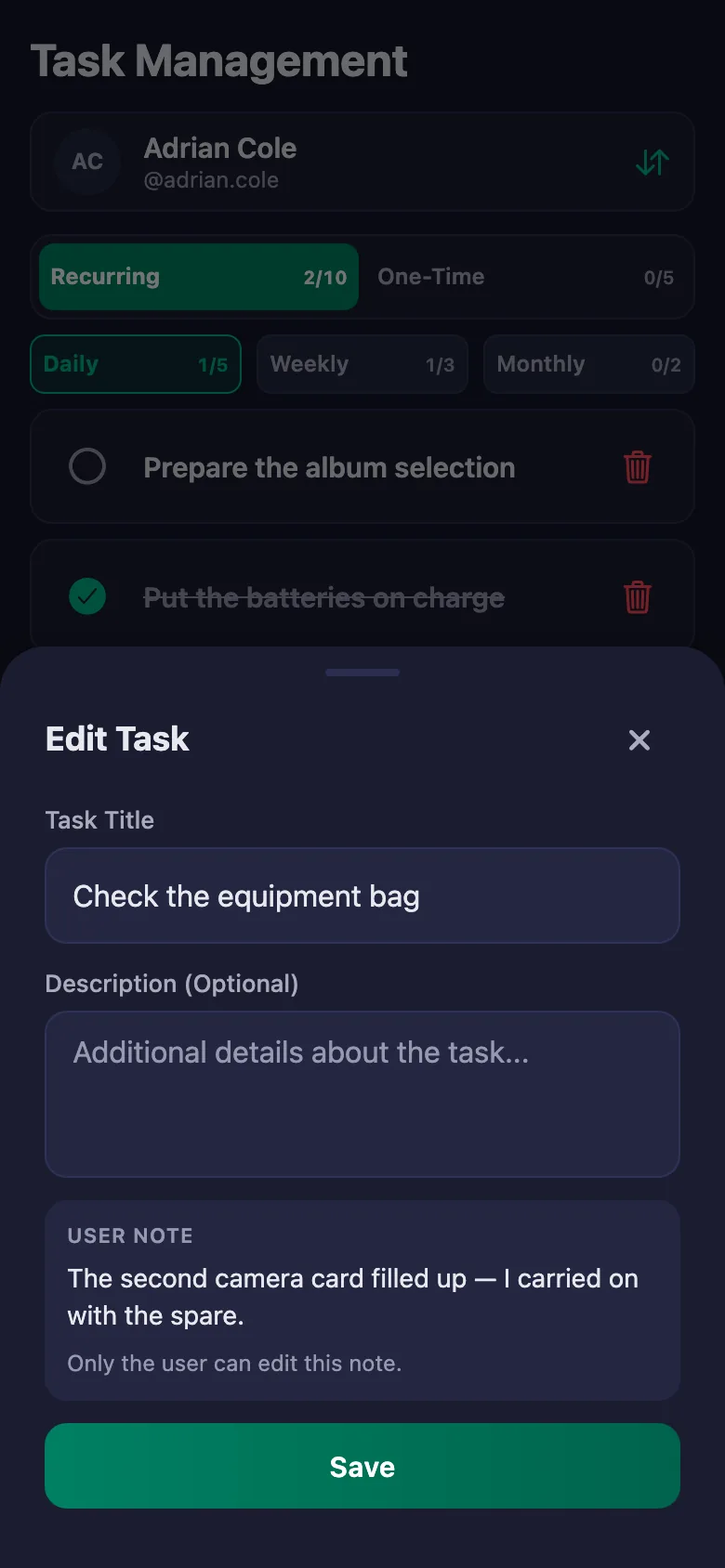
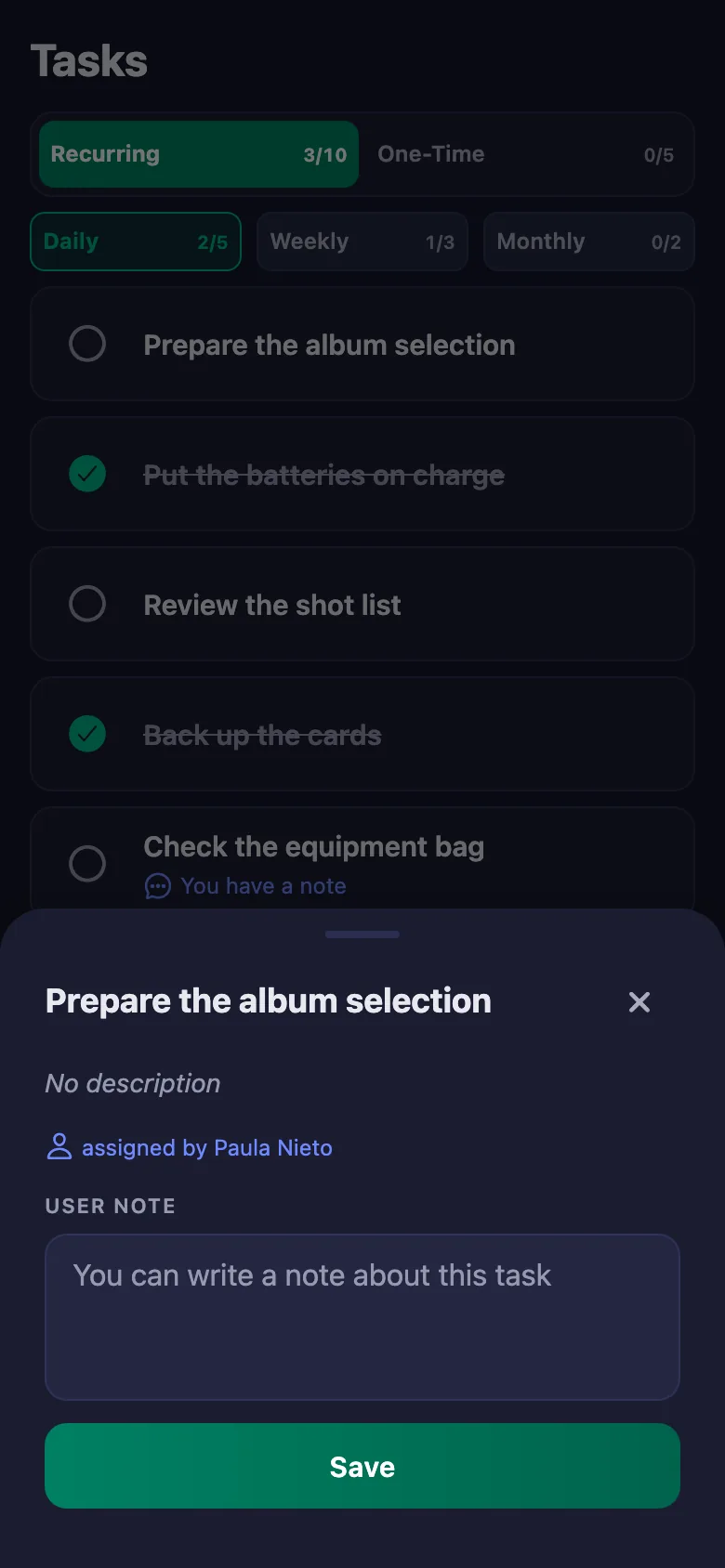
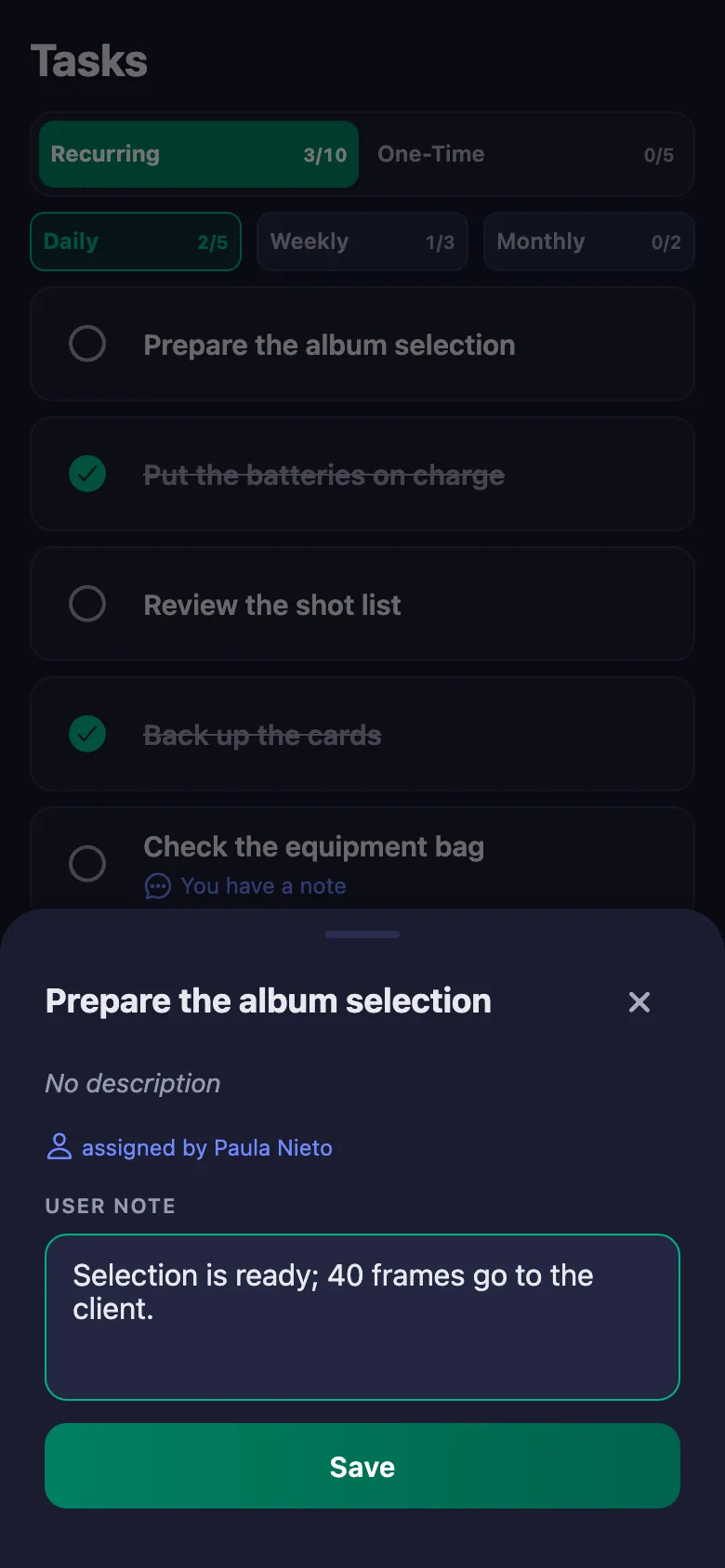
The crew write a note under the task: what happened, how it was solved. The note sits on your screen, and only the person who wrote it can change it.
As delivery dates approach, chasing falls to you — writing to everyone one by one.
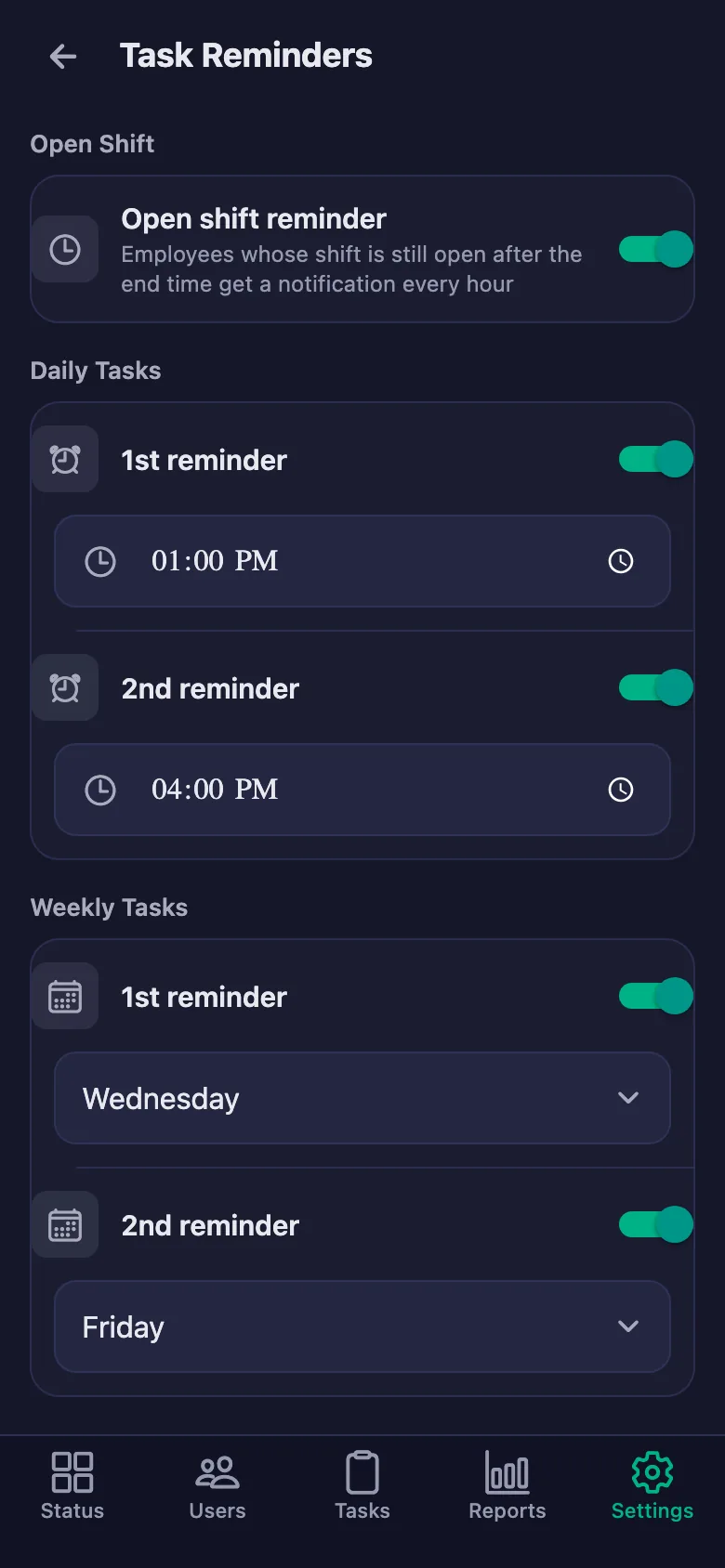
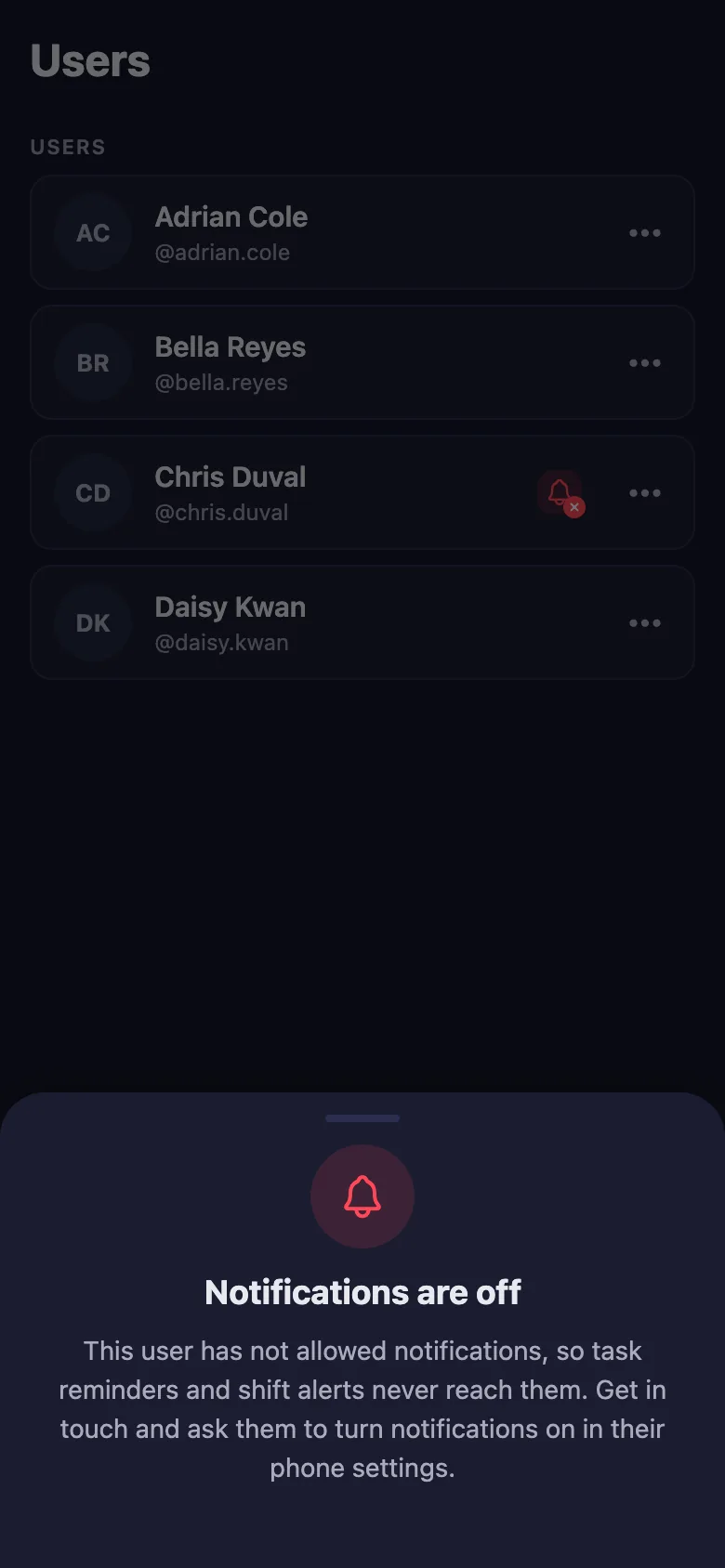
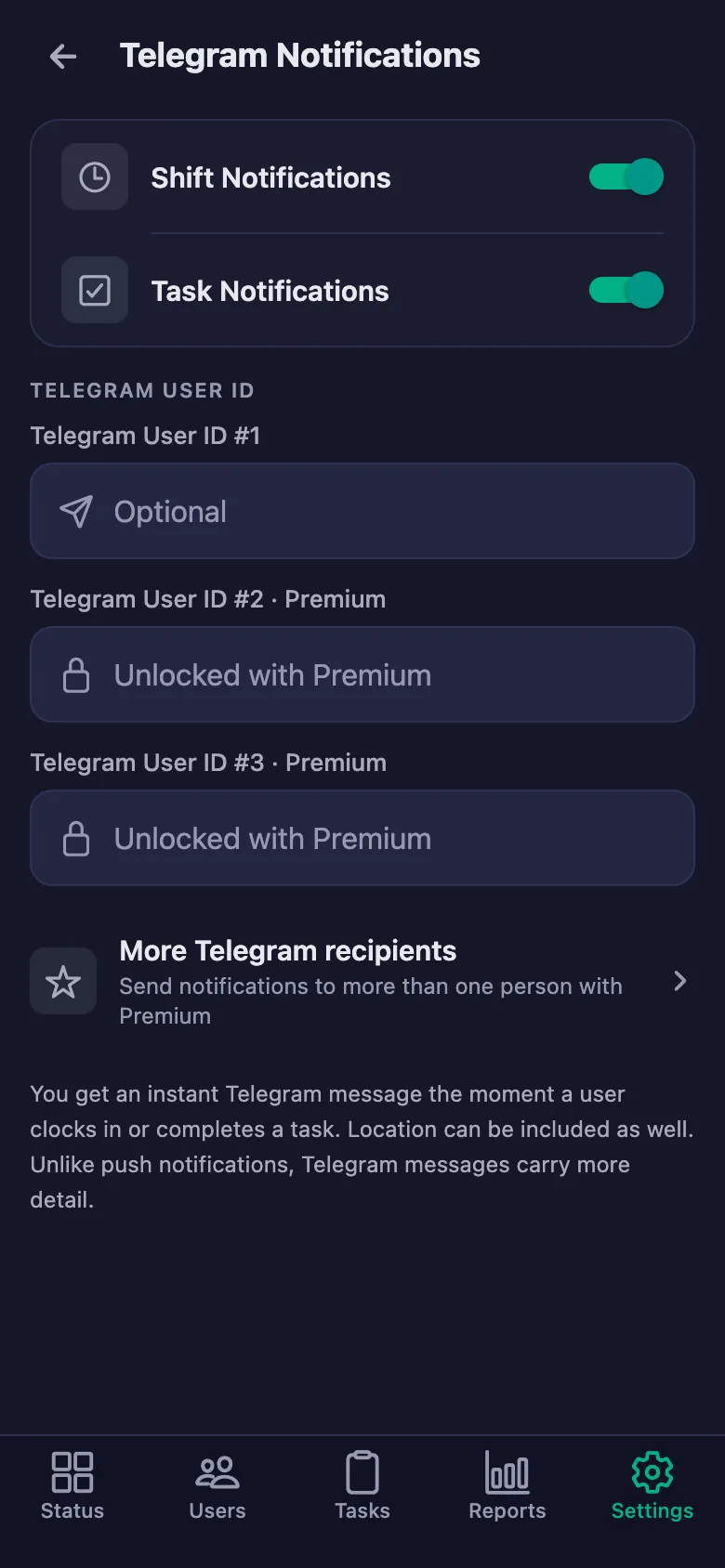
You set the reminder times. If a delivery or a backup is still unticked at that hour, a notification lands on the crew's phones — you are not the one chasing.
At the end of the month, pulling together who worked how many days and which jobs closed takes time.
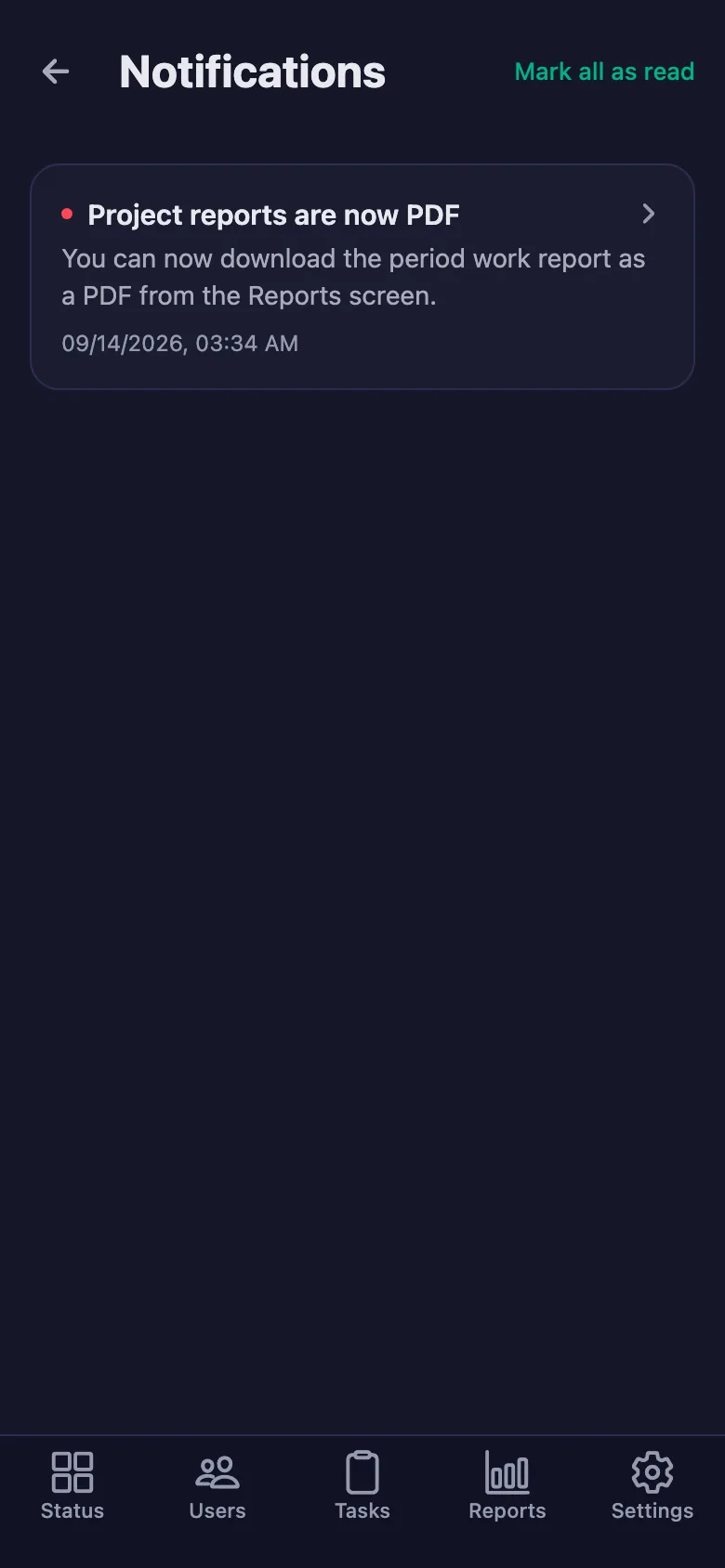
You pick a date range and the report appears on screen. You download the same report as a PDF and use it for payment and quoting.
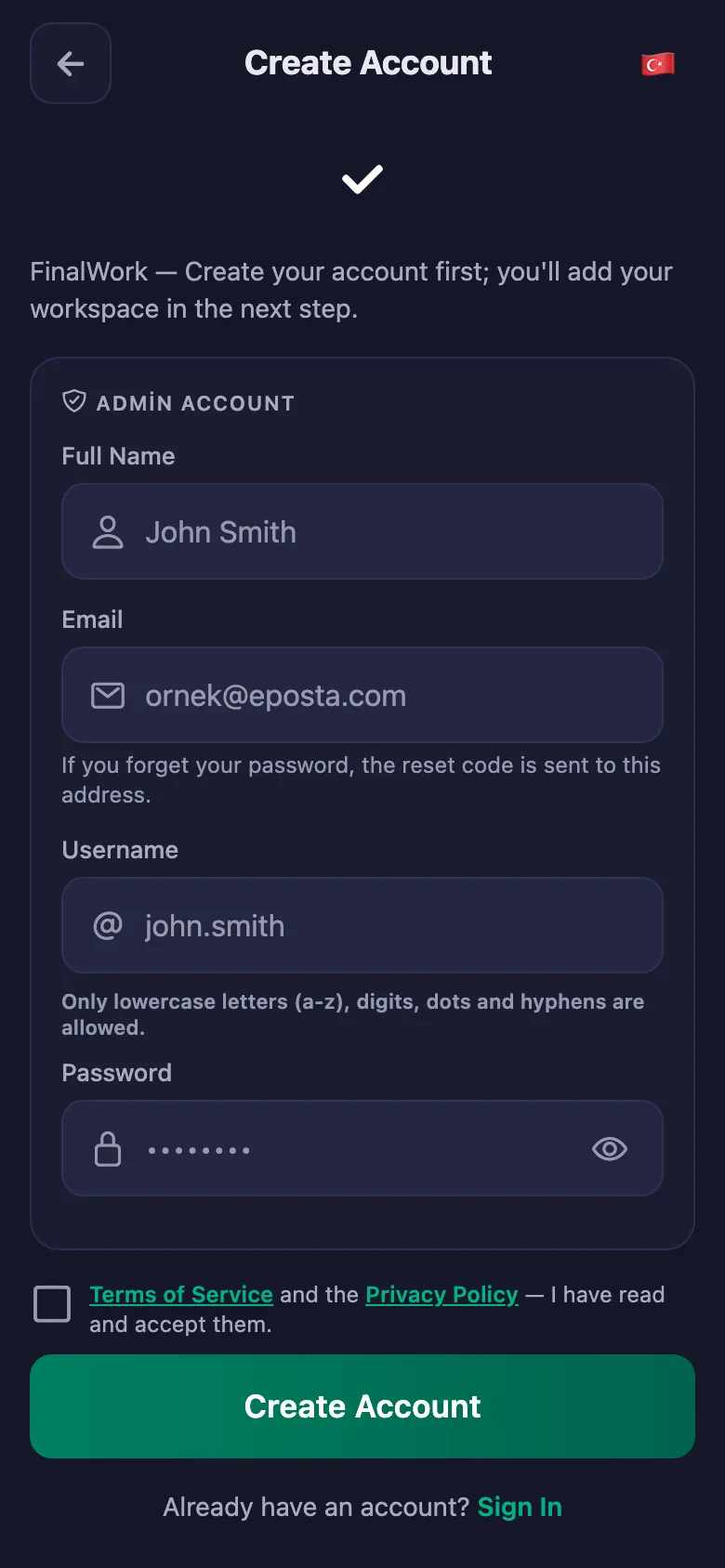
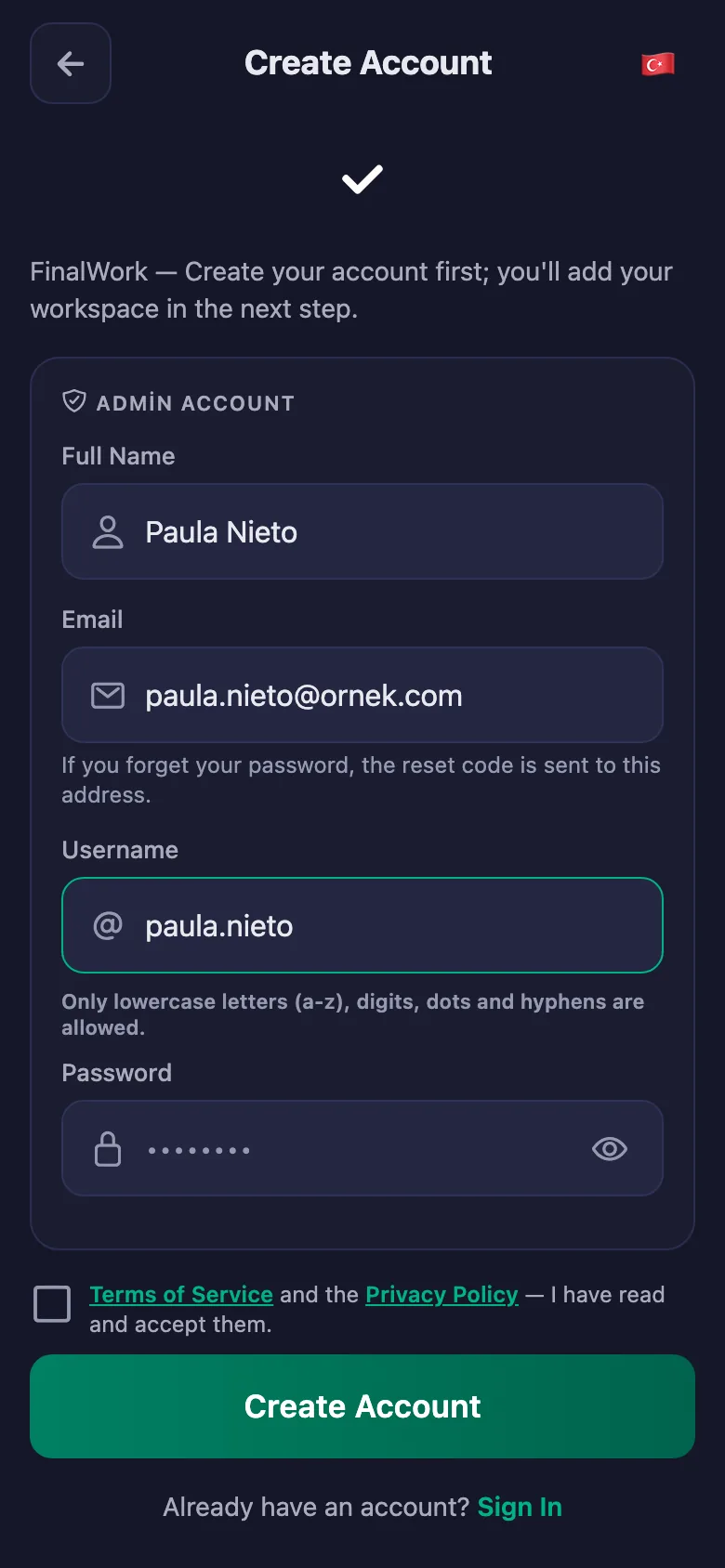
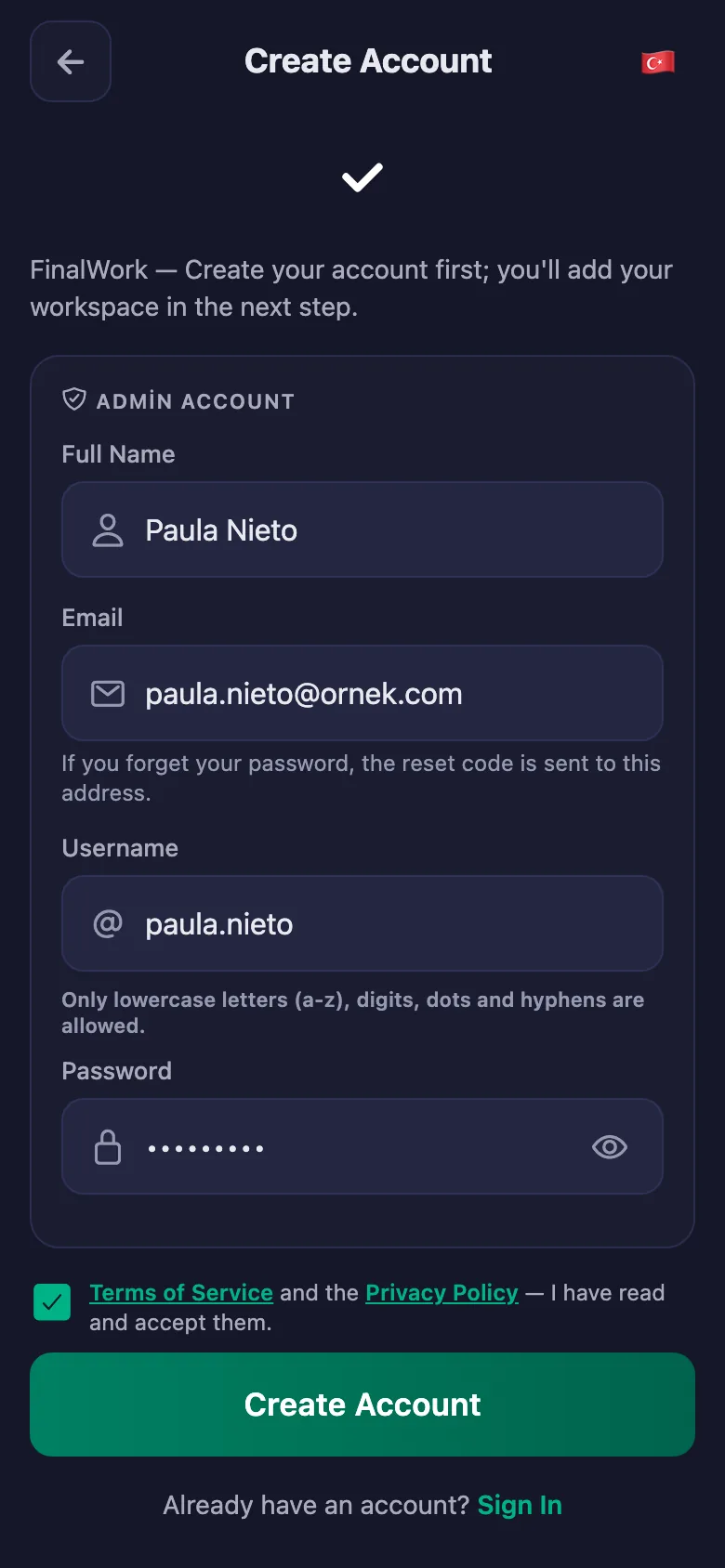
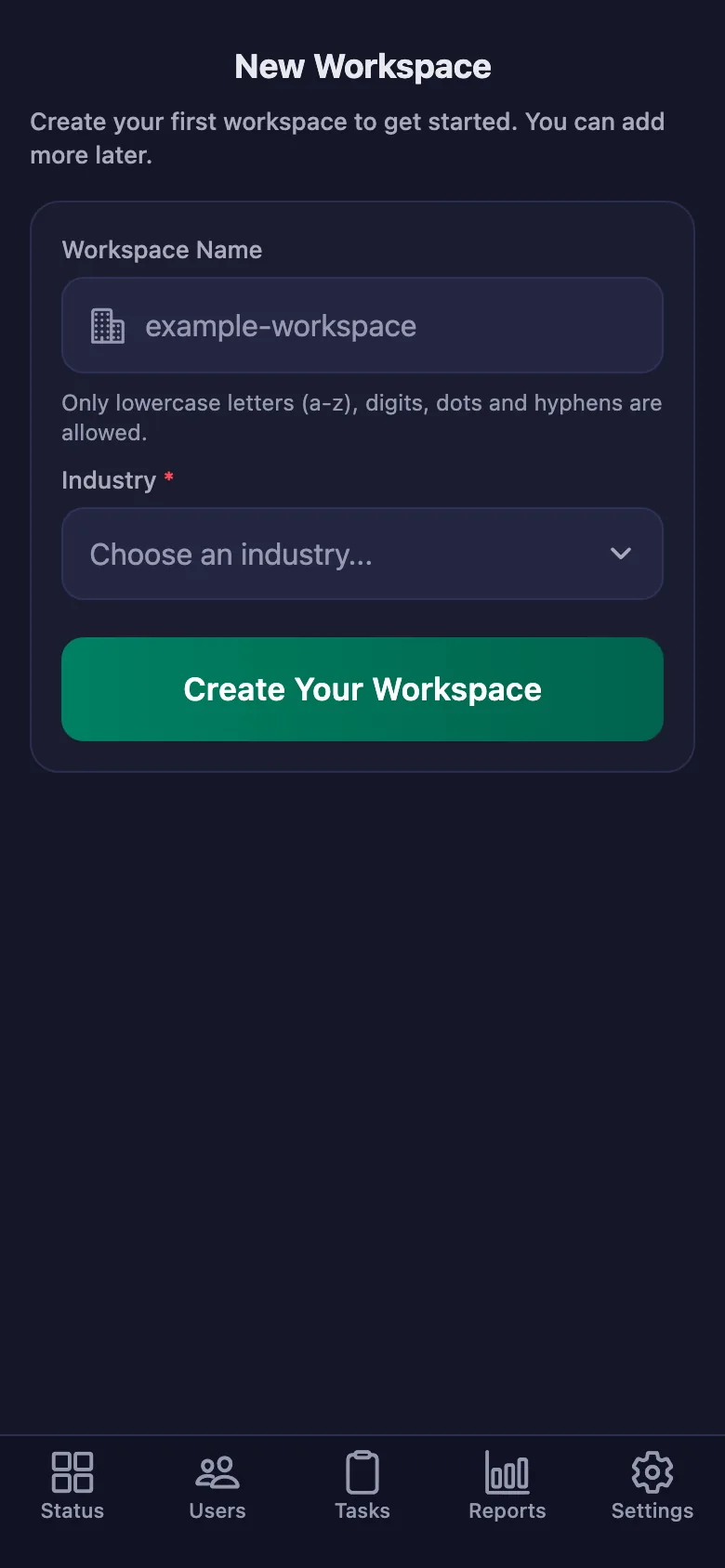
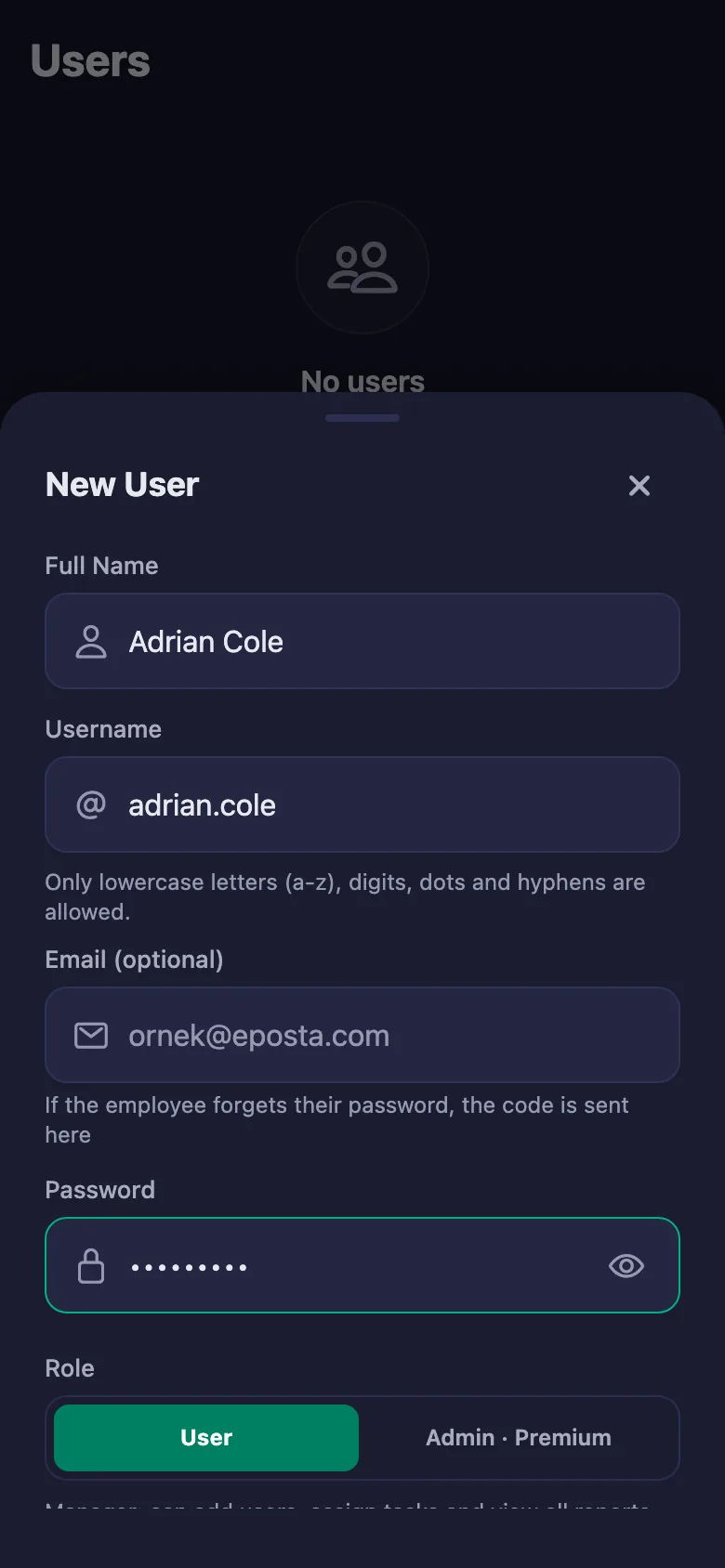
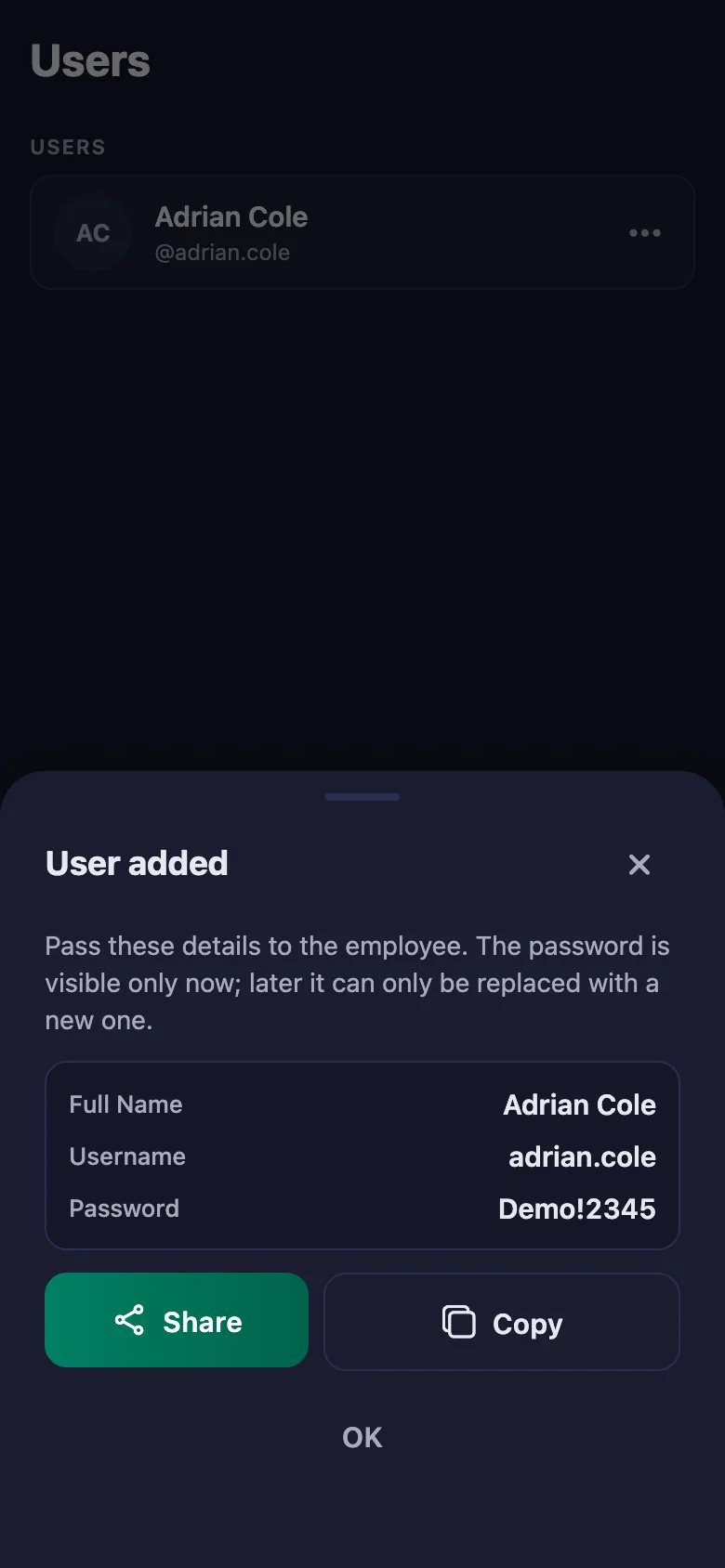
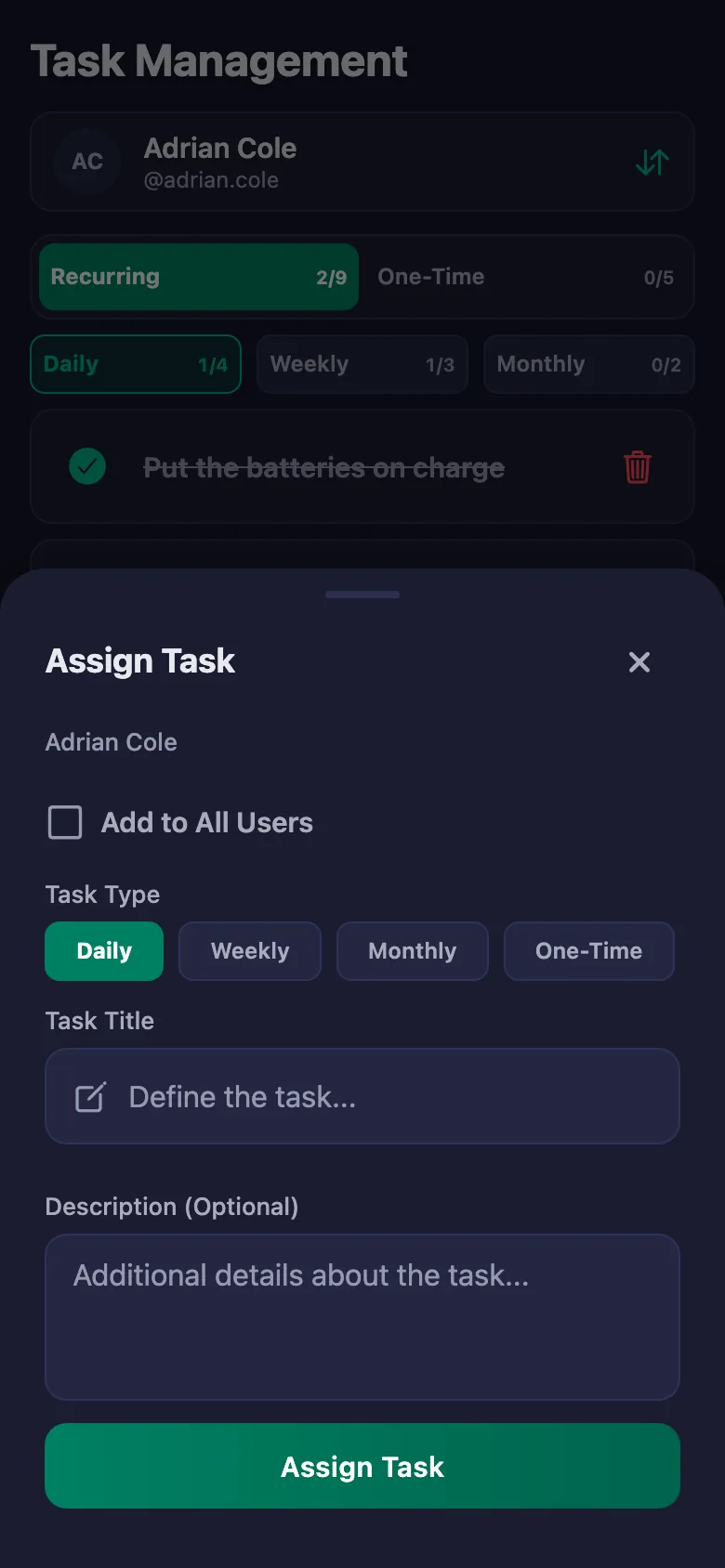
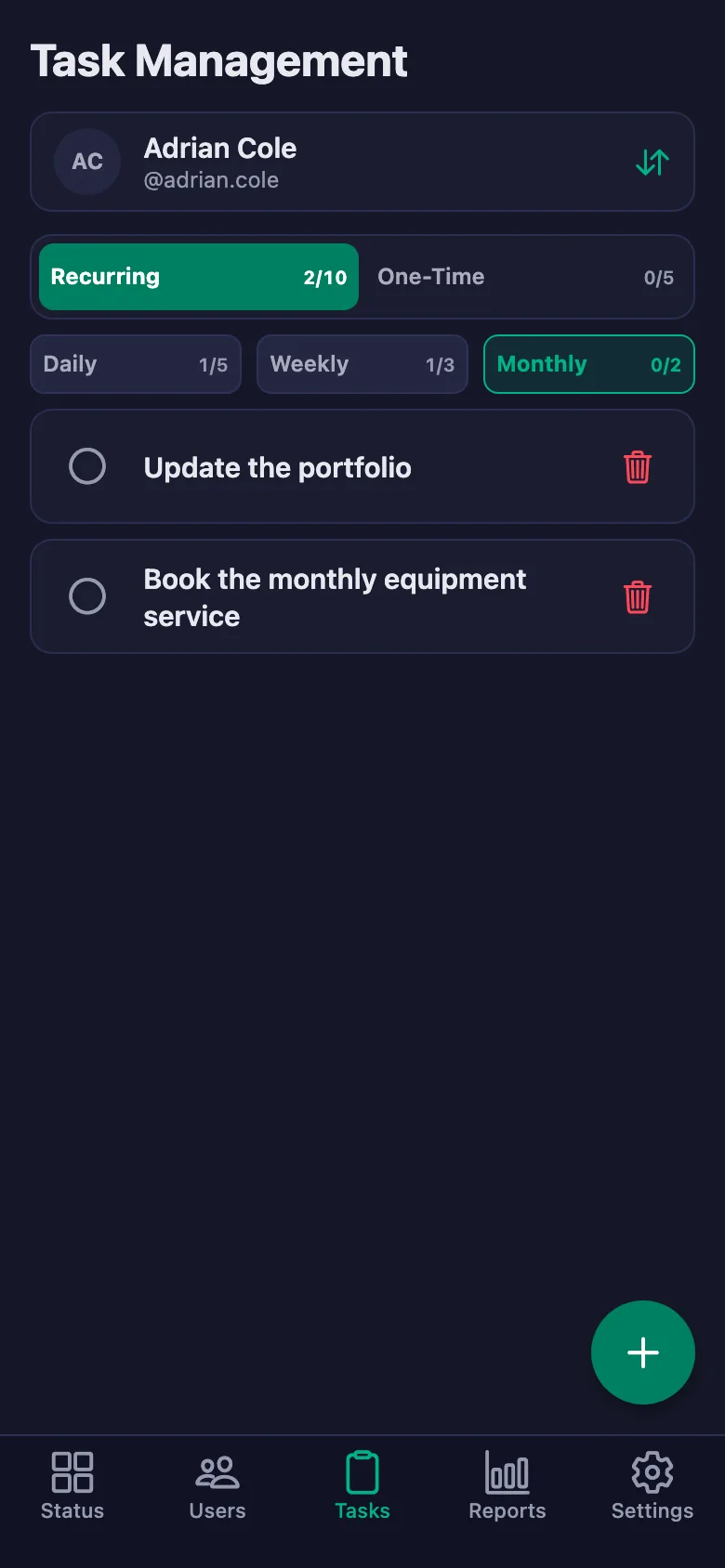
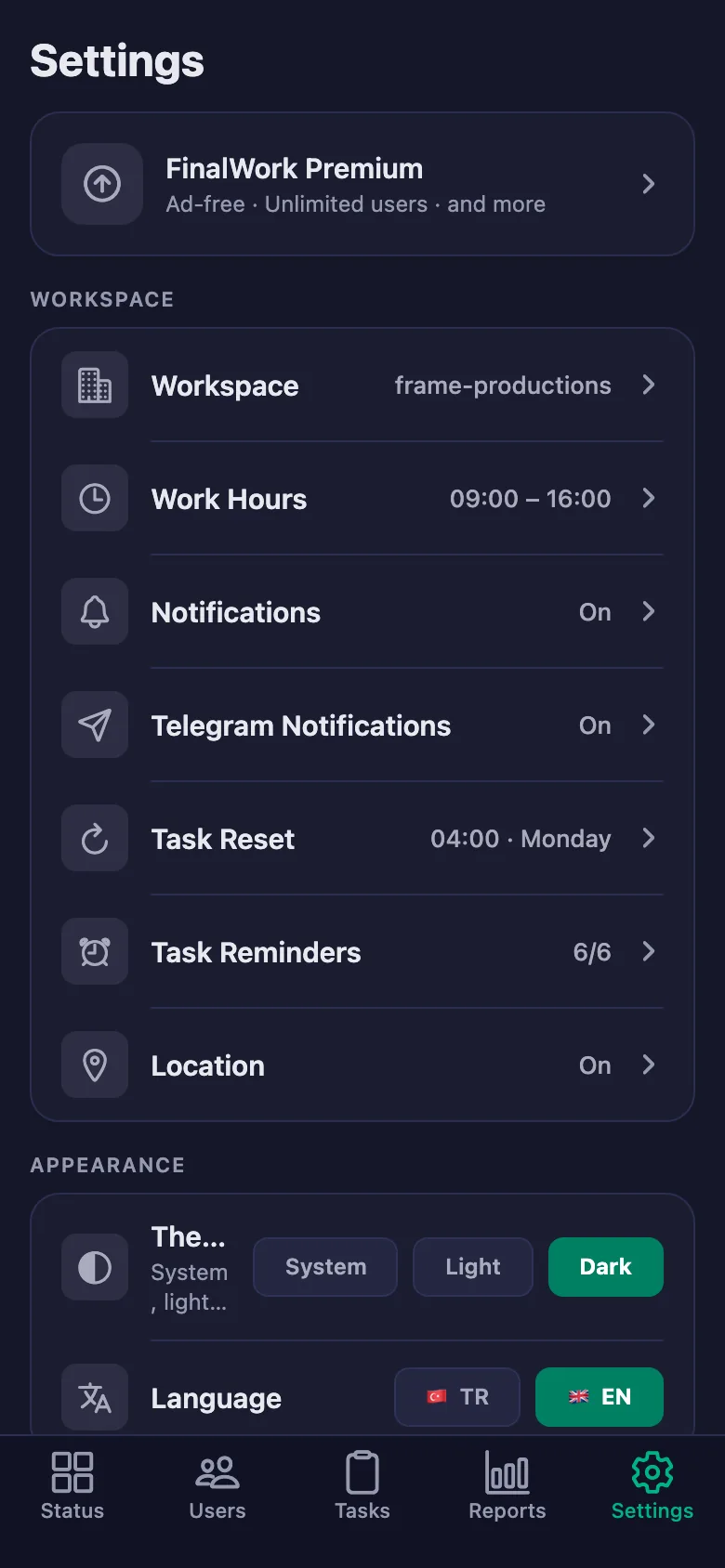
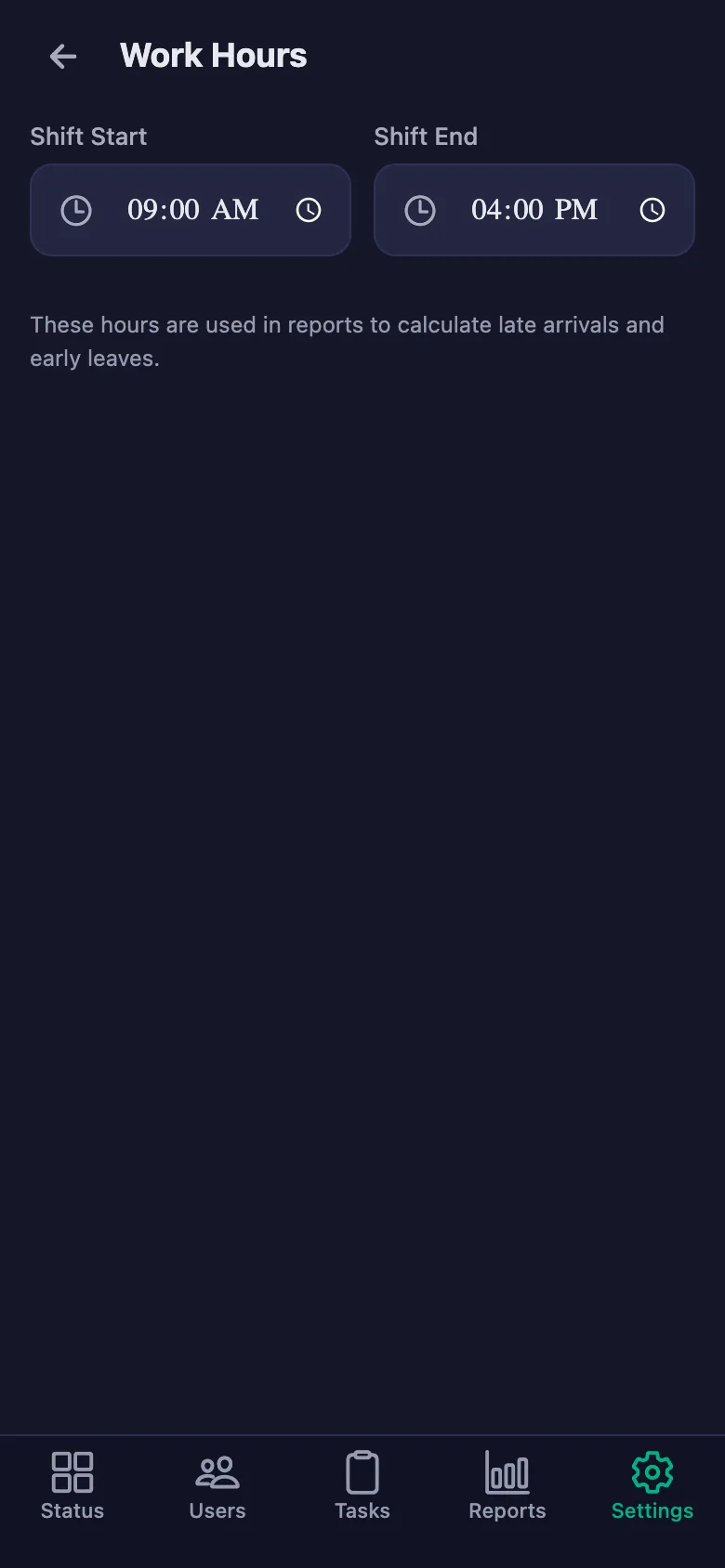
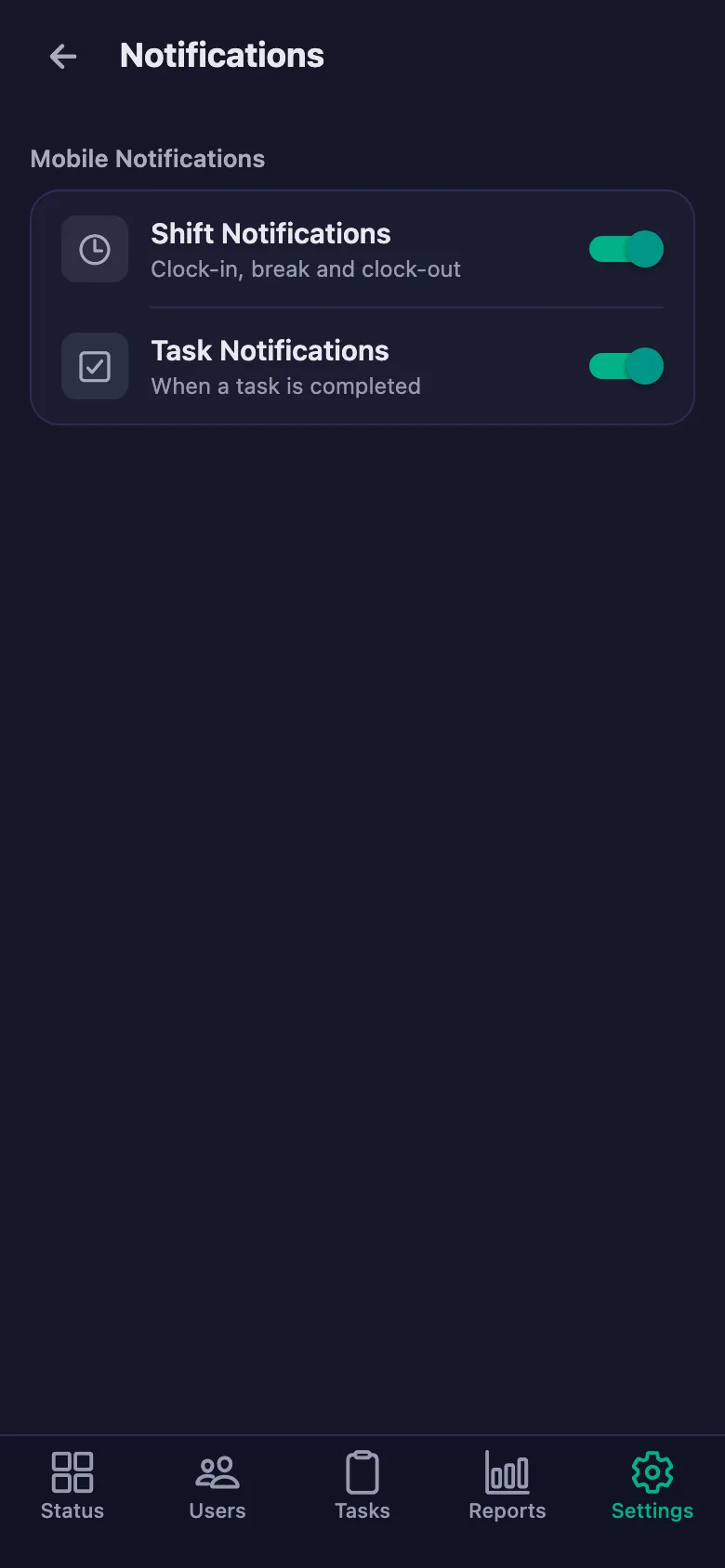
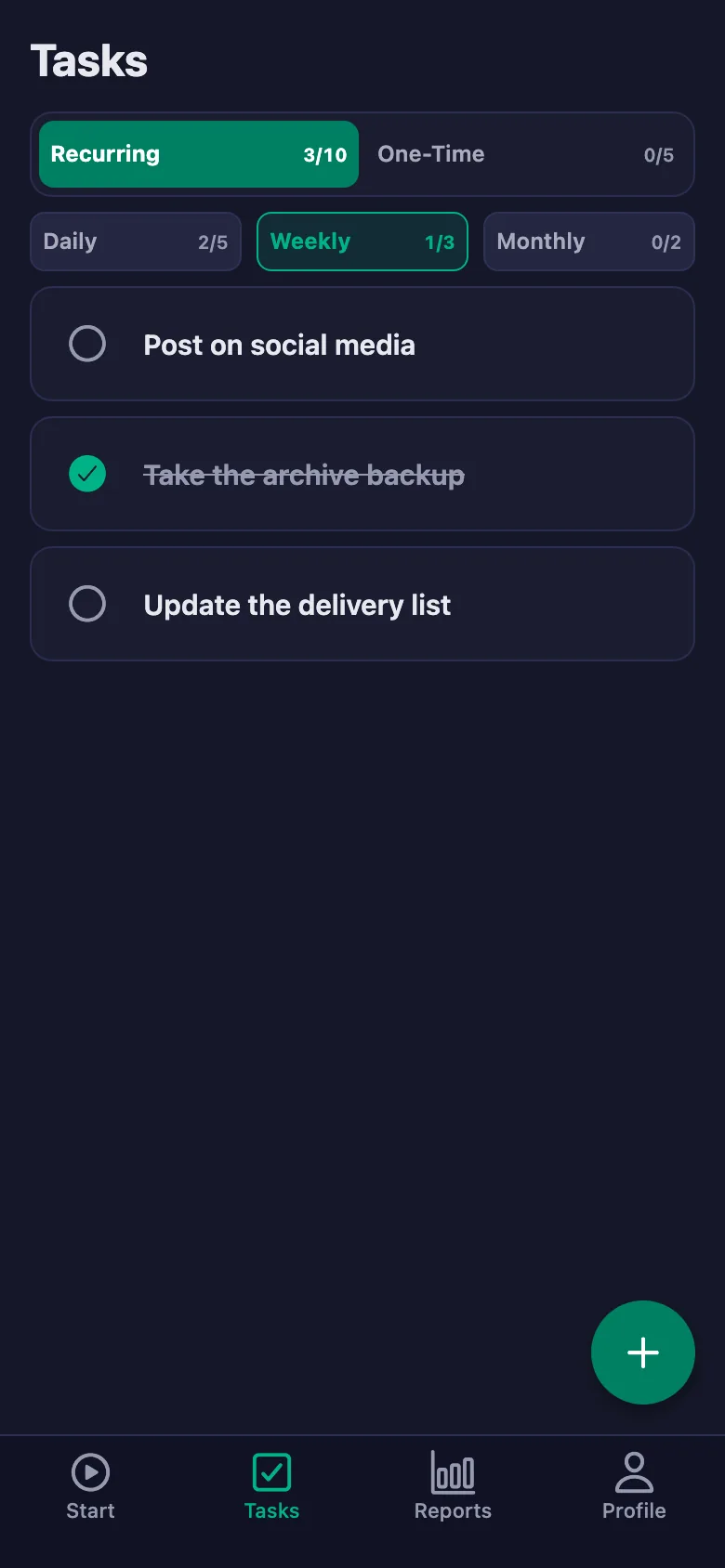
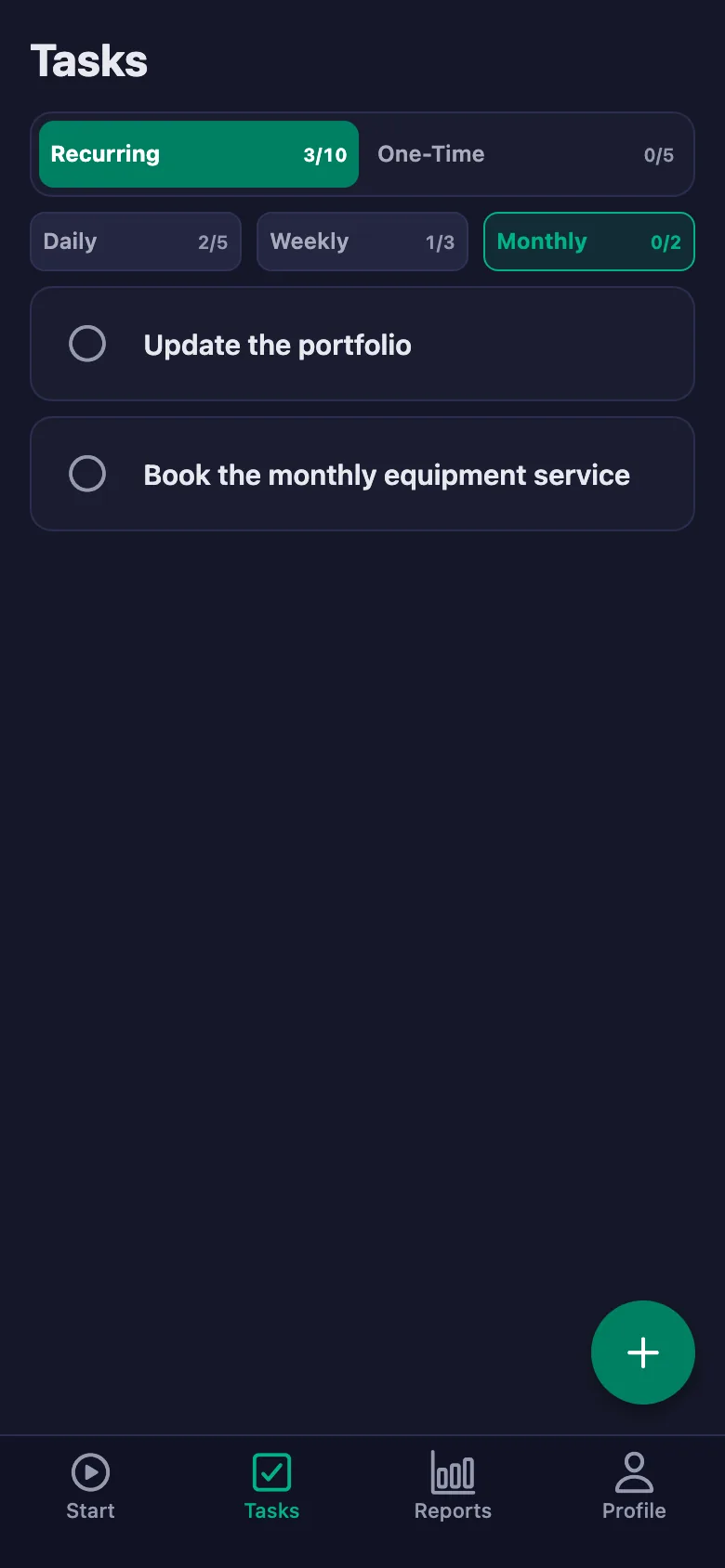
Setup and activation take just one minute — you can start free. Below you can watch the whole flow on the app's real screens.
Producer – Crew App Demo
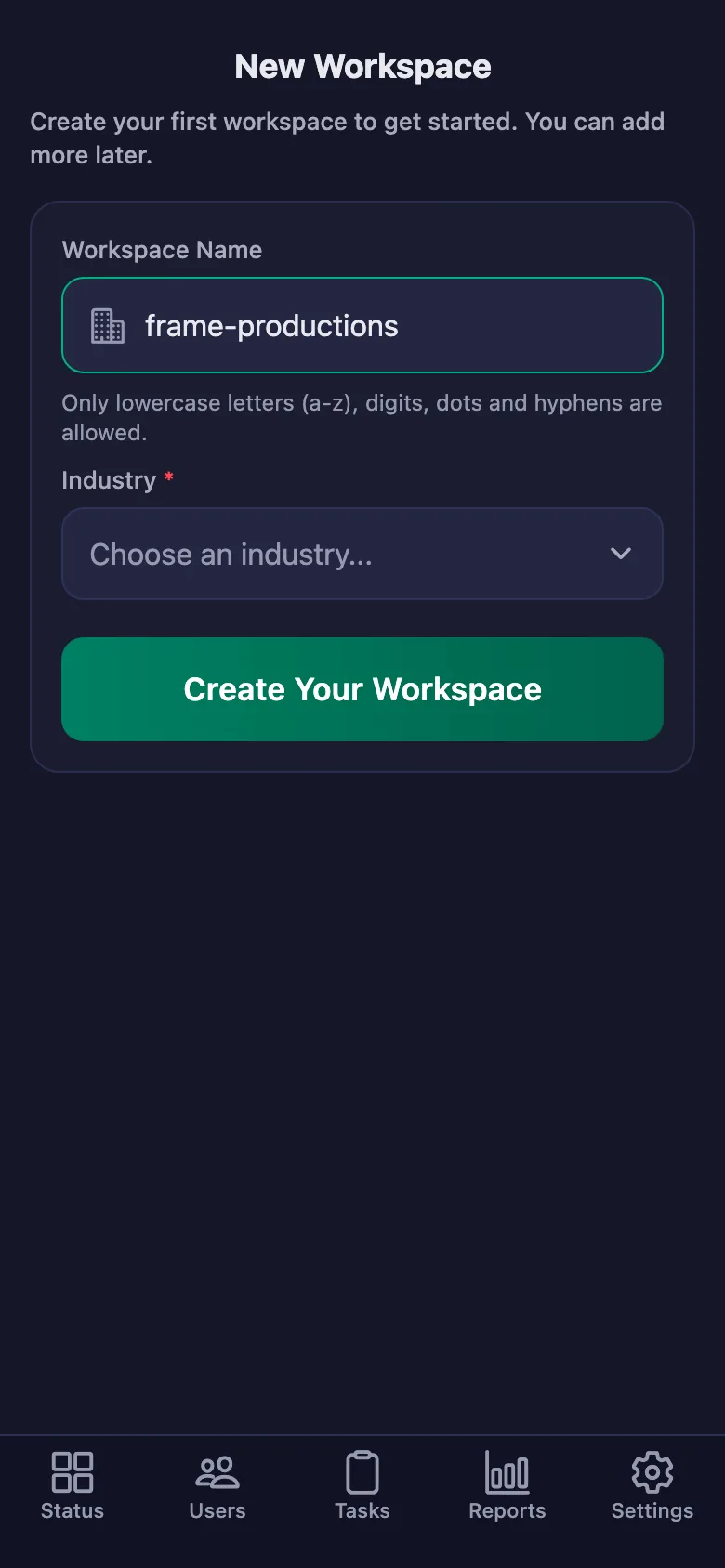
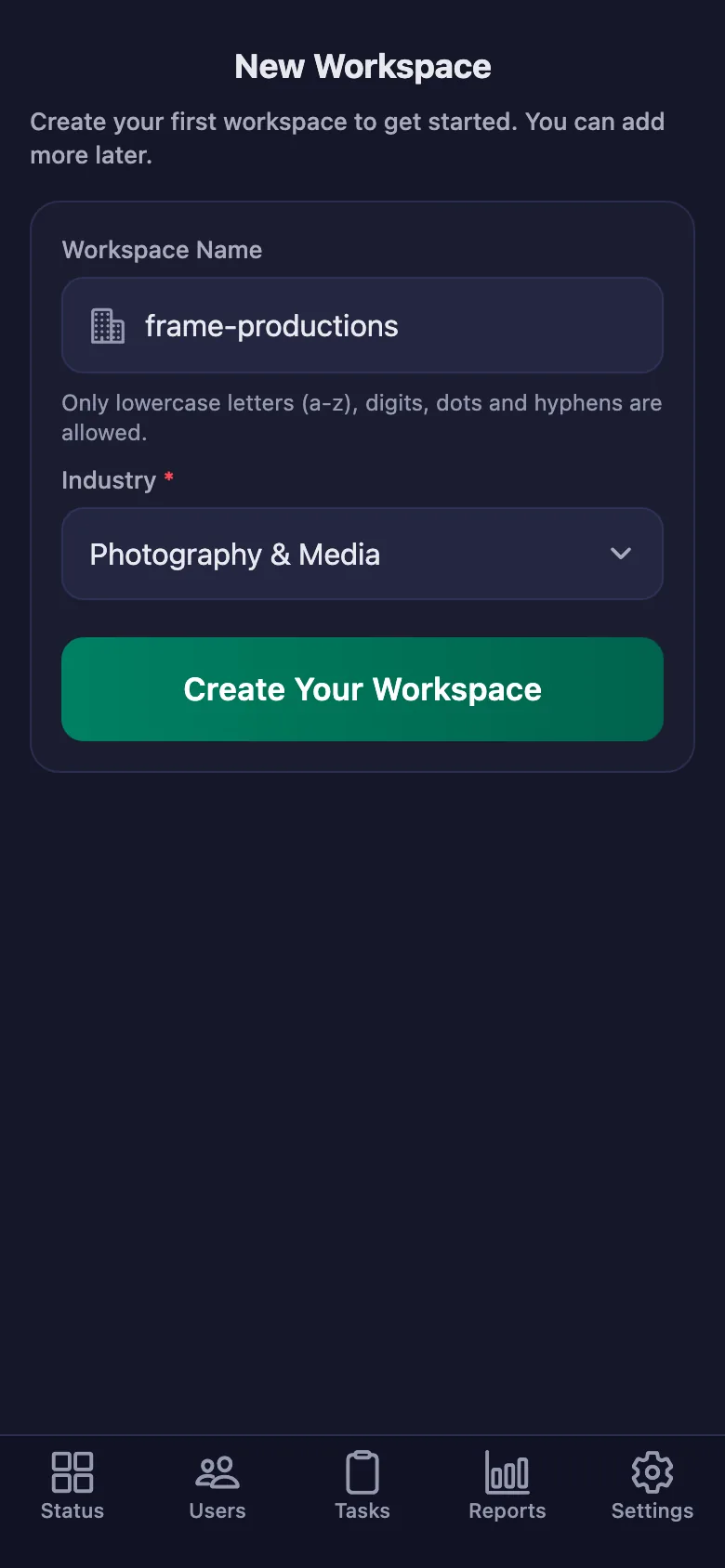
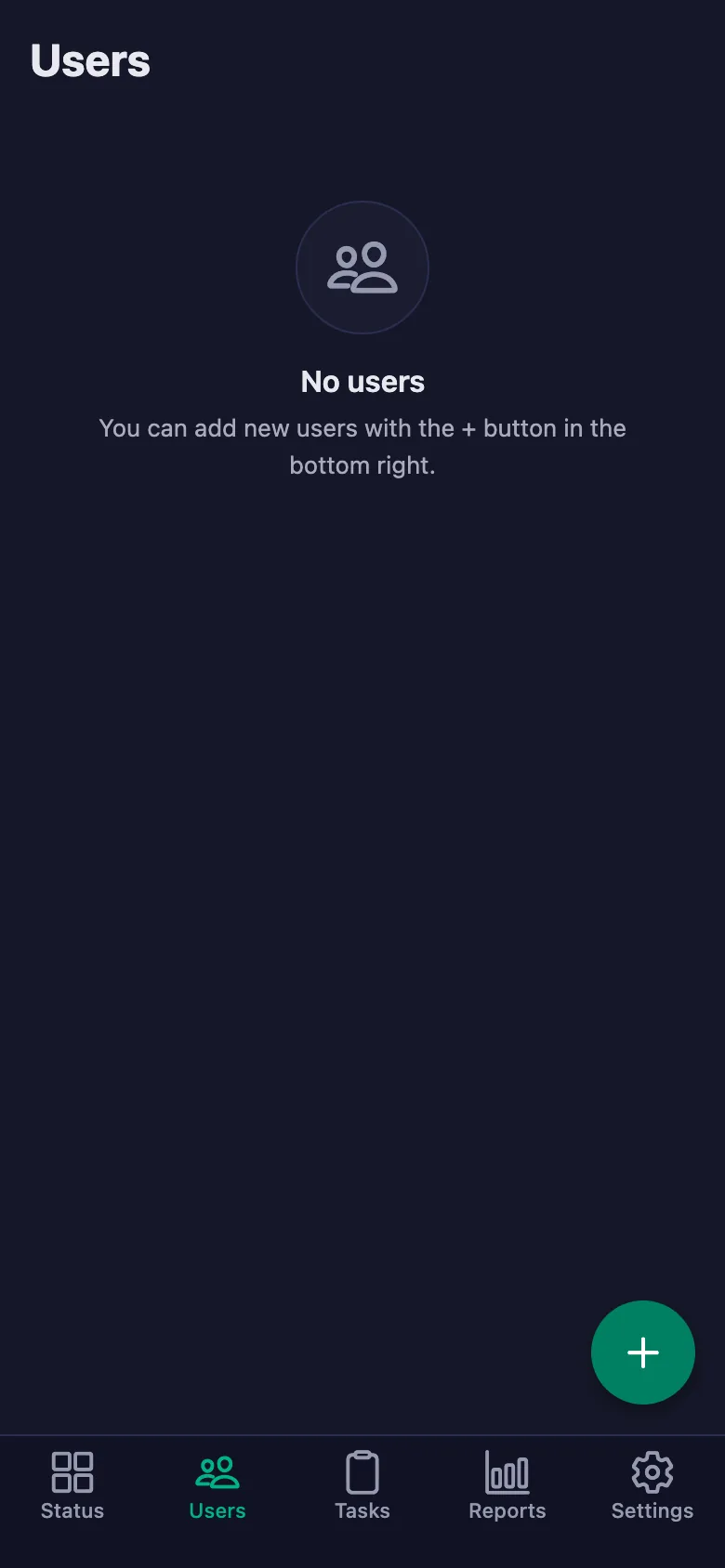
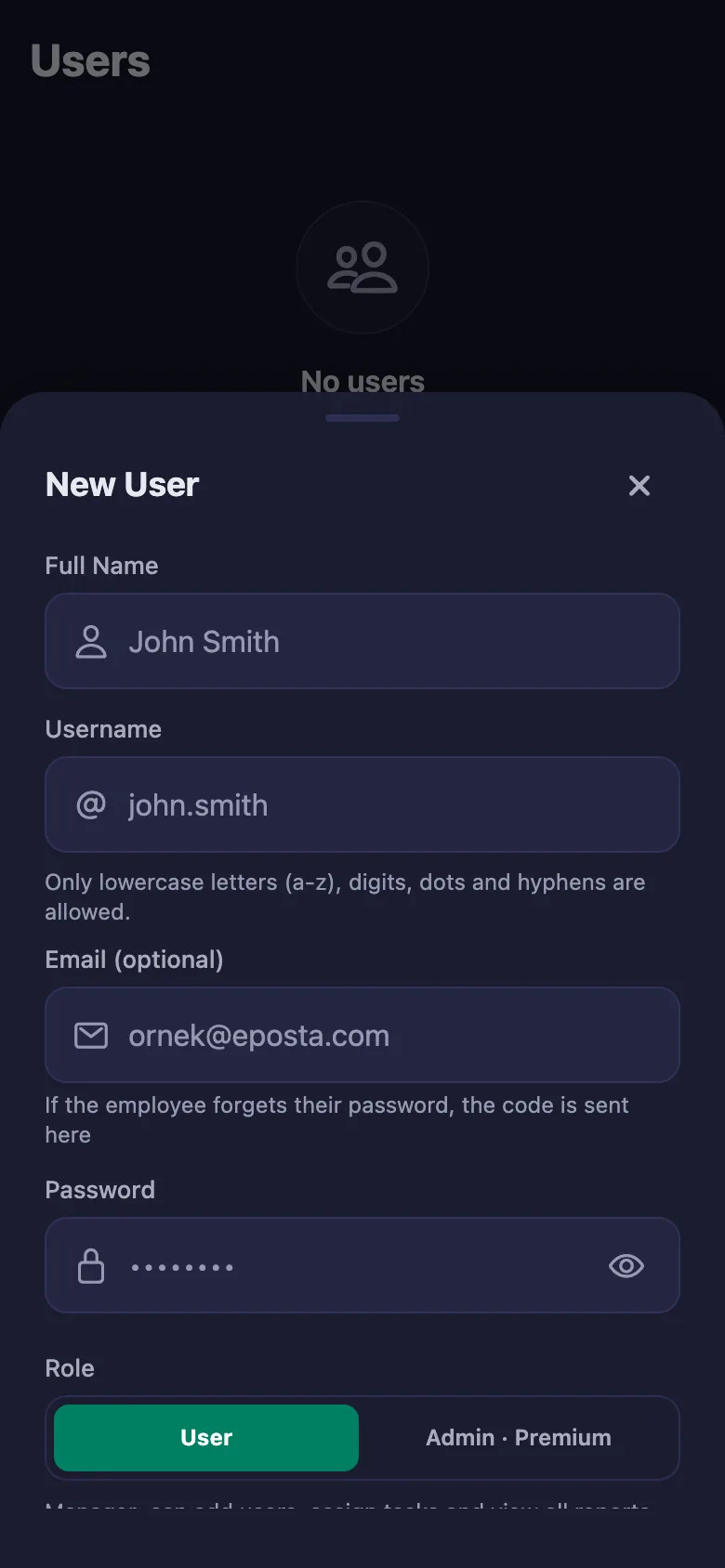
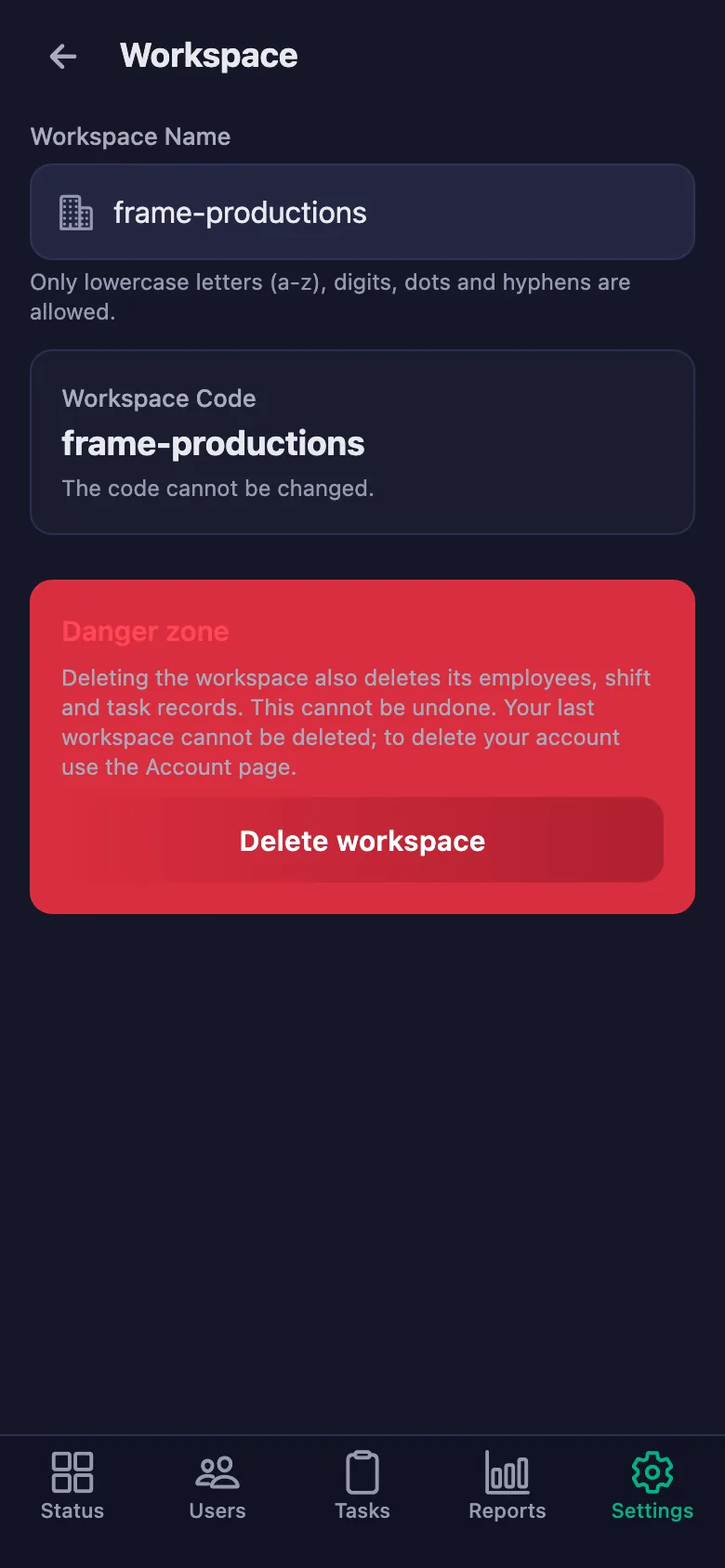
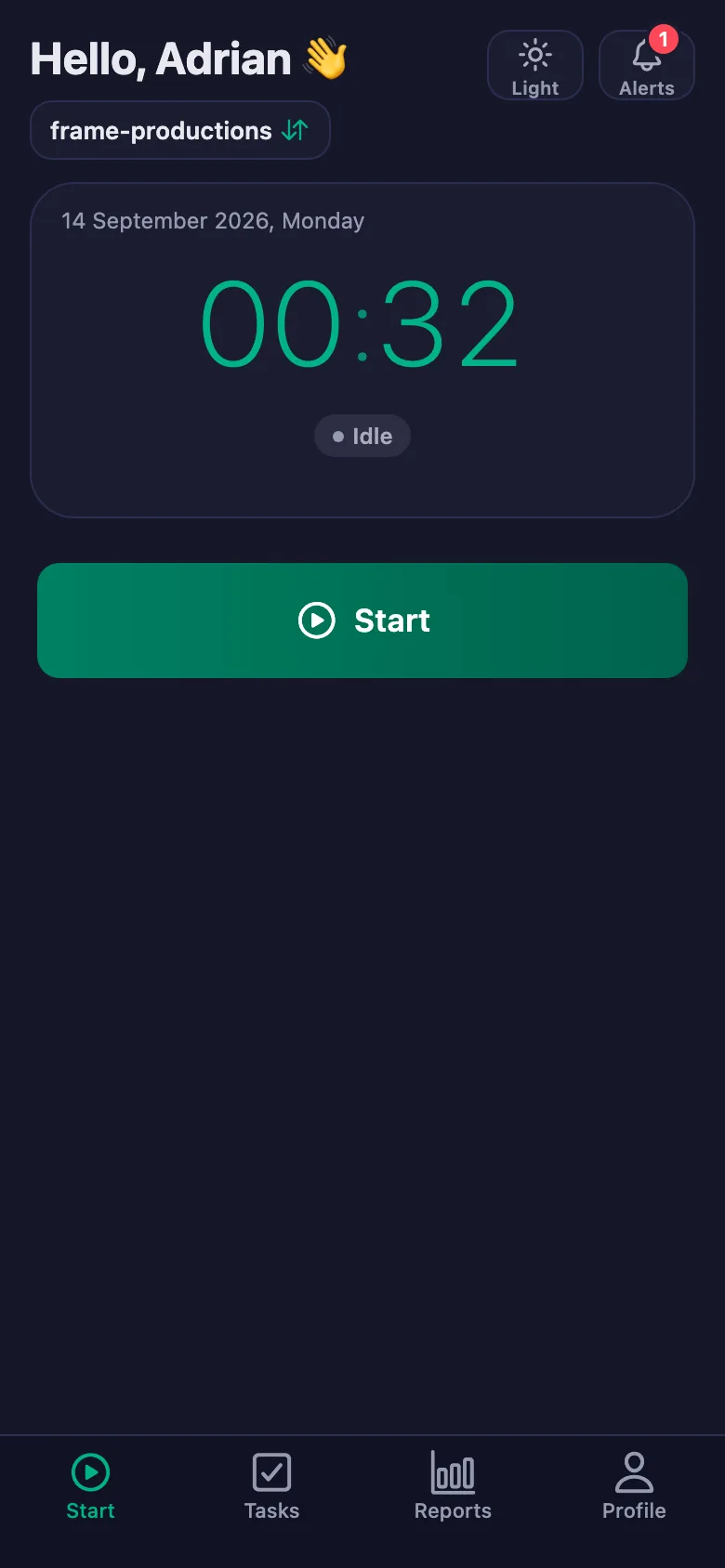
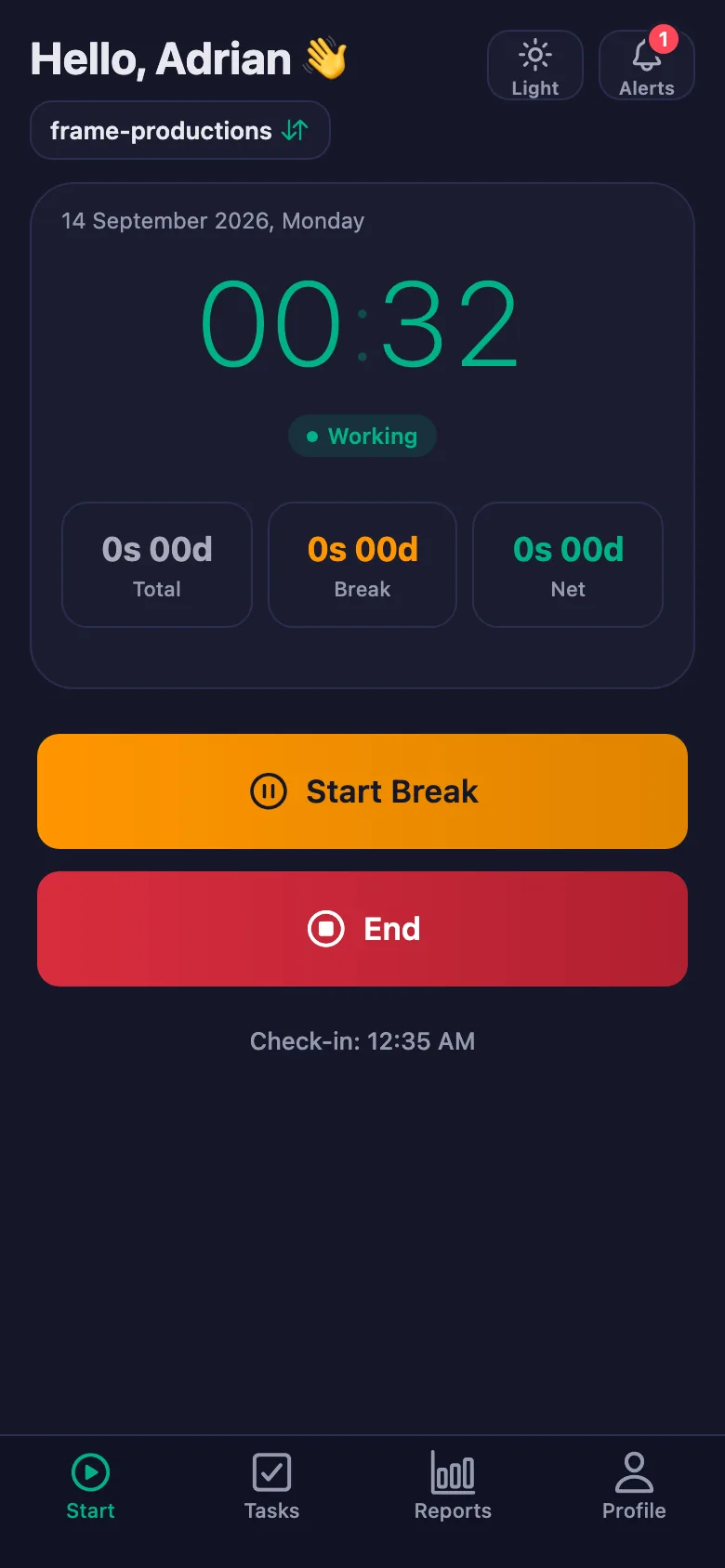
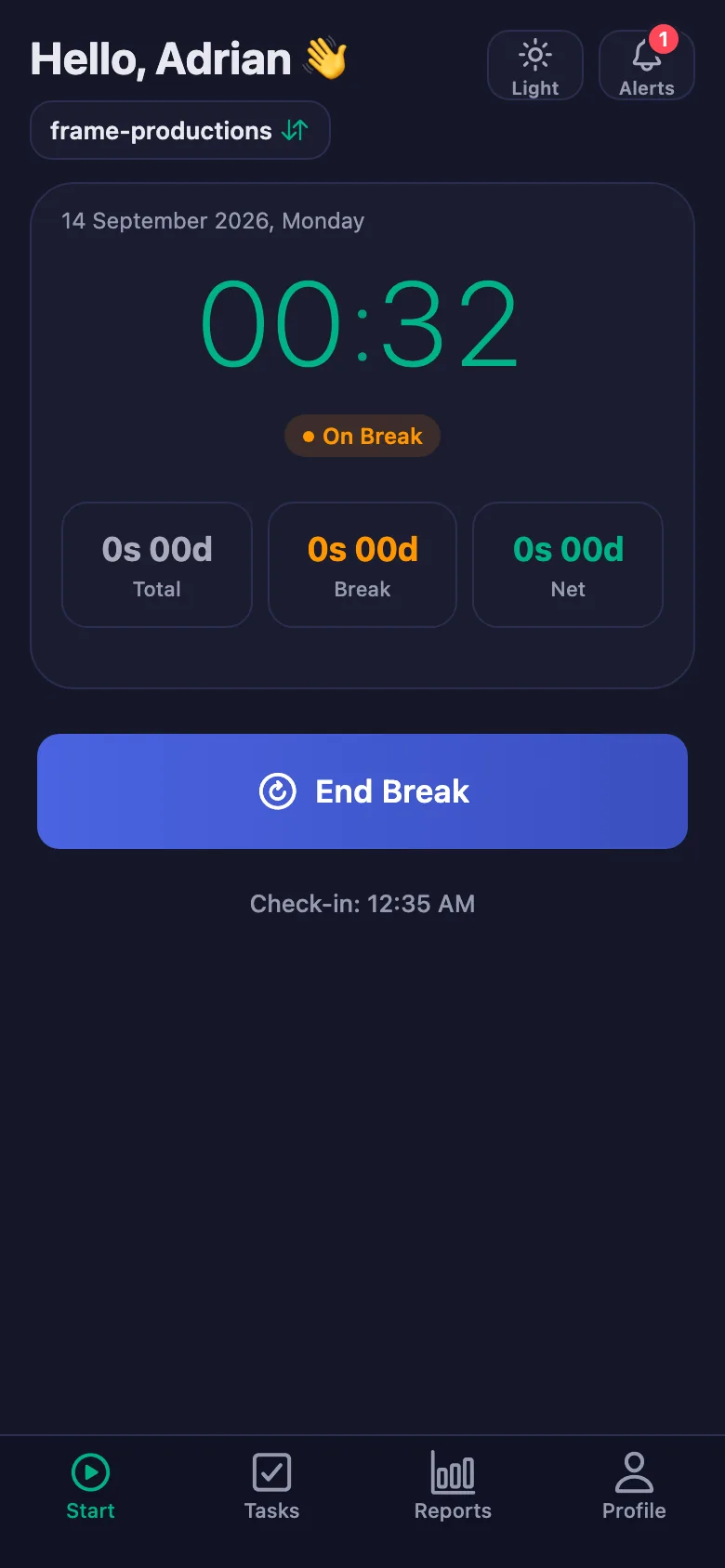
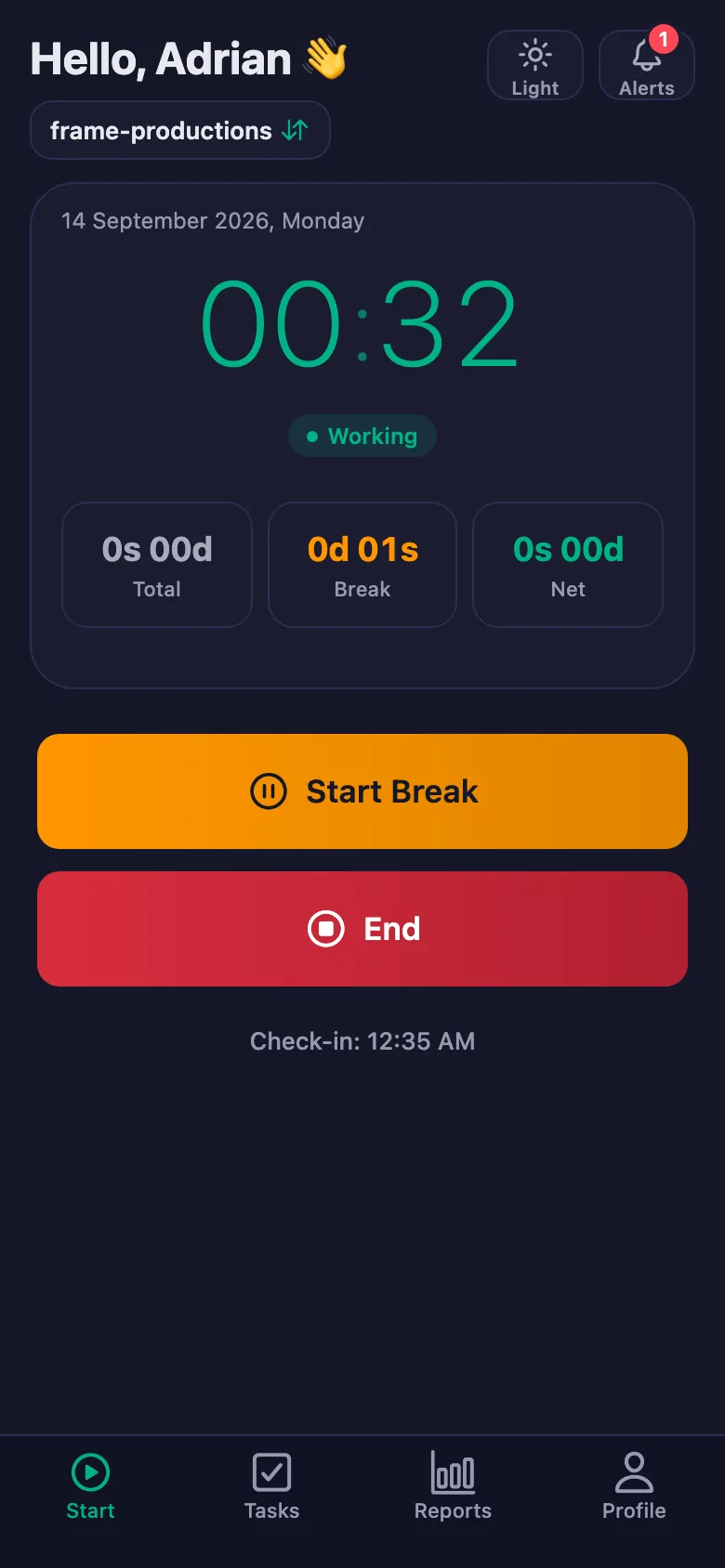
 FinalWork — Task reminder
2 daily tasks are waiting for you.
FinalWork — Task reminder
2 daily tasks are waiting for you.
Production work tracking software — frequently asked questions
Does it handle project management and file sharing?
No, the app is not a project management or file sharing tool. It tracks your crew's working hours and the daily checks; you carry on using your existing tools as before.
Can freelance crew members use it too?
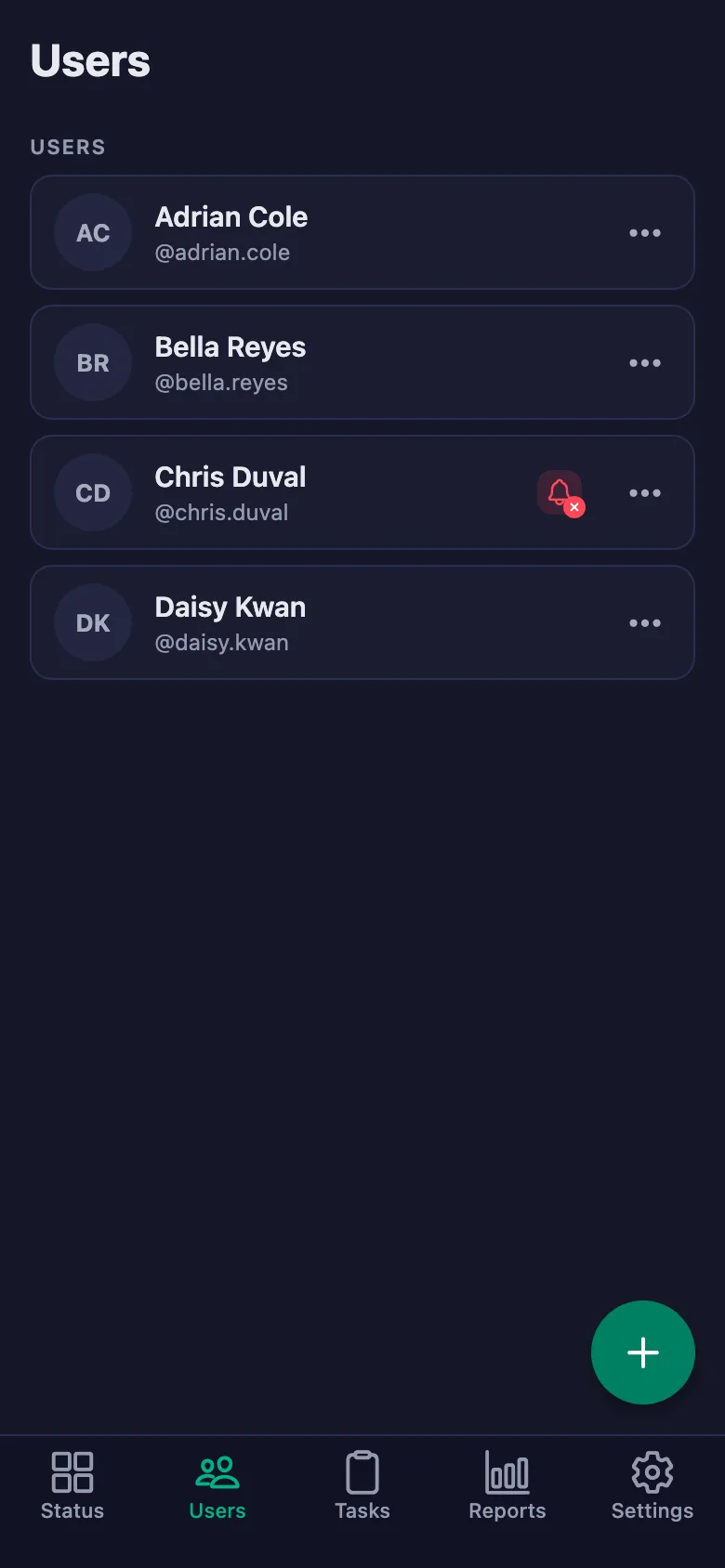
Yes, you can add freelancers to the same workspace as users. Everyone's time appears separately in the report.
Can the crew write notes, and can I see them?
Yes. The crew can write a note under each check — what happened on set, how it was solved. You can see the note but you cannot change it; only the person who wrote it can edit it.
How many people can I add?
The free plan has a limit on users; when you reach it the app warns you and no new user is added. The limit is lifted on Premium.
Is the location rule a problem for location shoots?
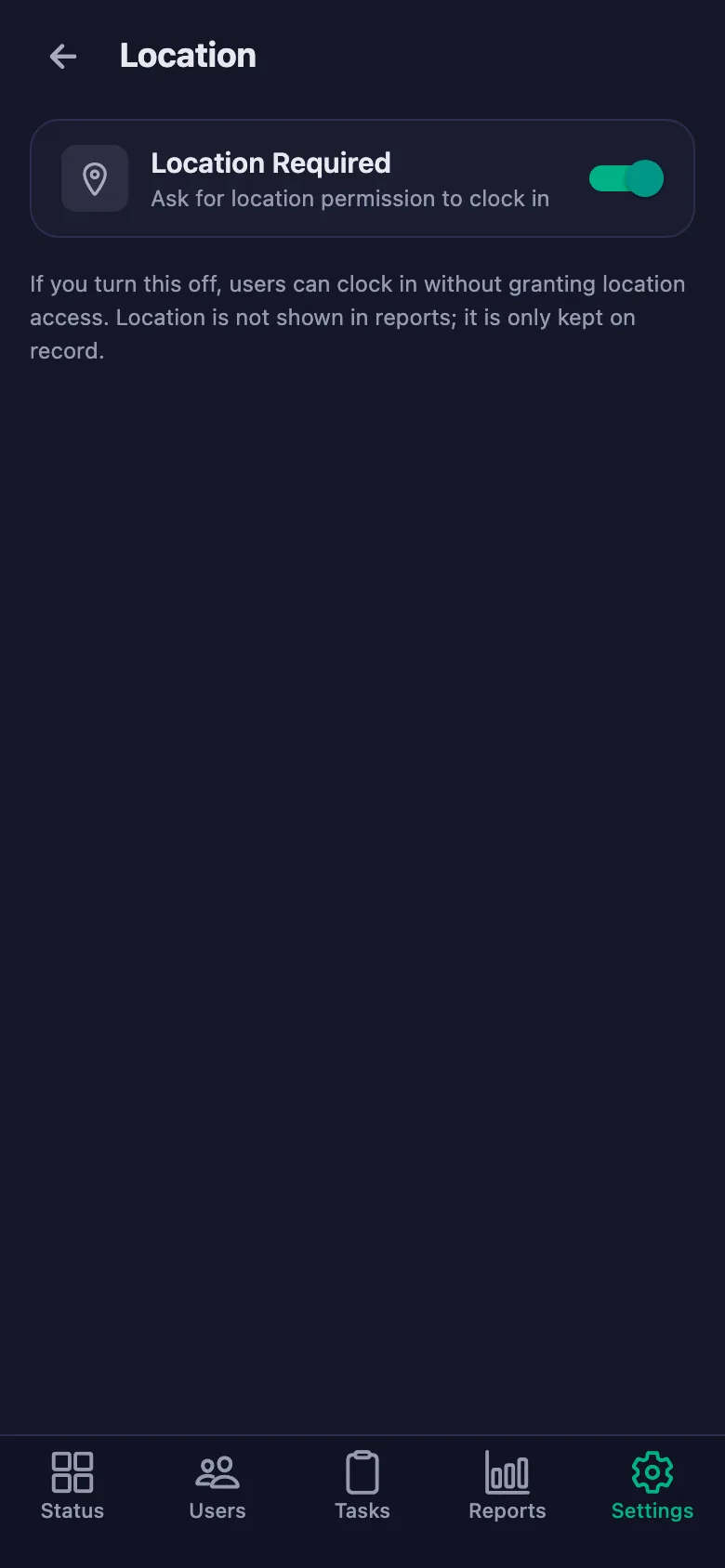
The location rule is optional. With it switched off, the crew can start the timer wherever they are, and the hours are still recorded.
Can I track things by project?
You can write the project up as a task and assign it to the crew. Hours are held per person, so you can report on the period a project ran by picking a date range.
Are editing and delivery hours recorded too?
Yes. The timer is not just for the shoot — it can be used for editing and delivery work as well, and it all goes into the same report.
Set up your production today
Setup and activation take just one minute — you can start free. Open the account, add your first crew member, and let today's shoot go on the record.