
Who actually followed the plan you gave them?
Writing the plan is the easy part; the real work is knowing what happened between two sessions. FinalWork keeps your client's daily list, their notes and their exercise time in one place, so you walk into the session prepared.
Sound familiar?
Handing over the plan takes a minute; following it up takes weeks. Most dietitians run into these — on the right is what each one looks like in FinalWork.
The plan stays on paper or in a WhatsApp thread. A week later your client mixes up which meal was which, and you have no idea whether any of it was followed.
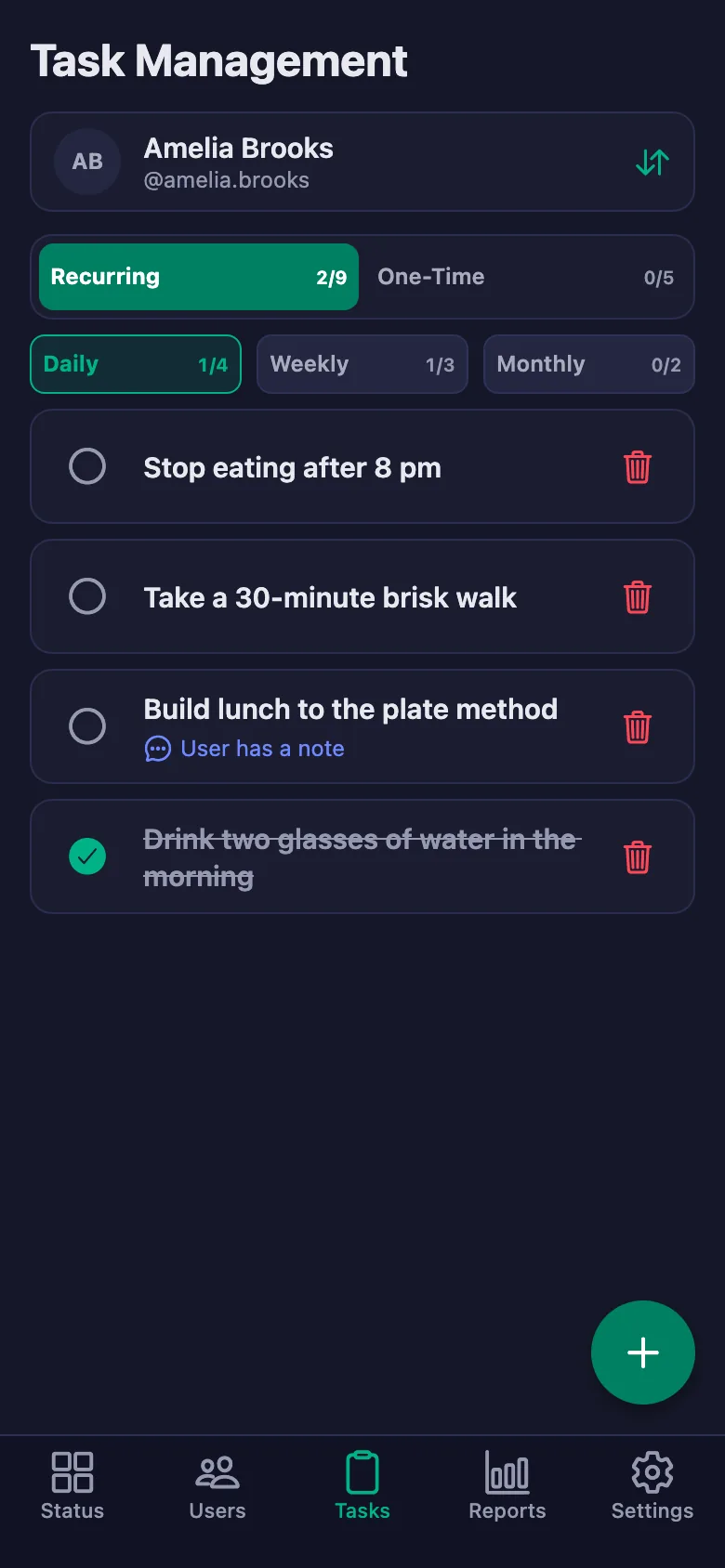
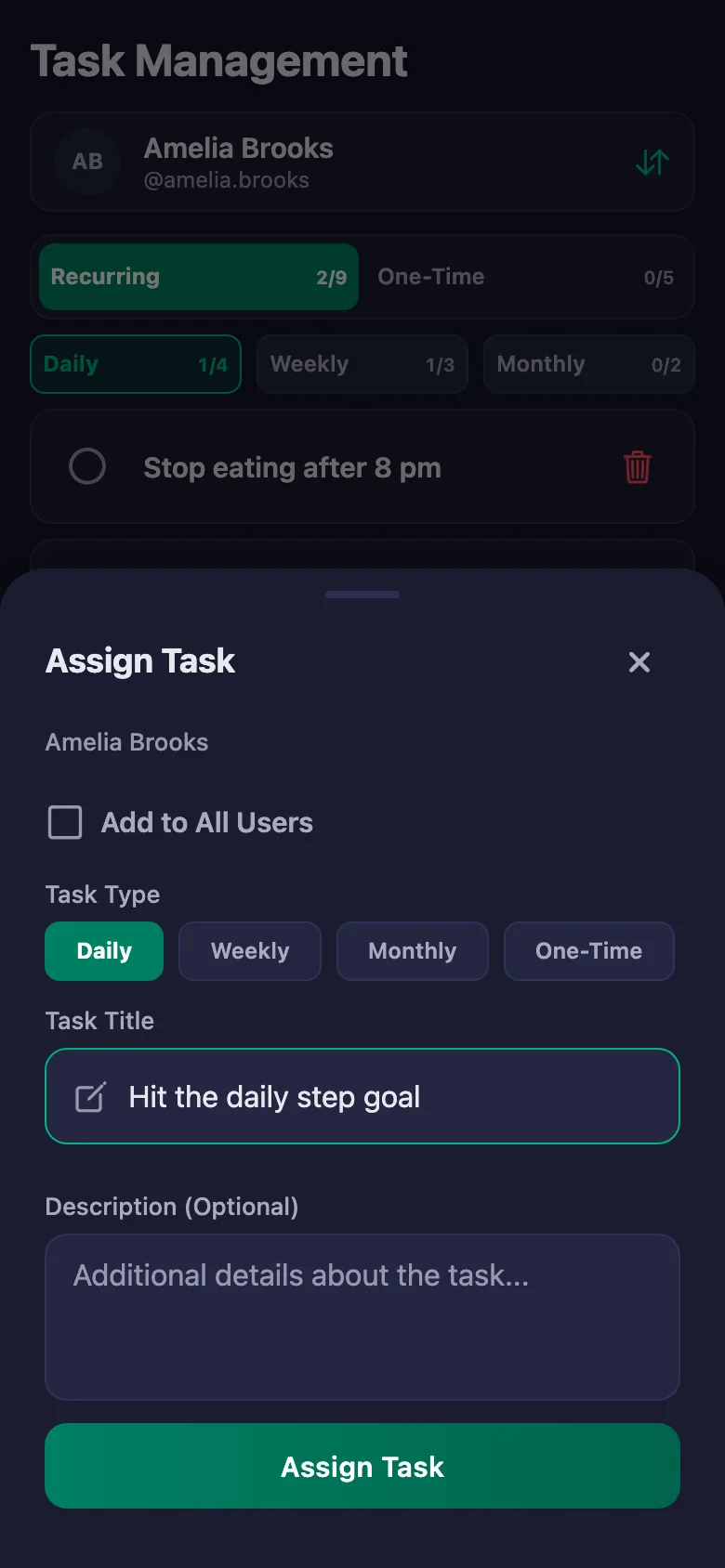
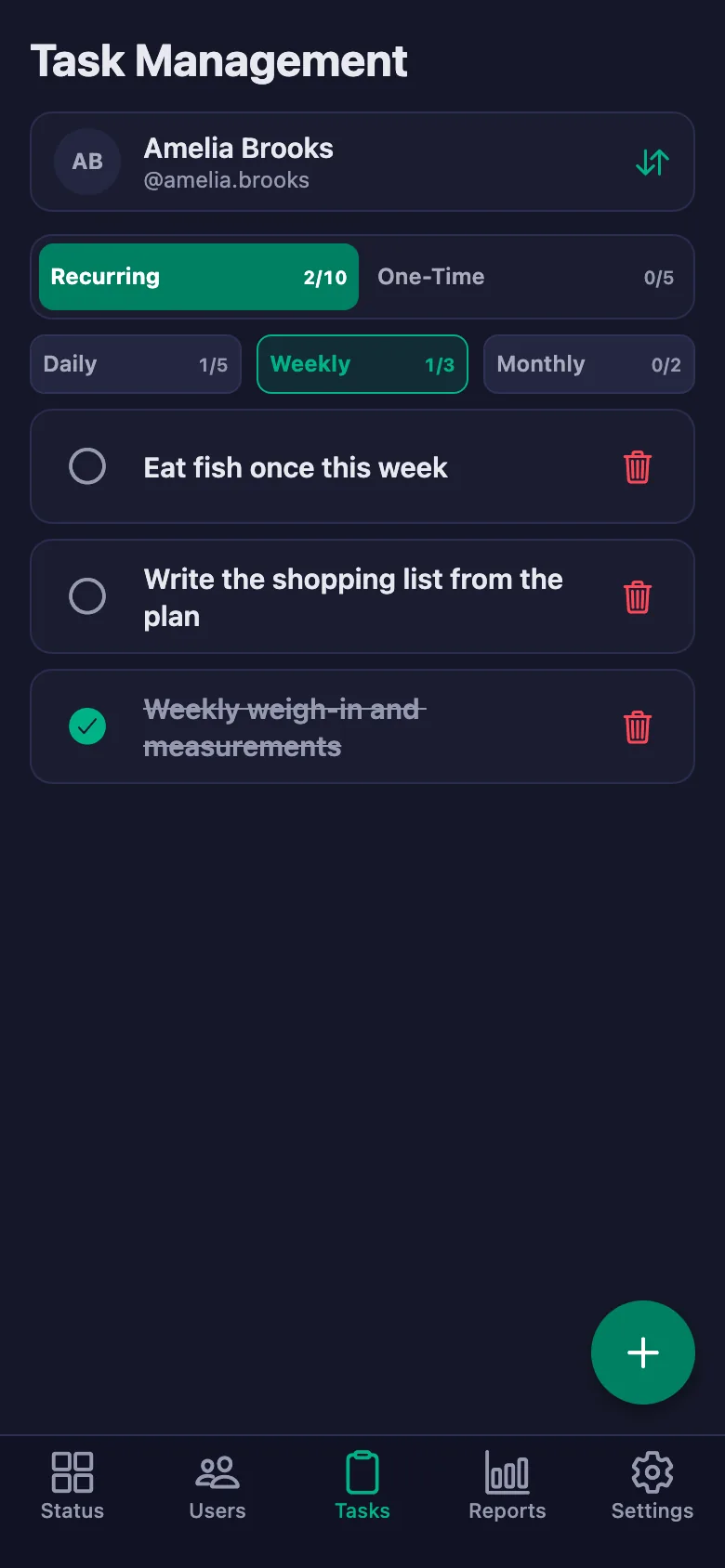
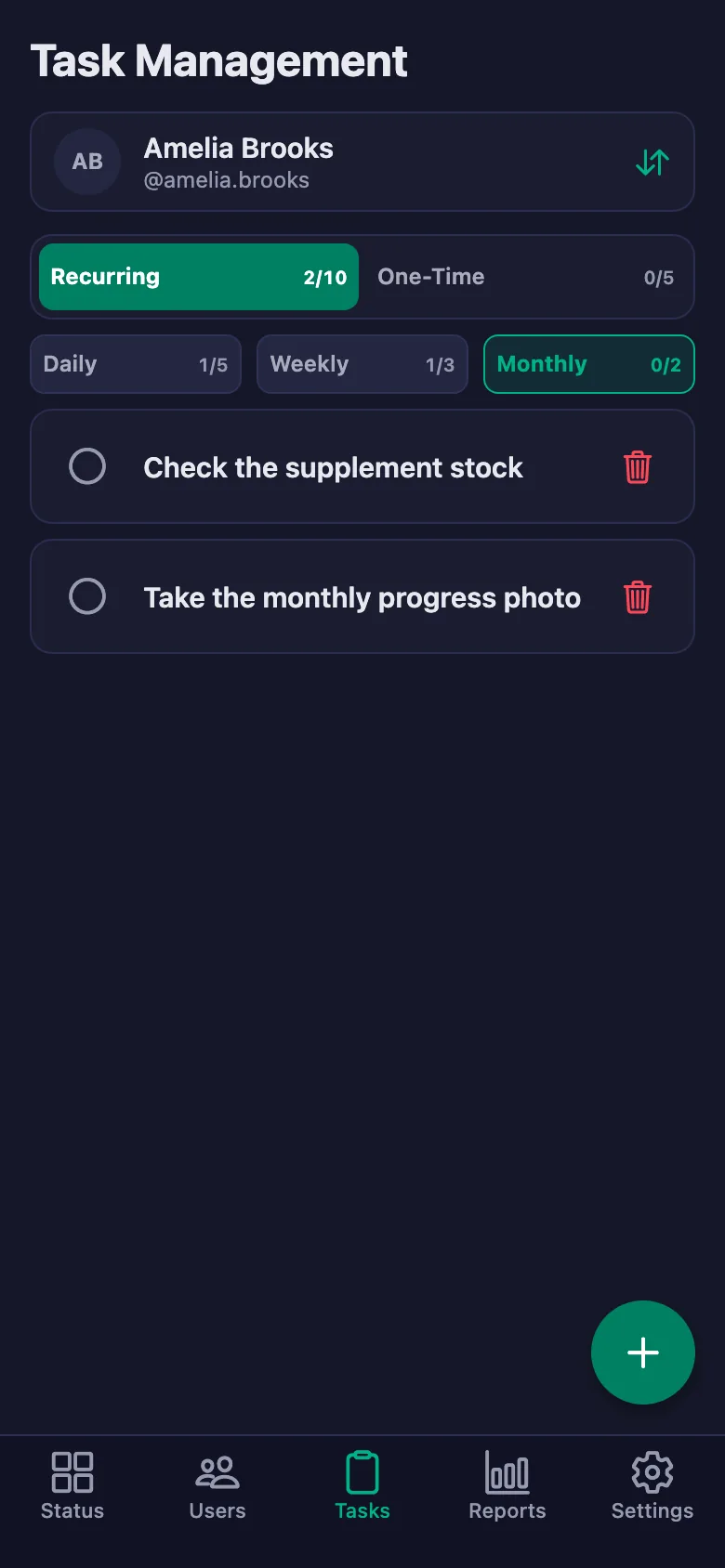
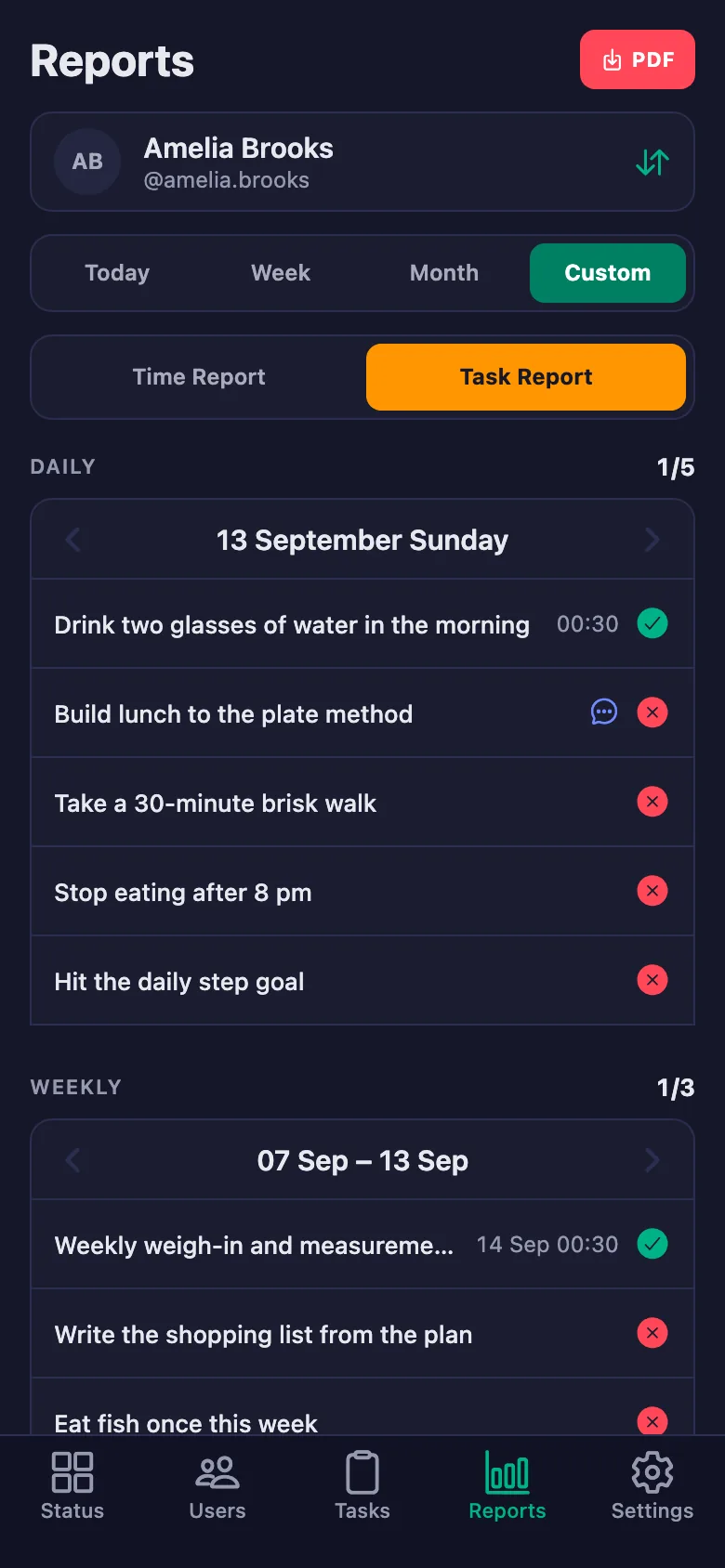
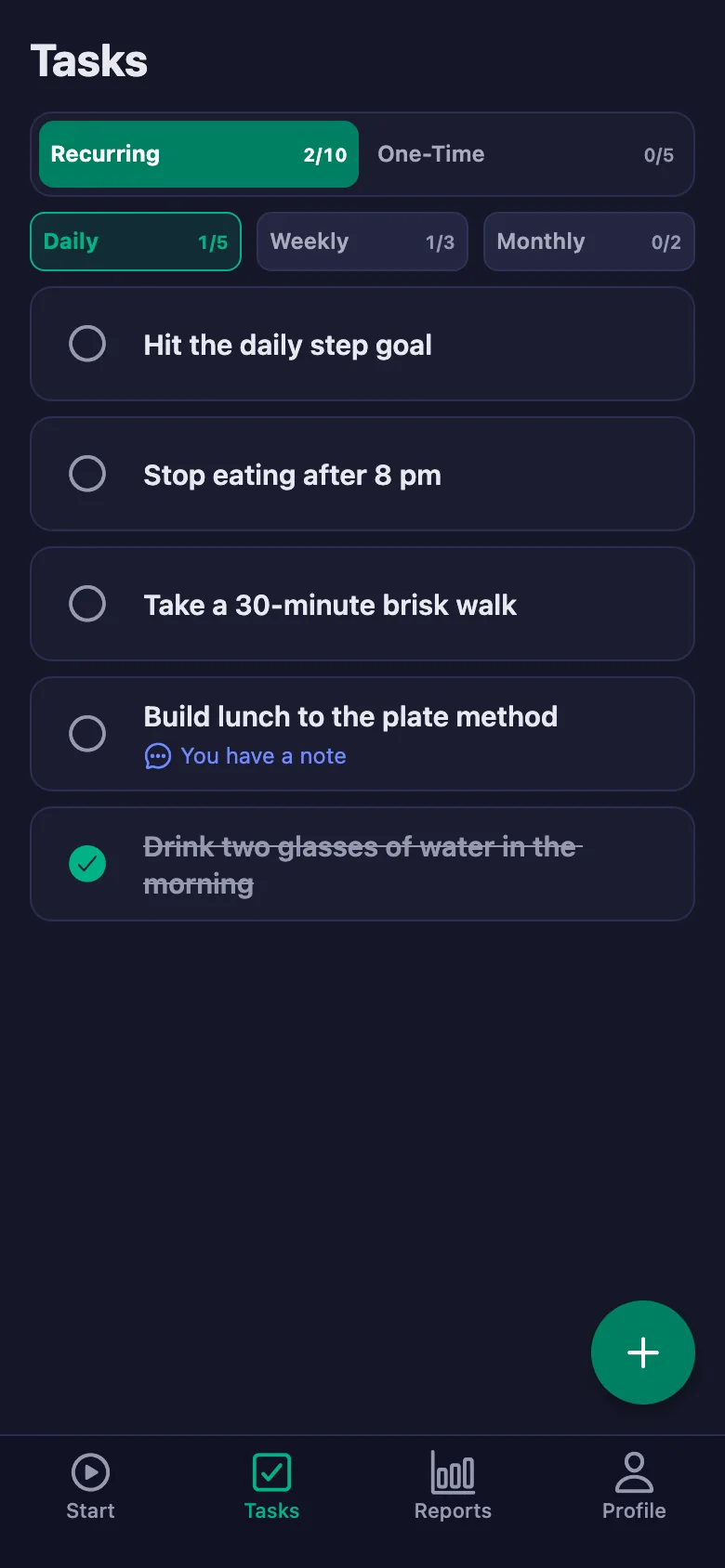
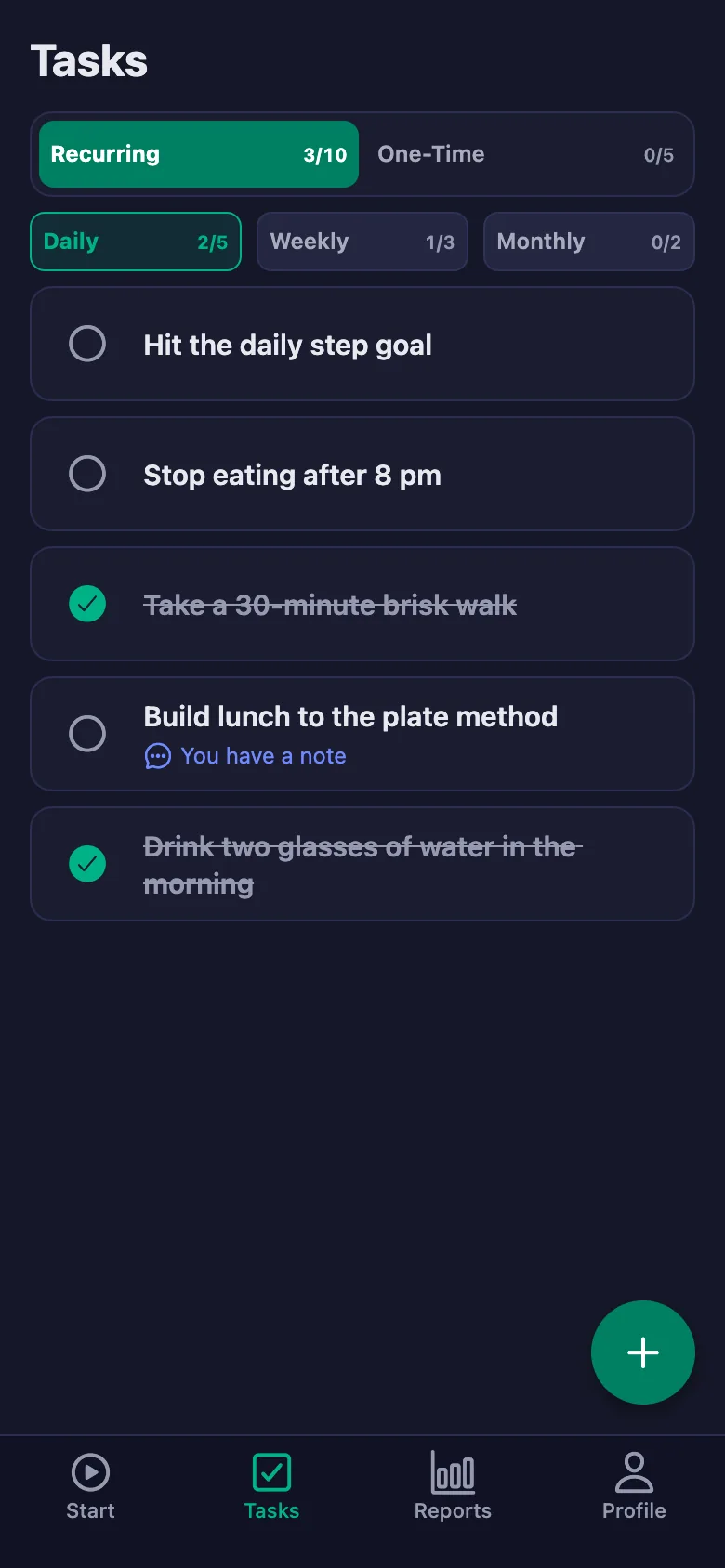
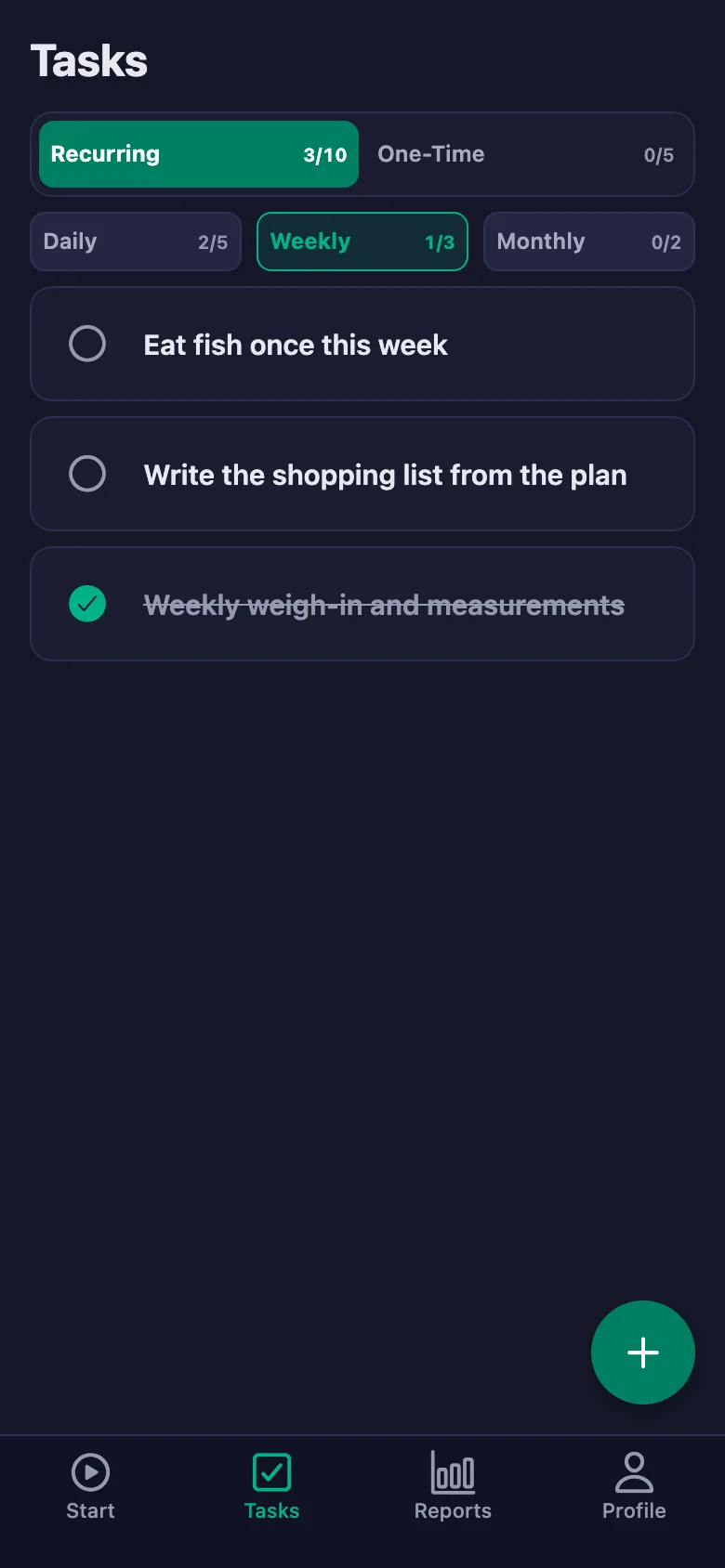
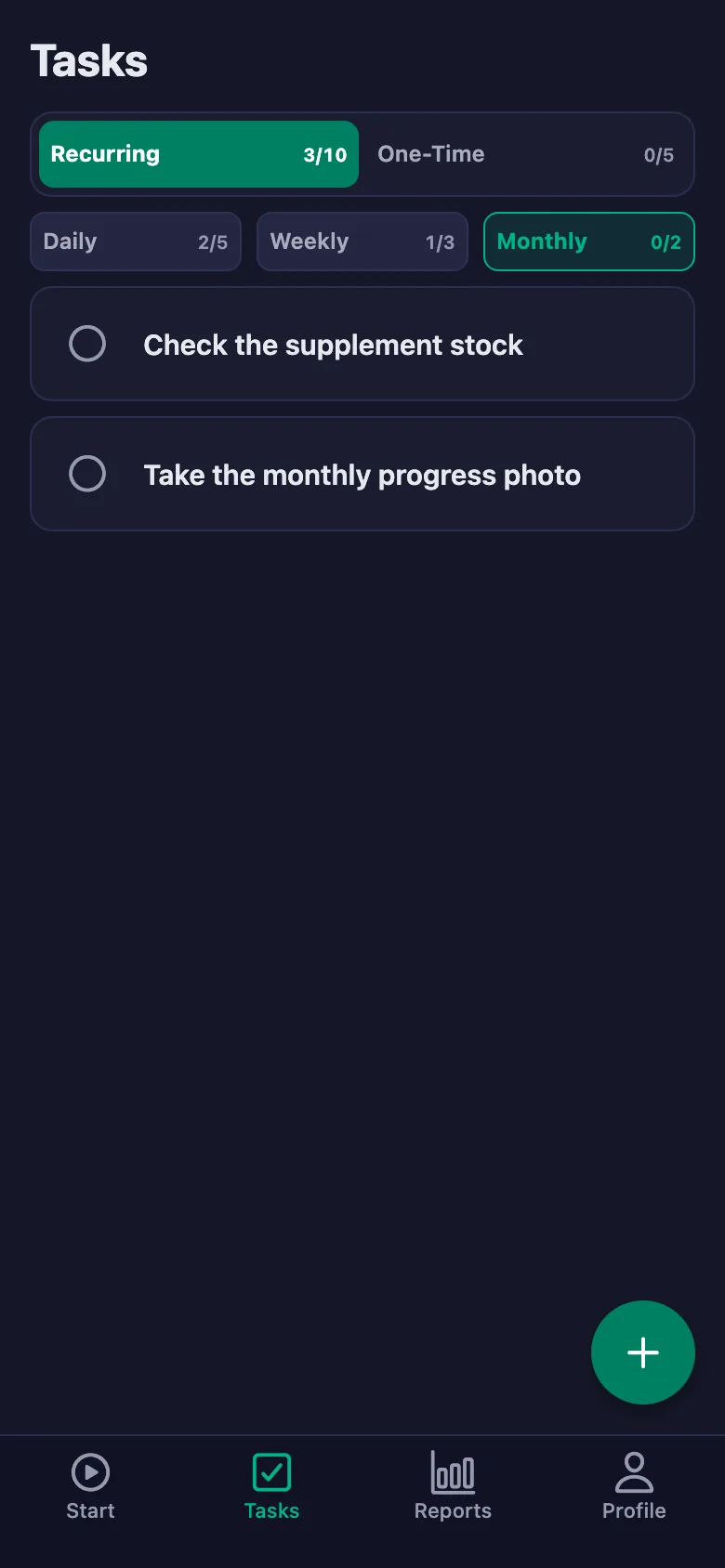
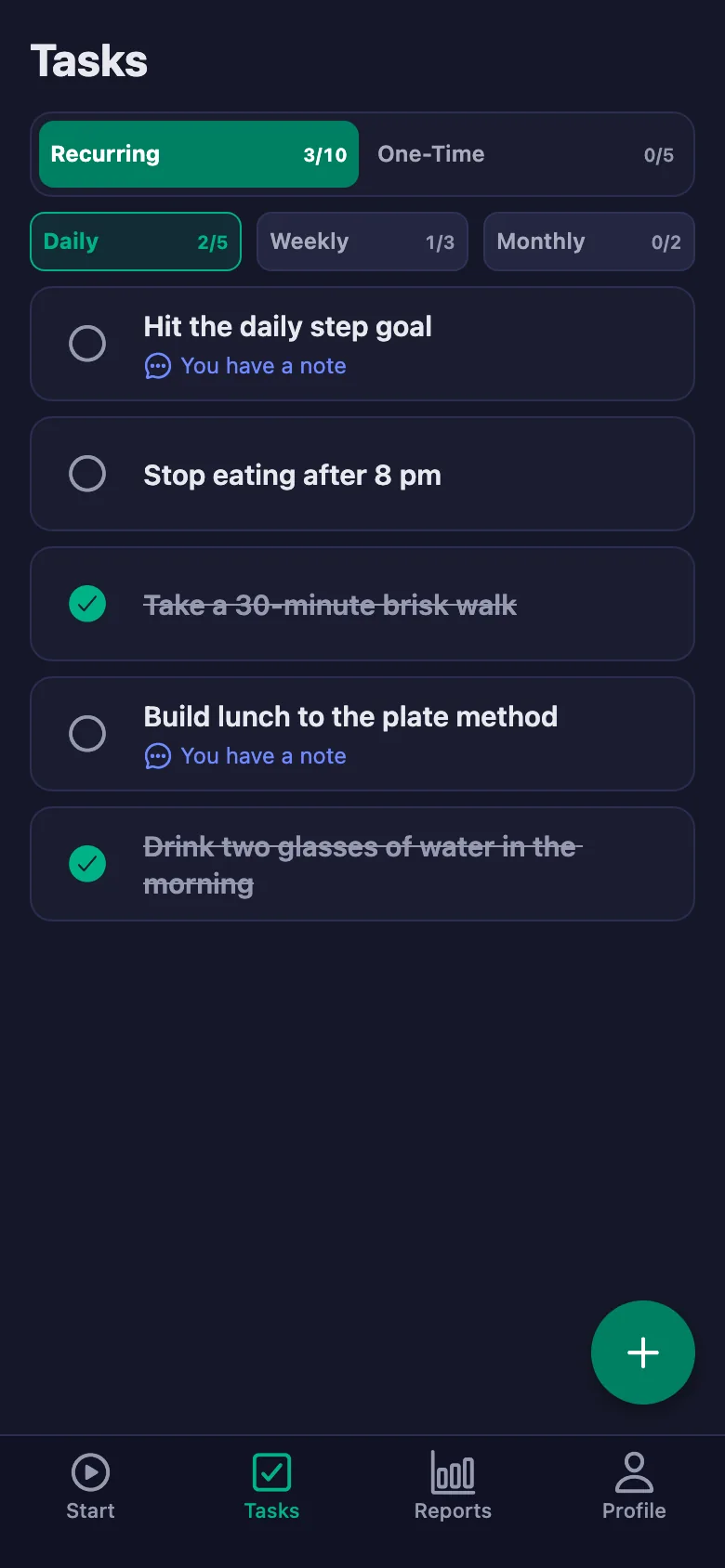
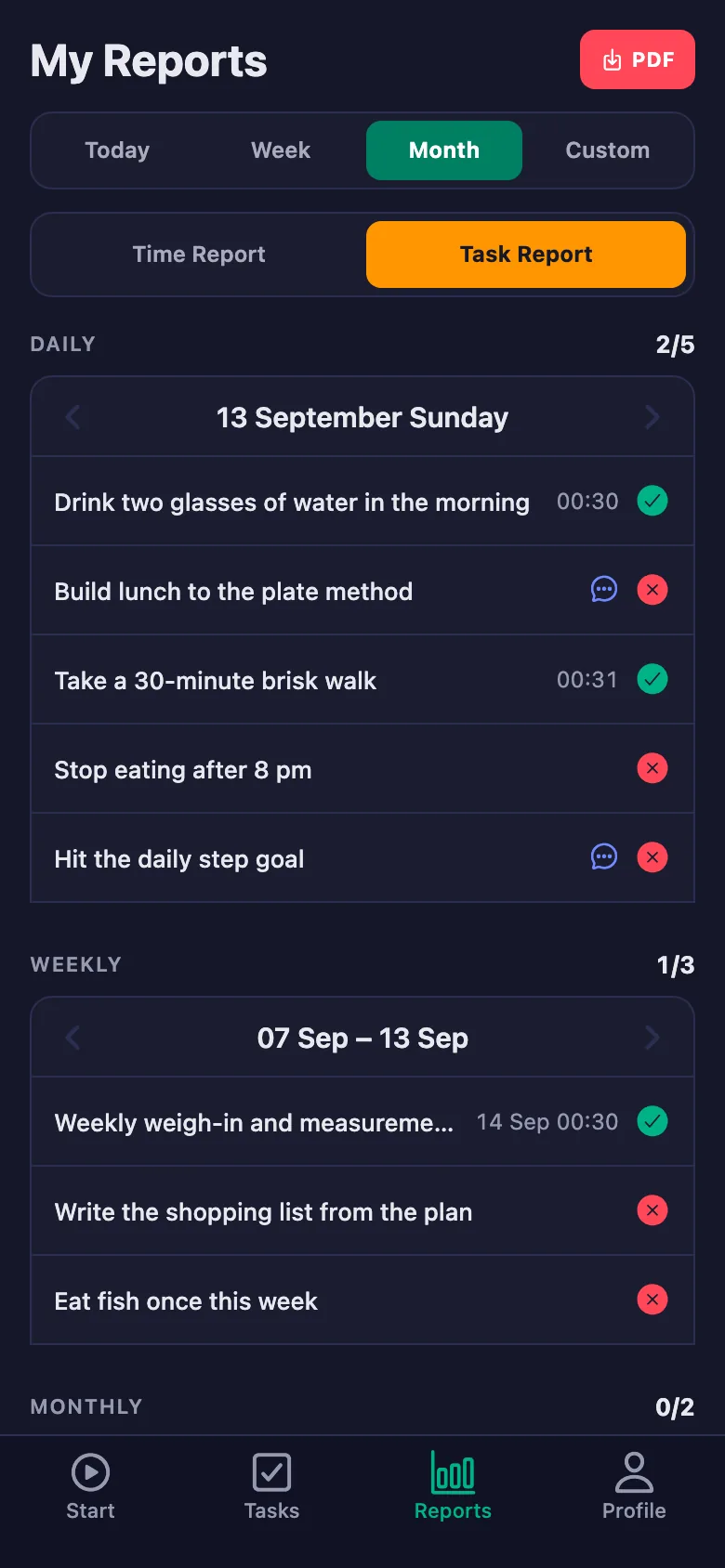
You write the plan once; it sits on your client's phone as daily, weekly and monthly items. Every time one is ticked off, you see it too.
Every session opens with the same question: “How did it go?” The answer rests on memory, and memory tends to be generous.
Before the session you can see which items were ticked and which were left blank. The conversation starts from a record, not a guess.
Your client says “I couldn't manage that one, I missed a day” — but days go by and the detail is gone.
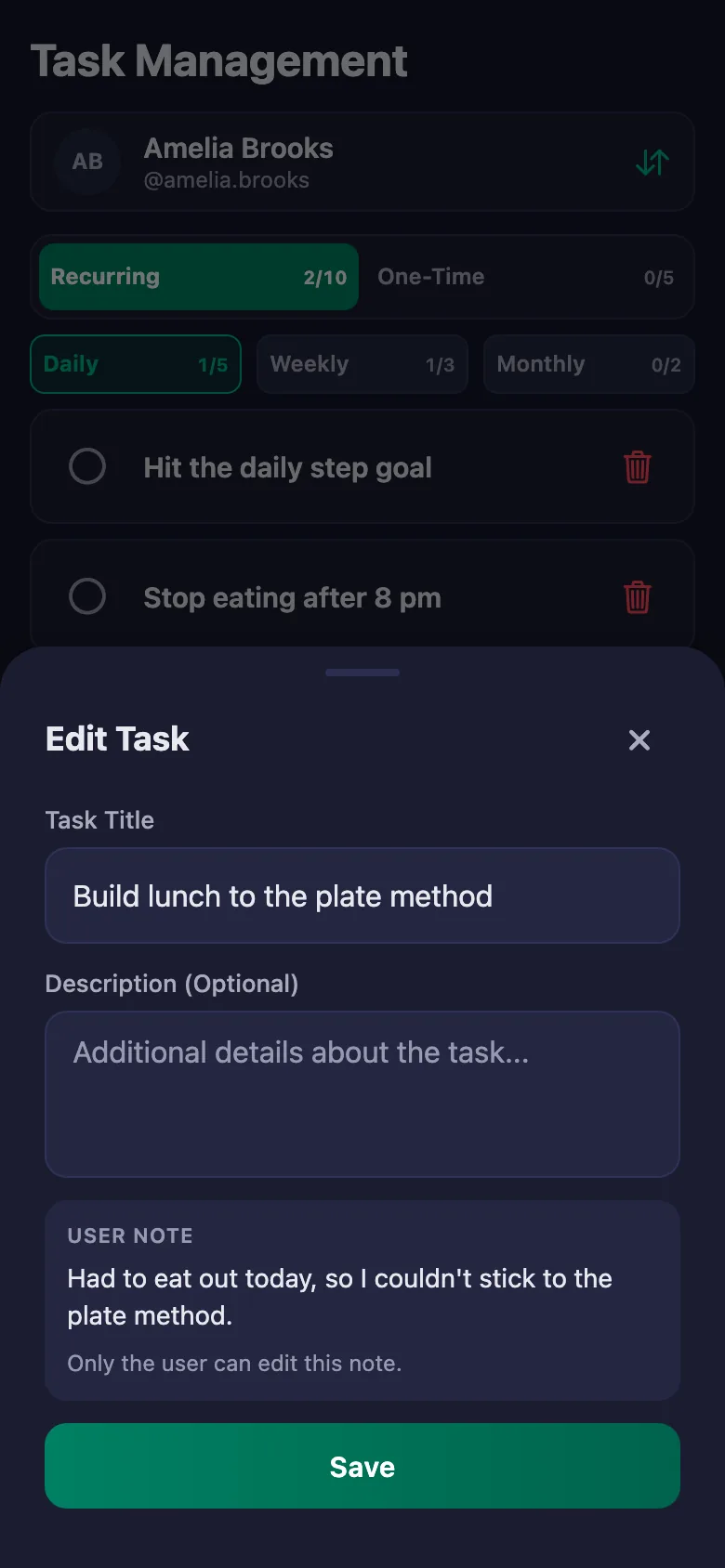
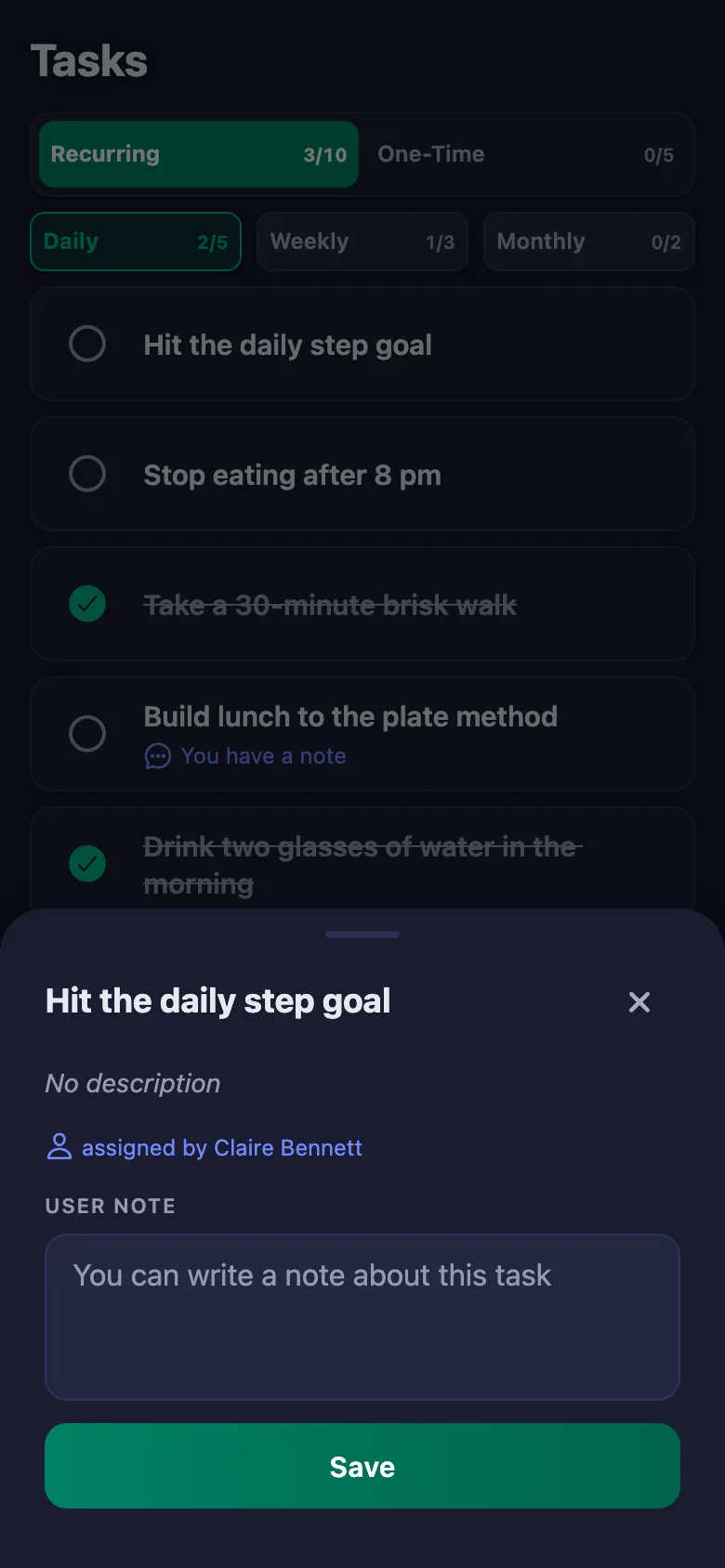
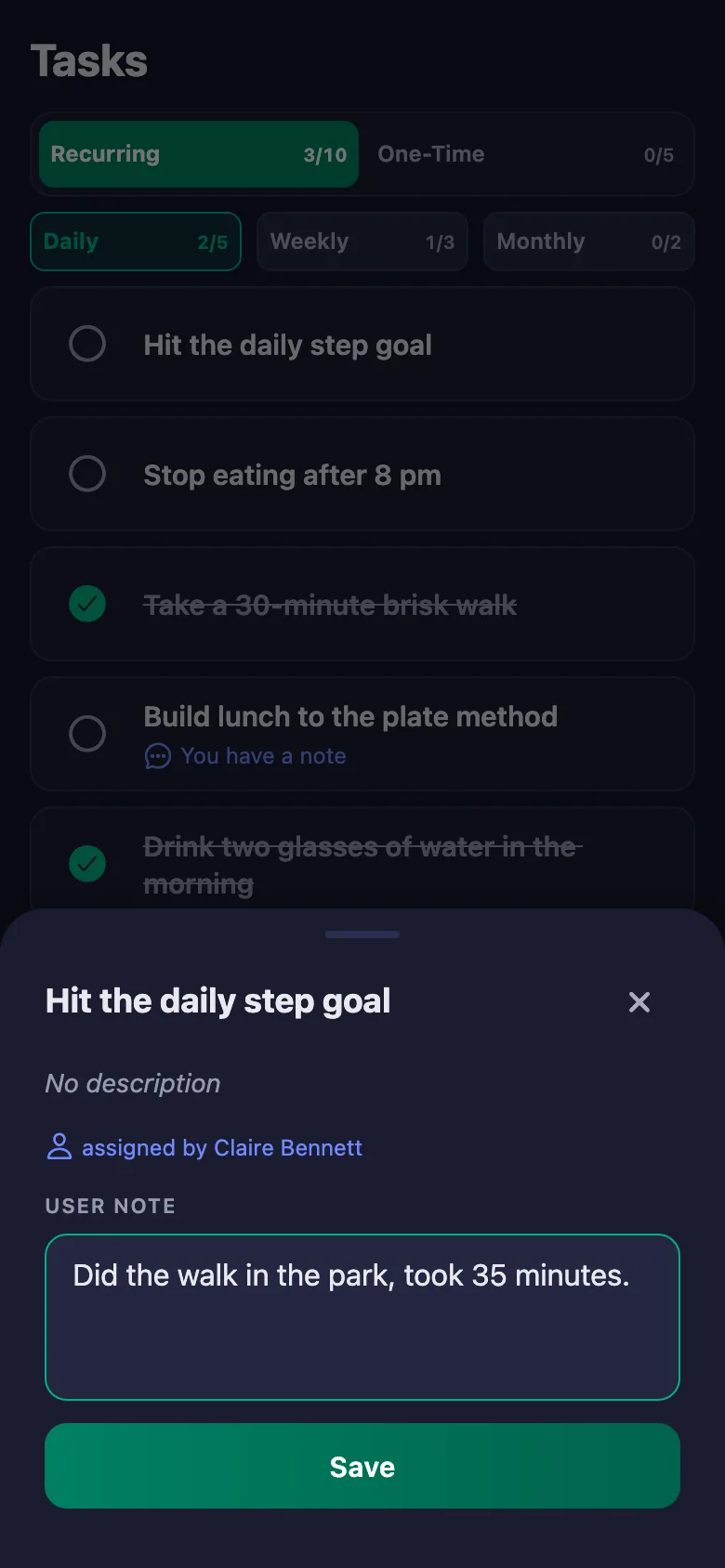
Your client writes a note under the item: what they ate, how they felt, why they couldn't. The note sits on your screen, and only your client can change it.
“I went for a walk,” they say — but how long, and on how many days? Exercise is left entirely to what they tell you.
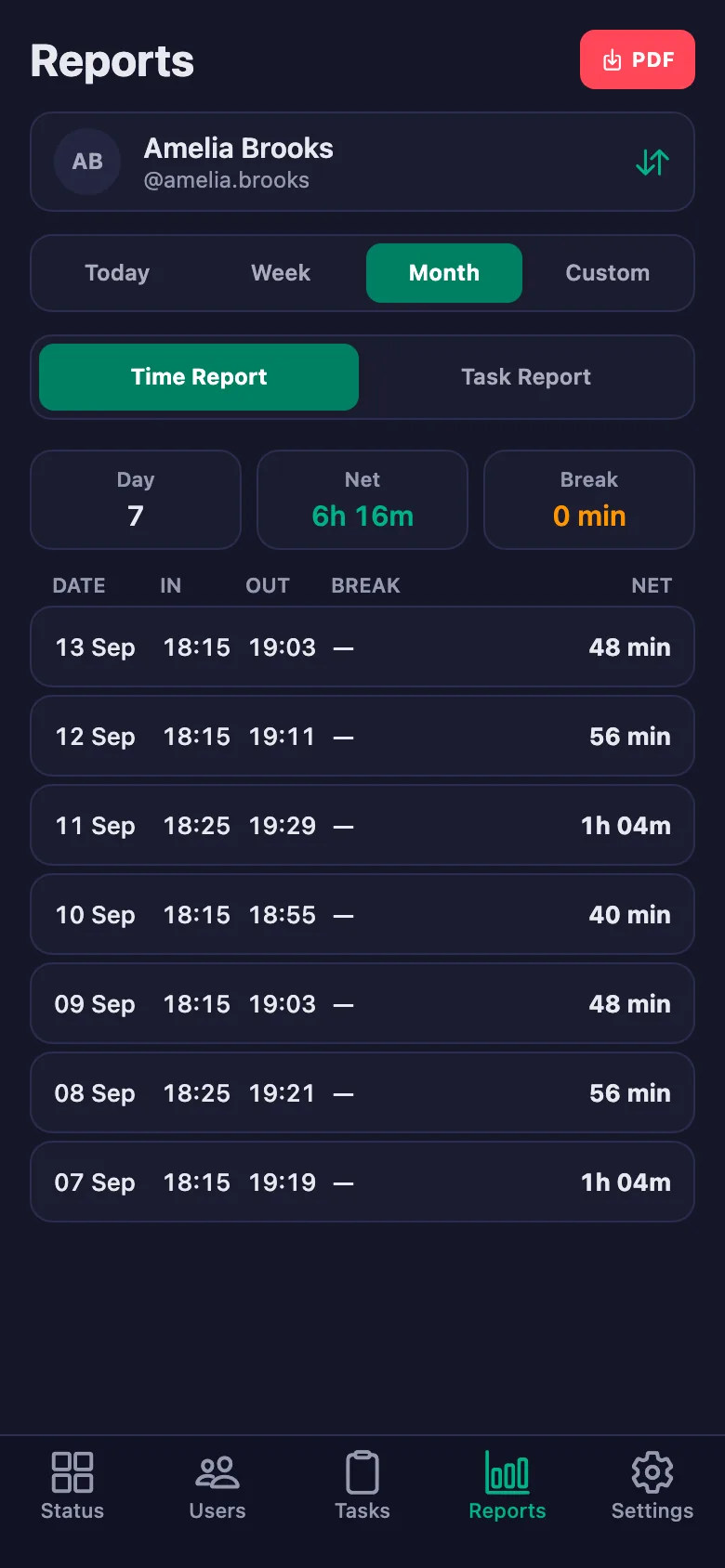
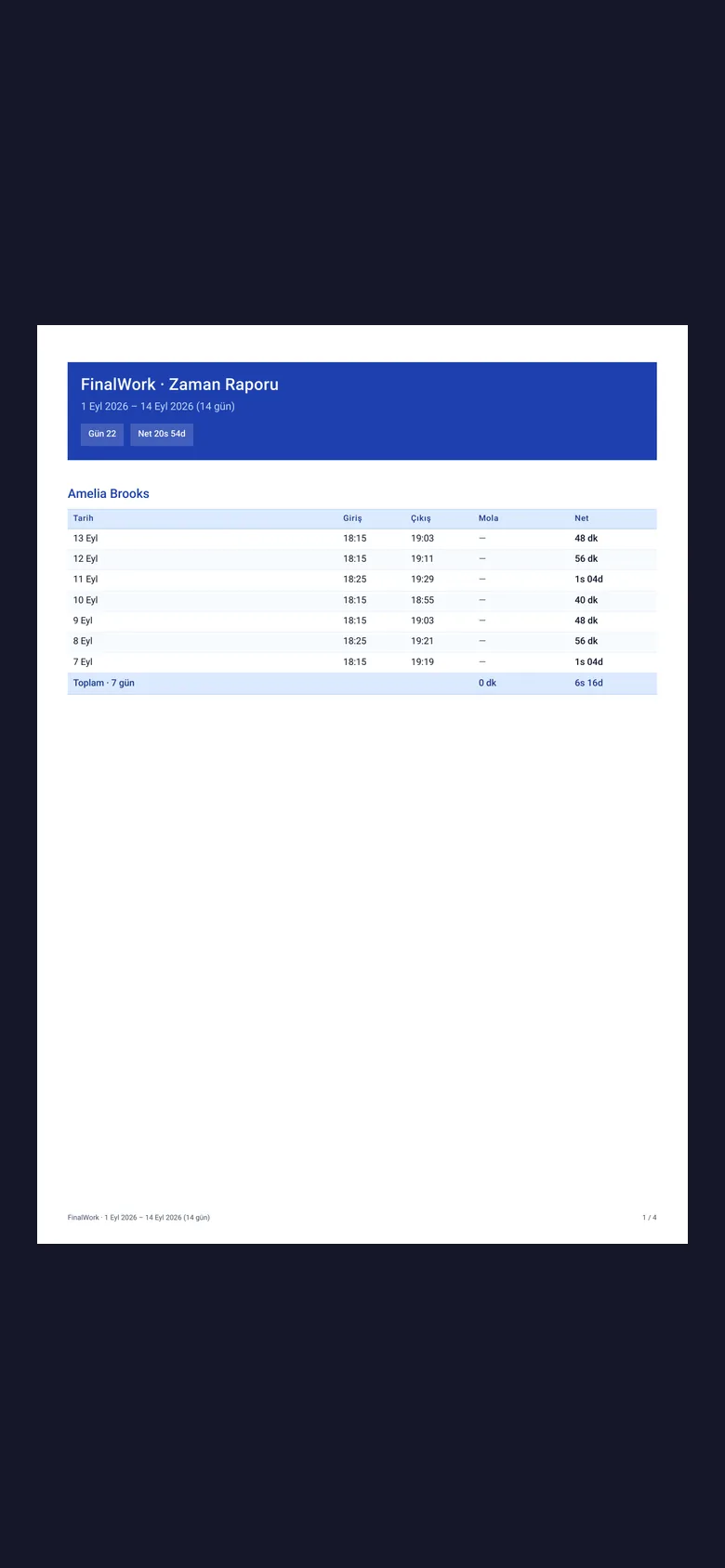
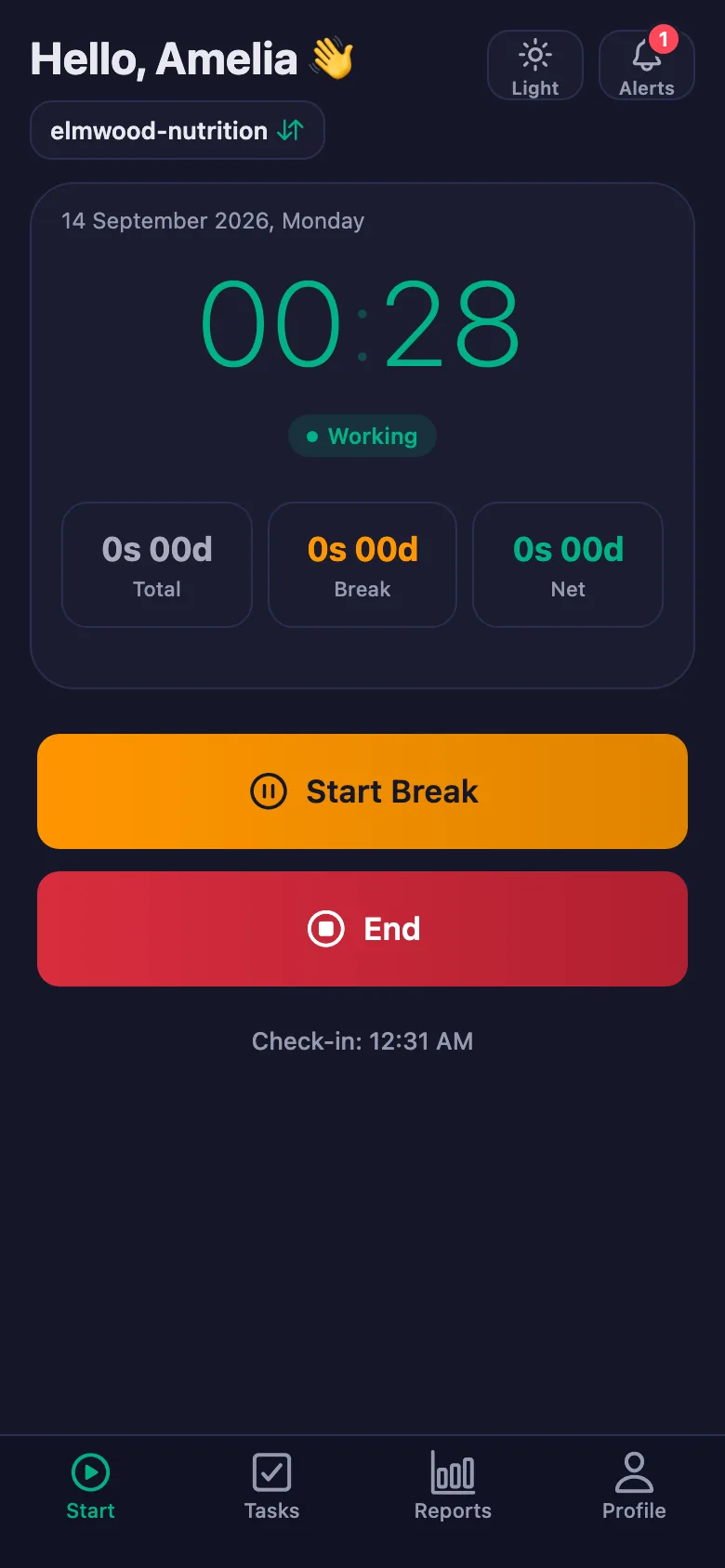
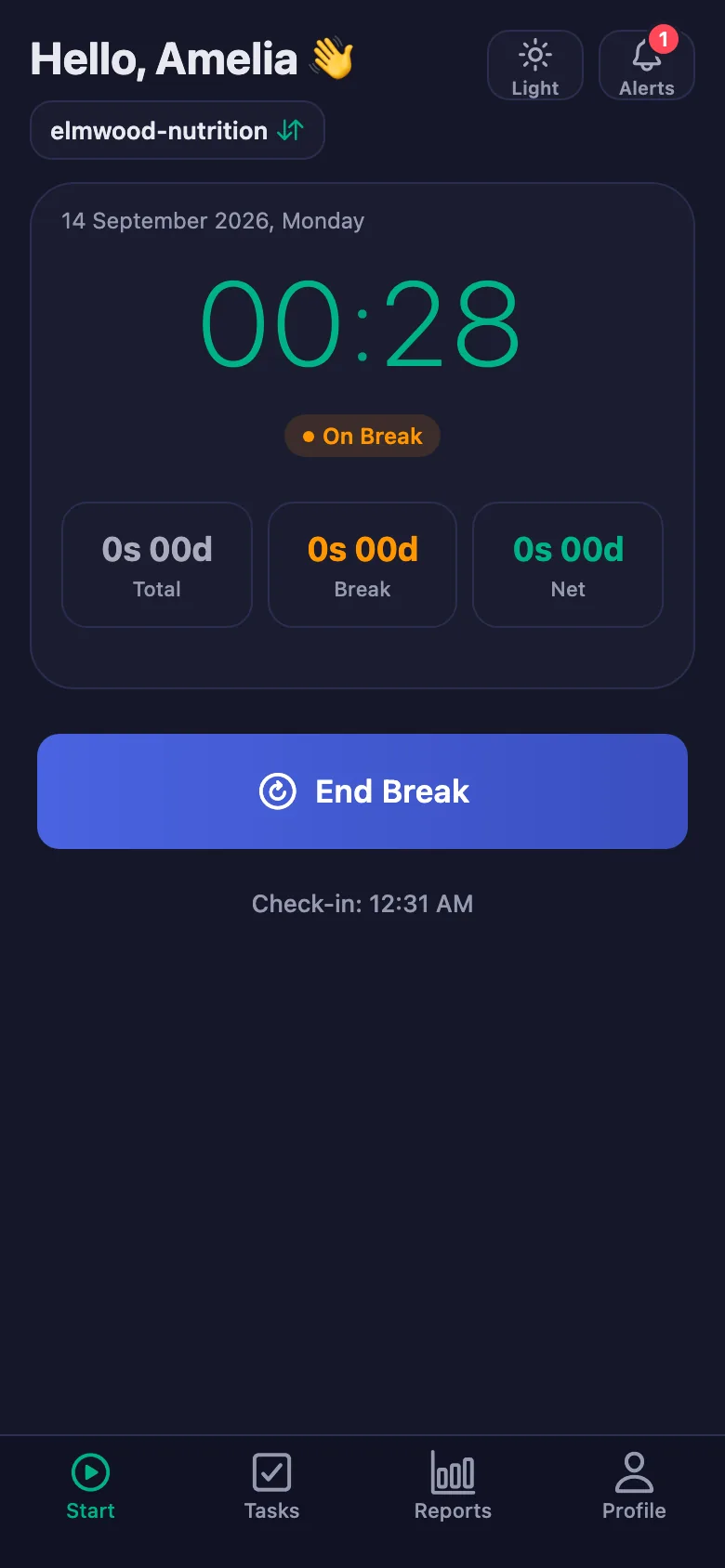
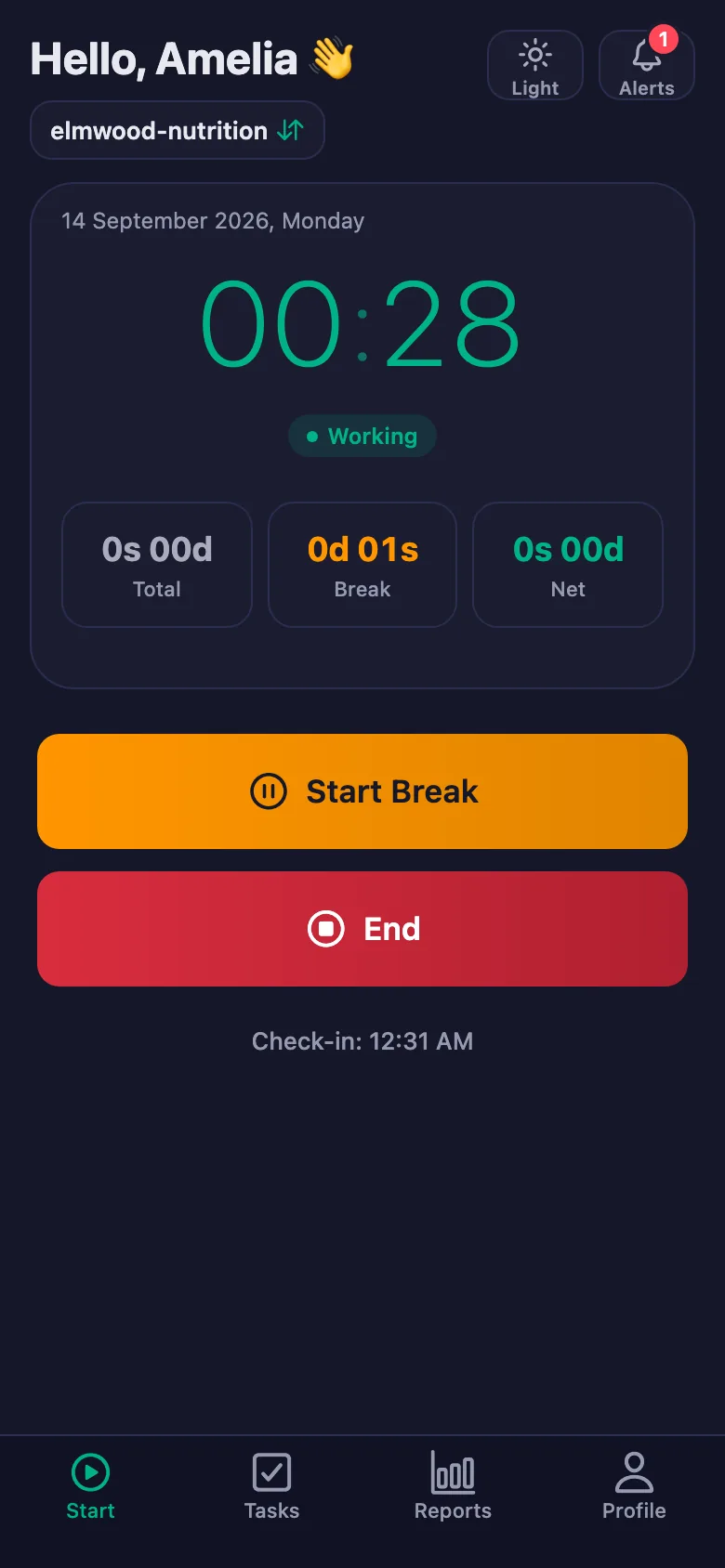
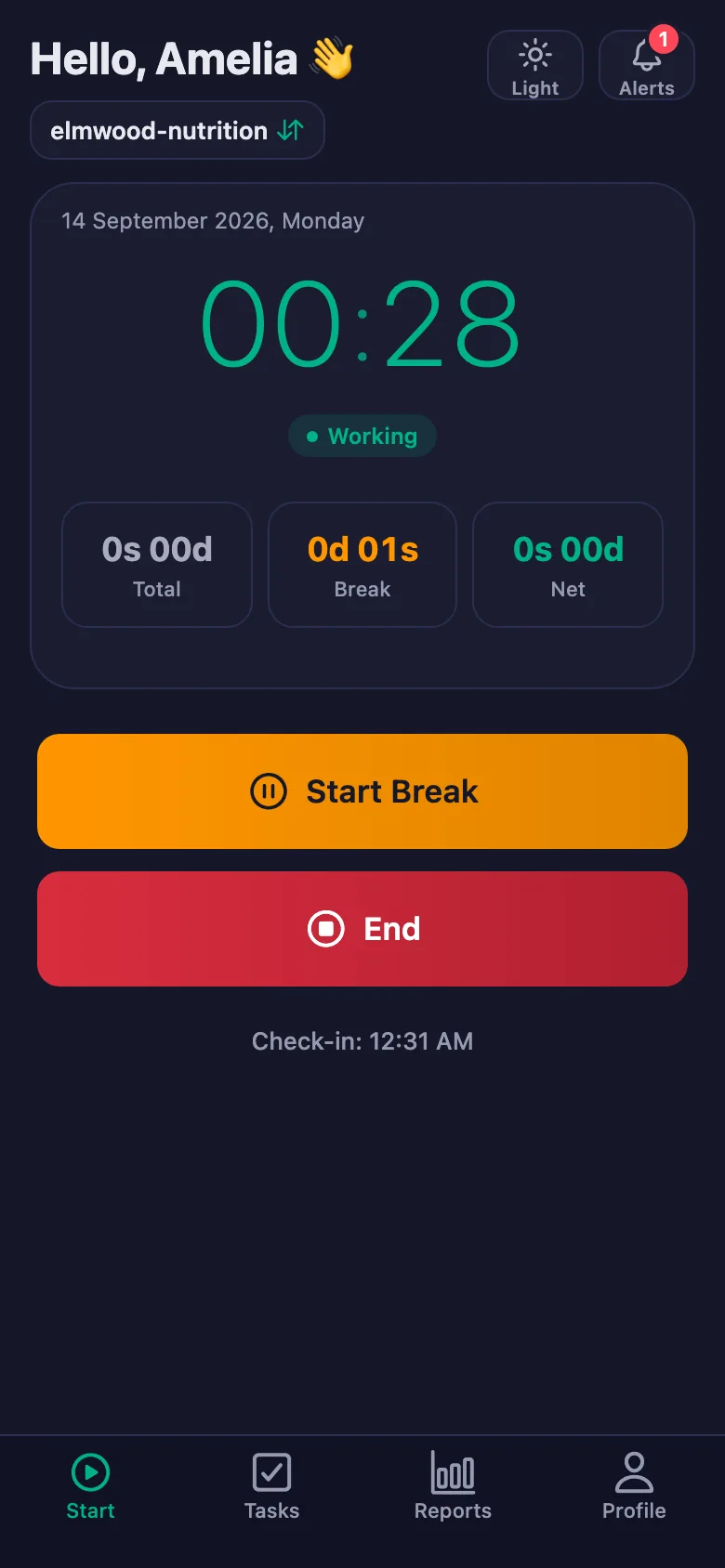
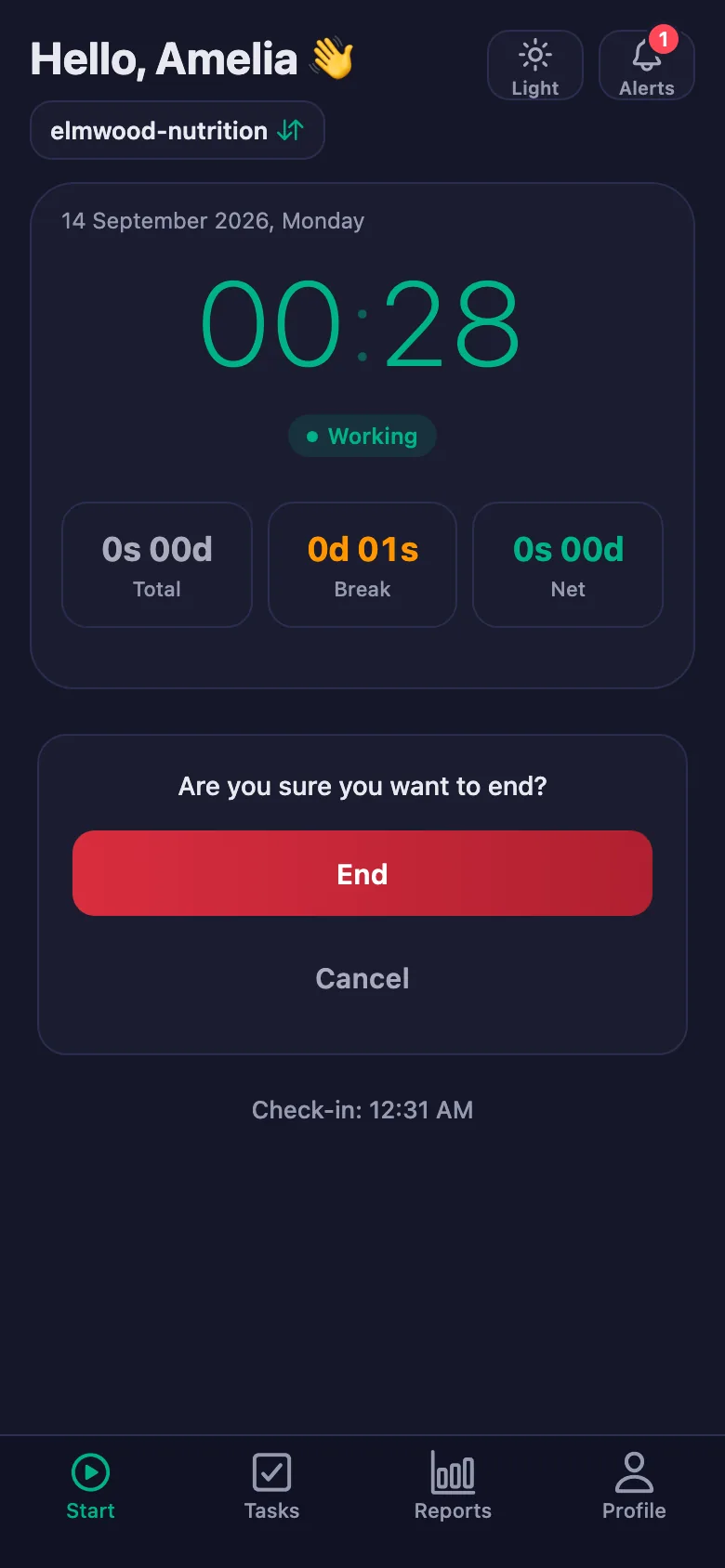
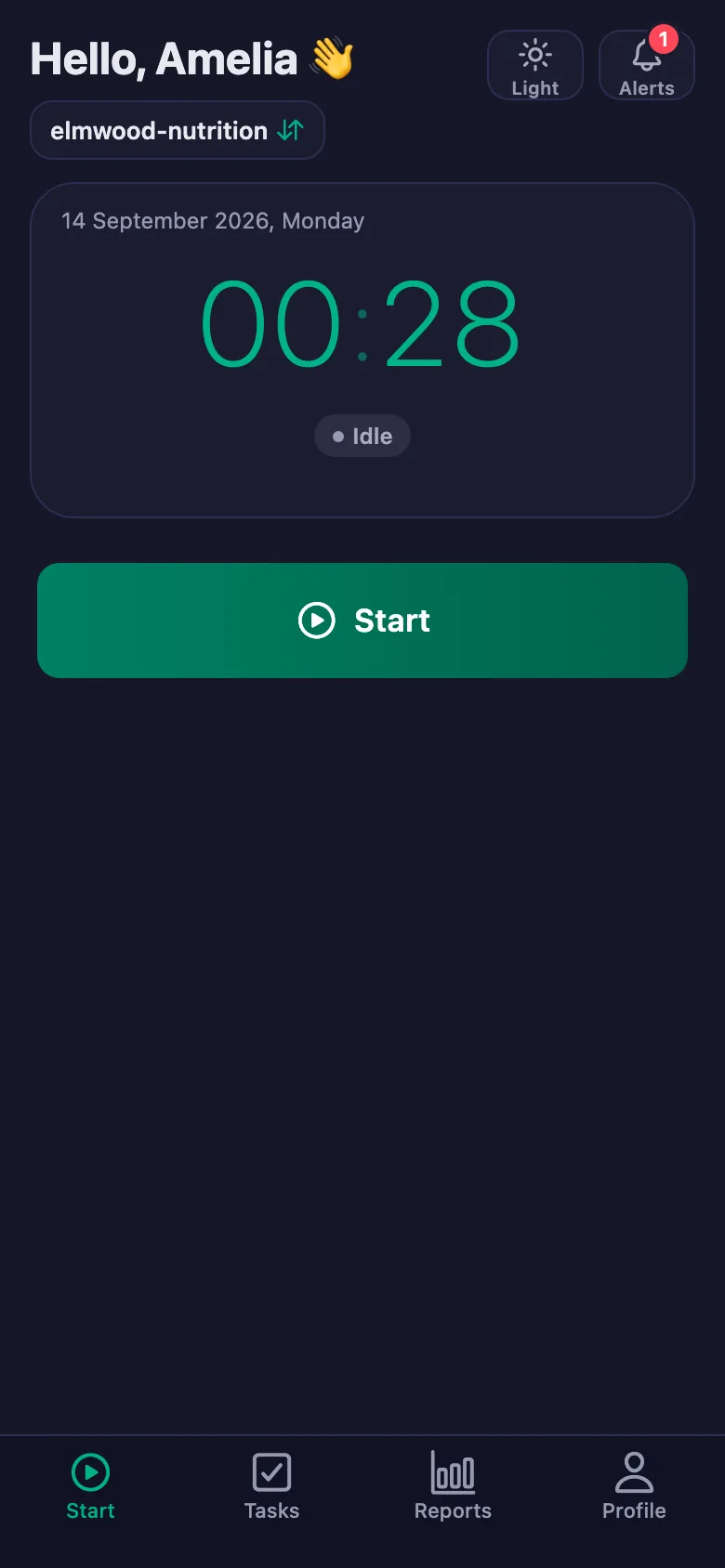
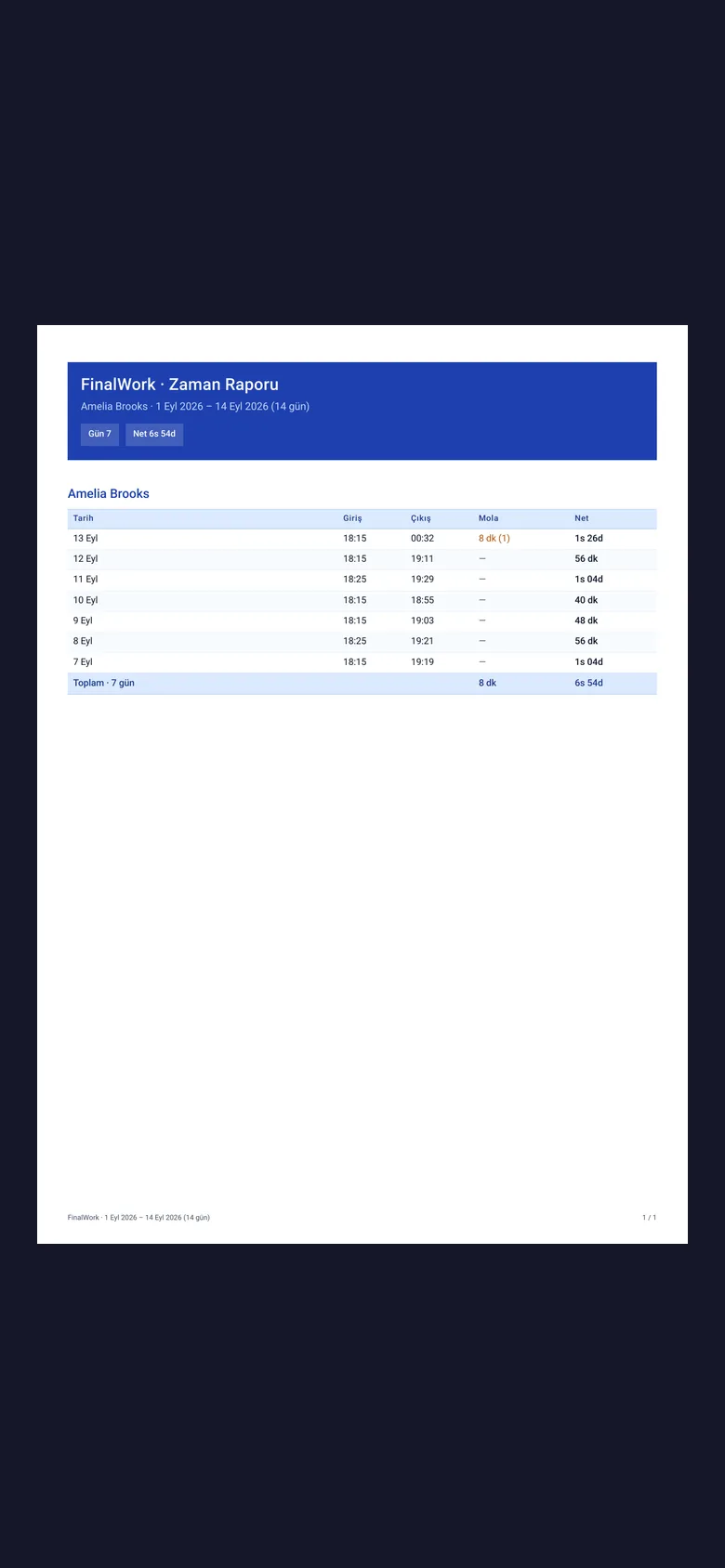
Your client starts the timer when they begin exercising and stops it when they finish. The time is recorded on its own; breaks are counted separately and deducted from net time.
Between two sessions your client forgets. Reminding them means messaging each one by hand.
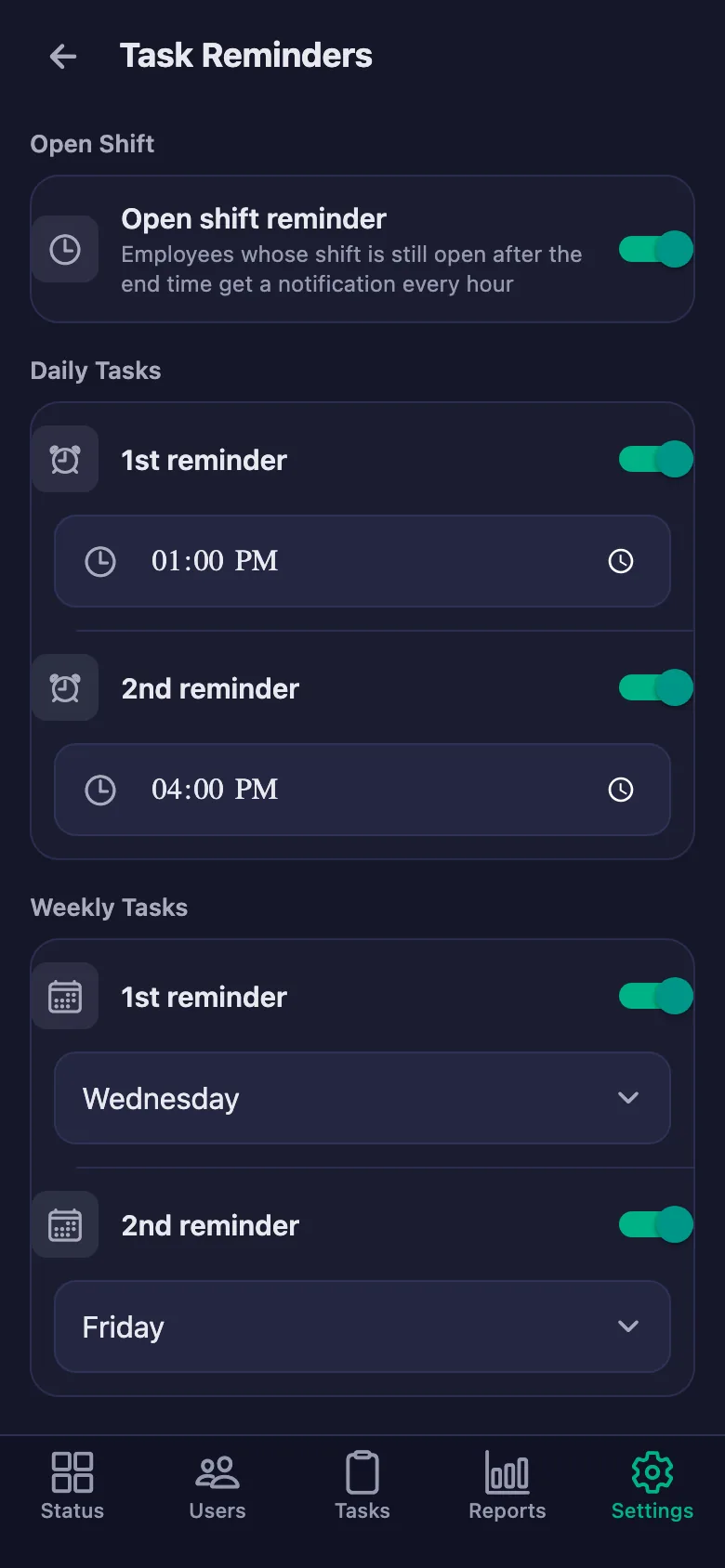
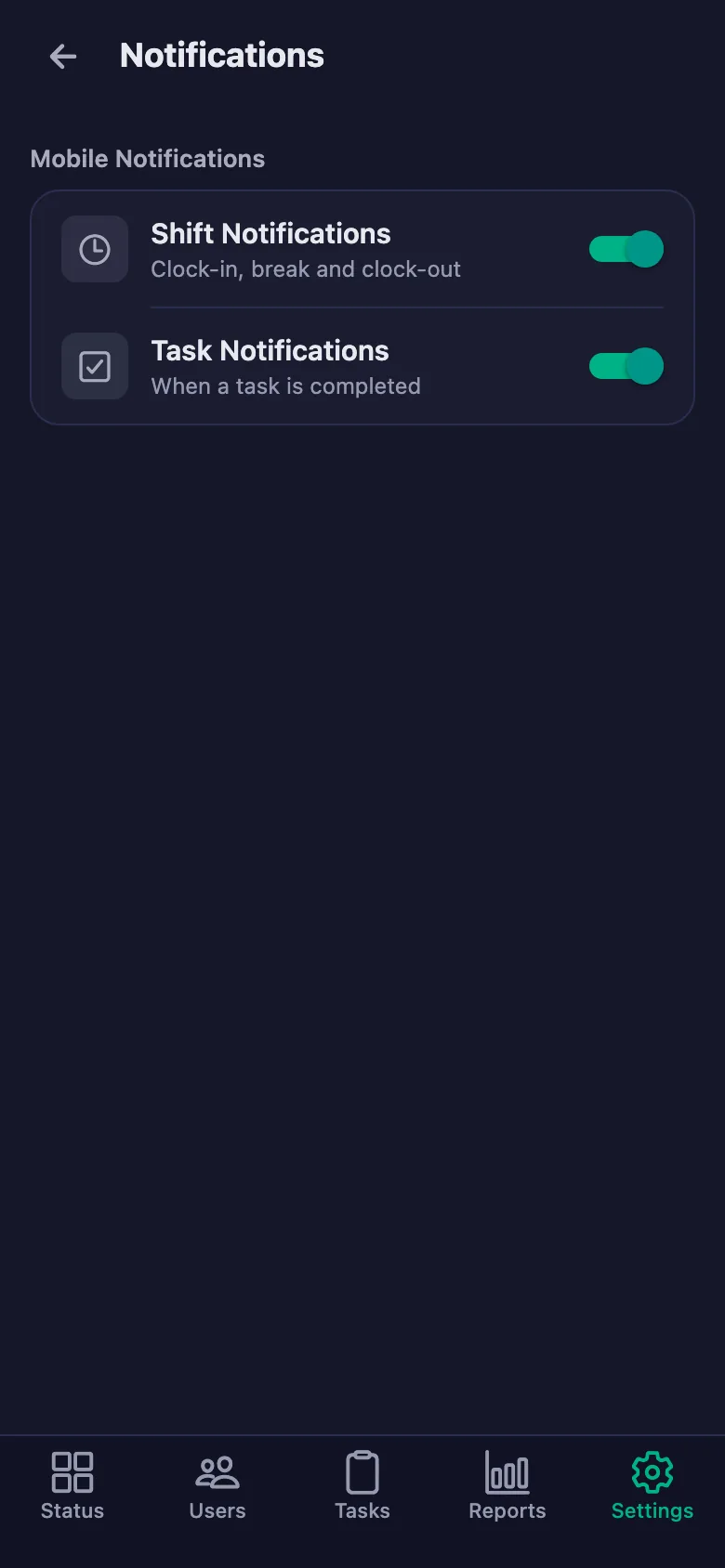
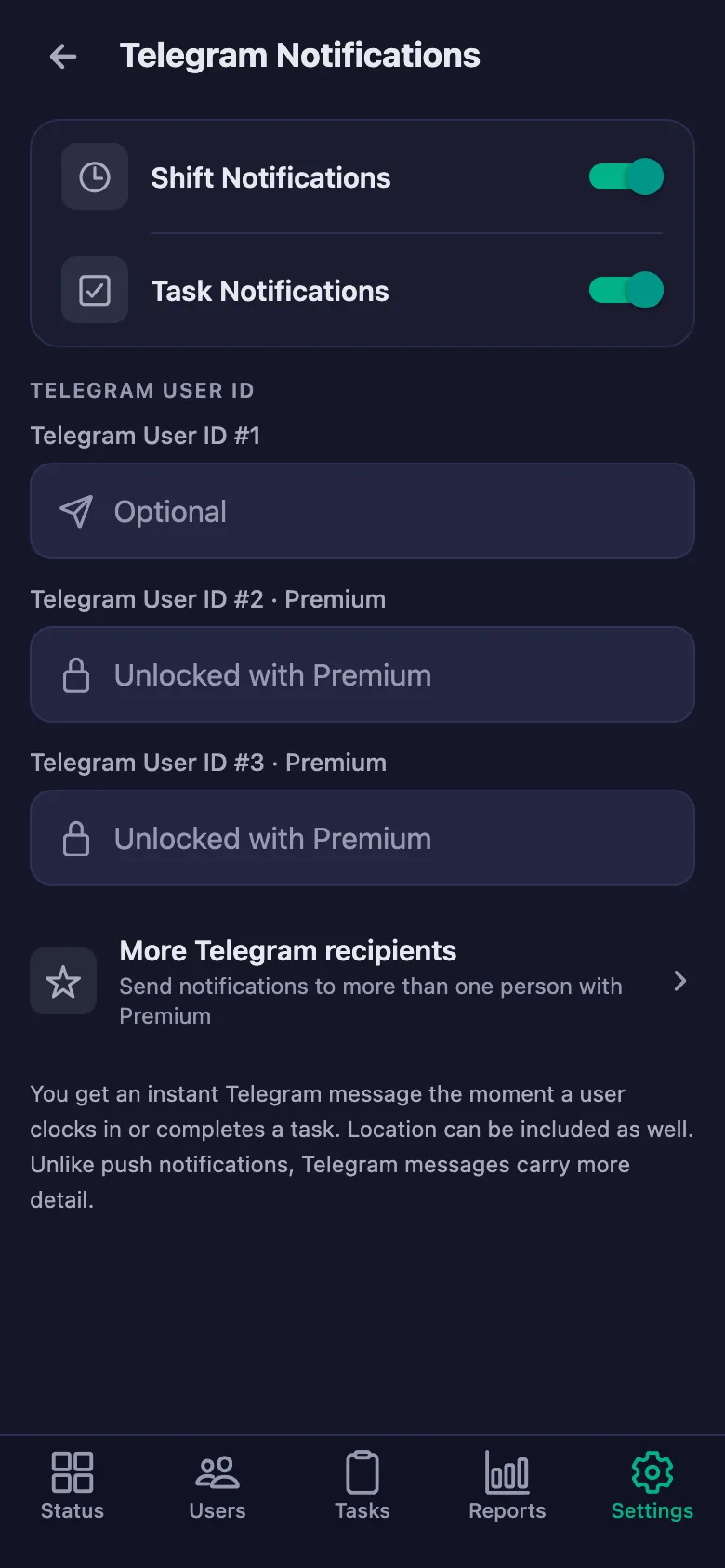
You choose the reminder times. If an item is still unticked at that hour, a notification lands on your client's phone — you don't send a message.
Explaining your client's progress means digging up old notes and records.
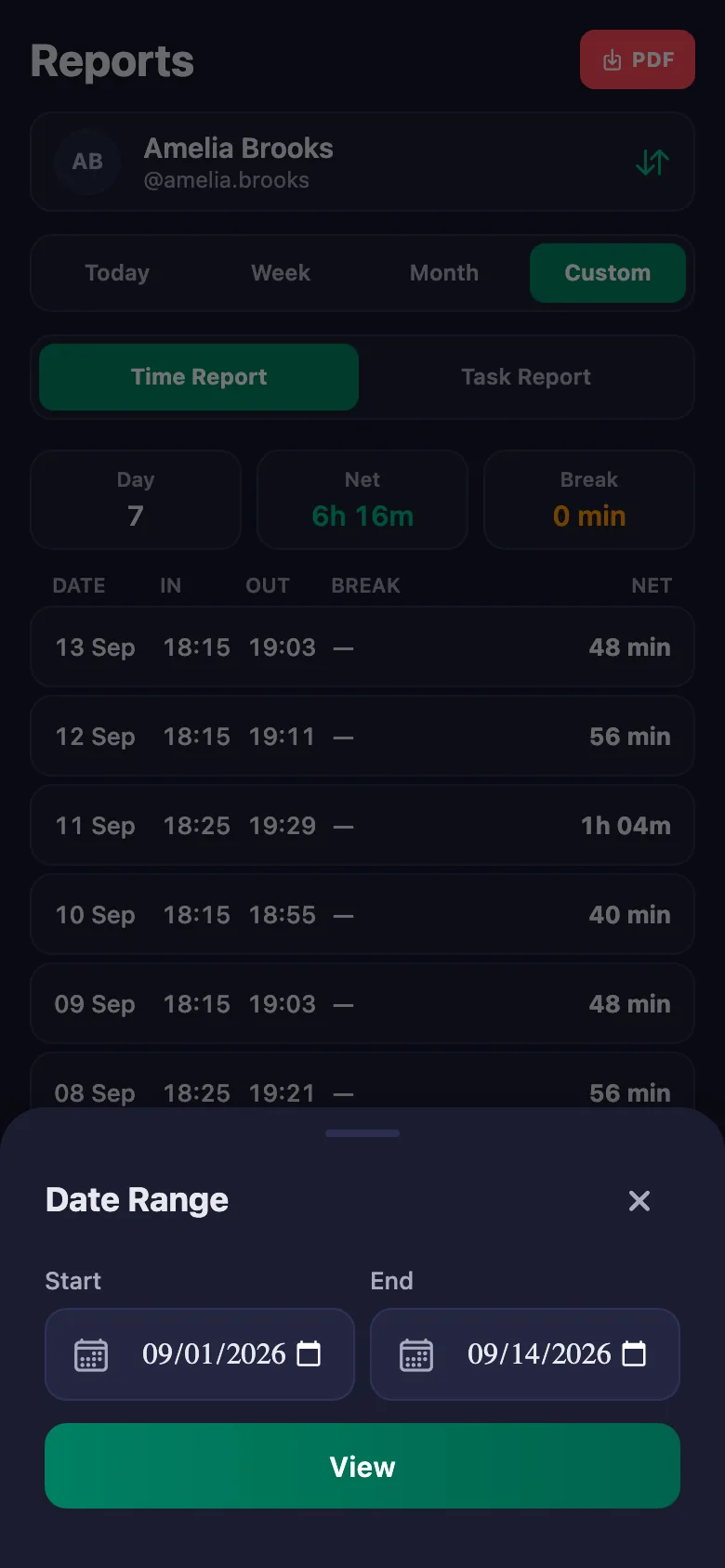
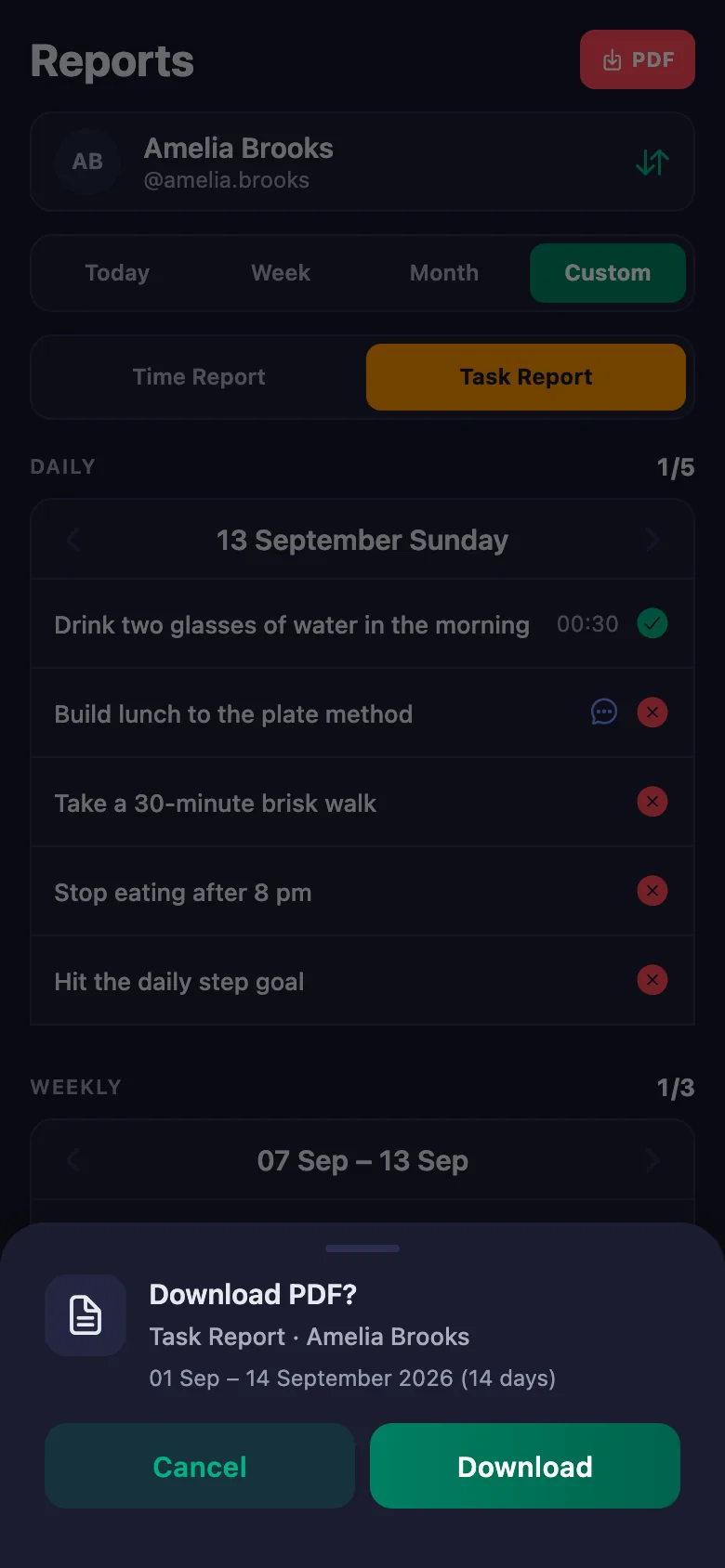
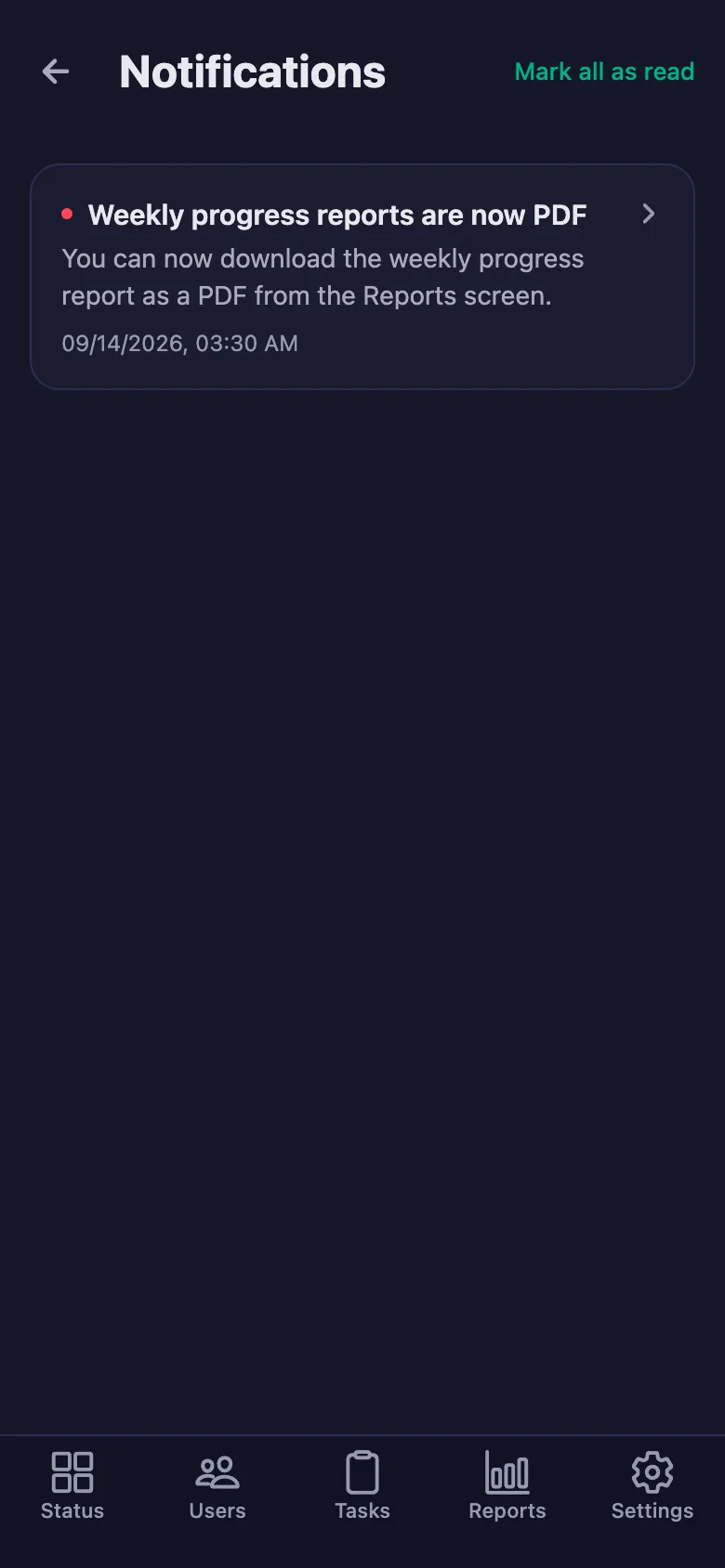
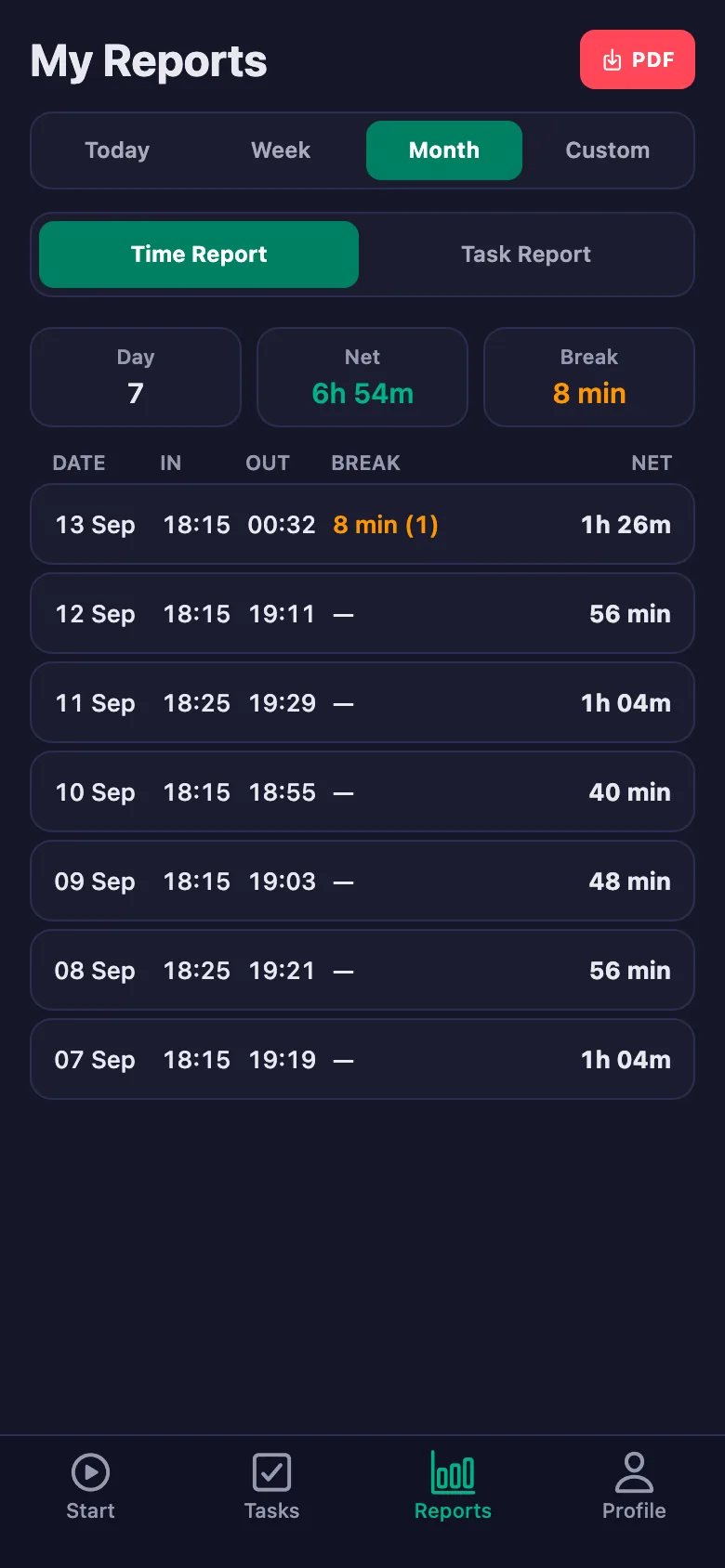
Pick a date range and the report appears on screen. Download the same report as a PDF and share it with your client.
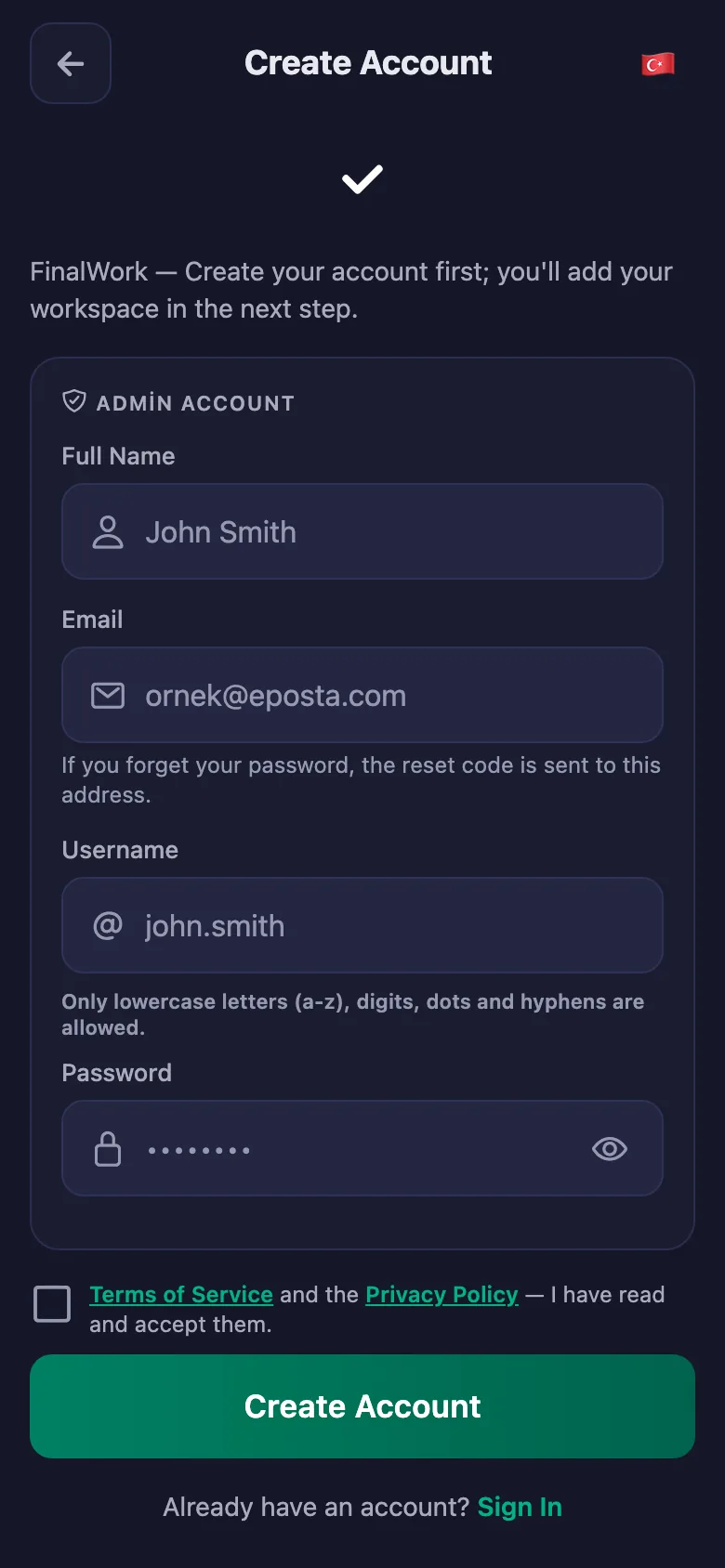
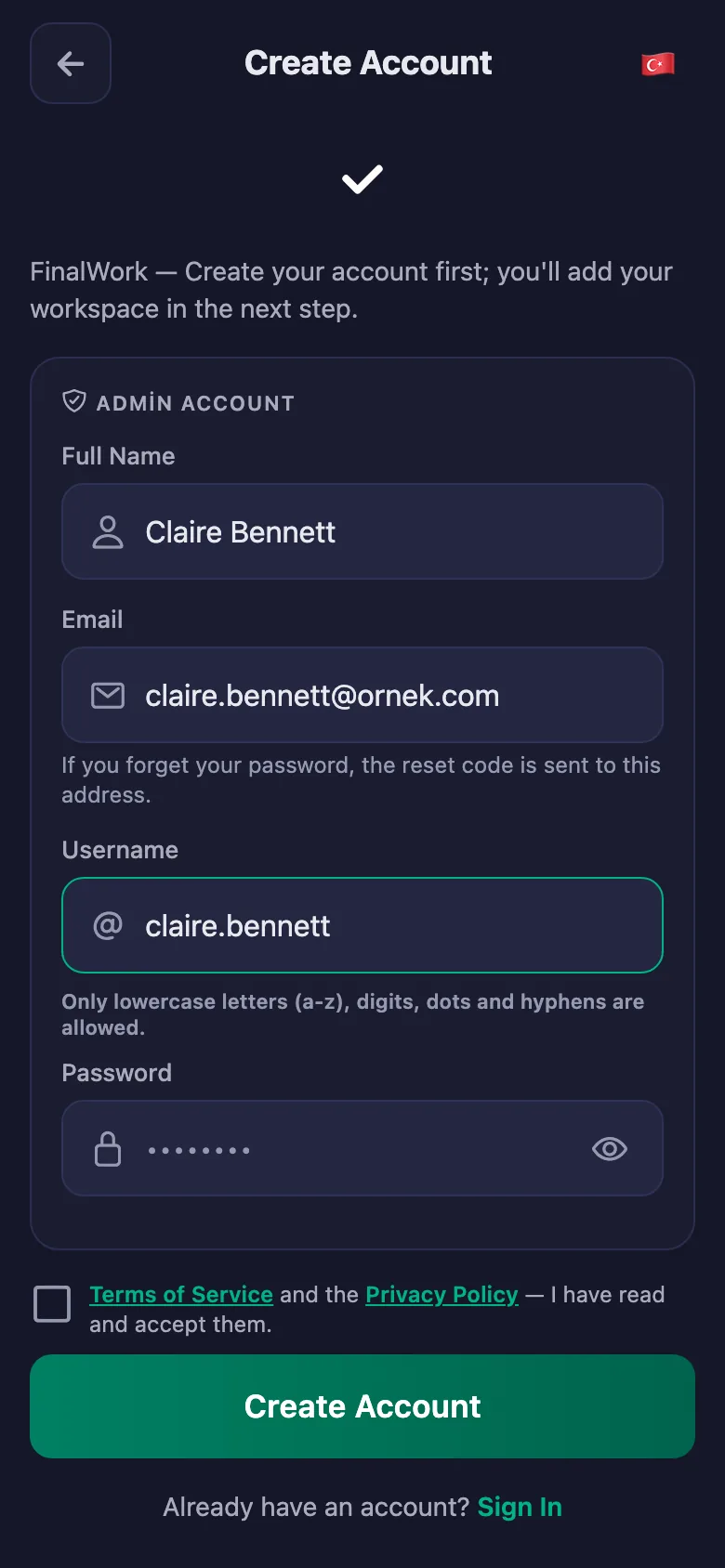
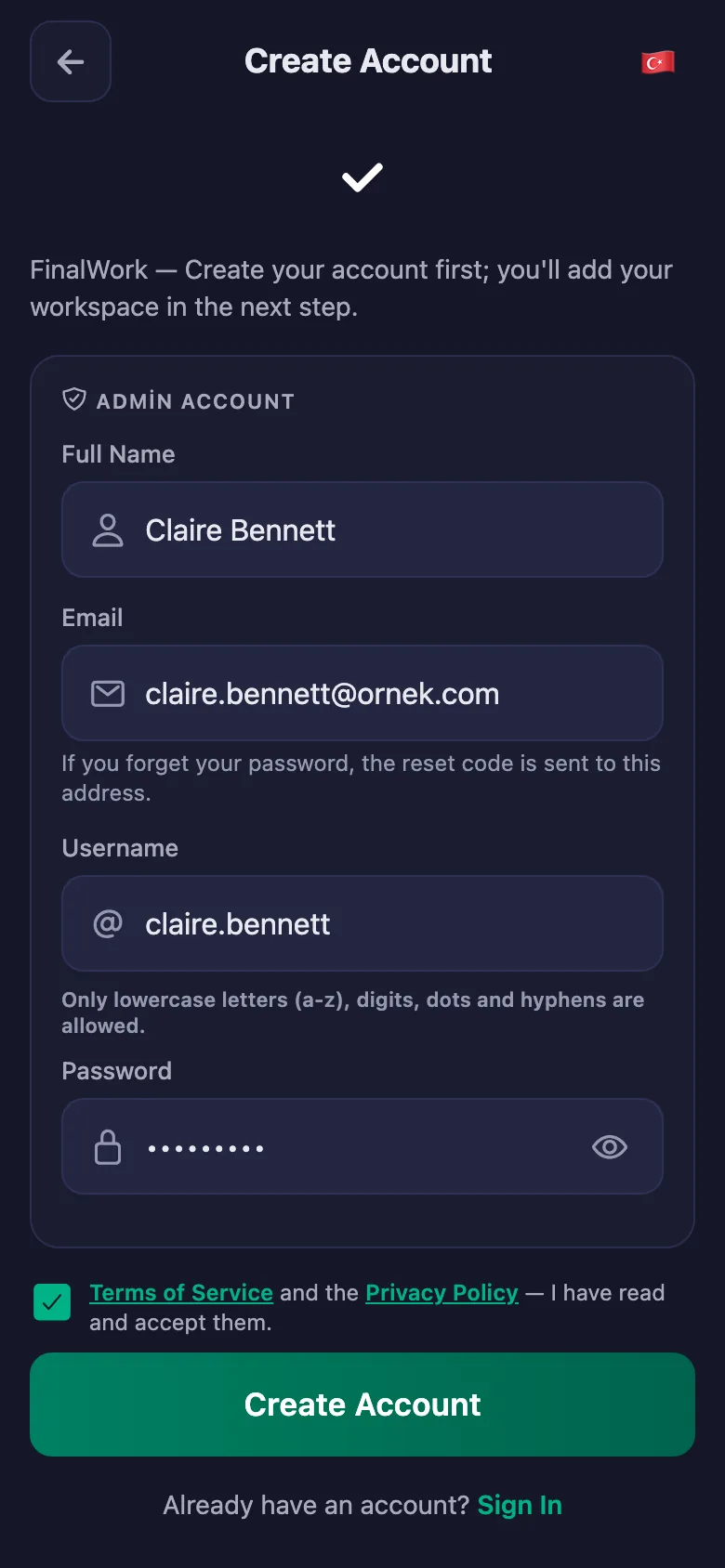
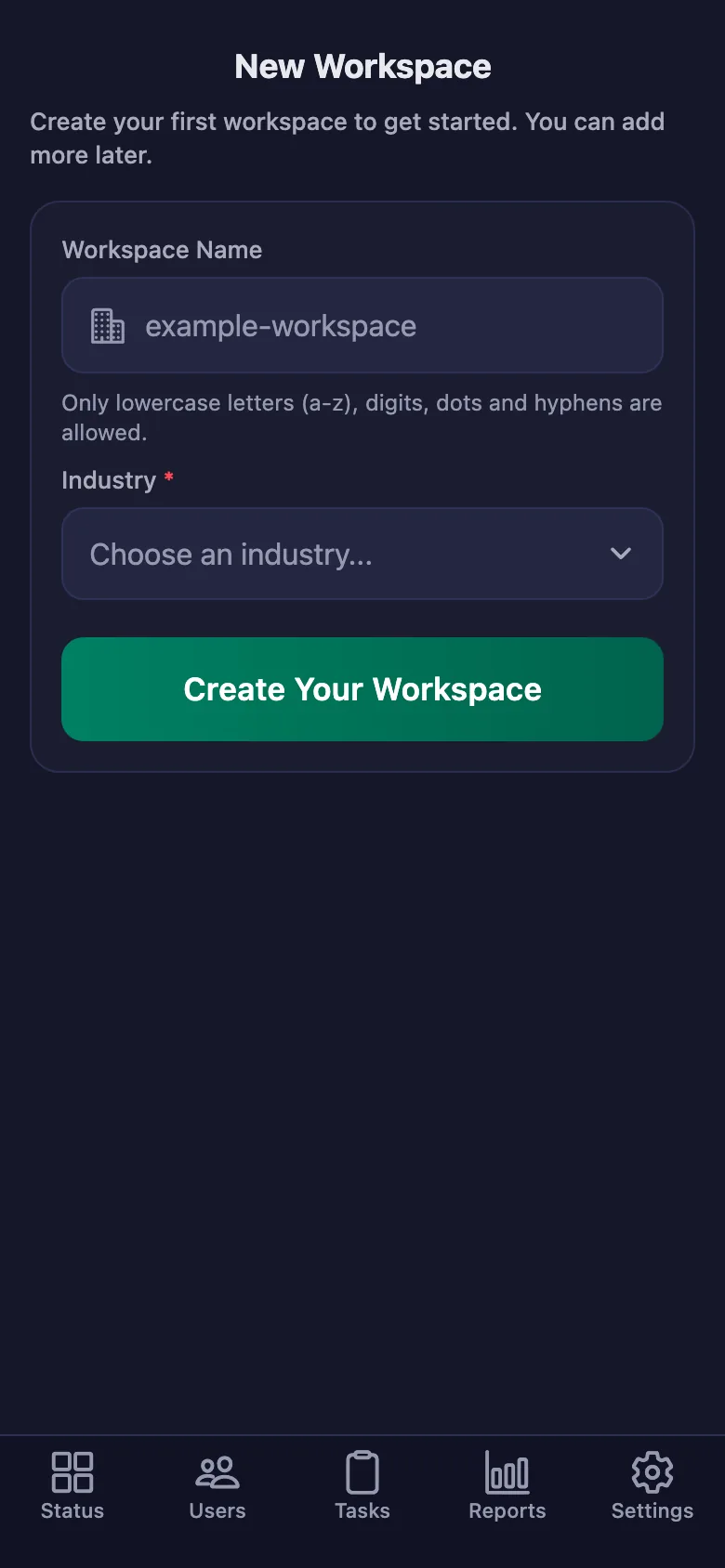
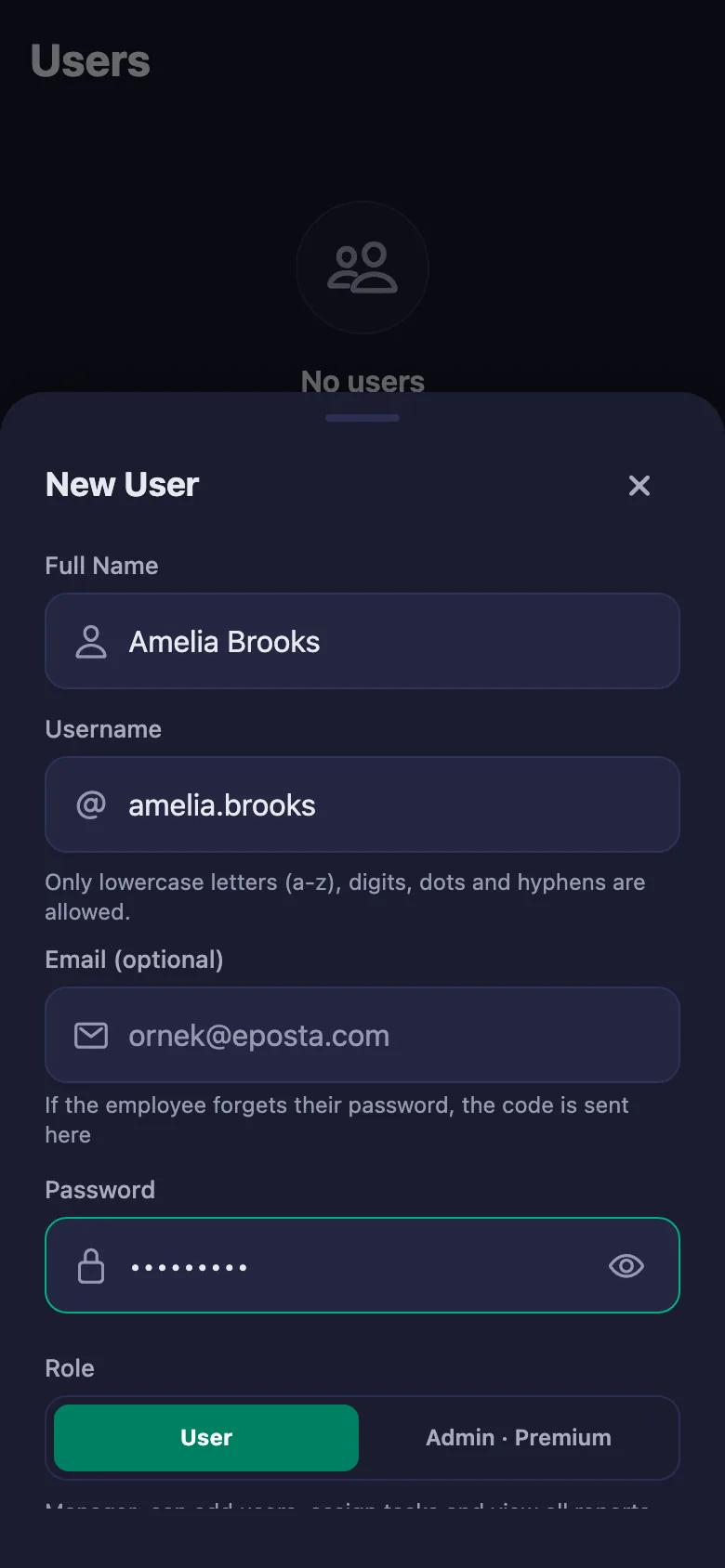
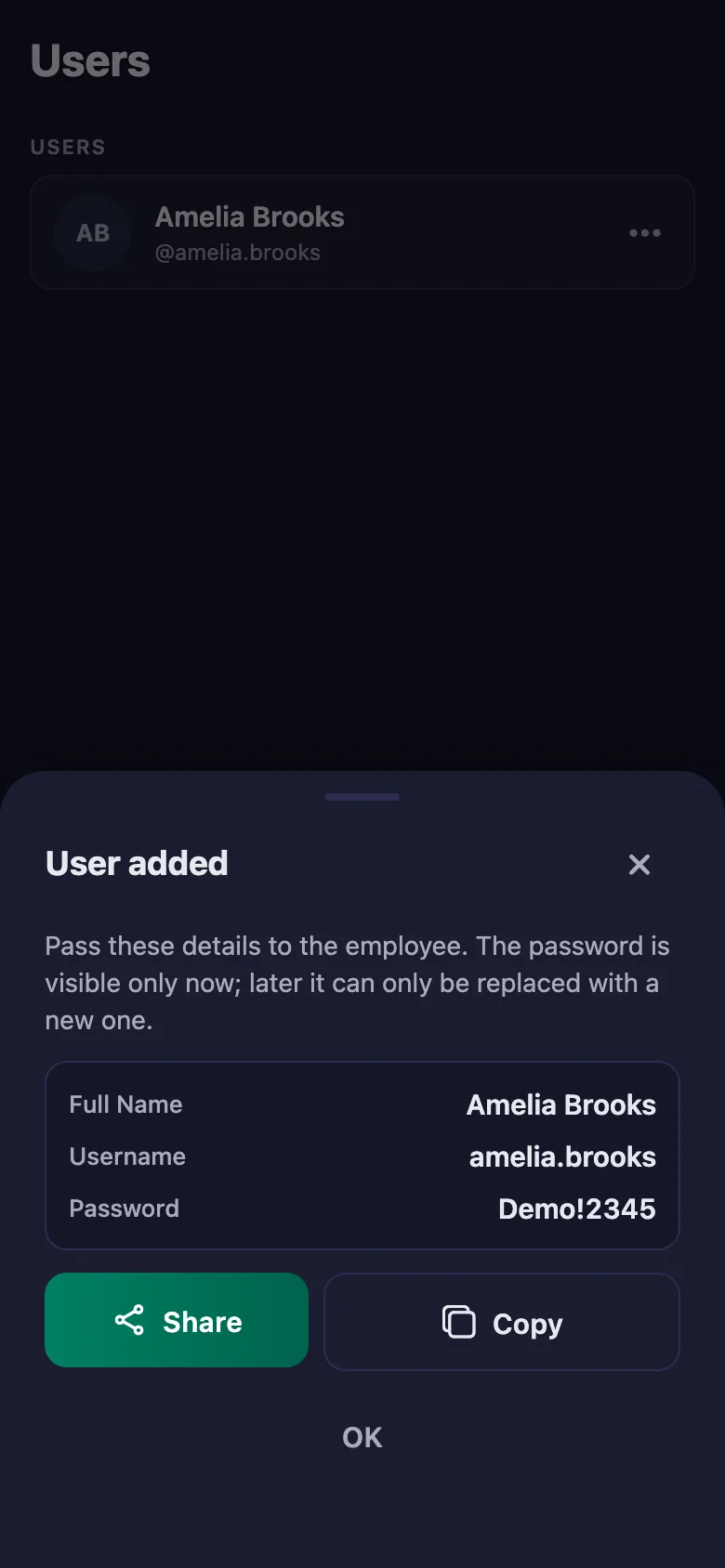
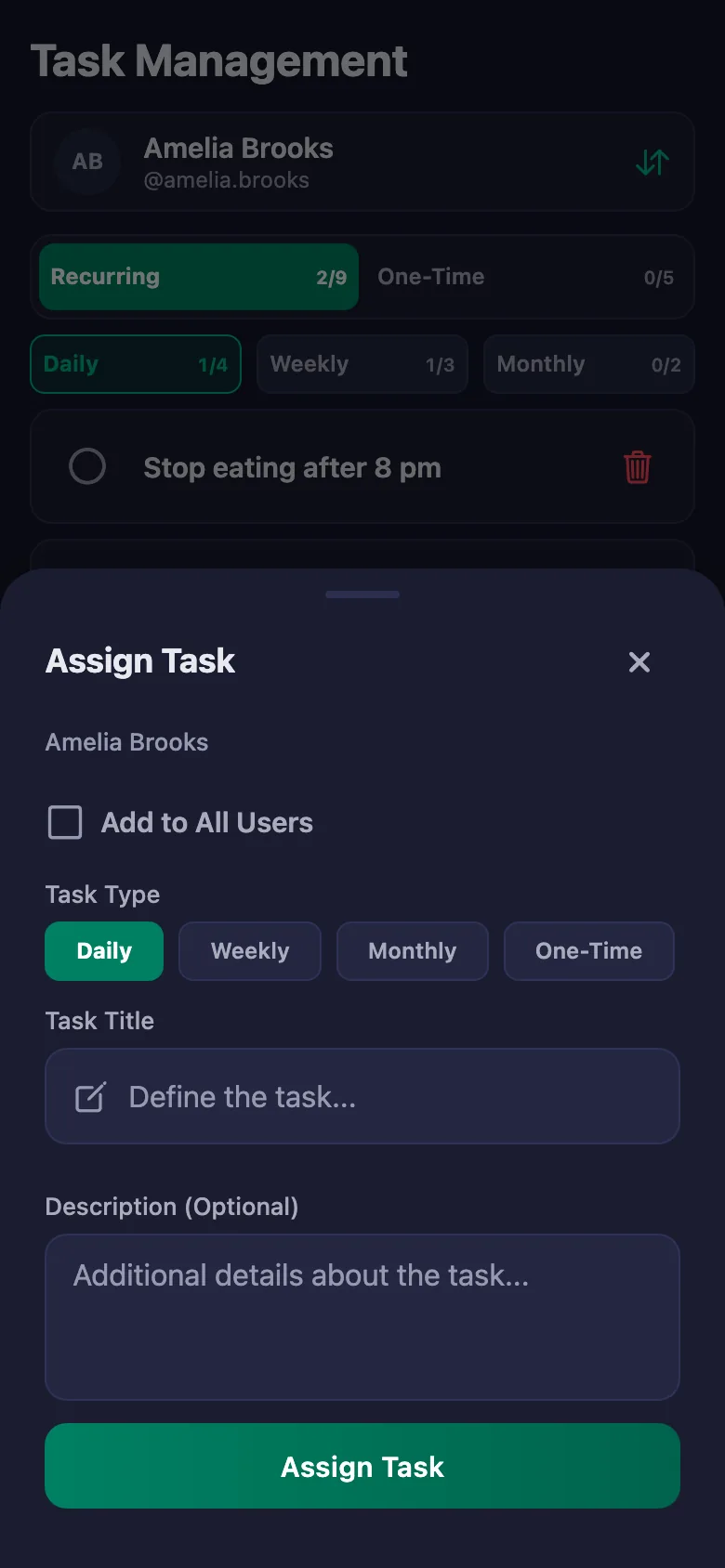
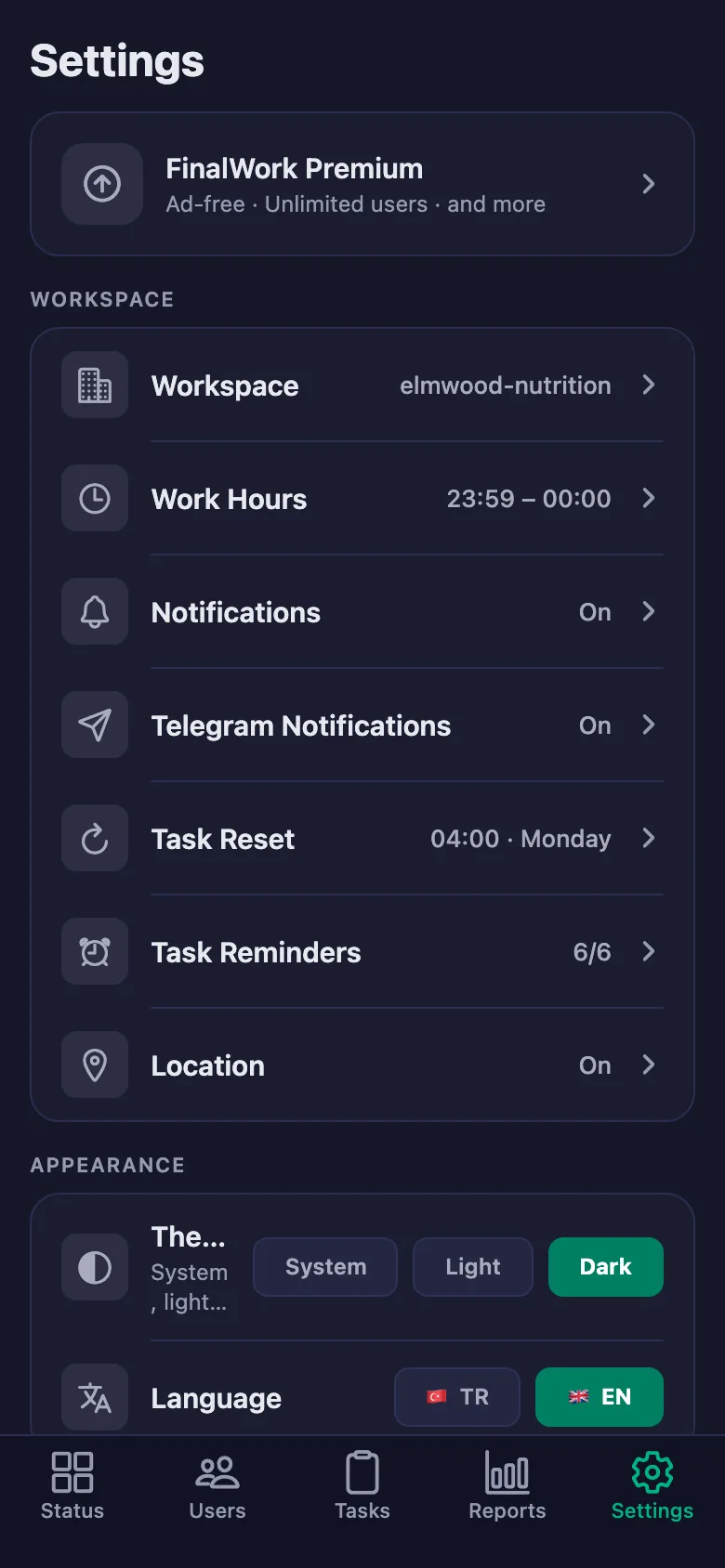
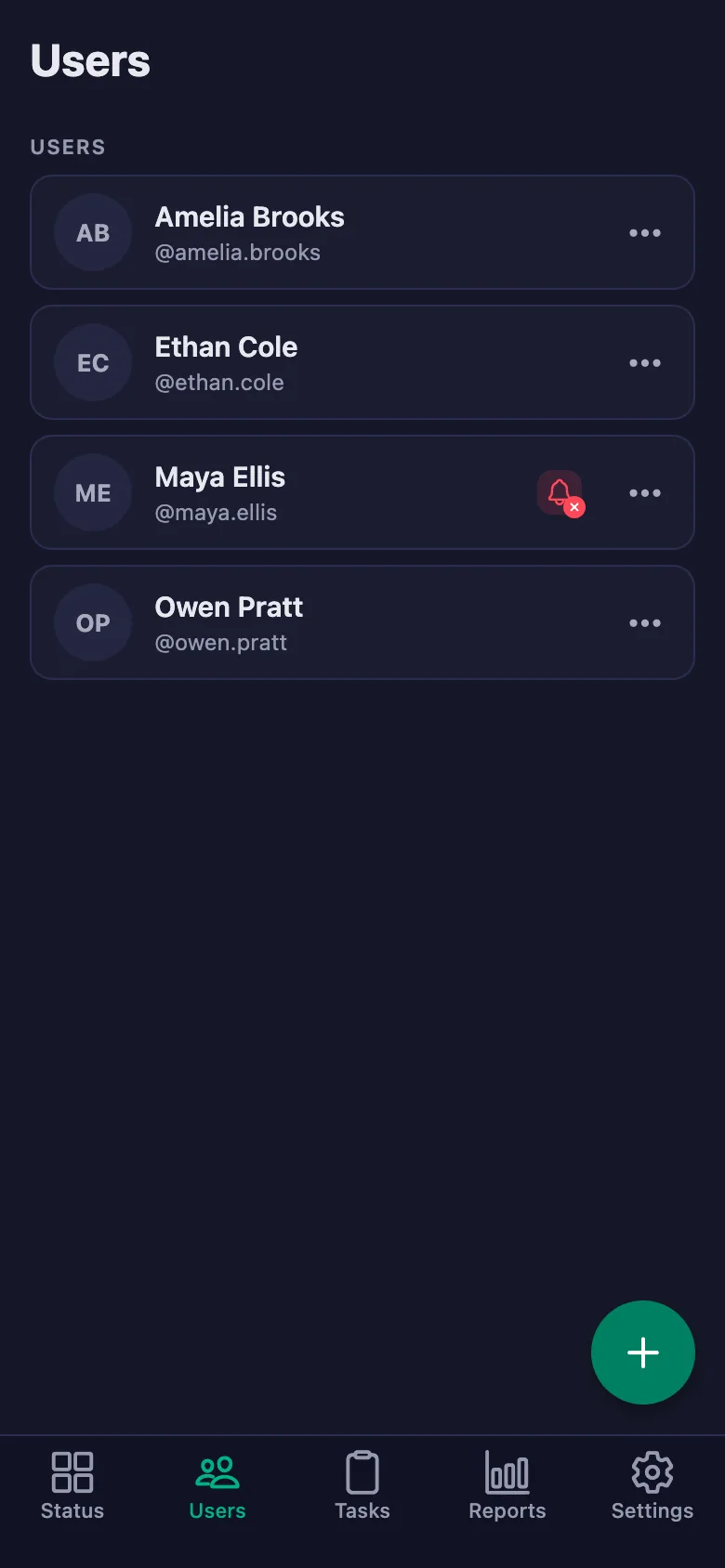
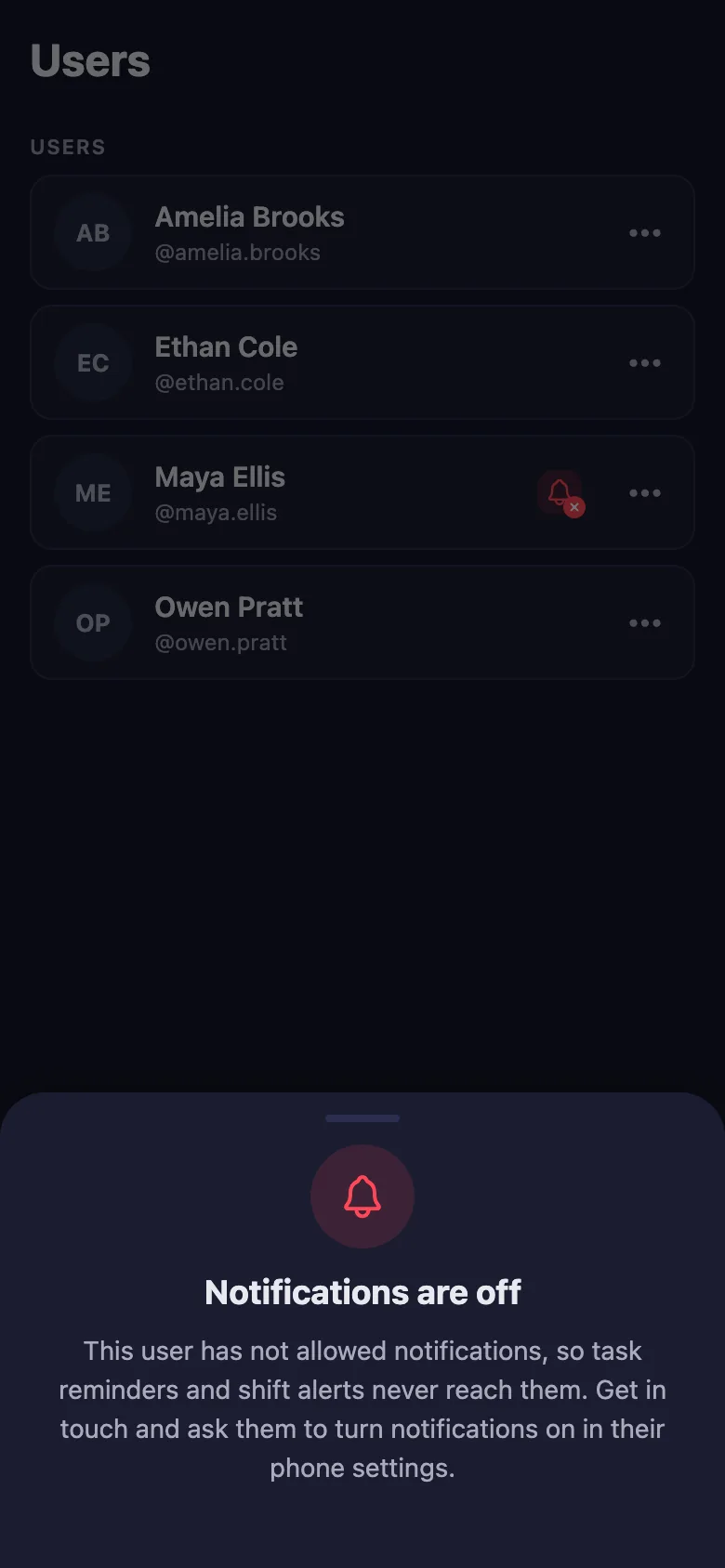
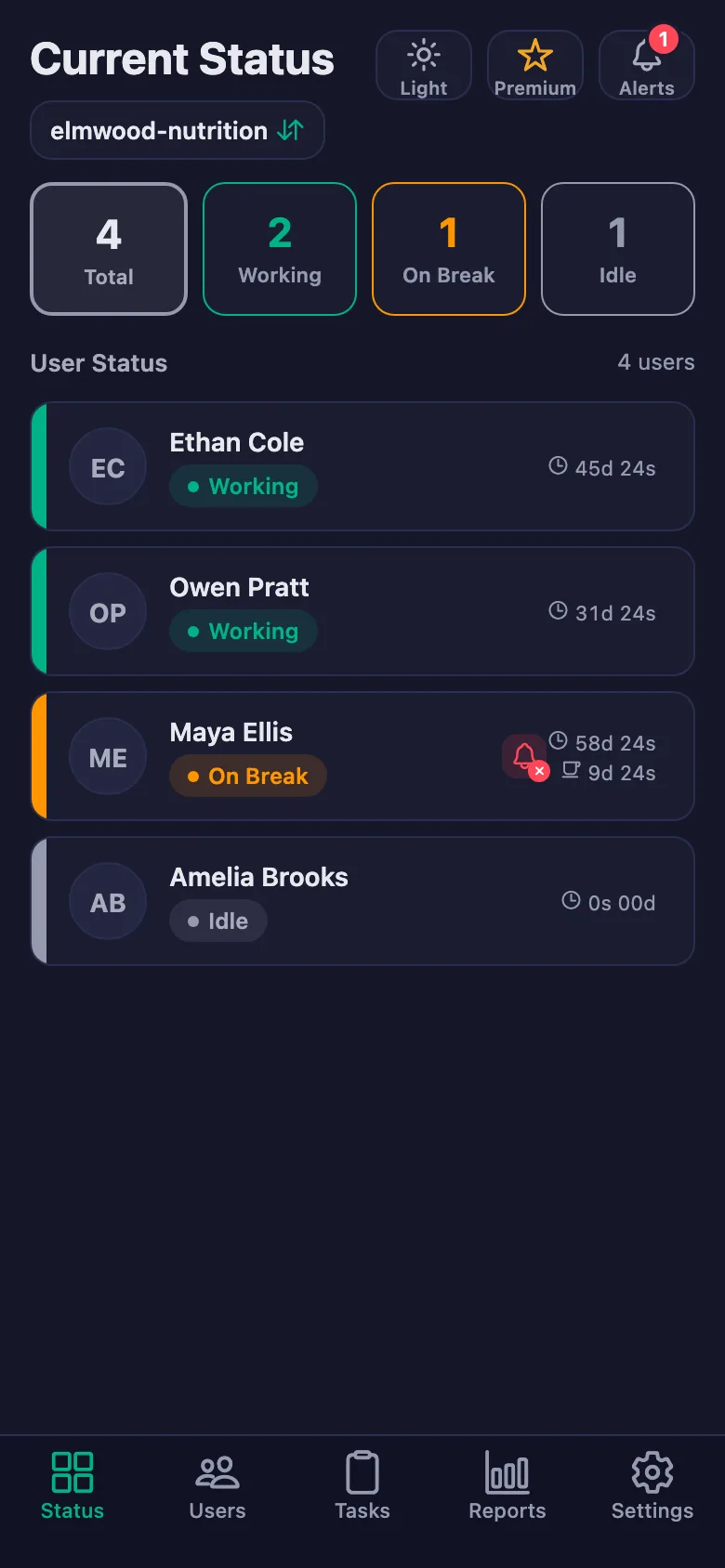
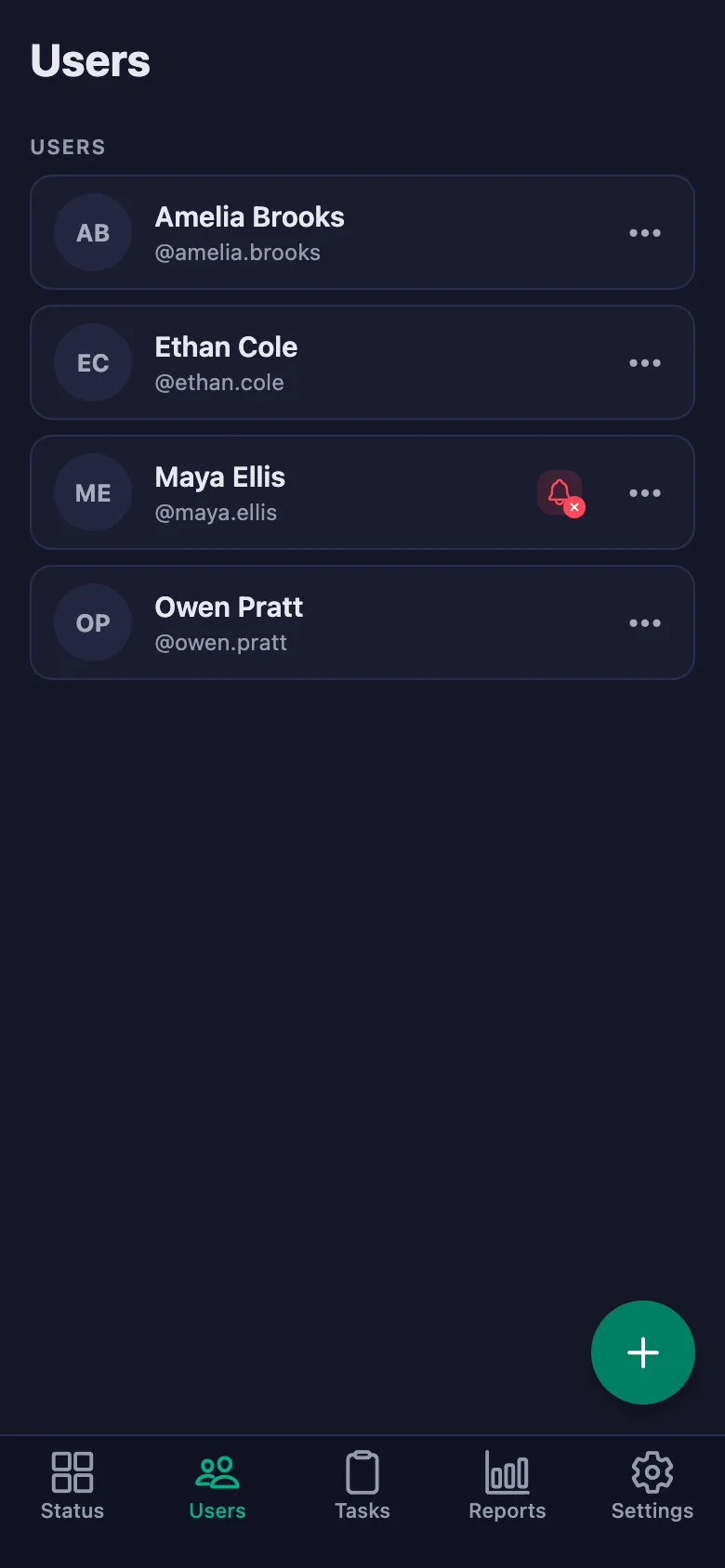
Setup and activation take just one minute — you can start free. Below you can watch how it all works, step by step, on the app's real screens.
Dietitian – Client App Demo
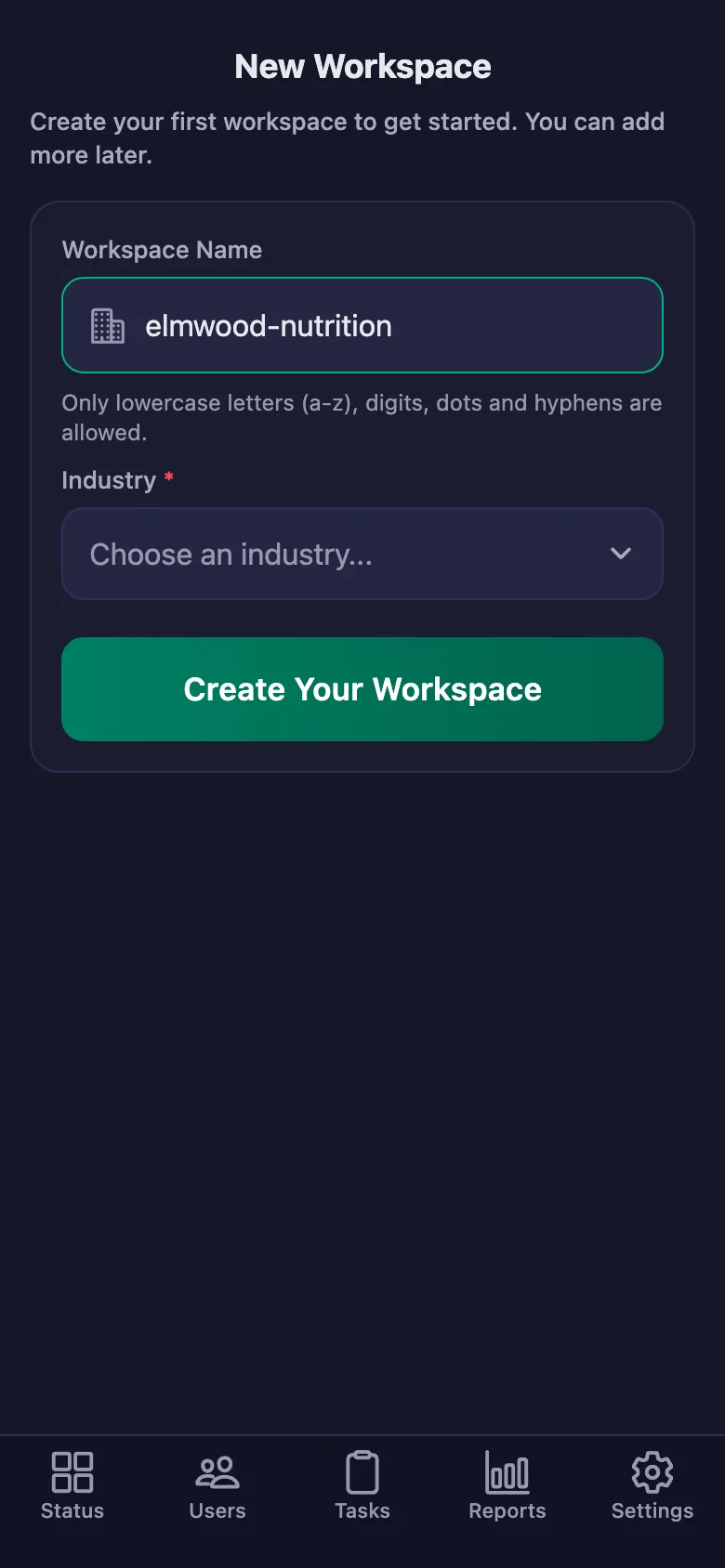
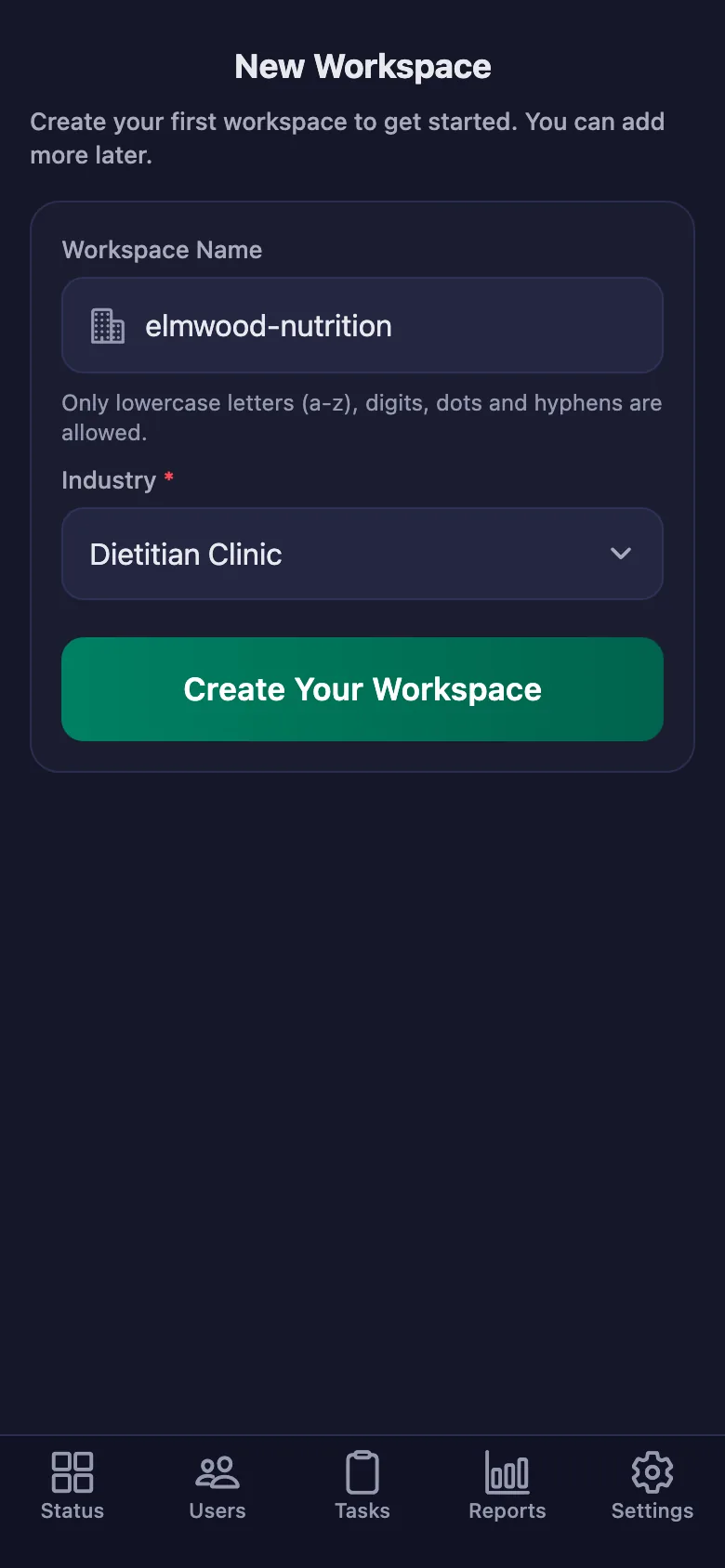
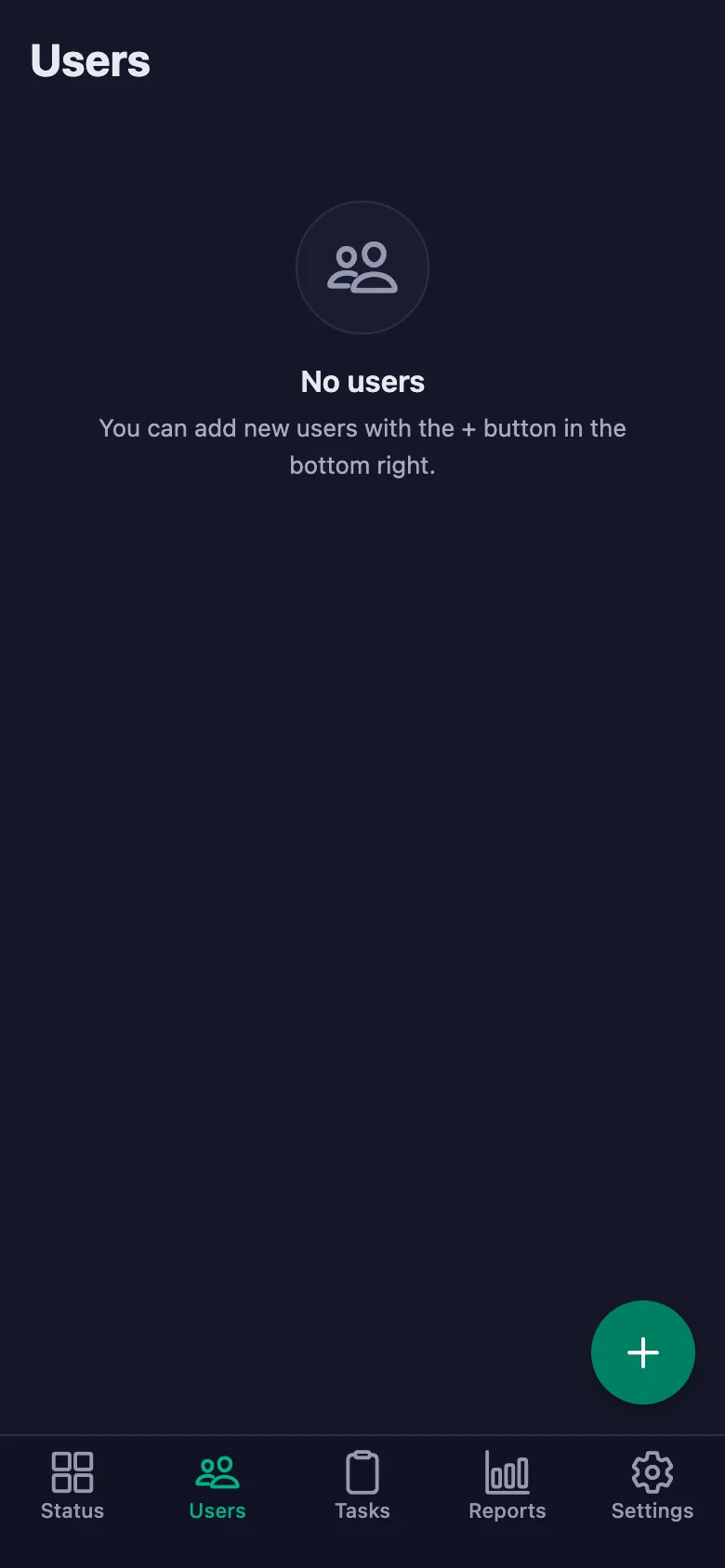
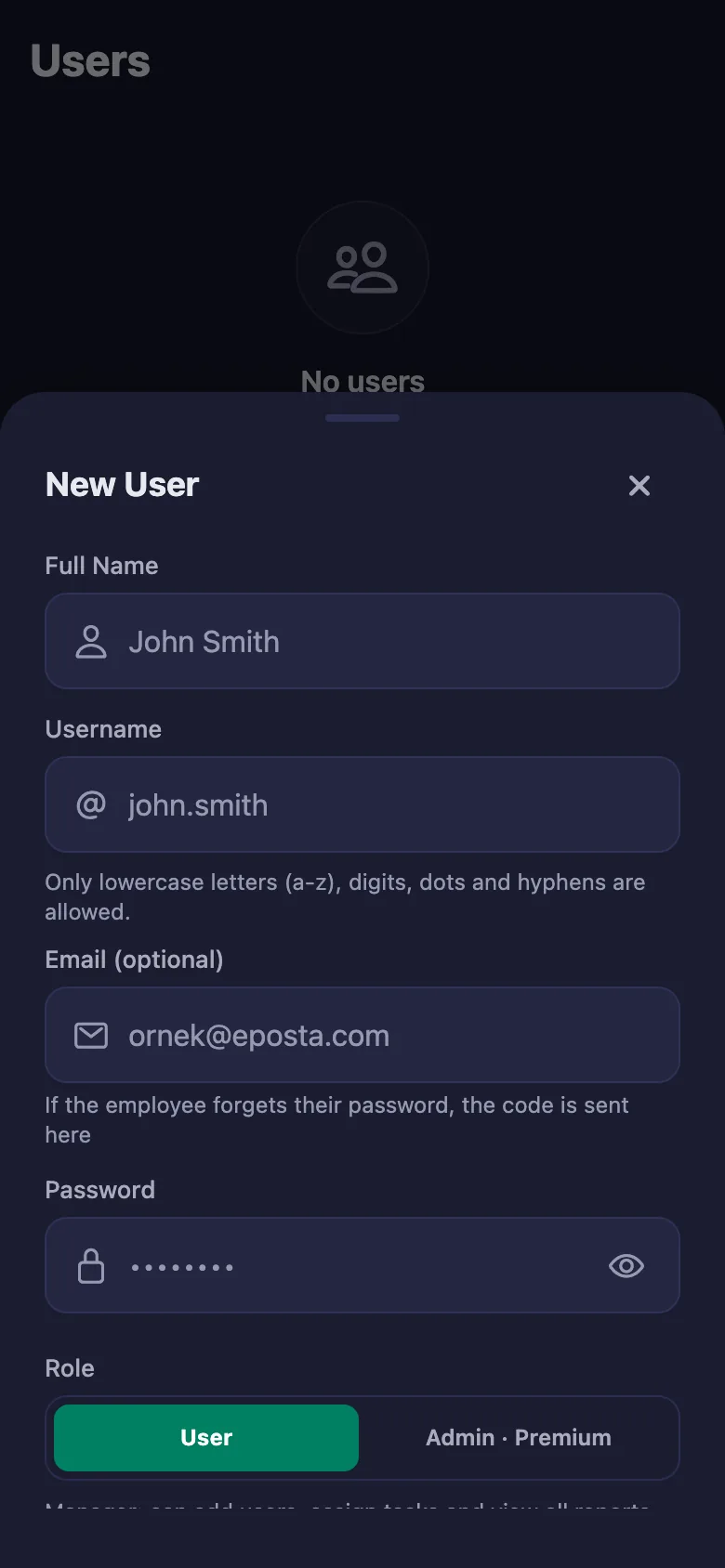
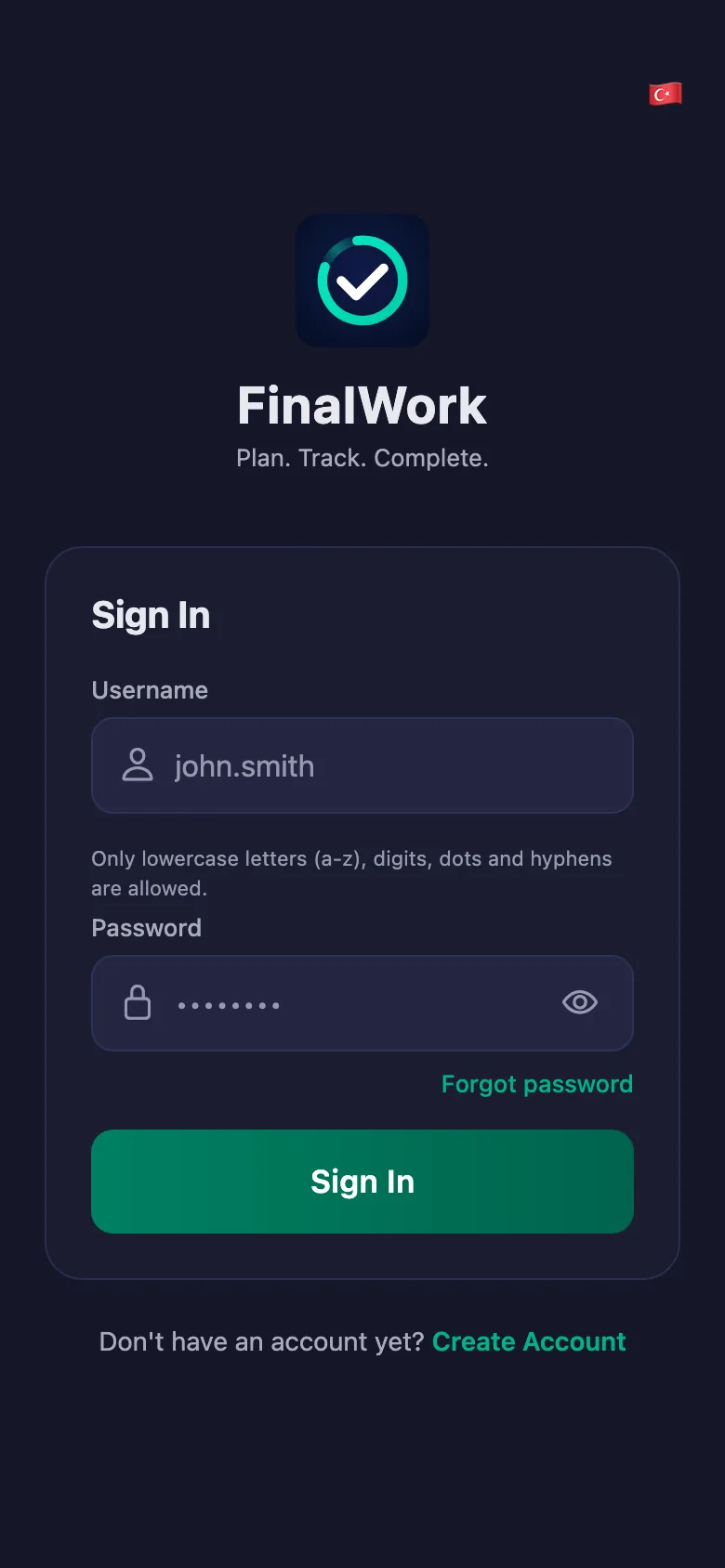
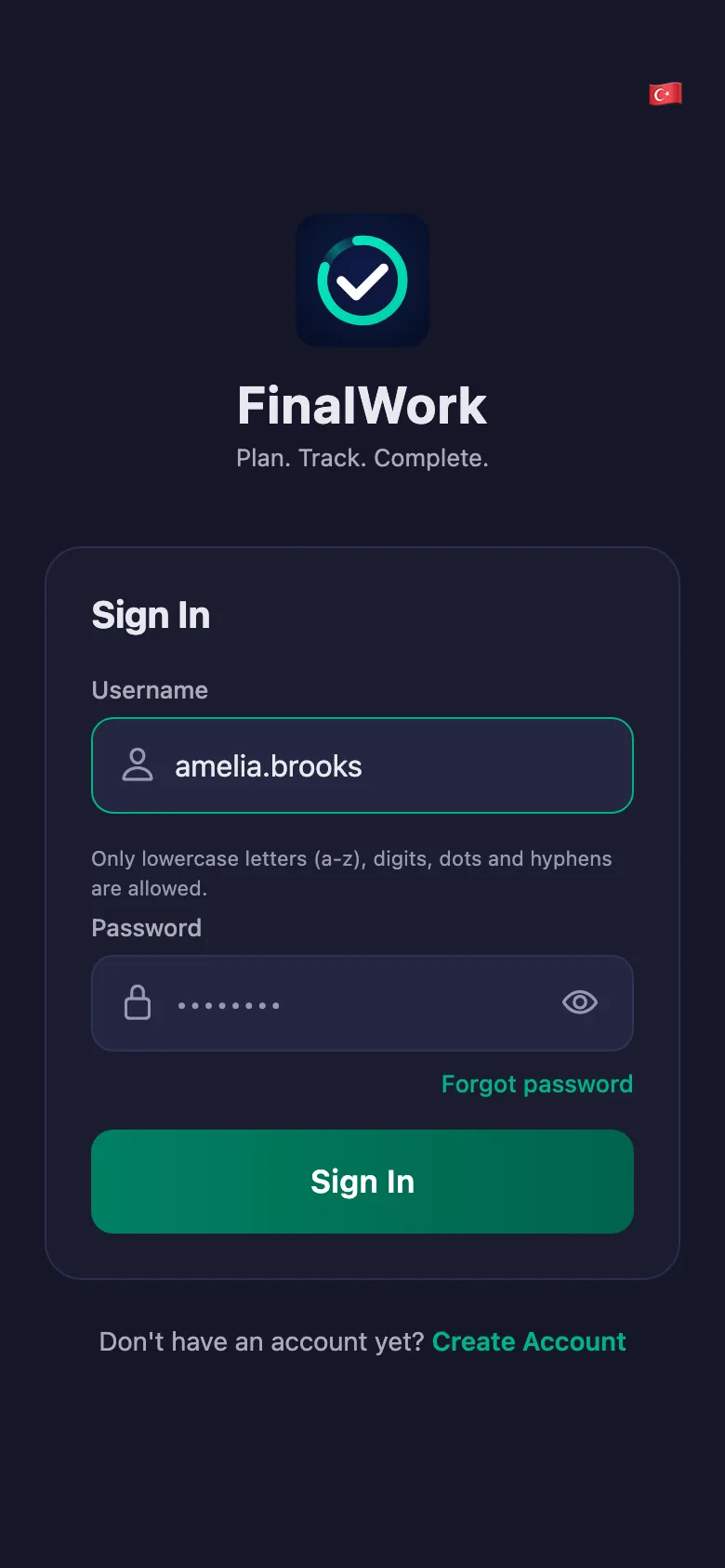
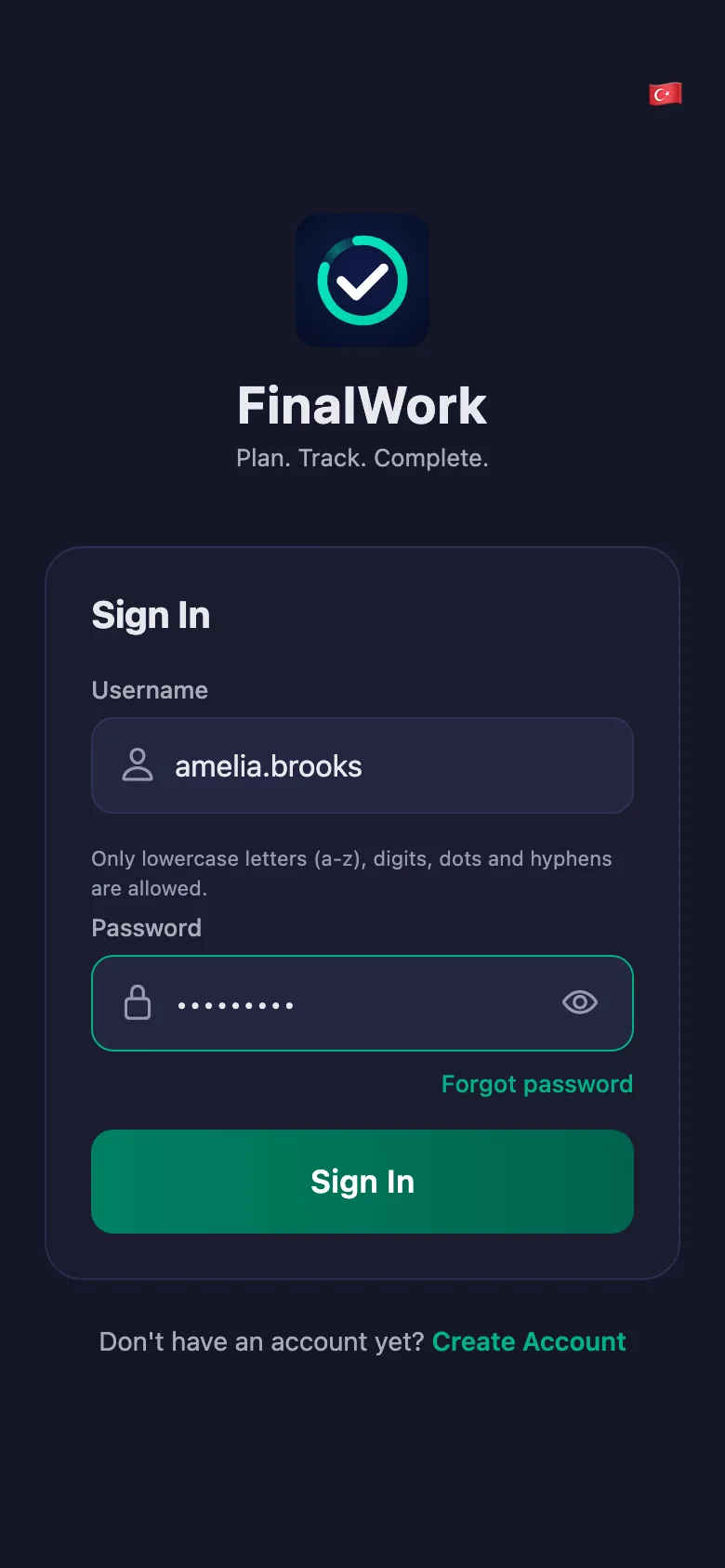
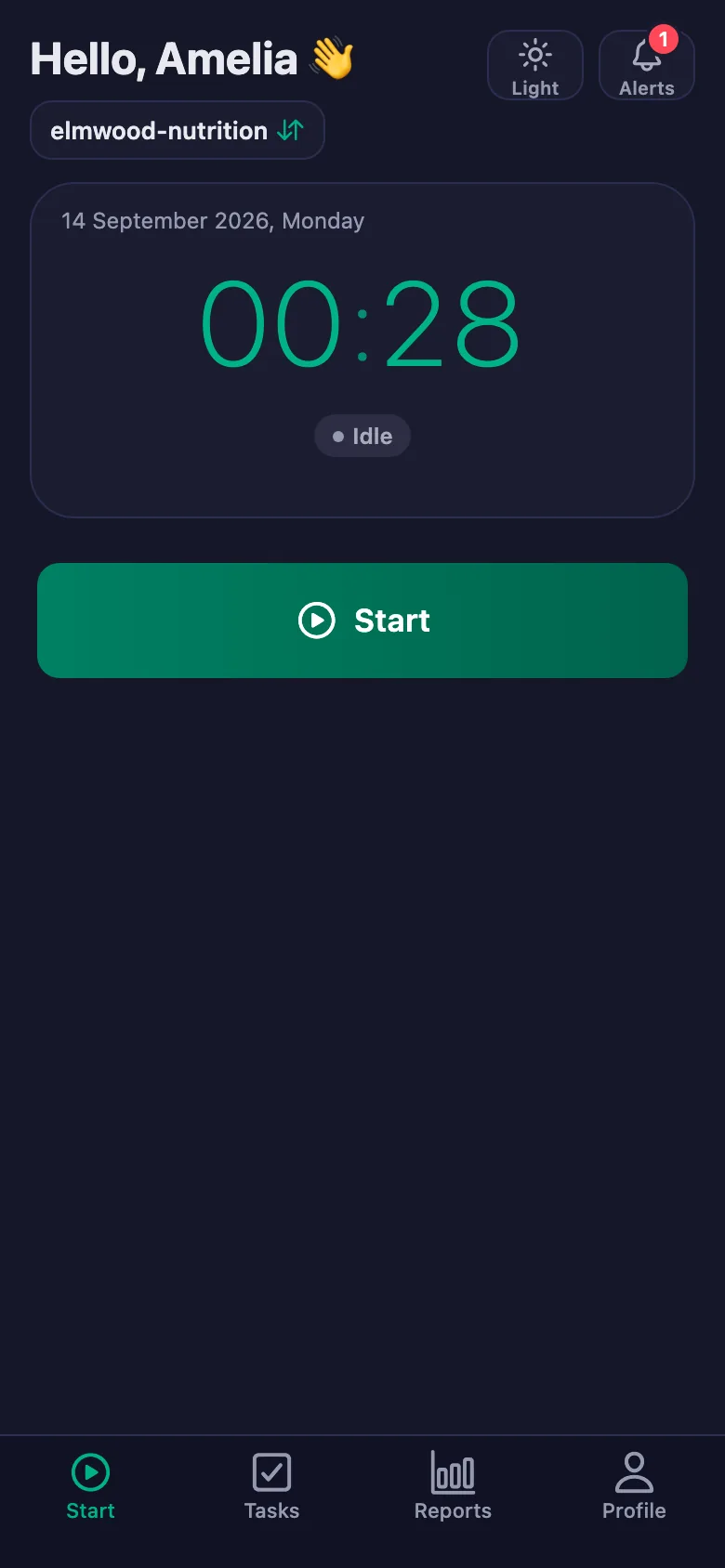
 FinalWork — Task reminder
You have 3 unfinished daily tasks.
FinalWork — Task reminder
You have 3 unfinished daily tasks.
Does my client need the app on their phone?
Yes — your client ticks the list off on their own phone. The app runs on iOS and Android, and it can also be used from a browser.
How do I enter the diet plan?
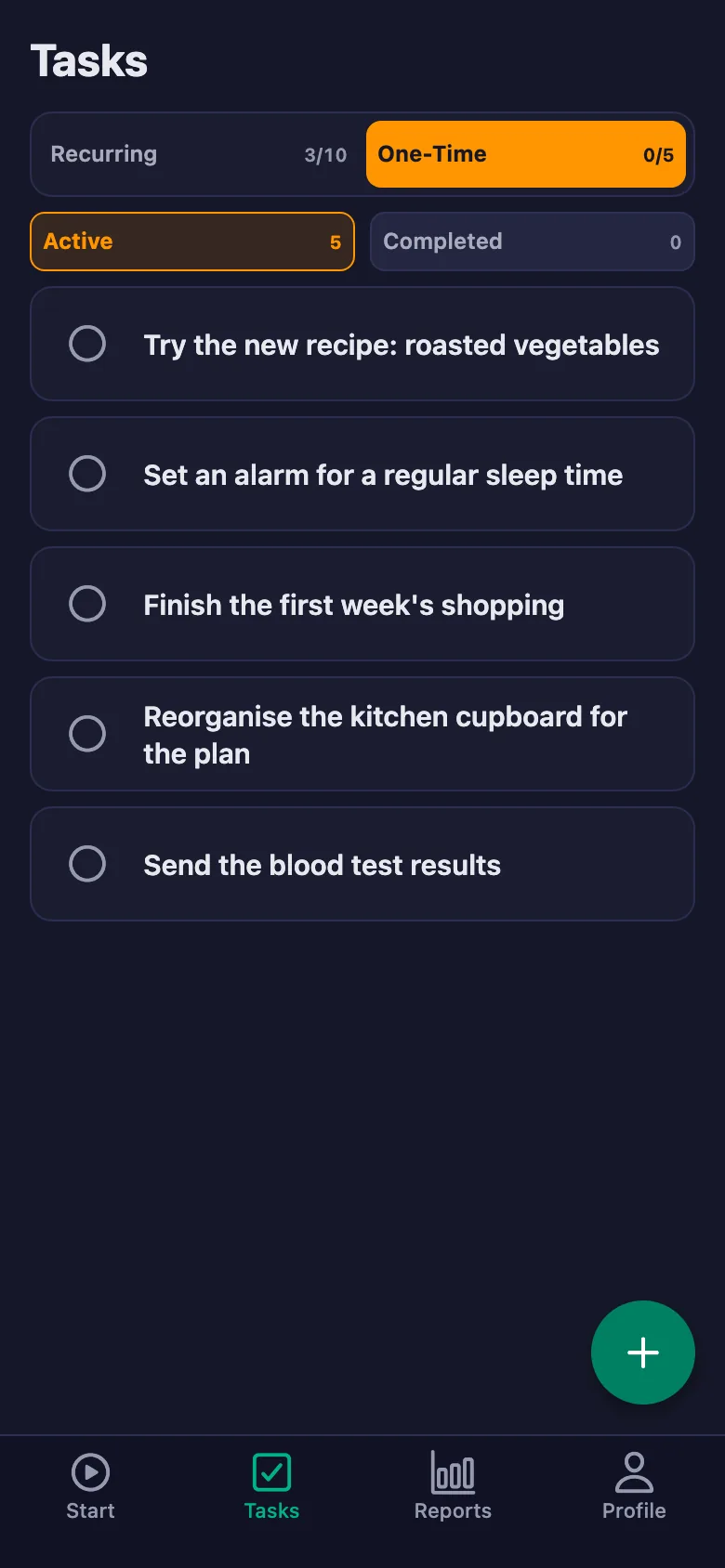
You write each item as a task: daily, weekly, monthly or one-time. You can also assign the same item to all of your clients at once.
Can my client write notes, and can I see them?
Yes. Your client can write a note under each item — what they ate, how they felt, why they couldn't manage it. You can see the note but not change it; the screen says so plainly: only the client can edit their note.
How many clients can I add?
The free plan has a limited number of users; once you reach it the app warns you and no new user is added. Premium removes that limit.
How is exercise time measured?
Your client starts the timer when they begin and stops it when they finish. Breaks are counted separately and deducted from net time; the report shows total, break and net time separately.
Does the daily list renew on its own?
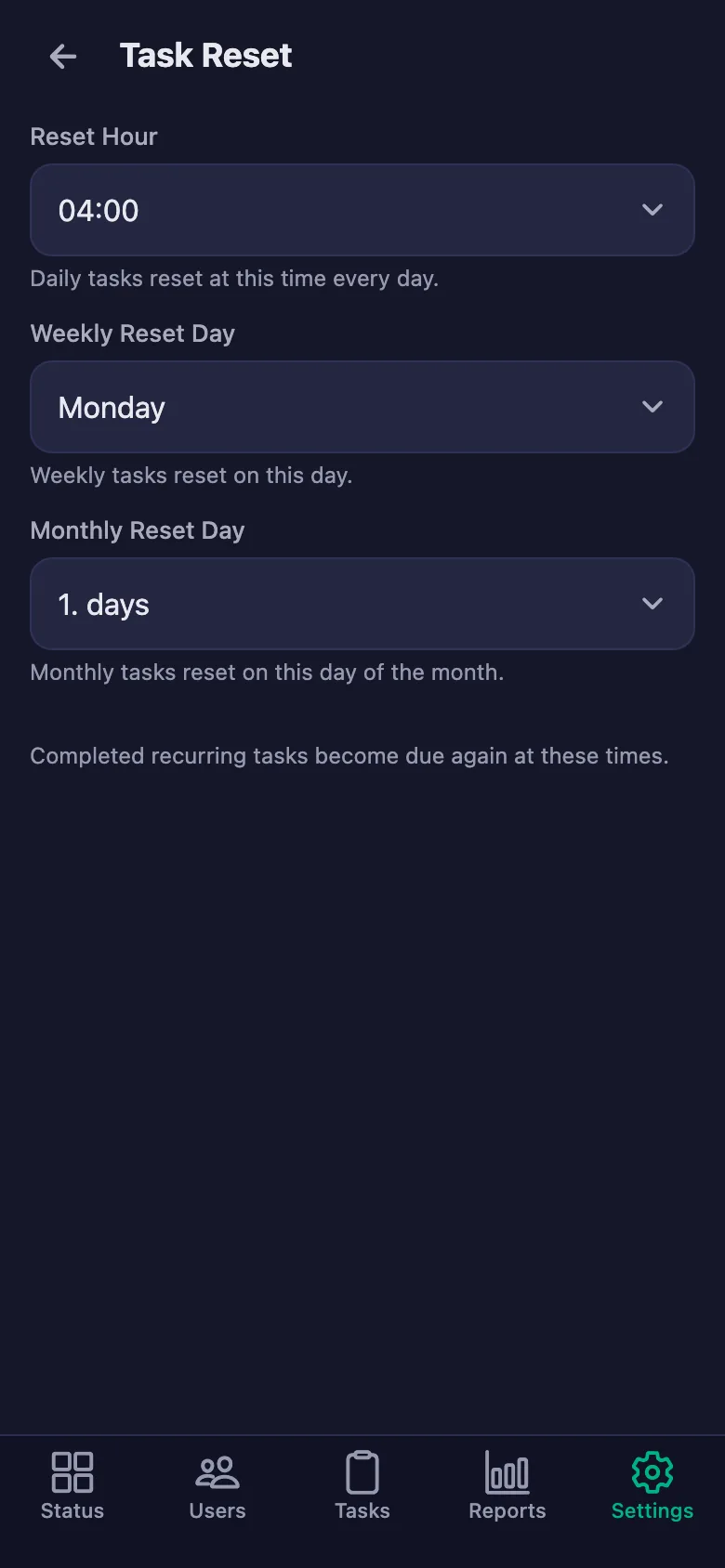
Daily items reopen every day, weekly ones every week and monthly ones every month. You choose the renewal hour and day under Settings → Task Reset.
Why do some screens say “shift”?
The app is also used for shift tracking, so a few settings screens use the word “shift”. In a dietitian's use that timer records exercise time; everything else works the same way.
Add your clients today
Setup and activation take just one minute — you can start free. Open the account, add your first client, and let the list be ticked off tonight.