Law Office Time and Task Tracking: A Practice Owner's Workday
By FinalWork · · 8 min read
When I open the office in the morning, the legal calendar is only one part of the day. I also need a clear view of who has started work, whether routine office checks have an owner, and which responsibilities must be handed over before the office closes. Law office employee time and task tracking brings those operational details into one flow without pretending to be legal practice management.
I keep matters, clients, documents, court dates, limitation and filing deadlines, trust or expense records, billing, and legal correspondence in the authorised systems chosen by the practice. FinalWork does not replace them or calculate legal deadlines. I use it for actual employee attendance, genuine breaks, live staff status, and recurring operational duties that can be described without confidential case information.
I set up the workspace around the office, not around case files
I create a workspace for the practice and add employee accounts with usernames and passwords. Short role labels can distinguish an attorney, trainee, paralegal, or office assistant. As the owner, I manage settings and do not clock my own time in the workspace. If I add a manager, that person can help with employees, tasks, leave, and reports, but does not clock in, receive employee tasks, or change workspace settings.
FinalWork's Law Office inspiration list gives me a practical starting point. I can select duties such as checking the authorised e-notification and court portals, confirming the day's hearings in the official calendar, scanning incoming documents into the correct document system, and preparing the next day's hearing files. These become editable copies in my workspace. I keep client names, matter details, legal advice, and document contents out of the task title.
The workday begins with a clock-in and a visible opening handoff
When an employee arrives, they select Start on a phone or in the browser. The Current Status screen shows management who is working, on a break, idle, or on approved leave. Employees cannot see the live status of colleagues. This is a staff visibility tool based on recorded transitions, not background monitoring.
A shared opening task might say that new court and electronic notice entries have been reviewed in the authorised system. Everyone can see that shared task, but one employee completing it closes it for the whole team; the completion record shows who did it and when. The check mark does not mean FinalWork has read a notice, interpreted it, calculated a deadline, or verified legal compliance. Any resulting matter action remains in the legal system and under professional review.
Individual tasks make ownership more precise. One team member may confirm the day's hearing details in the official calendar while another checks that hand-delivered documents have been entered in the designated matter system. If every employee needs a separate copy, I use Add to Everyone. If one completion is enough for the office, I use a shared task. That distinction keeps law firm recurring task management clear without asking several people to repeat the same opening check.
Real breaks make the time record easier to understand
At lunch or another genuine break, an employee chooses Start Break and selects End Break on return. FinalWork records total time, break time, and net working time separately. I can see that the employee is on a break rather than guessing why they are away from the desk. Law office attendance tracking becomes more useful when it sits beside task progress and live staff status.
Unexpected work can be added as a one-off task. Preparing a general dispatch bundle or checking that signed originals are ready for collection can be assigned without placing confidential names or matter facts in FinalWork. The employee can mark it complete and add a brief period-specific note when useful. FinalWork is not a document repository, internal chat service, or case collaboration platform.
During the day, the operational list may include logging client calls in the authorised matter system, confirming that court fees or expense advances were handled in the proper financial record, updating official case notes, and preparing tomorrow's hearing material. FinalWork records responsibility for the general check, not the underlying legal, client, or financial information. This boundary matters when comparing a law office staff tracking app with full practice-management software.
Weekly and monthly routines return when the next period begins
My weekly recurring tasks can prompt the team to review the upcoming hearing and deadline calendar in its authoritative system, identify files that need documents, review inactive matters, check expense-advance status, and confirm relevant enforcement-account movements in their proper records. A shared weekly check can also confirm that the approved digital file backup completed. I define the task once; it returns for the next period rather than being copied manually each week.
Monthly operational prompts may cover finding files whose power-of-attorney record needs completion in the matter system, processing retainer receipts or invoices in the accounting workflow, preparing authorised status reports for institutional clients, and checking the archive process for closed files. FinalWork does not create invoices, store powers of attorney, manage client funds, calculate deadlines, or certify that a legal file is complete. It shows whether the assigned operational check was marked complete.
At the end of work, each employee selects Finish. If a general office duty remains open, its owner can leave a short non-confidential note and management can decide who should take it next. I can see whether the shared next-day preparation task was completed and whether staff have finished work. Time tracking, staff status, and task ownership stay connected through the closing handoff.
Two reports close the day from different angles
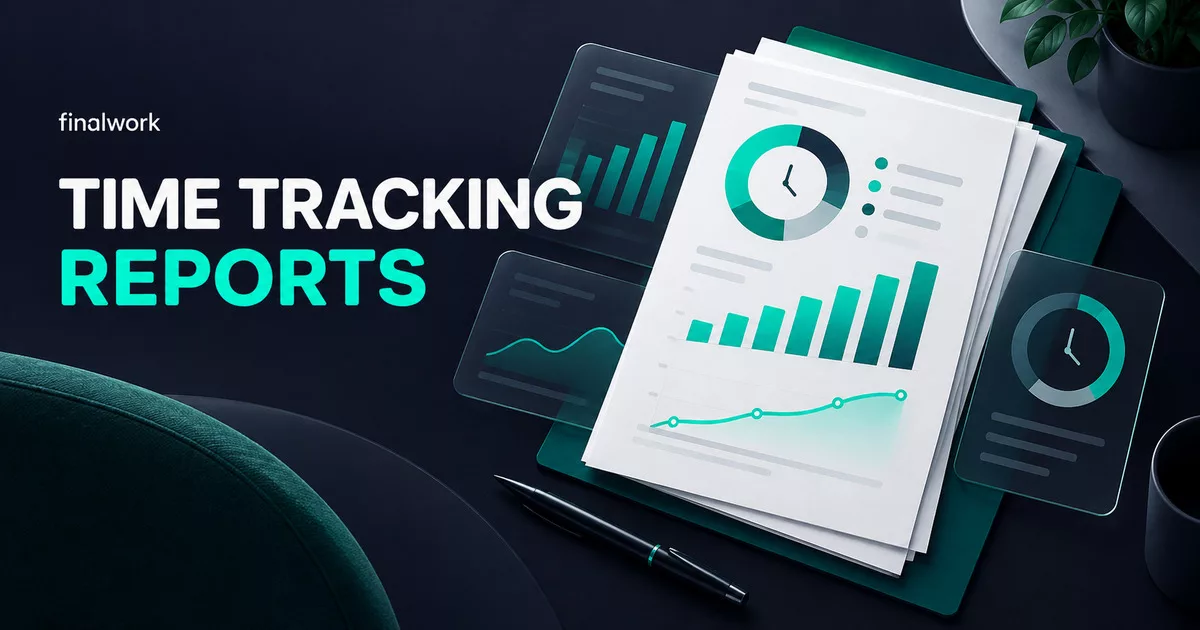
The time report shows start and finish entries, total time, breaks, net working time, late-start or early-finish indicators, leave, and any shift automatically closed under the workspace rule. It is not payroll, compensation, billing, or billable-time software. It is an operational record of the employee work period.
The task report shows which daily, weekly, monthly, or one-off duties were completed, when they were completed, who completed them, and any short note. Shared tasks remain identifiable. Reading the time and task reports together tells me whether the office was staffed and how its non-confidential operating routine progressed. Neither report replaces the practice's matter history or professional supervision.
Final settings: I fit the workflow to the practice
I begin with a weekly work calendar and give individual employees personal hours when their regular pattern differs. If approved office work starts in the evening and finishes after midnight, I define hours that cross into the next day. This is not rotating-shift scheduling. The calendar supplies the reference for late-start and early-finish indicators and reminders; it does not prevent an employee from starting work.
I choose when daily tasks reset, which day starts a weekly task period, and when monthly duties return. I then configure reminders for an unstarted work period, a long break, an open time entry, and incomplete tasks. In-app notifications and supported phone notifications can carry the routine; Telegram can be used when it suits the office. The browser version does not provide phone notifications, and management-to-employee messages are one-way notices rather than chat.
Location is optional. When enabled, FinalWork can capture one location at the moment an employee starts or finishes work, starts a break, or ends a break. It does not run continuous GPS tracking in the background. If permission is declined, the transition still works and the location remains blank. There is no geofence that blocks a clock-in outside a chosen area.
An employee can request a full day of leave or a specific time range. I or a manager can approve or reject the request, or add a leave record on the employee's behalf. The decision remains recorded in the app and appears in the time report. FinalWork does not calculate annual leave entitlement or a remaining leave balance.
Finally, I match the task type to the responsibility: an individual task for one owner, Add to Everyone when each employee needs a separate copy, a shared task when one completion covers the office, and a one-off task for an unexpected duty. Shared completion identifies the employee and time. A manager can help administer people, tasks, leave, and reports while the owner retains settings. The two reports then give the next workday a clear operational starting point.
Try law office employee time and task tracking in context
This workflow connects employee clock-ins, genuine breaks, live status, recurring office duties, one-off work, leave, and reports while leaving matters, deadlines, documents, billing, and professional decisions where they belong. To try FinalWork, create a Law Office workspace, choose the relevant inspiration tasks, and take one normal office day from the first employee start through the closing time and task reports.
Frequently asked questions
Does FinalWork integrate with court portals or calculate legal deadlines?
No. Court portals, electronic notices, matter records, and legal deadlines stay in the authorised legal systems. FinalWork can track responsibility for a general check, but it does not read notices, calculate dates, or provide legal-compliance assurance.
Can it calculate billable time or payroll?
No. It records employee start, finish, break, and net working time. It does not allocate billable hours to matters, calculate fees or wages, run payroll, or issue invoices.
What happens when someone completes a shared opening task?
The task is completed for the whole team, and the completion record shows the employee and time. Use Add to Everyone instead when every employee must complete a separate copy.
Manage your team with FinalWork
Time tracking, task management and reports in one app. Completely free.
More posts

daycare · employee time tracking
Daycare Employee Time and Task Tracking: An Owner’s Full-Day Workflow
An editorial scenario showing a daycare owner connecting employee time, real breaks, recurring operating duties, leave, and closing reports.
9 min read
Read more
matbaa · print shop · employee time tracking
Print Shop Employee Time and Task Tracking: An Owner’s Opening-to-Close Day
Follow a print shop owner connecting employee time, real breaks, recurring shop duties, leave, and closing reports.
9 min read
Read more
emlak ofisi
Real Estate Agency Time and Task Tracking: A Broker-Owner’s Day
Follow a real estate agency owner connecting employee time, field breaks, recurring duties, leave, and closing reports.
9 min read
Read more